


Verified review
Common Ninja has amazing no-code widgets that would beautify a website built on any builder. It is very easy to use and customise. It has as many widgets for almost everyone willing to make their website impressive.
Try the editor, no signup
Pick a template, customize it, and watch it update live, no signup.
No credit card · Free forever plan
No credit card · Free forever plan
The Common Ninja Collapsible Content widget is a free, no-code way to fold long sections of a page into headings visitors can expand. Add the items and paste one line of embed code.
It suits anything where most readers want one answer out of many: FAQs, product specifications, shipping and returns, terms, course outlines, and documentation.
Group items into categories, choose whether one or several sections open at once, pick the toggle icon, and style every part to match the page.
A page with fifteen headings and closed bodies can be scanned in seconds. The same content laid out flat is a wall of text that most visitors will scroll past without reading any of it.
Shipping, returns, sizing, materials, and warranty all have to be on the page and none of them should be the first thing a buyer sees. Folding them keeps the product above the fold and the detail one tap away.
Support questions change. An expandable list is easy to reorder as new questions become common, so the answer people ask for most can be moved to the top without a redesign.
Collapsed text is still in the HTML, so it is there for anyone using find on page and for anything reading the page. Hiding it visually is not the same as removing it.
The heading is the only part most visitors read, so it has to say what is inside. How long does delivery take beats Delivery, because one of them can be answered by scanning and the other cannot.
Sort items into categories if there are more than a handful, then decide whether opening one closes the others, whether several can be open together, and which sections start expanded.
Copy the snippet from the Add to Website tab and paste it where the section belongs. Editing an answer later updates every page carrying the embed.
Let visitors expand one item at a time, open several together, keep chosen sections open by default, or expand everything at once. One at a time keeps a long list short; several at once suits comparison.
Group items under clear headings so visitors can find the relevant block and open only what they need, which is what makes a forty-item FAQ usable instead of exhausting.
Plus, arrow, chevron, or another familiar expand indicator, so the control matches the rest of your interface instead of announcing that it came from somewhere else.
Multiple layouts from a compact FAQ list to a fuller sectioned structure, ready-made design styles, and control over colours, fonts, spacing, borders, and icons, with custom CSS on top.
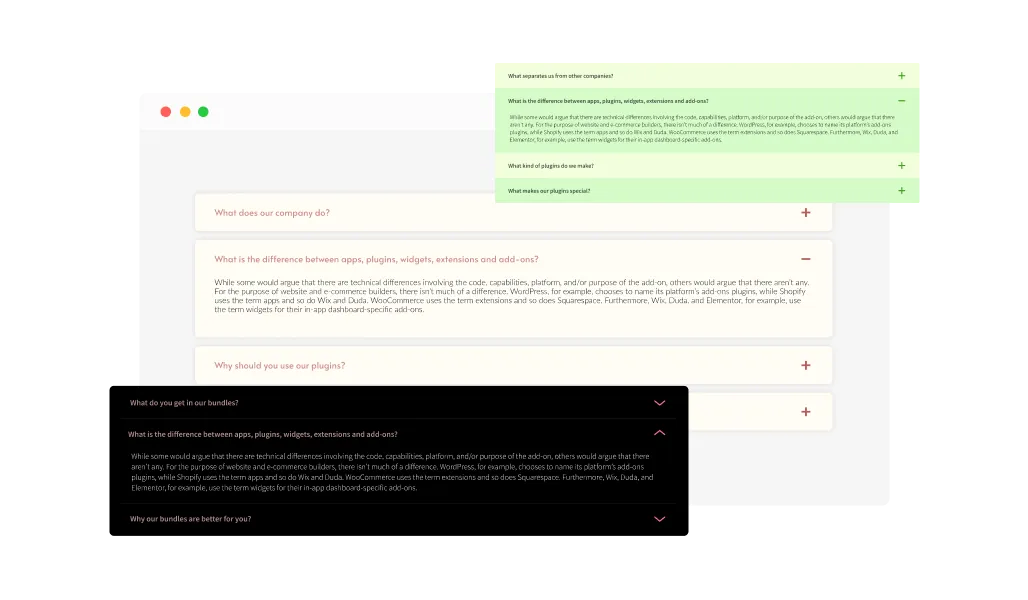
The Collapsible Content widget includes multiple layout options, so it fits naturally into any website style. Pick the layout that matches your design goals, whether you want a compact FAQ look or a more detailed, sectioned structure. This helps keep your pages consistent and easy to read.
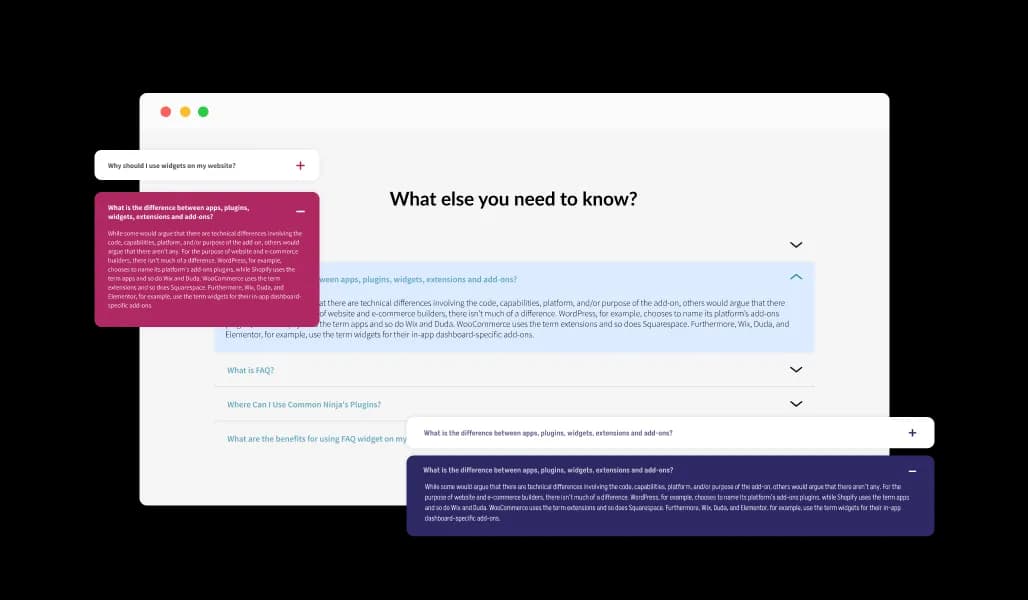
Choose from a range of ready-made design styles that match your brand. From clean and modern to classic and bold, Collapsible Content offers skins that look great out of the box and reduce the time you spend on customization.
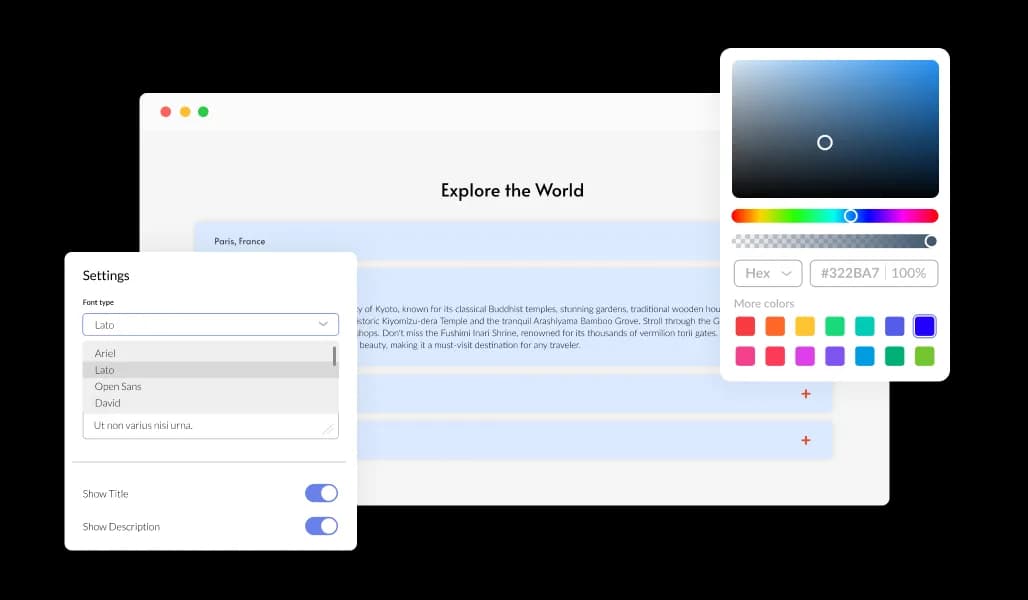
Customize every detail to match your site. Change colors, fonts, spacing, borders, icons, and more to create Collapsible Content sections that feel native to your design. You get full control without needing code.
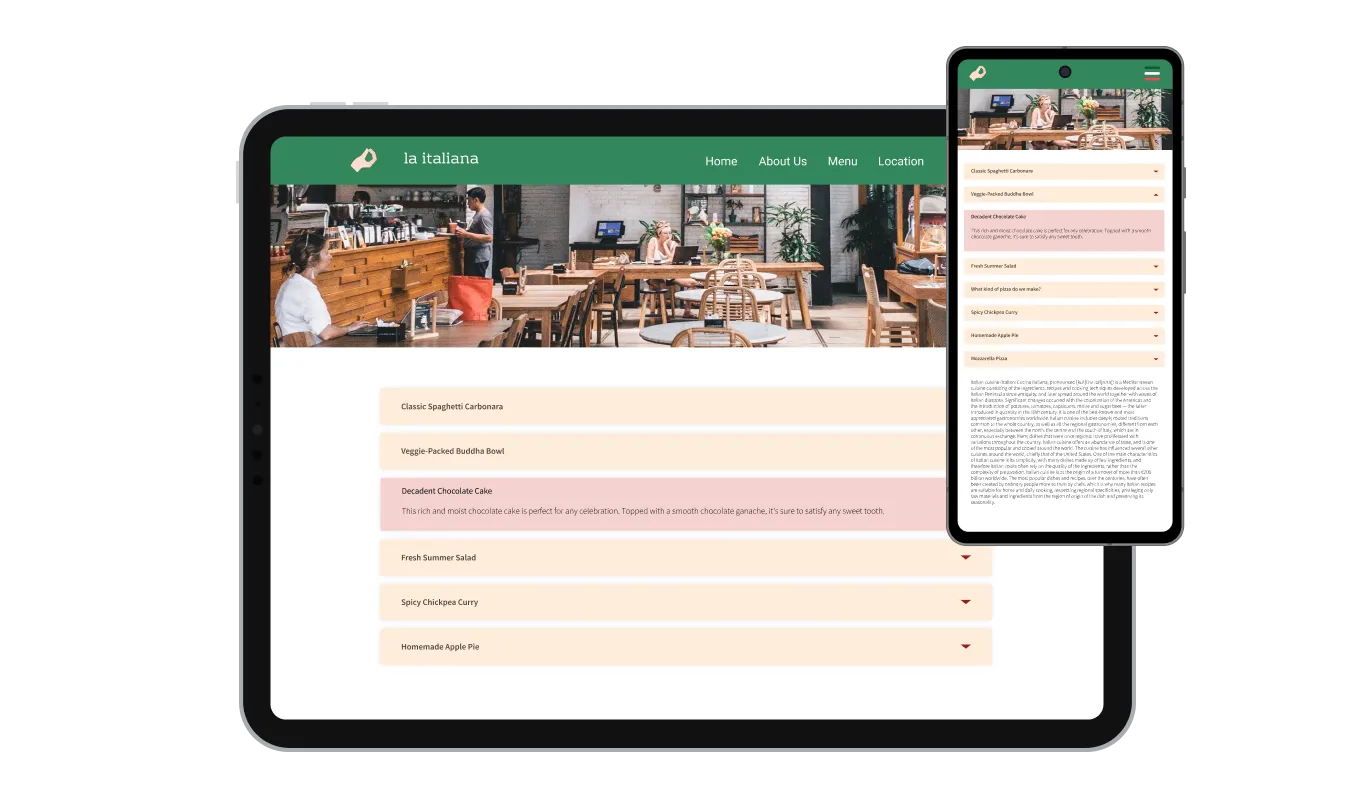
The Collapsible Content widget is fully responsive, so it works smoothly on desktop, tablet, and mobile. Sections stay easy to open and read on small screens, giving every visitor a consistent browsing experience.

For advanced users, Collapsible Content supports custom CSS. You can apply your own styling rules to fine-tune spacing, typography, animations, and layout details to achieve a fully native look.
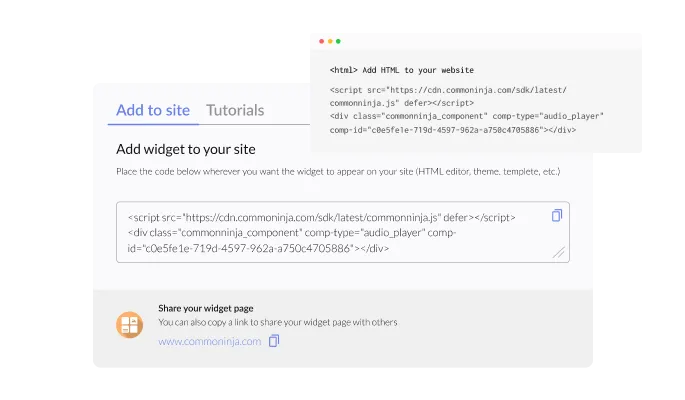
Adding the Collapsible Content widget to your website takes only one simple line of code. It works smoothly on any platform, so even non-technical users can install it in minutes. After embedding, any edits you make in the editor update automatically on your site, so your Collapsible Content always stays current without extra setup.
Collapsible Content gives you full control over how sections open and close. Let visitors expand one item at a time, open multiple sections together, keep chosen sections open by default, or expand everything at once. This makes it easy to match the widget to your site structure and user flow.
Group your Collapsible Content into clear categories to improve navigation and readability. Visitors can scan topics quickly and open only the relevant sections, which is ideal for FAQs, product details, documentation, or long form pages.
Pick from a variety of toggle icons to match your design style. Use a plus, arrow, chevron, or other common expand indicators so your Collapsible Content feels consistent with the rest of your site.
Collapsible Content is built for anyone to use. The editor is simple and intuitive, letting you add items, edit text, and adjust design settings in minutes, without touching code.
Build your collapsible sections in the editor
Open the editorNo credit card · Setup in under 3 minutes
Common Ninja has amazing no-code widgets that would beautify a website built on any builder. It is very easy to use and customise. It has as many widgets for almost everyone willing to make their website impressive.
Outstanding service. I use their widgets to help me with my web design business and whenever I need help they are very quick to help.
Excellent company with excellent service!!! We used it to build a survey, it was very user friendly. The service was perfect. Amit helped us with every problem and question we had, thank you very much!!!
Common Ninja saved the day when building our website and the customer service Daniel, the co-founder and CEO, provided was amazing.
Collapsed content is still present in the page HTML, which is the part that matters. Google has said for years that it indexes content behind expandable sections on mobile-first pages. What does hurt is burying something visitors need to see before they act, so keep price, availability, and the main pitch visible and fold the detail.
For a long FAQ, yes. Closing the previous item keeps the list short and stops visitors losing their place after opening five things. For specifications people compare side by side, allowing several open at once is more useful.
Usually the first item, because an entirely closed list can read as decoration rather than something to interact with. Opening one shows what happens when you click.
Once you pass about a dozen, group them into categories. A flat list of forty headings is a scroll rather than a navigation aid, and categories turn it back into something someone can work through.
The toggles work as standard interactive controls, so they can be reached and activated without a mouse. Worth checking on your own page, since surrounding styles can affect focus visibility.
Yes, and some of the better uses are not FAQs at all: product specifications, shipping and returns, course outlines, changelogs, terms, and documentation all fit the same shape of one heading and one answer.
There are multiple layouts and ready-made styles, plus control over colours, fonts, spacing, borders, and the toggle icon. Custom CSS covers anything the built-in settings do not reach.
Yes. Edits made in the editor appear wherever the embed already sits, so a policy change is one edit rather than a change on every page that quotes it.
Pick your platform. Each takes under 4 minutes.
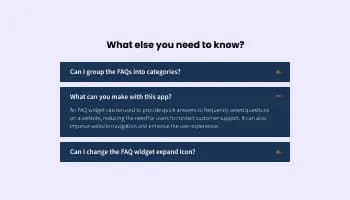
Displays common questions and answers for quick reference

Use tabs to organize content into different parts
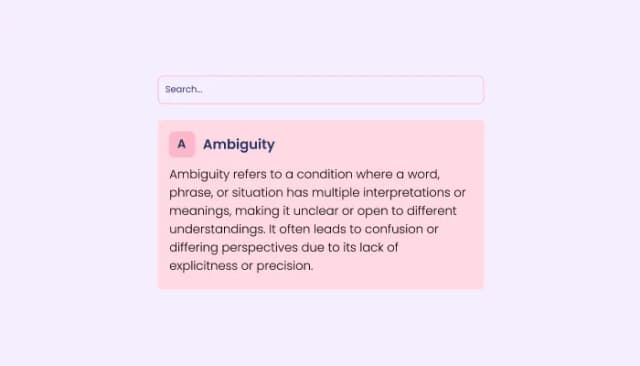
Embed interactive definitions, images, and search function on your site.
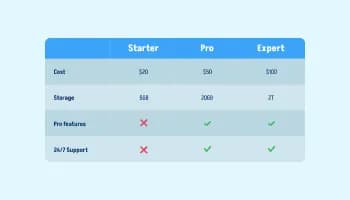
Displays data or features side-by-side, allowing users to compare and contrast the information easily
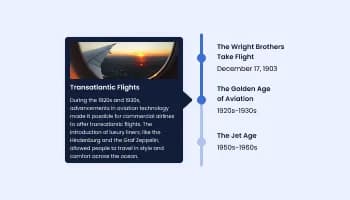
Show events or important moments in the order they occurred, using pictures and text
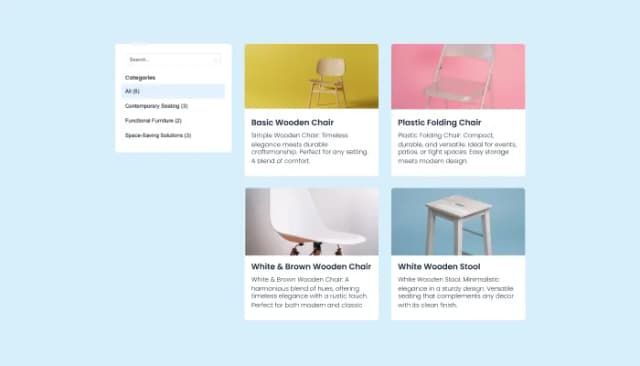
Create, customize, and display product catalogs seamlessly on any website.
The Collapsible Content widget lets you organize information into expandable sections. Visitors can open and close items to view only the content they want, which helps keep pages structured and easier to read.
Embedding Collapsible Content is simple. Copy the provided embed code and paste it into your page where you want the widget to appear. Any updates you make in the editor will show on your site automatically.
Yes. You can change colors, fonts, spacing, borders, and other styling options to match your website’s look and feel.
Yes. The widget is fully responsive and adapts to desktops, tablets, and smartphones so the content stays readable and easy to interact with on any device.
Yes. You can choose from several built in icons (like plus signs or arrows) or upload your own to match your design.
Yes. You can create Collapsible Content in different languages, which makes it suitable for sites with international audiences.
You can set the widget to open one section at a time or allow multiple sections to stay open. You can also choose default open sections or expand all items at once.
Yes. You can group your Collapsible Content into categories to make navigation clearer, especially for long FAQs, documentation, or product details.
Yes. The widget includes a search feature so visitors can quickly find specific items within your Collapsible Content.
No. The widget is designed to be edited through a simple dashboard, so you can set it up and customize it without writing code.
You can update text, reorder items, or add new sections directly in the editor. Changes are reflected on your site automatically.
Yes. The widget provides analytics and insights so you can track engagement such as opens, clicks, and section popularity.
Yes. Collapsible Content is designed to integrate smoothly with most website builders and CMS platforms by using standard embed code.
Yes. If you want more control, you can add custom CSS in the editor to fine-tune the appearance or behavior beyond the built in settings.
Fold long content into headings visitors expand, with categories for longer lists, control over whether one or several sections open at once, sections open by default, your choice of toggle icon, multiple layouts and ready-made styles, full responsiveness, and custom CSS. Embed on 200+ platforms including WordPress, Shopify, Wix, Webflow, and Squarespace.
Build your sectionsNo credit card · No coding