


Verified review
Common Ninja has amazing no-code widgets that would beautify a website built on any builder. It is very easy to use and customise. It has as many widgets for almost everyone willing to make their website impressive.
Try the editor, no signup
Pick a template, customize it, and watch it update live, no signup.
No credit card · Free forever plan
No credit card · Free forever plan
The Common Ninja Comments widget is a free, no-code comment section, comment box, and discussion system for any website.
Visitors post comments, reply in threads, vote, and get email notifications on follow-up replies.
You moderate from a hosted admin panel, require email for spam control, pick from multiple skins, and paste one line of embed code on 200+ platforms including Google Sites, Canva, Elementor, Neocities, and Framer.
Google Sites, Neocities, Carrd, Framer, and most AI-builder platforms (Lovable, Bolt, Replit) ship without a native comment section. Embedding a hosted widget is the only way to add real threaded discussion to those hosts without rebuilding the site on WordPress.
Threaded replies let readers respond to each other, not just to the original post. Upvotes float the best comments to the top so a long thread stays scannable, and the moderation panel makes spam removal one click instead of an admin dashboard scavenger hunt.
Designers, writers, and creators use the comments section as a lightweight feedback channel under each piece of work. Mandatory email captures contact info from interested readers, so the comment section doubles as a soft inbound channel for collaboration and commissions.
When a commenter gets a reply, the widget sends an email back to them. A single notification turns into a return visit, and an active thread compounds: the more replies it earns, the more emails go out, the more visitors return to the original page.
Decide whether visitors need to enter a name, email, or both before commenting (mandatory email is the simplest spam barrier). Turn replies on or off, enable upvotes and downvotes per comment, and set the sort order (newest first for active discussions, top-voted first for evergreen pages).
Choose from multiple built-in skins (card-style, minimal, threaded indent), then match colors, fonts, and avatar shape to your site. The widget feels like a native section of the page instead of a third-party iframe stuck on with copy-paste markup.
Copy the embed snippet and drop it into the page where you want the comment section. New comments and replies surface in your dashboard with email notifications, and a single moderation toggle hides or removes anything off-topic without forcing you to log into the host site.
Replies render as nested children of the parent comment so the conversation reads in context. Upvotes and downvotes (configurable per widget) let the community surface the best comments, and the sort order is settable: newest first, oldest first, or top-voted first.
Require email before posting (mandatory email field is built in), hide or delete individual comments from the dashboard, and review pending comments before they go live. Email notifications on every new comment mean nothing waits in moderation for days.
Pick from card-style, minimal, or threaded-indent skins, then tune colors, fonts, avatar shape, and spacing. For deeper customization, use the Custom CSS field to override any visual property. The comment section matches your site instead of looking like a generic plugin.
Site owner gets an email for each new comment so moderation is reactive instead of polling. Commenters get an email when someone replies to them, which turns a one-off interaction into a return visit and compounds engagement on the original page.
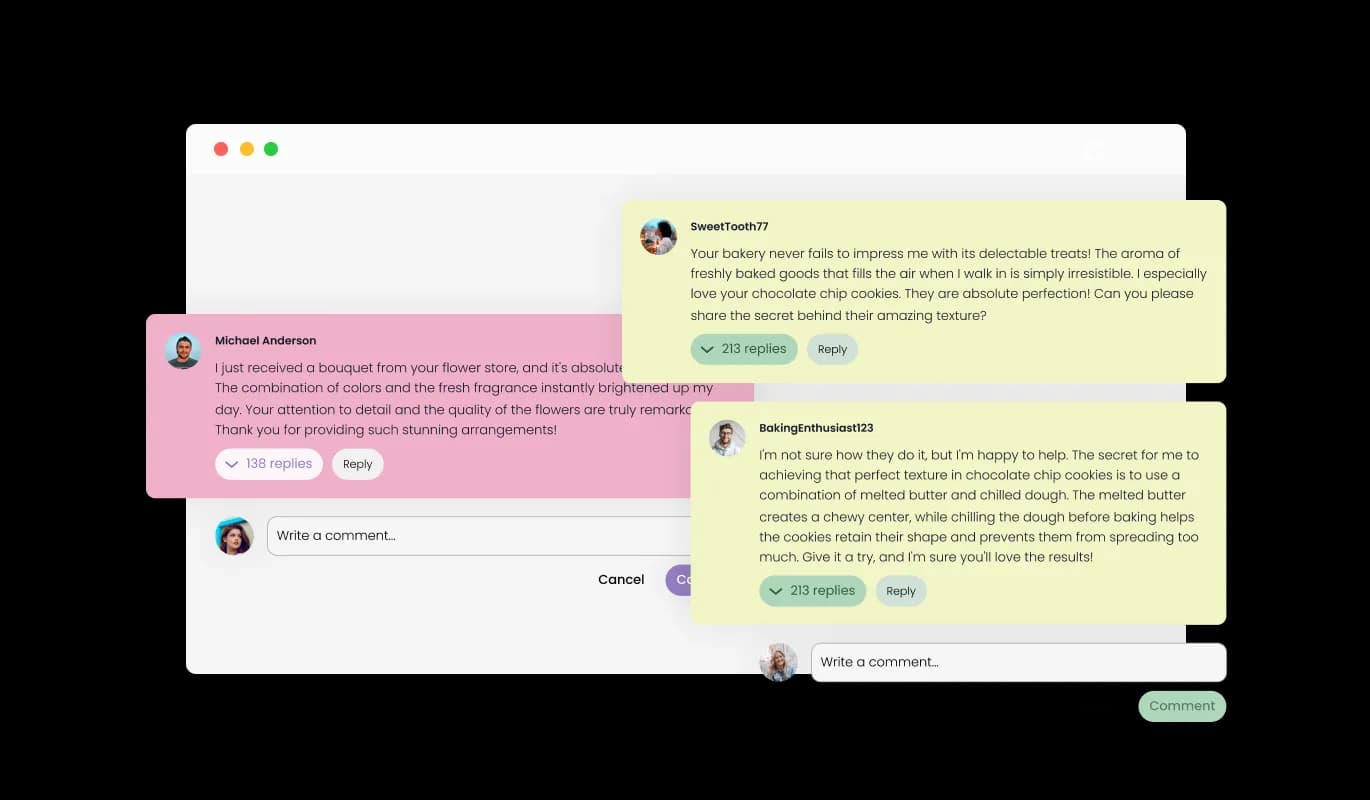
Our Comments widget allows users to reply directly to other comments, creating a threaded conversation. This encourages deeper engagement and discussion, making your website a hub for meaningful conversations.
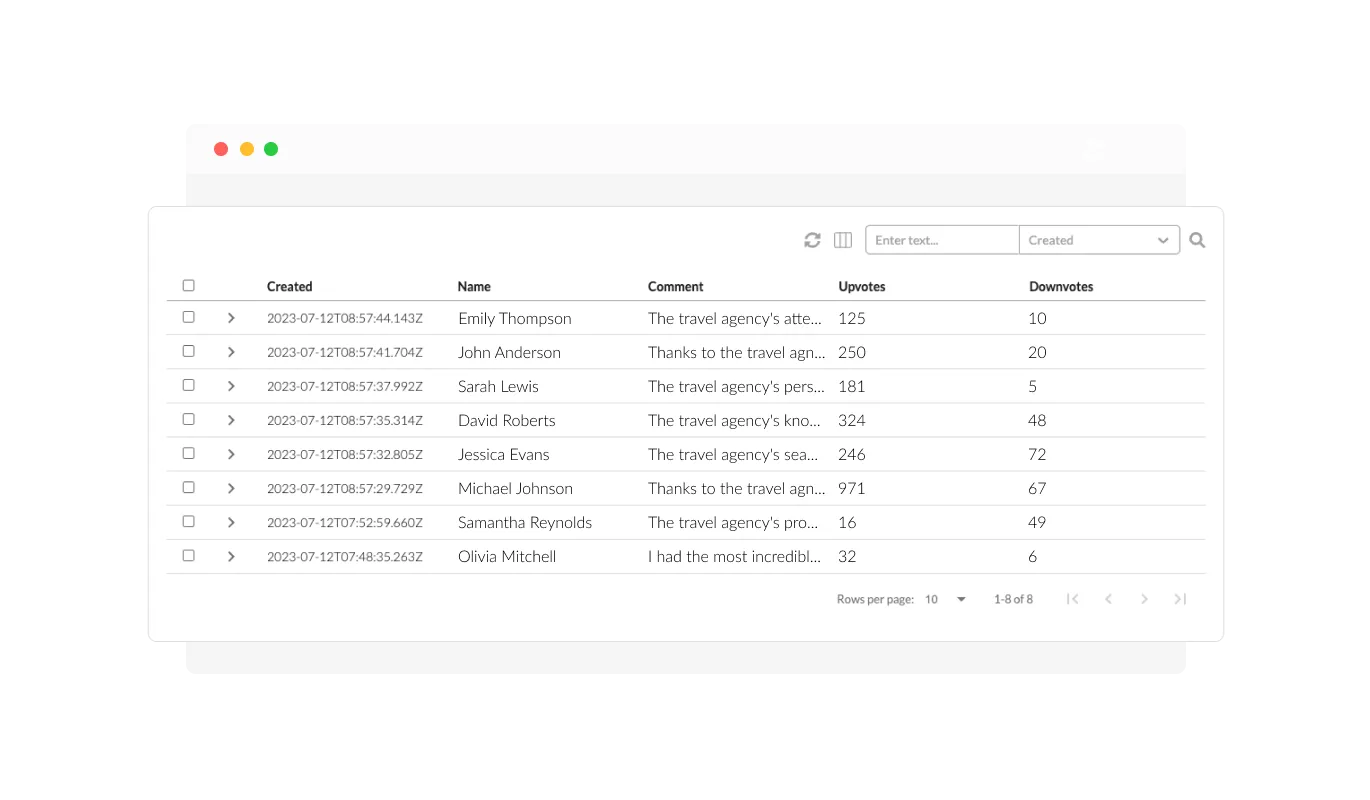
Our widget gives you the power to manage and delete unwanted comments. This helps maintain a positive and respectful environment on your website, ensuring that all discussions are productive and relevant.
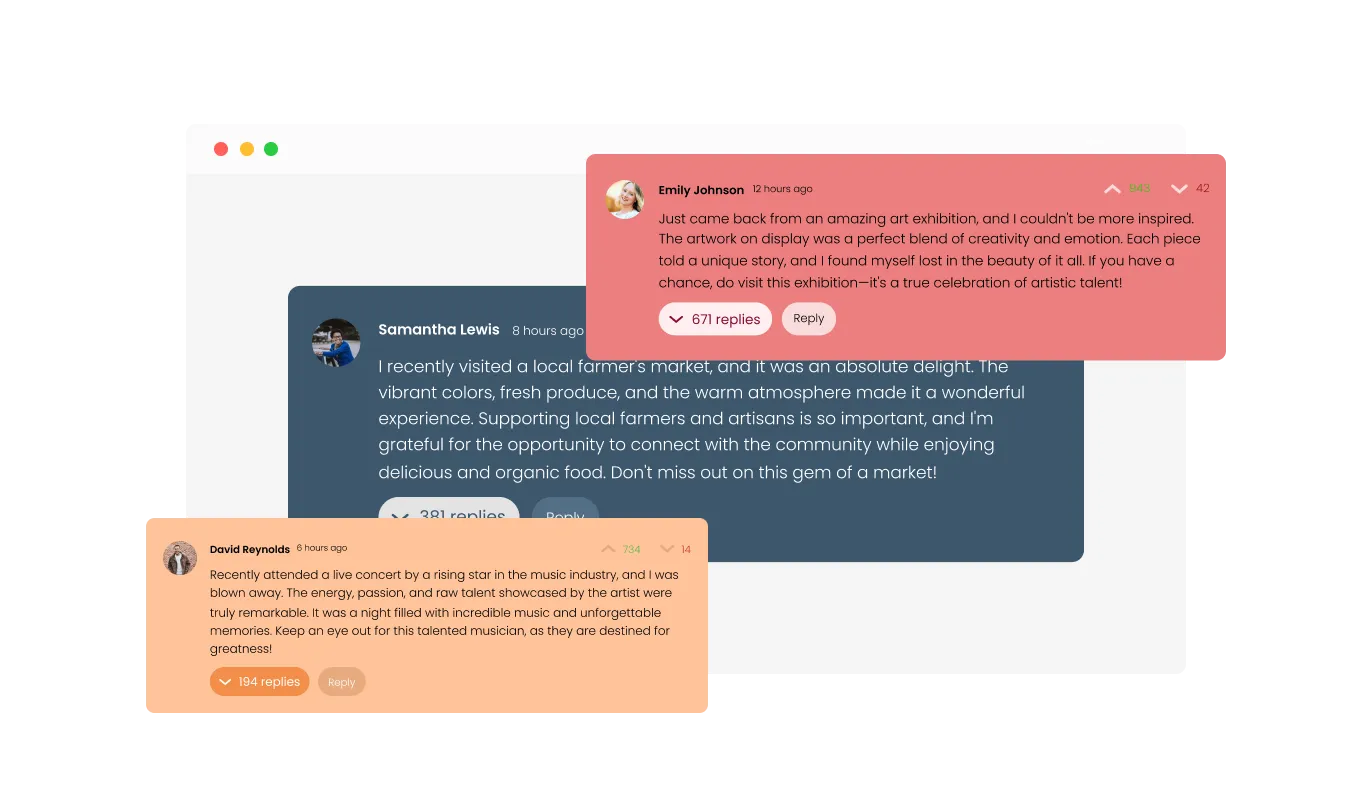
Our Comments widget offers a variety of appealing skins for quick and easy customization. You can match the widget's look to your website's design, creating a unified and visually engaging user experience.
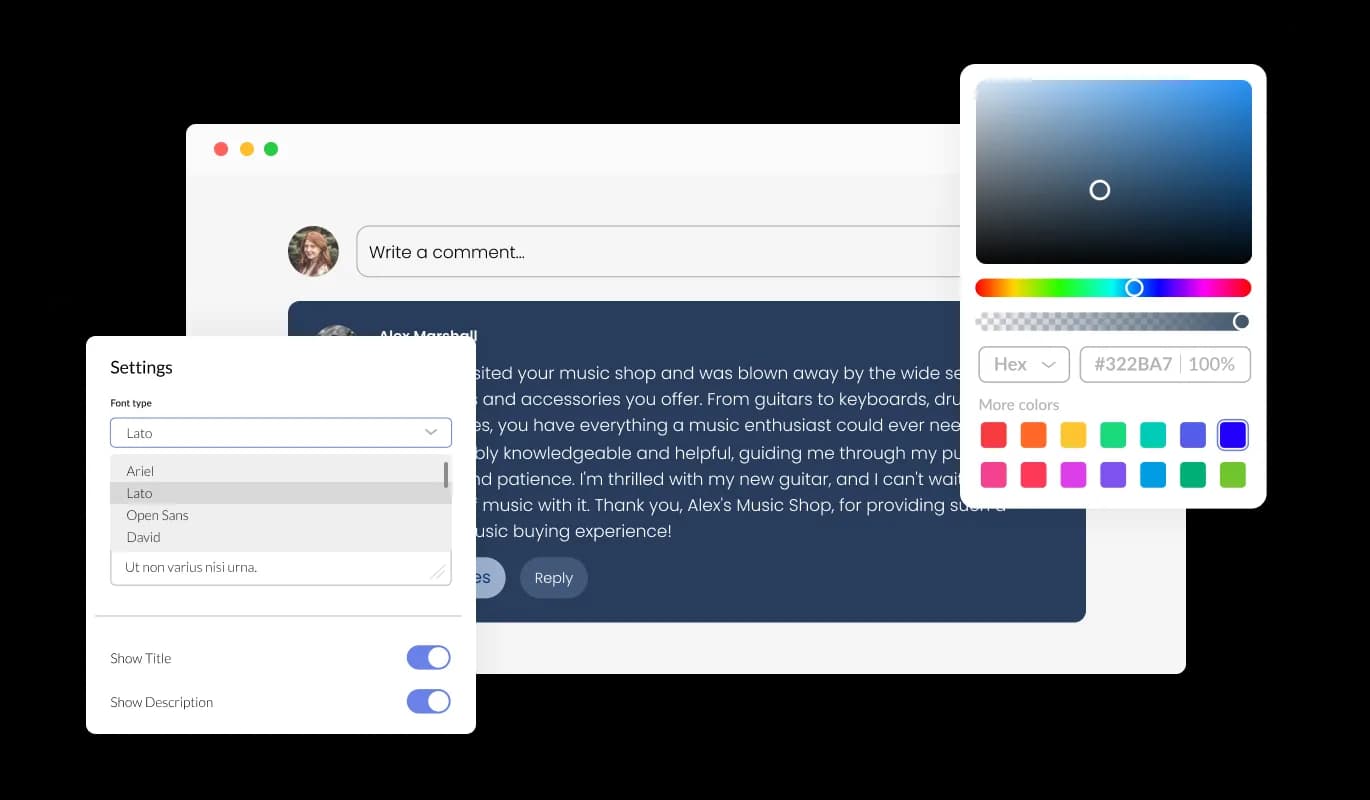
The Comments widget provides extensive customization options to meet your needs. Adjust color schemes, fonts, spacing, and more to ensure the widget fits seamlessly with your website's design and aesthetic.
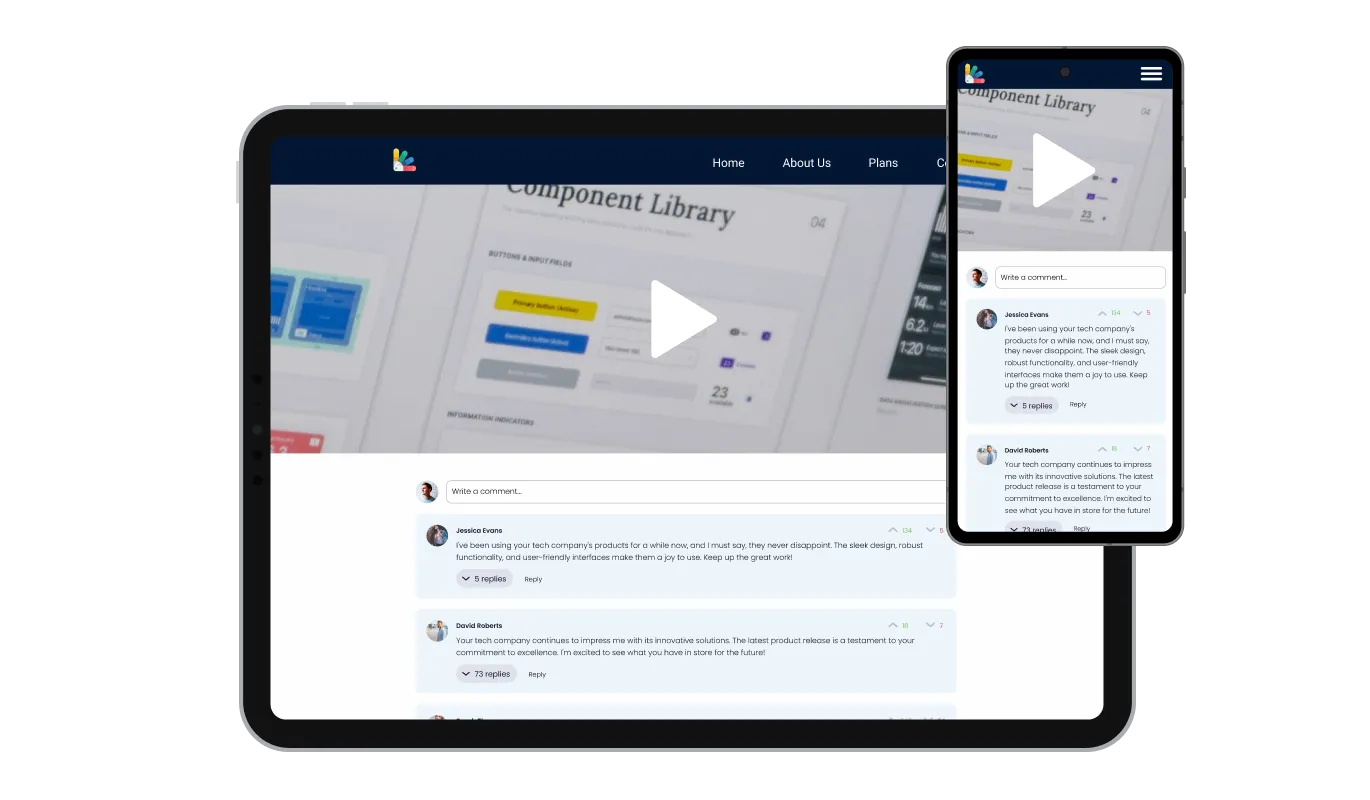
The Comments widget is fully responsive and looks fantastic on any device. In today's mobile-first world, this ensures your website stays competitive and accessible to users on various platforms.

Like all of our widgets, the Comments widget allows you to add custom CSS. This gives you the freedom to further customize the widget and express your creativity.

Embedding the Comments widget on your website is simple. Just copy the provided code to quickly incorporate the widget into your site. Any changes you make to the widget will automatically update on your website, ensuring a smooth user experience.
The upvote and downvote feature in our Comments widget lets your users express their opinions on each comment. It's a simple way for your community to self-moderate, promoting positive discussions and discouraging unhelpful or negative comments.
With our Comments widget, you can choose to receive email notifications for new comments. This keeps you engaged and informed, ensuring you never miss out on important discussions or updates on your website.
By making the email field mandatory, our Comments widget ensures that all comments come from real users. This helps maintain the integrity of your website's discussions and discourages spam or anonymous trolling.
The Comments widget is designed for ease of use, requiring no coding knowledge. It features an intuitive dashboard and drag-and-drop functionality, allowing you to customize the widget effortlessly.
Common Ninja has amazing no-code widgets that would beautify a website built on any builder. It is very easy to use and customise. It has as many widgets for almost everyone willing to make their website impressive.
Outstanding service. I use their widgets to help me with my web design business and whenever I need help they are very quick to help.
Excellent company with excellent service!!! We used it to build a survey, it was very user friendly. The service was perfect. Amit helped us with every problem and question we had, thank you very much!!!
Common Ninja saved the day when building our website and the customer service Daniel, the co-founder and CEO, provided was amazing.
Yes. The free plan covers one Comments widget with no time limit, no credit card, and no trial countdown. Upgrade only when you need additional widgets, premium skins, or higher monthly view limits.
Yes. Visitors can reply to a specific comment (replies render nested under the parent so the conversation reads in context), upvote or downvote comments, and the sort order is configurable (newest first for active threads, top-voted for evergreen pages).
In Google Sites, open the page and click Insert, then Embed in the right sidebar. Paste the Common Ninja embed code into the Embed dialog and click Insert. Resize the embed area and publish. The comments section is live across the Google Site, and new comments arrive in your Common Ninja dashboard.
Comments work on Canva-published websites, not inside Canva designs themselves. After you publish a Canva site, you can embed the comments widget on individual pages via Canva's Embed app. The widget also works inside shareable Canva websites built on the website templates, so visitors can comment on a portfolio, single-page site, or link-in-bio Canva publish.
Yes. Neocities, Carrd, Framer, Lovable, Bolt, and Replit all accept HTML embed snippets, and Common Ninja Comments is delivered as a single embed line. These hosts ship without native comment systems, so a hosted widget is the standard way to add real threaded discussion without migrating to WordPress.
Yes. The Common Ninja dashboard lists every comment with hide / delete / approve controls, and you can require email before posting (the mandatory email field is the simplest spam barrier, since bots usually skip it). Email notifications on each new comment mean moderation is reactive, not a daily login chore.
Common Ninja Comments has no ads (Disqus monetizes by injecting ads next to comments), no third-party tracking, and no account requirement for posting. Vs WordPress native comments: it works on every platform, not just WordPress, and the moderation panel is hosted so non-admins can moderate without WordPress login.
Yes. Choose from multiple built-in skins (card-style, minimal, threaded indent), then tune colors, fonts, avatar shape, and spacing in the editor. For deeper customization, use the Custom CSS field to override any visual property and match your site's design system exactly.
Pick your platform. Each takes under 4 minutes.

Showcase customer testimonials using a rotating slider
Present Google reviews for your business on your website

Allow users to send messages or inquiries, save submissions, enable notifications, and more

Easily craft engaging, personalized popups to boost conversions.

Track real-time visitor counts on your website with our customizable Visitor Counter widget.
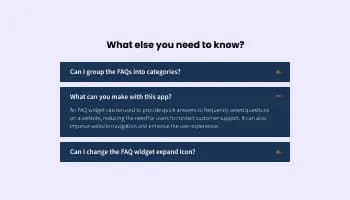
Displays common questions and answers for quick reference
Installing the Comments widget is straightforward. Once you've customized the widget to your liking, you'll be provided with a code snippet. Simply copy this code and paste it into the HTML of your website where you want the widget to appear.
Absolutely! The Comments widget comes with a variety of skins and extensive customization options. You can adjust color schemes, fonts, and spacing, and even add custom CSS to ensure the widget aligns perfectly with your website's design.
Yes, the Comments widget is fully responsive and optimized for all devices. This ensures that your website remains accessible and user-friendly, regardless of the device your visitors are using.
Yes, you can. The Comments widget gives you the ability to manage and delete unwanted comments. This helps maintain a positive and respectful environment on your website.
Users can choose to receive email notifications for new comments. This keeps them engaged and ensures they never miss out on important discussions on your website.
Yes, to maintain the integrity of discussions, the Comments widget makes the email field mandatory. This ensures that all comments come from real users and helps discourage spam or anonymous trolling.
The upvote and downvote feature allows users to express their opinions on each comment. It's a simple way for your community to self-moderate, promoting positive discussions and discouraging unhelpful or negative comments.
Yes, the Comments widget allows users to reply directly to other comments, creating a threaded conversation. This encourages deeper engagement and discussion among your website's visitors.
Yes, the Comments widget supports multiple languages, making it a great choice for websites with a diverse audience. This ensures that your users can engage in discussions in their preferred language.
Absolutely! User-generated content, like comments, can enhance your website's SEO. As users discuss and use relevant keywords in their comments, it can help your site rank higher in search engine results.
User privacy is a top priority for us. The Comments widget only collects the necessary information for posting comments and sending notifications, and all data is handled in accordance with strict privacy standards.
Yes, the Comments widget displays the number of comments on your posts. This gives users an indication of the level of engagement and can encourage more participation.
Any changes you make to the design or settings of the Comments widget will automatically update on your website. This ensures a seamless user experience and allows you to tweak the widget to your liking at any time.
No, you don't need any coding knowledge to use the Comments widget. It's designed to be user-friendly, with an intuitive dashboard and drag-and-drop functionality for easy customization.
Works on 200+ platforms including Google Sites, Canva, Elementor, Neocities, and Framer.
Create your comments sectionNo credit card · Setup in under 3 minutes