
Contact Form for HostPapa

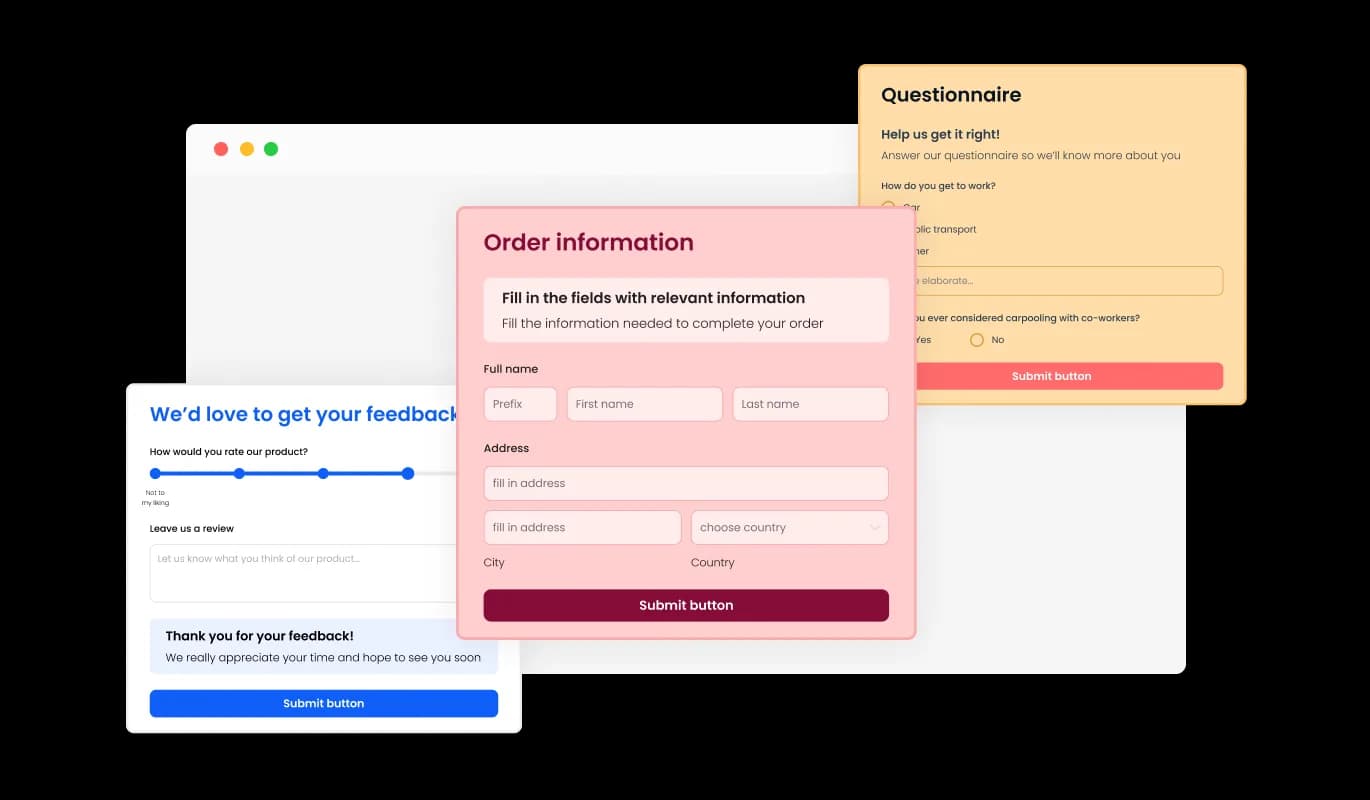
Use a contact form so visitors can send messages, submit inquiries, and help you collect leads and improve user experience.

Create a Contact Form

loved by 500K+ businesses

HostPapa
plugineditor

Why Should You Use the Contact Form Widget+?

Lead Generator

With the help of the straightforward and user-friendly HostPapa contact form, you can make it easier for potential customers to get in touch with you, boosting the likelihood that you'll receive worthwhile inquiries and gather quality leads. The Contact Form widget is a crucial tool for expanding your company and boosting profits.

Prevent spam emails

Because you won't have to post your email address in a prominent area and because of the [app type] CAPTCHA feature, the Contact Form for HostPapa will help you protect your email address from unwanted and unwelcome communications from spammers and other dangerous and undesirable parties. The HostPapa Contact Form provides you with an additional layer of security and privacy that enables you to protect your business from potential threats.

Track and Manage Your Messages With Ease

You can track and manage submissions and messages with the HostPapa Contact Form widget's functionality. You will get a real-time notification when a user fills out and submits the contact form, enabling you to reply to questions right away. Also, to ensure that no data is lost, all form submissions are neatly aggregated and grouped within a table. There are also other options for managing and exporting the gathered data.

There is a Variety of Form Fields to Choose From

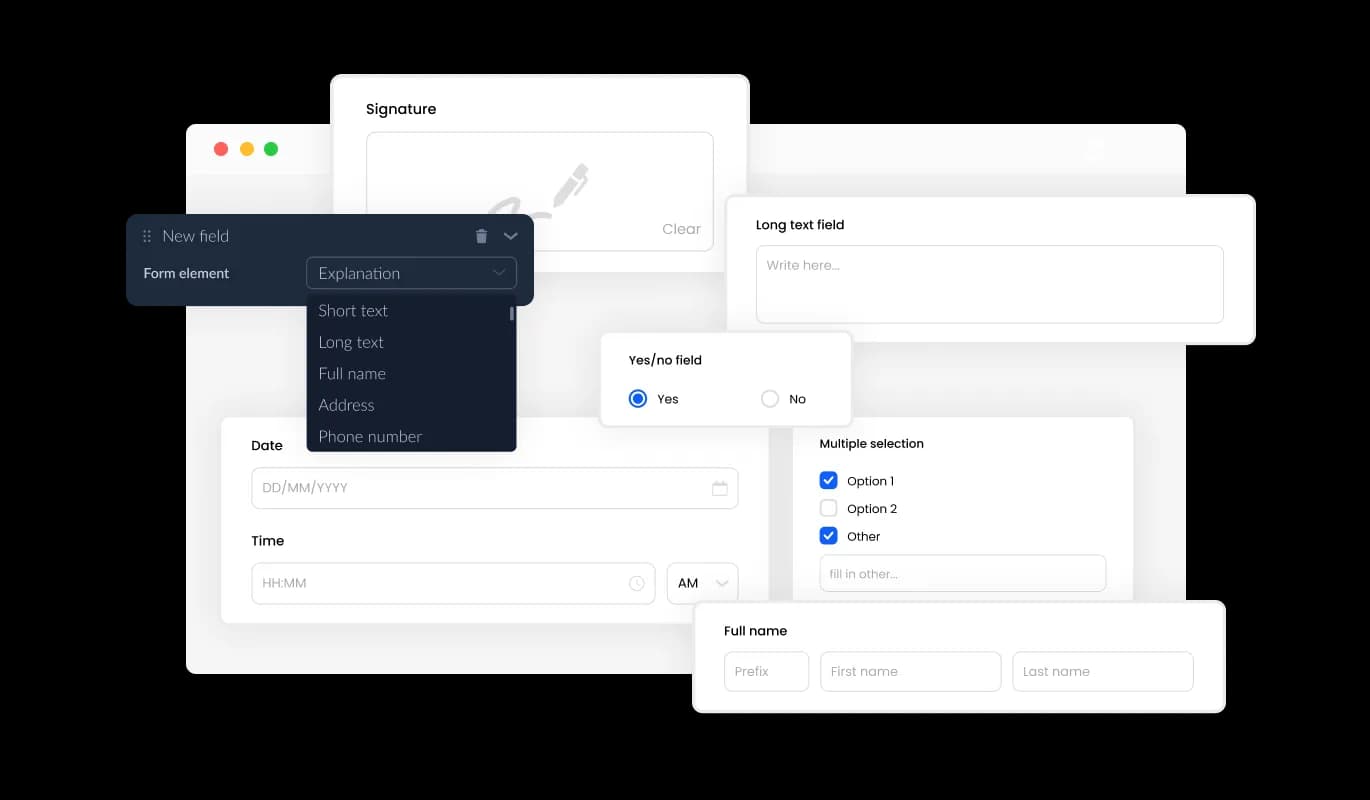
The Contact Form for [paltform] has many fields available for you to choose from and add to it — from fundamental fields to more distinctive and unusual formats, allowing you to design forms for your particular needs and any purpose. Add a new field effortlessly by clicking on the "Add Field" option, where you can choose from a diverse collection of field formats. Move fields around with ease by simply dragging and dropping them to the desired position.
Contact Form - There is a Variety of Form Fields to Choose From

Smooth Information Gathering

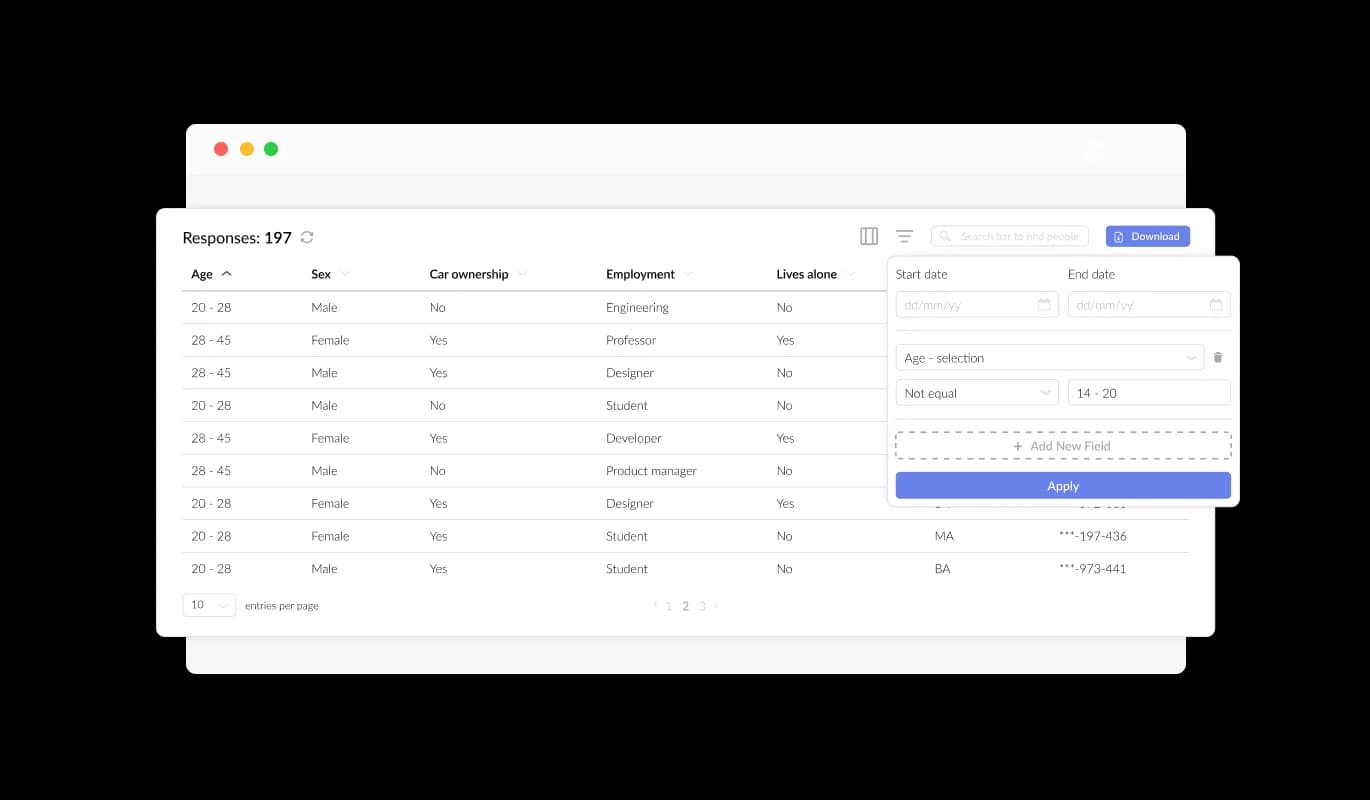
Easily manage and view all entries in a clear and concise display with the HostPapa Contact Form. This feature allows you to keep a close eye on all user communications and inquiries from your HostPapa website, so you can respond to them quickly and effectively.

Contact Form - Smooth Information Gathering

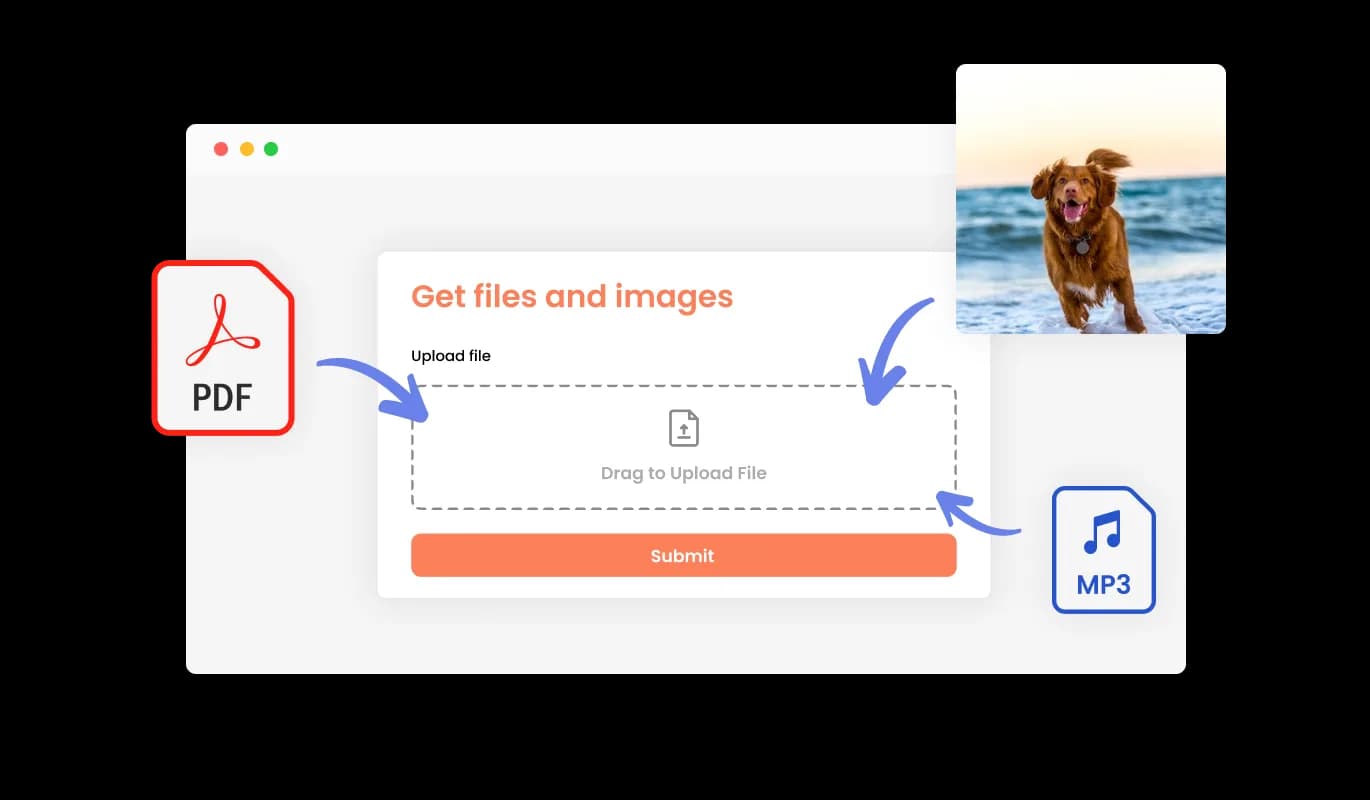
Collect Files and Images with Our User-Friendly Form

Streamline the process of receiving files and images from your users with the help of your Contact Form widget for HostPapa. This feature is especially useful for businesses and professionals who need to gather information or documentation from their clients or customers.

Contact Form - Collect Files and Images with Our User-Friendly Form

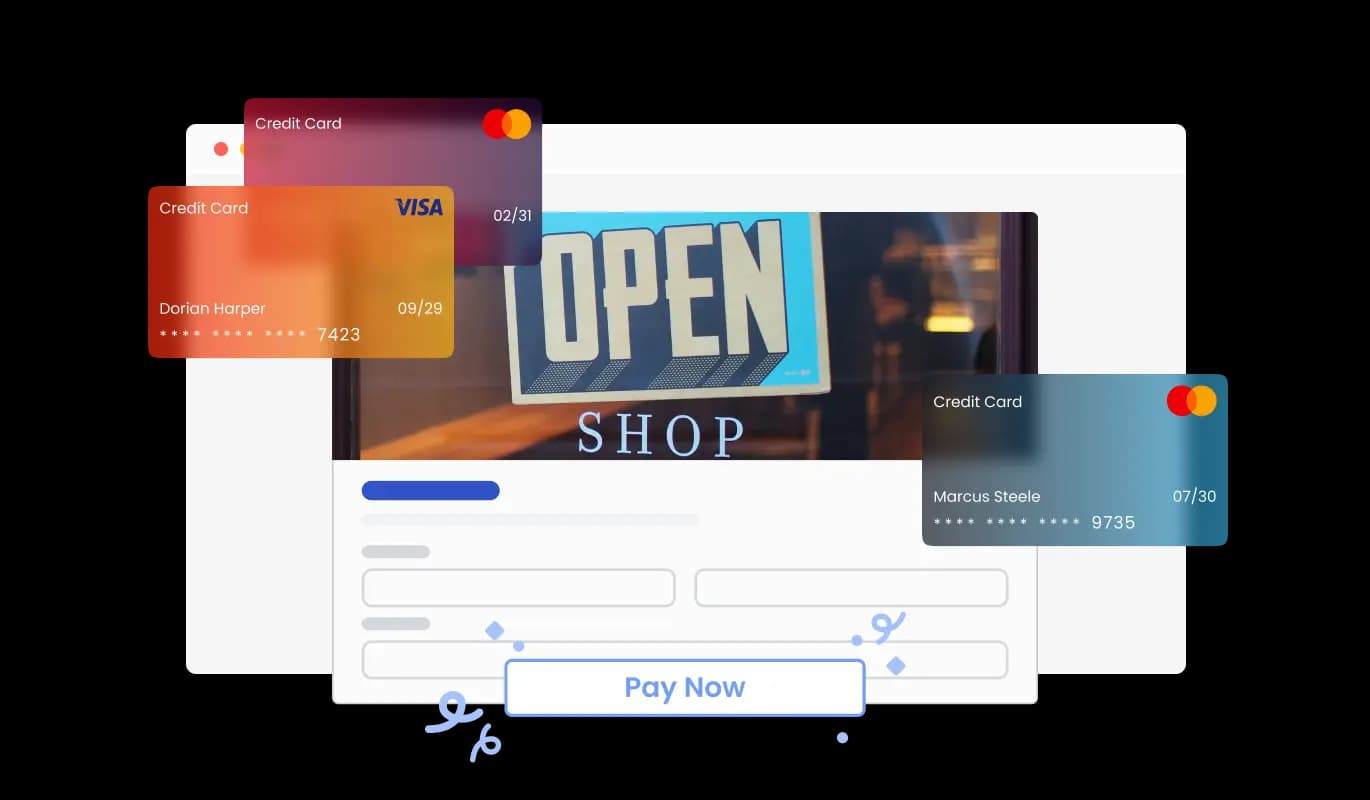
Make Your Form Stand Out with the Addition of Images and Content

Add a Personal Touch to Your Form by Including Images, Descriptive Text, and Titles. Adding explanatory form elements can also help guide users through the submission process, resulting in a smoother and more efficient experience and ultimately increasing the likelihood of conversion.

Contact Form - Make Your Form Stand Out with the Addition of Images and Content

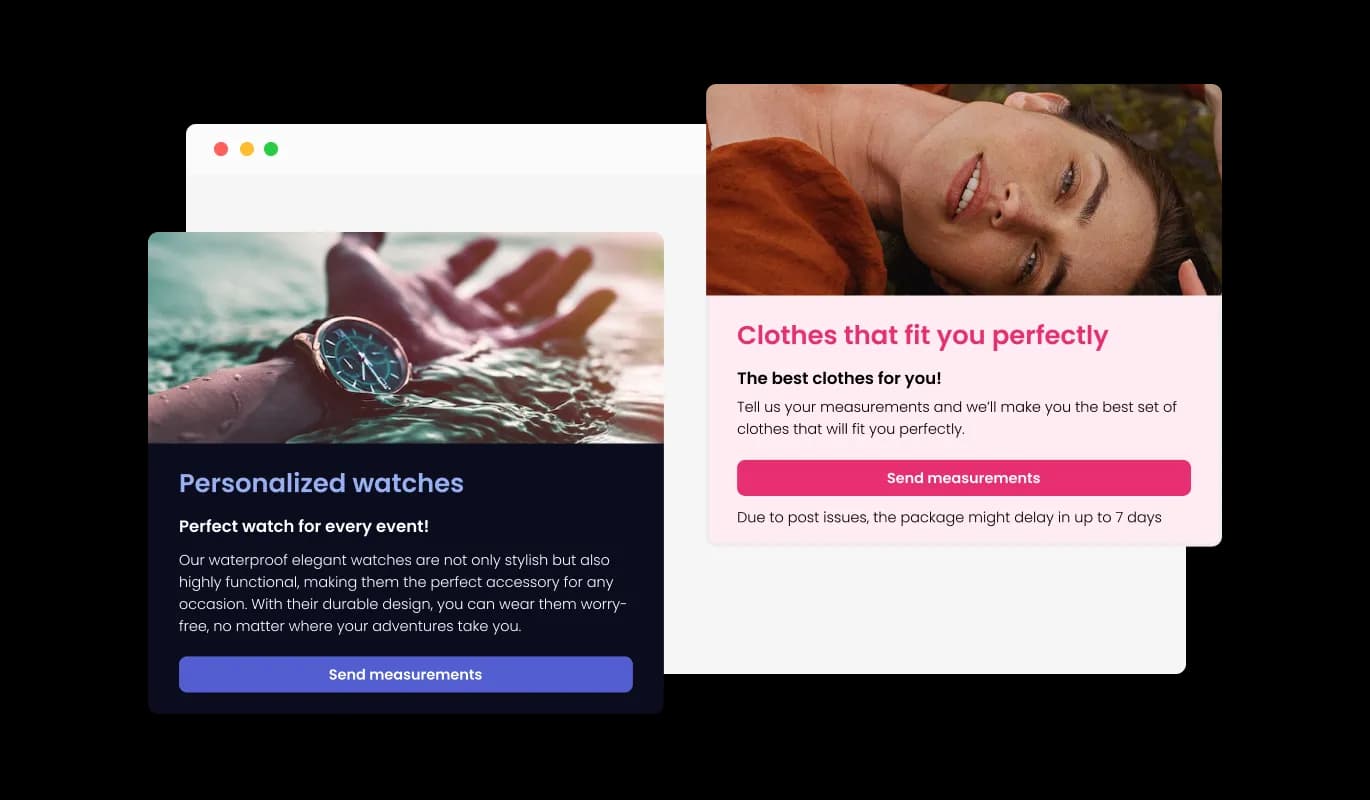
Add a Professional Touch to Your Contact Form with Customizable Header and Footer

Customize your Contact Form for HostPapa with a personalized header and footer that includes images. Customize your Contact Form with this feature to create a more professional and visually appealing form that reflects your HostPapa website's design.

Contact Form - Add a Professional Touch to Your Contact Form with Customizable Header and Footer

Stay up-to-date with your Contact Form submissions by enabling notifications

Receive notifications for new submissions on the HostPapa Contact Form widget for a better user experience. The HostPapa Contact Form widget includes a feature for automated email notifications on every form submission, ensuring that users and multiple email addresses receive confirmation emails.

Contact Form - Stay up-to-date with your Contact Form submissions by enabling notifications
Contact Form - Export your Contact Form Submissions to a CSV file

Export your Contact Form Submissions to a CSV file

With the HostPapa Contact Form, you can export your entry collection to a CSV file for further analysis and integration with other software. This feature is a powerful tool for businesses that need to maintain a record of all client interactions for data analysis and reporting purposes.

Contact Form - Anti-Spam Solution for Your HostPapa Contact Form

Anti-Spam Solution for Your HostPapa Contact Form

With the Contact Form widget for HostPapa, you can enable the CAPTCHA anti-spam feature, which users must complete before submitting their form. Prevent spam and malicious submissions with the CAPTCHA anti-spam feature in the Contact Form widget for HostPapa.

Contact Form - Contact form Skins

Contact form Skins

Whether you're short on time or have design skills, the Contact form for HostPapa has you covered with its multiple pre-designed skins. The Contact form widget also offers a variety of pre-made skins for you to pick from in order to save you time and effort. These skins are created to give you a quick and simple method to change the HostPapa Contact form's appearance and feel to fit your brand and aesthetic. By using pre-made skins, achieving the required style without beginning from scratch is an easy process.

Contact Form - An Easy Way To Embed On Your HostPapa website

An Easy Way To Embed On Your HostPapa website

Copy and paste just one line of code into your website's HTML to embed the Contact form for HostPapa. If the widget is embedded, the Contact form and widget will automatically update when you make changes, so there is no need to update either manually. By using this feature, you can save a lot of time and effort, and make sure that your HostPapa Contact form is always accurate and up-to-date.

Allow Multiple Submissions

Enable the option for users to submit multiple entries using the HostPapa Contact Form. Enabling this feature allows users to submit the form multiple times, which can be useful in situations where users need to update their information or provide additional details.

Contact Form - Allow Multiple Submissions

Tailor Your Contact form on HostPapa to Your Specific Needs with Full Customization

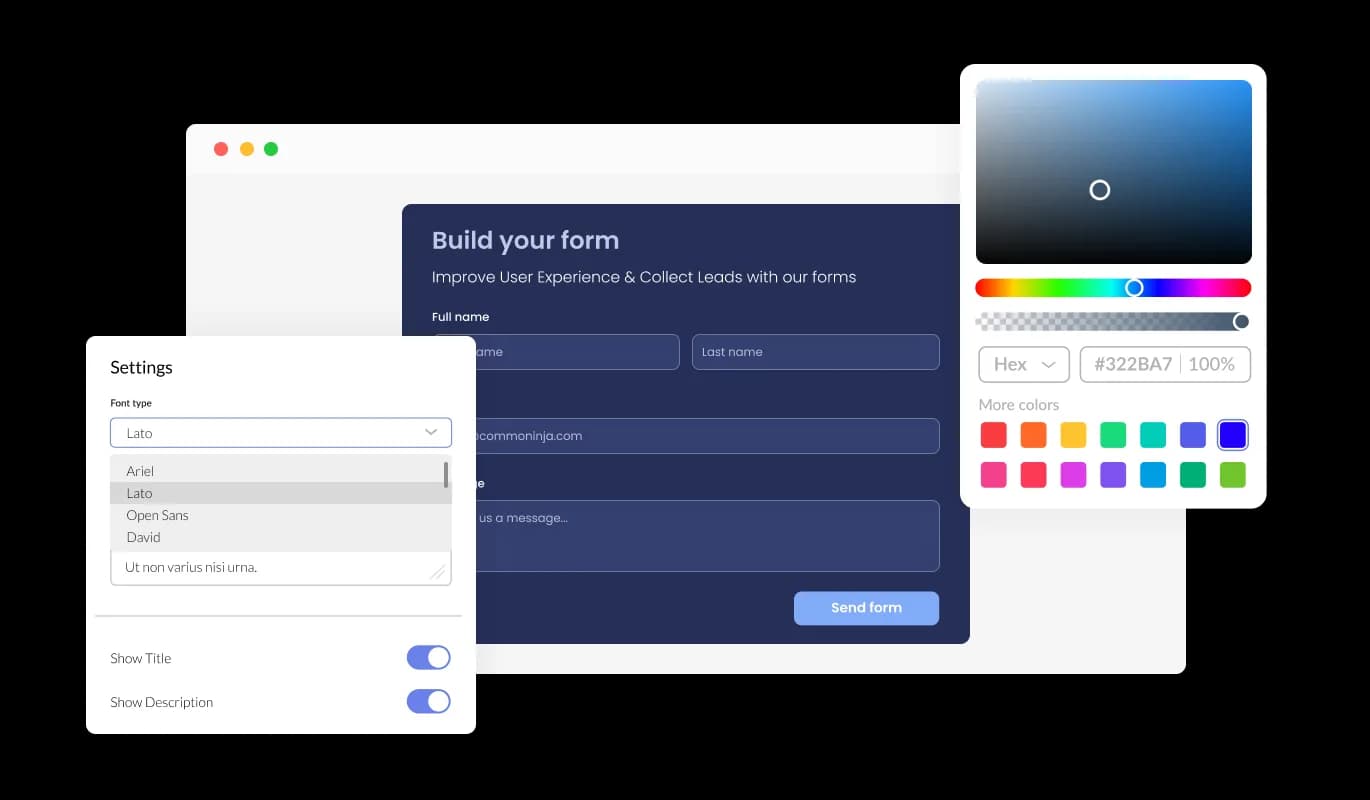
The Contact form for HostPapa offers complete customization possibilities so you may change the design to suit your requirements. The Contact form for HostPapa allows you to change the colors, fonts, spacing, and various other design elements to create a tailored look and feel. Colors can be changed for the background, text, and hover effects to create a cohesive and visually appealing design that matches your website. Changes to fonts are another customization option. Various fonts can be selected to create a unique and visually appealing design. Business owners who want to establish a consistent brand identity on all their online platforms will find this particularly useful.

Contact Form - Tailor Your Contact form on HostPapa to Your Specific Needs with Full Customization

Responsive Design for your HostPapa website

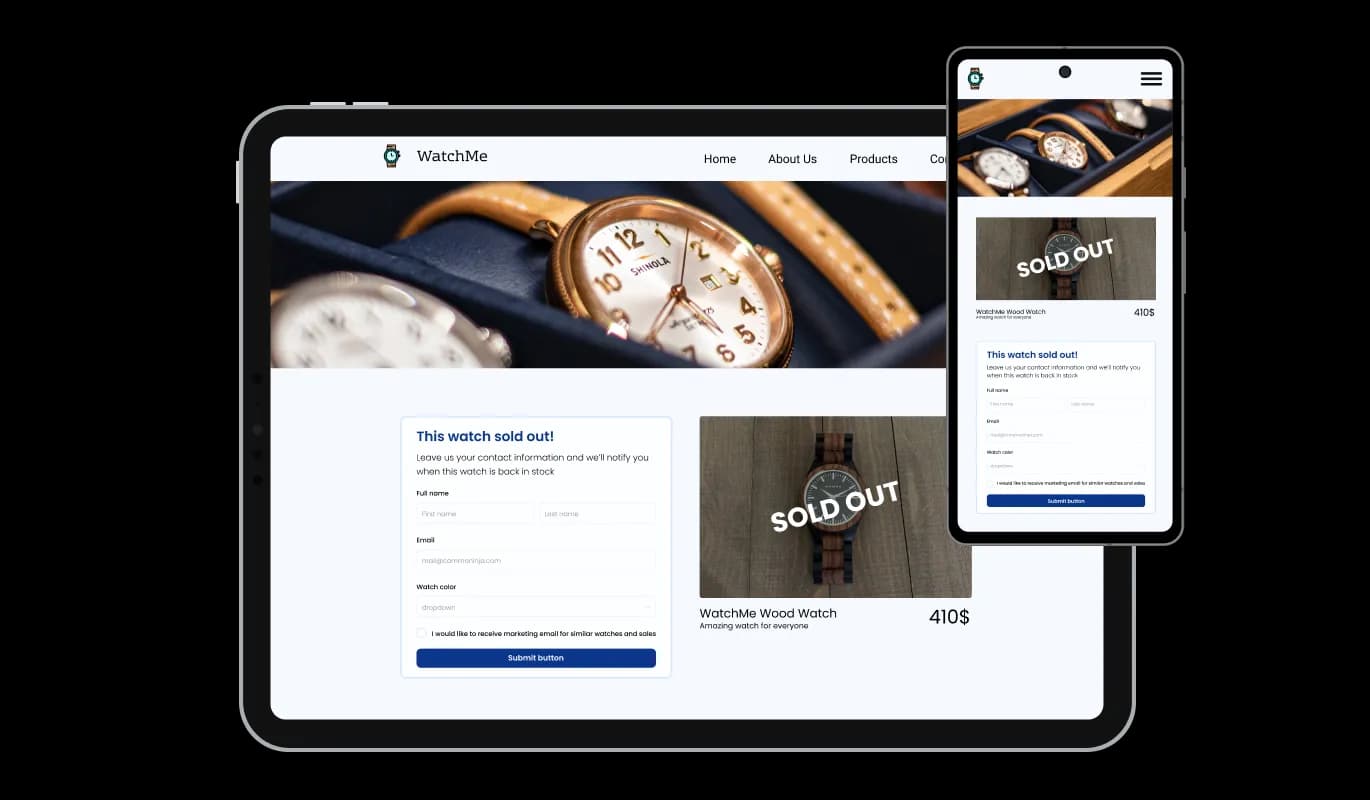
With a fully responsive HostPapa Contact form widget, you can give yourself a significant edge over your competitors in the mobile-first world we live in today. With more and more people accessing the internet through their smartphones and tablets, your website must be optimized for mobile devices. Contact form widget's responsive design ensures that it will automatically adjust to the device size and resolution it is being viewed on, providing a seamless and consistent user experience. This means that whether your users are accessing your HostPapa website on a desktop computer, a tablet, or a smartphone, they will be able to view and interact with your Contact form for HostPapa in the same way.

Contact Form - Responsive Design for your HostPapa website

An Easy To Use widget

Contact form for HostPapa do not require any coding knowledge. Our intuitive dashboard with the drag-and-drop feature will enable you to customize the widget any way you’d like to with just a few simple clicks.

Contact Form - An Easy To Use widget

Creating custom CSS for Contact form for HostPapa

Similarly to all of Common Ninja's widgets, the Contact form for HostPapa allows for the addition of custom CSS, allowing for further customization. Using custom CSS, you can create custom styles and design elements that are unavailable through the built-in customization options. You can create visually stunning designs tailored to your specific needs with custom CSS. It is also possible to create unique and engaging animations and interactions using custom CSS.

Contact Form - Creating custom CSS for Contact form for HostPapa

Compatible With All Site Builders, E-Commerce Platforms and Websites

View all supported platforms

FAQ

A contact form widget is a web-based form that is typically embedded on a website or application to allow users to easily send a message or inquiry to the website owner, support team, or other designated recipient. The widget typically includes a series of input fields where the user can enter their name, email address, and message, and a submit button that sends the information to the recipient via email or other communication channels. The contact form widget is a convenient and user-friendly alternative to traditional methods of communication such as email or phone calls.

There are several benefits to adding a contact form to your website:

  1. Convenience: A contact form provides a quick and easy way for users to get in touch with you without having to open their email client or pick up the phone.
  2. Organization: A contact form helps keep your messages and inquiries organized and easy to manage in one central location.
  3. Professionalism: A well-designed contact form can enhance the overall professionalism and credibility of your website.
  4. Customization: Contact forms can be customized to match the branding and design of your website, providing a consistent look and feel for your users.
  5. Anti-spam measures: Contact forms can be configured with anti-spam measures such as CAPTCHA to prevent spam messages and unwanted solicitations.
  6. Data collection: Contact forms can be configured to collect specific data from users, such as their name, email, phone number, or other information that may be useful for your business or organization.
  7. User engagement: Contact forms provide an opportunity for user engagement and can be used to gather feedback or suggestions from your audience.
  1. Keep it simple: A contact form should be straightforward and easy to use. Avoid asking for too much information or cluttering the form with unnecessary fields.
  2. Provide clear instructions: Provide clear instructions and labels for each field to guide users through the form and make it easier for them to fill it out.
  3. Make it accessible: Ensure that your contact form is accessible to all users, including those with disabilities. This means providing proper labels for form elements, using appropriate color contrasts, and providing alternative text for images.
  4. Use anti-spam measures: Use anti-spam measures such as CAPTCHA or honeypot fields to prevent unwanted spam messages.
  5. Test your form: Test your contact form regularly to ensure that it is working properly and that submissions are being received.
  6. Provide confirmation: Provide users with a confirmation message or email to let them know that their message has been received and will be addressed.
  7. Make it mobile-friendly: Ensure that your contact form is optimized for mobile devices, including responsive design and appropriate touch targets.
  8. Be responsive: Respond to inquiries and messages promptly, ideally within 24-48 hours.

By following these best practices, you can ensure that your contact form provides a positive user experience and helps you effectively engage with your audience.

Yes, there are lots of beautiful skins that you can choose from to save time and start using the widget as quickly as possible.

Yes, you can either upload an image, or select an icon from a large selection of available icons to add to your Notification Bar, or you can leave it all blank.

It’s simple. All you need to do is to sign up and start using the free version.

Common Ninja’s Contact Form widget is free to use. It is limited to a certain amount of views, however.

Common Ninja’s Contact Form widget is compatible with ALL current and future website builders.

Yes, the Contact Form widget is GDPR-compliant.

No. Using our Contact Form widget is very simple. The widget comes with an intuitive drag-and-drop interface and fully customizable options. Once you’ve finished editing the widget to your liking, all you need to do is copy the provided code and add it to your website.

Yes. We are eager to hear your request. Please visit our Feature Request page.