
Contact Form for Quarkly

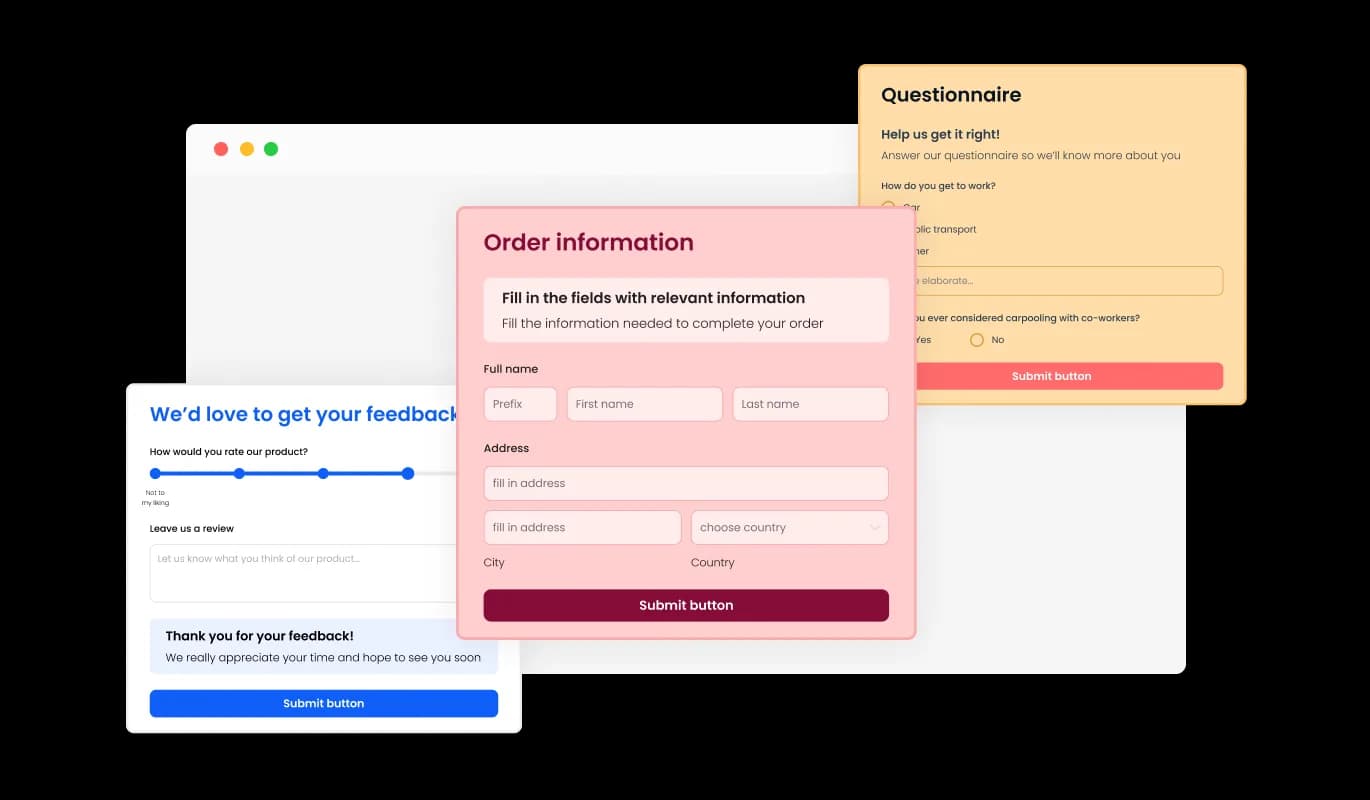
Use a contact form so visitors can send messages, submit inquiries, and help you collect leads and improve user experience.

Create a Contact Form

loved by 500K+ businesses

Quarkly
plugineditor

Why Should You Use the Contact Form Widget+?

Lead Generator

With the simple and easy-to-use contact form for Quarkly, you can enable potential clients to reach you more efficiently and effortlessly, thereby increasing the likelihood of you receiving valuable inquiries and collecting good leads. You can build your company and boost your earnings with the help of the Contact Form widget.

Eliminate spam email

Thanks to the widget CAPTCHA feature and the fact that you won't have to show your email address in plain sight, the Contact Form for Quarkly will help you protect your email address from unwanted and unwelcome communications from spammers and other dangerous and undesirable parties. You may further safeguard your company from attacks with the help of the Quarkly Contact Form by adding an extra layer of protection and privacy.

Easily Monitor and Manage Your Messages

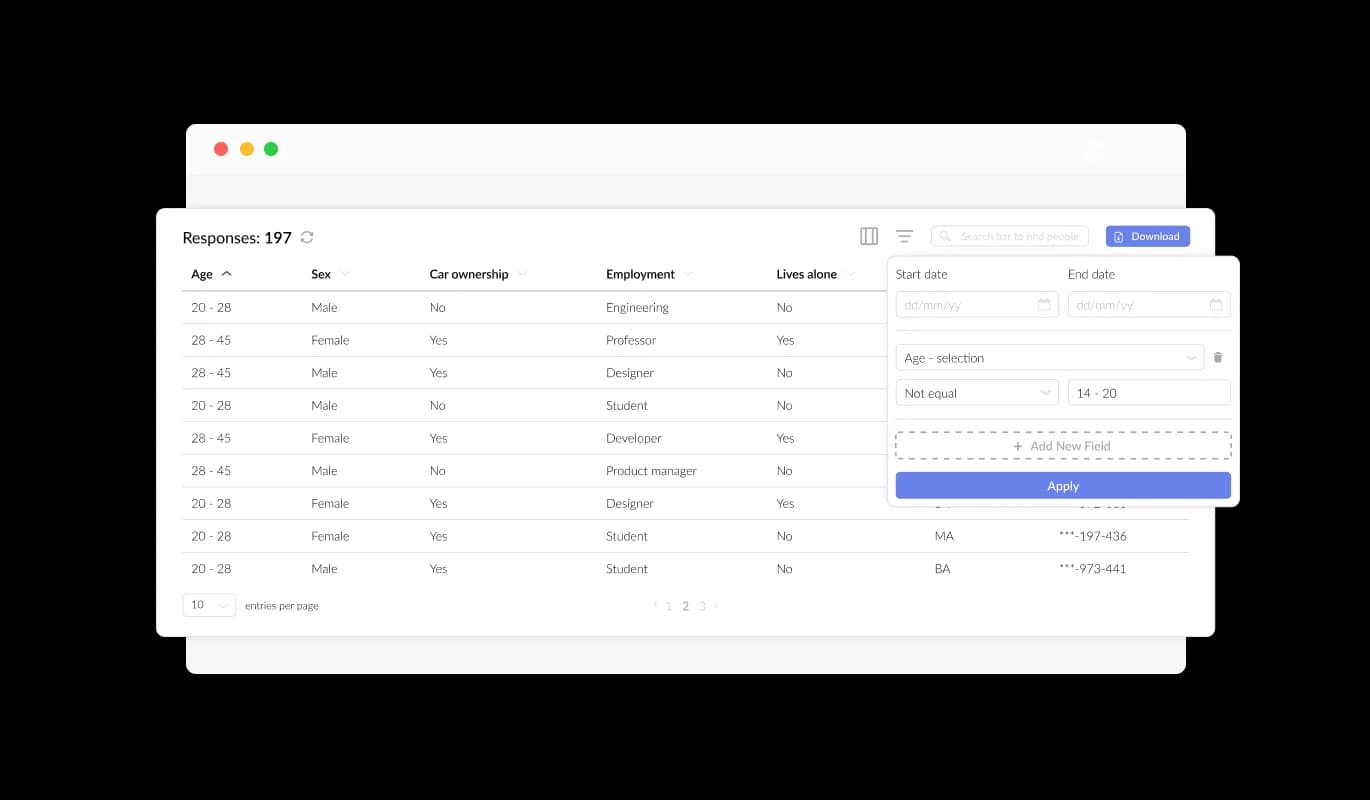
You can track and manage submissions and messages with the Quarkly Contact Form widget's functionality. You will get a timely message after the user completes and submits the contact form, enabling you to answer questions right away. With additional options to handle and export the gathered data, all form submissions are also neatly collated and arranged within a table, guaranteeing that no data is lost.

A wide variety of fields are available

The Contact Form for [paltform] has many fields available for you to choose from and add to it — from fundamental fields to more distinctive and unusual formats, allowing you to design forms for your particular needs and any purpose. Click on "Add Field" and explore a vast array of field formats to add to your form. Rearranging the fields is a breeze - simply drag and drop them in the order you prefer.
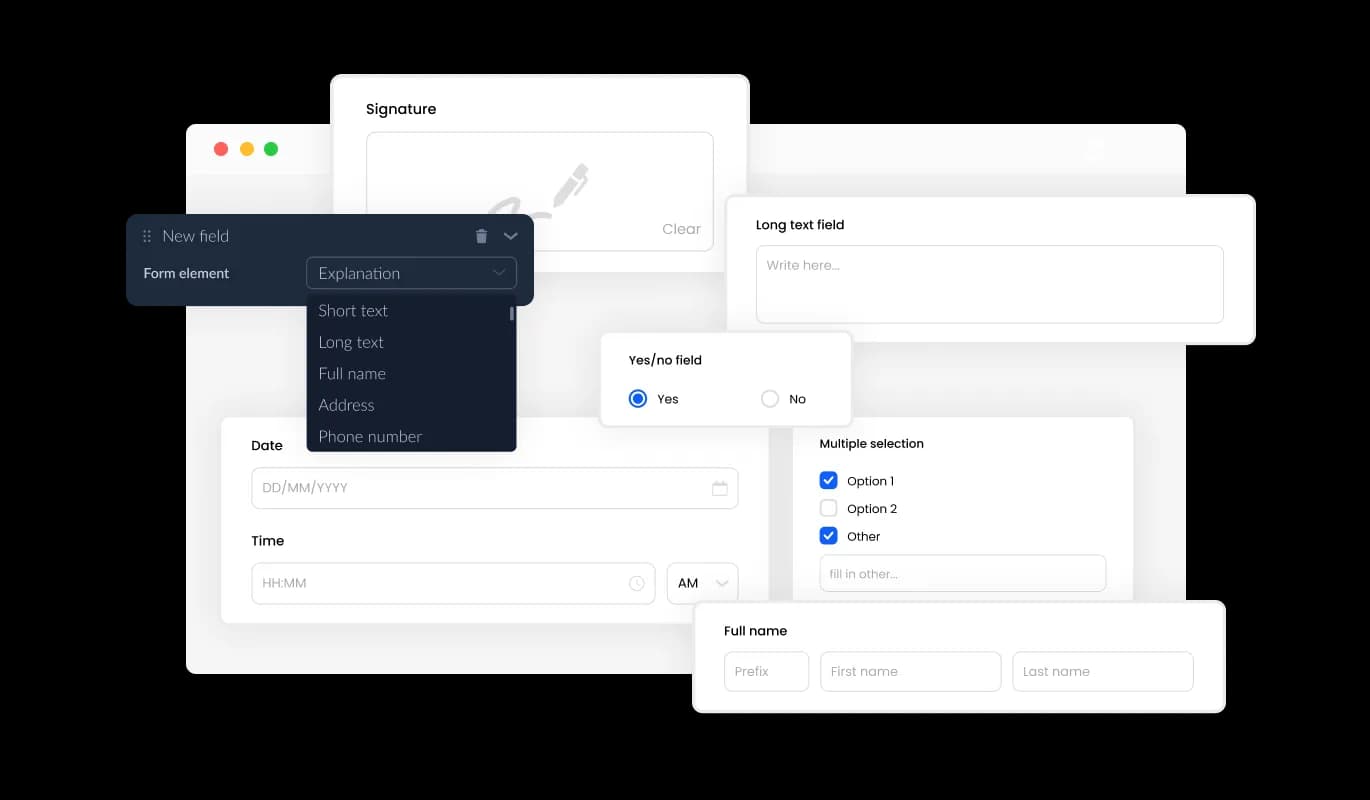
Contact Form - A wide variety of fields are available

Smooth Information Gathering

The Quarkly Contact Form streamlines entry management by presenting all submitted information in one easy-to-read window. Track all user inquiries and communications on your Quarkly website with ease, thanks to this helpful feature that helps you respond more efficiently.

Contact Form - Smooth Information Gathering

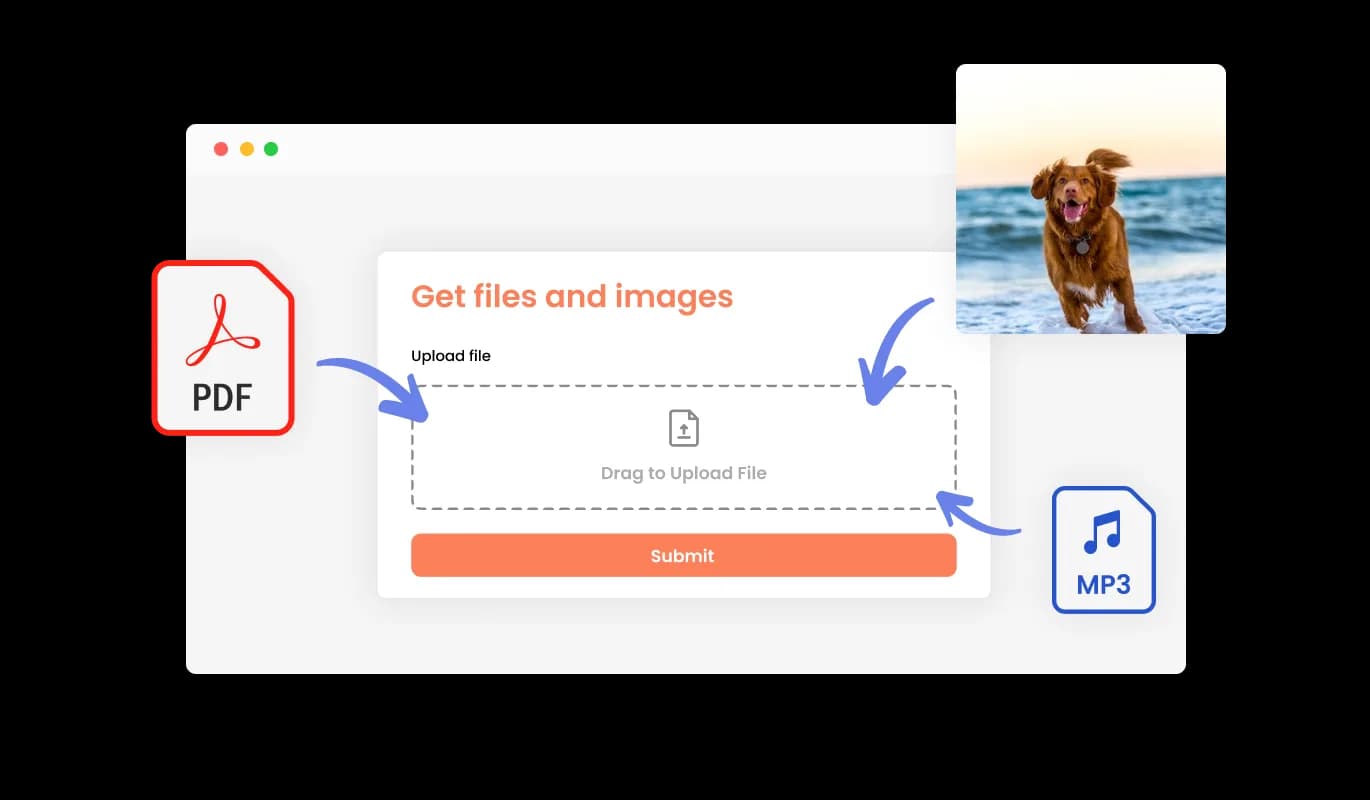
Save Time with Our Form for Receiving Files and Images

Your Contact Form widget for Quarkly is the perfect solution for receiving files and images from your users. This feature is especially useful for businesses and professionals who need to gather information or documentation from their clients or customers.

Contact Form - Save Time with Our Form for Receiving Files and Images

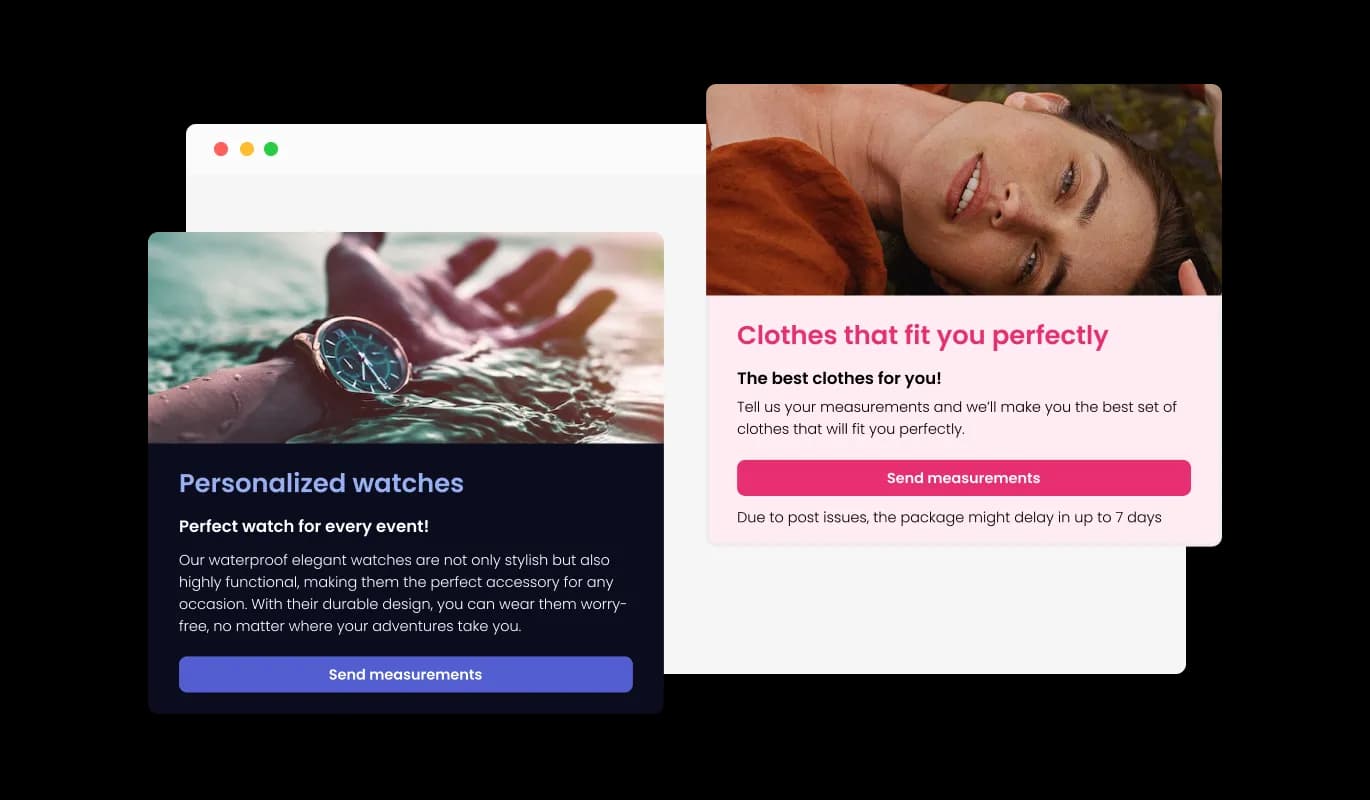
Make Your Form Stand Out with the Addition of Images and Content

Create an Exceptional Submission Experience by Adding Images, Descriptive Text, and Titles to Your Form. Maximize Conversion Rates by Adding Explanatory Form Elements and Creating a Smoother Submission Process.

Contact Form - Make Your Form Stand Out with the Addition of Images and Content

Customize Your Contact Form's Header and Footer

Customize your Contact Form for Quarkly with a personalized header and footer that includes images. Customize your Contact Form with this feature to create a more professional and visually appealing form that reflects your Quarkly website's design.

Contact Form - Customize Your Contact Form's Header and Footer

Ensure you never miss a new Contact Form submission by enabling notifications

Turn on notifications for the Quarkly Contact Form widget to receive alerts for new submissions. The Quarkly Contact Form widget makes it simple to set up automated email notifications for every form submission, including confirmation emails sent to both users and designated email addresses.

Contact Form - Ensure you never miss a new Contact Form submission by enabling notifications
Contact Form - Export your Contact Form Submissions to a CSV file

Export your Contact Form Submissions to a CSV file

With the Quarkly Contact Form, you can export your entry collection to a CSV file for further analysis and integration with other software. For businesses that need to keep track of client interactions, this feature is a valuable tool for data analysis and reporting purposes.

Contact Form - Eliminate Spam on Your Quarkly Contact Form

Eliminate Spam on Your Quarkly Contact Form

Activate the CAPTCHA anti-spam feature on the Contact Form widget for Quarkly to prevent spam and require user verification before submission. The CAPTCHA anti-spam feature in the Contact Form widget for Quarkly helps keep bots and automated scripts from flooding your inbox with spam messages.

Contact Form - Contact form Skins

Contact form Skins

To help you work more quickly, the Contact form for Quarkly comes with a variety of pre-made skins. To save you time and effort, the Contact form widget also comes with various pre-made skins for you to choose from. These skins are created to give you a quick and simple method to change the Quarkly Contact form's appearance and feel to fit your brand and aesthetic. Without beginning from scratch, it is easy to obtain the required style using pre-made skins.

Contact Form -

You can embed Contact form for Quarkly on website by copying and pasting a single line of code. If the widget is embedded, the Contact form and widget will automatically update when you make changes, so there is no need to manually update either. By using this feature, you can save a lot of time and effort, and make sure that your Quarkly Contact form is always accurate and up-to-date.

Allow Multiple Submissions

Enable the option for users to submit multiple entries using the Quarkly Contact Form. The multiple submission feature enables users to conveniently update their information or add more details to their submission as needed.

Contact Form - Allow Multiple Submissions

Customize Your Contact form on Quarkly to Match Your Brand's Identity with Full Control

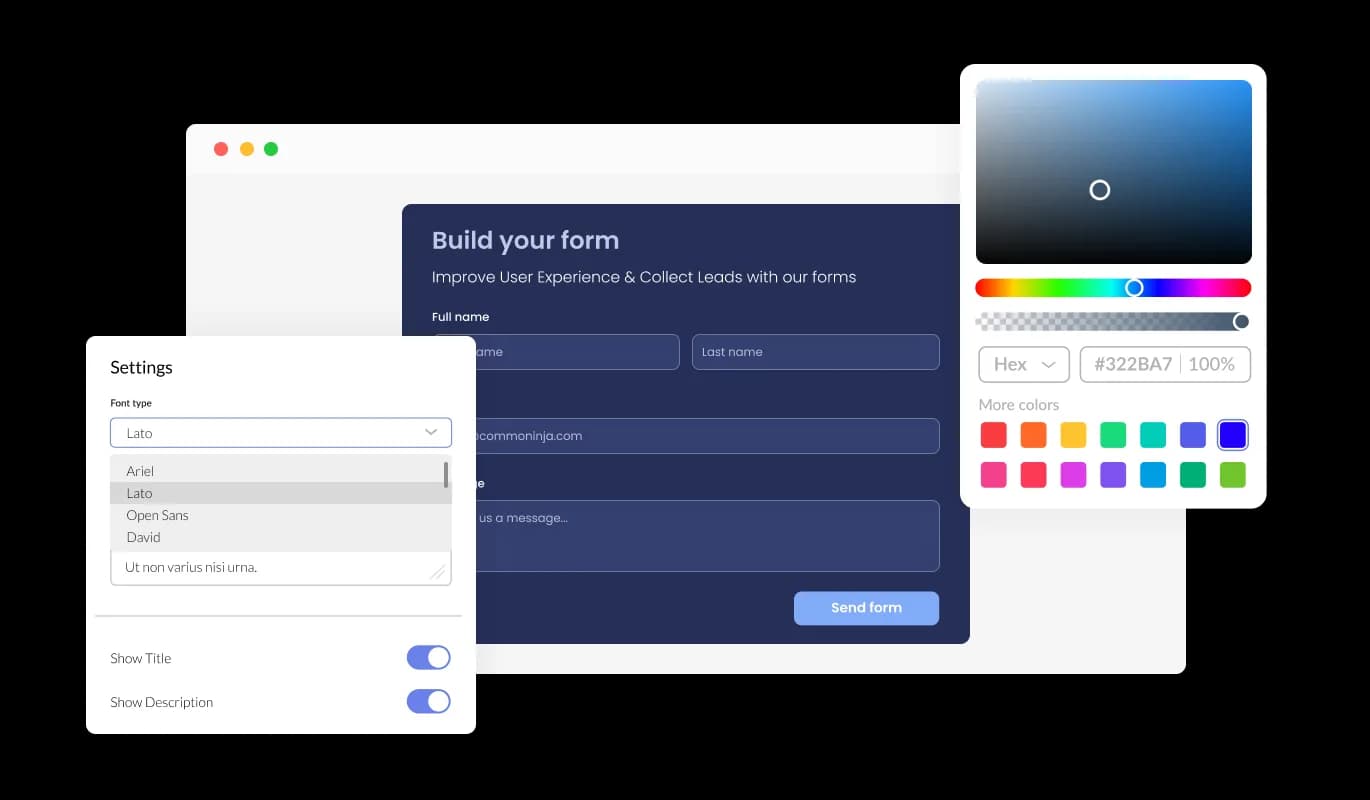
The Contact form for Quarkly features full customization options to edit the design to fit your needs. With this widget, you can change the colors, fonts, spacing, and a wide range of other design elements to create a custom look and feel tailored to your specific requirements. You can change the background color, text color, and even the color of the hover effects to create a cohesive and visually appealing design that matches the look and feel of your website. Another customization option is the ability to change the fonts. You can choose from a wide range of different fonts, to create a unique and visually striking design. A consistent brand identity across all online platforms can be beneficial for businesses.

Contact Form - Customize Your Contact form on Quarkly to Match Your Brand's Identity with Full Control

Perfectly Responsive Design for your Quarkly website

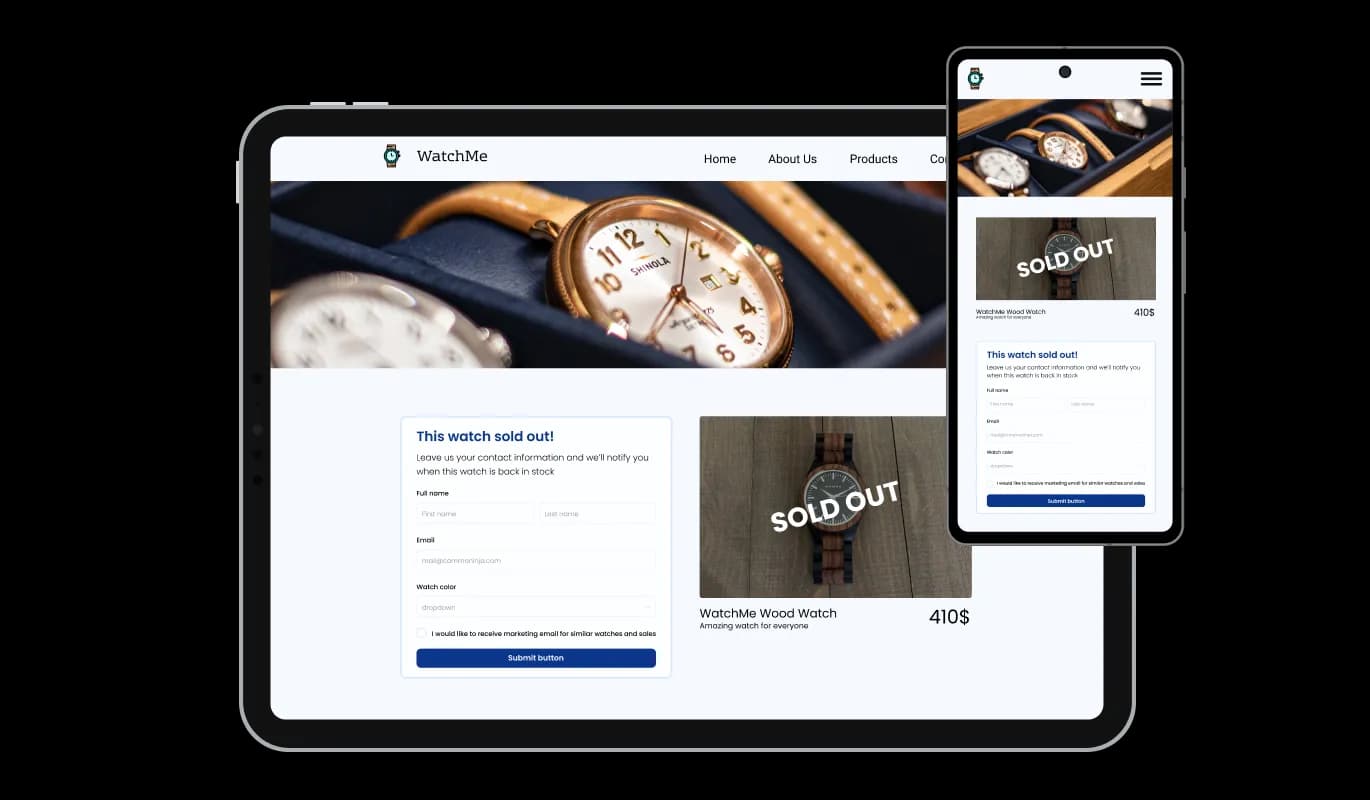
The Quarkly Contact form widget is fully responsive and will look great on any device, this feature can give you a significant advantage over your competitors in today's mobile-first world. With more and more people accessing the internet through their smartphones and tablets, your website must be optimized for mobile devices. The responsive design of the Contact form widget ensures that it will automatically adjust to the size and resolution of the device it is being viewed on, providing a seamless and consistent user experience across all devices. If your users access your Quarkly website on a desktop computer, a tablet, or a smartphone, they will be able to view and interact with your Contact form for Quarkly.

Contact Form - Perfectly Responsive Design for your Quarkly website

A User-friendly interface widget

The Contact form for Quarkly doesn't require any coding knowledge. Our intuitive dashboard with the drag-and-drop feature will enable you to customize the widget any way you’d like to with just a few simple clicks.

Contact Form - A User-friendly interface widget

Custom CSS with Contact form for Quarkly

All of Common Ninja's widgets, including Contact form for Quarkly, also allow you to insert custom CSS, which allows you to be even more creative with your customization. Custom CSS will enable you to create custom styles and design elements that are unavailable through built-in customization options. With custom CSS, you can create unique and visually striking designs tailored to your specific needs. It is also possible to create unique and engaging animations and interactions using custom CSS.

Contact Form - Custom CSS with Contact form for Quarkly

Compatible With All Site Builders, E-Commerce Platforms and Websites

View all supported platforms

FAQ

A contact form widget is a web-based form that is typically embedded on a website or application to allow users to easily send a message or inquiry to the website owner, support team, or other designated recipient. The widget typically includes a series of input fields where the user can enter their name, email address, and message, and a submit button that sends the information to the recipient via email or other communication channels. The contact form widget is a convenient and user-friendly alternative to traditional methods of communication such as email or phone calls.

There are several benefits to adding a contact form to your website:

  1. Convenience: A contact form provides a quick and easy way for users to get in touch with you without having to open their email client or pick up the phone.
  2. Organization: A contact form helps keep your messages and inquiries organized and easy to manage in one central location.
  3. Professionalism: A well-designed contact form can enhance the overall professionalism and credibility of your website.
  4. Customization: Contact forms can be customized to match the branding and design of your website, providing a consistent look and feel for your users.
  5. Anti-spam measures: Contact forms can be configured with anti-spam measures such as CAPTCHA to prevent spam messages and unwanted solicitations.
  6. Data collection: Contact forms can be configured to collect specific data from users, such as their name, email, phone number, or other information that may be useful for your business or organization.
  7. User engagement: Contact forms provide an opportunity for user engagement and can be used to gather feedback or suggestions from your audience.
  1. Keep it simple: A contact form should be straightforward and easy to use. Avoid asking for too much information or cluttering the form with unnecessary fields.
  2. Provide clear instructions: Provide clear instructions and labels for each field to guide users through the form and make it easier for them to fill it out.
  3. Make it accessible: Ensure that your contact form is accessible to all users, including those with disabilities. This means providing proper labels for form elements, using appropriate color contrasts, and providing alternative text for images.
  4. Use anti-spam measures: Use anti-spam measures such as CAPTCHA or honeypot fields to prevent unwanted spam messages.
  5. Test your form: Test your contact form regularly to ensure that it is working properly and that submissions are being received.
  6. Provide confirmation: Provide users with a confirmation message or email to let them know that their message has been received and will be addressed.
  7. Make it mobile-friendly: Ensure that your contact form is optimized for mobile devices, including responsive design and appropriate touch targets.
  8. Be responsive: Respond to inquiries and messages promptly, ideally within 24-48 hours.

By following these best practices, you can ensure that your contact form provides a positive user experience and helps you effectively engage with your audience.

Yes, there are lots of beautiful skins that you can choose from to save time and start using the widget as quickly as possible.

Yes, you can either upload an image, or select an icon from a large selection of available icons to add to your Notification Bar, or you can leave it all blank.

It’s simple. All you need to do is to sign up and start using the free version.

Common Ninja’s Contact Form widget is free to use. It is limited to a certain amount of views, however.

Common Ninja’s Contact Form widget is compatible with ALL current and future website builders.

Yes, the Contact Form widget is GDPR-compliant.

No. Using our Contact Form widget is very simple. The widget comes with an intuitive drag-and-drop interface and fully customizable options. Once you’ve finished editing the widget to your liking, all you need to do is copy the provided code and add it to your website.

Yes. We are eager to hear your request. Please visit our Feature Request page.