Cookies Consent Bar for GetResponse

Display a cookies consent bar that explains usage and supports GDPR compliance, enhancing user trust and legal clarity.

Create a Cookies Consent Bar

loved by 500K+ businesses

GetResponse
plugineditor

Why Should You Use the Cookies Consent Bar Widget+?

Fulfilling Data Privacy Law Requirements

By integrating the Cookies Consent Bar into your GetResponse, you abide by the legal standards set by global data privacy laws like the GDPR and the CCPA, proving that your GetResponse landing page takes user privacy seriously. This GetResponse integration shows that your GetResponse landing page values user privacy and maintains ethical data handling practices.

Promoting Transparency to Enhance Trust

Clearly stating that your GetResponse landing page employs cookies encourages openness with your visitors, which helps to foster trust. The more transparent you are about your data usage, the more likely visitors are to view your landing page as reliable and trustworthy.

Avoiding Potential Legal Issues

This integration can aid in averting any legal consequences associated with failure to comply with data protection and privacy regulations. By providing a clear cookie consent notice on your GetResponse landing page, you can mitigate the risk of potential expensive legal battles.

Easy-to-Understand Cookies Consent Bar for GetResponse

The Cookies Consent Bar integration for GetResponse offers a direct and easily understandable cookie consent notification. The concise and understandable language used in the message ensures that all site users are instantly aware that cookies are in use.
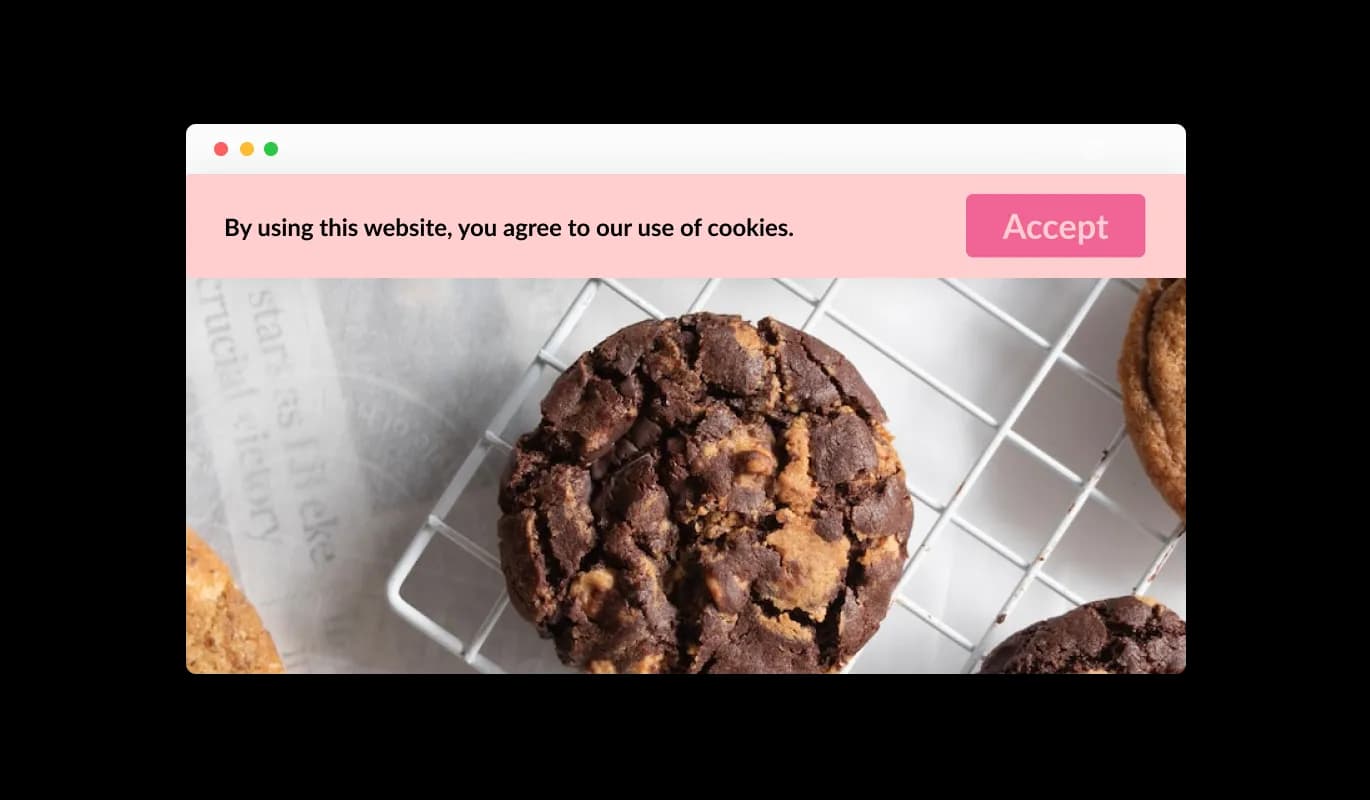
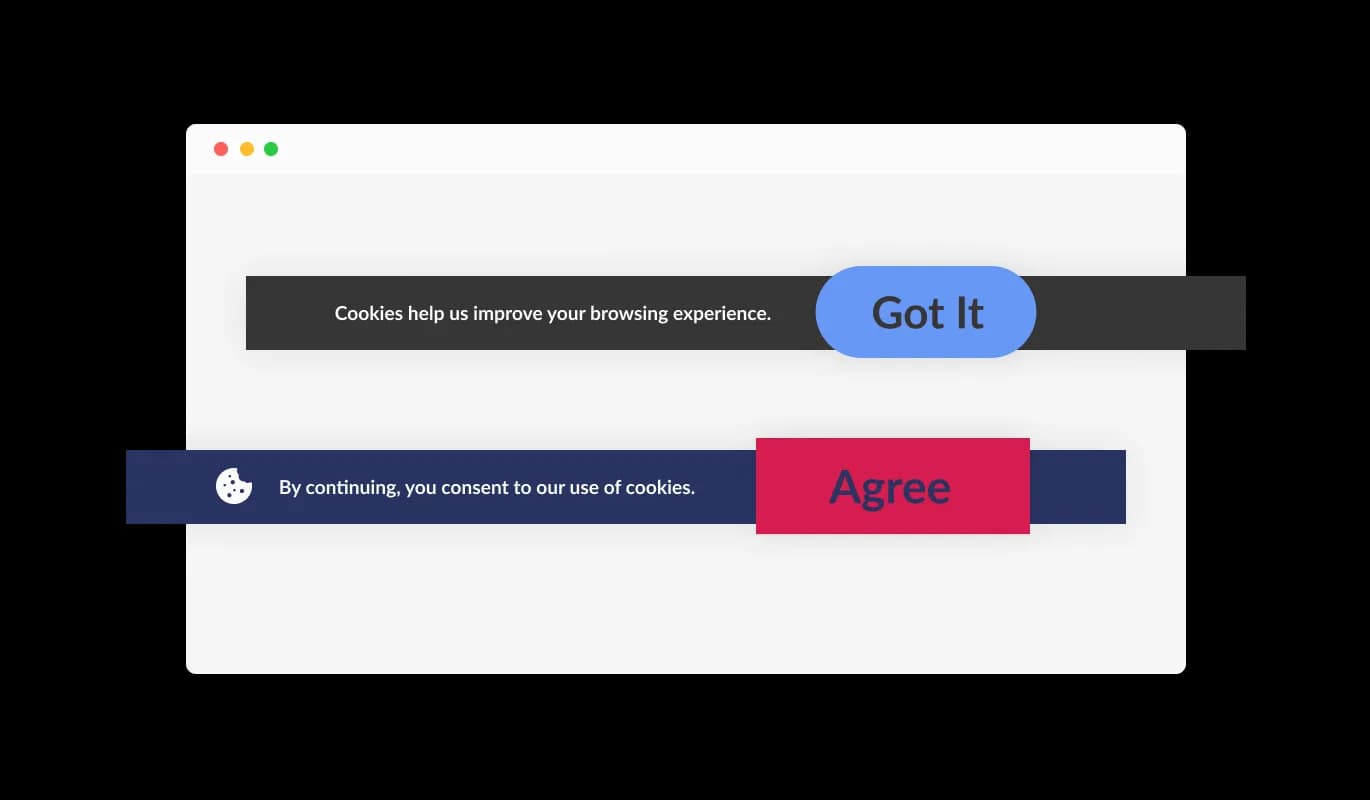
Cookies Consent Bar - Easy-to-Understand Cookies Consent Bar for GetResponse

Straightforward Acknowledgement Option

The Cookies Consent Bar widget on GetResponse provides a user-friendly "Got it" button for users to express their acceptance of cookies. The uncomplicated design of this widget simplifies the process for your GetResponse landing page visitors to consent to the terms, bypassing any complex navigation.

Cookies Consent Bar - Straightforward Acknowledgement Option

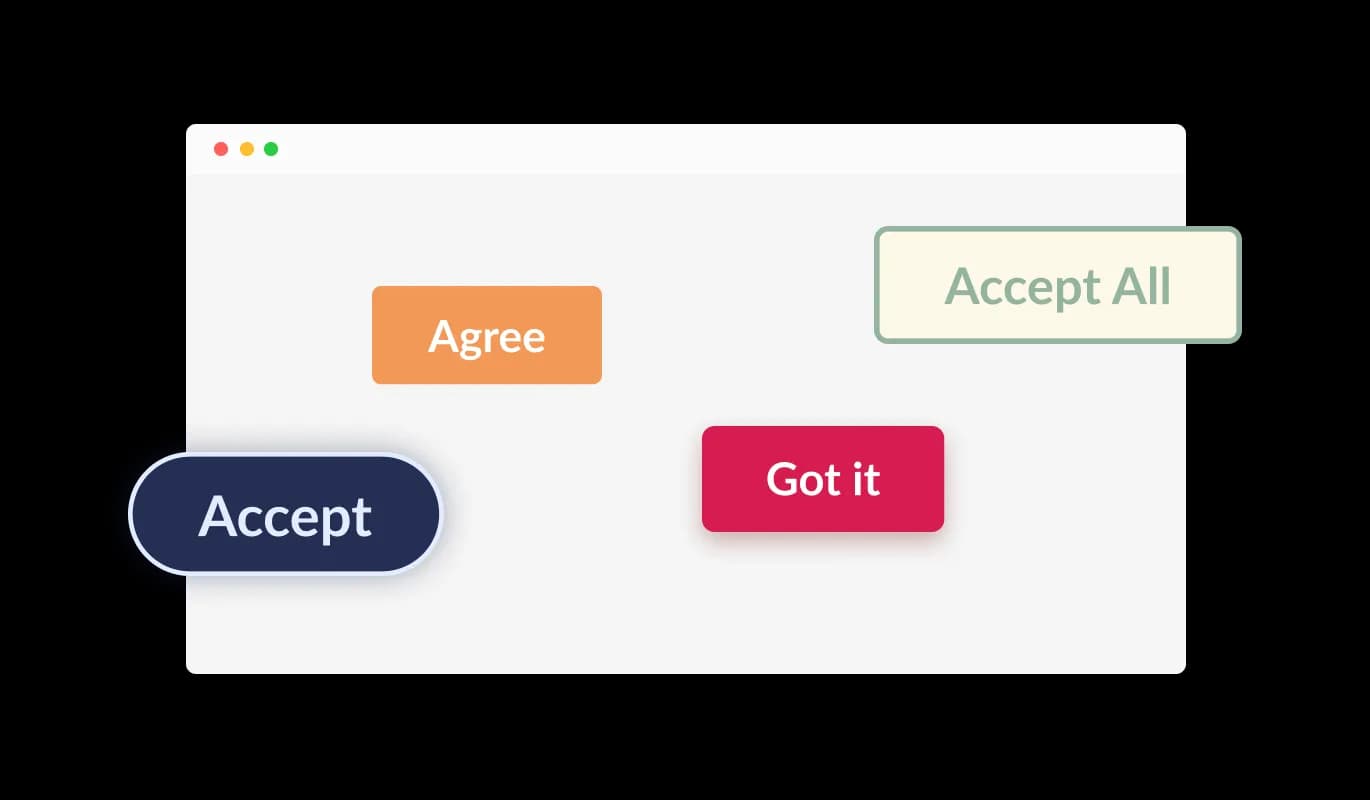
Pick Your Preferred Button Shape

The Cookies Consent Bar integration for GetResponse lets users pick from a variety of shapes for the acknowledgment button. Regardless of your preference for a rounded, square, or different button design, you can opt for a shape that aligns with your GetResponse landing page's look and feel.

Cookies Consent Bar - Pick Your Preferred Button Shape

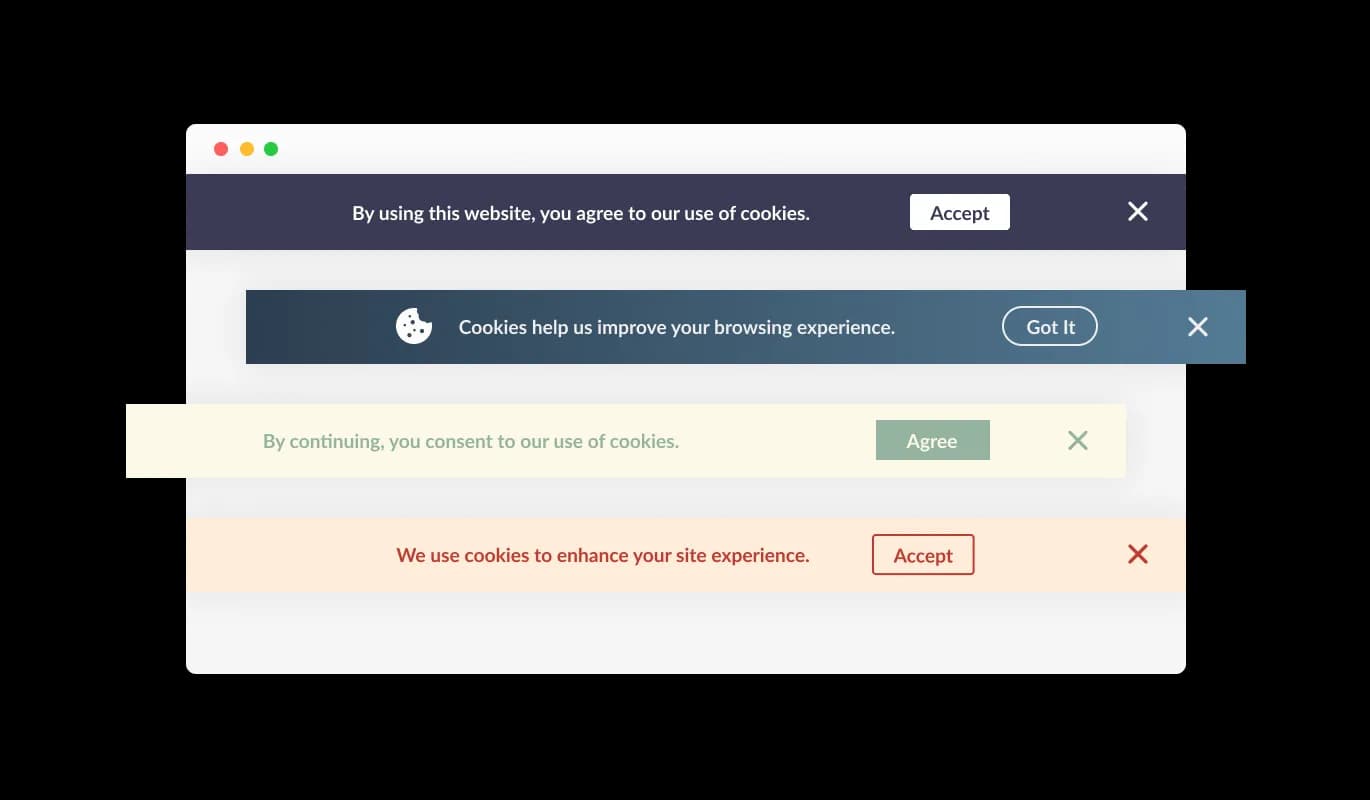
Assorted GetResponse Consent Bar Designs

The GetResponse Cookies Consent Bar integration comes with many ready-to-use designs that you can pick to fit the look and colors of your GetResponse landing page. This way, everything on your site looks like it belongs together, which visitors will appreciate.

Cookies Consent Bar - Assorted GetResponse Consent Bar Designs
Cookies Consent Bar - Continuous Consent Notification

Continuous Consent Notification

The Cookies Consent Bar integration for GetResponse is configured to continually display on the landing page until the user acknowledges the notice. This ensures that all users are aware of your site's cookie usage before they continue browsing.

Cookies Consent Bar - Enriching the Bar with Visual Elements

Enriching the Bar with Visual Elements

The GetResponse Cookies Consent Bar integration provides an option to include an icon or an image as part of the consent bar. You have the flexibility to choose a visual element that aligns with the design and brand identity of your GetResponse landing page, thereby augmenting the harmony of your landing page's appearance.

Cookies Consent Bar - Flexible Link Integration

Flexible Link Integration

The GetResponse Cookies Consent Bar integration provides the flexibility to insert a link into the consent message. This can be directed to your GetResponse landing page's terms of use, privacy policy, or any other relevant external page, offering a straightforward way for users to access more detailed information if they wish.

Cookies Consent Bar - Simple-to-use GetResponse integration

Simple-to-use GetResponse integration

The GetResponse Cookies Consent Bar is easy to use and you don't need to know how to code. With just a few clicks, you can change the bar however you want using our user-friendly controls. It's really that simple!

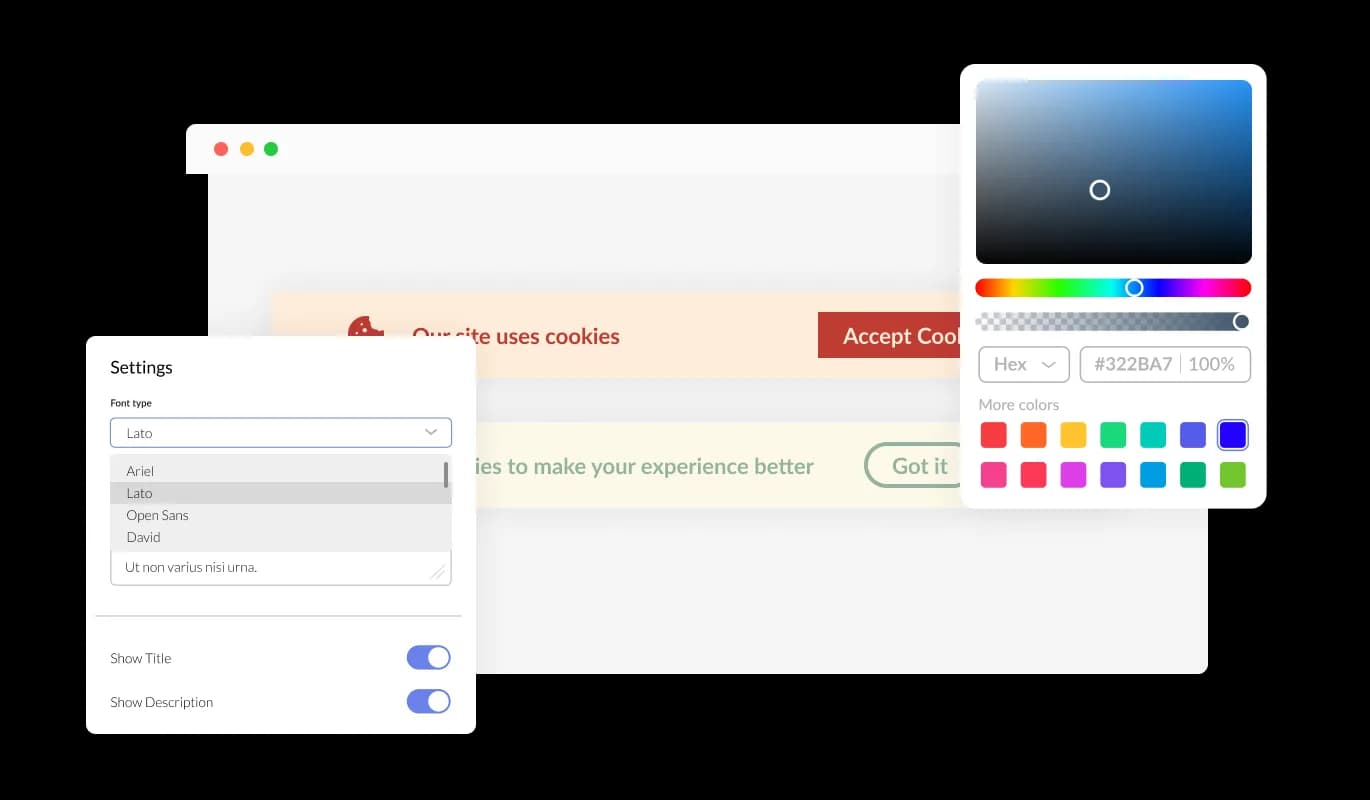
Fully Customizable Consent Bar for GetResponse

The Cookies Consent Bar for GetResponse offers a multitude of customization options, allowing it to function exactly as you prefer. You can tweak colors, change fonts, and even move things around. The easy-to-manipulate controls enable you to tweak its appearance for a perfect fit on your GetResponse landing page, maintaining a consistent browsing experience for your visitors.

Cookies Consent Bar - Fully Customizable Consent Bar for GetResponse

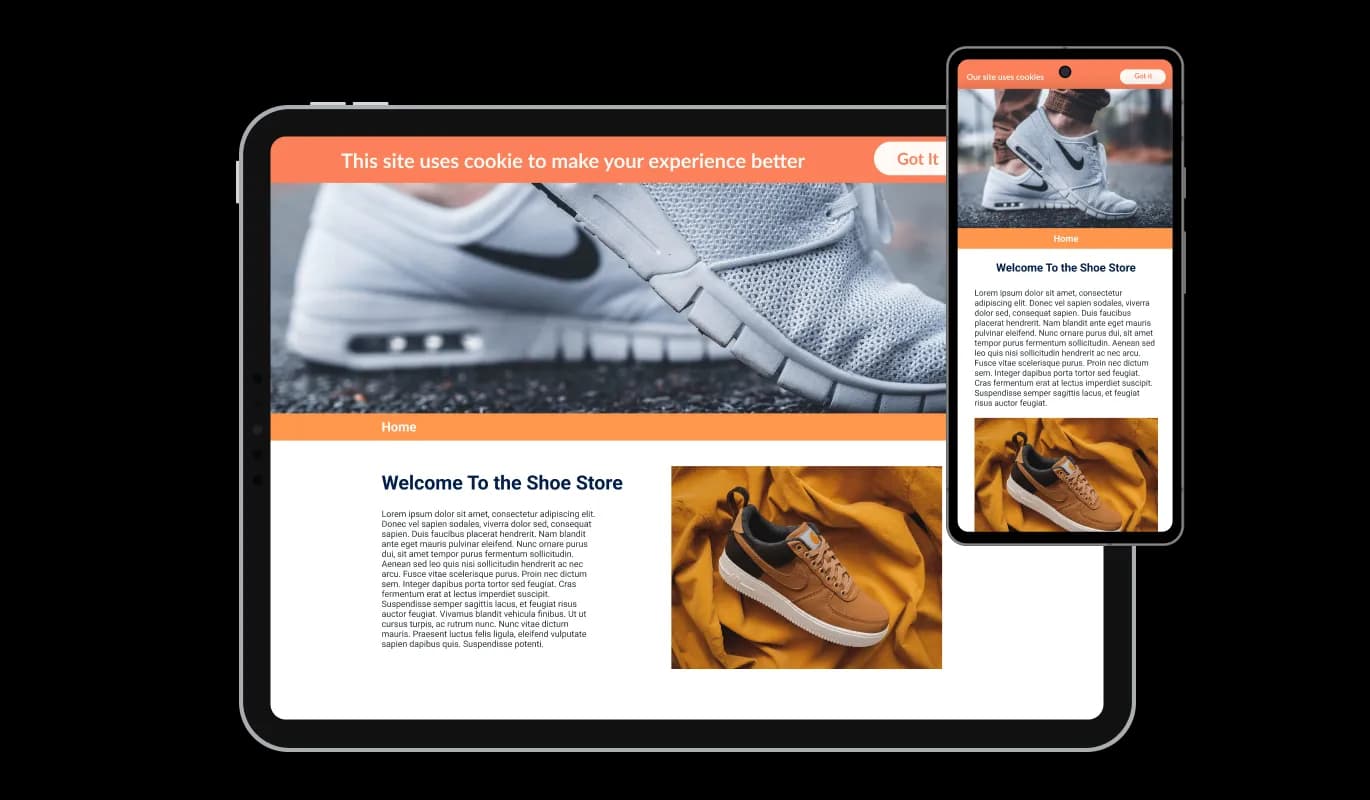
Perfectly Responsive integration

The Cookies Consent Bar integration for GetResponse works well and looks good on all devices, like phones, tablets, and computers. Given that a significant portion of internet users now rely on their mobile devices, it's important that your GetResponse landing page is fully functional on these devices as well. The GetResponse Cookies Consent Bar integration ensures everything works seamlessly and looks appealing, regardless of the device the user is employing.

Cookies Consent Bar - Perfectly Responsive integration

CSS Personalization Features

Our cutting-edge editor is a potent instrument that provides you with comprehensive control over the Cookies Consent Bar's aesthetics. You can readily adjust its design, revamp its colors, change the fonts, shift the layout, and determine where it's located. And if you're feeling extra creative, you can also directly edit the CSS for even more ways to customize it.

Cookies Consent Bar - CSS Personalization Features

Hassle-free Integration of GetResponse Cookies Consent Bar

To add the Cookies Consent Bar integration to your GetResponse landing page, all you have to do is copy the code we give you and put it in your landing page's HTML. The remarkable thing about the Cookies Consent Bar integration is that it automatically updates. So, whenever you make changes in the Consent Bar editor, they will automatically show up on your GetResponse landing page.

Cookies Consent Bar - Hassle-free Integration of GetResponse Cookies Consent Bar

Compatible With All Site Builders, E-Commerce Platforms and Websites

View all supported platforms

FAQ

Web cookies, also known simply as cookies, are small text files that are stored on your computer or other devices when you visit a website. They're used by websites to remember information about you, such as your login details, items in your shopping cart, or your browsing preferences.

Websites use cookies to improve the user experience. They allow websites to remember user preferences, track user interaction with the site, and provide personalized content. Cookies can also be used for targeted advertising, where ads are tailored to a user based on their online activity.

A Cookies Consent Bar is a small notification that appears on a website, informing users that the site uses cookies. It includes a message about cookies being used and a button for the user to acknowledge this message. It's a tool to comply with data privacy regulations, which require websites to inform users about their use of cookies.

To add the Cookies Consent Bar to your website, you need to copy the code provided and paste it into your website's HTML. This is generally a simple process and doesn't require any advanced coding knowledge.

Yes, the Cookies Consent Bar is highly customizable. You can change its design, colors, fonts, and the shape of the acknowledgment button. You can even add a link to your terms of use or another page, and choose to display an icon or image.

Yes, the Cookies Consent Bar is fully responsive and will adapt to the screen size of the device it's being viewed on. This means it works well on all devices, including mobile phones and tablets.

If a user doesn't click the acknowledgment button, the Cookies Consent Bar will continue to display each time they visit the site. It's designed to persistently appear until the user acknowledges the use of cookies.

Yes, the Cookies Consent Bar helps your website comply with global data privacy laws, such as GDPR and CCPA, by clearly informing users about the use of cookies. However, it's important to make sure you're also following any other requirements of these regulations.

If your website collects data from users in the European Union, you are required to inform them about cookie usage and obtain consent. A GDPR Cookie Notice helps you meet these requirements and avoid potential compliance issues.

Not all cookies require consent. Essential cookies needed for basic website functionality are usually allowed without consent, but non-essential cookies like analytics, marketing, and tracking cookies typically require user approval under GDPR.

Yes, under GDPR, users should have the option to accept or reject non-essential cookies. Providing clear choices helps ensure compliance and gives users control over their data.

A GDPR Cookie Notice helps by clearly informing users about cookie usage, requesting consent, and providing access to detailed privacy information. This transparency is a key requirement of GDPR and other privacy regulations.

Yes, it’s recommended to include a link to your cookie or privacy policy within the notice. This allows users to access detailed information about how their data is collected and used.

No, a well-implemented GDPR Cookie Notice is lightweight and designed to run without affecting your website’s speed or performance.

Yes, you can choose how and where the GDPR Cookie Notice is displayed, including its position on the screen and when it appears to users.

A cookie notice is an important part of GDPR compliance, but it is not the only requirement. You must also properly manage cookies, store consent records, and follow broader data protection practices.