Cookies Consent Bar for Kajabi

Display a cookies consent bar that explains usage and supports GDPR compliance, enhancing user trust and legal clarity.

Create a Cookies Consent Bar

loved by 500K+ businesses

Kajabi
plugineditor

Why Should You Use the Cookies Consent Bar Widget+?

Upholding Global Data Privacy Rules

Implementing the Cookies Consent Bar for Kajabi helps your website adhere to numerous international data privacy rules, like the EU's General Data Protection Regulation (GDPR) and the U.S.'s California Consumer Privacy Act (CCPA). This Kajabi widget shows that your Kajabi page values user privacy and maintains ethical data handling practices.

Gaining Confidence from Users

When you make it clear that your Kajabi page uses cookies, you promote transparency with your visitors, which in return, builds a reliable relationship. Visitors are more likely to consider your page trustworthy when they see you are open about your data usage.

Escaping Potential Legal Troubles

The widget assists in preventing potential legal complications or penalties by ensuring compliance with data protection and privacy laws. You can deflect potential legal disputes that can be expensive by displaying a clear cookie consent notice on your Kajabi page.

Straightforward Cookies Consent Bar for Kajabi

The Cookies Consent Bar widget on Kajabi provides a user-friendly and clear cookie consent message. The simple and clear language used in the message makes sure that all visitors immediately know that the site uses cookies.
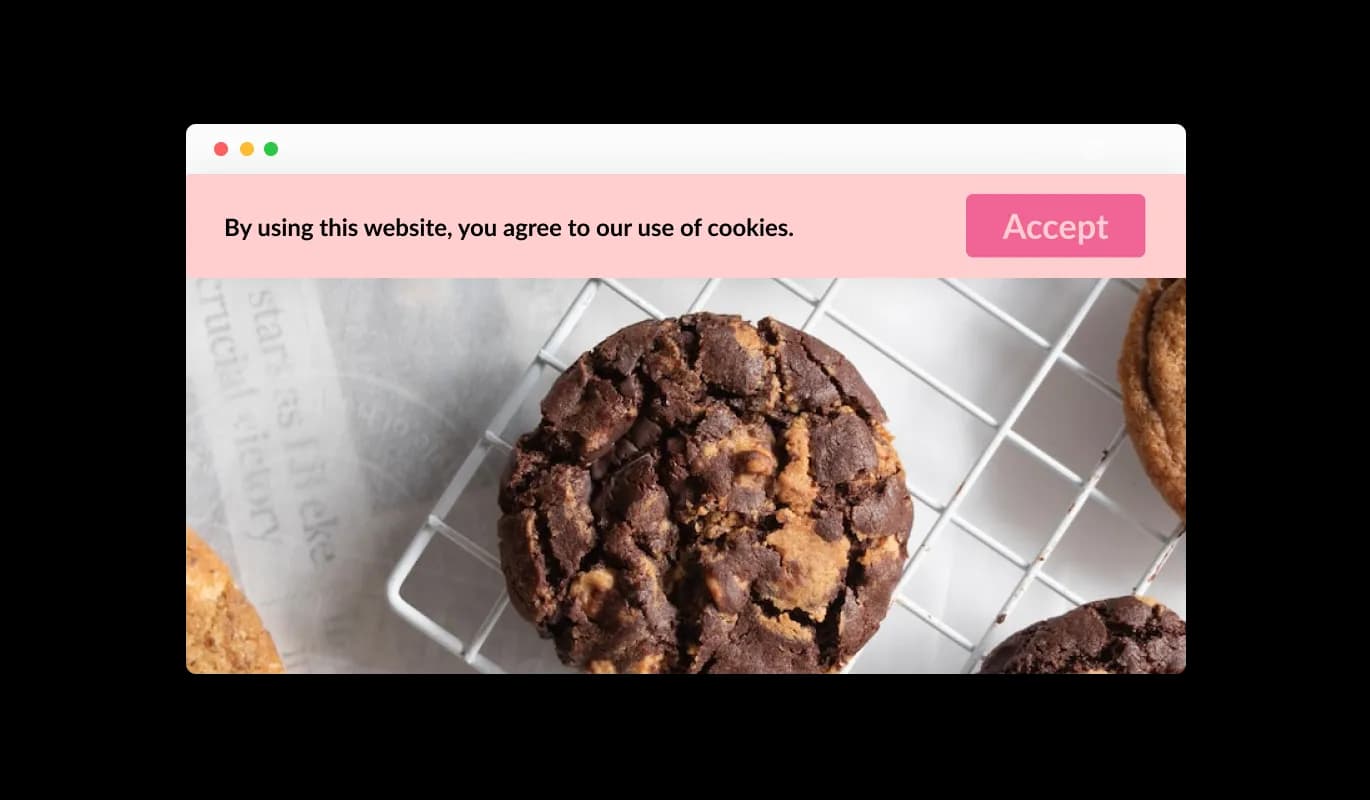
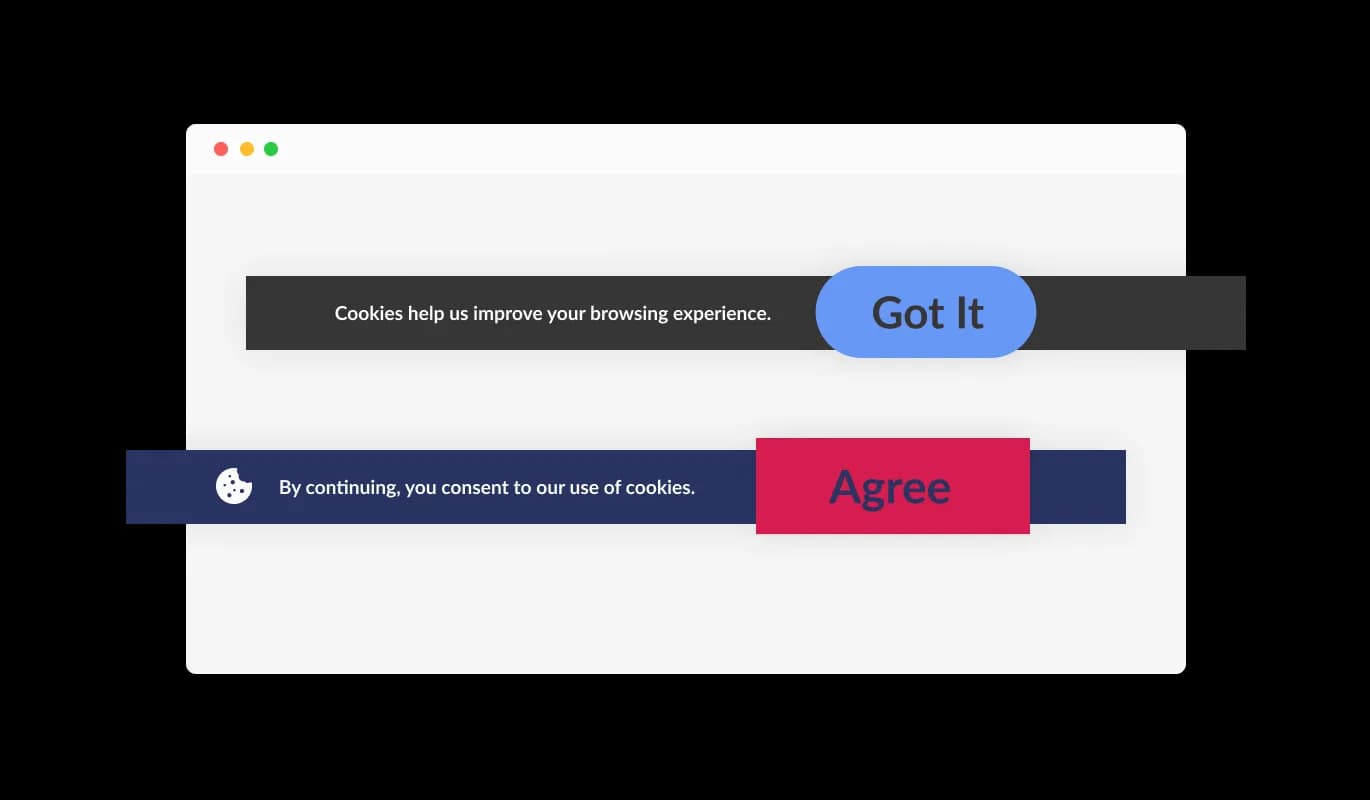
Cookies Consent Bar - Straightforward Cookies Consent Bar for Kajabi

Straightforward Acknowledgement Option

The Cookies Consent Bar widget for Kajabi includes an easy-to-understand "Got it" button, allowing users to agree to the use of cookies. The straightforward design of the widget makes it simple for visitors on your Kajabi page to agree to the terms without struggling with intricate options.

Cookies Consent Bar - Straightforward Acknowledgement Option

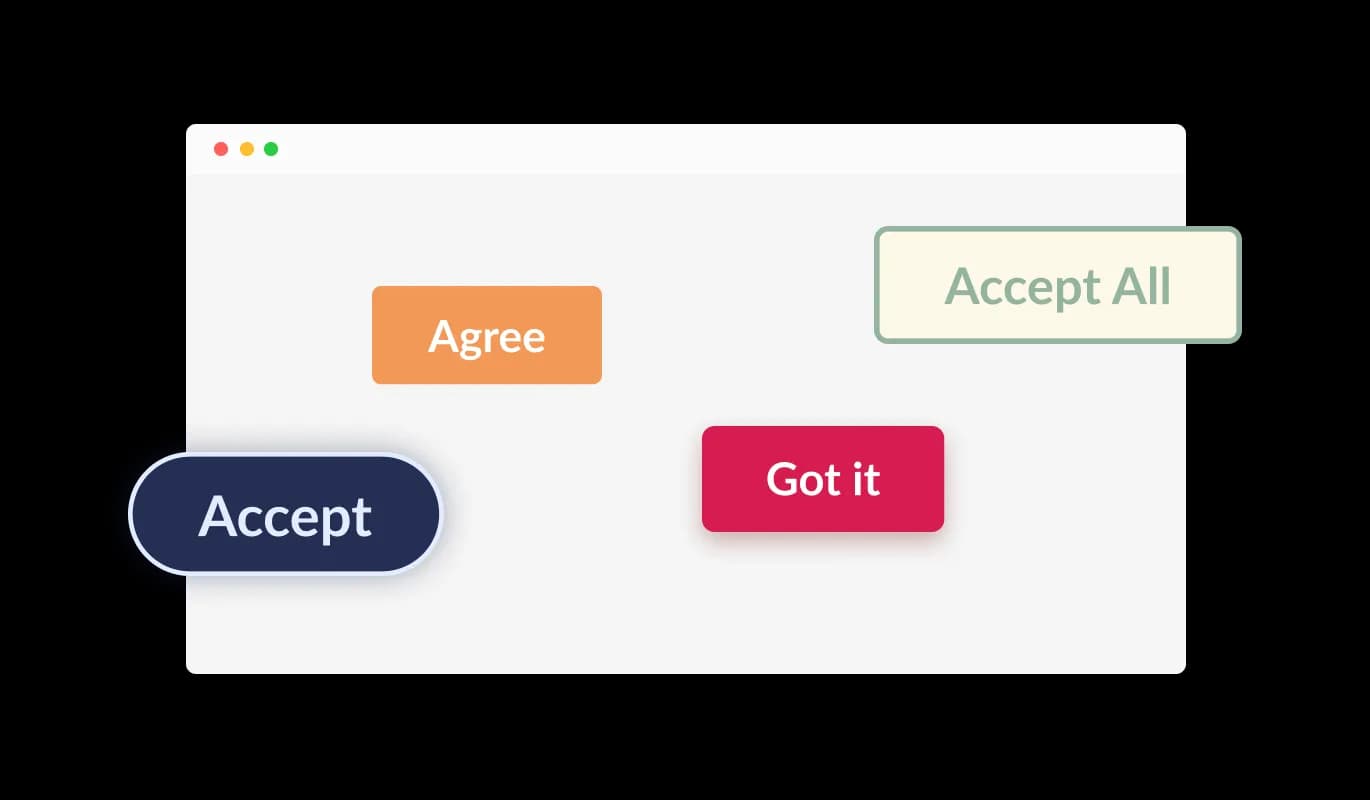
Diverse Button Shapes to Choose From

The Cookies Consent Bar widget for Kajabi provides various button shapes for the acknowledgment button to choose from. No matter if you're looking for a rounded, square, or other types of button design, you can select a button shape that fits your Kajabi page's aesthetic.

Cookies Consent Bar - Diverse Button Shapes to Choose From

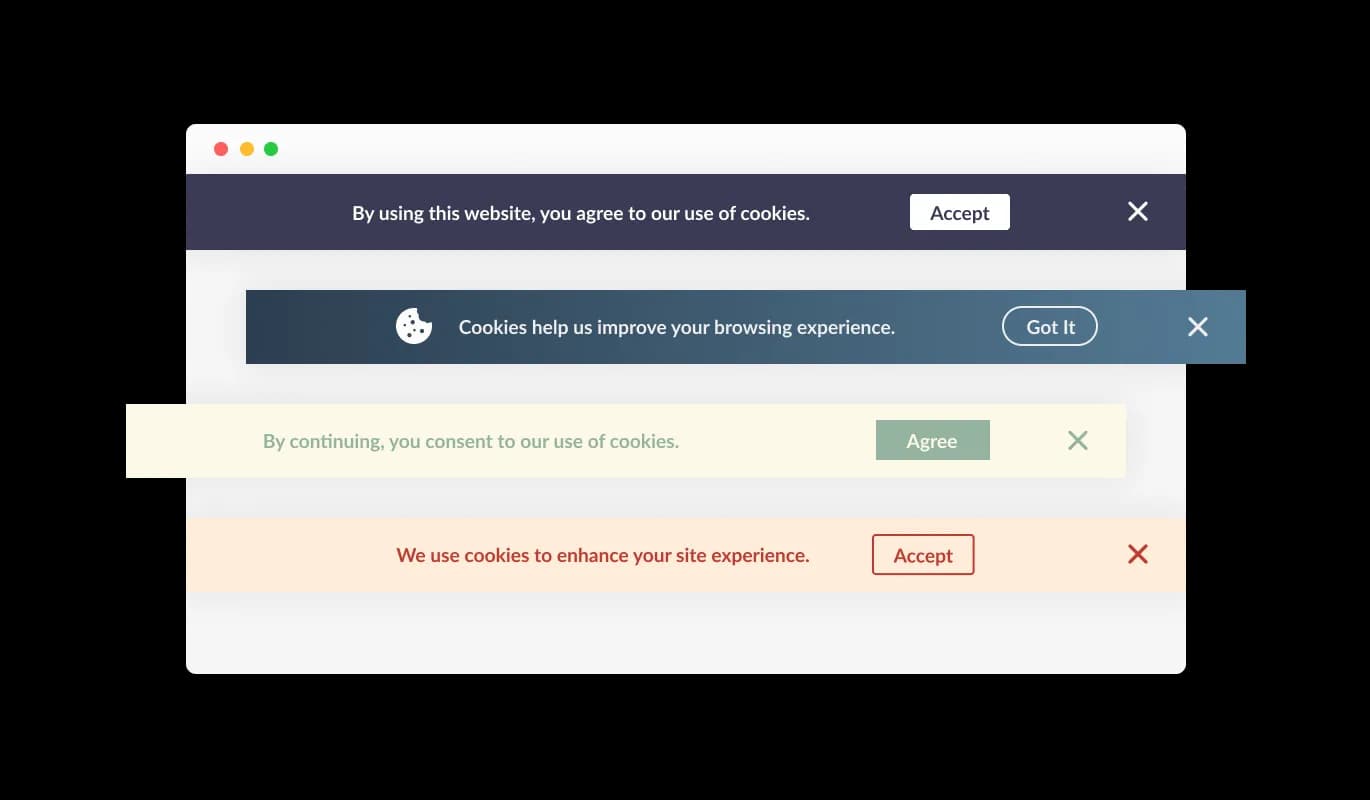
Range of Kajabi Consent Bar Skins

Range of Kajabi Consent Bar Layouts This helps to maintain a unified look across your site, a feature that your site visitors are sure to appreciate.

Cookies Consent Bar - Range of Kajabi Consent Bar Skins
Cookies Consent Bar - Steady Reminder Attribute

Steady Reminder Attribute

The Cookies Consent Bar widget for Kajabi is configured to continually display on the page until the user acknowledges the notice. This secures that each user is aware of the cookie utilization on your site before they proceed further with their browsing.

Cookies Consent Bar - Adorning the Consent Bar with Icons or Images

Adorning the Consent Bar with Icons or Images

The Cookies Consent Bar widget on Kajabi gives you the option to integrate an icon or image within the consent bar. This gives you the flexibility to choose a visual element that aligns with your Kajabi page's design and brand identity, thus enhancing the consistency and coherence of your page's appearance.

Cookies Consent Bar - Simplified Hyperlink Inclusion

Simplified Hyperlink Inclusion

You can include a hyperlink in the consent message using the Cookies Consent Bar widget for Kajabi. You can link this to your Kajabi page's terms of service, privacy policy, or any other related external page, offering an uncomplicated route for users who want to access more information.

Cookies Consent Bar - Easy To Use Kajabi widget

Easy To Use Kajabi widget

The Cookies Consent Bar for Kajabi is straightforward to use and doesn't require any coding knowledge. With a few simple clicks, you can tweak the bar to suit your needs using our straightforward controls. It really is that hassle-free!

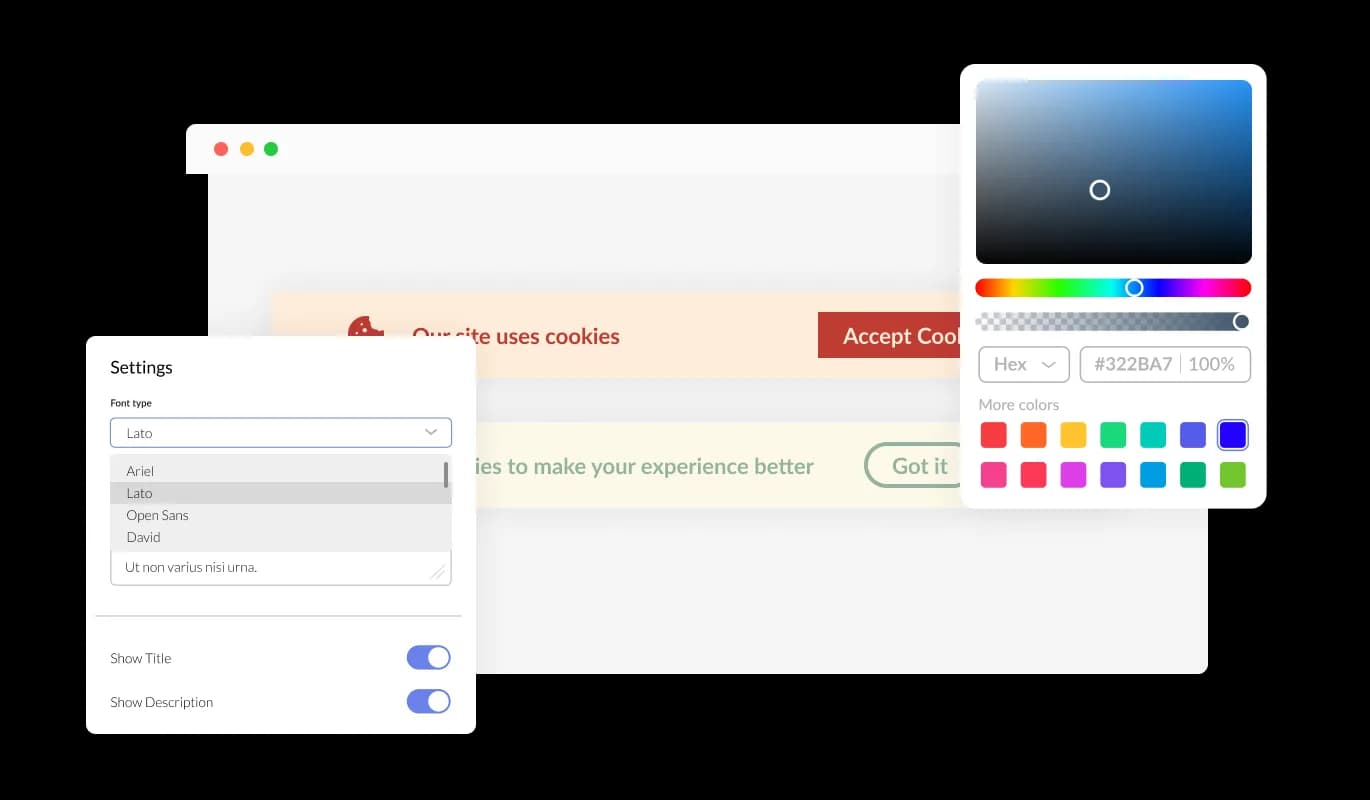
Completely Personalizable Consent Bar for Kajabi

You get ample ways to personalize the design of the Cookies Consent Bar on Kajabi so that it aligns with your preferences. You're able to alter the color scheme, modify the typography, and even shift things around as you see fit. Its simple controls mean you can modify its look to blend perfectly with your Kajabi page, allowing for a seamless browsing experience for your visitors.

Cookies Consent Bar - Completely Personalizable Consent Bar for Kajabi

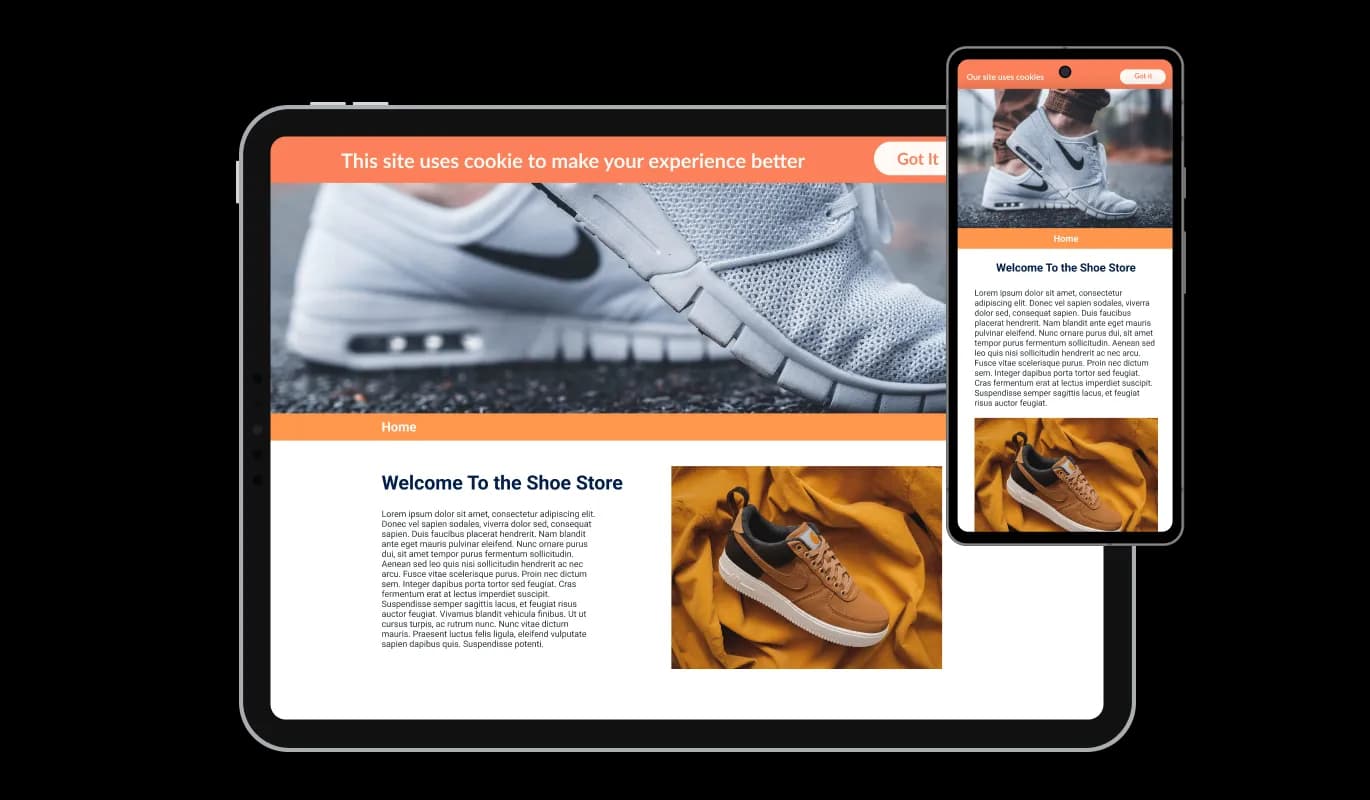
Perfectly Responsive widget

The Cookies Consent Bar widget for Kajabi ensures a seamless operation and aesthetic appeal across all devices, such as smartphones, tablets, and desktops. As a large number of users now browse the internet on their mobile devices, it's important to ensure that all aspects of your Kajabi page are easy to navigate on these devices too. With the Cookies Consent Bar widget for Kajabi, all elements will run smoothly and maintain a pleasing appearance, regardless of the device used for access.

Cookies Consent Bar - Perfectly Responsive widget

Tailor with Custom CSS

Our high-end editor is a formidable tool that grants you complete control over the look and feel of the Cookies Consent Bar. You can easily customize its design, change the color palette, adjust the font styles, modify the layout, and dictate its location. And for those times when you're feeling particularly innovative, you can even directly edit the CSS for additional customization possibilities.

Cookies Consent Bar - Tailor with Custom CSS

Simple Embedding Process for Kajabi Cookies Consent Bar

To integrate the Cookies Consent Bar widget into your Kajabi page, you just need to copy the provided code and insert it into your page's HTML The highlight of the Cookies Consent Bar widget is its capability to self-update. So, every time you tweak something in the Consent Bar editor, these changes will be instantly visible on your Kajabi page.

Cookies Consent Bar - Simple Embedding Process for Kajabi Cookies Consent Bar

Compatible With All Site Builders, E-Commerce Platforms and Websites

View all supported platforms

FAQ

Web cookies, also known simply as cookies, are small text files that are stored on your computer or other devices when you visit a website. They're used by websites to remember information about you, such as your login details, items in your shopping cart, or your browsing preferences.

Websites use cookies to improve the user experience. They allow websites to remember user preferences, track user interaction with the site, and provide personalized content. Cookies can also be used for targeted advertising, where ads are tailored to a user based on their online activity.

A Cookies Consent Bar is a small notification that appears on a website, informing users that the site uses cookies. It includes a message about cookies being used and a button for the user to acknowledge this message. It's a tool to comply with data privacy regulations, which require websites to inform users about their use of cookies.

To add the Cookies Consent Bar to your website, you need to copy the code provided and paste it into your website's HTML. This is generally a simple process and doesn't require any advanced coding knowledge.

Yes, the Cookies Consent Bar is highly customizable. You can change its design, colors, fonts, and the shape of the acknowledgment button. You can even add a link to your terms of use or another page, and choose to display an icon or image.

Yes, the Cookies Consent Bar is fully responsive and will adapt to the screen size of the device it's being viewed on. This means it works well on all devices, including mobile phones and tablets.

If a user doesn't click the acknowledgment button, the Cookies Consent Bar will continue to display each time they visit the site. It's designed to persistently appear until the user acknowledges the use of cookies.

Yes, the Cookies Consent Bar helps your website comply with global data privacy laws, such as GDPR and CCPA, by clearly informing users about the use of cookies. However, it's important to make sure you're also following any other requirements of these regulations.

If your website collects data from users in the European Union, you are required to inform them about cookie usage and obtain consent. A GDPR Cookie Notice helps you meet these requirements and avoid potential compliance issues.

Not all cookies require consent. Essential cookies needed for basic website functionality are usually allowed without consent, but non-essential cookies like analytics, marketing, and tracking cookies typically require user approval under GDPR.

Yes, under GDPR, users should have the option to accept or reject non-essential cookies. Providing clear choices helps ensure compliance and gives users control over their data.

A GDPR Cookie Notice helps by clearly informing users about cookie usage, requesting consent, and providing access to detailed privacy information. This transparency is a key requirement of GDPR and other privacy regulations.

Yes, it’s recommended to include a link to your cookie or privacy policy within the notice. This allows users to access detailed information about how their data is collected and used.

No, a well-implemented GDPR Cookie Notice is lightweight and designed to run without affecting your website’s speed or performance.

Yes, you can choose how and where the GDPR Cookie Notice is displayed, including its position on the screen and when it appears to users.

A cookie notice is an important part of GDPR compliance, but it is not the only requirement. You must also properly manage cookies, store consent records, and follow broader data protection practices.