Cookies Consent Bar for Mozello

Display a cookies consent bar that explains usage and supports GDPR compliance, enhancing user trust and legal clarity.

Create a Cookies Consent Bar

loved by 500K+ businesses

Mozello
plugineditor

Why Should You Use the Cookies Consent Bar Widget+?

Adherence to Data Privacy Regulations

Implementing the Cookies Consent Bar for Mozello helps your website adhere to numerous international data privacy rules, like the EU's General Data Protection Regulation (GDPR) and the U.S.'s California Consumer Privacy Act (CCPA). This Mozello widget shows that your Mozello website values user privacy and maintains ethical data handling practices.

Fostering User Trust

Clearly stating that your Mozello website employs cookies encourages openness with your visitors, which helps to foster trust. Visitors are more likely to consider your website trustworthy when they see you are open about your data usage.

Avoiding Potential Legal Issues

By clearly displaying a cookie consent notice on your Mozello website, you can steer clear of any possible legal issues related to non-compliance with data protection laws. Displaying a transparent cookie consent notice on your Mozello website could help ward off costly legal issues.

Straightforward Cookies Consent Bar for Mozello

The Mozello Cookies Consent Bar widget provides a straightforward and clear cookie consent notice. The concise and understandable language used in the message ensures that all site users are instantly aware that cookies are in use.
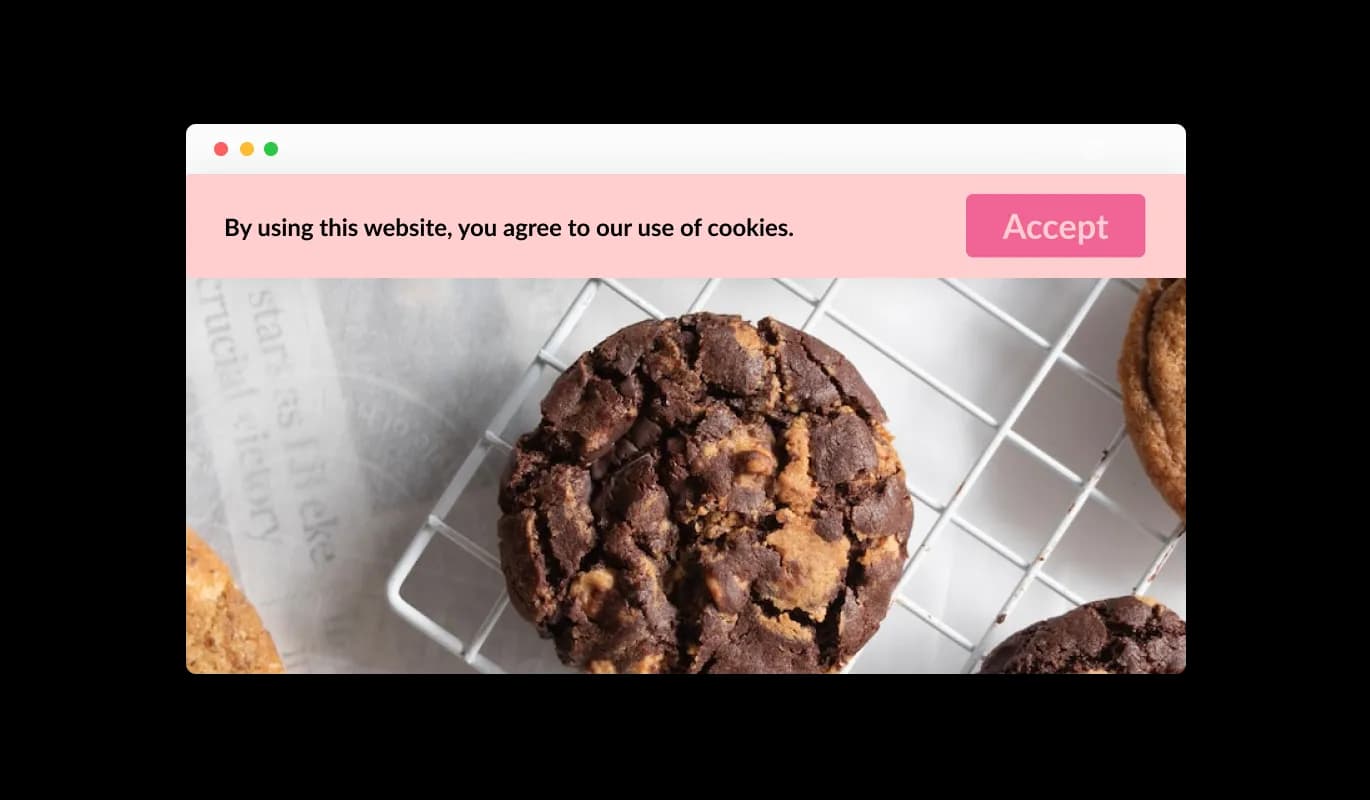
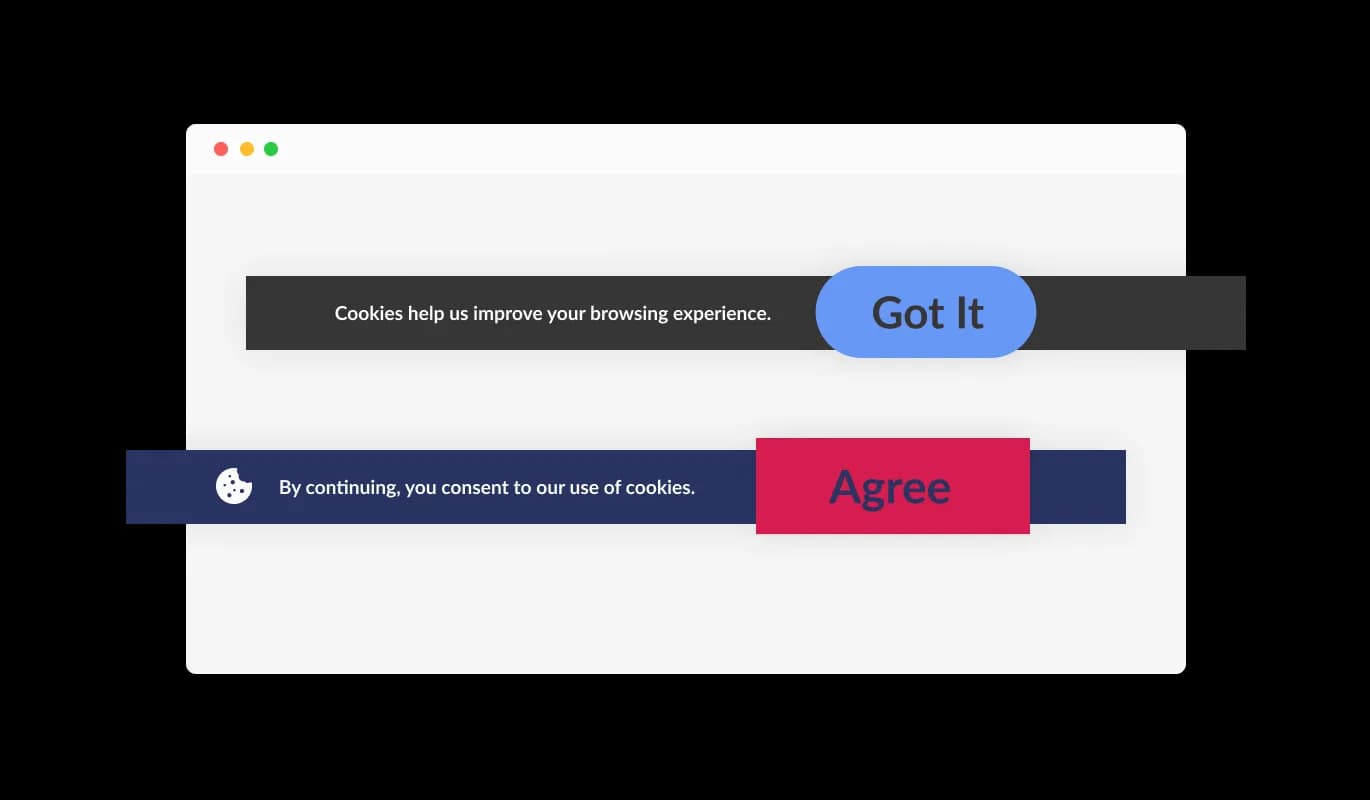
Cookies Consent Bar - Straightforward Cookies Consent Bar for Mozello

Simple Acknowledgement Feature

The Mozello Cookies Consent Bar widget comes equipped with a straightforward "Got it" button for users to confirm their understanding of cookie usage. The intuitive design of the widget allows visitors of your Mozello website to accept the terms with ease, without the need for complicated options.

Cookies Consent Bar - Simple Acknowledgement Feature

Choosing from Different Button Shapes

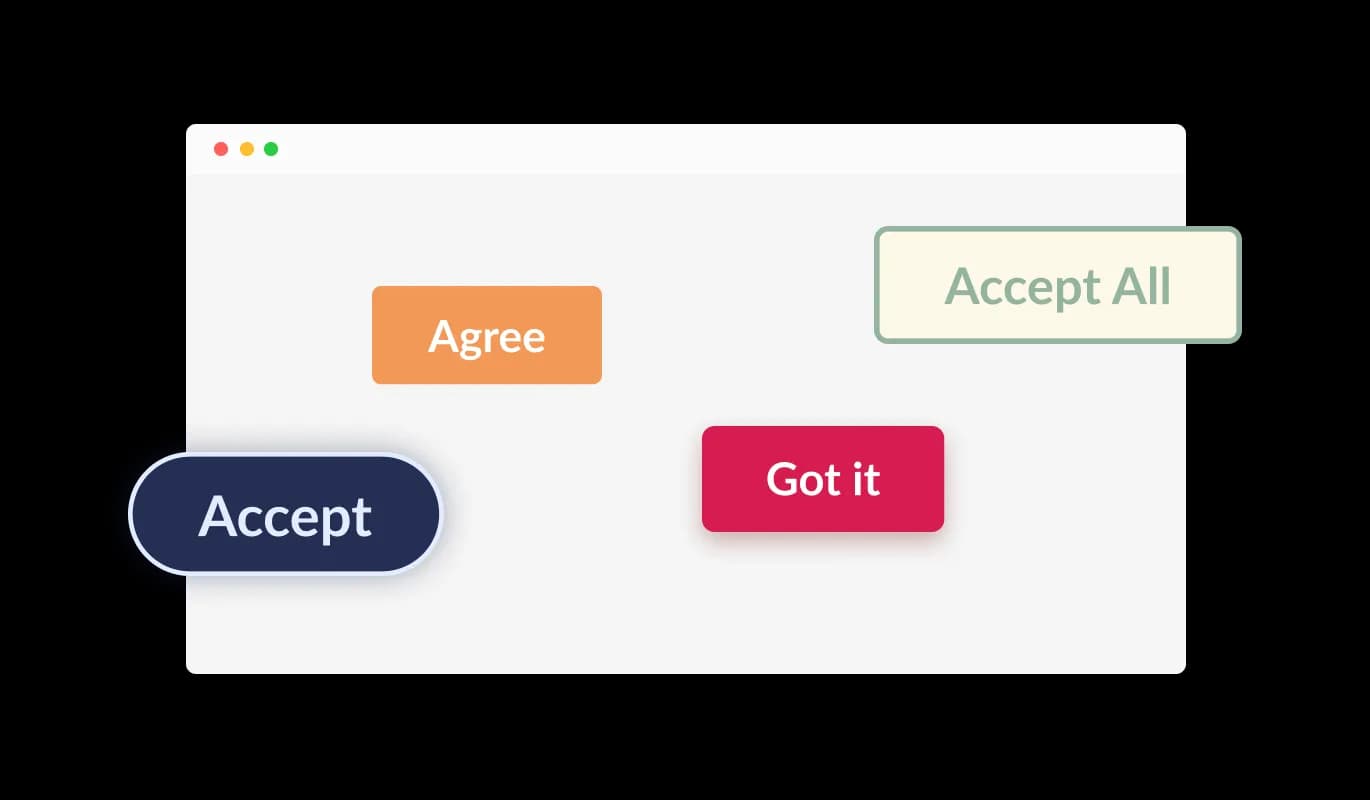
The Cookies Consent Bar widget for Mozello lets users pick from a variety of shapes for the acknowledgment button. Whether it's a rounded, square, or other design, you can choose a button shape that best aligns with your Mozello website's aesthetic.

Cookies Consent Bar - Choosing from Different Button Shapes

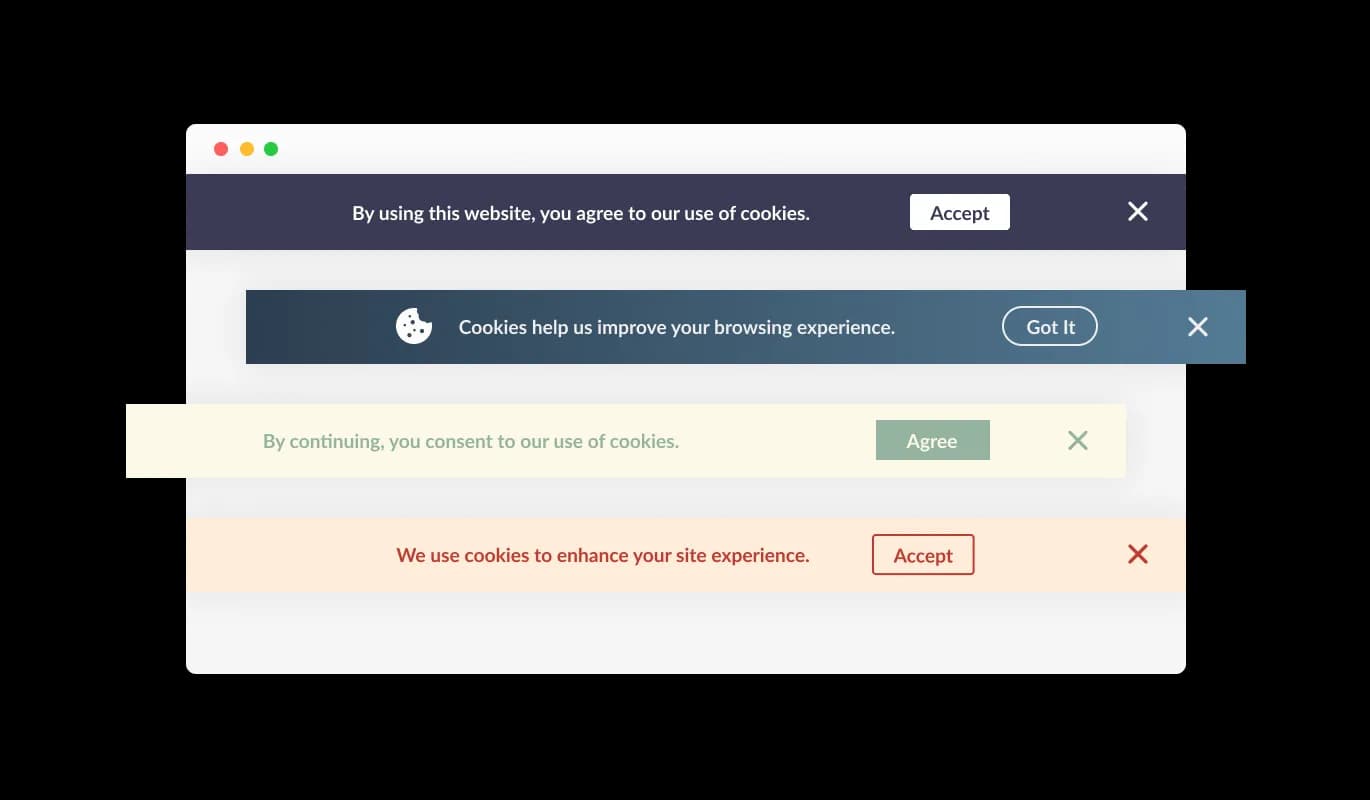
Diverse Mozello Consent Bar Styles

The Mozello Cookies Consent Bar widget comes with many ready-to-use designs that you can pick to fit the look and colors of your Mozello website. In this way, all components on your site look consistent and visually aligned, enhancing the user experience for your visitors.

Cookies Consent Bar - Diverse Mozello Consent Bar Styles
Cookies Consent Bar - Persistent Reminder

Persistent Reminder

The Cookies Consent Bar widget for Mozello consistently surfaces on the website until the user acknowledges its message. This assures all users get to know about your site's usage of cookies before they continue with their navigation.

Cookies Consent Bar - Adding Icons or Images to the Consent Bar

Adding Icons or Images to the Consent Bar

With the Mozello Cookies Consent Bar widget, you have the choice to include an icon or an image within the consent bar. This provides you with the liberty to pick an image or icon that fits with your Mozello website's design and brand image, enhancing the overall look and feel of your website.

Cookies Consent Bar - Convenient Link Addition

Convenient Link Addition

The Cookies Consent Bar widget for Mozello allows you to include a link within the consent message. This link can lead to your Mozello website's terms of use, privacy policy, or any other pertinent external page, providing a simple way for users to find more comprehensive information if needed.

Cookies Consent Bar - Effortless-to-use Mozello widget

Effortless-to-use Mozello widget

The Mozello Cookies Consent Bar is designed for ease of use, and there's no need for you to be proficient in coding. With a few quick clicks, you can modify the bar as desired using our simple controls. It's genuinely that straightforward!

Highly Customizable Consent Bar for Mozello

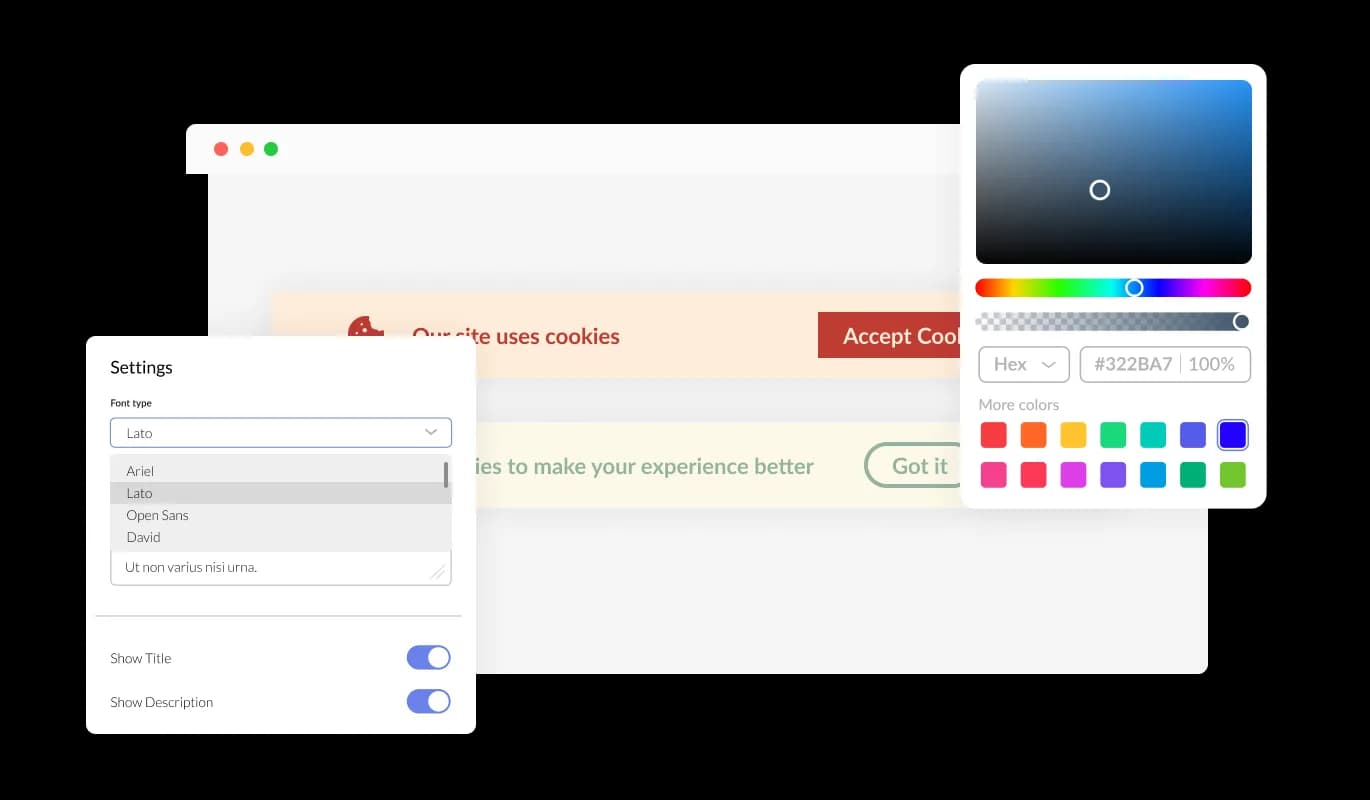
The Mozello Cookies Consent Bar gives you lots of ways to change its design so it works just the way you want it to. You can tweak colors, change fonts, and even move things around. Its simple controls mean you can modify its look to blend perfectly with your Mozello website, allowing for a seamless browsing experience for your visitors.

Cookies Consent Bar - Highly Customizable Consent Bar for Mozello

Exceptional Mobile Responsiveness of widget

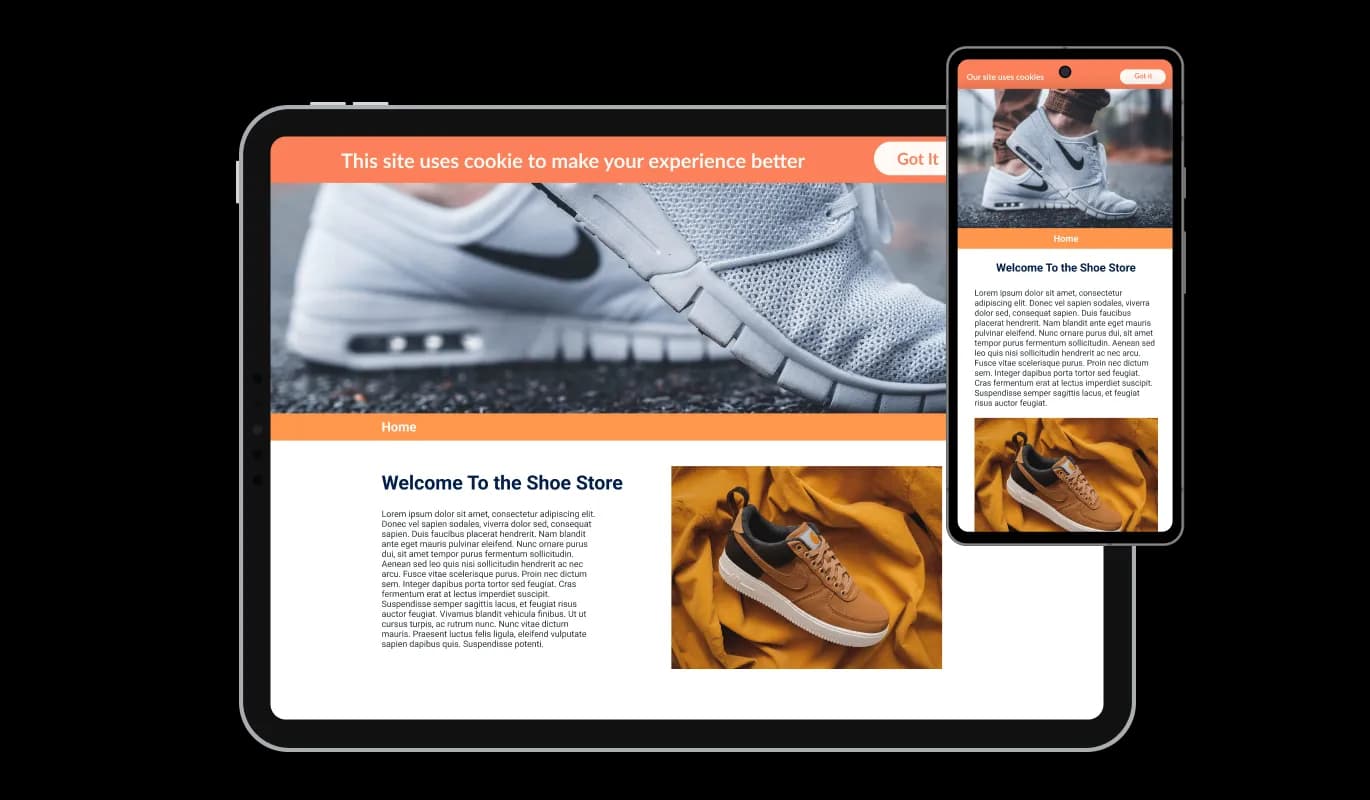
The Cookies Consent Bar widget on Mozello works efficiently and looks appealing on all devices, including smartphones, tablets, and PCs. As a large number of users now browse the internet on their mobile devices, it's important to ensure that all aspects of your Mozello website are easy to navigate on these devices too. With the Cookies Consent Bar widget for Mozello, all features will operate flawlessly and appear attractive, irrespective of the device being used.

Cookies Consent Bar - Exceptional Mobile Responsiveness of widget

Personalize with Custom CSS

Our enhanced editor is a potent tool that allows you to dictate exactly how the Cookies Consent Bar presents itself. It's straightforward to alter its design, modify the color combinations, change the font selections, adapt the layout, and decide on its placement. And if you're feeling extra creative, you can also directly edit the CSS for even more ways to customize it.

Cookies Consent Bar - Personalize with Custom CSS

Simple Embedding Process for Mozello Cookies Consent Bar

Integrating the Cookies Consent Bar widget into your Mozello website is as simple as copying the code we provide and pasting it into your website's HTML. One of the best features of the Cookies Consent Bar widget is its self-updating ability. Consequently, all modifications made in the Consent Bar editor will automatically appear on your Mozello website.

Cookies Consent Bar - Simple Embedding Process for Mozello Cookies Consent Bar

Compatible With All Site Builders, E-Commerce Platforms and Websites

View all supported platforms

FAQ

Web cookies, also known simply as cookies, are small text files that are stored on your computer or other devices when you visit a website. They're used by websites to remember information about you, such as your login details, items in your shopping cart, or your browsing preferences.

Websites use cookies to improve the user experience. They allow websites to remember user preferences, track user interaction with the site, and provide personalized content. Cookies can also be used for targeted advertising, where ads are tailored to a user based on their online activity.

A Cookies Consent Bar is a small notification that appears on a website, informing users that the site uses cookies. It includes a message about cookies being used and a button for the user to acknowledge this message. It's a tool to comply with data privacy regulations, which require websites to inform users about their use of cookies.

To add the Cookies Consent Bar to your website, you need to copy the code provided and paste it into your website's HTML. This is generally a simple process and doesn't require any advanced coding knowledge.

Yes, the Cookies Consent Bar is highly customizable. You can change its design, colors, fonts, and the shape of the acknowledgment button. You can even add a link to your terms of use or another page, and choose to display an icon or image.

Yes, the Cookies Consent Bar is fully responsive and will adapt to the screen size of the device it's being viewed on. This means it works well on all devices, including mobile phones and tablets.

If a user doesn't click the acknowledgment button, the Cookies Consent Bar will continue to display each time they visit the site. It's designed to persistently appear until the user acknowledges the use of cookies.

Yes, the Cookies Consent Bar helps your website comply with global data privacy laws, such as GDPR and CCPA, by clearly informing users about the use of cookies. However, it's important to make sure you're also following any other requirements of these regulations.

If your website collects data from users in the European Union, you are required to inform them about cookie usage and obtain consent. A GDPR Cookie Notice helps you meet these requirements and avoid potential compliance issues.

Not all cookies require consent. Essential cookies needed for basic website functionality are usually allowed without consent, but non-essential cookies like analytics, marketing, and tracking cookies typically require user approval under GDPR.

Yes, under GDPR, users should have the option to accept or reject non-essential cookies. Providing clear choices helps ensure compliance and gives users control over their data.

A GDPR Cookie Notice helps by clearly informing users about cookie usage, requesting consent, and providing access to detailed privacy information. This transparency is a key requirement of GDPR and other privacy regulations.

Yes, it’s recommended to include a link to your cookie or privacy policy within the notice. This allows users to access detailed information about how their data is collected and used.

No, a well-implemented GDPR Cookie Notice is lightweight and designed to run without affecting your website’s speed or performance.

Yes, you can choose how and where the GDPR Cookie Notice is displayed, including its position on the screen and when it appears to users.

A cookie notice is an important part of GDPR compliance, but it is not the only requirement. You must also properly manage cookies, store consent records, and follow broader data protection practices.