Cookies Consent Bar for Semplice

Display a cookies consent bar that explains usage and supports GDPR compliance, enhancing user trust and legal clarity.

Create a Cookies Consent Bar

loved by 500K+ businesses

Semplice
plugineditor

Why Should You Use the Cookies Consent Bar Widget+?

Compliance with Data Privacy Laws

By integrating the Cookies Consent Bar into your Semplice, you abide by the legal standards set by global data privacy laws like the GDPR and the CCPA, proving that your Semplice portfolio takes user privacy seriously. The inclusion of this Semplice widget exhibits your Semplice portfolio's dedication to privacy protection and the responsible handling of data.

Encouraging User Trust through Transparency

By being upfront about your data usage on your Semplice portfolio, you establish a transparent relationship with your visitors, increasing their trust in your portfolio. Openness about your data practices can make visitors see your portfolio as more credible and dependable.

Steering Clear of Legal Issues

By clearly displaying a cookie consent notice on your Semplice portfolio, you can steer clear of any possible legal issues related to non-compliance with data protection laws. A clear cookie consent notice on your Semplice portfolio acts as a safeguard against any expensive legal conflicts.

User-friendly Cookies Consent Bar for Semplice

The Semplice Cookies Consent Bar widget presents a cookie consent notice that's straightforward and easy to comprehend. The plain language used in the message ensures that all visitors are immediately aware of the use of cookies.
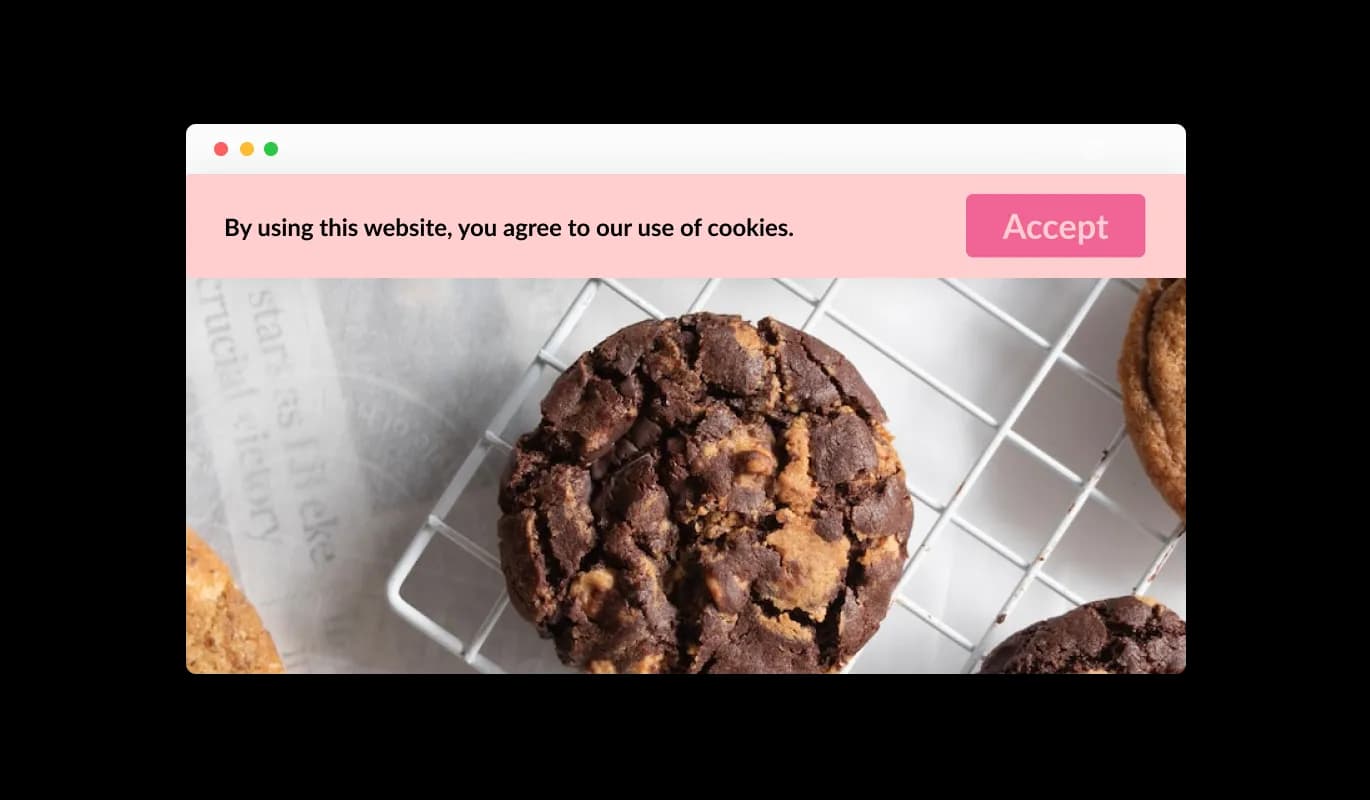
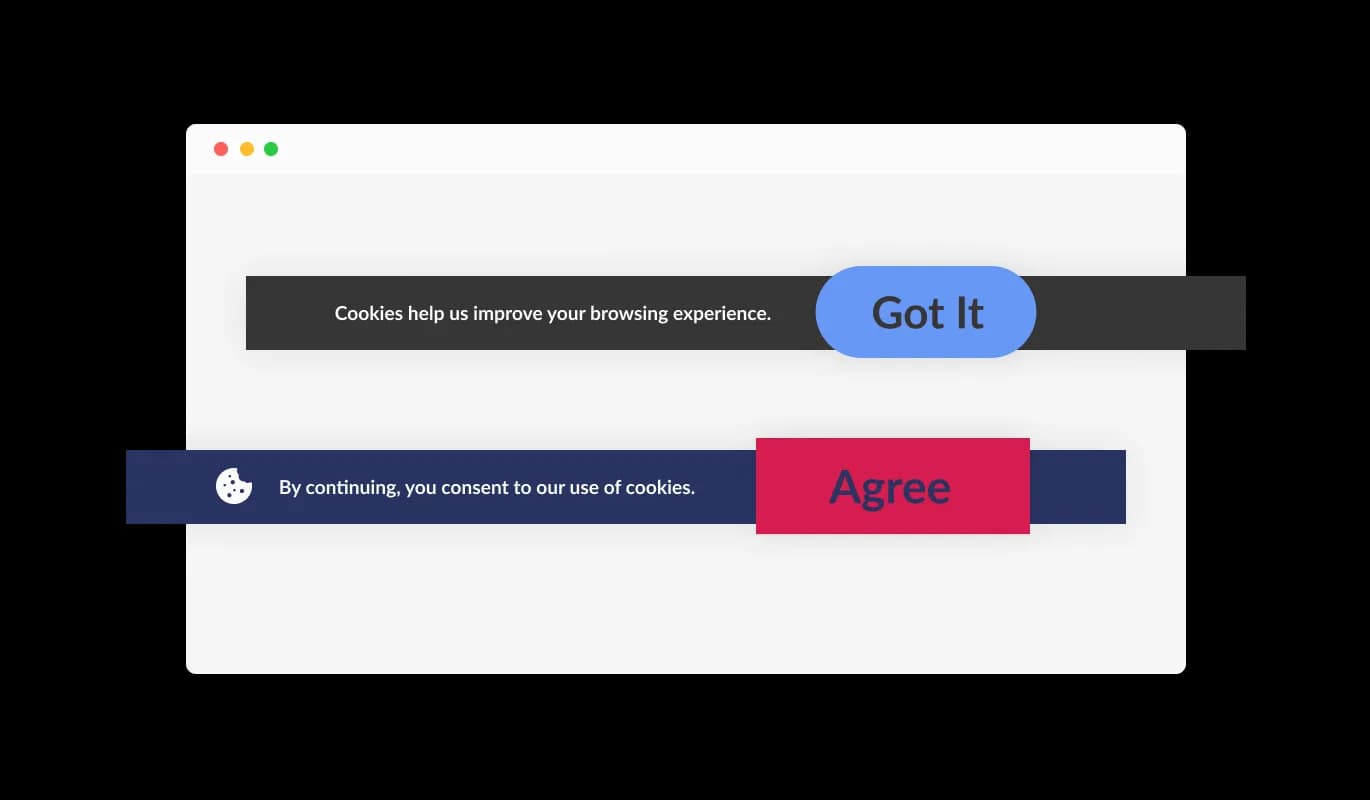
Cookies Consent Bar - User-friendly Cookies Consent Bar for Semplice

Straightforward Acknowledgement Option

The Cookies Consent Bar widget for Semplice features an intuitive "Got it" button for users to acknowledge the cookie usage. This easy-to-use design enables visitors to your Semplice portfolio to quickly accept the terms, avoiding the hassle of navigating through complex choices.

Cookies Consent Bar - Straightforward Acknowledgement Option

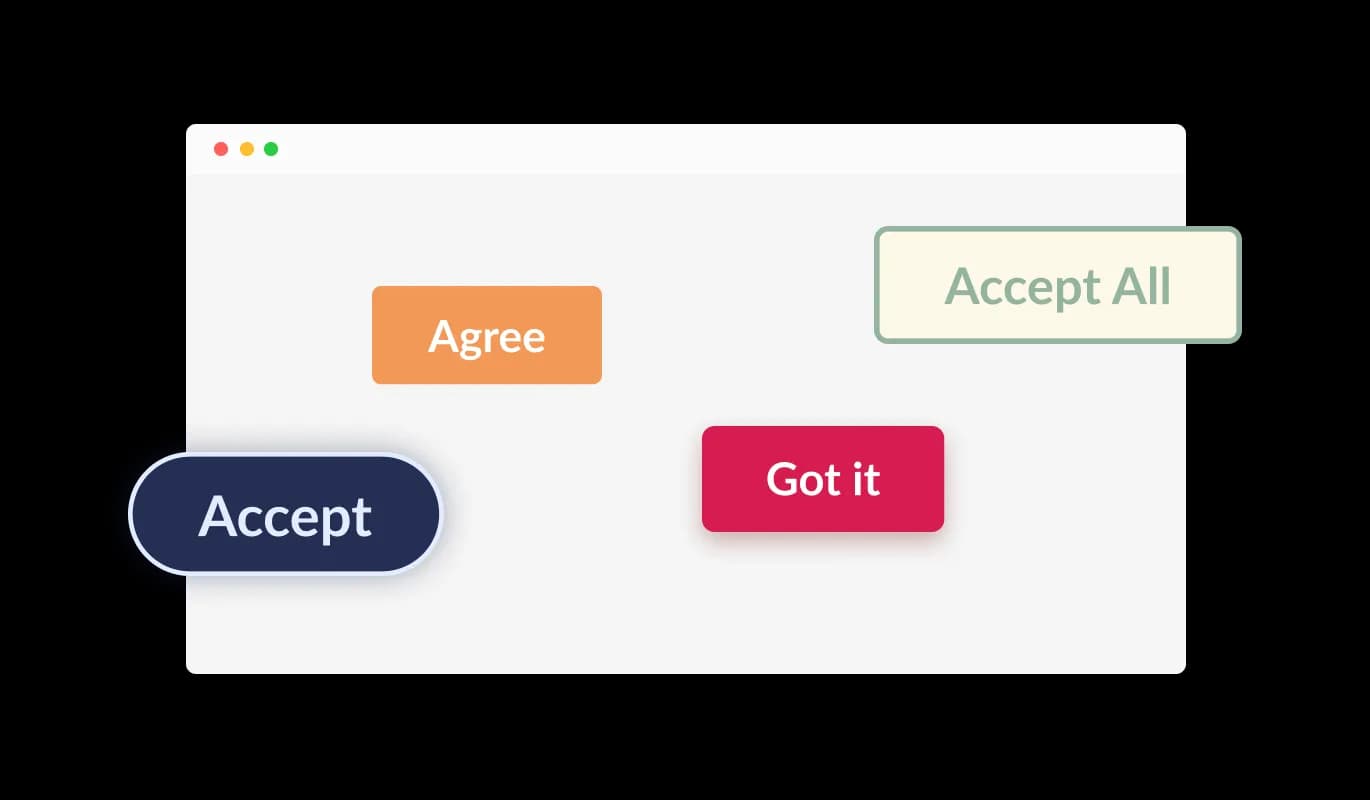
Diverse Button Shapes to Choose From

With the Cookies Consent Bar widget on Semplice, users have an array of button shapes to choose from for the acknowledgment button. No matter if you're looking for a rounded, square, or other types of button design, you can select a button shape that fits your Semplice portfolio's aesthetic.

Cookies Consent Bar - Diverse Button Shapes to Choose From

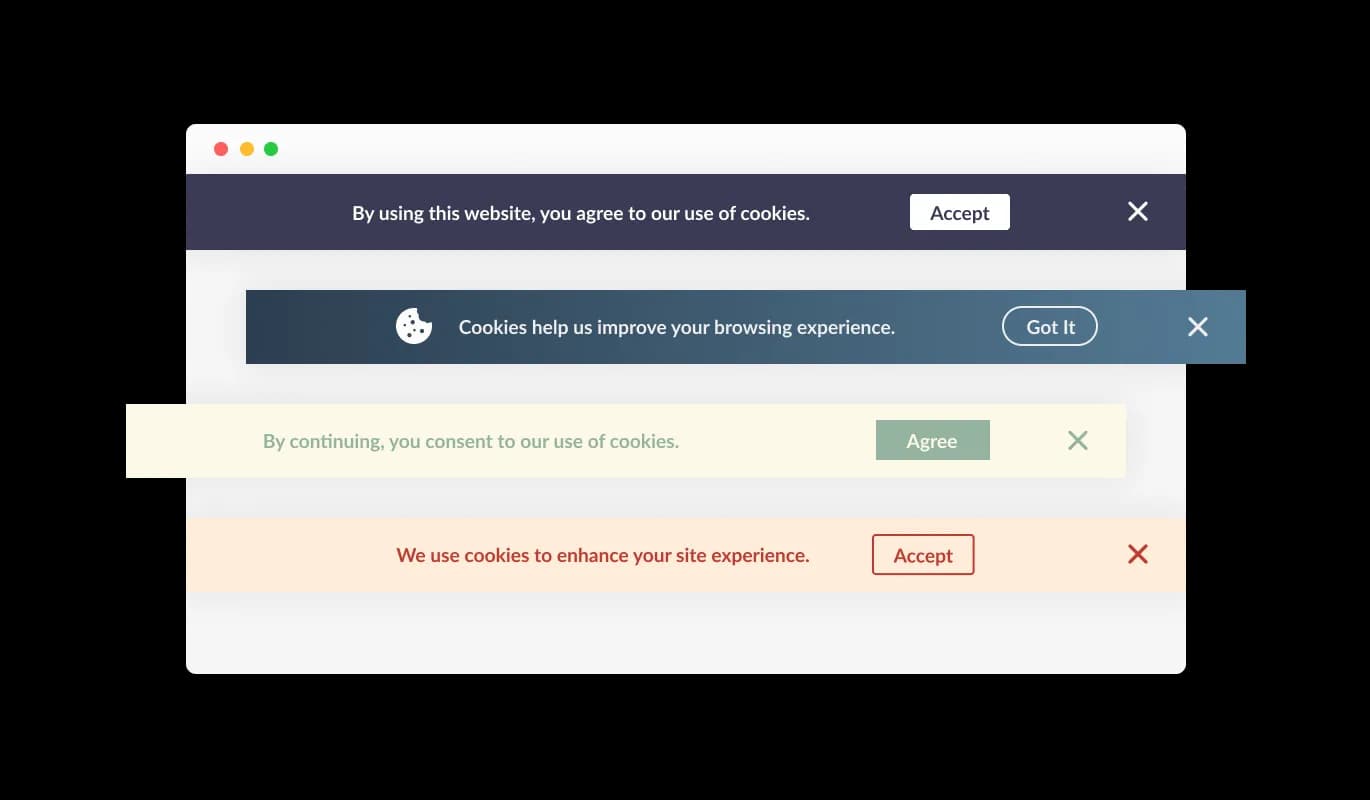
Diverse Semplice Consent Bar Styles

The Cookies Consent Bar widget for Semplice comes equipped with several pre-configured designs that can be chosen to align with your Semplice portfolio's look and colors. By doing so, all aspects of your site maintain a unified appearance, which your site visitors will find appealing.

Cookies Consent Bar - Diverse Semplice Consent Bar Styles
Cookies Consent Bar - Continuous Consent Notification

Continuous Consent Notification

The Cookies Consent Bar widget for Semplice is configured to continually display on the portfolio until the user acknowledges the notice. This ensures that all users are aware of your site's cookie usage before they continue browsing.

Cookies Consent Bar - Adding Icons or Images to the Consent Bar

Adding Icons or Images to the Consent Bar

The Cookies Consent Bar widget on Semplice gives you the option to integrate an icon or image within the consent bar. This allows you to choose a visual that matches your Semplice portfolio's design and brand persona, thus increasing the coherence and consistency of your portfolio's appearance.

Cookies Consent Bar - Flexible Link Integration

Flexible Link Integration

With the Cookies Consent Bar widget on Semplice, you can integrate a link within the consent notice. This can be directed to your Semplice portfolio's terms of use, privacy policy, or any other relevant external page, offering a straightforward way for users to access more detailed information if they wish.

Cookies Consent Bar - Straightforward Semplice widget

Straightforward Semplice widget

The Semplice Cookies Consent Bar is designed for ease of use, and there's no need for you to be proficient in coding. With just a handful of clicks, you can adjust the bar to your liking using our intuitive controls. Yes, it's that uncomplicated!

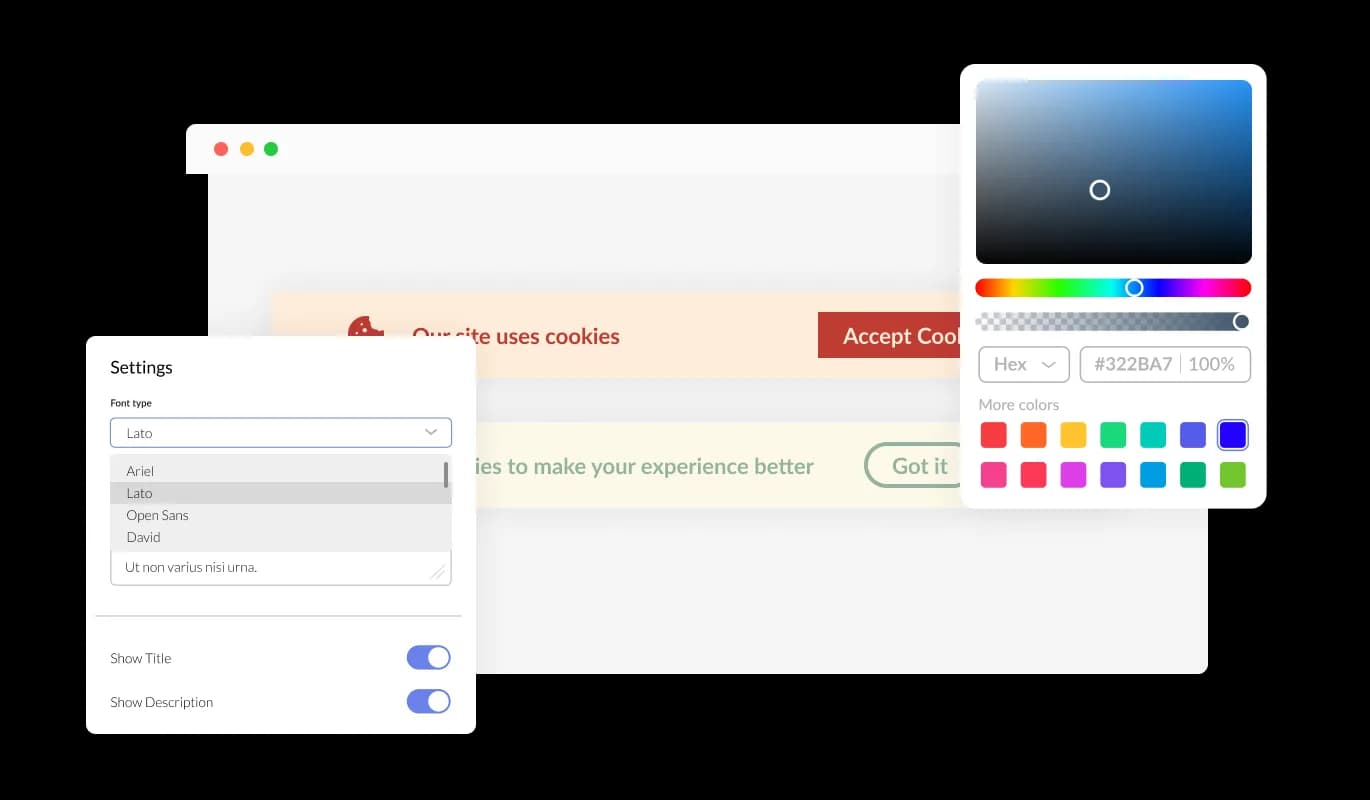
Fully Customizable Consent Bar for Semplice

The Cookies Consent Bar for Semplice offers a multitude of customization options, allowing it to function exactly as you prefer. You have the freedom to alter colors, modify fonts, and rearrange elements as needed. Its user-friendly controls make it easy to tailor it to your taste, providing a consistent browsing experience for your Semplice portfolio visitors.

Cookies Consent Bar - Fully Customizable Consent Bar for Semplice

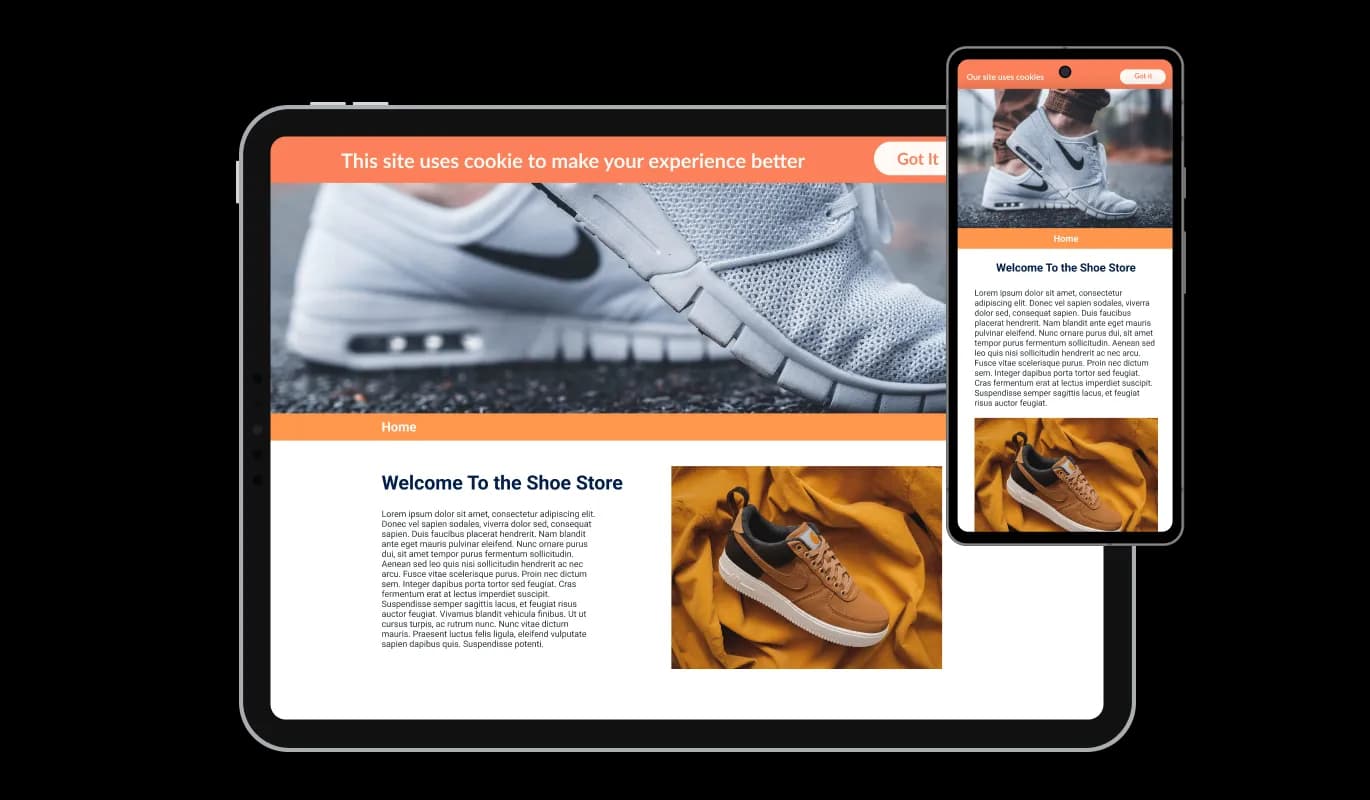
Impressive Mobile Flexibility of widget

The Cookies Consent Bar widget for Semplice operates smoothly and appears attractive on all types of devices, from smartphones and tablets to computers. As lots of people now use the internet on their phones and tablets, it's important that everything on your Semplice portfolio is easy to use on these devices too. The Semplice Cookies Consent Bar widget guarantees smooth operation and excellent display across all devices.

Cookies Consent Bar - Impressive Mobile Flexibility of widget

Custom CSS Modification

Our cutting-edge editor is a potent instrument that provides you with comprehensive control over the Cookies Consent Bar's aesthetics. You can easily change its design, colors, fonts, layout, and where it's placed. And when you're feeling especially creative, you can also dive into the CSS directly for even more customization opportunities.

Cookies Consent Bar - Custom CSS Modification

User-friendly Set-up of Semplice Cookies Consent Bar

All it takes to include the Cookies Consent Bar widget on your Semplice portfolio is copying the code we supply and embedding it in your portfolio's HTML. The standout feature of the Cookies Consent Bar widget is that it updates itself automatically. So, whenever you make changes in the Consent Bar editor, they will automatically show up on your Semplice portfolio.

Cookies Consent Bar - User-friendly Set-up of Semplice Cookies Consent Bar

Compatible With All Site Builders, E-Commerce Platforms and Websites

View all supported platforms

FAQ

Web cookies, also known simply as cookies, are small text files that are stored on your computer or other devices when you visit a website. They're used by websites to remember information about you, such as your login details, items in your shopping cart, or your browsing preferences.

Websites use cookies to improve the user experience. They allow websites to remember user preferences, track user interaction with the site, and provide personalized content. Cookies can also be used for targeted advertising, where ads are tailored to a user based on their online activity.

A Cookies Consent Bar is a small notification that appears on a website, informing users that the site uses cookies. It includes a message about cookies being used and a button for the user to acknowledge this message. It's a tool to comply with data privacy regulations, which require websites to inform users about their use of cookies.

To add the Cookies Consent Bar to your website, you need to copy the code provided and paste it into your website's HTML. This is generally a simple process and doesn't require any advanced coding knowledge.

Yes, the Cookies Consent Bar is highly customizable. You can change its design, colors, fonts, and the shape of the acknowledgment button. You can even add a link to your terms of use or another page, and choose to display an icon or image.

Yes, the Cookies Consent Bar is fully responsive and will adapt to the screen size of the device it's being viewed on. This means it works well on all devices, including mobile phones and tablets.

If a user doesn't click the acknowledgment button, the Cookies Consent Bar will continue to display each time they visit the site. It's designed to persistently appear until the user acknowledges the use of cookies.

Yes, the Cookies Consent Bar helps your website comply with global data privacy laws, such as GDPR and CCPA, by clearly informing users about the use of cookies. However, it's important to make sure you're also following any other requirements of these regulations.

If your website collects data from users in the European Union, you are required to inform them about cookie usage and obtain consent. A GDPR Cookie Notice helps you meet these requirements and avoid potential compliance issues.

Not all cookies require consent. Essential cookies needed for basic website functionality are usually allowed without consent, but non-essential cookies like analytics, marketing, and tracking cookies typically require user approval under GDPR.

Yes, under GDPR, users should have the option to accept or reject non-essential cookies. Providing clear choices helps ensure compliance and gives users control over their data.

A GDPR Cookie Notice helps by clearly informing users about cookie usage, requesting consent, and providing access to detailed privacy information. This transparency is a key requirement of GDPR and other privacy regulations.

Yes, it’s recommended to include a link to your cookie or privacy policy within the notice. This allows users to access detailed information about how their data is collected and used.

No, a well-implemented GDPR Cookie Notice is lightweight and designed to run without affecting your website’s speed or performance.

Yes, you can choose how and where the GDPR Cookie Notice is displayed, including its position on the screen and when it appears to users.

A cookie notice is an important part of GDPR compliance, but it is not the only requirement. You must also properly manage cookies, store consent records, and follow broader data protection practices.