
Cookies Consent Bar for Site123

Display a cookies consent bar that explains usage and supports GDPR compliance, enhancing user trust and legal clarity.

Create a Cookies Consent Bar

loved by 500K+ businesses

Site123
plugineditor

Why Should You Use the Cookies Consent Bar Widget+?

Respecting International Data Privacy Laws

Implementing the Cookies Consent Bar for Site123 helps your website adhere to numerous international data privacy rules, like the EU's General Data Protection Regulation (GDPR) and the U.S.'s California Consumer Privacy Act (CCPA). This Site123 app on your Site123 website indicates your respect for user privacy and responsible data use.

Building Trust with Users

By being upfront about your data usage on your Site123 website, you establish a transparent relationship with your visitors, increasing their trust in your website. Your website gains credibility when visitors realize that you are honest about how you use data.

Dodging Possible Legal Repercussions

This app can aid in averting any legal consequences associated with failure to comply with data protection and privacy regulations. By providing a clear cookie consent notice on your Site123 website, you can mitigate the risk of potential expensive legal battles.

Uncomplicated Cookies Consent Bar for Site123

With the Site123 Cookies Consent Bar app, you get a clear and simple notice for cookie consent. The plain language used in the message ensures that all visitors are immediately aware of the use of cookies.
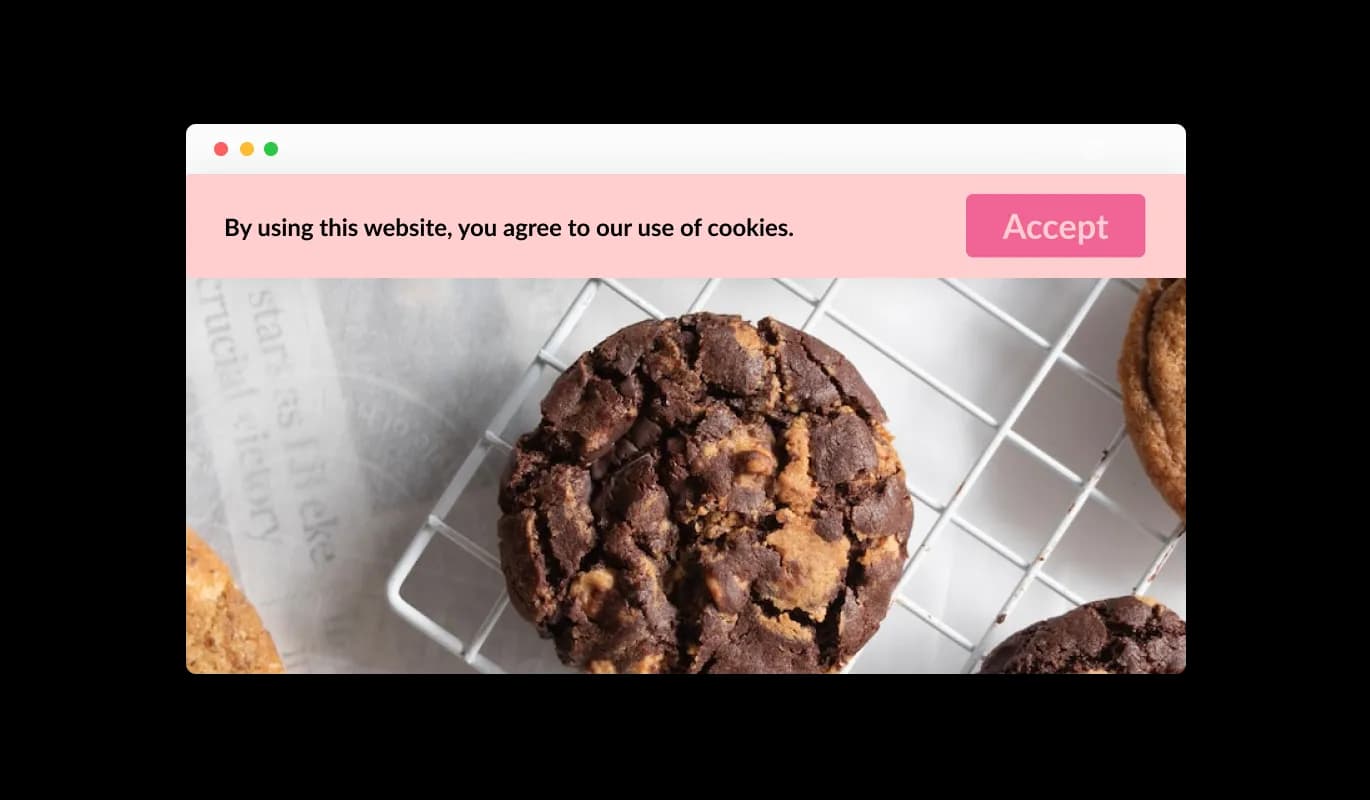
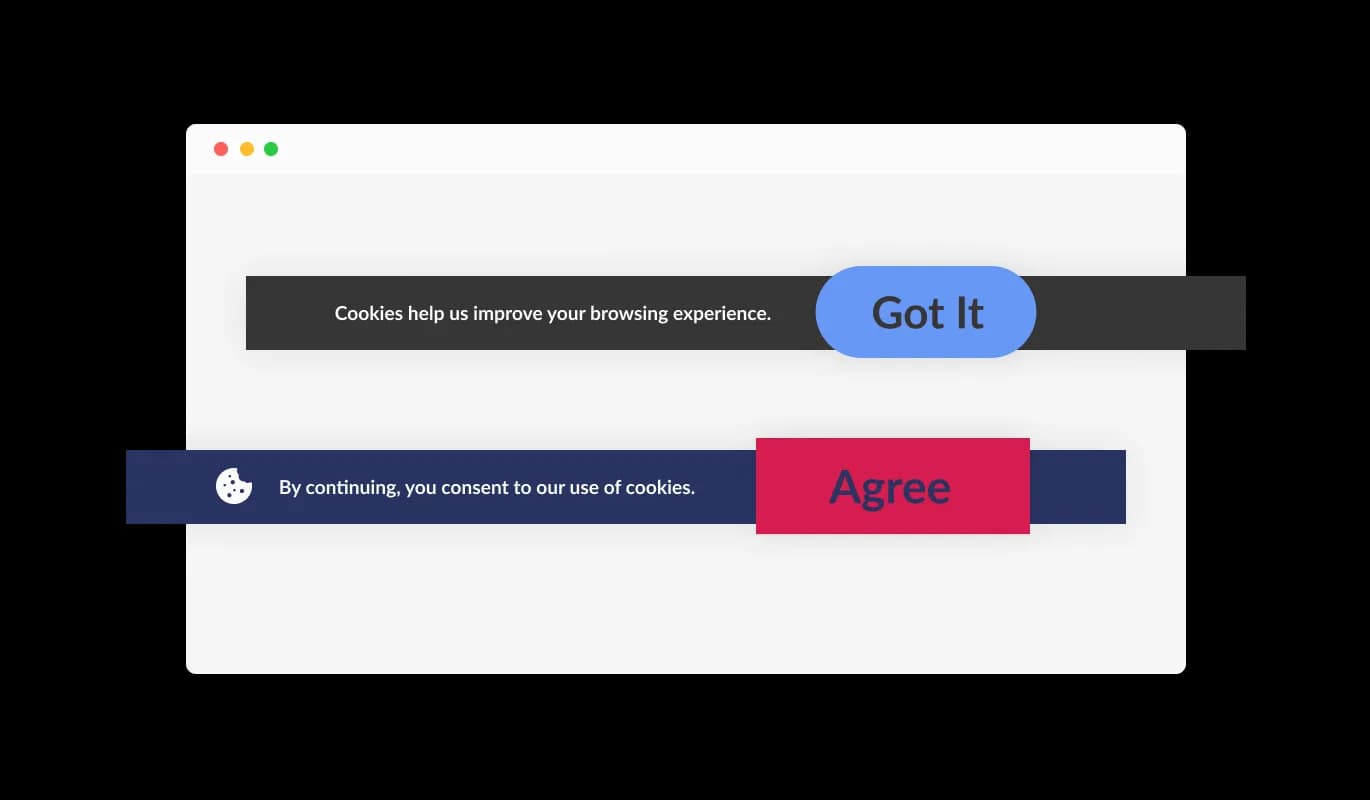
Cookies Consent Bar - Uncomplicated Cookies Consent Bar for Site123

Straightforward Acknowledgement Option

The Cookies Consent Bar widget on Site123 provides a user-friendly "Got it" button for users to express their acceptance of cookies. The user-friendly design of the widget ensures visitors to your Site123 website can easily accept the terms without confronting complicated selections.

Cookies Consent Bar - Straightforward Acknowledgement Option

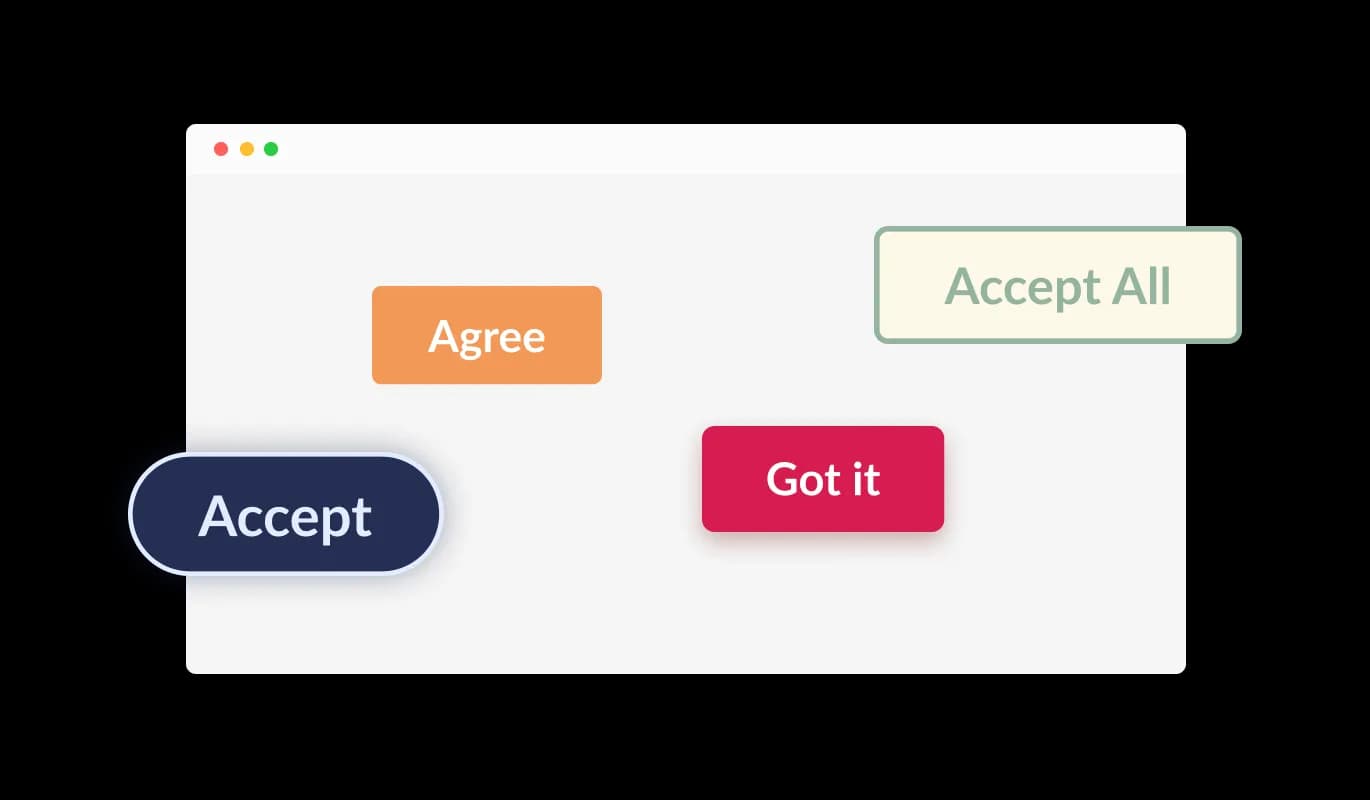
Select from various button shapes

The Cookies Consent Bar app for Site123 allows users to select from a range of button shapes for the acknowledgment button. Be it a rounded, square, or any other type of button design, you can choose a shape that compliments your Site123 website's aesthetics.

Cookies Consent Bar - Select from various button shapes

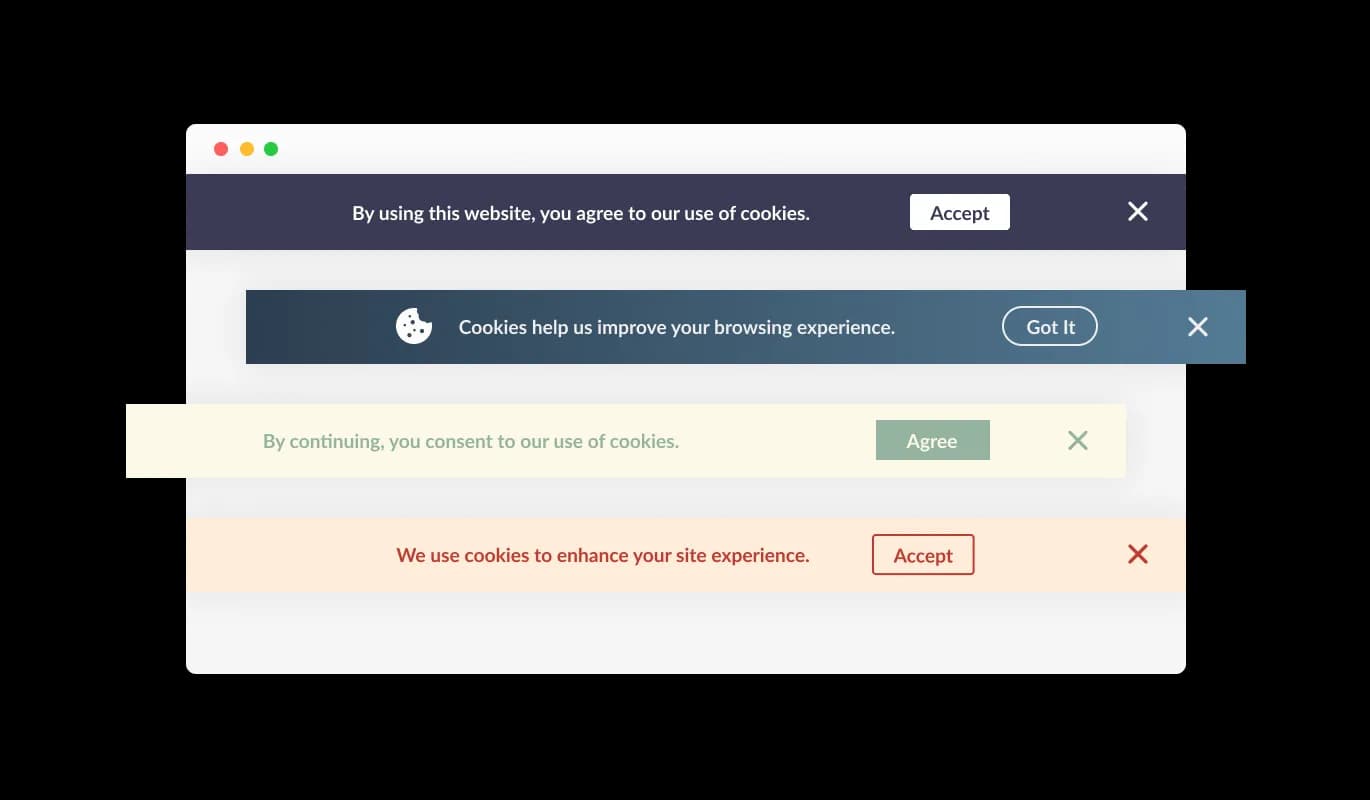
Selection of Site123 Consent Bar Skins

The Site123 Cookies Consent Bar app comes with many ready-to-use designs that you can pick to fit the look and colors of your Site123 website. This helps to maintain a unified look across your site, a feature that your site visitors are sure to appreciate.

Cookies Consent Bar - Selection of Site123 Consent Bar Skins
Cookies Consent Bar - Constant Notice Feature

Constant Notice Feature

The Cookies Consent Bar app for Site123 is built to keep appearing on the website until the user takes note of the message. This ensures every user is made aware of your site's cookie application before they carry on exploring.

Cookies Consent Bar - Adorning the Consent Bar with Icons or Images

Adorning the Consent Bar with Icons or Images

The Site123 Cookies Consent Bar app provides an option to include an icon or an image as part of the consent bar. This lets you choose a visual element that resonates with your Site123 website's design and brand ethos, boosting the consistency of your website's visual presentation.

Cookies Consent Bar - Convenient Link Addition

Convenient Link Addition

With the Cookies Consent Bar app on Site123, you can integrate a link within the consent notice. This link can point to your Site123 website's terms and conditions, privacy policy, or any other relevant external site, making it easy for users to get more detailed information if they choose to.

Cookies Consent Bar - Effortless-to-use Site123 app

Effortless-to-use Site123 app

The Cookies Consent Bar on Site123 is user-friendly, and you don't need to have any coding skills. With a few quick clicks, you can modify the bar as desired using our simple controls. It's genuinely that straightforward!

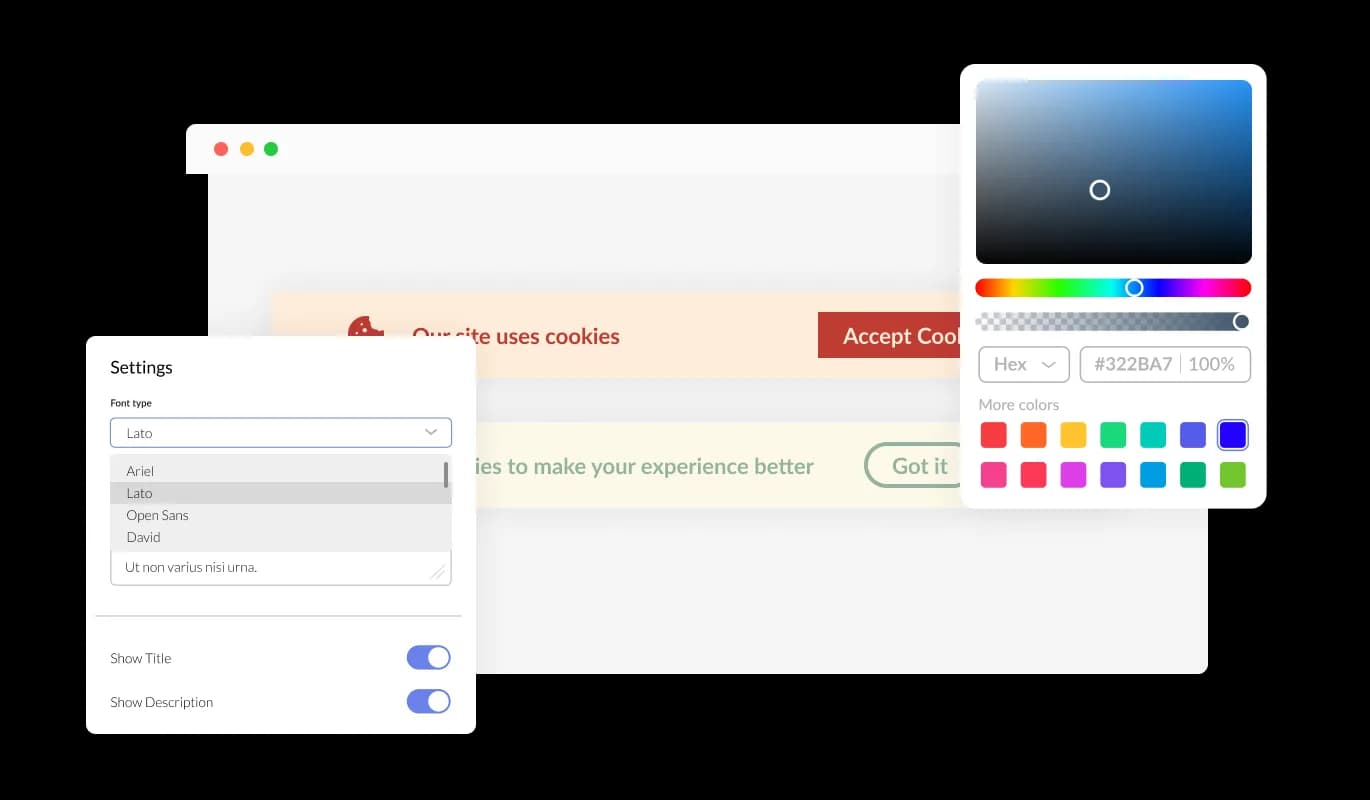
Thoroughly Configurable Consent Bar for Site123

You get ample ways to personalize the design of the Cookies Consent Bar on Site123 so that it aligns with your preferences. You're able to alter the color scheme, modify the typography, and even shift things around as you see fit. The straightforward controls make it easy to fine-tune its appearance on your Site123 website, ensuring a smooth user experience.

Cookies Consent Bar - Thoroughly Configurable Consent Bar for Site123

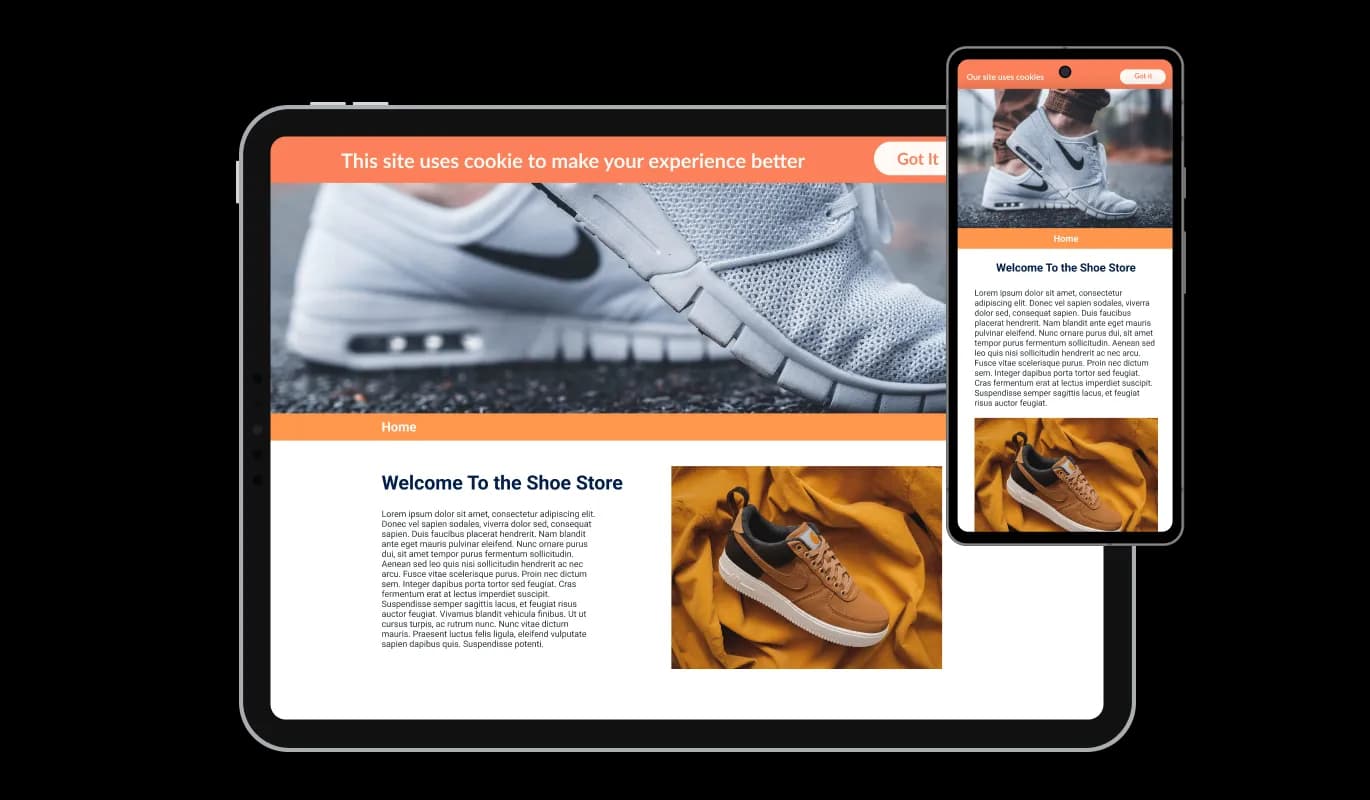
Perfectly Responsive app

The Cookies Consent Bar app for Site123 ensures a seamless operation and aesthetic appeal across all devices, such as smartphones, tablets, and desktops. As many people now connect to the internet using their mobile devices, it's crucial that your Site123 website is easily accessible on these devices too. With the Site123 Cookies Consent Bar app, everything will run smoothly and look great, no matter what device someone is using.

Cookies Consent Bar - Perfectly Responsive app

CSS Personalization Features

Our editor is a robust tool that gives you total control over the Cookies Consent Bar's appearance. It's simple to tweak its design, switch up the colors, alter the typography, rearrange the layout, and select its position. And for those times when you're feeling particularly innovative, you can even directly edit the CSS for additional customization possibilities.

Cookies Consent Bar - CSS Personalization Features

User-friendly Set-up of Site123 Cookies Consent Bar

To add the Cookies Consent Bar app to your Site123 website, all you have to do is copy the code we give you and put it in your website's HTML. One of the best features of the Cookies Consent Bar app is its self-updating ability. So, every time you tweak something in the Consent Bar editor, these changes will be instantly visible on your Site123 website.

Cookies Consent Bar - User-friendly Set-up of Site123 Cookies Consent Bar

Compatible With All Site Builders, E-Commerce Platforms and Websites

View all supported platforms

FAQ

Web cookies, also known simply as cookies, are small text files that are stored on your computer or other devices when you visit a website. They're used by websites to remember information about you, such as your login details, items in your shopping cart, or your browsing preferences.

Websites use cookies to improve the user experience. They allow websites to remember user preferences, track user interaction with the site, and provide personalized content. Cookies can also be used for targeted advertising, where ads are tailored to a user based on their online activity.

A Cookies Consent Bar is a small notification that appears on a website, informing users that the site uses cookies. It includes a message about cookies being used and a button for the user to acknowledge this message. It's a tool to comply with data privacy regulations, which require websites to inform users about their use of cookies.

To add the Cookies Consent Bar to your website, you need to copy the code provided and paste it into your website's HTML. This is generally a simple process and doesn't require any advanced coding knowledge.

Yes, the Cookies Consent Bar is highly customizable. You can change its design, colors, fonts, and the shape of the acknowledgment button. You can even add a link to your terms of use or another page, and choose to display an icon or image.

Yes, the Cookies Consent Bar is fully responsive and will adapt to the screen size of the device it's being viewed on. This means it works well on all devices, including mobile phones and tablets.

If a user doesn't click the acknowledgment button, the Cookies Consent Bar will continue to display each time they visit the site. It's designed to persistently appear until the user acknowledges the use of cookies.

Yes, the Cookies Consent Bar helps your website comply with global data privacy laws, such as GDPR and CCPA, by clearly informing users about the use of cookies. However, it's important to make sure you're also following any other requirements of these regulations.

If your website collects data from users in the European Union, you are required to inform them about cookie usage and obtain consent. A GDPR Cookie Notice helps you meet these requirements and avoid potential compliance issues.

Not all cookies require consent. Essential cookies needed for basic website functionality are usually allowed without consent, but non-essential cookies like analytics, marketing, and tracking cookies typically require user approval under GDPR.

Yes, under GDPR, users should have the option to accept or reject non-essential cookies. Providing clear choices helps ensure compliance and gives users control over their data.

A GDPR Cookie Notice helps by clearly informing users about cookie usage, requesting consent, and providing access to detailed privacy information. This transparency is a key requirement of GDPR and other privacy regulations.

Yes, it’s recommended to include a link to your cookie or privacy policy within the notice. This allows users to access detailed information about how their data is collected and used.

No, a well-implemented GDPR Cookie Notice is lightweight and designed to run without affecting your website’s speed or performance.

Yes, you can choose how and where the GDPR Cookie Notice is displayed, including its position on the screen and when it appears to users.

A cookie notice is an important part of GDPR compliance, but it is not the only requirement. You must also properly manage cookies, store consent records, and follow broader data protection practices.