How to add Countdown to a Base44 app

Learn how to embed Common Ninja’s Countdown on your Base44 app without coding.

Create a Countdown

loved by 500K+ businesses

widget-editor

In This Guide

In this quick guide, you'll learn how to embed the Countdown into your Base44 app by generating your embed code and adding it seamlessly to your app.

Embed Countdown on Base44

01
Create a Countdown widget for Base44 on Common Ninja
First, create a Base44 Countdown widget on Common Ninja. On the widgets catalog, find the Countdown and enter the Editor.
Create a Countdown widget for Base44 on Common Ninja
02
Save the Countdown widget
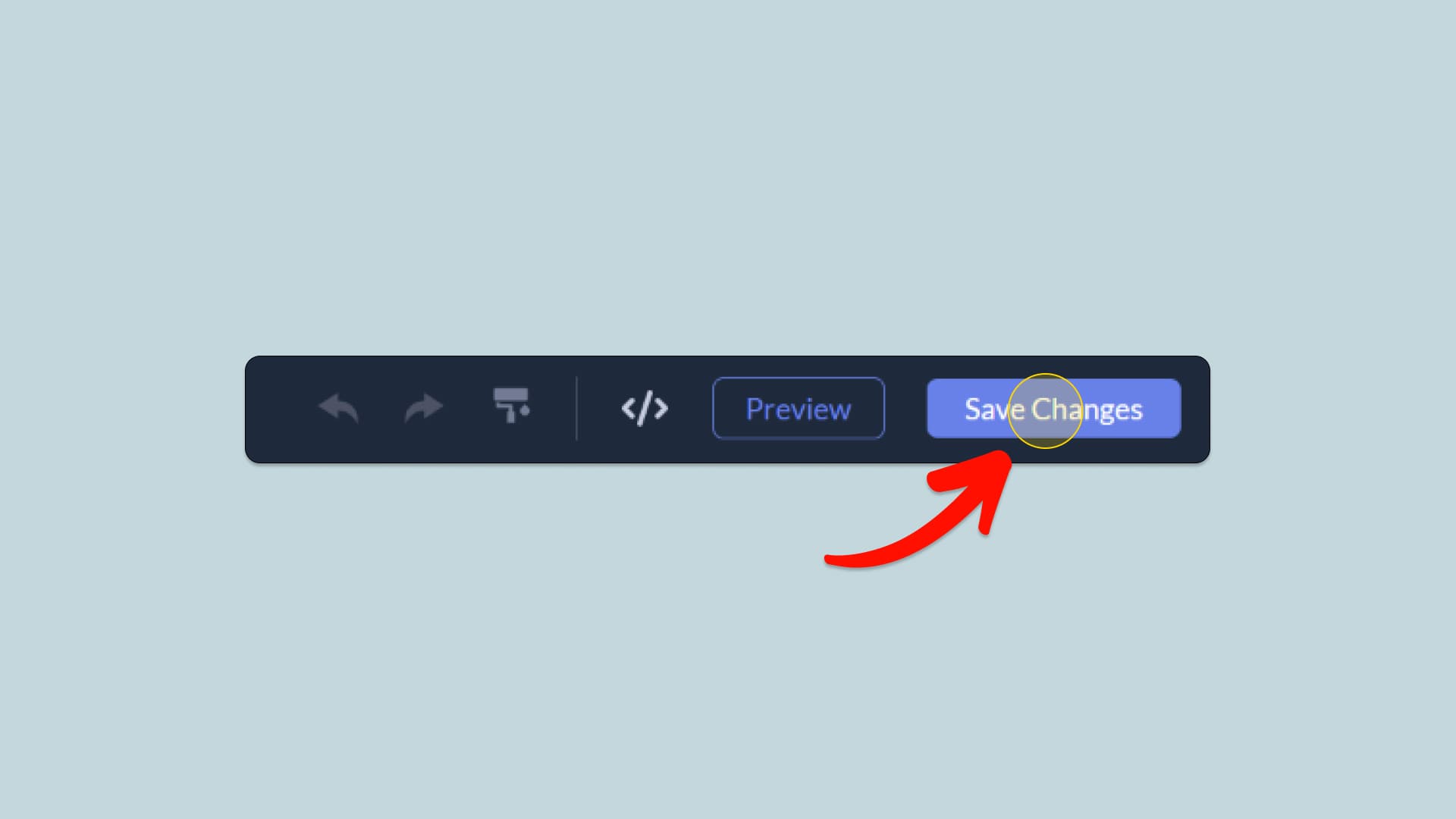
When you're done creating the Countdown widget, click on the Save Changes button at the right top corner of the editor. If you don't have an account on Common Ninja, you'll have to register first.
Save the Countdown widget
03
Copy the Countdown Embed Code
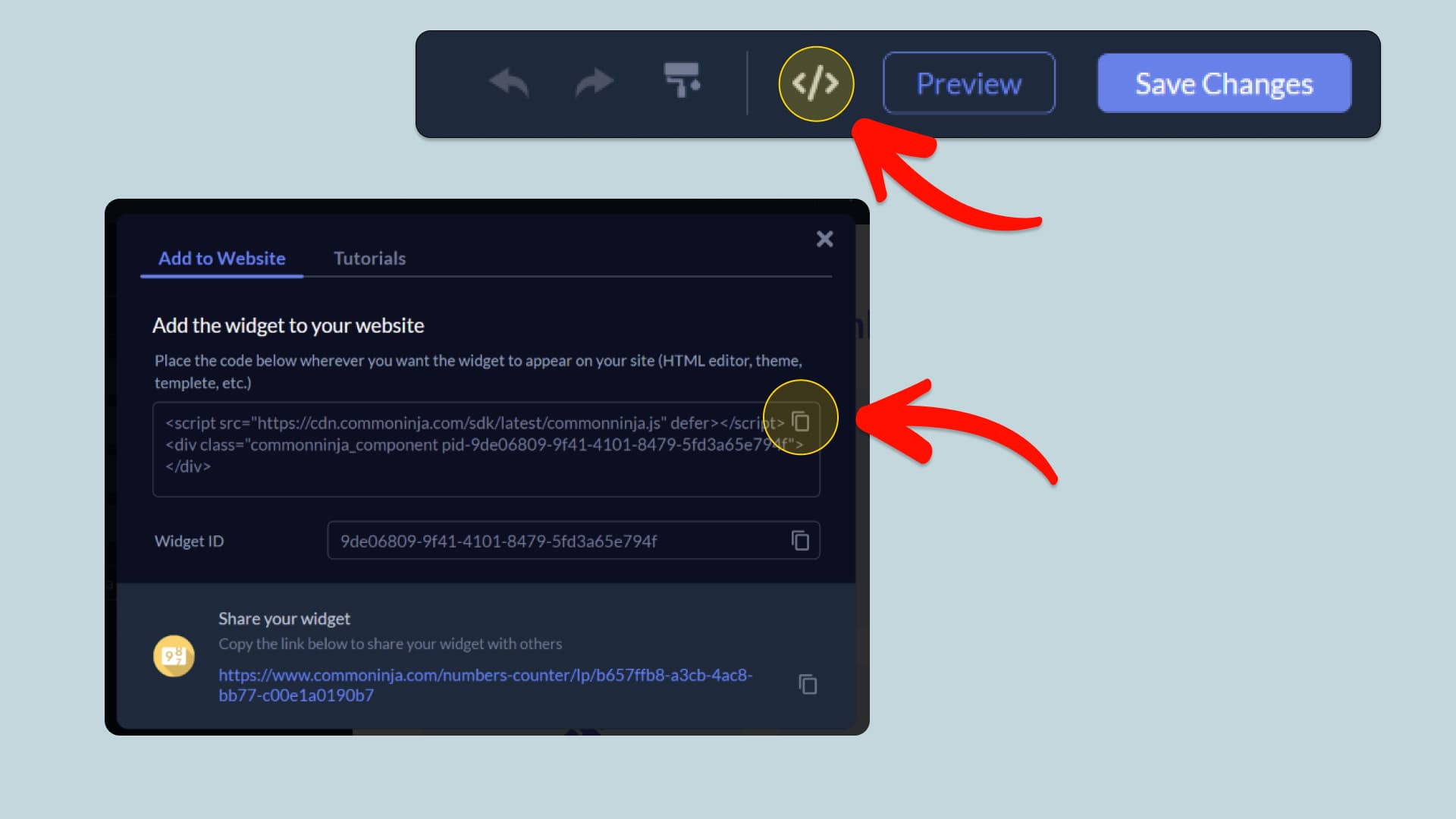
When you're ready to add the Countdown widget to your Base44 app, click the Add To Website button at the top bar of the Editor. On the window that opens, click the Copy Icon to copy the widget embed code. In the next steps, you will paste this code into your Base44 app.
Copy the Countdown Embed Code
04
Paste the code to your Base44 website’s HTML field.
Next, go to your Base44 app editor and find the HTML field. It is most likely in the form of an HTML/Code widget or module which you can find on the Base44’s editor. Add it to your page, and paste the Countdown Embed Code you’ve copied before to the HTML field. Save and update, and that’s it, you should have Common Ninja’s Countdown widget on your Base44 app.
Paste the code to your Base44 website’s HTML field.
05
Alternative Method 1: Through the HTML option in the text’s editing area.
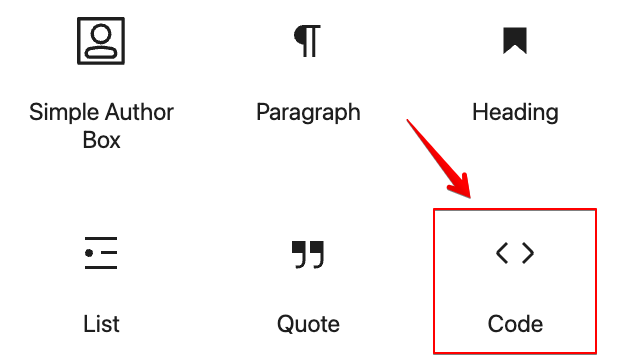
If you can't find the HTML/Code widget or module, there's another way to put Common Ninja’s Countdown widget on your Base44 widget. You can just add the code to a special HTML section in the text editor.
Alternative Method 1: Through the HTML option in the text’s editing area.
06
Alternative Method 2: Add it directly to your Base44 app’s HTML code.
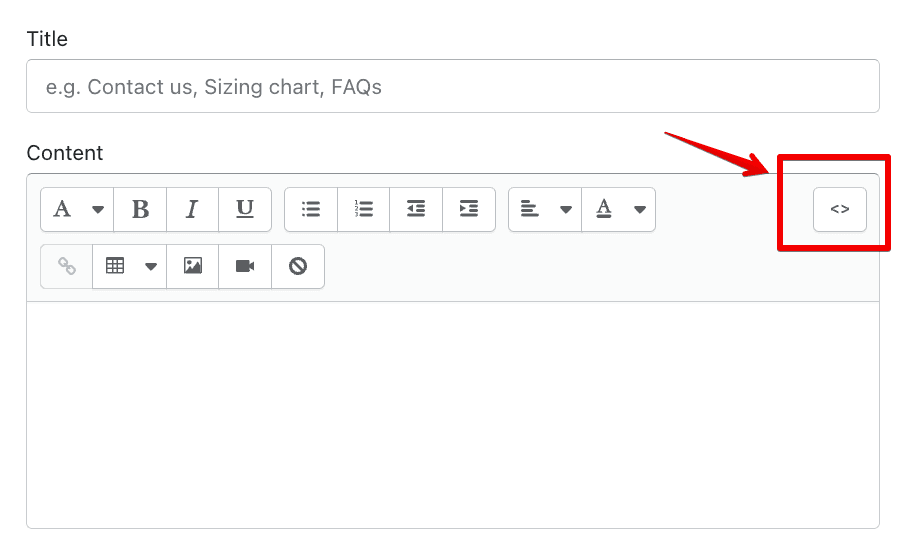
If you're having trouble finding a widget or a special part in your text editor where you can add the Embed Code, you can try a different way to add the Countdown widget to your Base44 app. You can do this by putting it straight into your Base44 app's HTML code.
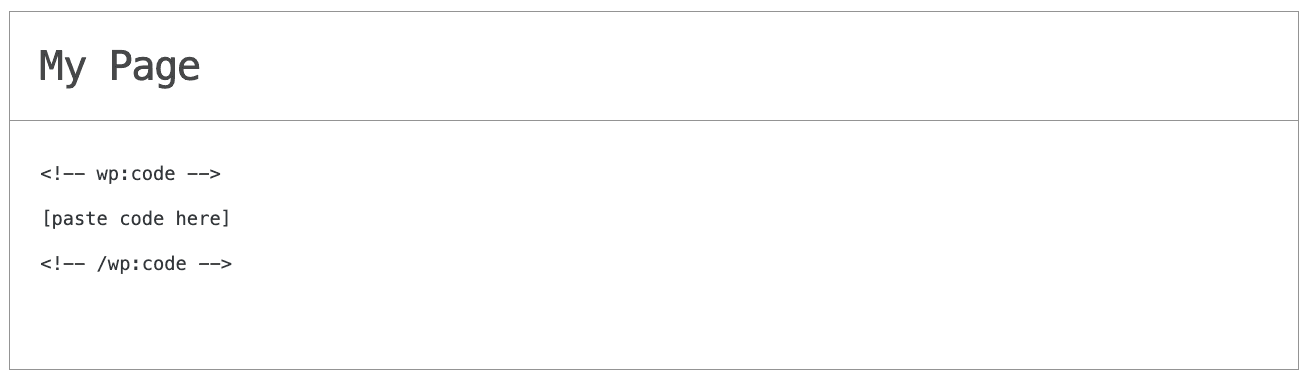
Alternative Method 2: Add it directly to your Base44 app’s HTML code.

Why Use This Widget

Use the Countdown widget when a specific date or time defines the importance of your offer or event. A visible timer counting down to a webinar, launch, sale end, or registration deadline makes the time frame concrete and keeps it in front of visitors while they read. This helps turn vague interest into timely action, since people clearly see that waiting carries a cost. You can pair the countdown with a form, purchase button, or calendar link to give a natural next step. It is effective on landing pages, event hubs, pre launch campaigns, and limited bonuses. A well placed countdown creates healthy urgency without relying only on text reminders.

This tutorial was written by the Common Ninja product team, creators of interactive, no-code widgets for Base44 app. Common Ninja helps over 500,000 users build engaging online experiences without coding.