Countdown for October CMS

Add a countdown timer to your site to highlight upcoming events or launches and encourage timely user action.

Create a Countdown

loved by 500K+ businesses

October CMS
plugineditor

Why Should You Use the Countdown Widget+?

Strengthen User Connection and Enthusiasm through October CMS Countdown

The Countdown plugin for October CMS cultivates excitement and an urgent atmosphere among website visitors, motivating them to engage with your content and special offers. By creating a real-time countdown, users become more invested in the event, promotion, or deadline, which ultimately increases their engagement with your October CMS website.

Encourage User Retention and Repeat Visits by utilizing Countdown

Displaying a captivating Countdown timer on your October CMS website creates an interactive element that attracts users to revisit and keep track of the countdown's progress. This promotes regular site visits and elevates user retention, as visitors are more inclined to come back to stay informed on the countdown's progress or to partake in the event or promotion when it launches.

Skyrocket Sales and Conversions via October CMS Countdown

Featuring the Countdown for October CMS creates a sense of immediacy, persuading website visitors to engage before the countdown reaches zero. This is distinctly helpful for temporary promotions, special offers, or event admissions, contributing to greater conversions, sales, and user commitment.

Editable Titles and Labels in October CMS Countdown

The October CMS Countdown plugin offers the flexibility to personalize the titles or labels for days, hours, minutes, and seconds, allowing you to make the timer more relevant to your specific event or promotion. Personalize the labels based on your target audience and situation, ensuring a more captivating and meaningful interaction for users.
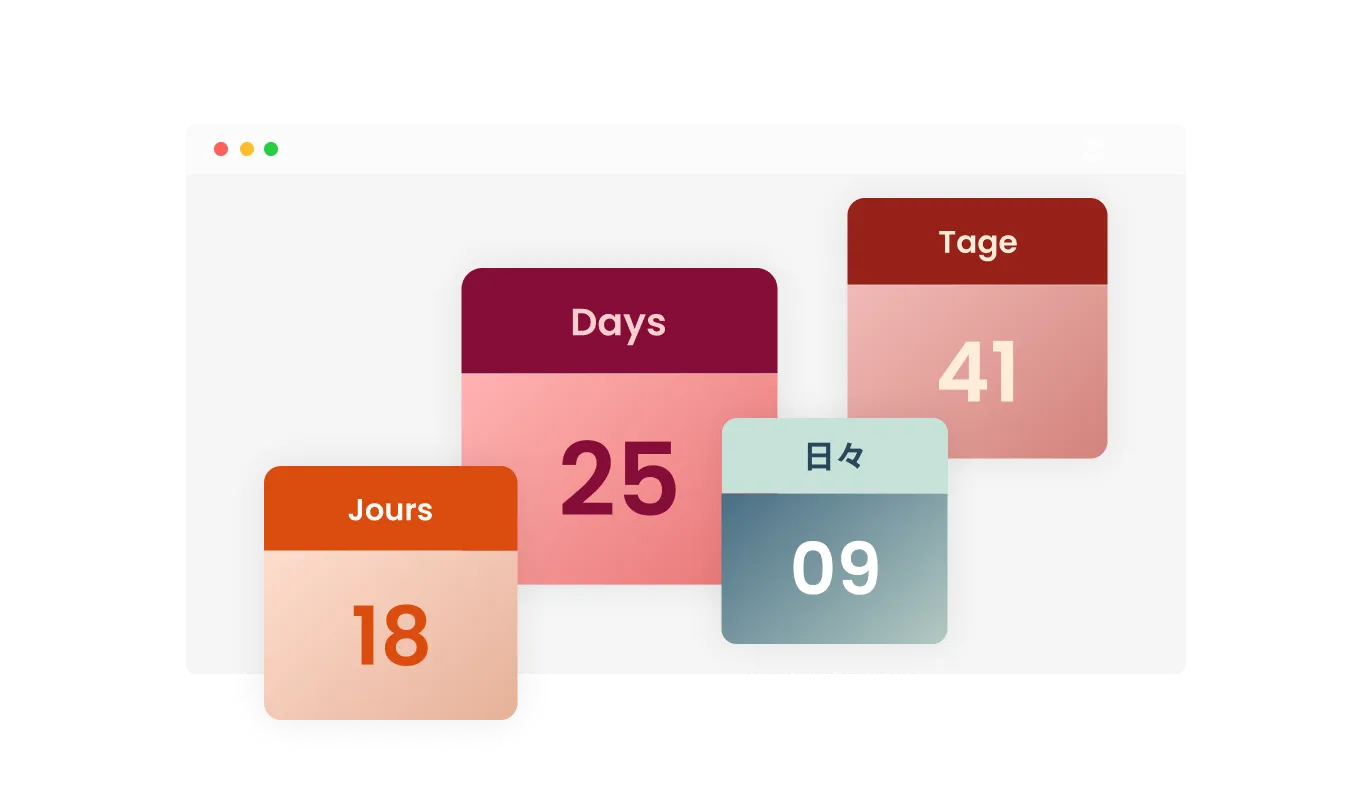
Countdown - Editable Titles and Labels in October CMS Countdown

Vibrant Confetti Burst and Tailored End Message

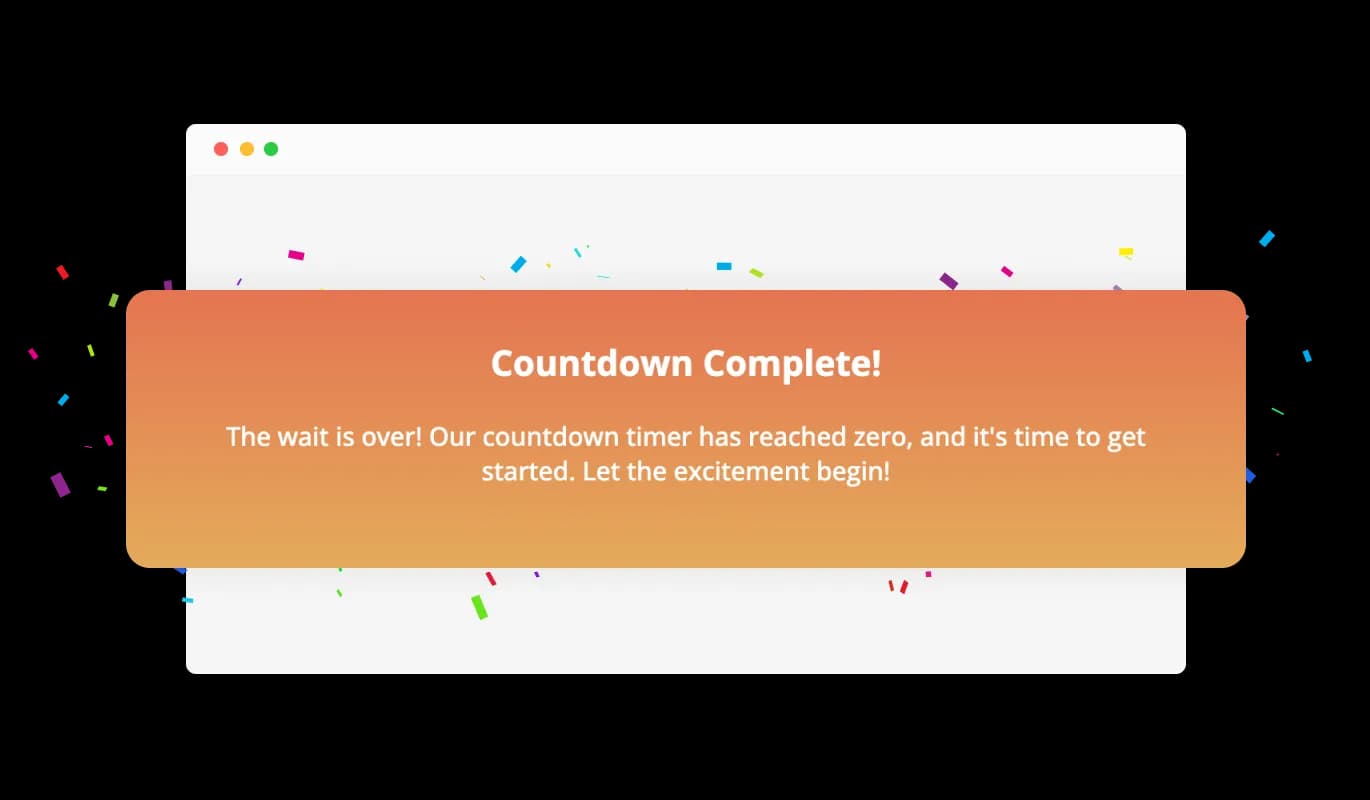
At the countdown's completion, the Countdown plugin for October CMS can present a dynamic confetti animation and exhibit a personalized message to honor the event. This arresting feature magnifies the anticipation and engagement, affording users an exceptional experience as they immerse themselves in your event or promotion following the countdown's culmination.

Countdown - Vibrant Confetti Burst and Tailored End Message

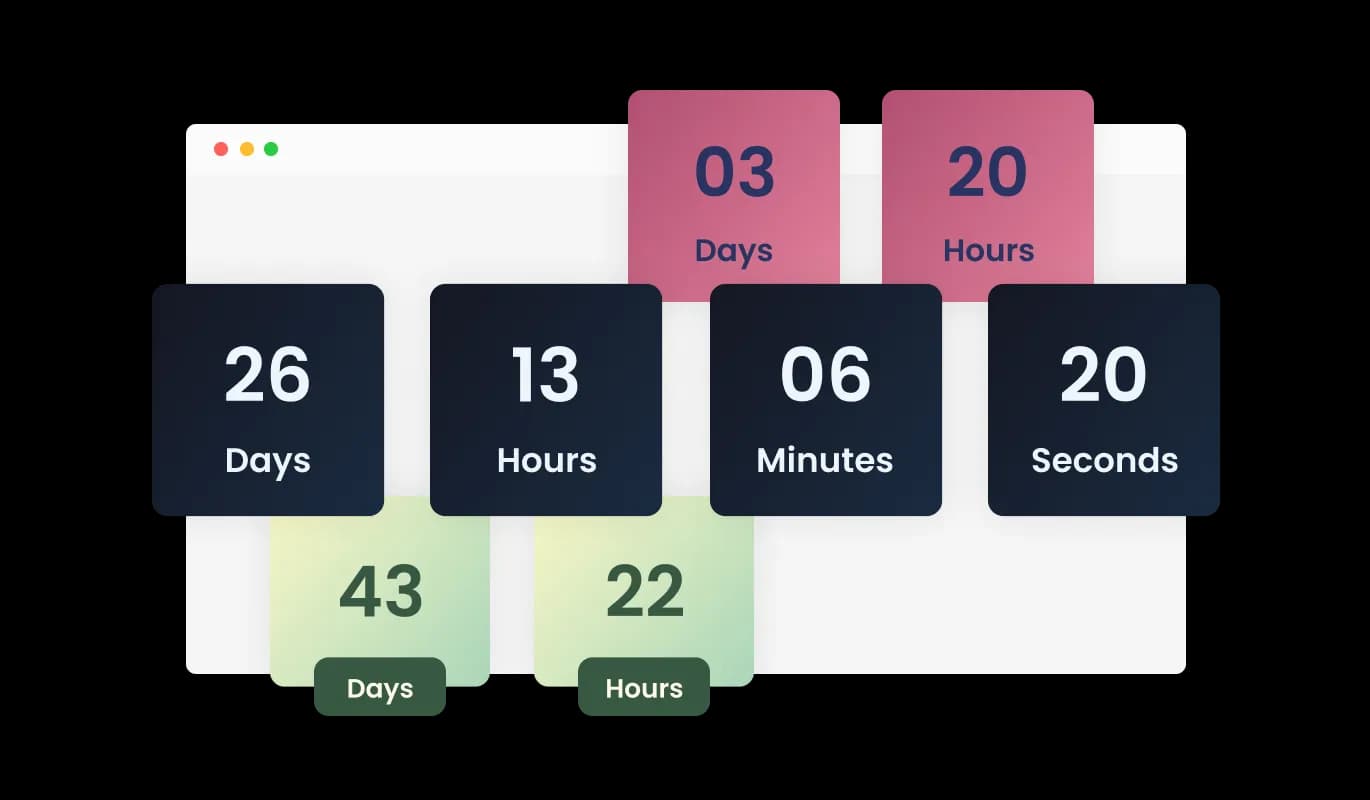
Variety of Countdown Design Skins on October CMS

With an array of design skins at your disposal, the October CMS Countdown plugin can be quickly tailored to suit your October CMS website's visual identity. Choose from different pre-built themes and effortlessly adapt the plugin's appearance to blend seamlessly with your site's overall design.

Countdown - Variety of Countdown Design Skins on October CMS

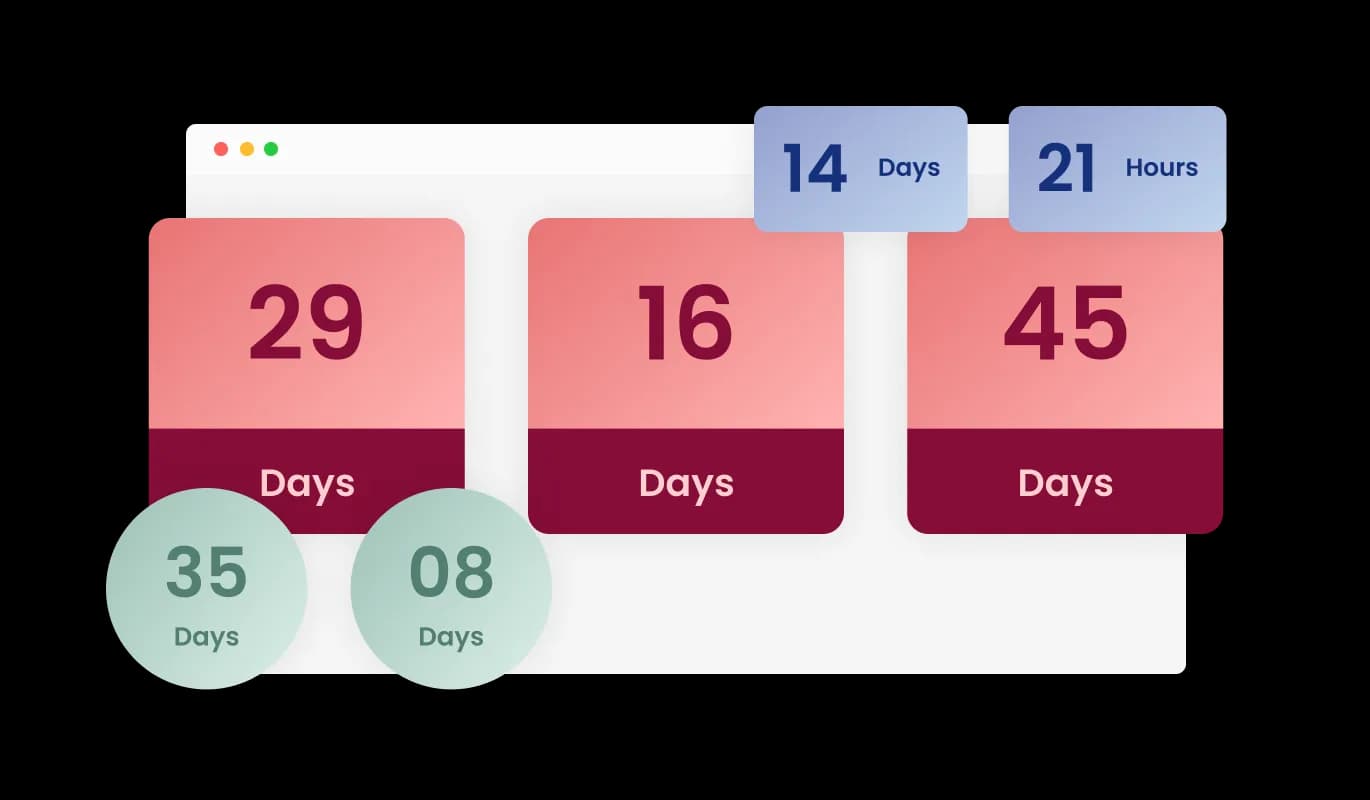
Diverse Layout Selection for October CMS Countdown

The Countdown plugin for October CMS presents numerous layout options, helping you choose the style that optimally fits your October CMS website's design. Decide on a myriad of presentation configurations, featuring horizontal, vertical, or circular timers, to create an alluring and visually enthralling countdown visualization.

Countdown - Diverse Layout Selection for October CMS Countdown
Countdown - Animated Number Shifts for October CMS Countdown

Animated Number Shifts for October CMS Countdown

The October CMS Countdown plugin highlights enthralling animations for numeric transitions, incorporating a vibrant and appealing aspect to your timer. Personalize the animation style and speed to match your tastes and ensure your countdown timer captures the attention of your October CMS website visitors.

Countdown - Tailored October CMS Countdown Experience for Individual Visitors

Tailored October CMS Countdown Experience for Individual Visitors

The Countdown plugin for October CMS delivers the novel capability of an evergreen timer, establishing a personalized countdown for each guest upon their entry to the website. This individualized method promotes a sense of urgency and engagement, as users experience a custom countdown corresponding to their visit, making your event or promotion even more enticing.

Countdown - Simple Setup and No Coding Required for October CMS Countdown

Simple Setup and No Coding Required for October CMS Countdown

The October CMS Countdown plugin provides an accessible solution, needing no coding talent or technical acumen to implement it on your October CMS website. With a straightforward interface and a hassle-free setup method, people of all expertise levels can readily create and modify a countdown timer.

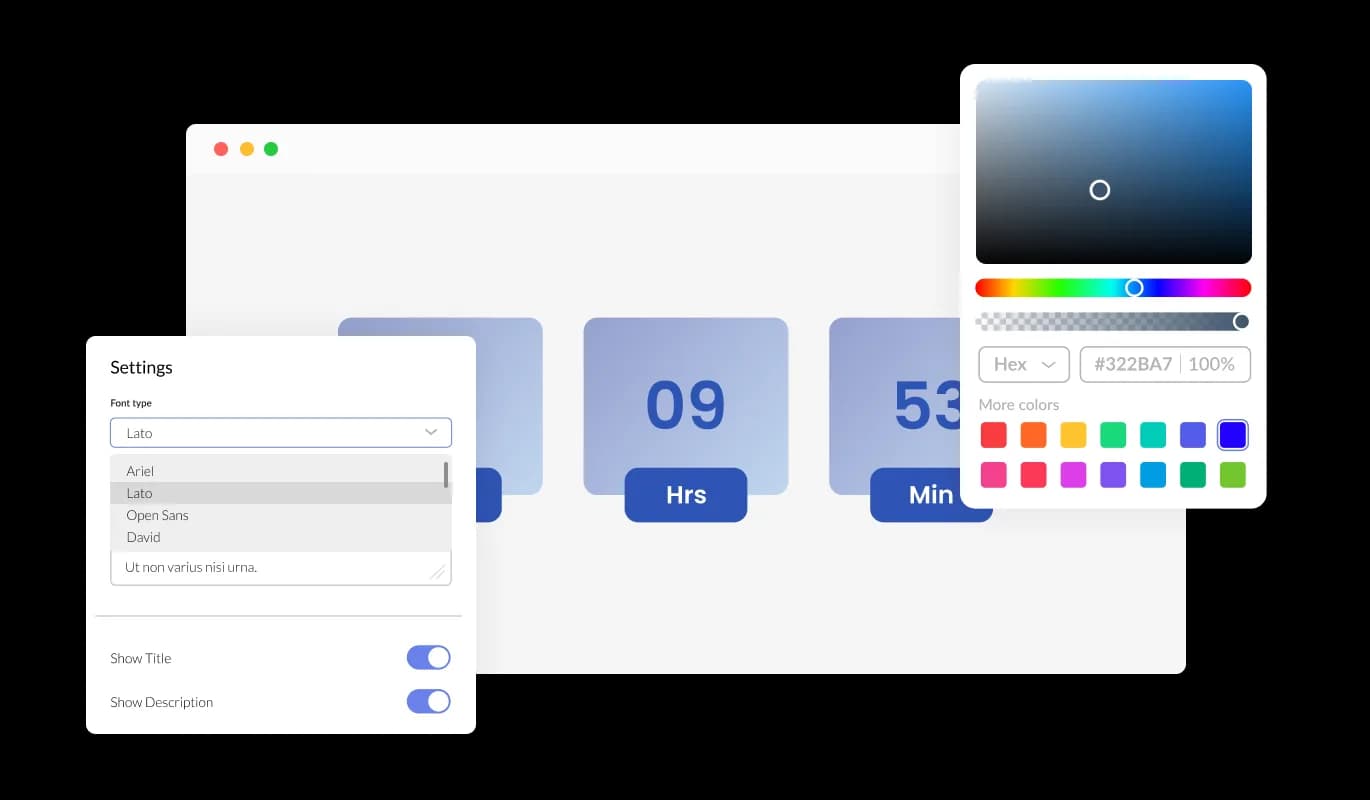
October CMS Countdown: Endless Color and Font Choices

Shape the appearance of your October CMS Countdown timer by modifying colors and fonts to be consistent with your brand's visual language. With a vast array of color possibilities and an ample assortment of fonts, seamlessly create a countdown timer that blends with your October CMS website's design theme.

Countdown - October CMS Countdown: Endless Color and Font Choices

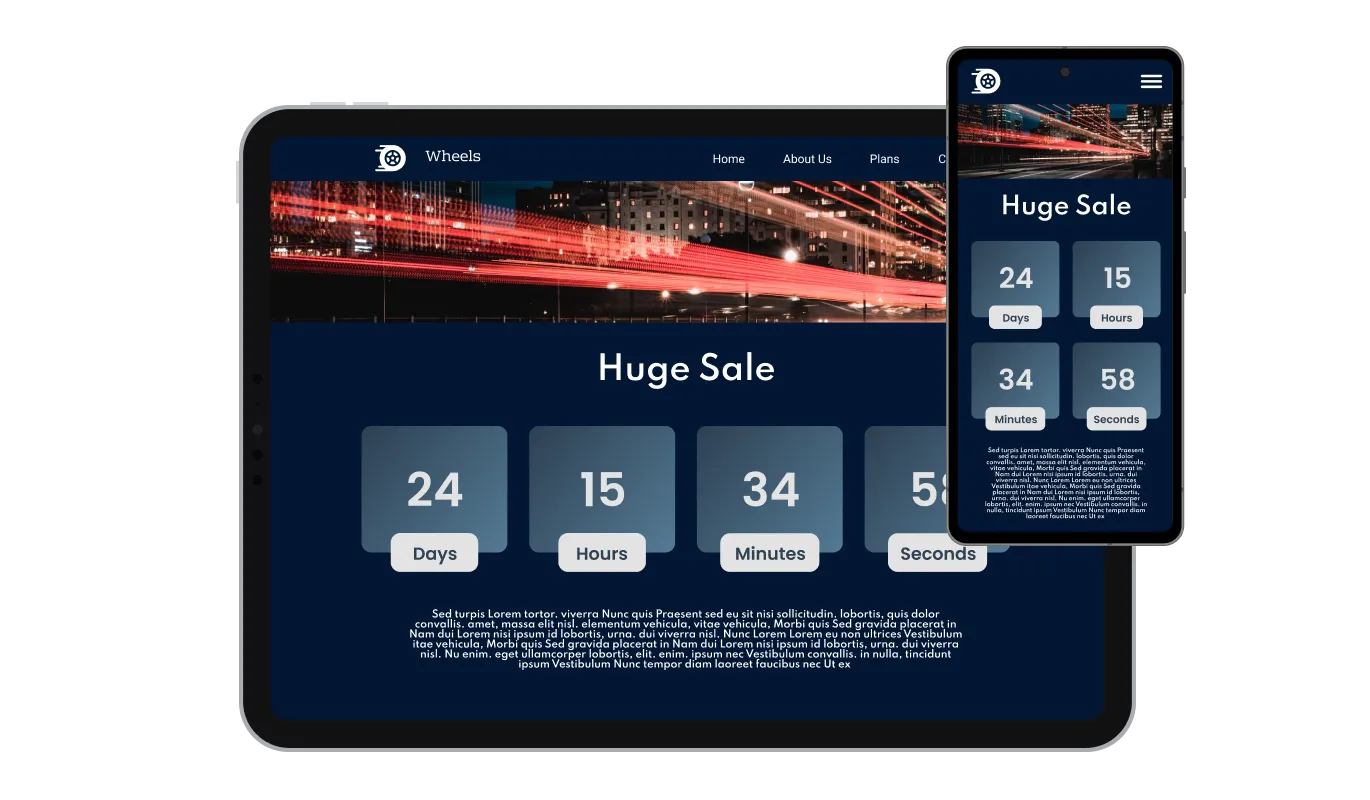
Countdown plugin with Adaptive Design on October CMS

The Countdown plugin for October CMS provides a responsive design that ensures the perfect view and optimal operation on different devices and screen sizes. Whether your visitors are accessing your website via desktop, tablet, or mobile, the countdown timer will automatically adapt to deliver a seamless and visually appealing experience, keeping your October CMS website professional and engaging at all times.

Countdown - Countdown plugin with Adaptive Design on October CMS

Fine-tune Countdown with Full CSS Control on October CMS

The Countdown plugin for October CMS permits in-depth customization through the availability of unreserved CSS control for advanced users or web design specialists. This feature allows advanced users or web developers to fine-tune the appearance and behavior of the timer, ensuring that it aligns perfectly with their specific design vision and requirements.

Countdown - Fine-tune Countdown with Full CSS Control on October CMS

Seamless Integration with October CMS Countdown

The Countdown plugin for October CMS is crafted to blend smoothly with your October CMS website, guaranteeing an uncomplicated integration into your site. Through its uncomplicated setup process, you can efficiently integrate the countdown timer into your October CMS website without dealing with technical difficulties or compatibility glitches.

Countdown - Seamless Integration with October CMS Countdown

Compatible With All Site Builders, E-Commerce Platforms and Websites

View all supported platforms

FAQ

A Countdown widget is a versatile tool that can be added to any website, allowing you to display a customizable timer that counts down to a specific date, time, or duration. It can be used to create urgency, promote events, or engage visitors with personalized experiences based on their visit duration.

Adding the Countdown widget to your website is a simple process, with no coding skills required. After customizing the widget's appearance and settings, you will be provided with a code snippet. Copy this code and paste it into the desired location within your website's HTML or use your website builder's specific widget placement method.

Yes, the Countdown widget offers extensive customization options, including multiple layouts, design skins, color schemes, and font selections. You can also adjust the animation style, and choose to display custom titles or labels for days, hours, minutes, and seconds.

The Countdown widget is designed to be compatible with a wide range of website builders and platforms. Its user-friendly setup and integration process ensure seamless implementation on most websites without any technical difficulties or compatibility issues.

Yes, the Countdown widget offers an evergreen timer feature that sets a personalized countdown for each visitor, beginning the moment they enter the website. This creates a tailored experience for each user and encourages engagement by fostering a sense of urgency.

Yes, you can create a custom message that will be displayed when the countdown reaches its end. This allows you to provide tailored information or instructions to your website visitors upon completion of the timer.

Yes, the Countdown widget includes an optional confetti animation that can be activated when the timer reaches zero. This eye-catching and festive feature adds an extra layer of excitement and interaction, creating a memorable experience for users.

Yes, the Countdown widget is designed with a responsive layout, ensuring that it functions and displays optimally across various devices and screen sizes, including desktop, tablet, and mobile.

Yes, the Countdown widget provides full CSS control, allowing advanced users or web developers to fine-tune the appearance and behavior of the timer according to their specific design vision and requirements.

There is no specific limit to the number of Countdown widgets you can add to your website. You can use multiple instances of the widget for different events, promotions, or purposes across your site.

Yes, the Countdown widget allows you to customize the titles or labels for days, hours, minutes, and seconds, making the timer more relevant and engaging for your specific event or promotion.

Yes, the Countdown widget offers a selection of pre-built design skins that you can choose from, allowing you to quickly adapt the widget's appearance to blend seamlessly with your website's design.

Absolutely! The Countdown widget is an excellent tool for promoting sales, events, product launches, or any time-sensitive offer. By creating a sense of urgency and anticipation, the timer encourages website visitors to engage with your promotion or event.

Yes, the Countdown widget allows you to customize the style of the number transition animations. You can choose from a range of animation options to make your countdown timer more visually appealing and engaging for your website visitors.


Yes, you can set the Countdown widget to reset automatically after it reaches zero, making it suitable for recurring events or promotions. By specifying the duration between resets, the timer will continue to count down to each new occurrence, keeping your website visitors informed and engaged.

Yes, the Countdown widget is designed to be GDPR compliant. It does not collect or store any personally identifiable information from your website visitors, ensuring that their privacy is protected and your website remains compliant with data protection regulations.

Yes. We are eager to hear your request. Please refer to this page.