Try for free!

Event Listings

Create event listings with an events board widget that displays upcoming activities clearly, helps visitors discover events, and supports easy management.

Create an Event Listings

loved by 500K+ businesses

plugineditoreditor

Why Should You Use the Event Listings Widget+?

Enhanced User Engagement with Event Listings

The Event Listings widget facilitates an interactive space on your website where visitors can explore upcoming events. This added feature can keep your audience engaged and informed. With an organized listing, users can easily browse through and plan their participation.

SEO Boost with Event Listings

The widget not only lists events but also contributes to improving your site’s search engine visibility. By integrating the Event Listings widget, you’re adding fresh, regularly updated content to your site which is favorable for SEO. This continual update can help improve your site's ranking on search engine results pages.

Increased Website Traffic with the Events Board

By offering a dynamic list of upcoming events, you are providing a reason for visitors to return to your site. The Event Listings widget can be a draw for your target audience, encouraging repeat visits. Over time, this increased engagement can lead to higher traffic and potentially, a larger audience base.

Customizable Event Fields

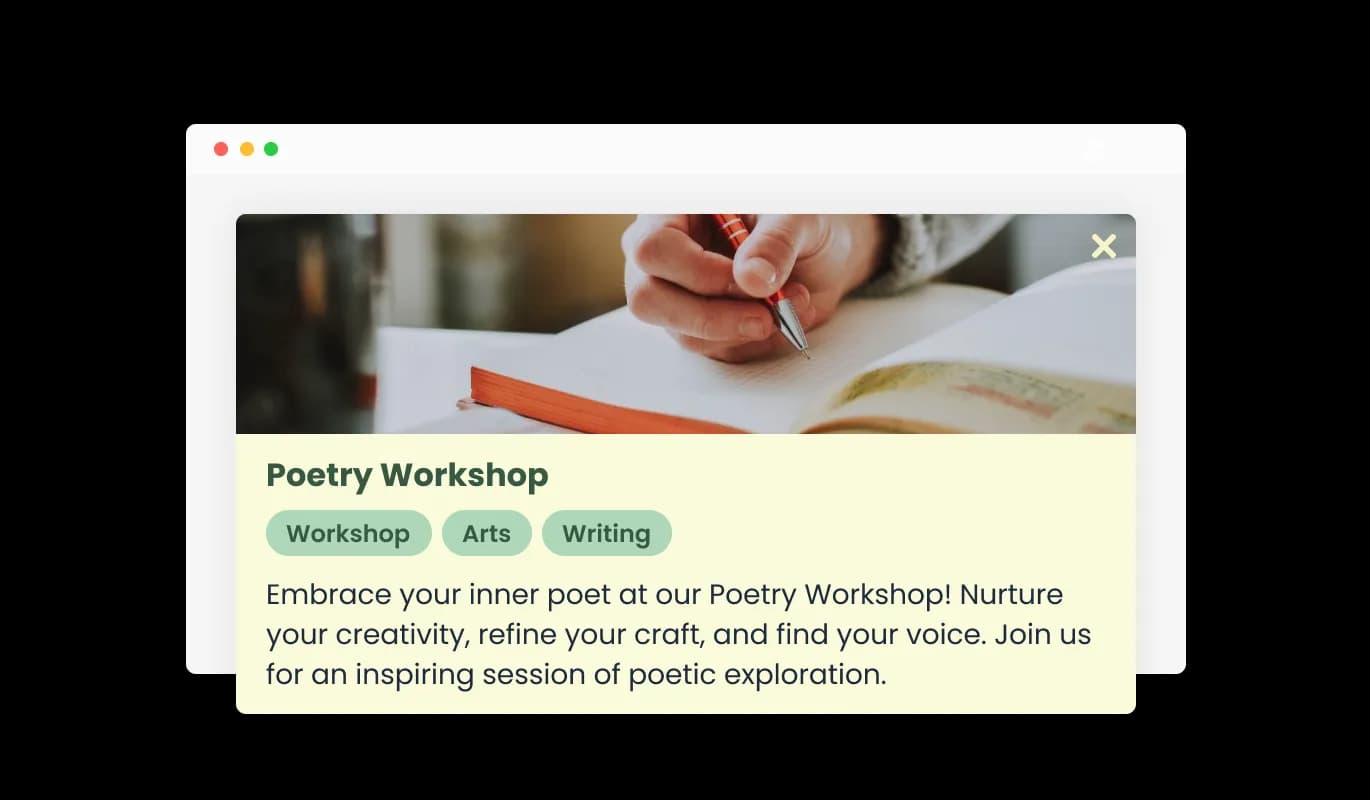
With the Event Listings Board, you can utilize dedicated fields specifically designed to display crucial event-related information. Easily input event titles, dates, locations, and descriptions to create detailed and informative listings that attract potential attendees.
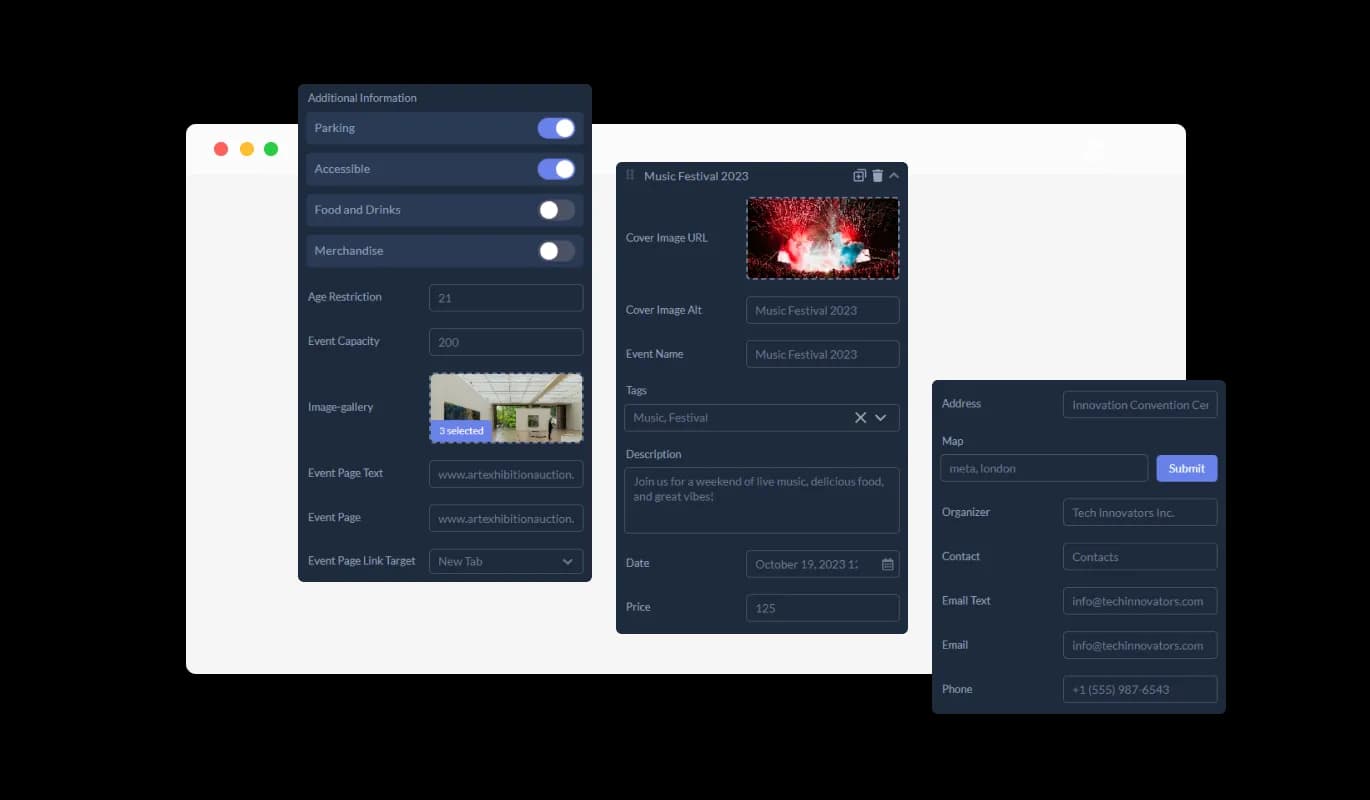
Event Listings - Customizable Event Fields

Adaptive Event Fields

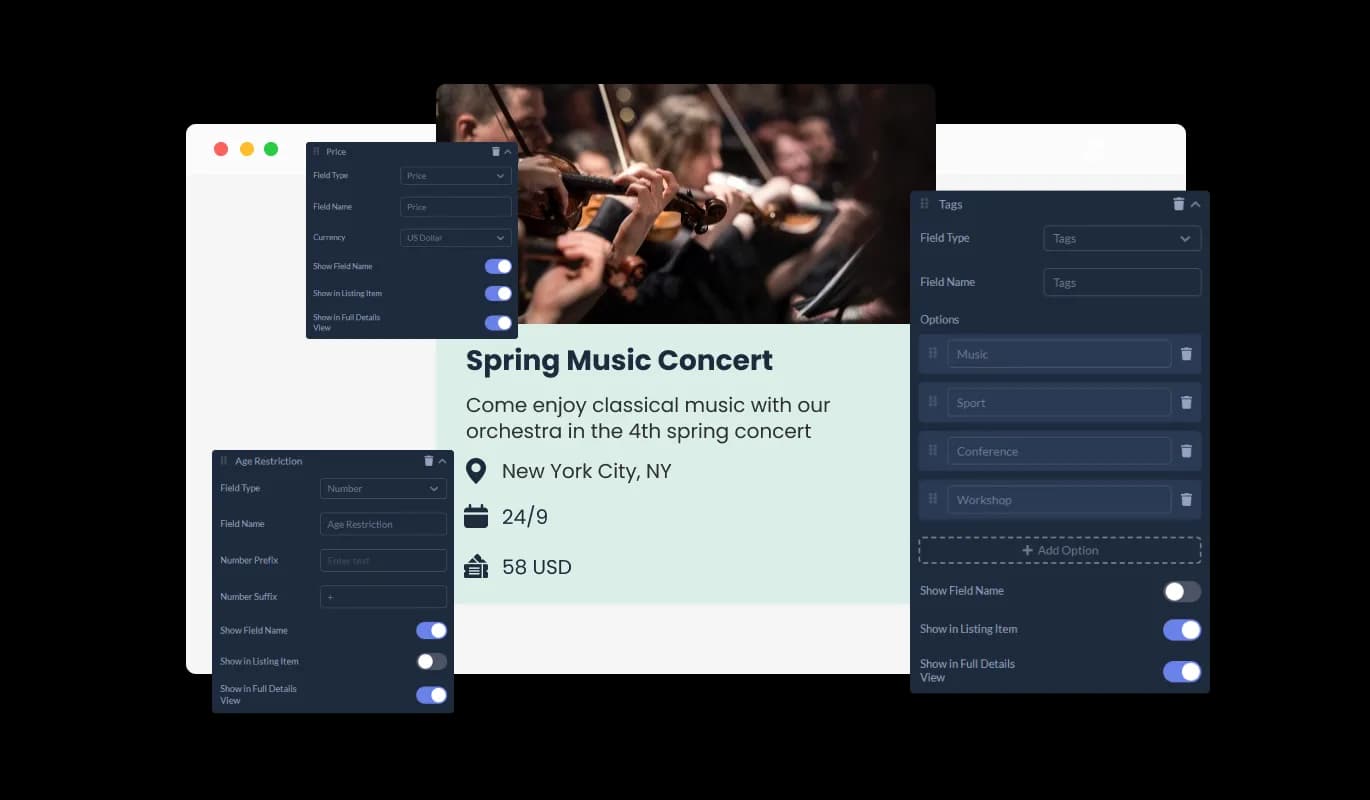
The Event Listings widget provides the liberty to modify or add fields in the event listings, adapting to the unique details or requirements of each event. Incorporate multi-selection options, yes/no fields, and in-depth descriptions to ensure a thorough presentation of event information.

Event Listings - Adaptive Event Fields

Comprehensive Event Insights

Every event listing features a Full Details Card, offering a complete overview of the event details, requirements, and organizer information. Attendees gain valuable insights to determine their interest and availability for the event.

Event Listings - Comprehensive Event Insights

Visual Enhancements Feature

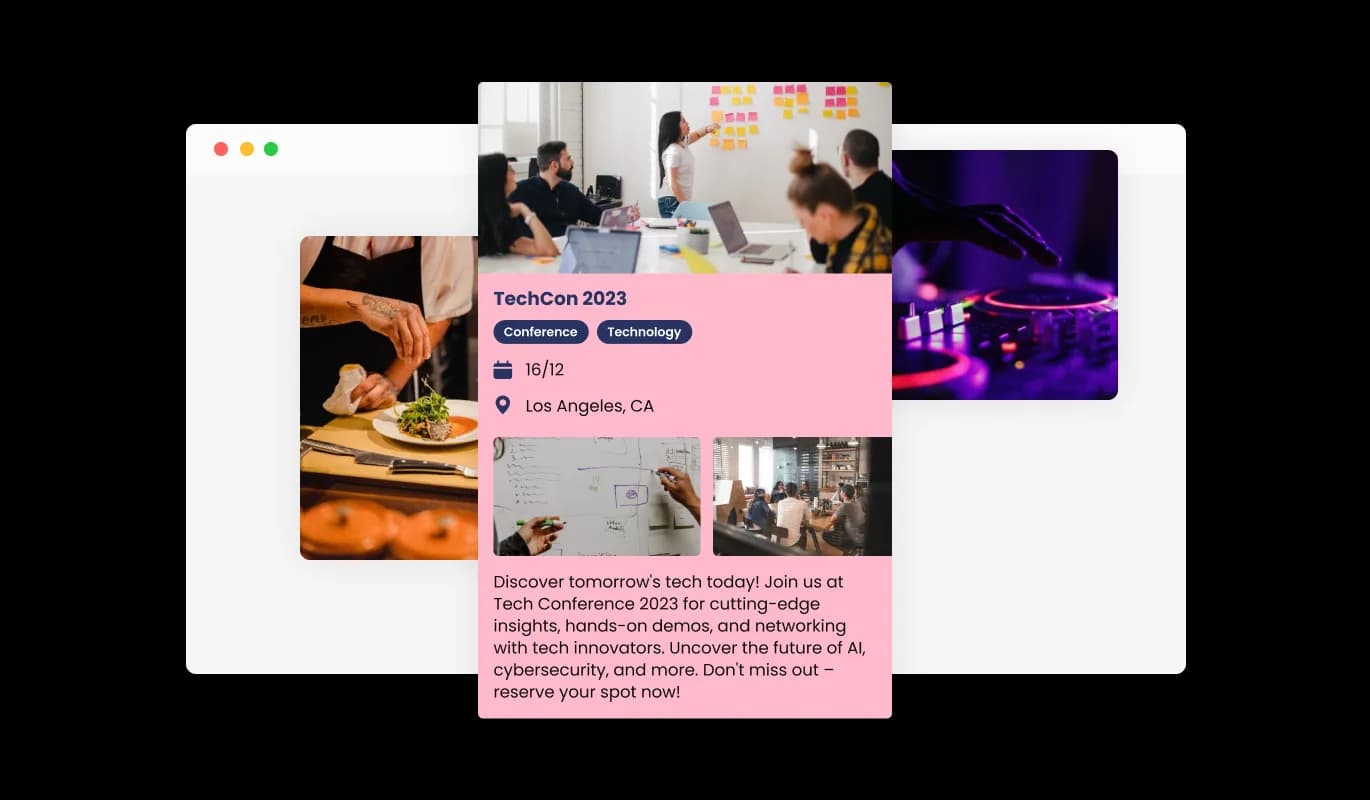
Incorporate images or event logos to enhance the visual appeal and recognition of each event listing. These visual elements can help bolster the event's or organizer's brand presence within each listing, making the Event Listings widget a visually engaging addition to your website.

Event Listings - Visual Enhancements Feature

Interactive Location Insights

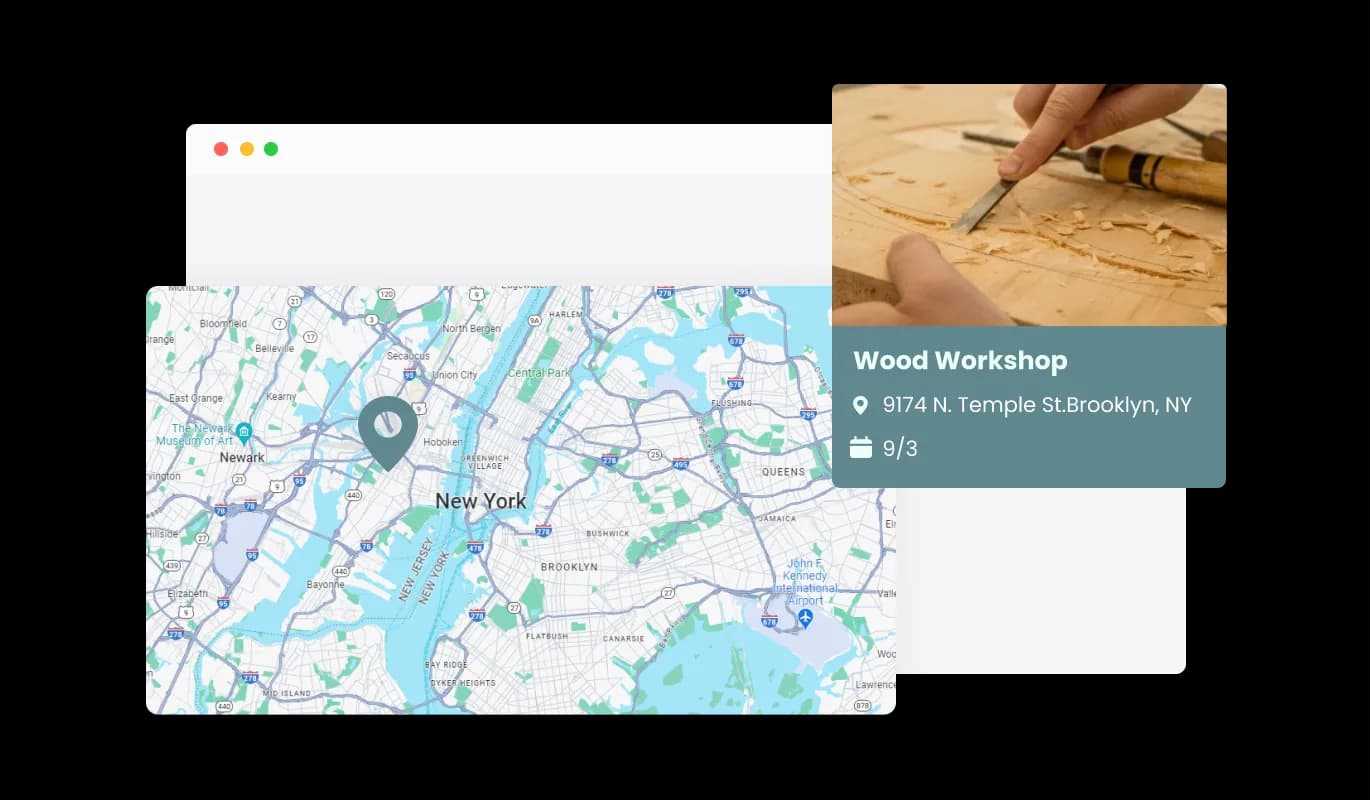
Each event listing can integrate a map to display the event's location or the organizer’s headquarters. This feature helps attendees to consider the geographical aspect when planning to attend events.

Event Listings - Interactive Location Insights
Event Listings - Tailored Event Views

Tailored Event Views

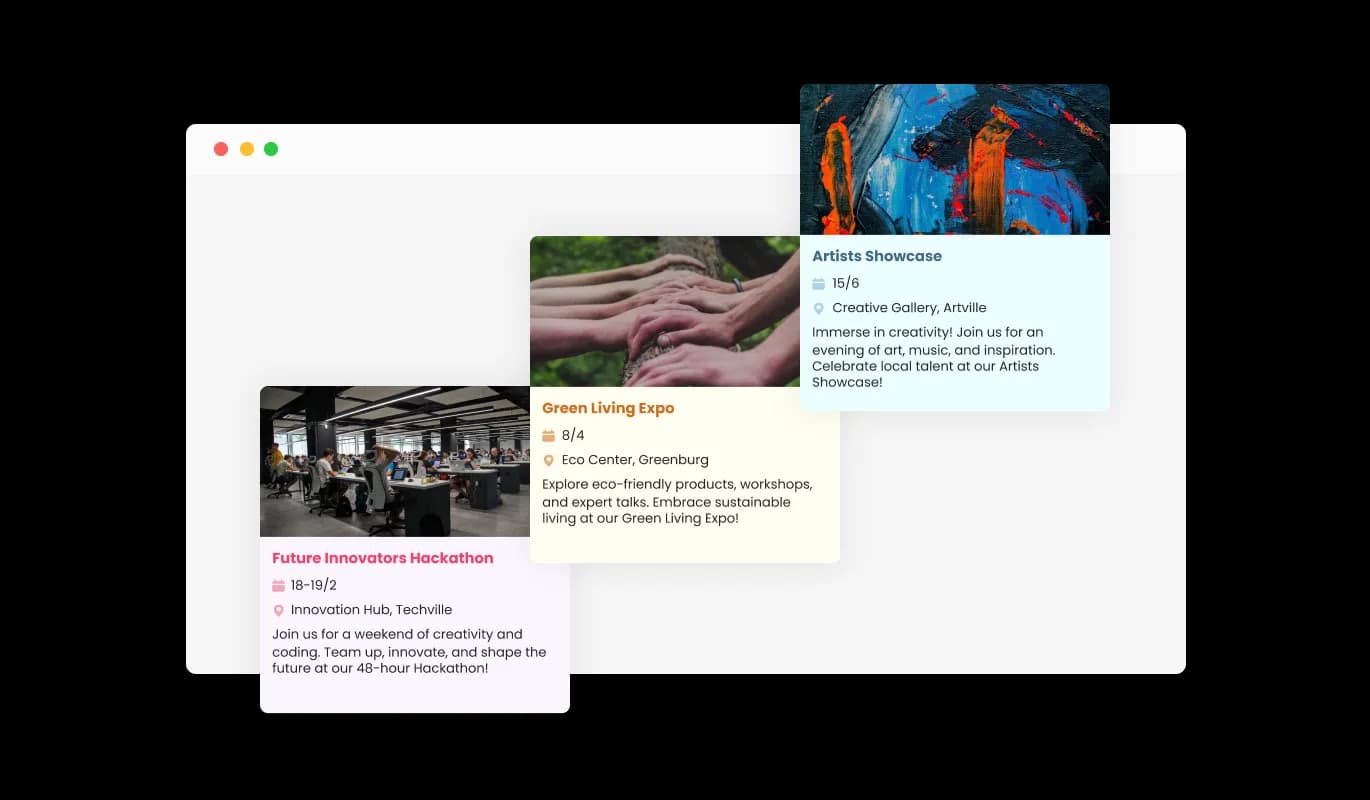
Adapt the presentation of event listings with customizable display options. Choose which fields appear in the preview lists and detailed event cards to provide site visitors with essential information at a glance and in-depth insights when needed.

Event Listings - Filtered Event Search

Filtered Event Search

The Events Board widget allows visitors to apply filters, streamlining the search process. By sorting listings based on various event criteria, attendees can efficiently find events that align with their interests, availability, and preferences.

Event Listings - Sortable Event Listings

Sortable Event Listings

Event seekers can sort available events based on criteria like event type, location, or organizer. This feature enhances user navigation, allowing attendees to quickly identify and plan for events that meet their preferences.

Event Listings - User-Friendly Events Listing Integration

User-Friendly Events Listing Integration

The Events Listing Widget is engineered for ease of integration and is compatible with diverse website platforms. It ensures that adding a dynamic and organized event listing section to your site is hassle-free and efficient.

Select from Multiple Skins

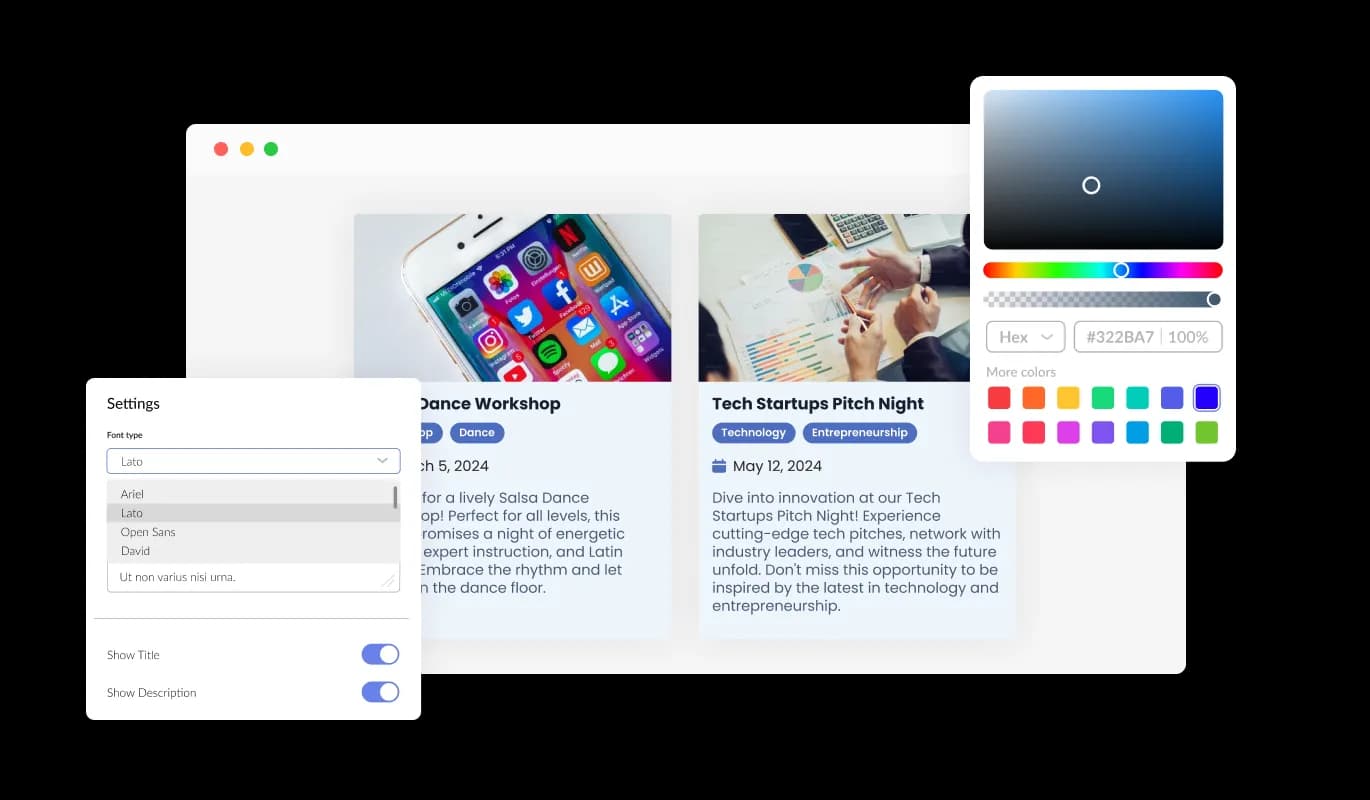
Select from a range of skins to ensure the Events Listing widget aligns with your website’s design and branding. The customization ensures a consistent and professional presentation of event listings.

Event Listings - Select from Multiple Skins

Total Customization Mastery

The Event Listings Widget bestows users with broad customization choices, ensuring each event listing resonates with your brand and caters to your audience's specific needs. Tweak event fields, fine-tune display settings, and select from an array of design options to craft a distinct and engaging event exploration experience on your website. Every element can be personalized, guaranteeing that your event listings are not only informative but also visually harmonious with your website's design.

Event Listings - Total Customization Mastery

Perfectly Responsive Events Board

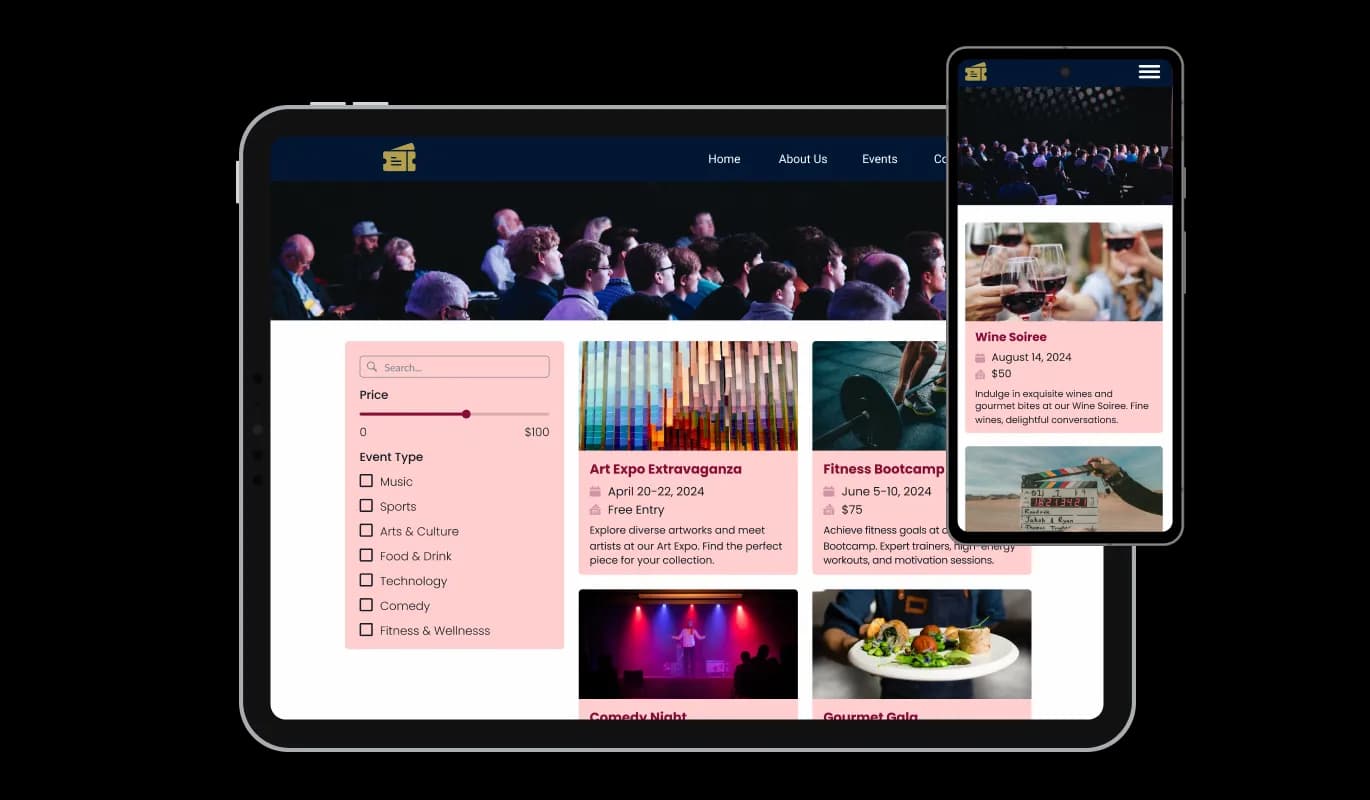
The Events Board widget is a valuable addition to any website. Not only is it fully responsive, meaning it will adjust seamlessly to fit the screen size of any device, but it also boasts a sleek and modern design that will enhance the overall look of your site. In a digital era where a growing number of people are accessing the internet through their phones and tablets, it's crucial to have a website that is optimized for mobile viewing. The Events Board widget enables you to do just that, providing you with a competitive edge.

Event Listings - Perfectly Responsive Events Board

Advanced CSS Customization

Obtain complete mastery over the styling of your event listings with the flexibility of CSS. Tailor the appearance and ambiance of the listings to ensure they harmoniously meld with your website's aesthetic and design elements.

Event Listings - Advanced CSS Customization

Effortless Installation Across Platforms

The Event Listings widget is meticulously crafted to ensure compatibility and ease of integration with a variety of website builders and platforms. Its intuitive design facilitates a quick and hassle-free setup, enabling you to enhance your website with a comprehensive events listing section without encountering technical or compatibility challenges.

Event Listings - Effortless Installation Across Platforms

Compatible With All Site Builders, E-Commerce Platforms and Websites

webflow logoshopify logowix logowordpress logobigcommerce logosqurespace logoweebly logojoomla logoduda logojimdo logomagento logoshift4hsop logounbounce logocarrd logo
View all supported platforms

FAQ

The Event Listings widget is a tool that allows website owners to create and display a list of events on their website in an organized and visually appealing manner.

The installation process is designed to be straightforward. Detailed instructions will be provided upon purchase or you can contact our support team for assistance.

Yes, you have full control over the styling through CSS and various design options within the widget to ensure it blends seamlessly with your website's design.

Visitors can browse, search, filter, and sort the events to find ones that interest them. They can also click on each event for more detailed information.

Yes, the widget is designed to be fully responsive and will adapt to the screen size of various devices including mobile phones, tablets, and desktop computers.

Yes, you can add visual elements like images or logos to each event listing to enhance visual appeal and provide more information about the event.

Adding new events is an easy process through the widget’s user-friendly interface. You can input event details, and they will be displayed on your website instantly.

Yes, the widget allows the integration of maps to provide geographical insights regarding the event locations to your visitors.

By adding fresh, regularly updated content in the form of event listings, your website can benefit in SEO rankings.

Yes, you can update or edit event details anytime after they’ve been listed.

Yes, the widget provides a search functionality to help visitors find events based on keywords or other criteria.

Yes, you can categorize events based on types, themes, or any other criteria of your choice.

Yes, our support team is available to assist you with any challenges you may encounter.

You can use analytics tools to measure user interaction and performance of your event listings, some of which can be integrated directly with the widget.

The widget is crafted to ensure compatibility with a variety of website platforms. However, for specific platform inquiries, you can contact our support team.


The number of events you can list depends on the premium plan you choose. Each plan has a different limit to cater to varying needs, ensuring you have the flexibility to choose a plan that suits your requirements. For further details on the event listing limits for each plan, you can check our pricing page or contact our support team.