





Facebook feed Date & time settings
Further customization is possible by displaying the date and time, depending on your preferences and those of your Gutenberg website visitors.
You can gather and group various Facebook feeds into one tab with Facebook feed for Gutenberg.
It will be much easier for your readers to access all Facebook feeds if you organize them into one page.
With the Facebook feed plugin for [platform, you are able to design your Gutenberg website page however you like. Your site will also be enhanced by the gentle "ticker" animation, which will enhance its appeal.
Further customization is possible by displaying the date and time, depending on your preferences and those of your Gutenberg website visitors.

The Facebook feed for Gutenberg will keep updating and refreshing as long as the "auto-refresh" option is enabled.
By adjusting the length of the characters, the plugin and Facebook feed can be made more compact.
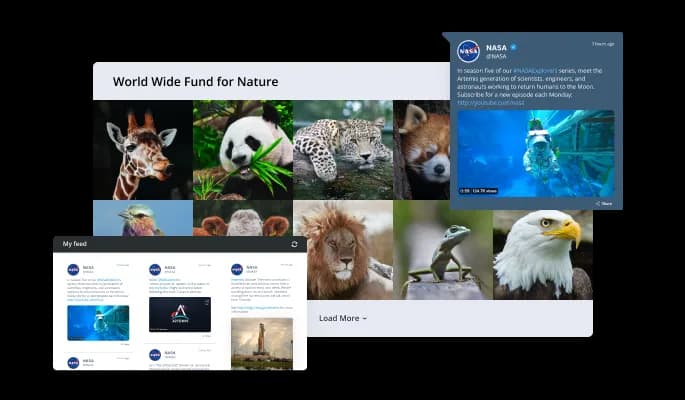
We offer a variety of layout options for your Gutenberg Facebook feed plugin to customize your Gutenberg website according to your preferences. By choosing the right layout, your design will also be complimentary and you will be able to convey the right message.
Right-to-left writers will find full RTL support in Facebook feed plugin for Gutenberg. Increase the number of users who can read your news on your Gutenberg website.

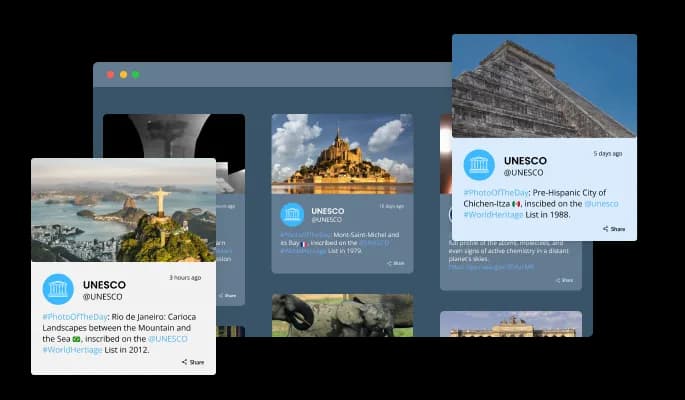
The Facebook feed plugin for Gutenberg will add a sense of activity by displaying an animated "ticker". This tool allows you to grab the user's attention immediately.

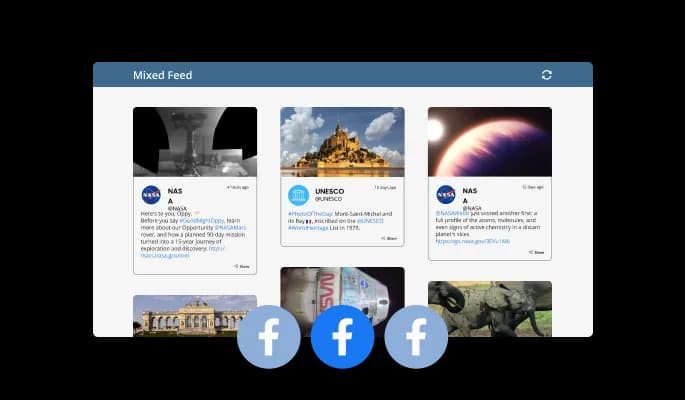
The Facebook feed plugin for Gutenberg allows you to choose between Tabs and Mixed feeds. When you select Tabs, all your tabs will be organized in order of feed, while Mixed will mix the various feeds together.

Many beautiful skins are available with the Gutenberg Facebook feed plugin, so you don't have to spend time customizing it for your Gutenberg website. These skins will complement most design color schemes and will enable you to quickly and effortlessly set up a beautiful Facebook feed plugin for your Gutenberg website.

We have designed the Facebook feed plugin for Gutenberg to be fully responsive, so it will look great on any device. It is essential to have this feature in today's mobile-first world.
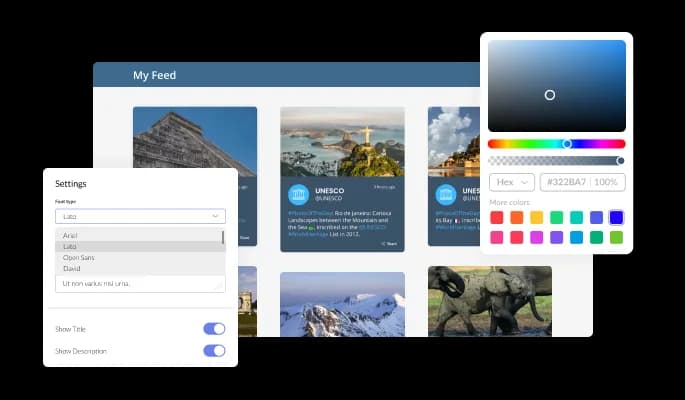
The Facebook feed plugin for Gutenberg offers full customization options so you can edit the design to suit your Gutenberg website needs. Make changes to the colors, the fonts, the spacing, and whatever else you like!
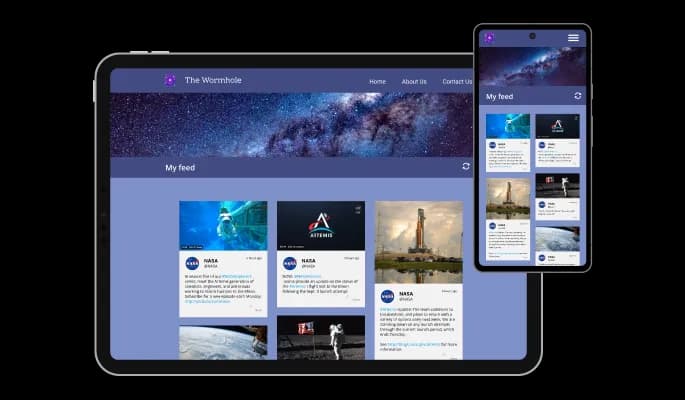
The Facebook feed for Gutenberg is easy to use and requires no coding knowledge. The intuitive dashboard with drag-and-drop functionality will allow you to customize the plugin in any way you'd like with just a few clicks.

In the Facebook feed for Gutenberg, you can add custom CSS to make the plugin even more personalized and creative.

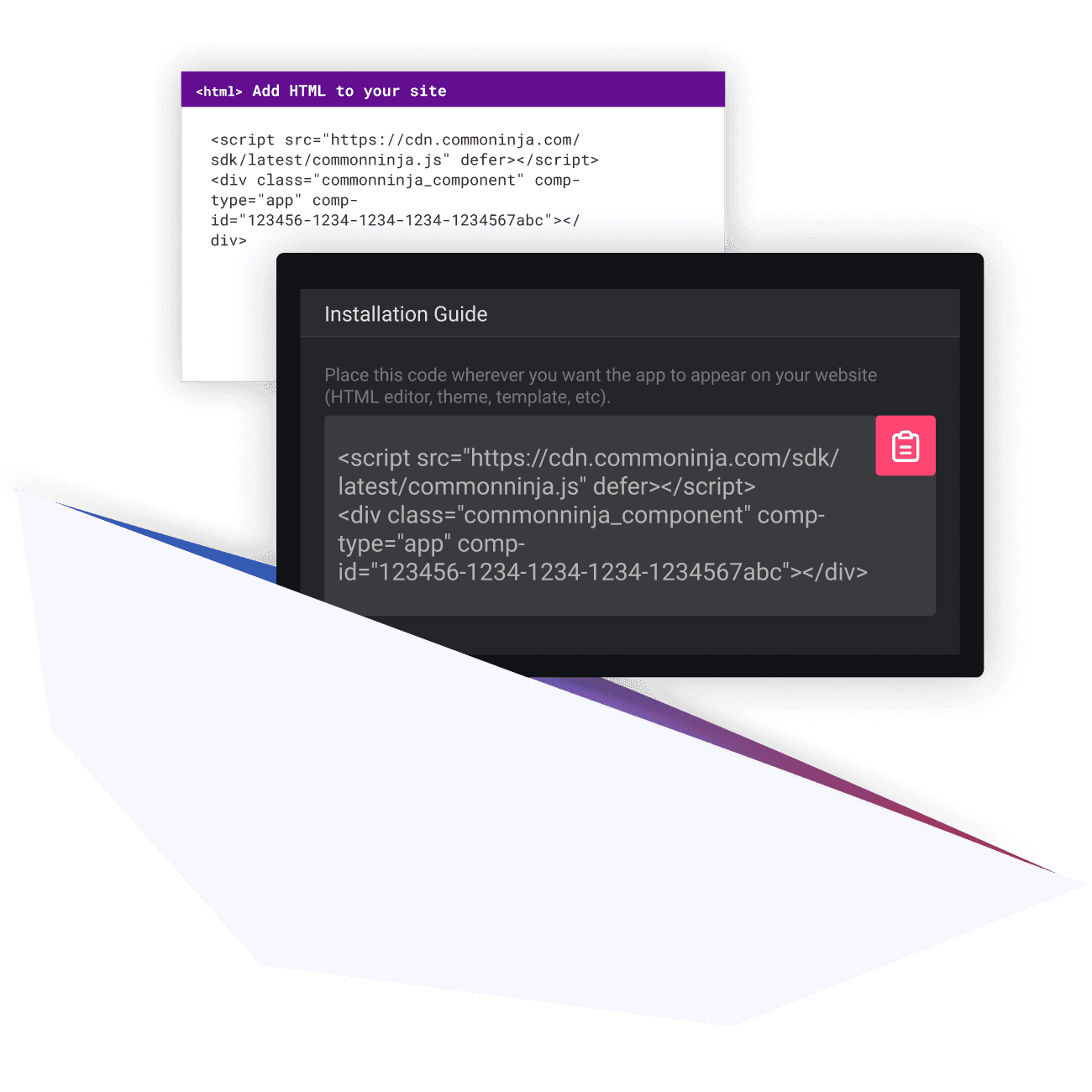
You can embed the Facebook feed plugin on your Gutenberg website by simply copying and pasting one line of code. Whenever you update your plugin, your Gutenberg Facebook feed on your Gutenberg website will be updated automatically.
Yes, you can limit the number of posts that will be shown per page.
Yes, you can choose where to position the tabs from the settings menu.
Yes, you can add a background image, and to further customize its behavior.
Yes, there’s an auto-refresh option that can be easily toggled on or off.
Yes, you can customize the feed’s height.
Yes, currently there’s a “ticker” animation that you can trigger.
Yes, you can easily do so from the “Templates” tab.
Yes, there are lots of beautiful skins that you can choose from to save time and start using the widget as quickly as possible.
Yes, you can either upload an image, or select an icon from a large selection of available icons to add to your Notification Bar, or, alternatively, you can leave it all blank.
Using the Facebook Feed widget is very easy. Simply sign up and start using the free version. There's no need to worry about complicated setup or installation processes, as the Facebook Feed widget is designed to be user-friendly and straightforward. Once you've signed up, you'll have access to all of the basic features and functions of the widget, which you can use to enhance your website and improve your online presence. From there, you can choose to upgrade to the paid version if you want to access more advanced features and capabilities. Regardless of which version you choose, you'll find that the widget is a powerful and easy-to-use tool that can help you take your online presence to the next level.
The Common Ninja Facebook Feed widget is a free tool reach with features and options. While this widget is free to use, it does have a limit on the number of views it can handle. This means that after a certain number of views, the chat button may no longer be visible or functional on your website. It is important to note that this view limit may vary depending on your plan. Despite this limitation, Common Ninja's Facebook Feed is still a valuable tool for businesses looking to increase customer engagement and improve the overall user experience of their website.
The Common Ninja's Facebook Feed widget is a versatile tool for any website builder. This means that you can easily add this widget to your website or store no matter what platform you use to build your website. The Facebook Feed widget will work seamlessly with your platform whether you are using a popular website builder or something more specialized. This means you can enjoy all the benefits of this powerful tool without having to worry about compatibility issues.
The Facebook Feed widget is designed to comply with the General Data Protection Regulation (GDPR), a set of EU regulations protecting personal data and privacy. When using the Facebook Feed widget, you can be confident that it will not collect or store personal data that could violate GDPR regulations. This ensures that your business is in compliance with these regulations and can protect your customers' data privacy. Overall, the Facebook Feed widget is a secure and reliable tool that can be used to enhance your website without any concerns about GDPR compliance.
No need for coding skills. Our Facebook Feed widget is designed to be easy to use, even for those with limited technical experience. The widget features a user-friendly interface that allows you to easily customize the widget without coding knowledge. You can fully customize the Facebook Feed to match your branding. When you're done, simply copy the provided code and paste it into your website. It's that simple!
Yes. We are eager to hear your request. Please visit our Feature Request page.
Embedding the Facebook Feed widget on your website is a straightforward process. Simply copy the provided code and paste it into the desired location on your website. The widget will seamlessly integrate into your site, allowing you to take advantage of its features and functions. No technical expertise or programming knowledge is required - just copy and paste the code to get started. This simple process allows you to easily add the widget to your website and enhance its functionality without any hassle.