
Form Builder for Bazium

Create custom forms with a form builder that offers advanced field types, easy layout control, and flexible options for any purpose.

Create Your Own Form

loved by 500K+ businesses

Bazium
plugineditor

Why Should You Use the Form Builder Widget+?

Transform Your Form Crafting Journey

Uncover the next level of form builder with our trailblazing form architect for Bazium. Cast aside tedious, prolix tasks, and embrace the unpretentiousness and strength of this diverse mechanism. Skillfully conceive captivating forms for inquiries, admission, appraisals, or interactionecessities, and experience your audience delight in a streamlined engagement, while securing the crucial data that accelerates your accomplishments.

Comprehensive Customization and Flexibility

Our Bazium form builder provides peerless customization and flexibility, offering a diverse assortment of unique and state-of-the-art field types to address your individual needs. This facilitates users to tweak forms to their desired outcomes, without the requirement for coding or technical skills. The editor's accessible interface enables seamless customization and design, making certain that the forms not only gather the needed data but also coincide with the users' brand identity and aesthetics.

Simplified Data Accumulation

Our form builder for Bazium streamlines data acquisition and administration like no other. With a single click, submitted information is instantly arranged in an easy-to-understand table, facilitating analysis and comprehension. Focus on the core aspects - making fact-based resolutions and improving your business or entity.

Multiple Form Field Choices for Customization

Seamlessly create customized forms with our Bazium form builder, built to address your distinct needs and user objectives. Integrate and opt for a wide variety of field types, covering basic to intricate formats, with just a click. Effortlessly reposition fields using the drag-and-drop functionality for an ideal form configuration.
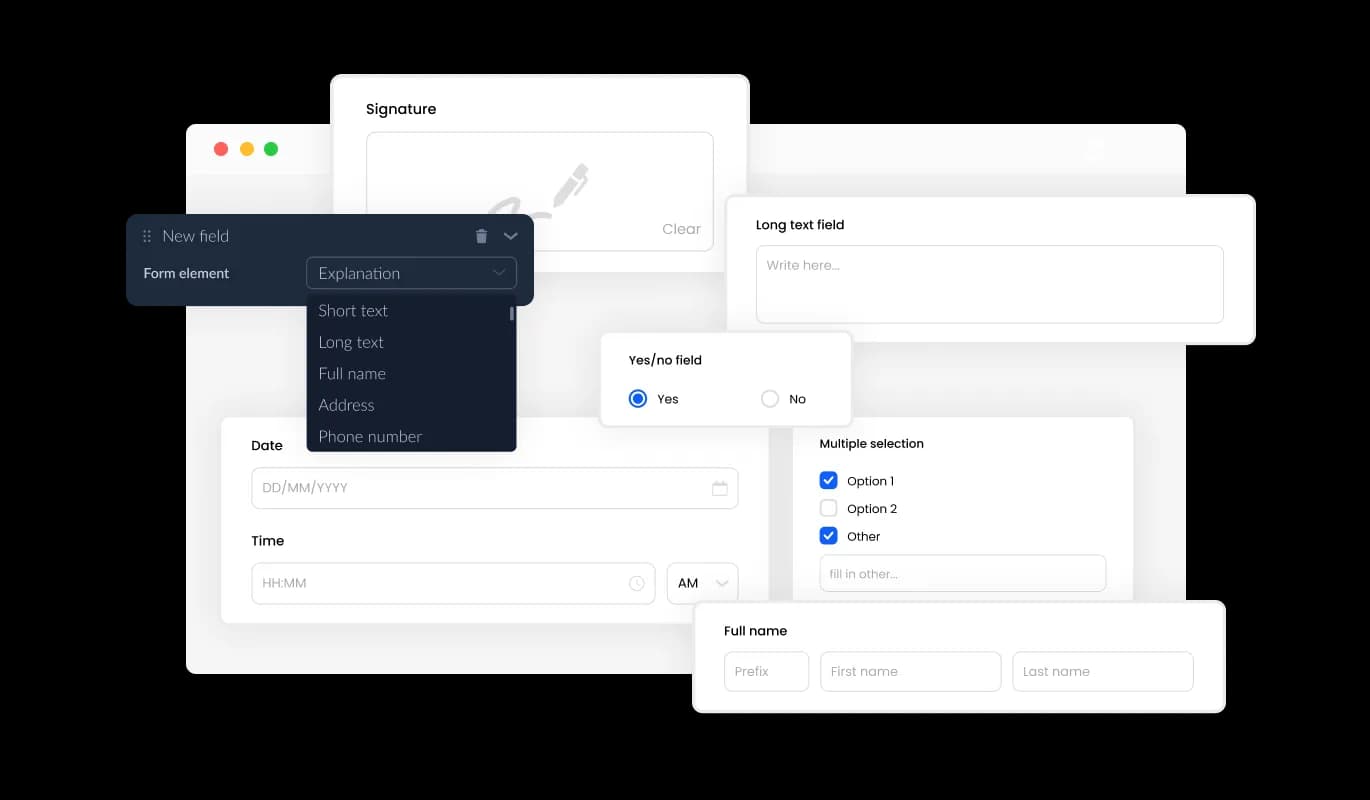
Form Builder - Multiple Form Field Choices for Customization

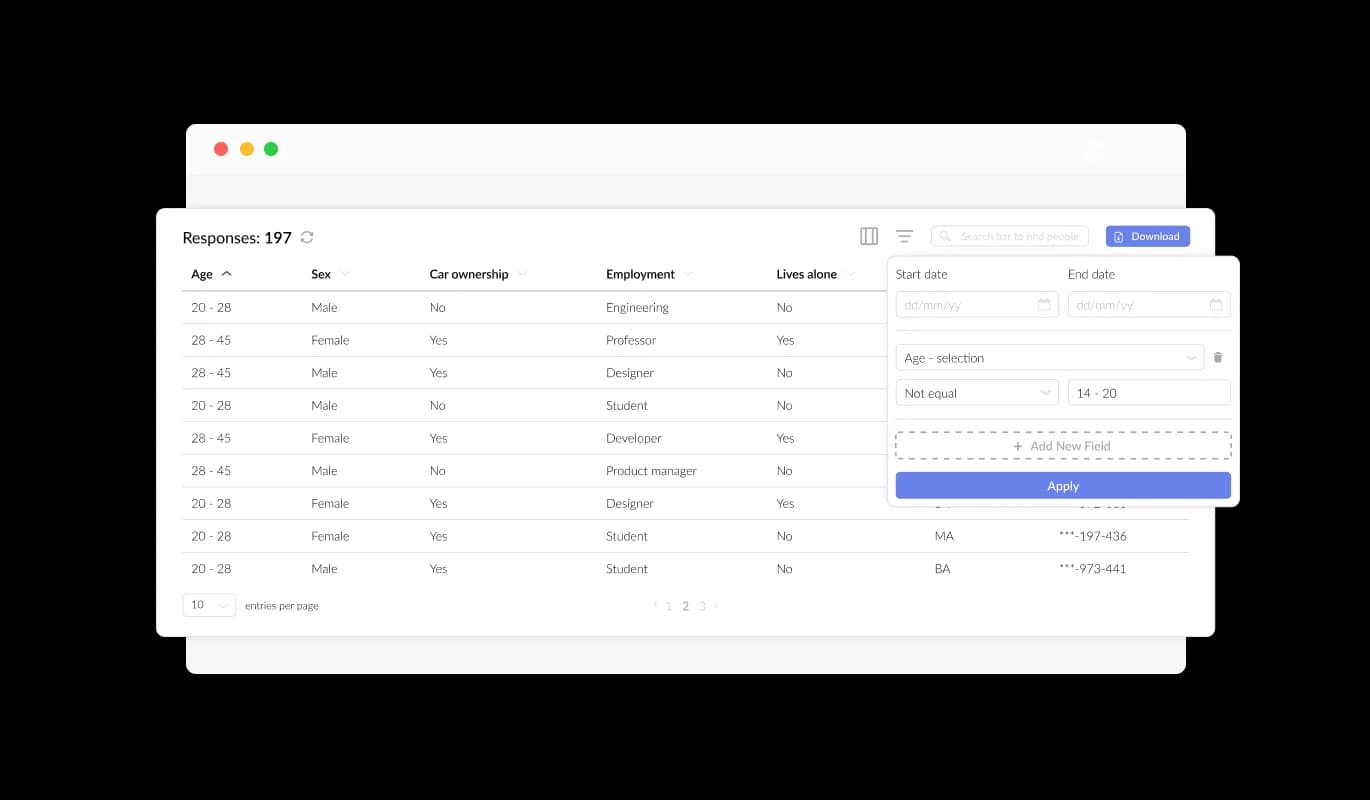
Simplified Submission Management

The Form Builder for Bazium makes it easy for you to efficiently manage and view all submissions in a neatly organized, user-friendly layout. This functionality ensures you remain aware of all the collected data and user input, fostering prompt and efficient follow-ups and decision-making.

Form Builder - Simplified Submission Management

Effortlessly Receive Files and Images via Forms

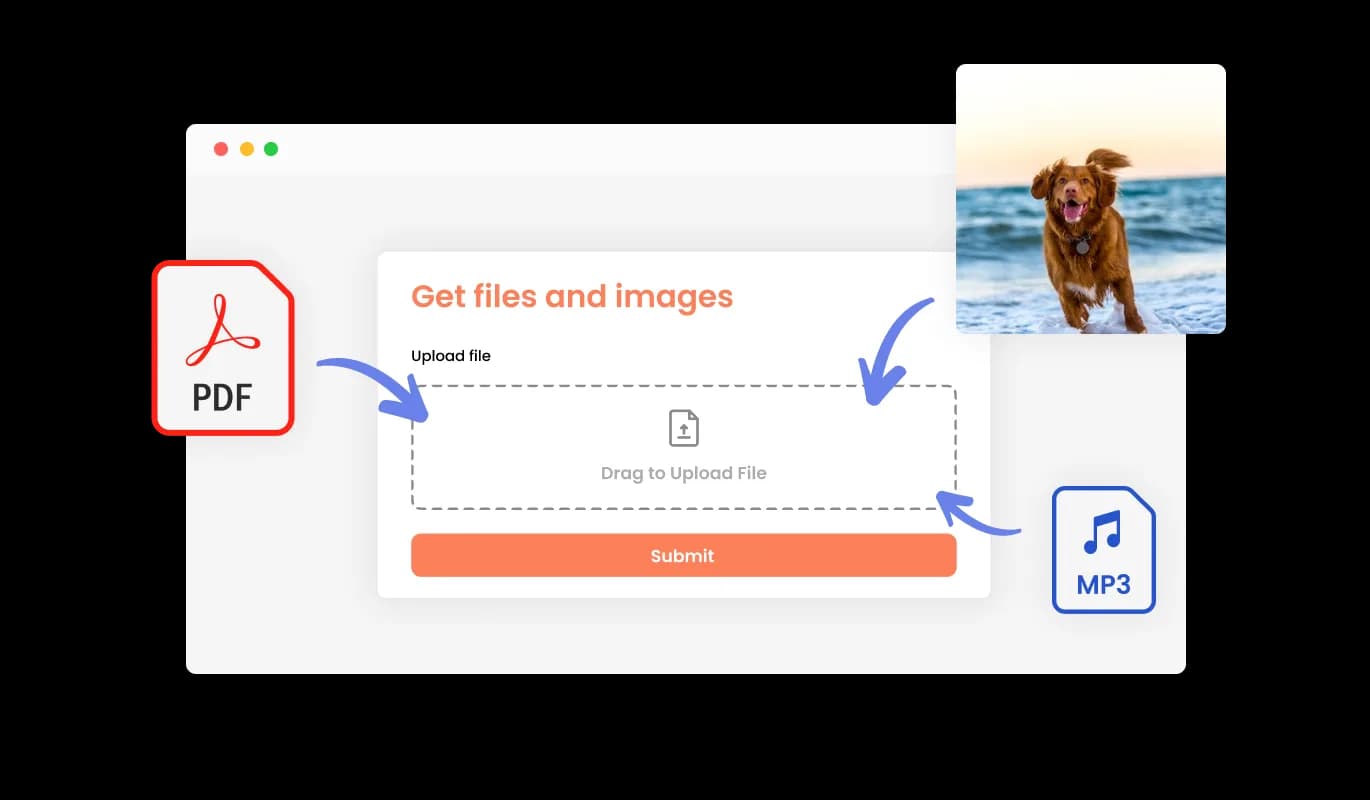
With our Form Builder for Bazium, conveniently acquire files and images submitted by your audience. This robust feature caters to businesses and professionals requiring crucial data, documentation, or visual elements from their clients or customers. No matter the industry, our Form Builder for Bazium streamlines the process, making it easier than ever to collect the necessary data to drive your business forward and ensure client satisfaction.

Form Builder - Effortlessly Receive Files and Images via Forms

Enrich Your Form with Fascinating Content and Visuals

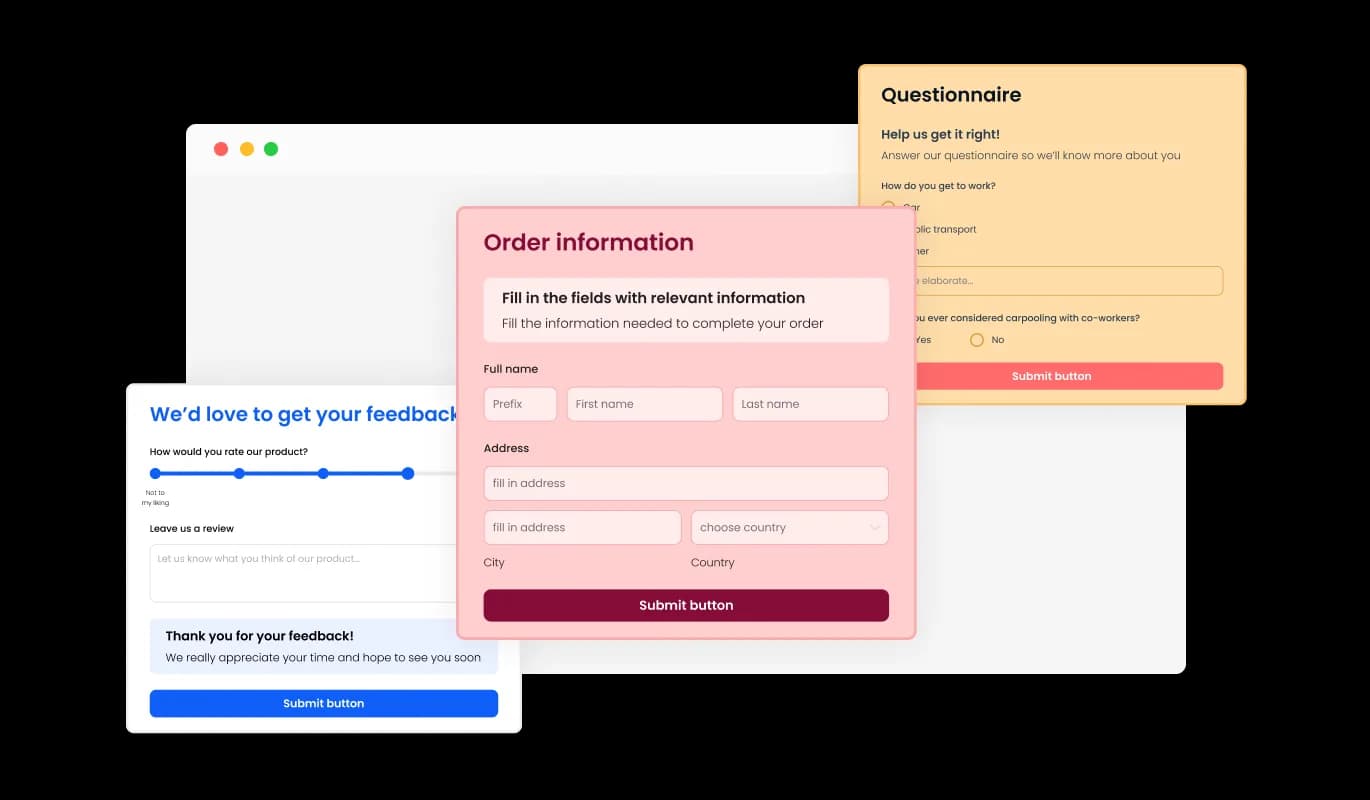
Introducing headlines, descriptive text, and visuals to your form creates a more extensive and intelligible submission experience for your audience. By incorporating informative form elements, you smoothly direct users through the submission process, guaranteeing a streamlined and effective experience that ultimately increases the likelihood of conversion.

Form Builder - Enrich Your Form with Fascinating Content and Visuals

Custom Headers & Footers for Your Form's Appeal

Our Bazium Form Builder provides the capability to tailor your form's header and footer, complete with the option to incorporate images. This functionality enables you to strengthen your brand presence and craft a refined, visually captivating form that flawlessly aligns with your Bazium website's comprehensive design and aesthetic.

Form Builder - Custom Headers & Footers for Your Form's Appeal

Simple Email Notices and Confirmations

The Form Builder for Bazium enables the activation of notifications for the form overseer and the individual submitting the form. Establish automated email notifications for each form submission, permitting you to forward alerts to various email addresses while also delivering a confirmation email to the user upon successful completion.

Form Builder - Simple Email Notices and Confirmations
Form Builder - Effortless Form Submission Export to CSV

Effortless Form Submission Export to CSV

The Bazium Form Builder enables submission data exportation to a CSV file, allowing for trouble-free import into other programs or tools for extensive analysis or merging. This feature is especially advantageous for enterprises aiming to uphold extensive records of customer exchanges and for data evaluation and reporting purposes.

Form Builder - Safeguard Your Form Submissions from Spam

Safeguard Your Form Submissions from Spam

The Bazium Form Builder allows you to enable the CAPTCHA anti-spam mechanism, compelling users to complete a validation step before submitting the form. This functionality efficiently restricts bots and automated scripts from delivering spam content, assuring that you obtain valid submissions from real users.

Form Builder - Easy to use Bazium Form Builder

Easy to use Bazium Form Builder

Our Bazium Form Builder is remarkably intuitive, demanding no programming expertise for utilization. Using our intuitive interface, you can easily modify your forms with a few simple clicks, streamlining the entire process and negating the need for specialized knowledge.

Form Builder - Effortless Form Embedding on Bazium website

Effortless Form Embedding on Bazium website

Integrating the Form Builder widget onto your Bazium website is effortless, requiring only a copy-and-paste of the provided code snippet into your HTML page. Additionally, the Bazium form builder is designed to be auto-updating, ensuring that any changes you make using the Form Builder editor will automatically reflect on your Bazium website, eliminating the need for manual updates.

Pre-Configured Skins for Simplified Form Aesthetics

With the Form Builder for Bazium, you have access to a diverse range of appealing skins, allowing you to hasten the design process and produce visually engaging forms in an instant. These pre-built templates spare you the labor of extensive personalization while guaranteeing your form corresponds with your preferred style and aesthetic, delivering a cohesive user experience.

Form Builder - Pre-Configured Skins for Simplified Form Aesthetics

Enable Repeated Form Entries

The Bazium Form Builder provides the option to enable multiple submissions by a single user, facilitating situations where users need to update or supplement their submitted information. Once this functionality is activated, users can submit the form repeatedly without facing any limitations, guaranteeing that they can supply precise and comprehensive data.

Form Builder - Enable Repeated Form Entries

Effortlessly Design Fully Tailored Forms

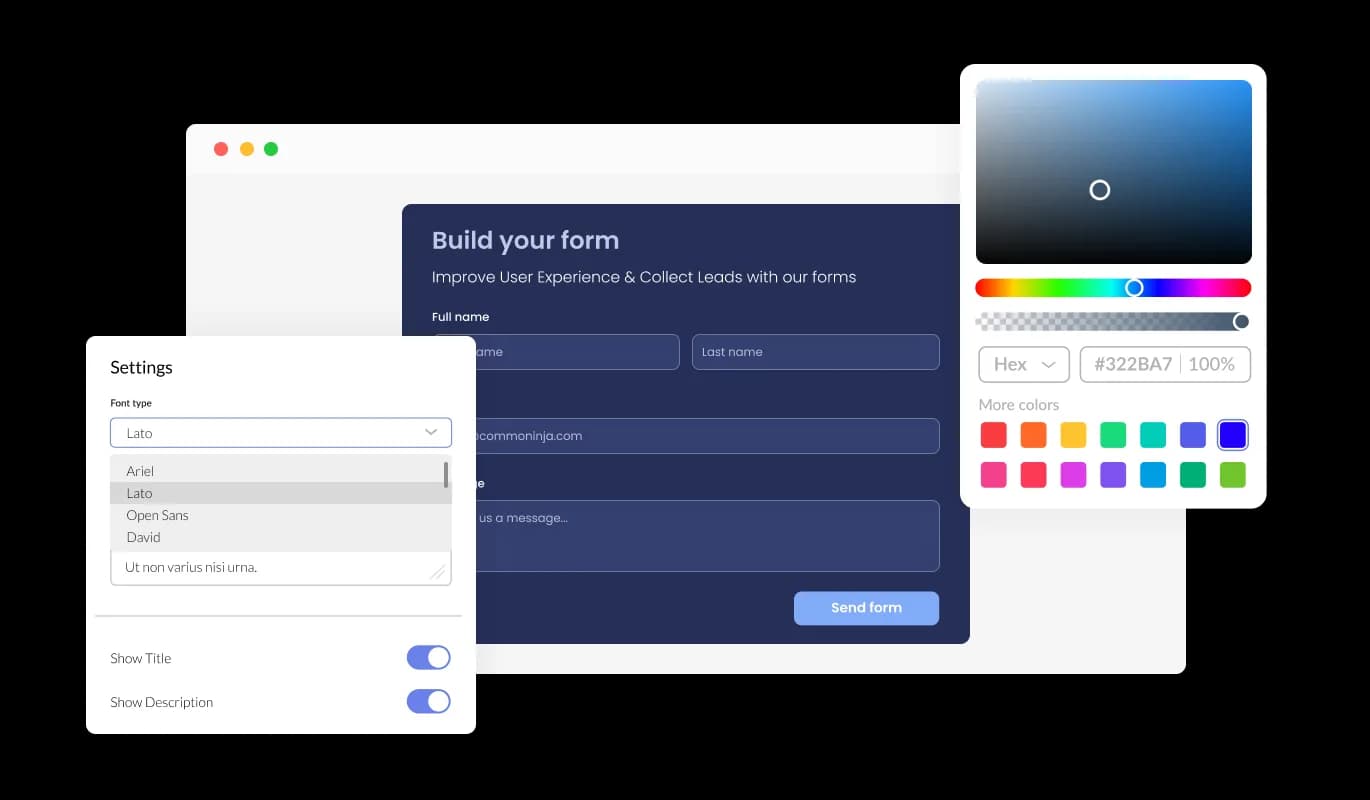
Our Bazium Form Builder provides extensive personalization features, allowing you to modify and adapt the form's appearance to meet your unique requirements. No matter the adjustments to colors, font styles, field proportions, or layouts, the Form Builder for Bazium offers the versatility to thoroughly tailor your forms without difficulty, delivering a cohesive user experience that harmonizes with your brand and goals.

Form Builder - Effortlessly Design Fully Tailored Forms

Seamless Multi-Device Forms for Bazium

The Bazium Form Builder excels at crafting responsive forms, providing users with the ability to access and complete them trouble-free, independent of the device or screen measurements. The responsive design of the Bazium Form Builder guarantees that your forms appear visually appealing and operate flawlessly across various devices, such as desktops, laptops, tablets, and smartphones, enhancing your audience coverage and interaction.

Form Builder - Seamless Multi-Device Forms for Bazium

Fine-tune Your Forms: CSS Editing for Bazium

The Bazium Form Builder's advanced editor is an incredibly powerful tool that gives you complete control over every aspect of your form's appearance. In addition to the user-friendly interface that allows you to customize colors, fonts, and layout, the CSS editing feature enables you to take customization to a whole new level. CSS editing enables you to achieve total customization of your form's aesthetics, assuring that it aligns flawlessly with your brand's style and purpose. Whether you're a beginner or an experienced designer, the Bazium Form Builder's CSS editing feature empowers you to create stunning, unique forms with ease.

Form Builder - Fine-tune Your Forms: CSS Editing for Bazium

Compatible With All Site Builders, E-Commerce Platforms and Websites

View all supported platforms

FAQ

A Form Builder is a powerful tool that allows users to create and customize forms for various purposes, such as surveys, registration, feedback, or contact forms, without any coding or technical expertise required.

A Form Builder offers numerous benefits, such as streamlining the form creation process, unparalleled customization and flexibility, effortless data collection and management, and enhanced user experience.

The Form Builder provides a wide array of field types, enabling users to create various types of forms for their specific needs. Some common types of forms you can create with the Form Builder include surveys, registration forms, feedback forms, and contact forms. However, the possibilities are endless, and you can tailor the forms to your unique requirements with the Form Builder's customization options.

Absolutely! The Form Builder provides complete customization options, enabling you to edit and tailor your form's design to suit your specific needs and aesthetics.

Yes, the Form Builder offers the CAPTCHA anti-spam feature, requiring users to complete a verification step before submitting the form, effectively preventing spam messages from bots and automated scripts.

Yes, integrating the Form Builder onto your website is effortless, requiring only a copy-and-paste of the provided code snippet into your HTML page. Additionally, the Form Buidler is designed to be auto-updating, ensuring that any changes you make using the Form Builder editor will automatically reflect on your website.

Yes, you can use the Form Builder to collect files and images submitted by users, making it easy to gather essential information, documentation, or visual assets from your clients or customers.

No, you do not need any coding knowledge to use a Form Builder. With its user-friendly interface, you can effortlessly customize and design your forms without any technical expertise.

Yes, the Form Builder allows you to export your form submission data to a CSV file, making it easy to import the data into other software or tools for further analysis or integration.

Yes, you can configure the Form Builder to send automated email notifications to multiple email addresses for every form submission, as well as deliver a confirmation email to the user upon successful submission.

Yes, the Form Builder's responsive design ensures that your forms look great and function perfectly on any device, including desktops, laptops, tablets, and mobile devices, maximizing your audience reach and engagement.