
Form Builder for IONOS

Create custom forms with a form builder that offers advanced field types, easy layout control, and flexible options for any purpose.

Create Your Own Form

loved by 500K+ businesses

IONOS
plugineditor

Why Should You Use the Form Builder Widget+?

Reimagine Your Form Design Experience

Discover the future of form creation with our state-of-the-art form builder for IONOS. Bid farewell to wearisome, lengthy procedures, and welcome the ease and prowess of this adaptable instrument. Gracefully craft striking forms for assessments, enrollments, opinions, or correspondence requirements, and witness your audience savor a smooth interaction, all while accumulating the vital data that fuels your victory.

Comprehensive Customization and Flexibility

Our IONOS form builder offers unparalleled customization and flexibility, with a wide array of unique and advanced field types to accommodate your specific needs. This permits users to adapt forms to their expectations, bypassing the demand for coding or technical proficiency. The editor's accessible interface enables seamless customization and design, making certain that the forms not only gather the needed data but also coincide with the users' brand identity and aesthetics.

Hassle-free Data Procurement

Our form builder for IONOS simplifies data collection and management like never before. A mere click effortlessly structures submitted data into an intelligible table, making examination and interpretation stress-free. Direct your focus on the essentials - making data-driven judgments and refining your enterprise or institution.

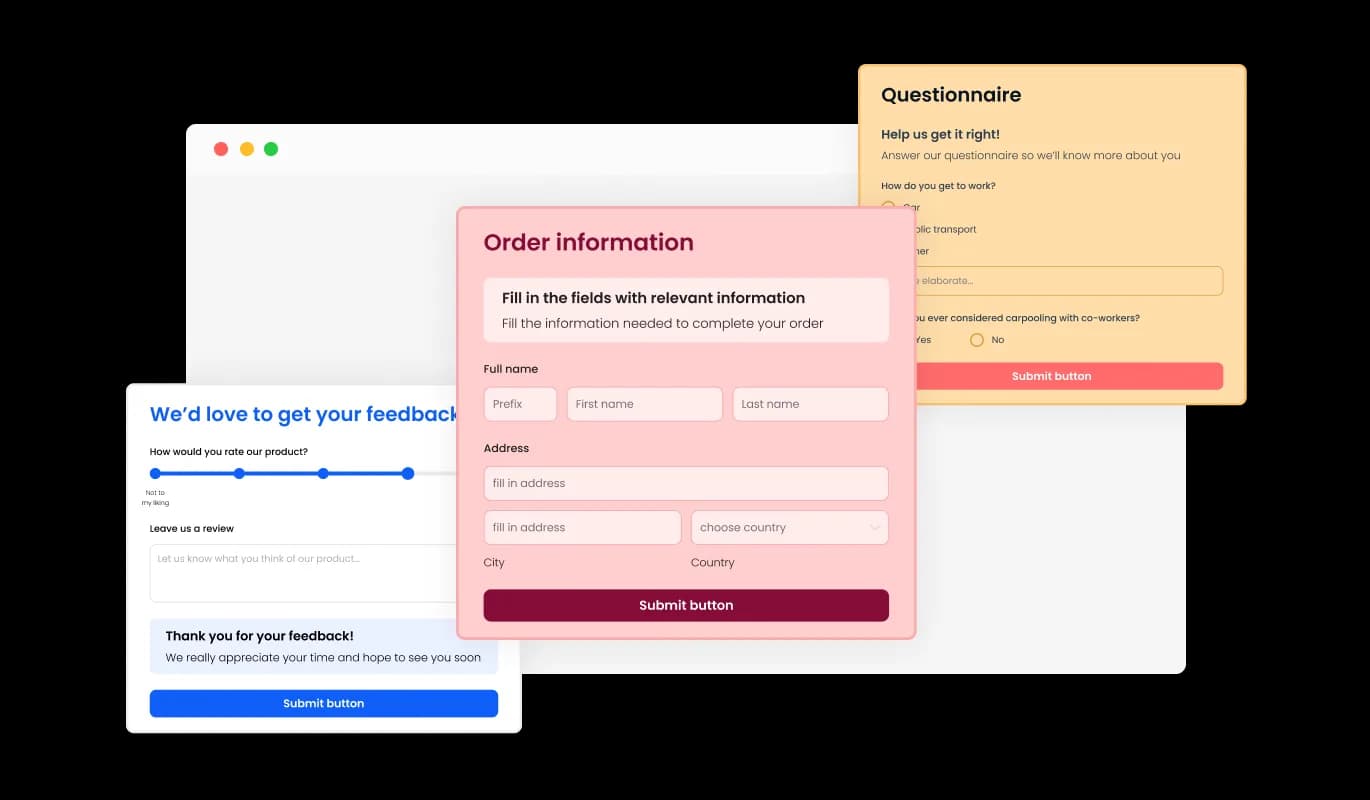
Abundant Form Field Alternatives to Explore

Effortlessly craft tailor-made forms with our IONOS form builder, designed to cater to your unique requirements and user intentions. Incorporate and select from a generous assortment of field types, from simple to elaborate formats, with a straightforward click. Effortlessly restructure fields using the drag-and-drop feature for the consummate form blueprint.
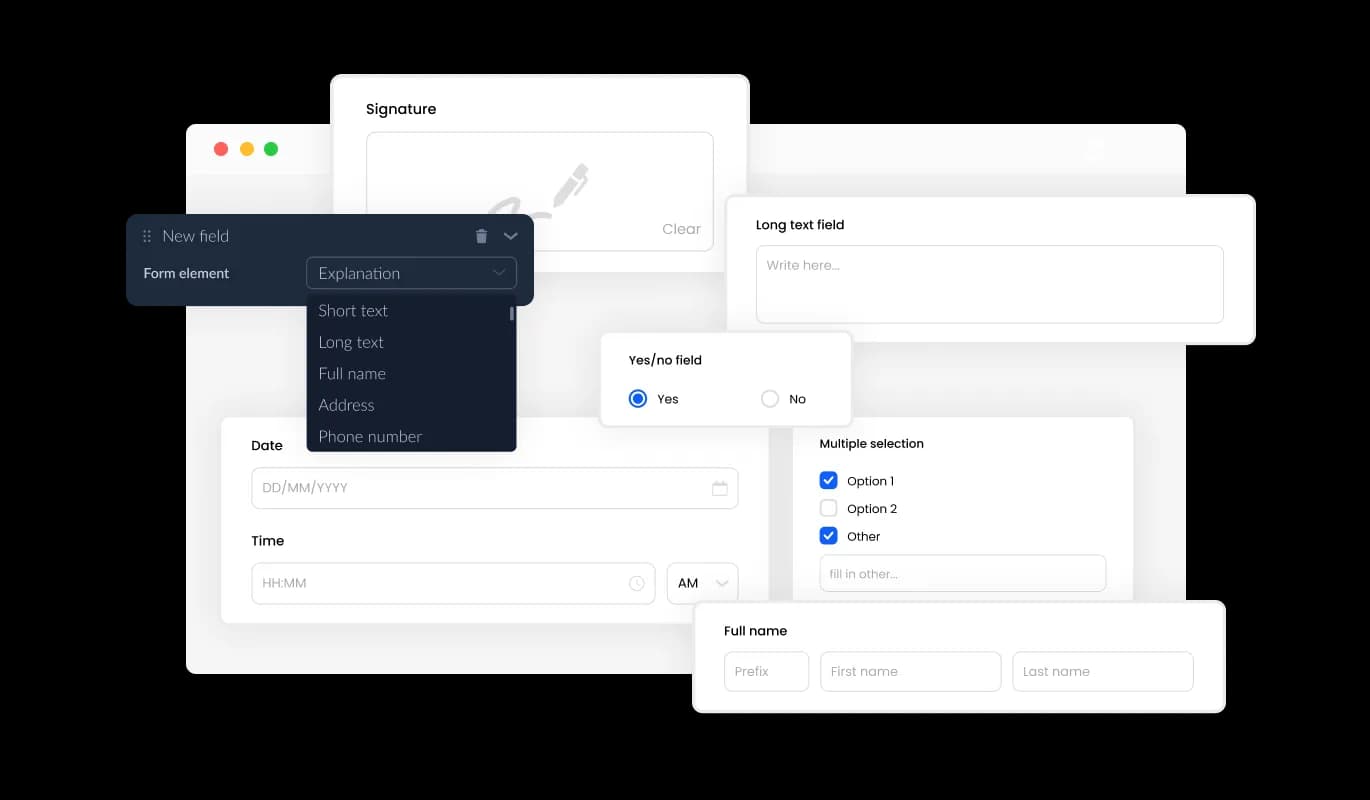
Form Builder - Abundant Form Field Alternatives to Explore

Effortless Entry Management

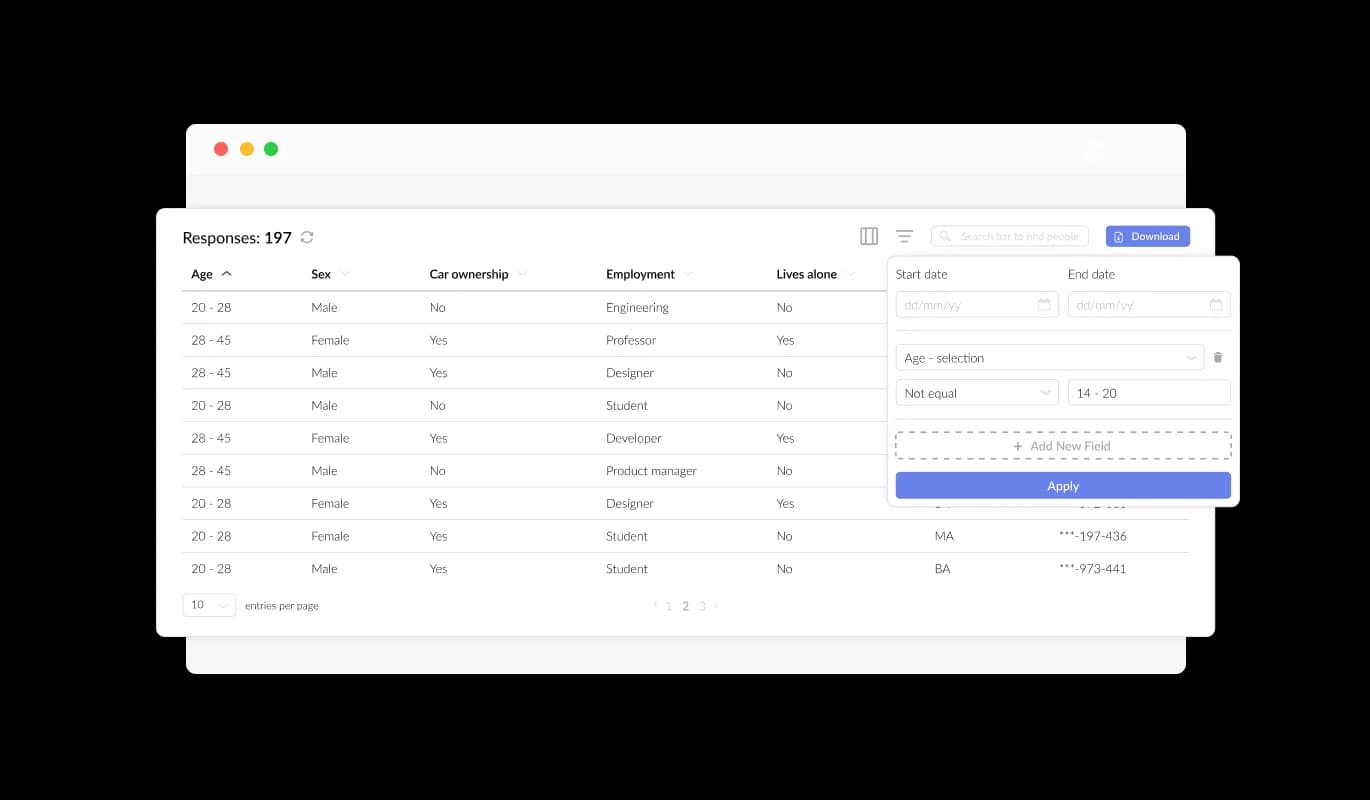
The Form Builder for IONOS makes it easy for you to efficiently manage and view all submissions in a neatly organized, user-friendly layout. This functionality enables you to monitor all accumulated data and user feedback, promoting swifter and more effective follow-ups and decision-making.

Form Builder - Effortless Entry Management

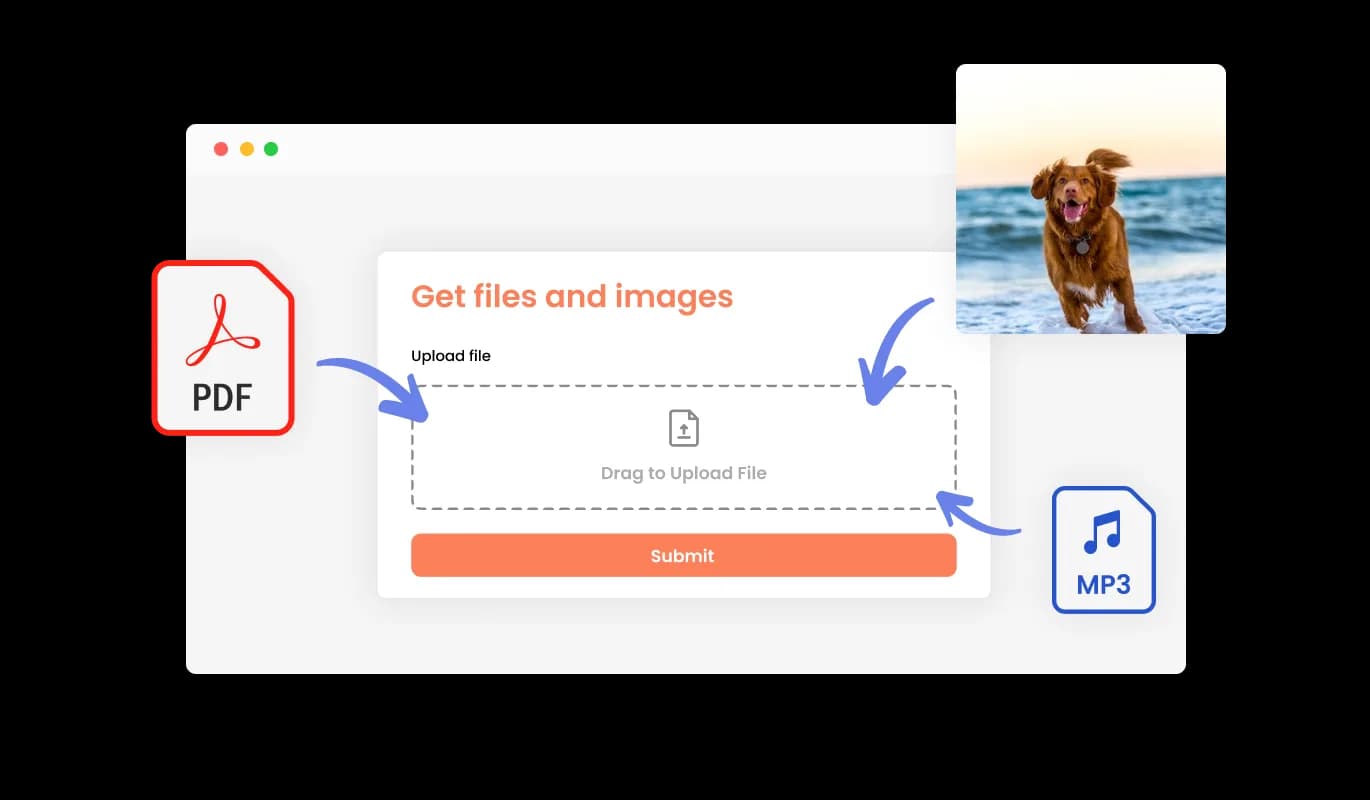
Smoothly Accept Files and Images through Forms

Employ our Form Builder for IONOS to seamlessly gather files and images provided by your users. This dynamic feature is tailored to accommodate businesses and professionals seeking essential data, paperwork, or visual assets from their clients or customers. No matter your field, our Form Builder for IONOS streamlines the process, making it simpler than ever to amass the required data to advance your enterprise and ensure customer satisfaction.

Form Builder - Smoothly Accept Files and Images through Forms

Improve Your Form with Engrossing Content and Visual Elements

Incorporating captions, detailed text, and visuals into your form cultivates a more comprehensive and instinctive submission experience for your audience. By incorporating informative form elements, you smoothly direct users through the submission process, guaranteeing a streamlined and effective experience that ultimately increases the likelihood of conversion.

Form Builder - Improve Your Form with Engrossing Content and Visual Elements

Personalize Headers & Footers for a Unique Form

The IONOS Form Builder offers the option to adapt your form's header and footer, including the opportunity to include images. This functionality supports you in reinforcing your brand character and fashioning a polished, visually attractive form that harmoniously combines with your IONOS website's aggregate design and visual appeal.

Form Builder - Personalize Headers & Footers for a Unique Form

Seamless Email Updates and Confirmation Messages

The Form Builder for IONOS presents the option to enable alerts for both the form owner and the individual submitting the form. Configure automated email notifications for each form submission, allowing you to send alerts to multiple email addresses, as well as deliver a confirmation email to the user upon successful submission.

Form Builder - Seamless Email Updates and Confirmation Messages
Form Builder - Simplified Export of Form Entries to CSV

Simplified Export of Form Entries to CSV

The IONOS Form Builder enables submission data exportation to a CSV file, allowing for trouble-free import into other programs or tools for extensive analysis or merging. This functionality is extremely beneficial for businesses striving to maintain exhaustive records of client communication and for data assessment and reporting objectives.

Form Builder - Protect Your Form Entries from Spam Attacks

Protect Your Form Entries from Spam Attacks

The IONOS Form Builder offers the option to enable the CAPTCHA anti-spam feature, requiring users to complete a verification step before submitting the form. This functionality effectively blocks bots and automated scripts from sending spam communications, ensuring that you receive legitimate submissions from real users.

Form Builder - Easy to use IONOS Form Builder

Easy to use IONOS Form Builder

The IONOS Form Builder is incredibly user-friendly and requires no coding knowledge to use. Using our intuitive interface, you can easily modify your forms with a few simple clicks, streamlining the entire process and negating the need for specialized knowledge.

Form Builder - Seamless Form Integration for IONOS website

Seamless Form Integration for IONOS website

Embedding the Form Builder widget into your IONOS website is a breeze, simply copy and paste the given code snippet into your HTML page. Moreover, the IONOS form builder features auto-updating functionality, which means any modifications made in the Form Builder editor will automatically appear on your IONOS website, removing the necessity for manual updates.

Pre-Configured Skins for Simplified Form Aesthetics

The Form Builder for IONOS comes equipped with a diverse selection of attractive skins, allowing you to jumpstart the design process and create visually appealing forms in no time. These pre-set templates eliminate the effort of extensive adjustments while assuring your form adheres to your target style and aesthetic, yielding a seamless user experience.

Form Builder - Pre-Configured Skins for Simplified Form Aesthetics

Support Recurring Form Entries

The Form Builder on IONOS supports multiple submissions by the same user, catering to instances where users are required to update or expand on their submitted information. As this feature is enabled, users can submit the form numerous times without impediments, confirming that they can offer exact and complete information.

Form Builder - Support Recurring Form Entries

Customize Forms with Ease using IONOS Form Builder

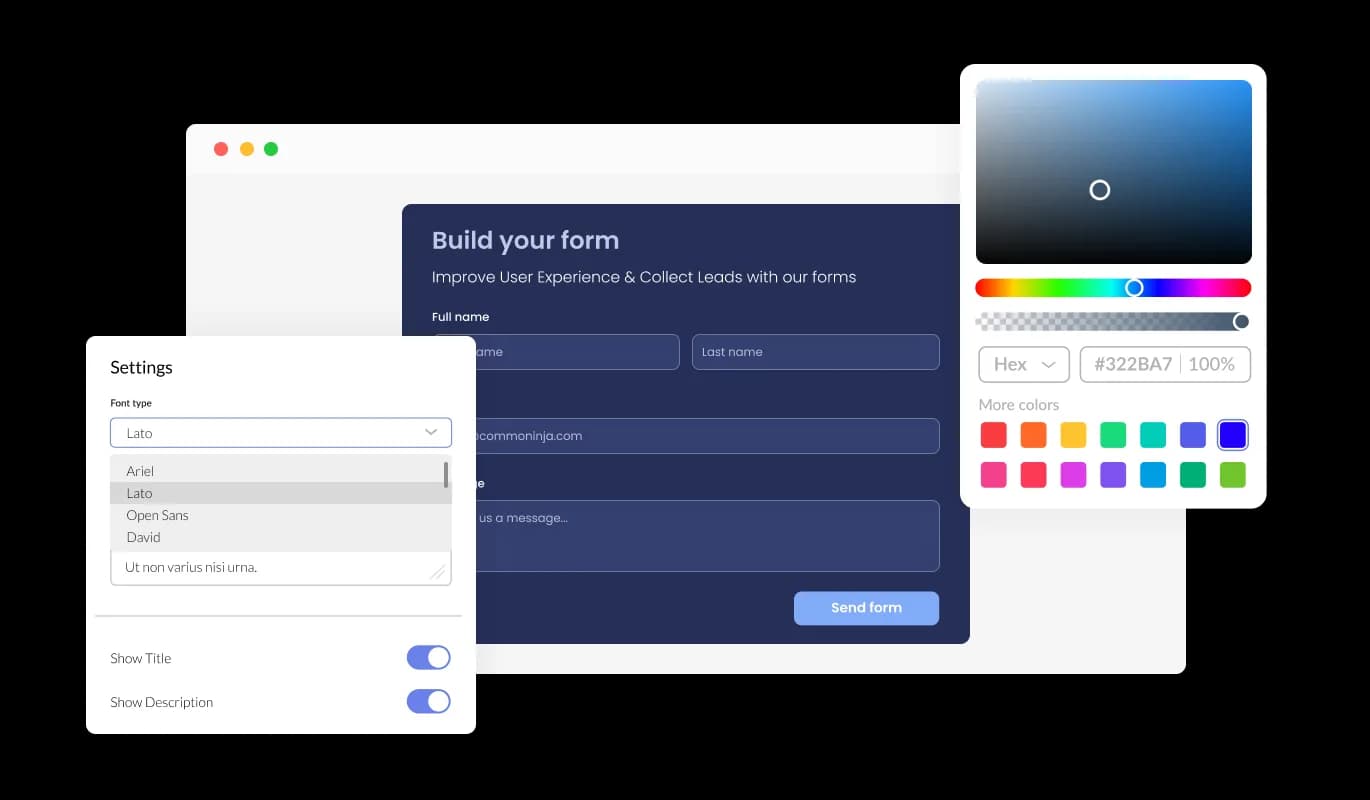
Our IONOS Form Builder provides extensive personalization features, allowing you to modify and adapt the form's appearance to meet your unique requirements. From altering colors, typefaces, field dimensions, to layouts, the IONOS Form Builder provides the adaptability to completely personalize your forms effortlessly, guaranteeing a smooth user experience that resonates with your brand and aims.

Form Builder - Customize Forms with Ease using IONOS Form Builder

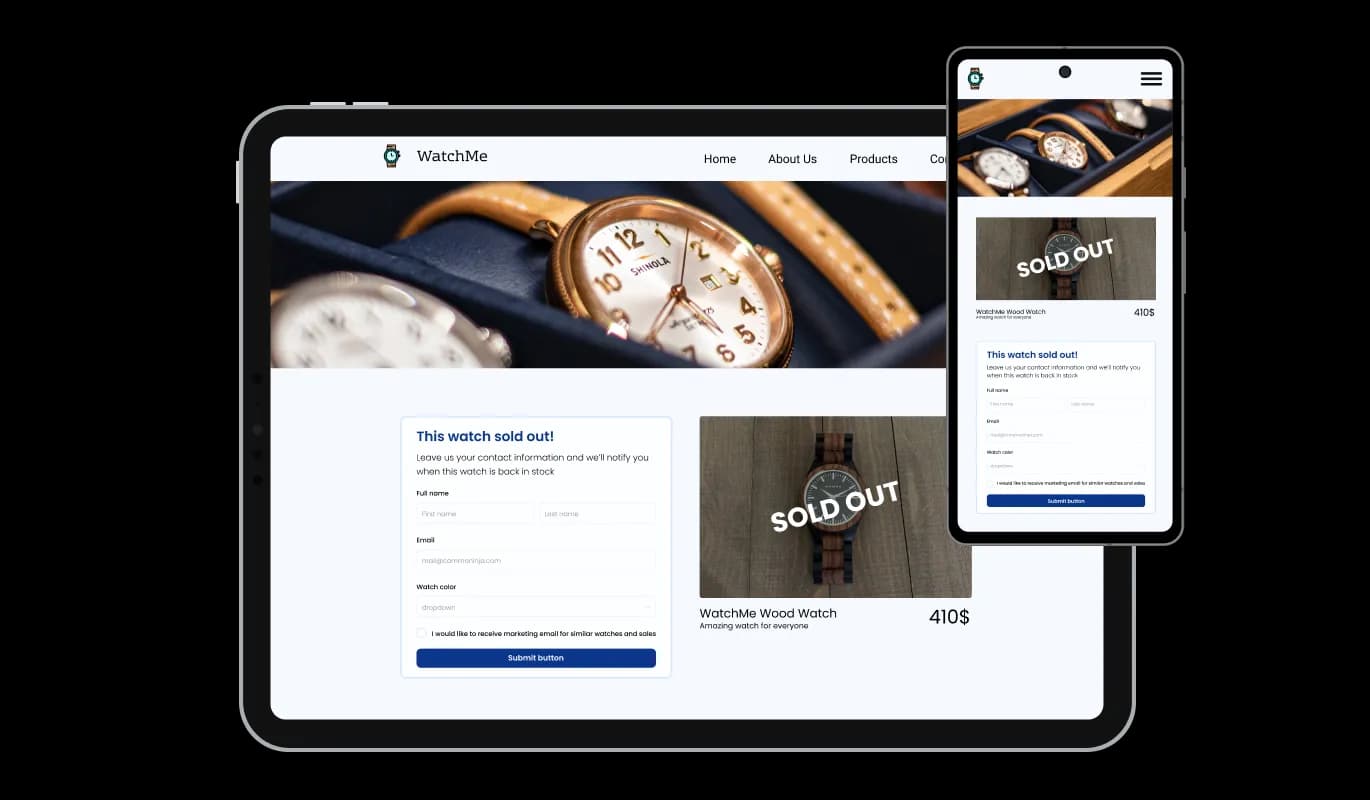
Seamless Multi-Device Forms for IONOS

The Form Builder for IONOS is designed to create perfectly responsive forms, ensuring that your users can access and submit them effortlessly, regardless of the device or screen size. Our IONOS Form Builder's responsive design ensures that your forms look great and function perfectly on any device, including desktops, laptops, tablets, and mobile devices, maximizing your audience reach and engagement.

Form Builder - Seamless Multi-Device Forms for IONOS

IONOS Form Builder: Complete CSS Control

The IONOS Form Builder features an advanced editor that grants you absolute control over the entirety of your form's presentation. The IONOS Form Builder offers both an easy-to-use interface for changing colors, fonts, and layout, as well as CSS editing, which enables you to boost your customization possibilities. With CSS editing, you can fully customize your form's design, ensuring that it aligns perfectly with your brand's image and objectives. Whether you're a beginner or an experienced designer, the IONOS Form Builder's CSS editing feature empowers you to create stunning, unique forms with ease.

Form Builder - IONOS Form Builder: Complete CSS Control

Compatible With All Site Builders, E-Commerce Platforms and Websites

webflow logoshopify logowix logowordpress logobigcommerce logosqurespace logoweebly logojoomla logoduda logojimdo logomagento logoshift4hsop logounbounce logocarrd logo
View all supported platforms

FAQ

A Form Builder is a powerful tool that allows users to create and customize forms for various purposes, such as surveys, registration, feedback, or contact forms, without any coding or technical expertise required.

A Form Builder offers numerous benefits, such as streamlining the form creation process, unparalleled customization and flexibility, effortless data collection and management, and enhanced user experience.

The Form Builder provides a wide array of field types, enabling users to create various types of forms for their specific needs. Some common types of forms you can create with the Form Builder include surveys, registration forms, feedback forms, and contact forms. However, the possibilities are endless, and you can tailor the forms to your unique requirements with the Form Builder's customization options.

Absolutely! The Form Builder provides complete customization options, enabling you to edit and tailor your form's design to suit your specific needs and aesthetics.

Yes, the Form Builder offers the CAPTCHA anti-spam feature, requiring users to complete a verification step before submitting the form, effectively preventing spam messages from bots and automated scripts.

Yes, integrating the Form Builder onto your website is effortless, requiring only a copy-and-paste of the provided code snippet into your HTML page. Additionally, the Form Buidler is designed to be auto-updating, ensuring that any changes you make using the Form Builder editor will automatically reflect on your website.

Yes, you can use the Form Builder to collect files and images submitted by users, making it easy to gather essential information, documentation, or visual assets from your clients or customers.

No, you do not need any coding knowledge to use a Form Builder. With its user-friendly interface, you can effortlessly customize and design your forms without any technical expertise.

Yes, the Form Builder allows you to export your form submission data to a CSV file, making it easy to import the data into other software or tools for further analysis or integration.

Yes, you can configure the Form Builder to send automated email notifications to multiple email addresses for every form submission, as well as deliver a confirmation email to the user upon successful submission.

Yes, the Form Builder's responsive design ensures that your forms look great and function perfectly on any device, including desktops, laptops, tablets, and mobile devices, maximizing your audience reach and engagement.