Form Builder for Simvoly

Create custom forms with a form builder that offers advanced field types, easy layout control, and flexible options for any purpose.

Create Your Own Form

loved by 500K+ businesses

Simvoly
plugineditor

Why Should You Use the Form Builder Widget+?

Transform Your Form Crafting Journey

Step into the next generation of form creation with our cutting-edge form builder for Simvoly. Say goodbye to tedious, time-consuming processes, and embrace the simplicity and power of this versatile tool. Effortlessly design stunning forms for surveys, registrations, feedback, or contact needs, and watch your audience enjoy a seamless user experience, all while you capture the crucial data that drives your success.

Unmatched Adaptability with Our Form Builder for Simvoly

Experience unmatched customization and versatility with our Simvoly form builder, boasting a broad range of distinct and advanced field types to cater to your specific requirements. This enables users to modify forms to fit their preferences, without any prerequisite for coding or technical know-how. The editor's accessible interface enables seamless customization and design, making certain that the forms not only gather the needed data but also coincide with the users' brand identity and aesthetics.

Easy Data Collection

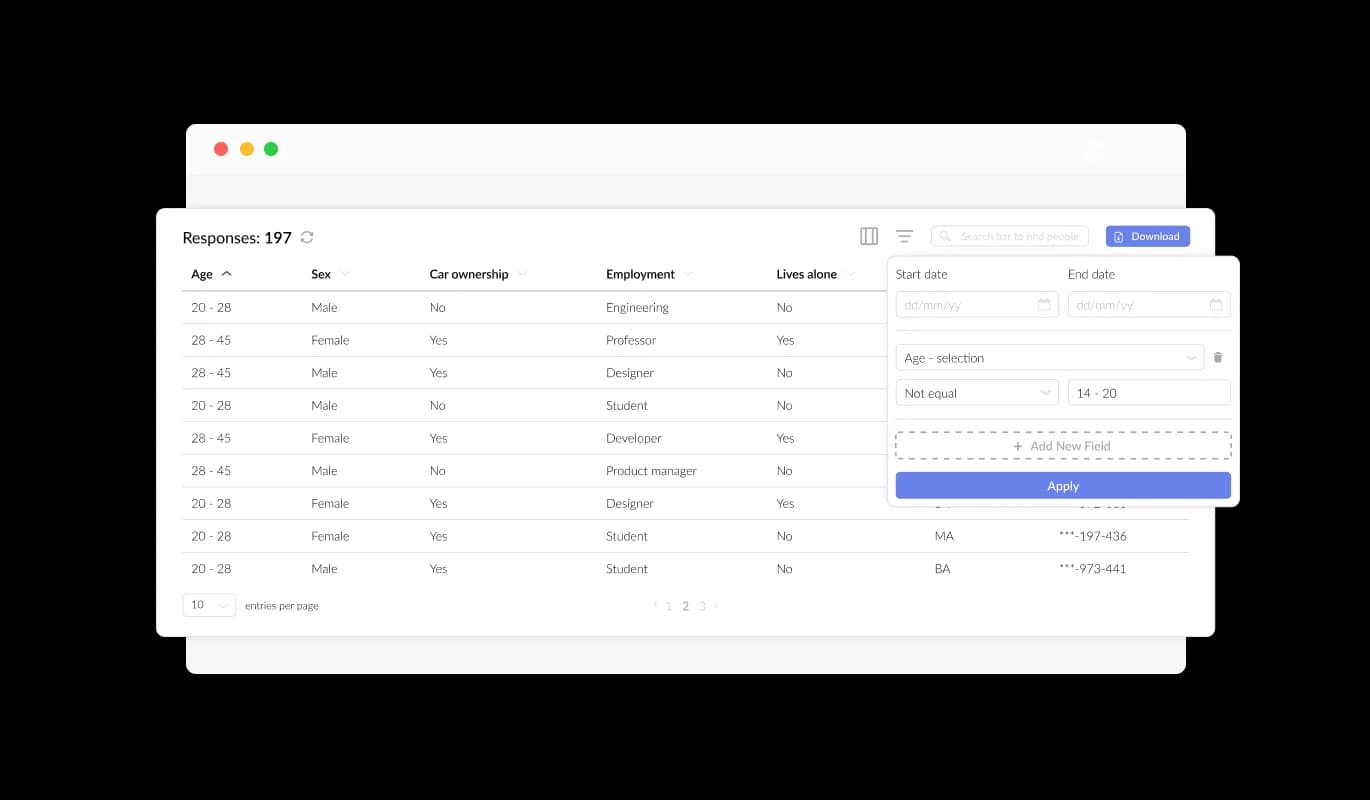
Our form builder for Simvoly streamlines data acquisition and administration like no other. With just a click, submitted information is rapidly assembled into an accessible table, expediting analysis and comprehension. Devote your attention to what matters most - making data-guided choices and advancing your enterprise or organization.

Diverse Form Field Options to Choose From

Effortlessly craft tailor-made forms with our Simvoly form builder, designed to cater to your unique requirements and user intentions. Incorporate and select from a vast array of field types, from fundamental to advanced formats, with a mere click. Reorganize fields with ease using the drag-and-drop capability for a flawless form arrangement.
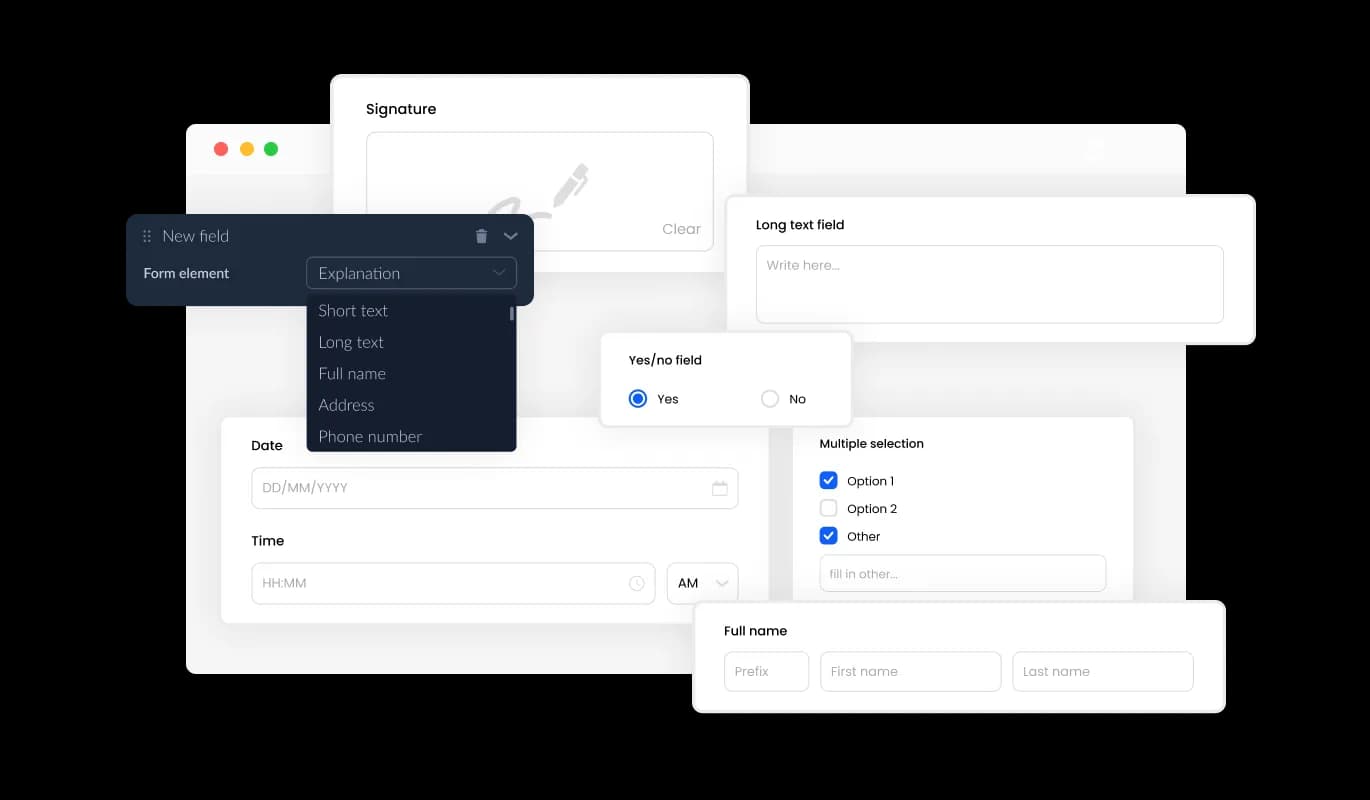
Form Builder - Diverse Form Field Options to Choose From

Hassle-free Data Collection and Display

The Form Builder for Simvoly enables you to effortlessly manage and view all submissions in a user-friendly, organized display. This feature helps you maintain an overview of all acquired data and user reactions, enabling faster and more productive follow-ups and decision-making.

Form Builder - Hassle-free Data Collection and Display

Seamlessly Obtain Files and Images through Forms

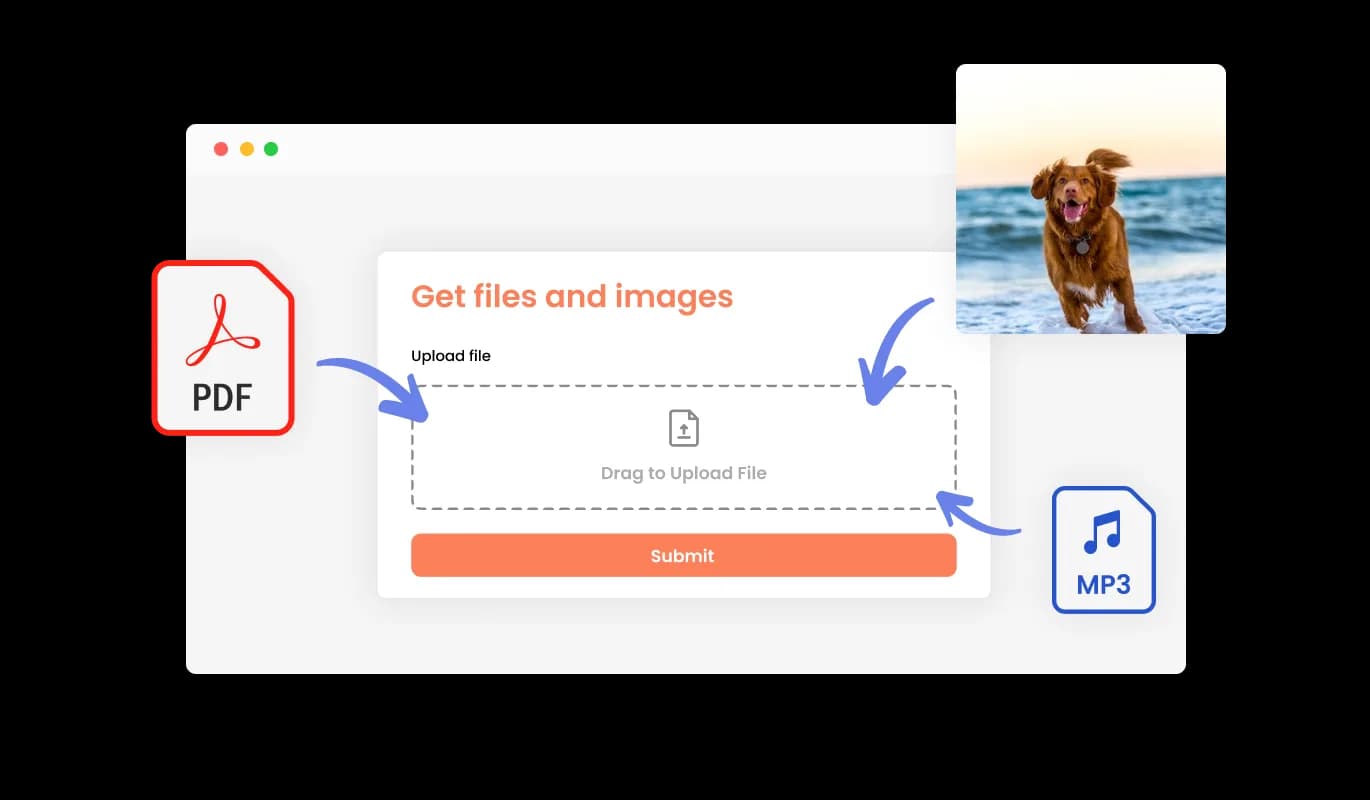
With our Form Builder for Simvoly, conveniently acquire files and images submitted by your audience. This potent feature is designed to serve businesses and experts in need of vital details, documents, or visual resources from their clientele or patrons. No matter the domain, our Form Builder for Simvoly refines the process, making it increasingly effortless to assemble the necessary information to foster your business growth and maintain customer satisfaction.

Form Builder - Seamlessly Obtain Files and Images through Forms

Improve Your Form with Engrossing Content and Visual Elements

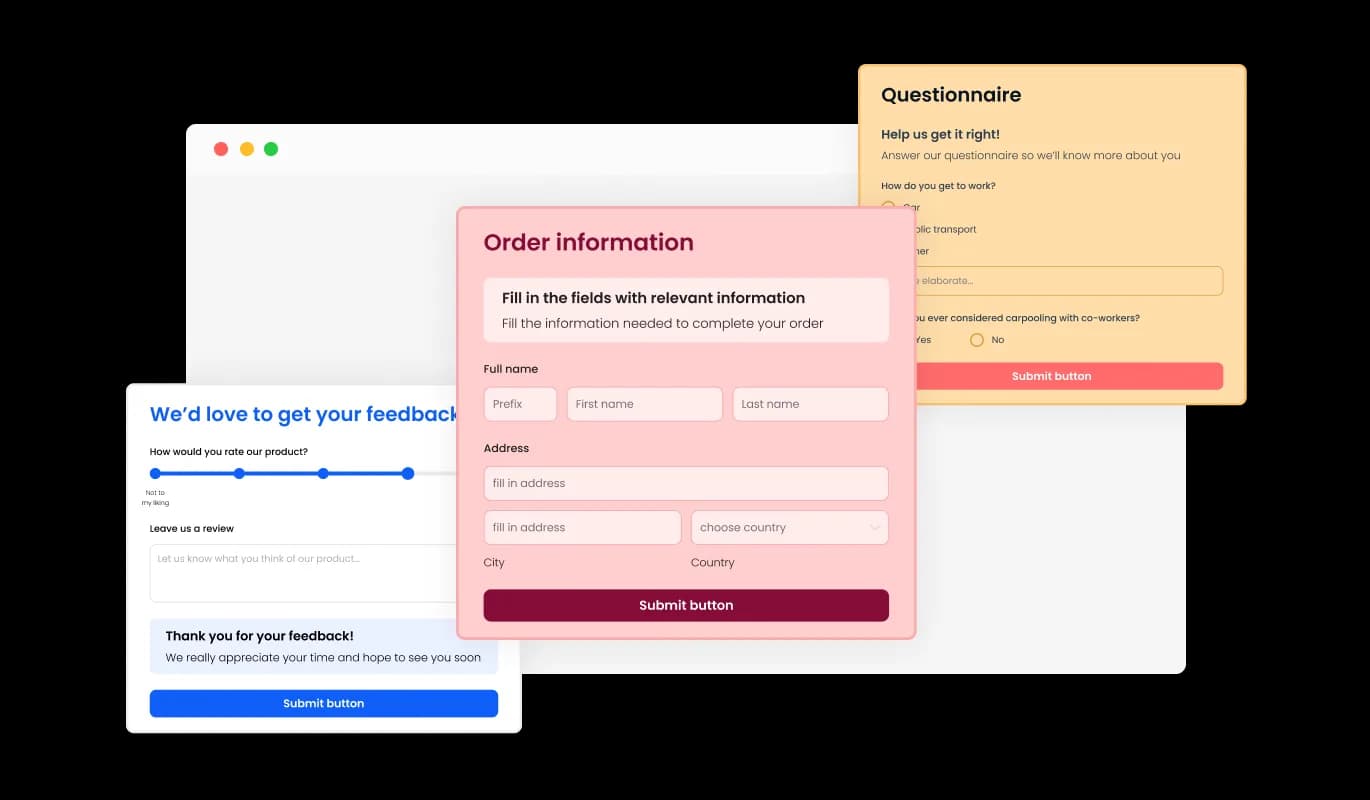
Incorporating captions, detailed text, and visuals into your form cultivates a more comprehensive and instinctive submission experience for your audience. By incorporating edifying form elements, you proficiently guide users through the submission journey, guaranteeing a seamless and competent experience that ultimately boosts the odds of conversion.

Form Builder - Improve Your Form with Engrossing Content and Visual Elements

Tailor Headers & Footers for a Distinctive Form

Our Simvoly Form Builder provides the capability to tailor your form's header and footer, complete with the option to incorporate images. This functionality enables you to strengthen your brand presence and craft a refined, visually captivating form that flawlessly aligns with your Simvoly website's comprehensive design and aesthetic.

Form Builder - Tailor Headers & Footers for a Distinctive Form

Simple Email Notices and Confirmations

The Form Builder for Simvoly provides the option to enable notifications for both the form owner and the submitting user. Establish automated email notifications for each form submission, permitting you to forward alerts to various email addresses while also delivering a confirmation email to the user upon successful completion.

Form Builder - Simple Email Notices and Confirmations
Form Builder - Effortless Form Submission Export to CSV

Effortless Form Submission Export to CSV

The Simvoly Form Builder's submission data can be effortlessly exported to a CSV file, providing seamless integration with other applications or tools for detailed analysis or consolidation. This feature is particularly advantageous for businesses aiming to preserve detailed records of customer interactions and for data examination and reporting purposes.

Form Builder - Defend Your Form Submissions against Spam

Defend Your Form Submissions against Spam

Our Simvoly Form Builder provides the choice to activate the CAPTCHA anti-spam function, necessitating users to undergo a verification stage prior to form submission. This functionality effectively blocks bots and automated scripts from sending spam communications, ensuring that you receive legitimate submissions from real users.

Form Builder - Easy to use Simvoly Form Builder

Easy to use Simvoly Form Builder

The Simvoly Form Builder is incredibly user-friendly and requires no coding knowledge to use. Using our intuitive interface, you can easily modify your forms with a few simple clicks, streamlining the entire process and negating the need for specialized knowledge.

Form Builder - Effortless Form Embedding on Simvoly website

Effortless Form Embedding on Simvoly website

Incorporating the Form Builder widget on your Simvoly website is hassle-free, all you need to do is copy and paste the included code snippet into your HTML page. Moreover, the Simvoly form builder features auto-updating functionality, which means any modifications made in the Form Builder editor will automatically appear on your Simvoly website, removing the necessity for manual updates.

Pre-Crafted Skins for Streamlined Form Styling

With the Form Builder for Simvoly, you have access to a diverse range of appealing skins, allowing you to hasten the design process and produce visually engaging forms in an instant. These pre-arranged templates save you the task of exhaustive modification while confirming your form aligns with your chosen style and aesthetic, resulting in a fluid user experience.

Form Builder - Pre-Crafted Skins for Streamlined Form Styling

Enable Repeated Form Entries

The Form Builder on Simvoly supports multiple submissions by the same user, catering to instances where users are required to update or expand on their submitted information. When this option is turned on, users can enter the form multiple times without any constraints, making certain that they can deliver correct and thorough information.

Form Builder - Enable Repeated Form Entries

Effortlessly Design Fully Tailored Forms

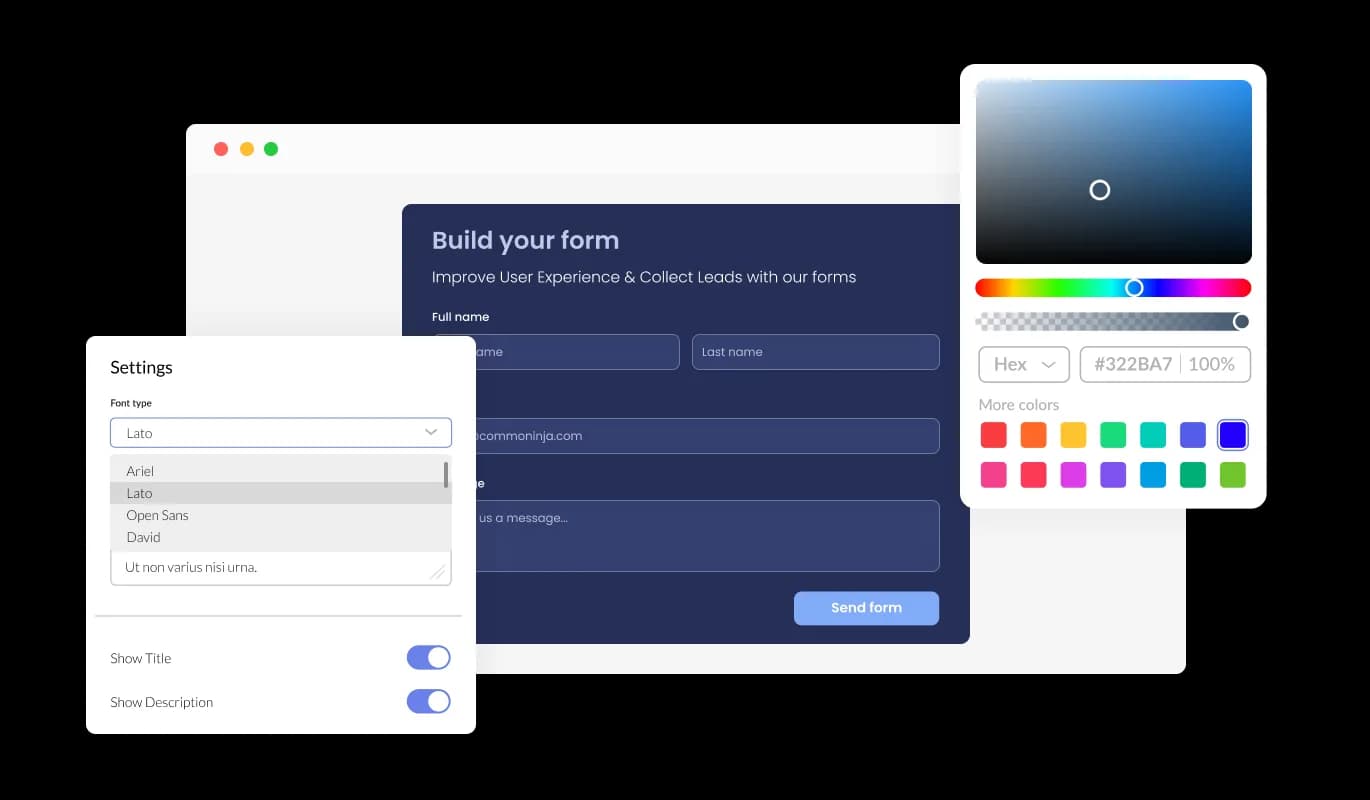
The Simvoly Form Builder presents an array of customization possibilities, granting you the ability to alter and customize the form's look and feel to match your desired outcome. From altering colors, typefaces, field dimensions, to layouts, the Simvoly Form Builder provides the adaptability to completely personalize your forms effortlessly, guaranteeing a smooth user experience that resonates with your brand and aims.

Form Builder - Effortlessly Design Fully Tailored Forms

Fully Responsive Form Design on Simvoly

Our Simvoly Form Builder is engineered to produce flawlessly adaptive forms, guaranteeing that users can interact with and submit them with ease, irrespective of their device or display dimensions. Ensuring optimal functionality and appearance, the Simvoly Form Builder's responsive design adapts your forms to work smoothly on any device, including desktops, laptops, tablets, and mobile devices, boosting your audience reach and user engagement.

Form Builder - Fully Responsive Form Design on Simvoly

Fine-tune Your Forms: CSS Editing for Simvoly

The Simvoly Form Builder's advanced editor is an incredibly powerful tool that gives you complete control over every aspect of your form's appearance. Not only does the user-friendly interface let you alter colors, font styles, and layouts, but the CSS editing feature also offers you the opportunity to upgrade your customization efforts. Employing CSS editing, you have the power to customize your form's visuals completely, ensuring harmony with your brand's look and objectives. Whether you're a beginner or an experienced designer, the Simvoly Form Builder's CSS editing feature empowers you to create stunning, unique forms with ease.

Form Builder - Fine-tune Your Forms: CSS Editing for Simvoly

Compatible With All Site Builders, E-Commerce Platforms and Websites

webflow logoshopify logowix logowordpress logobigcommerce logosqurespace logoweebly logojoomla logoduda logojimdo logomagento logoshift4hsop logounbounce logocarrd logo
View all supported platforms

FAQ

A Form Builder is a powerful tool that allows users to create and customize forms for various purposes, such as surveys, registration, feedback, or contact forms, without any coding or technical expertise required.

A Form Builder offers numerous benefits, such as streamlining the form creation process, unparalleled customization and flexibility, effortless data collection and management, and enhanced user experience.

The Form Builder provides a wide array of field types, enabling users to create various types of forms for their specific needs. Some common types of forms you can create with the Form Builder include surveys, registration forms, feedback forms, and contact forms. However, the possibilities are endless, and you can tailor the forms to your unique requirements with the Form Builder's customization options.

Absolutely! The Form Builder provides complete customization options, enabling you to edit and tailor your form's design to suit your specific needs and aesthetics.

Yes, the Form Builder offers the CAPTCHA anti-spam feature, requiring users to complete a verification step before submitting the form, effectively preventing spam messages from bots and automated scripts.

Yes, integrating the Form Builder onto your website is effortless, requiring only a copy-and-paste of the provided code snippet into your HTML page. Additionally, the Form Buidler is designed to be auto-updating, ensuring that any changes you make using the Form Builder editor will automatically reflect on your website.

Yes, you can use the Form Builder to collect files and images submitted by users, making it easy to gather essential information, documentation, or visual assets from your clients or customers.

No, you do not need any coding knowledge to use a Form Builder. With its user-friendly interface, you can effortlessly customize and design your forms without any technical expertise.

Yes, the Form Builder allows you to export your form submission data to a CSV file, making it easy to import the data into other software or tools for further analysis or integration.

Yes, you can configure the Form Builder to send automated email notifications to multiple email addresses for every form submission, as well as deliver a confirmation email to the user upon successful submission.

Yes, the Form Builder's responsive design ensures that your forms look great and function perfectly on any device, including desktops, laptops, tablets, and mobile devices, maximizing your audience reach and engagement.