


Verified review
Common Ninja has amazing no-code widgets that would beautify a website built on any builder. It is very easy to use and customise. It has as many widgets for almost everyone willing to make their website impressive.
The Common Ninja Cookies Consent Bar is a free, no-code embed that displays a clear cookie notice and consent button on your website so visitors know about cookie usage upfront.
Write the consent message, pick a layout (bottom bar, top bar, modal), customize the acknowledgement button (shape, label, color), add a link to your privacy policy, pick from multiple skins, layer Custom CSS if needed, and paste a one-line embed snippet on Canva, Lovable, Google Sites, Framer, Base44, Webflow, and 200+ other platforms.
Use it as the first step toward GDPR / CCPA awareness on your site. A clear, persistent reminder that visitors can acknowledge in one tap, giving you a baseline consent UI without rebuilding your stack.
EU visitors expect a cookie notice on first visit. Many sites built on lightweight builders (Canva, Carrd, Google Sites) don't ship a native consent UI. This widget gives you a baseline notice with a clear acknowledge button in minutes. Useful as a first step before deciding whether you need a full Consent Management Platform later.
A visible cookie notice signals "we know data matters", even to visitors outside the EU. The bar opens the door for a brief, honest statement about your privacy practices and links to the full policy for visitors who want detail. A small UX nudge that builds first-impression credibility.
The bar stays visible until the visitor taps acknowledge, not dismissed by scroll or by clicking elsewhere on the page. After acknowledgment, the bar hides for the visitor (tracked via cookie) so they don't see it again on subsequent visits or page navigations within the session.
This widget displays a clear notice with an acknowledge button. It does NOT block scripts before consent, manage per-category opt-ins (analytics / marketing / functional), or generate cookie-policy text. For strict GDPR enforcement (large enterprises, EU-heavy traffic), pair this with a dedicated CMP (OneTrust, Cookiebot, Iubenda), or use the widget as the visible UI while a CMP handles the script-blocking under the hood.
Compose a short, plain-language notice that explains your site uses cookies and links to your privacy policy for the full detail. Keep the message human. "We use cookies to improve your experience. See our privacy policy for details.", and avoid legalese unless your jurisdiction requires it. Add a link to your privacy or cookie policy page.
Choose a layout. Bottom bar (the most common, stays out of the visitor's way), top bar (more prominent, signals urgency for high-priority compliance), or modal (blocks the page until acknowledged, the strictest option). Customize the acknowledge button shape (pill, square, rounded), button label (Accept, Got it, OK), and color. Pick a skin or layer Custom CSS for pixel-level brand match.
Copy the one-line embed snippet and paste it on Canva, Lovable, Google Sites, Framer, Webflow, or any of the 200+ supported platforms. The bar persists on the page until the visitor acknowledges, then hides for that visitor (tracked via cookie). Edits in the Common Ninja editor push to every embed without re-paste.
A short message, an acknowledge button, an optional policy-link: no per-category opt-in toggles, no legal-jargon walls. Designed for sites that want a clear notice without the complexity of a full CMP.
Pill, square, rounded. Pick the button shape that matches your design system. Set the button label (Accept, Got it, OK, Continue) and color. The acknowledge button is the visitor's one-tap path out of the bar.
Pick from a library of pre-designed skins (minimal, brand-vibrant, soft-pastel, dark-mode, neutral) for a fast visual fit. Each skin is a fully styled starting point; tune typography, accent colors, and button styling from there.
Layer Custom CSS over any skin to control bar height, font weight, button hover states, border radius, shadow depth, and per-breakpoint sizing. Tight integration with your design system without rebuilding the widget.
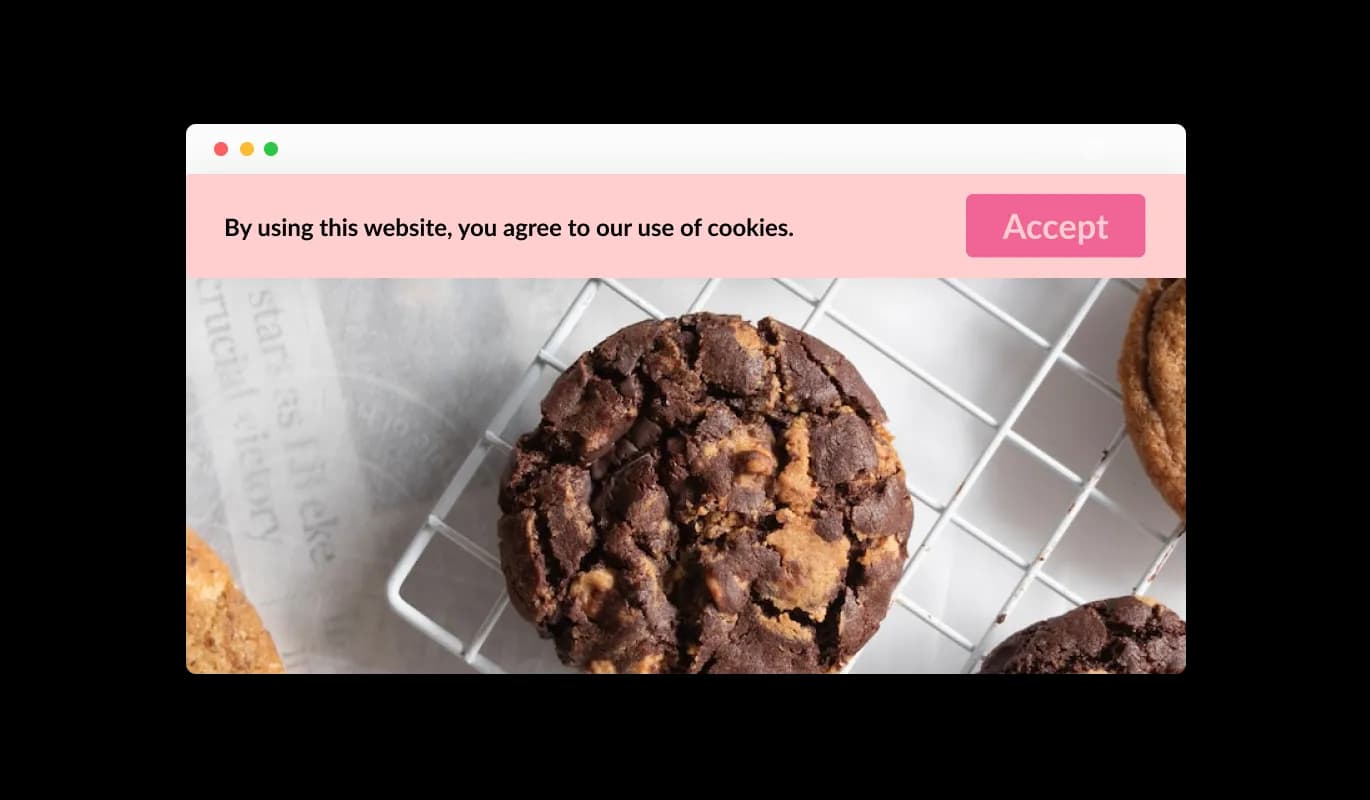
The GDPR Cookie Notice widget delivers a clear and straightforward message about your site’s use of cookies. With concise and easy-to-understand wording, visitors are immediately informed about data usage and can make informed consent decisions.
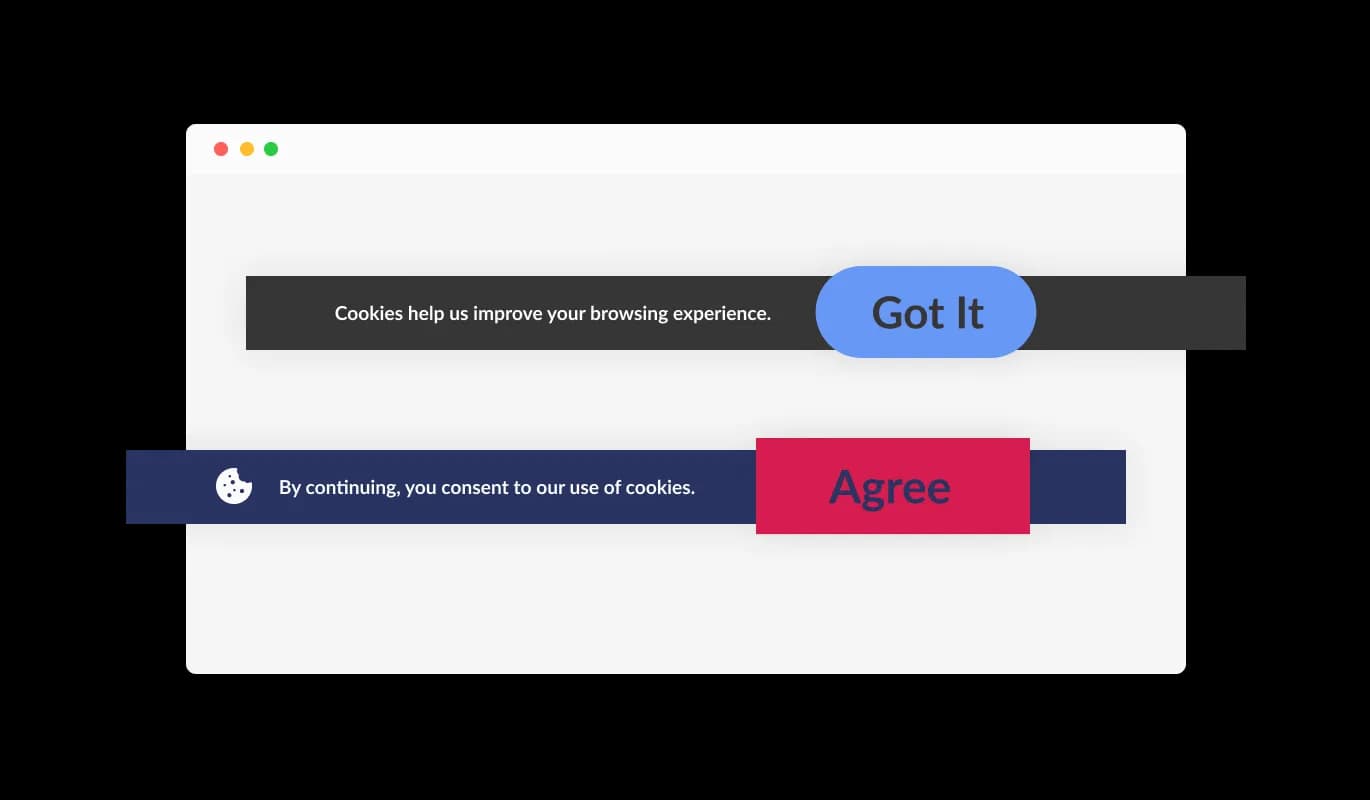
The GDPR Cookie Notice widget includes a simple and intuitive consent button that allows users to acknowledge cookie usage instantly. This streamlined approach makes it easy for visitors to accept and continue browsing without confusion or unnecessary steps.
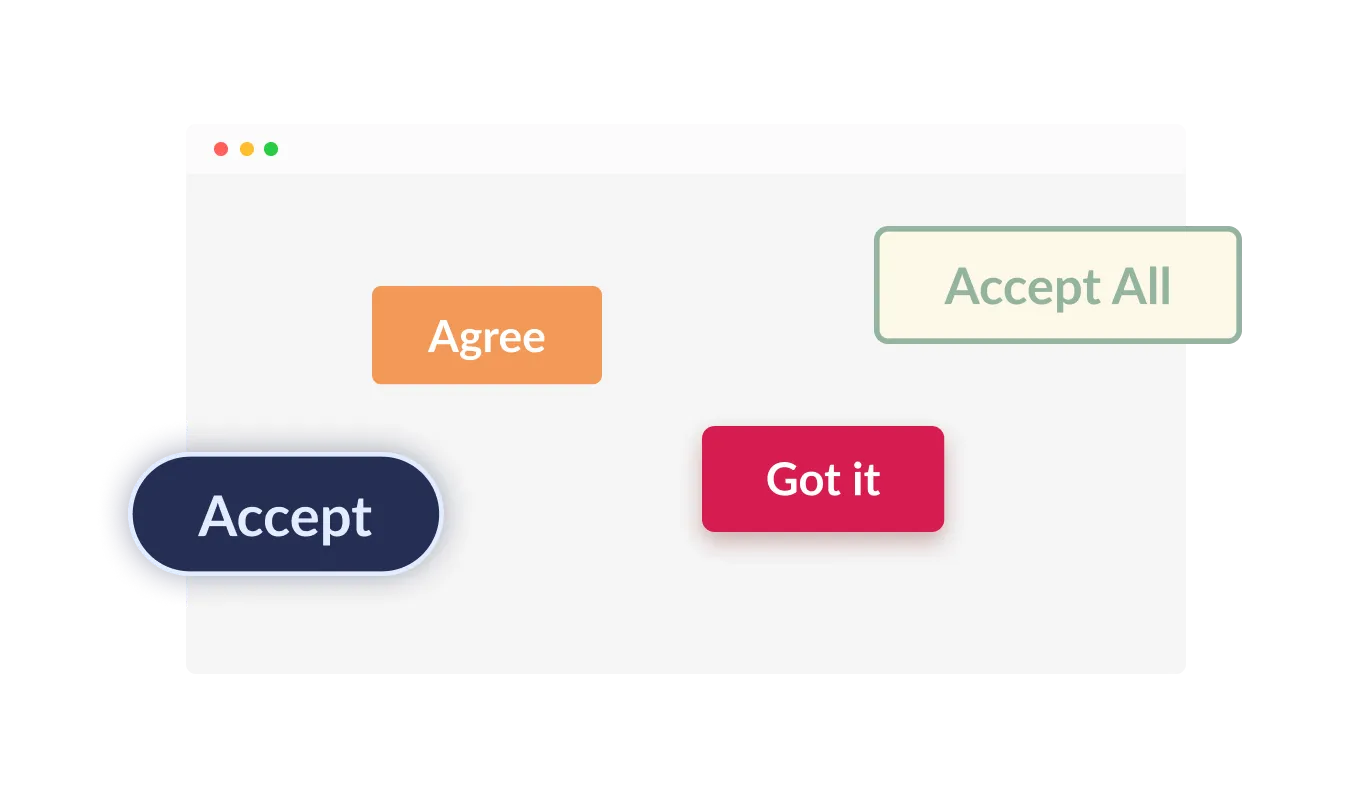
The GDPR Cookie Notice lets you select from a variety of button shapes for the consent action. Whether you prefer rounded, square, or other styles, you can match the button design to your website’s look while keeping the consent experience clear and accessible.
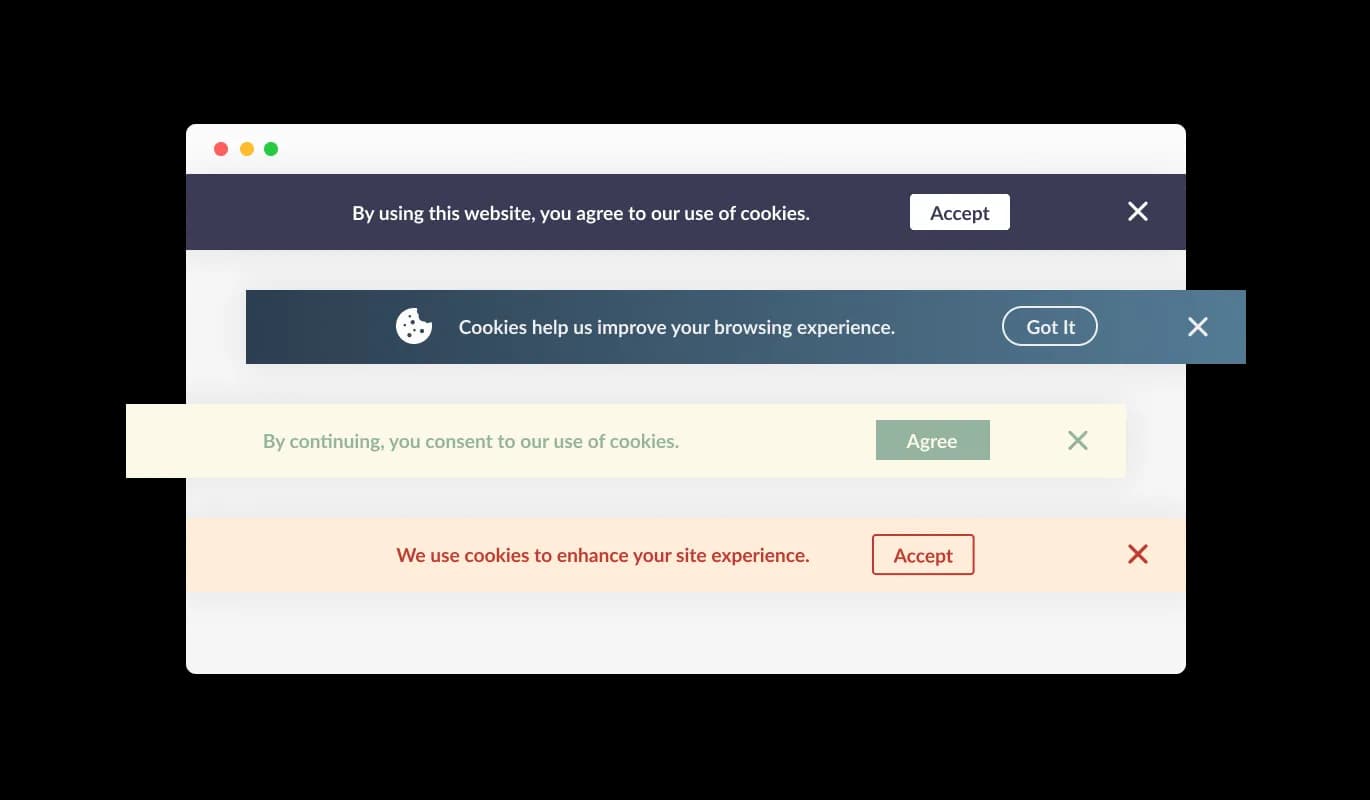
The GDPR Cookie Notice includes a variety of pre-designed styles you can choose from to match your website’s colors and overall look. This helps create a cohesive experience that feels natural and consistent to your visitors.
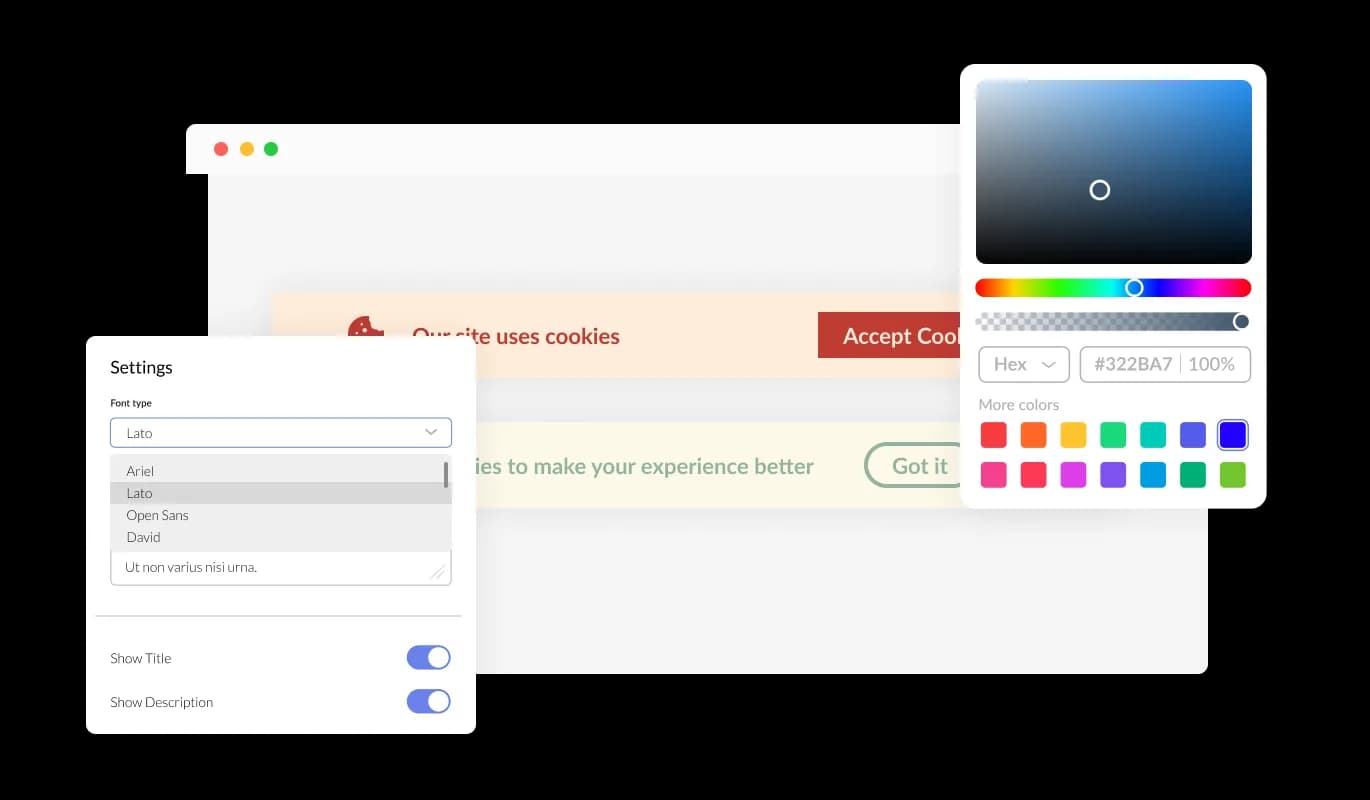
The GDPR Cookie Notice gives you full flexibility to adjust its appearance and behavior to fit your website. Customize colors, fonts, and layout to create a seamless experience that blends naturally with your site while keeping consent clear and visible.
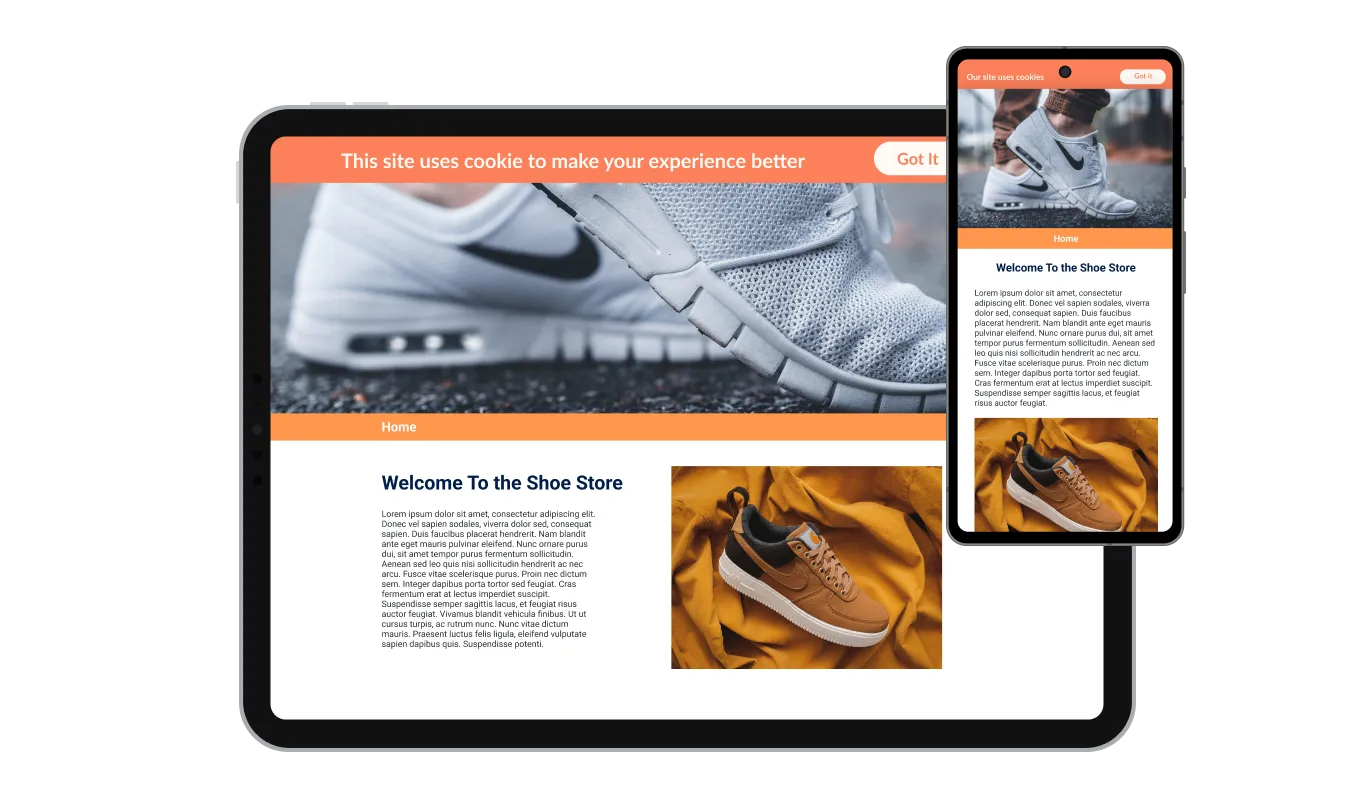
The GDPR Cookie Notice is fully responsive, ensuring it looks and functions smoothly across desktops, tablets, and mobile devices. No matter how visitors access your site, the consent experience remains clear, accessible, and easy to use.

The GDPR Cookie Notice includes a powerful editor that gives you full control over its appearance. Customize colors, fonts, layout, and placement, or use custom CSS to fine-tune every detail and achieve a truly tailored look.

Adding the GDPR Cookie Notice to your website is simple. Just copy the provided code and place it into your site’s HTML. Any updates you make are automatically applied, so your cookie notice always stays up to date without extra work.
The GDPR Cookie Notice remains visible until users provide their consent, ensuring that every visitor is properly informed about cookie usage before continuing to browse your site.
The GDPR Cookie Notice allows you to include an icon or image within the bar, helping you create a more engaging and visually aligned experience. Choose elements that match your brand to keep your website design consistent while communicating cookie usage clearly.
The GDPR Cookie Notice lets you add links directly within the message, guiding users to your privacy policy, cookie policy, or terms of use. This makes it easy for visitors to access detailed information and supports full transparency around your data practices.
The GDPR Cookie Notice is easy to use and requires no coding. With intuitive controls, you can quickly customize and manage your cookie notice in just a few clicks, making setup fast and hassle-free.
Common Ninja has amazing no-code widgets that would beautify a website built on any builder. It is very easy to use and customise. It has as many widgets for almost everyone willing to make their website impressive.
Outstanding service. I use their widgets to help me with my web design business and whenever I need help they are very quick to help.
Excellent company with excellent service!!! We used it to build a survey, it was very user friendly. The service was perfect. Amit helped us with every problem and question we had, thank you very much!!!
Common Ninja saved the day when building our website and the customer service Daniel, the co-founder and CEO, provided was amazing.
Yes. The free plan covers one consent bar with no time limit and no credit card. Upgrade only when you need additional bars, premium skins, advanced layouts, multi-language consent variants, or features like per-region targeting and bypass-detection.
It's a starting point, not a complete compliance solution. A consent bar gives visitors a visible notice and an acknowledge button. Useful for transparency and a baseline UX. However, full GDPR / ePrivacy Directive compliance typically requires more: blocking non-essential scripts before consent, per-category opt-in toggles (analytics, marketing, functional), record-keeping of consent decisions, and ongoing cookie-policy management. For strict compliance (especially for EU-heavy traffic or large enterprises), pair this widget with a Consent Management Platform (OneTrust, Cookiebot, Iubenda) or your platform's native cookie controls.
No. This widget displays a notice and acknowledge button, but it does not actively block scripts or cookies on your site. Script-blocking before consent is typically handled by a Consent Management Platform that hooks into your tag-management system. Use this widget for the visible UI and a CMP under the hood if you need active blocking. They can complement each other.
The bar hides for that visitor: tracked via a cookie set on the visitor's device, so they don't see the bar again on subsequent visits or page navigations within the session. If the visitor clears cookies or visits in a different browser, the bar will appear again. The acknowledge state is per-device, not per-visitor identity.
Yes. Add a link in the consent message that points to your privacy or cookie policy page. Visitors who want the full detail before acknowledging can click through, read, and come back. The link can be styled distinctively (underlined, color-accented) or rendered inline within the consent copy.
Build the widget in the Common Ninja editor (write message, pick layout, customize button), copy the embed snippet, and paste it into your site: Canva via the Embed app in the Apps panel; Lovable via the HTML/Embed component in your project's layout; Google Sites via Insert → Embed → Embed code; Framer via a Code Embed element on your site's layout. Edits in the editor push to every embed without re-paste.
No. The widget script loads asynchronously, so it doesn't block first paint or interactivity. The bar itself renders after page load: minimal DOM impact, no extra HTTP requests for content. Your Largest Contentful Paint and Cumulative Layout Shift stay healthy on Core Web Vitals.
Yes. Layouts (bottom bar, top bar, modal) adapt across mobile, tablet, and desktop breakpoints. Bottom bars respect iOS Safe Area insets so they don't collide with the home-bar gesture area. Acknowledge buttons stay finger-sized on mobile, and bar height scales to keep the consent message readable on narrow viewports.
Pick your platform. Each takes under 4 minutes.

Easily craft engaging, personalized popups to boost conversions.

Display important notifications with a popup

Asks users to confirm their age before accessing restricted content

Allow users to send messages or inquiries, save submissions, enable notifications, and more
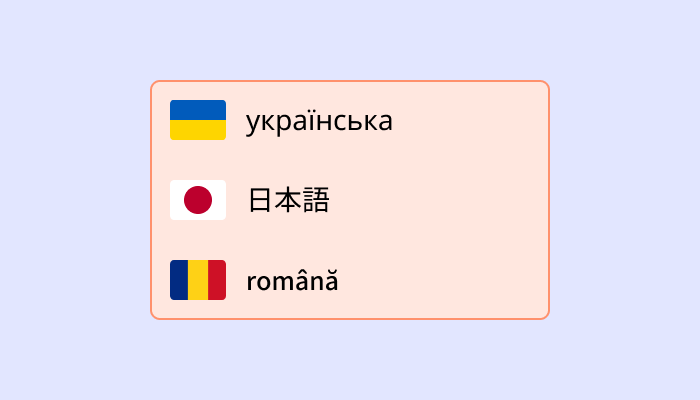
Translate your website into multiple languages with a customizable, user-friendly translation widget.
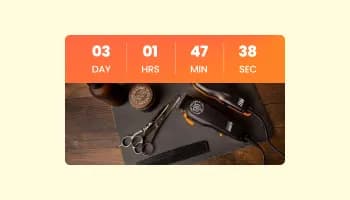
Displays a countdown clock, with multiple effects and styles
Cookies are small text files stored on a user’s device when they visit a website. They help websites remember information such as preferences, login details, and browsing activity to improve the overall user experience.
Websites use cookies to enhance functionality, remember user preferences, analyze traffic, and deliver personalized content. They also support features like shopping carts, login sessions, and targeted advertising.
A GDPR Cookie Notice is a message displayed on a website that informs users about the use of cookies and requests their consent. It helps websites comply with data privacy regulations by ensuring transparency and giving users control over their data.
You can easily add a GDPR Cookie Notice by copying the provided embed code and placing it into your website’s HTML. Once installed, any updates you make will automatically appear on your site.
Yes, the GDPR Cookie Notice is fully customizable. You can adjust colors, fonts, layout, button styles, and content, as well as add links to your privacy or cookie policy pages.
Yes, the GDPR Cookie Notice is fully responsive and adapts to all screen sizes. It works seamlessly on desktops, tablets, and mobile devices to ensure a consistent user experience.
If a user does not provide consent, the notice will continue to appear until they take action. This ensures users are properly informed before cookies are used, supporting compliance requirements.
The GDPR Cookie Notice helps websites meet key requirements of regulations like GDPR by informing users and collecting consent. However, full compliance also depends on how cookies are implemented and managed on your site.
Display a clear cookie notice with a one-tap acknowledge button, bottom bar / top bar / modal layouts, multiple button shapes, privacy-policy link integration, stylish skins, and Custom CSS. Embed on 200+ platforms including Canva, Lovable, Google Sites, Framer, Webflow, and WordPress.
Create your Consent BarNo credit card · Setup in under 5 minutes