
Image Accordion for Bolt

Use an image accordion to show pictures in collapsible panels that save space, highlight key visuals, and keep visitors engaged.

Create Image Accordion

loved by 500K+ businesses

Bolt
plugineditor

Why Should You Use the Image Accordion Widget+?

Conserve space and enhance your Bolt app Speed

The Bolt Picture Accordion widget allows you to display numerous images in a condensed area without overwhelming your audience, freeing up space for additional visual components and speeding up the loading time of your app.

Enhance the user experience by using [app name]

By streamlining the arrangement of your material and allowing visitors to rapidly browse through a collection of photographs and get the information they require, the Image Accordion for Bolt enables you to deliver a better user experience.

Image accordions widget Can Be Used To Improve Aesthetics

The Image Accordion for Bolt comes with extensive customization possibilities, and as a result, it may significantly enhance the aesthetics of your app by introducing visual appeal and interactivity to your pages.

Accordion Direction

The Image Accordion for Bolt offers the choice of vertical or horizontal accordion direction, allowing you to adapt it to your design requirements. The Image Accordion widget also allows you the choice to add many images and captions, giving you the ability to show your content in an engaging way.
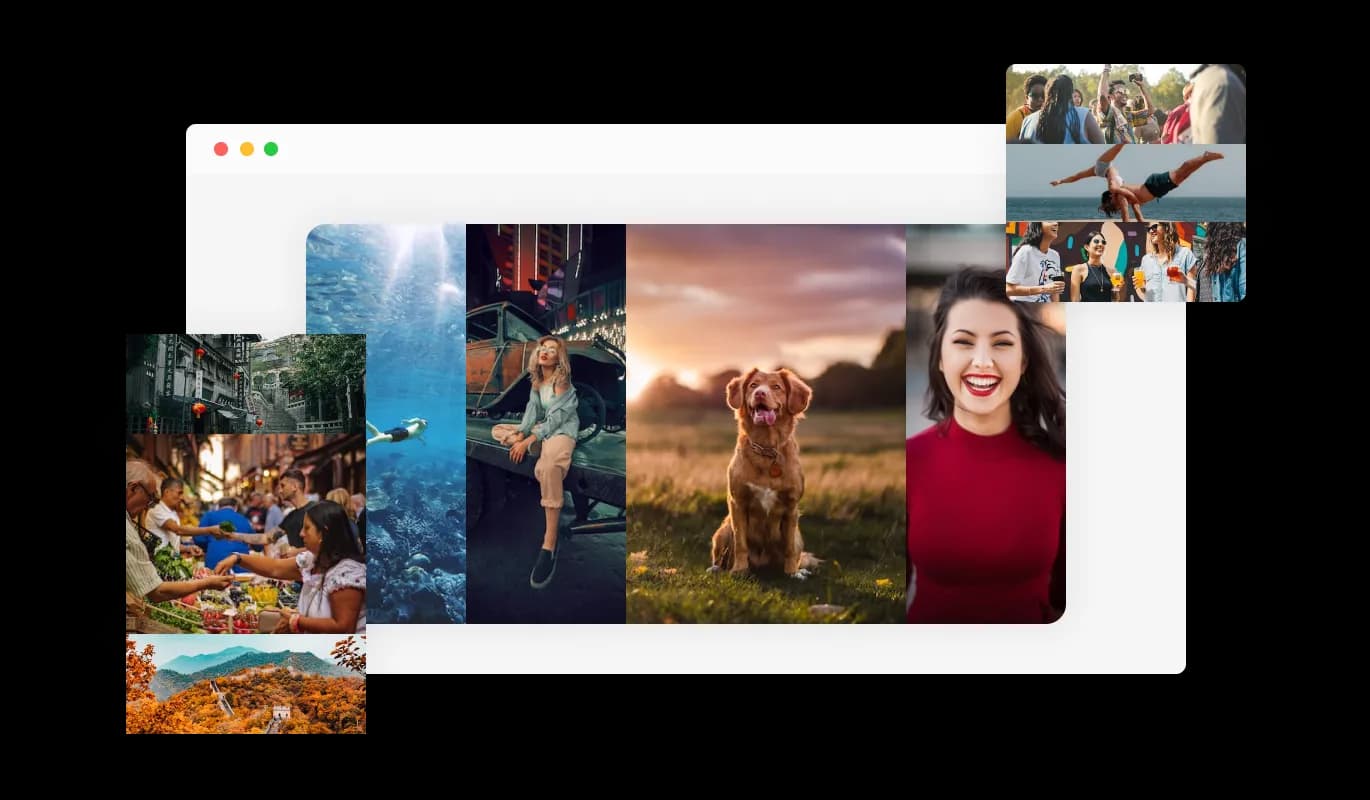
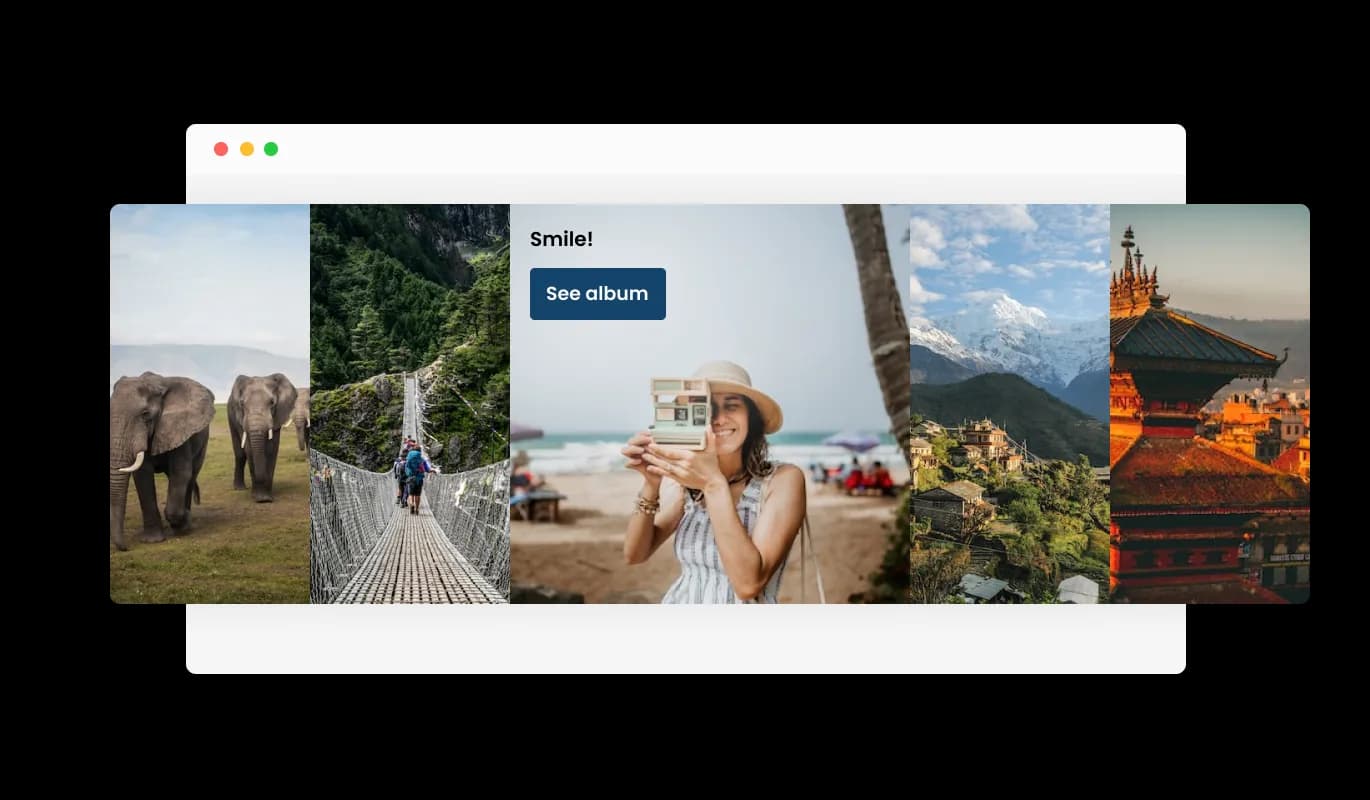
Image Accordion - Accordion Direction

Set Call For Action

Users of an image accordion widget with links to photographs can click on a button to be taken to another website or resource. The user experience can be improved by providing more information or pertinent content in a visually appealing and interesting way.

Image Accordion - Set Call For Action

Using Additional Information

An Bolt Image Accordion widget may benefit from having titles and descriptions added to each image to provide consumers more context and information. By simplifying the user's understanding of the photos' content and the widget's ultimate goal, this feature can improve the user experience.

Image Accordion - Using Additional Information

Completely Modifiable Image accordion for Bolt

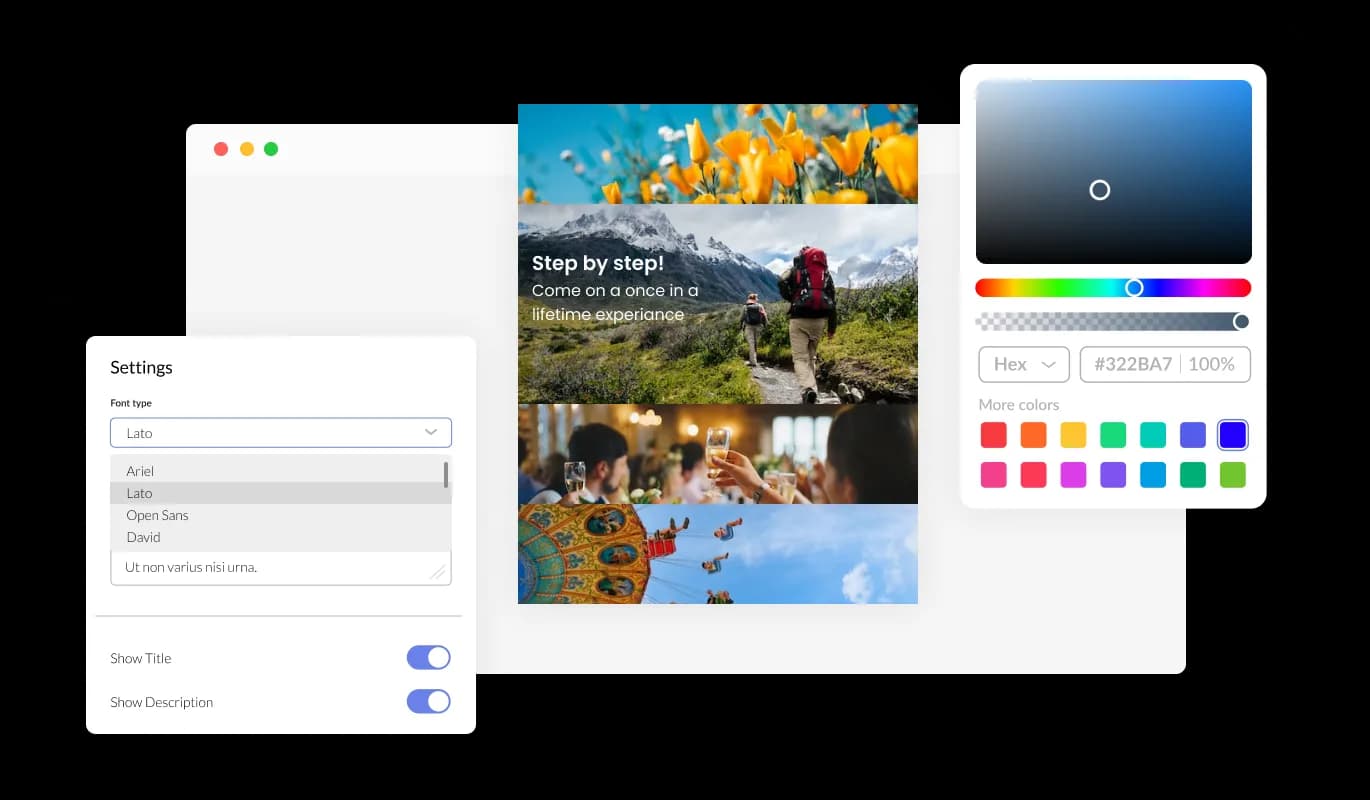
Make your Image accordion for Bolt your own by customizing its design features to your liking. Colors, fonts, spacing, and various other design elements can be customized with this widget. Colors can be changed for the background, text, and hover effects to create a cohesive and visually appealing design that matches your app. This can be particularly useful for businesses that want to create a consistent brand identity across all their online platforms.

Image Accordion - Completely Modifiable Image accordion for Bolt
Image Accordion - Bolt Image Accordion Focus Item

Bolt Image Accordion Focus Item

You can select the image that will be presented as the focal point of your visual presentation using the Image Accordion. You can show your content in an engaging way by using the Image Accordion for Bolt, which also provides you the opportunity to add multiple images and subtitles.

Image Accordion - A friendly user interface Image accordion

A friendly user interface Image accordion

The Image accordion widget for Bolt is simple to use and doesn't require any coding experience. You may easily personalize the widget whatever you like with a few mouse clicks using our user-friendly dashboard. This implies that even people without coding skills may quickly and simply develop a Image accordion with a polished appearance that smoothly connects with their app, enhancing their online visibility and audience engagement.

Perfectly Responsive Design for your Bolt app

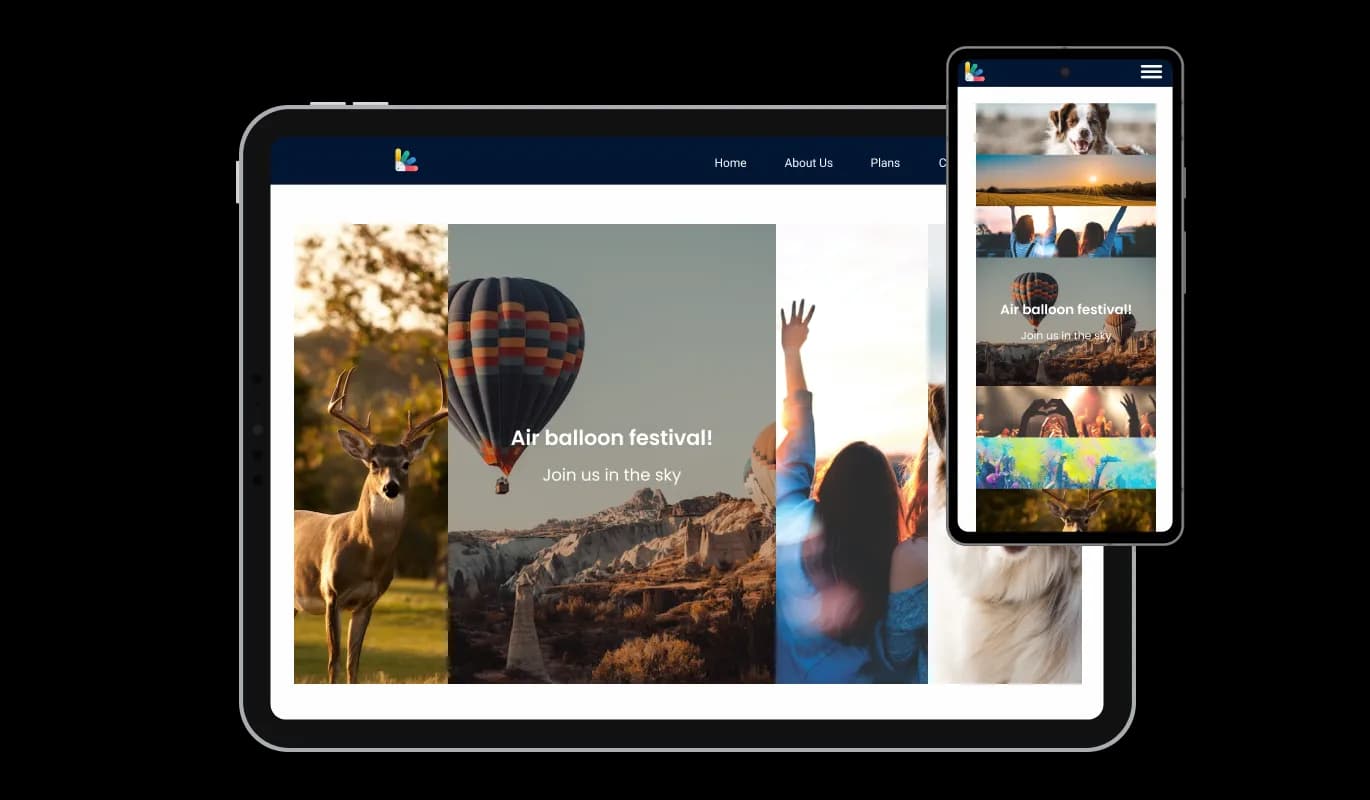
With a fully responsive Bolt Image accordion widget, you can give yourself a significant edge over your competitors in the mobile-first world we live in today. As more and more people access the internet through their smartphones and tablets, your app must be optimized for mobile devices. Through its responsive design, the Image accordion widget automatically adjusts to the device's dimensions and resolution and provides a seamless and consistent user experience. If your users access your Bolt app on a desktop computer, a tablet, or a smartphone, they will be able to view and interact with your Image accordion for Bolt.

Image Accordion - Perfectly Responsive Design for your Bolt app

Customizing the Image accordion for Bolt CSS

Similarly to all of Common Ninja's widgets, the Image accordion for Bolt allows for the addition of custom CSS, allowing for further customization. Custom CSS will enable you to create custom styles and design elements that are unavailable through built-in customization options. With custom CSS, you can create unique and visually striking designs tailored to your specific needs. It is also possible to create unique and engaging animations and interactions using custom CSS.

Image Accordion - Customizing the Image accordion for Bolt CSS

An Easy Way To Embed On Your Bolt app

Embedding the Image accordion for Bolt on your app is easy, simply copy a single line of code, and paste it into the HTML of your webpage. You won't have to manually update the Image accordion widget every time you make a change once the widget is embedded. Using this feature, you'll always have the most recent and accurate version of your Bolt Image accordion.

Image Accordion - An Easy Way To Embed On Your Bolt app

Compatible With All Site Builders, E-Commerce Platforms and Websites

View all supported platforms

FAQ

A graphical user interface (GUI) widget called an image accordion is used in web design and development to enable the presentation of several images or visual elements in one space, generally in a stacked or layered fashion. The accordion creates a sliding impression when it is engaged by expanding or collapsing the images and showing them one at a time. The Picture Accordion widget may be tailored to meet a broad range of design requirements and is frequently used for visually appealingly showing various items, services, or features. The Picture Accordion has been a popular option for websites wishing to add a dynamic visual element to their content because of its interactive and captivating display.

Including an Image Accordion on your website has a number of advantages:


  • Improve aesthetic appeal: Picture Accordion offers a visually appealing and engaging feature to your website that attracts visitors' attention and motivates them to interact with your information.
  • Space-saving: Picture accordions let you display several photos or other visual components in a single space, saving you precious screen space and improving the accessibility of your material.
  • User Experience: The accordion structure makes it simple for consumers to navigate between the photographs and show only the information they are interested in, which enhances the user experience.
  • Versatility: Picture Accordions are a flexible tool for web designers and developers because they are very configurable and can be modified to meet a wide range of design needs.
  • Emphasize key information: The Picture Accordion gives you the option to select emphasis items, allowing you to draw attention to and make important information stand out for your visitors.
  • Overall, including an Image Accordion on your website is a good method to increase its visual appeal, and user experience, and highlight critical information in a distinctive and interesting way.

Yes, you can either upload an image, or select an icon from a large selection of available icons to add to your Image Accordion, or, alternatively, you can leave it all blank.


It’s simple. All you need to do is to sign up and start using the free version.

Common Ninja’s Image Accordion widget is free to use. It is limited to a certain amount of views, however.

Common Ninja’s Image Accordion widget is compatible with ALL current and future website builders

Yes, the Image Accordion widget is GDPR-compliant.

No. Using our Image Accordion widget is very simple. The widget comes with an intuitive drag-and-drop interface and fully customizable options. Once you’ve finished editing the widget to your liking, all you need to do is copy the provided code and add it to your website.

Yes. We are eager to hear your request. Please visit our Feature Request page.