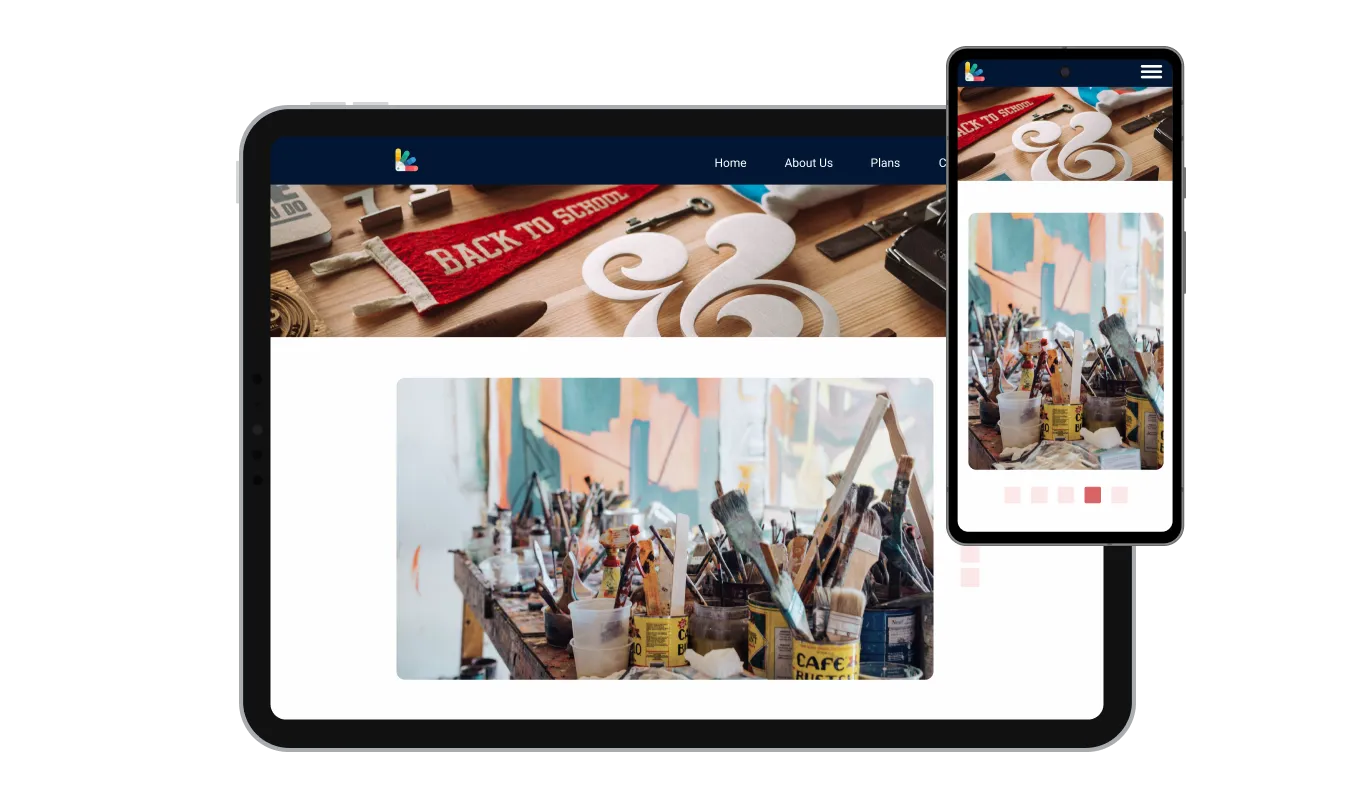

Image Carousel for 123 Reg

Showcase images with an image carousel that rotates or slides visuals, improves design, and draws attention to key content.

Create Image Carousel

loved by 500K+ businesses

123 Reg
plugineditor

Why Should You Use the Image Carousel Widget+?

Image Carousel: The Perfect Way to Elevate Your Design

The Image Carousel widget is an excellent way to add visual interest to your 123 Reg website, by displaying beautiful photos. With the option to adjust the photos size and the slider's settings, you can create a carousel that fits your website's design perfectly. The Image carousel for 123 Reg allows you to easily upload and organize your images, and customize the design to match your 123 Reg website's style. The carousel allows your visitors to easily browse through multiple images without leaving the page. This feature can showcase products, services, or portfolio items.

Highlight your projects using the Image Carousel for 123 Reg

With Image Carousel widget, you can showcase photos and images on a portfolio website in an eye-catching way, for example. Additionally, the carousel can be set to rotate automatically through the images, drawing attention to each one in turn. This can help users promote their work to a larger audience and increase the chances of their work being seen and appreciated.

Boosted Interaction.

The 123 Reg Image Carousel widget is a perfect way to grab visitors' attention and encourage them to interact with your website. The rotating carousel allows visitors to quickly and easily browse a collection of images to find something that interests them. The carousel can be configured to include captions and links, providing visitors with more information about each image and making it easy to navigate to other parts of your 123 Reg website.

Image Carousel Slide Size

If you want your carousel images to fit your specific needs, the Image carousel for 123 Reg allows you to change the sizes - from small to large, vertical to horizontal. Additionally, you can add captions to each image, allowing you to provide more information as well as guide visitors to other pages on your 123 Reg website. The carousel feature ensures easy and fluid navigation between images, making it a user-friendly and interactive experience.

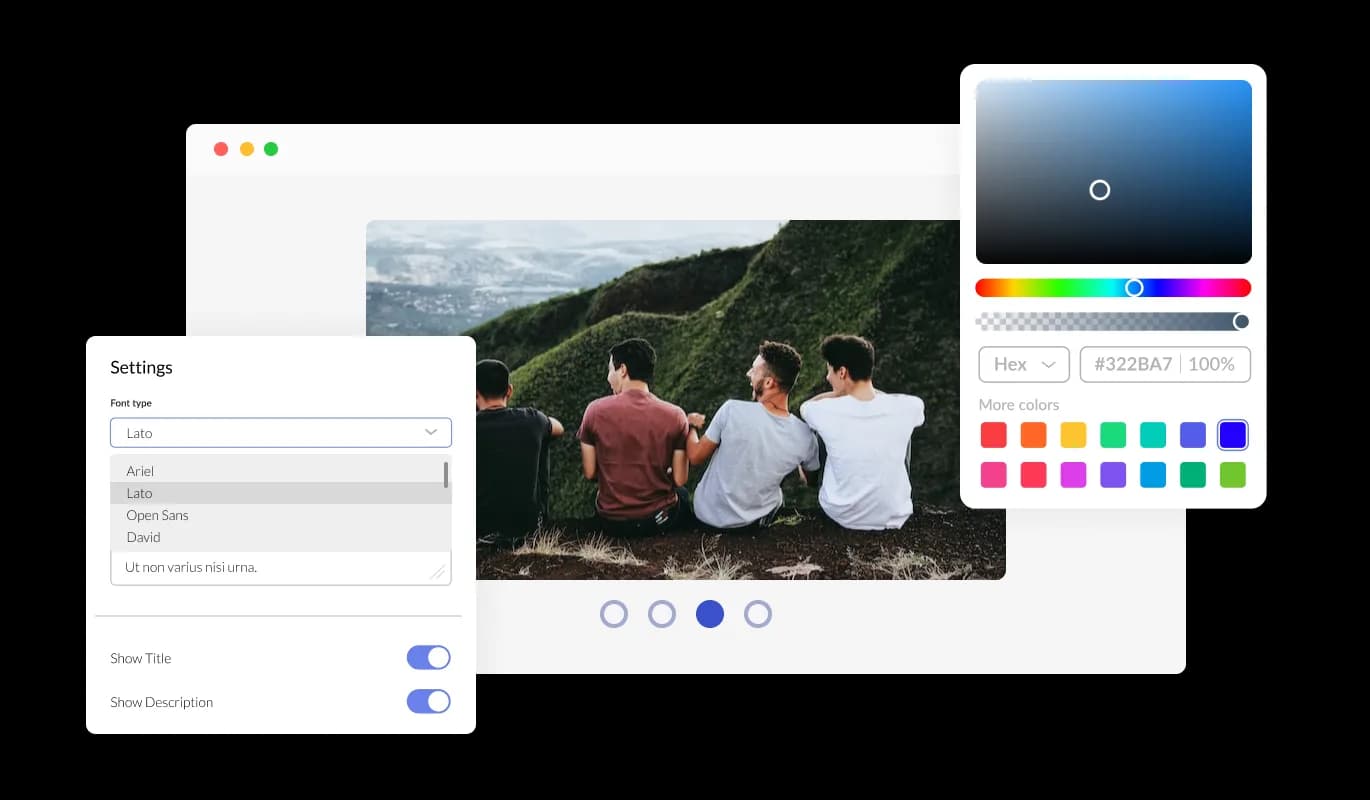
Image Carousel - Image Carousel Slide Size

Completely customizable widget

The Image carousel for 123 Reg offers complete customization options, so you can tailor the design to meet your needs. Colors, fonts, spacing, and various other design elements can be customized with this widget. In order to create a visually appealing and cohesive design that matches the look and feel of your website, you can modify the background color, the text color, and even the hover effects color. Changes to fonts are another customization option. Various fonts can be selected to create a unique and visually appealing design. This can be particularly useful for businesses that want to create a consistent brand identity across all their online platforms.

Image Carousel - Completely customizable widget

Responsive Design for your 123 Reg website

With a fully responsive 123 Reg Image carousel widget, you can give yourself a significant edge over your competitors in the mobile-first world we live in today. website must be optimized for mobile devices as more and more people access the internet from smartphones and tablets. Through its responsive design, the Image carousel widget automatically adjusts to the device's dimensions and resolution and provides a seamless and consistent user experience. If your users access your 123 Reg website on a desktop computer, a tablet, or a smartphone, they will be able to view and interact with your Image carousel for 123 Reg.

Image Carousel - Responsive Design for your 123 Reg website
Image Carousel - Arrows & Pagination

Arrows & Pagination

Add a personal touch to the Image carousel widget by customizing the arrow and pagination icon styles to match your design requirements.

Image Carousel - Speed of Slider and Time per image

Speed of Slider and Time per image

The Image carousel comes with the options to control the speed at which the images slide, and how much time should be spent on the images. Incorporate these features to optimize your user's interface.

Image Carousel - Choose from multiple layouts for 123 Reg Image carousel

Choose from multiple layouts for 123 Reg Image carousel

Choose the perfect layout for your website with the various options offered by the 123 Reg Image Carousel widget.

Image Carousel - A breeze to use widget

A breeze to use widget

There is no need to know any coding to use Image carousel [for 123 Reg. Using the drag-and-drop feature on our intuitive dashboard, you can customize the widget in any way you see fit.

Custom CSS with Image carousel for 123 Reg

As with all of Common Ninja's widgets, the Image carousel for 123 Reg also provides the option to add custom CSS, which allows you to take your customization to the next level and be even more creative. Through custom CSS, you can create styles and design elements not available through the built-in customization options. Using custom CSS, you can create visually striking designs tailored to your needs. Custom CSS can also be used to create unique and engaging interactions and animations that can help to improve the user experience.

Image Carousel - Custom CSS with Image carousel for 123 Reg

Embedding to your 123 Reg website is simple

Embedding the Image carousel for 123 Reg on your website is easy, simply copy a single line of code, and paste it into the HTML of your webpage. This allows you to quickly and easily add the Image carousel widget to your 123 Reg website without any complicated setup or installation process. If the widget is embedded, the Image carousel and widget will automatically update when you make changes, so there is no need to update either manually. Using this feature, you'll always have the most recent and accurate version of your 123 Reg Image carousel.

Image Carousel - Embedding to your 123 Reg website is simple

Compatible With All Site Builders, E-Commerce Platforms and Websites

View all supported platforms

FAQ

Yes, you can easily do so from the “Templates” tab.

It’s simple. All you need to do is to sign up and start using the free version.

The Common Ninja Image Carousel widget is a free tool reach with features and options. While this widget is free to use, it does have a limit on the number of views it can handle. This means that after a certain number of views, the chat button may no longer be visible or functional on your website. It is important to note that this view limit may vary depending on the plan of the widget you are using. Despite this limitation, the Common Ninja Image Carousel is still a valuable tool for businesses looking to increase customer engagement and improve the overall user experience of their website.

Common Ninja's Image Carousel widget is a versatile tool that can be used on any website builder. This means that you can easily add this widget to your site no matter what platform you use to build your website. Whether you are using a popular website builder or something more specialized, the Image Carousel widget will work seamlessly with your platform. This means you can enjoy all the benefits of this powerful tool without having to worry about compatibility issues. So if you want to add interactive hotspots to your images and take your website to the next level, the Image Carousel widget from Common Ninja is a great choice.

The Image Image Carousel is designed to comply with the General Data Protection Regulation (GDPR), a set of EU regulations protecting personal data and privacy. When using the Image Carousel widget, you can be confident that it will not collect or store personal data that could violate GDPR regulations. This ensures that your business complies with these regulations and can protect your customers' data privacy.

The Image Carousel widget is a secure and reliable tool that can enhance your website without any concerns about GDPR compliance.

Our Image Carousel widget is designed to be easy to use, even for those with limited technical experience. The widget features a drag-and-drop interface that allows you to add images to your Image Carousel without coding knowledge easily. You can fully customize the Image Carousel to match your branding, including the size, color, and shape. When you're done, copy the provided code and paste it into your website.

Yes. We are eager to hear your request. Please visit our Feature Request page.

An image carousel widget is a user interface element that displays multiple images in a rotating or sliding fashion. It is commonly used on websites to showcase a collection of images, such as product images, gallery images, or featured images. The images are typically displayed in a loop, with the ability to navigate through them using arrows or dots, and often include the ability to click on an image to view it in a larger size.

The image carousel widget is a useful tool for highlighting multiple images in a limited space and can be used to enhance the visual appeal of a website.

An image carousel can be used for various purposes on a website. Some common uses include:

  • Showcasing products: An image carousel can display multiple images of a product, allowing visitors to view different angles and details.
  • Highlighting featured images: Use an image carousel to feature different images on the homepage, such as new products, promotions, or events.
  • Creating photo galleries: An image carousel can create an interactive photo gallery where visitors can navigate different images.
  • Displaying testimonials: Use an image carousel to show customer testimonials with images of the customers, making them more relatable.
  • Showcasing brand images: Use an image carousel to display a collection of brand images, such as logos, mascots, or product images.
  • Showcasing team members: Use an image carousel to showcase team members, along with their names, title, and brief description.

There are several benefits to adding an image carousel to your website:

  • Increased visual appeal: An image carousel can add visual interest and dynamism to your website, making it more engaging for visitors.
  • Highlighting multiple images: An image carousel allows you to display multiple images in a limited space, making it a great way to showcase a collection of images.
  • Increased user engagement: An image carousel can be interactive, allowing visitors to navigate through the images, increasing user engagement and time spent on the website.
  • Increased click-through rates: By adding captions and links to images, an image carousel can increase click-through rates and guide visitors to other pages on your website.
  • Showcasing multiple products or services: An image carousel can be used to display multiple products or services, which can be useful for e-commerce or service-based websites.
  • Enhancing the user experience: Image carousel can be used to present information in a dynamic, easy-to-digest format that can help visitors quickly find what they are looking for and make it more engaging.