Image Gallery for Strikingly

Showcase photos with an image gallery that displays pictures and captions in grids, improves design, and boosts visitor engagement.

Create Image Gallery

loved by 500K+ businesses

Strikingly
plugineditor

Why Should You Use the Image Gallery Widget+?

Use an Image Gallery to Showcase Your Work or Products

With the Image Gallery for Strikingly, you can easily showcase your work or products in the most visually appealing, and easy-to-follow way. Ideal for photographers and artists who rely on showing their visual works and shop owners who wish to display their products on their website.

Enhance Your Strikingly website with an Image Gallery

Creating a Strikingly Image Gallery is a great way to improve its aesthetics. With different grid types and animations, it’s especially easy to stand out and wow your Strikingly website visitors.

Improve Engagement & Conversions

With a clear representation of your work or products via an interactive image gallery widget, visitors are more likely to engage with those images and convert to paying customers once they see the amazing work or products you offer.

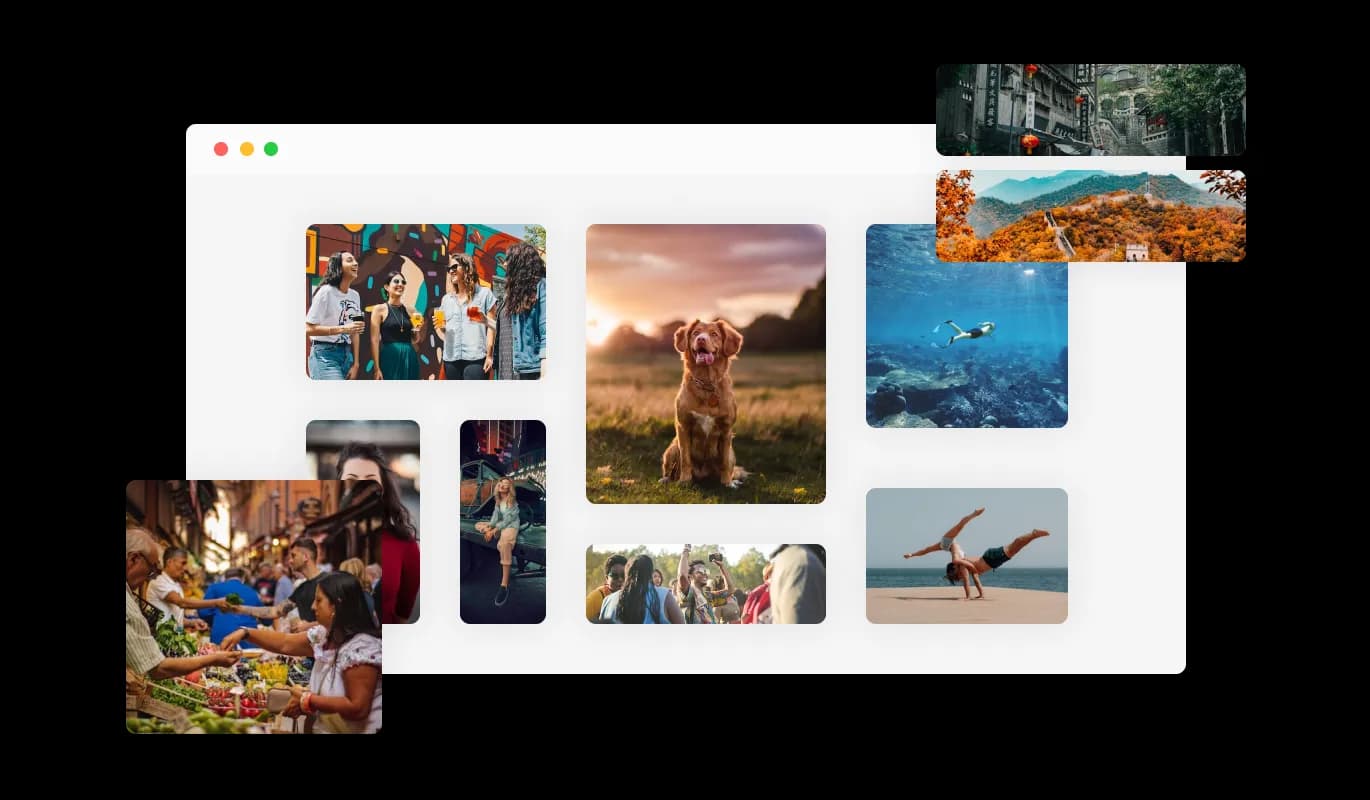
Get Creative with 5 Different Image Gallery Grids to Choose From

With the Image Gallery for Strikingly, you have a choice of five grid layouts to select from, ranging from organized, uniform boxes to more random and varied boxes that can better match your brand, personality, and website design. You have the flexibility to create a customized visual experience for your Strikingly website visitors using the Image Gallery widget and its various grid layout options.

Image Gallery - Get Creative with 5 Different Image Gallery Grids to Choose From

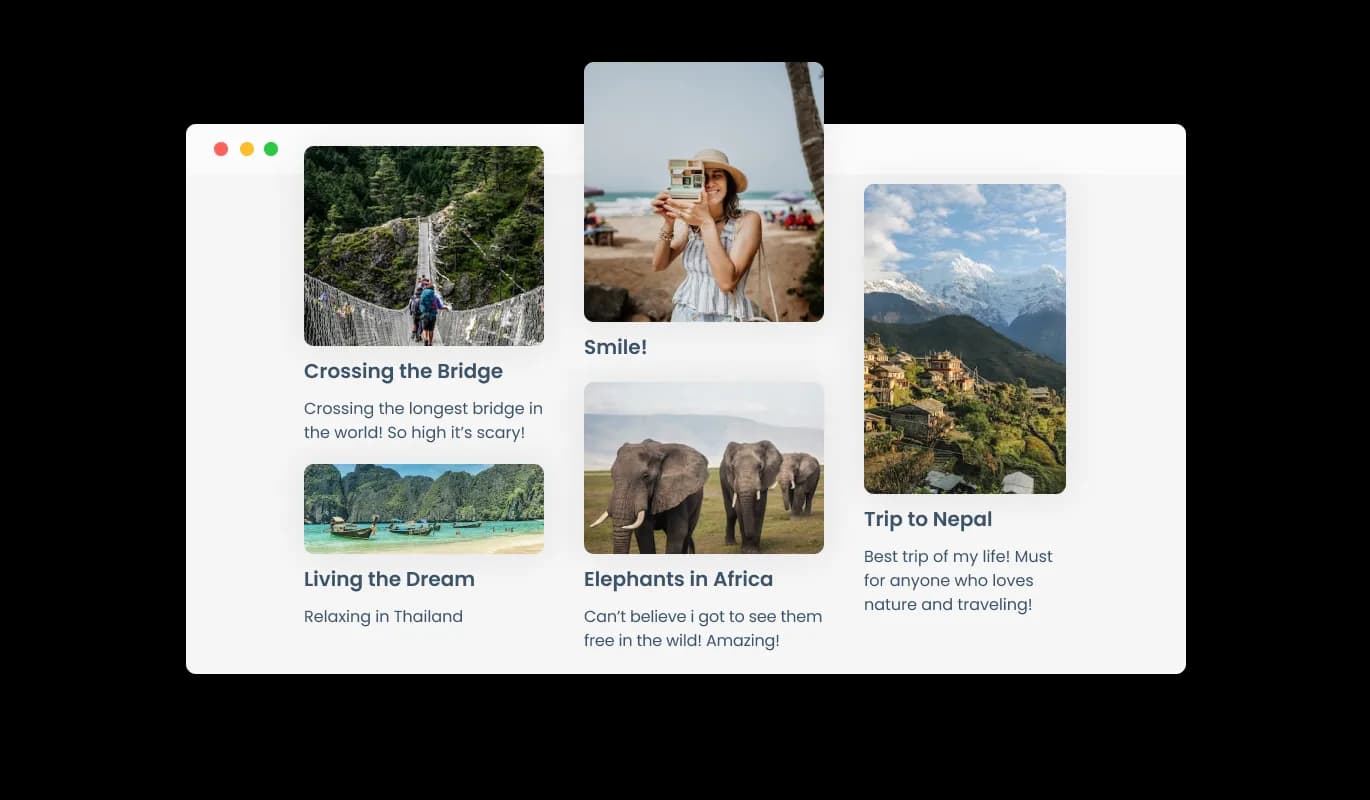
Label and describe the image

To aid user understanding of visual content, the Strikingly Image Gallery offers the option to attach captions and descriptions to images. Captions and descriptions are a great way to provide search engines with helpful information, which can make it easier for people to find your Strikingly website when searching for similar content. This can improve your Strikingly website's visibility and attract more traffic to your website.

Image Gallery - Label and describe the image

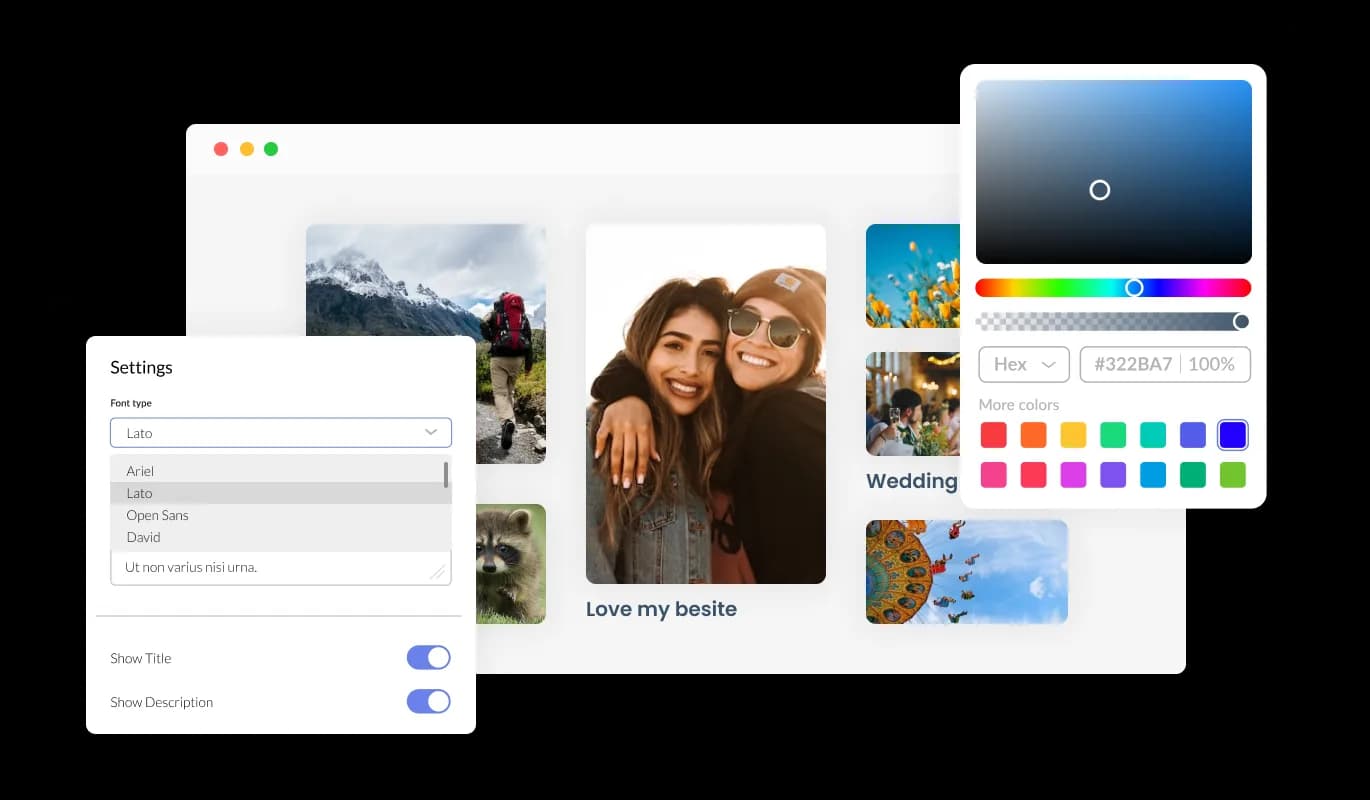
Fully Customizable Image Gallery for Strikingly

You can customize Image gallery widget for Strikingly to fit the needs of your Strikingly website. This function enables you to produce a distinctive visual ambiance for your Strikingly website users, demonstrating your brand and personality and differentiating your website from the competition.

Image Gallery - Fully Customizable Image Gallery for Strikingly
Image Gallery - Expand the images in a pop-up.

Expand the images in a pop-up.

Enhance your user experience with the Image Gallery for Strikingly, which includes a popup for easy image interaction and immersion.

Image Gallery - Enhancing Strikingly Image Gallery with Micro Animations

Enhancing Strikingly Image Gallery with Micro Animations

With the Image Gallery widget, you can enjoy a more dynamic and engaging experience through the use of micro animations. Utilizing micro animations can enhance engagement and make your website more user-friendly, allowing visitors to interact more seamlessly.

Image Gallery - Easy To Use Widget

Easy To Use Widget

The Image gallery for Strikingly is easy to use and requires no coding knowledge. Customizing the Image gallery widget for Strikingly has never been easier thanks to our intuitive dashboard, which offers easy-to-use tools that let you personalize it in just a few clicks.

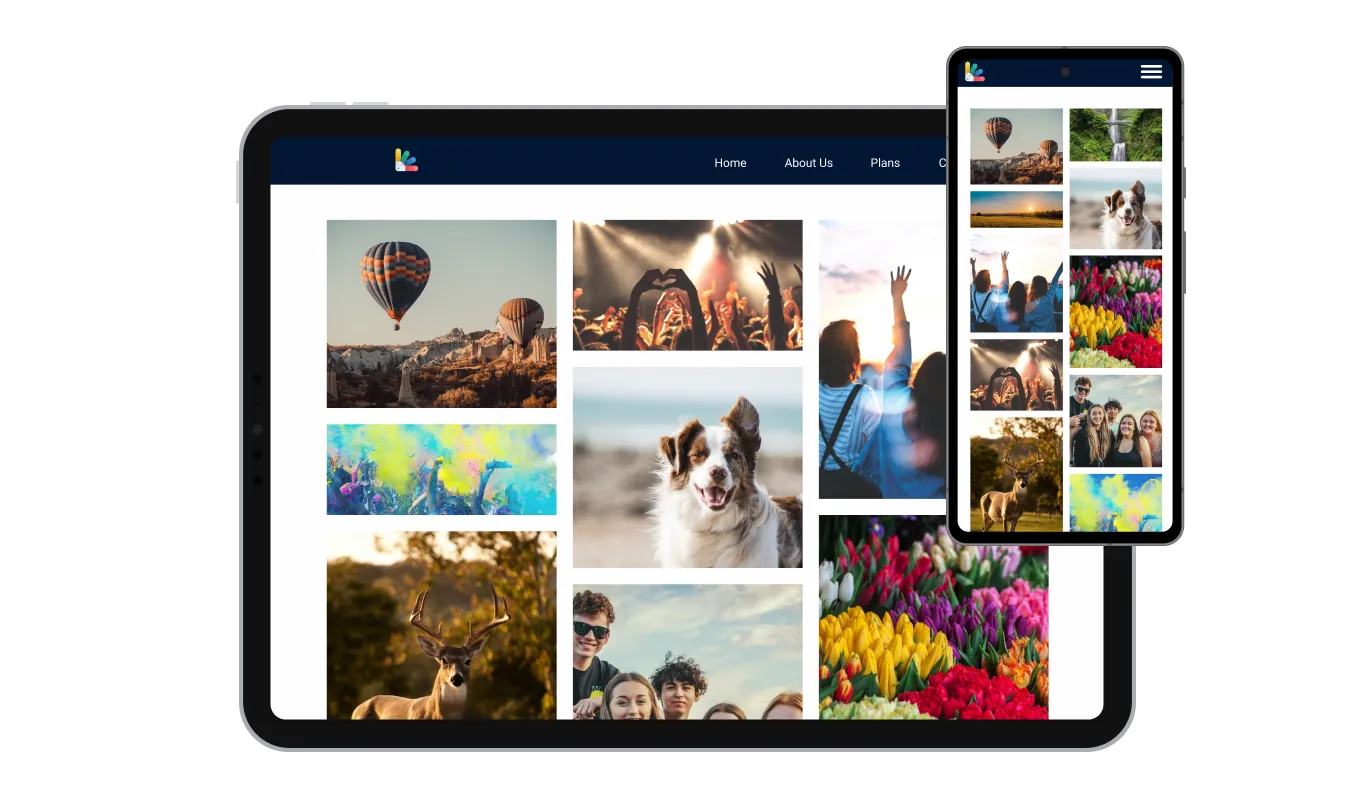
Perfectly Responsive for your Strikingly website

Our Image gallery widget for Strikingly is designed to be fully responsive and will look fantastic on any device. If you ensure that your Strikingly website is mobile-friendly, you can improve your search engine rankings, attract and retain visitors, and enhance your online visibility, ultimately resulting in more leads and sales for your business.

Image Gallery - Perfectly Responsive for your Strikingly website

Customizing the Image gallery for Strikingly CSS

In the Image gallery for Strikingly, you can add custom CSS to make the widget even more personalized and creative. Your Strikingly website can become truly distinct by implementing bespoke CSS into your Image gallery widget, giving you the power to fine-tune the design and unlock boundless creativity.

Image Gallery - Customizing the Image gallery for Strikingly CSS

Simple embedding On Your Strikingly website

Simply copy and paste a single line of code to embed the Image gallery widget on your Strikingly website. Additionally, the Strikingly Image gallery will be updated automatically on your Strikingly website if any changes are made.

Image Gallery - Simple embedding On Your Strikingly website

Compatible With All Site Builders, E-Commerce Platforms and Websites

View all supported platforms

FAQ

An image gallery widget is a user interface element used to display a collection of images in a visually appealing way. It is commonly used in web and mobile applications to showcase images in a more organized and attractive manner.

An image gallery widget typically displays a grid of thumbnail images, which can be clicked on to view a larger version of the image. The widget may include features such as scrolling, zooming, and navigation buttons to make it easier for users to browse through the collection of images.


Image gallery widgets can be customized in various ways, such as adjusting the size and layout of the thumbnails, adding captions or descriptions to each image, and applying visual effects such as filters or transitions. They can be designed to fit seamlessly into the overall look and feel of a website or application and may be responsive to different screen sizes and orientations.


An image gallery widget provides an effective way to display and interact with a collection of images, making it a useful tool for photographers, artists, and businesses that want to showcase their products or services visually.

  1. Displaying Photos: Image galleries are commonly used to showcase photos, allowing users to view a collection of images in one place.
  2. Portfolio Showcasing: Artists, photographers, and designers use image galleries to showcase their work, highlighting their skills and talents.
  3. E-commerce: Online shopping websites use image galleries to display product images, allowing users to see the product in detail before making a purchase.
  4. Social Media: Social media platforms use image galleries to allow users to share and view multiple photos in one post.
  5. News Websites: News websites use image galleries to show a collection of photos related to a particular news story.
  6. Travel Websites: Travel websites use image galleries to display photos of hotels, tourist attractions, and destinations, giving users an idea of what they can expect before making a reservation.
  7. Educational Websites: Educational websites use image galleries to display images related to a topic or subject, making the learning experience more engaging.
  8. Personal Websites/Blogs: Individuals use image galleries to display personal photos and experiences on their personal blogs and websites.


Adding an image gallery to your website can benefit various groups of people, including:

  1. Photographers: Photographers can use image galleries to showcase their portfolios and demonstrate their photography skills to potential clients.
  2. Artists: Artists can use image galleries to display their artwork and attract potential buyers.
  3. E-commerce Websites: E-commerce websites can use image galleries to display product images, providing customers with a detailed view of the product before purchasing.
  4. News and Media Websites: News and media websites can use image galleries to accompany news stories and provide visual context.
  5. Travel Websites: Travel websites can use image galleries to showcase photos of destinations and accommodations, encouraging travelers to book their next trip.
  6. Educational Websites: Educational websites can use image galleries to provide visual aids and enhance the learning experience.
  7. Event Organizers: Event organizers can use image galleries to promote past events and showcase the atmosphere and success of previous events to attract potential attendees.
  8. Bloggers: Bloggers can use image galleries to enhance their blog posts and make them more engaging for readers.

Yes, you can easily do so from the “Templates” tab. 

Yes, there are lots of beautiful skins that you can choose from to save time and start using the widget as quickly as possible.

Yes, you can either upload an image, or select an icon from a large selection of available icons to add to your Notification Bar, or, alternatively, you can leave it all blank. 


It’s simple. All you need to do is to sign up and start using the free version.

Common Ninja’s Image Gallery widget is free to use. It is limited to a certain amount of views, however.

Common Ninja’s Image Gallery widget is compatible with ALL current and future website builders.

Yes, the Image Gallery widget is GDPR-compliant.

No. Using our Image Gallery widget is very simple. The widget comes with an intuitive drag-and-drop interface and fully customizable options. Once you’ve finished editing the widget to your liking, all you need to do is copy the provided code and add it to your website.

Yes. We are eager to hear your request. Please visit our Feature Request page.