





Diverse Magnifier Options for Your Needs
The Image Magnifier widget presents various magnifier choices, empowering you to find the ideal match for your requirements.
Genially Image Magnifier widget provides a seamless way for your visitors to enlarge your images. This not only enriches their user experience but also helps visually impaired individuals access your images and better understand the content of your Genially presentation.
The Image Magnifier widget for Genially serves as a potent tool to stimulate sales in e-commerce presentation. Allowing clients to view your items in higher resolution increases the likelihood of them making a purchase.
Utilize the Image Magnifier for Genially to transform lifeless pages into dynamic and engaging experiences for users on your Genially presentation. 1B. Implement the Image Magnifier for Genially to convert static pages into Adding interactivity to images on your Genially presentation not only enhances user engagement but also adds a fun and dynamic element to your content.
The Image Magnifier widget presents various magnifier choices, empowering you to find the ideal match for your requirements.
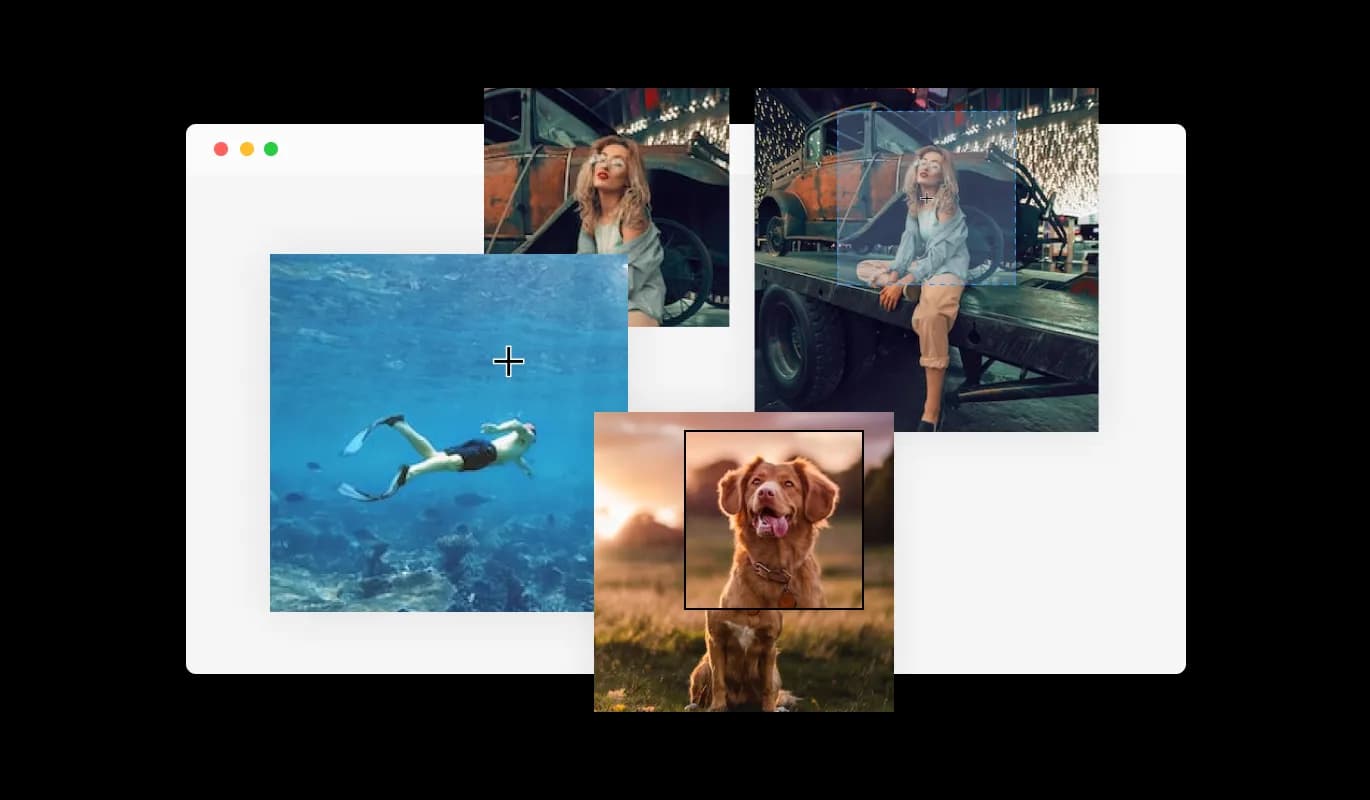
The Image Magnifier widget allows you to customize the magnifier for a more personalized look, enabling you to fit it to your brand’s design and the website’s aesthetics.
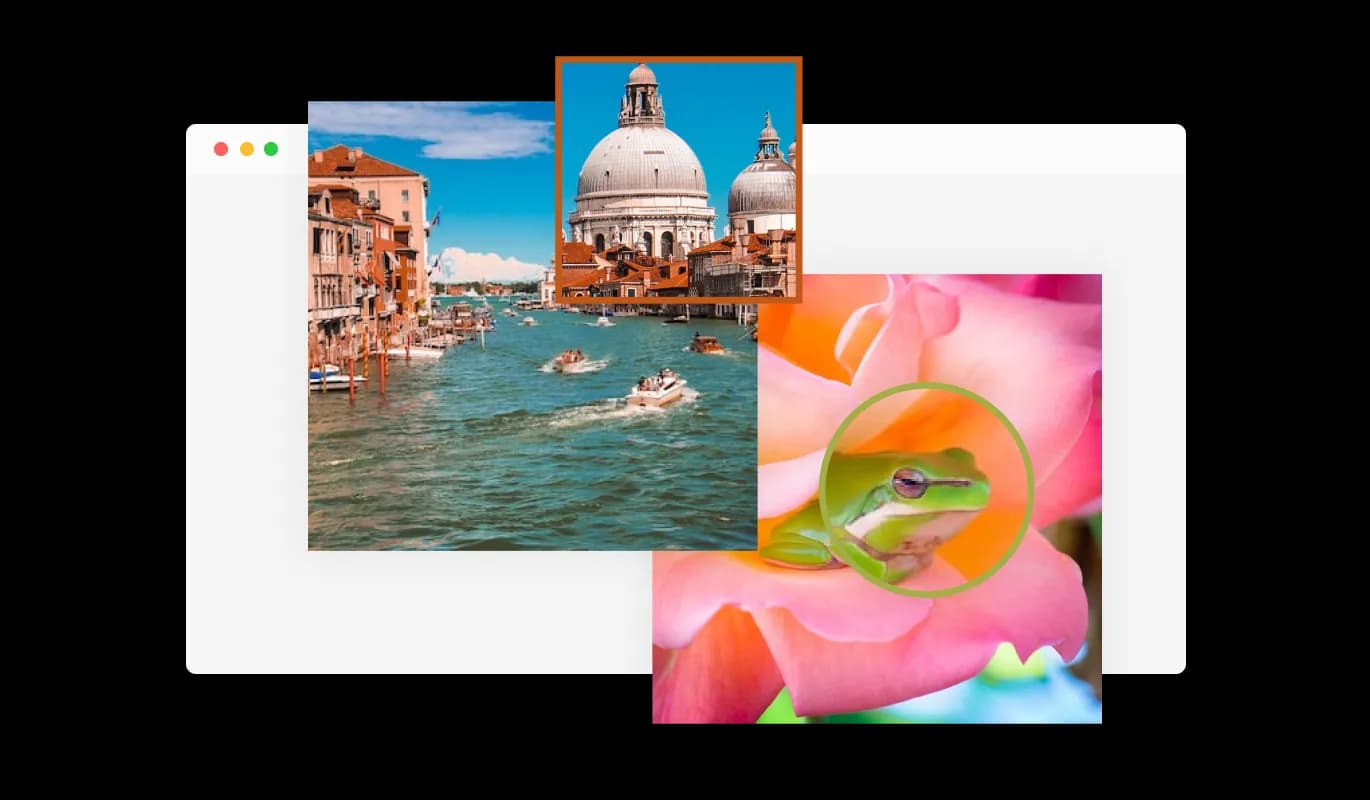
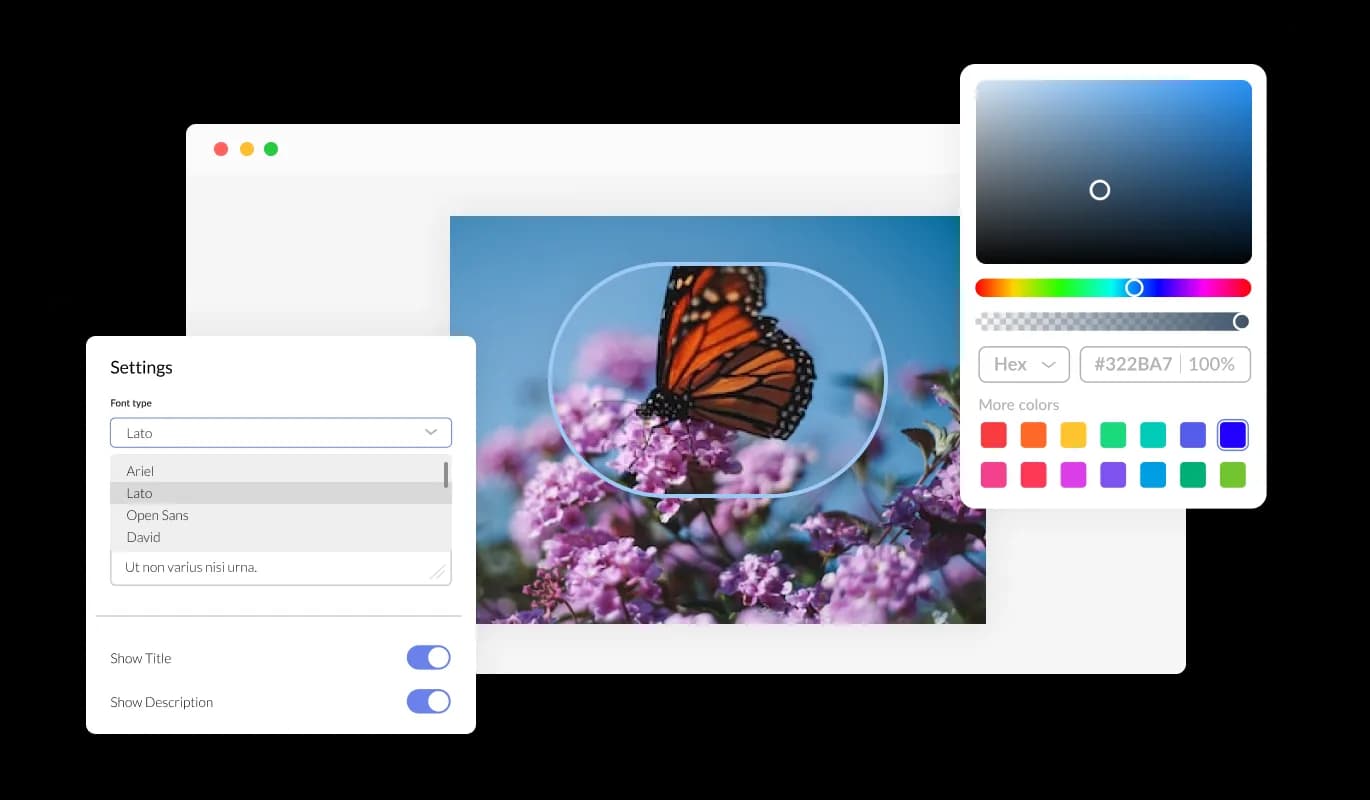
To fully adapt the design to your requirements, the Image Magnifier for Genially offers comprehensive customization options. The Image magnifier for Genially allows you to change the colors, fonts, spacing, and various other design elements to create a tailored look and feel. In order to create a visually appealing and cohesive design that matches the look and feel of your presentation, you can modify the background color, the text color, and even the hover effects color. It is also possible to change the fonts. You can create a design that stands out visually with a wide range of font options. Business owners who want to establish a consistent brand identity on all their online platforms will find this particularly useful.
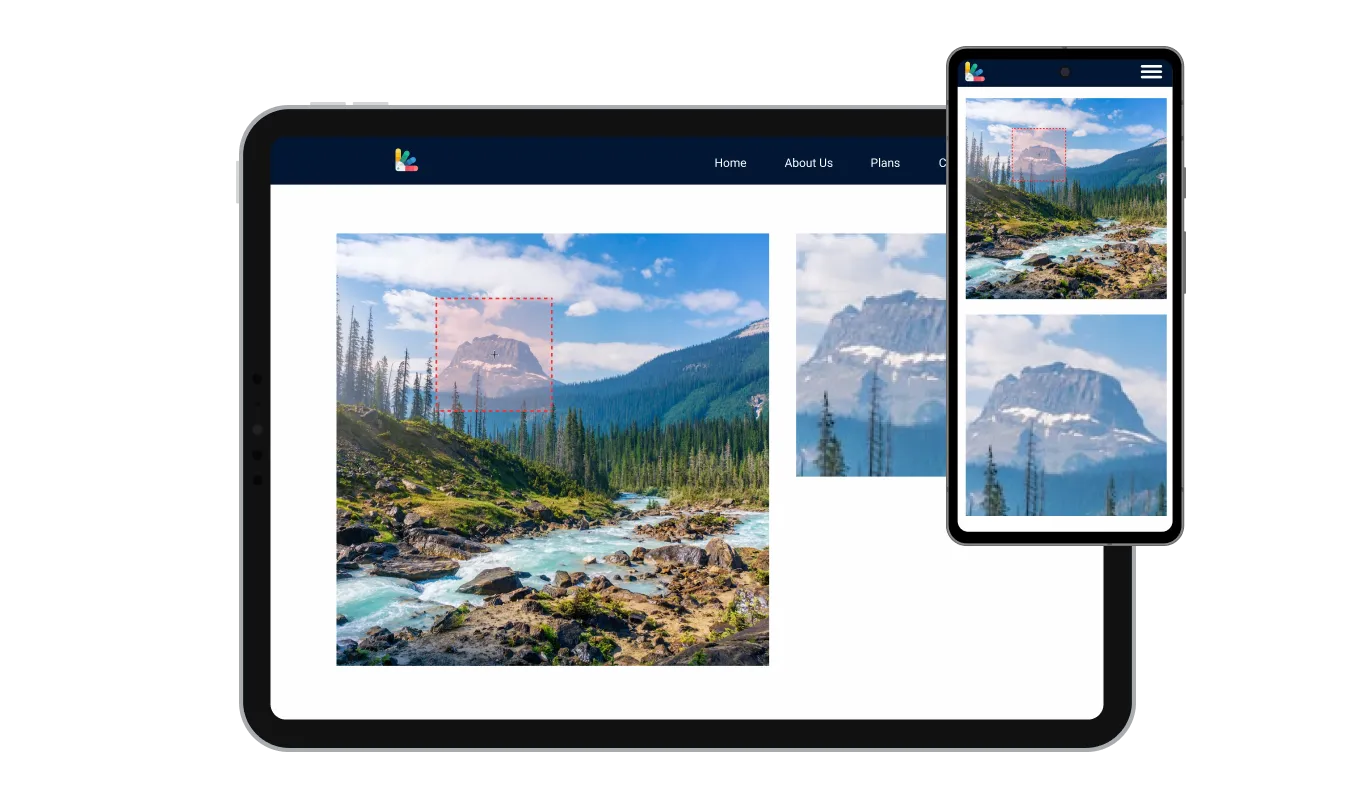
This feature can give you a significant advantage over your competitors in today's mobile-first world, as the Genially Image magnifier widget is fully responsive and will look great on any device. With more and more people accessing the internet through their smartphones and tablets, your presentation must be optimized for mobile devices. The responsive design of the Image magnifier widget ensures that it will automatically adjust to the size and resolution of the device it is being viewed on, providing a seamless and consistent user experience across all devices. This means that whether your users are accessing your Genially presentation on a desktop computer, a tablet, or a smartphone, they will be able to view and interact with your Image magnifier for Genially in the same way.
All of Common Ninja's widgets, including Image magnifier for Genially, also allow you to insert custom CSS, which allows you to be even more creative with your customization. Using custom CSS, you can create custom styles and design elements that are unavailable through the built-in customization options. Create visually striking and unique designs with custom CSS. Custom CSS can also be used to create unique and engaging interactions and animations that can help to improve the user experience.

Copy and paste just one line of code into your presentation's HTML to embed the Image magnifier for Genially. If the widget is embedded, the Image magnifier and widget will automatically update when you make changes, so there is no need to update either manually. By using this feature, you can save a lot of time and effort, and make sure that your Genially Image magnifier is always accurate and up-to-date.

The Image Magnifier widget offers a variety of magnifier types to choose from, allowing you to select the one that best fits your needs and preferences.
Yes, the Image Magnifier widget allows for easy customization of the magnifier, enabling you to personalize its appearance to align with your brand's design and your website's aesthetics.
The Image Magnifier widget features full customization options, allowing you to modify various elements such as colors, fonts, spacing, and more to achieve the desired look.
Yes, the Image Magnifier widget is fully responsive and designed to look great on any device, ensuring a positive user experience in a mobile-first world.
No, the Image Magnifier widget is easy to use and does not require any coding knowledge. The intuitive dashboard and drag-and-drop feature enable you to customize the widget with just a few simple clicks.
Yes, similar to other Common Ninja apps, you can add custom CSS to the Image Magnifier widget to enhance its appearance and achieve a more creative design.
Embedding the Image Magnifier widget on your website is simple. Just copy a single line of code and paste it into your website's HTML. The widget will automatically update with any changes you make within the customization dashboard.
Yes, you can easily do so from the “Templates” tab.
It’s simple. All you need to do is to sign up and start using the free version.
Common Ninja’s Image Magnifier widget is free to use. It is limited to a certain amount of views, however.
Common Ninja’s Image Magnifier widget is compatible with ALL current and future website builders.
Yes, the Image Magnifier widget is GDPR-compliant.
No. Using our Image Magnifier widget is very simple. The widget comes with an intuitive drag-and-drop interface and fully customizable options. Once you’ve finished editing the widget to your liking, all you need to do is copy the provided code and add it to your website.
Yes. We are eager to hear your request. Please visit our Feature Request page.
To install the Image Magnifier widget, simply copy the provided single line of code and paste it into your website's code. This straightforward process allows for easy integration of the widget into your site.
Yes, the Image Magnifier widget offers comprehensive customization options. You can adjust the colors, fonts, spacing, and other design elements to match your brand and website aesthetics. Additionally, you can use custom CSS for even more creative control.
Absolutely! The Image Magnifier widget is fully responsive, ensuring a flawless appearance and consistent user experience on any device, including smartphones and tablets.
Yes, the Image Magnifier widget features a selection of different magnifier types. This variety allows you to choose the best magnifier style to suit your needs and preferences.