





Tailored Magnification: Multiple Magnifier Types
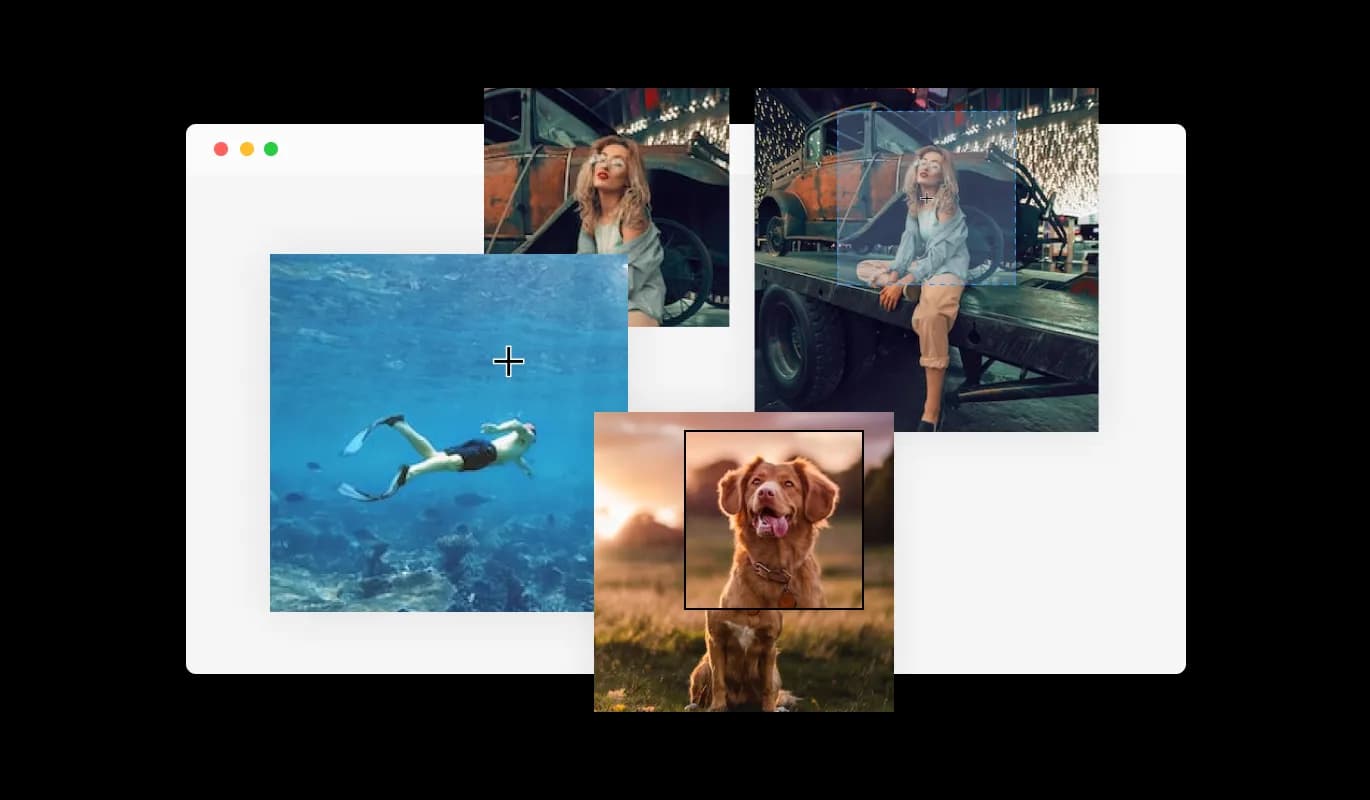
The widget features a selection of different magnifier types that you can choose from to fit your needs.
The Payhip Image Magnifier widget enables your visitors to effortlessly zoom in on your images. In addition to enhancing the user experience, this feature supports visually challenged individuals in viewing your images and grasping the content of your Payhip store more effectively.
An Image Magnifier widget for Payhip can effectively fuel sales for your e-commerce store. By enabling customers to examine your products more closely, they are more inclined to complete a purchase.
By incorporating the Image Magnifier for Payhip, you can turn bland pages into lively and immersive experiences on your Payhip store. Integrating interactive elements with images on your Payhip store increases user engagement and offers a captivating experience.
The widget features a selection of different magnifier types that you can choose from to fit your needs.
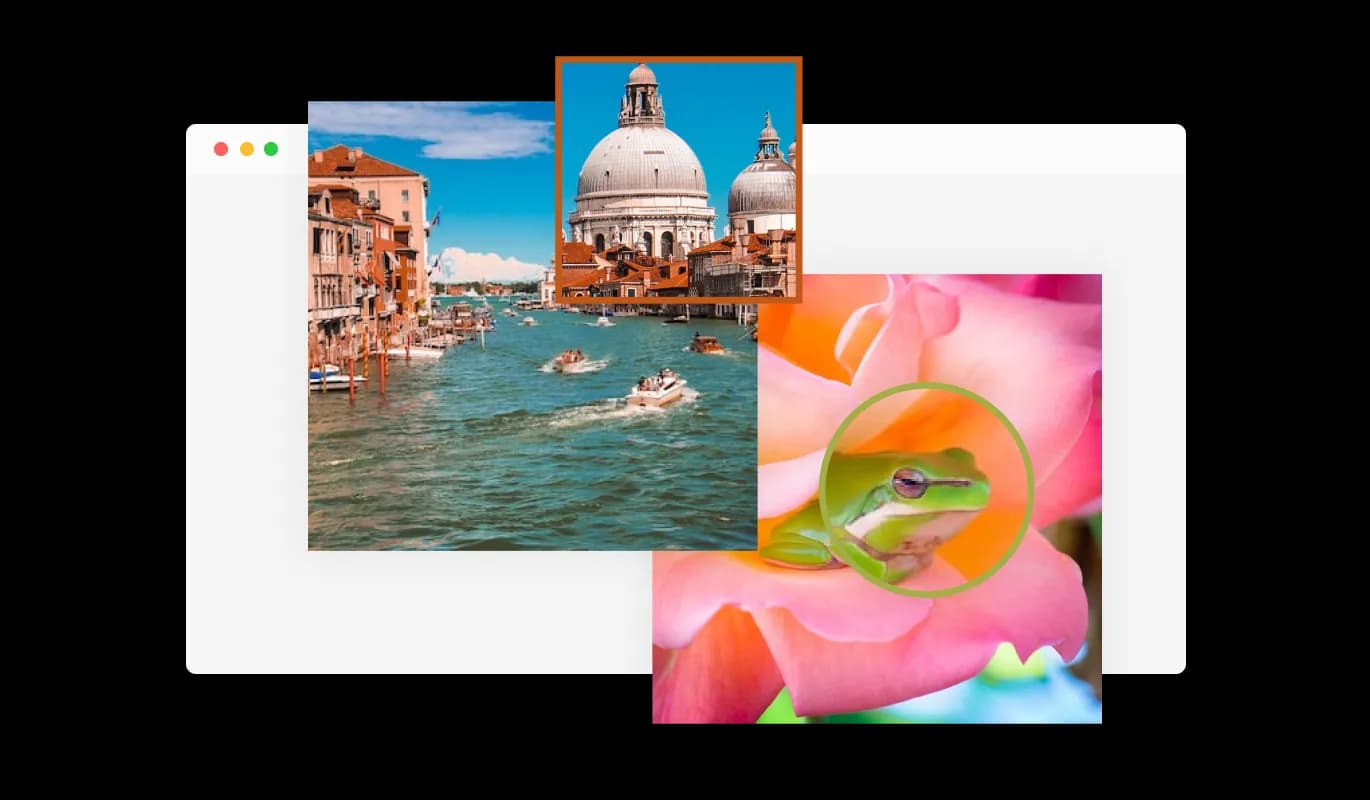
The Image Magnifier widget allows you to customize the magnifier for a more personalized look, enabling you to fit it to your brand’s design and the website’s aesthetics.
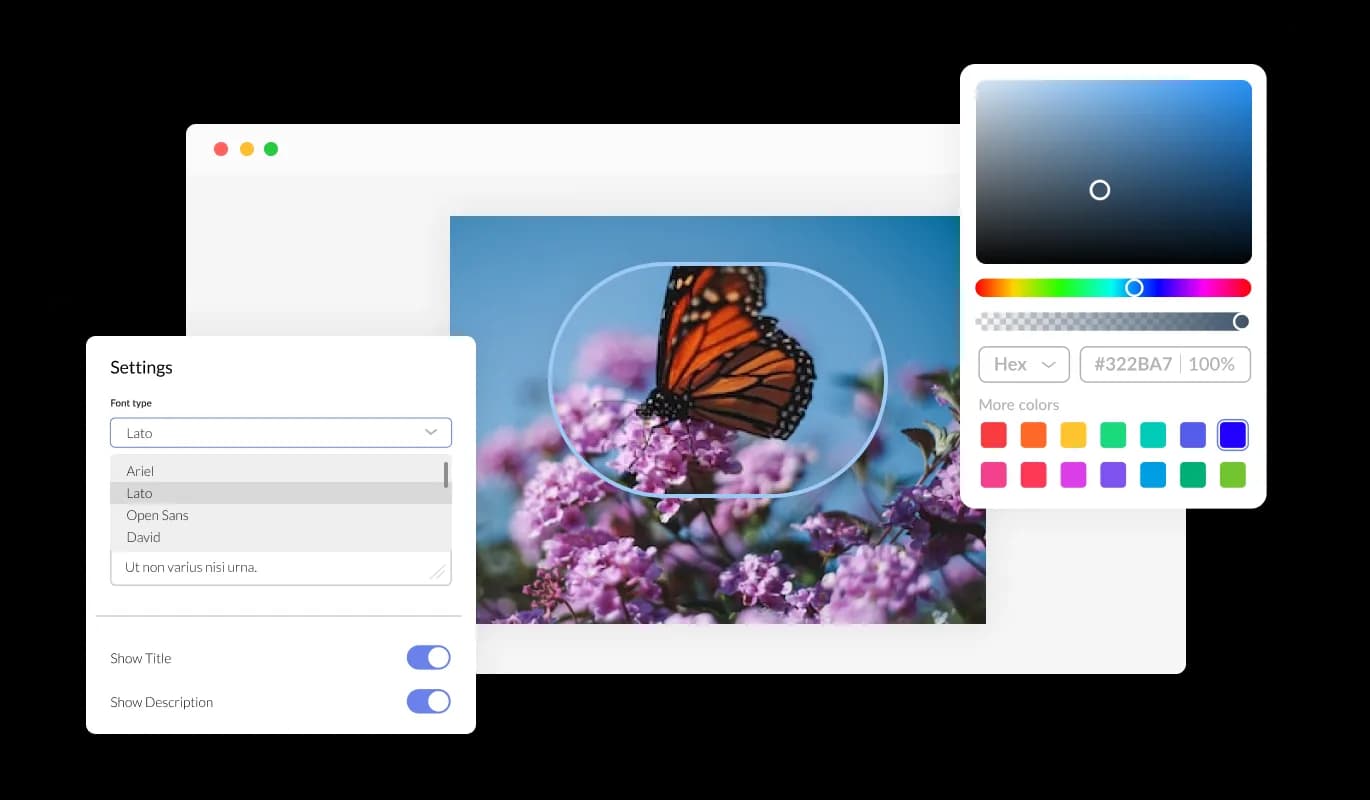
You can fully customize the Image Magnifier for Payhip to alter the design to suit your needs. The Image magnifier for Payhip allows you to change the colors, fonts, spacing, and various other design elements to create a tailored look and feel. Colors can be changed for the background, text, and hover effects to create a cohesive and visually appealing design that matches your store. It is also possible to change the fonts. You can create a design that stands out visually with a wide range of font options. This can be particularly useful for businesses that want to create a consistent brand identity across all their online platforms.
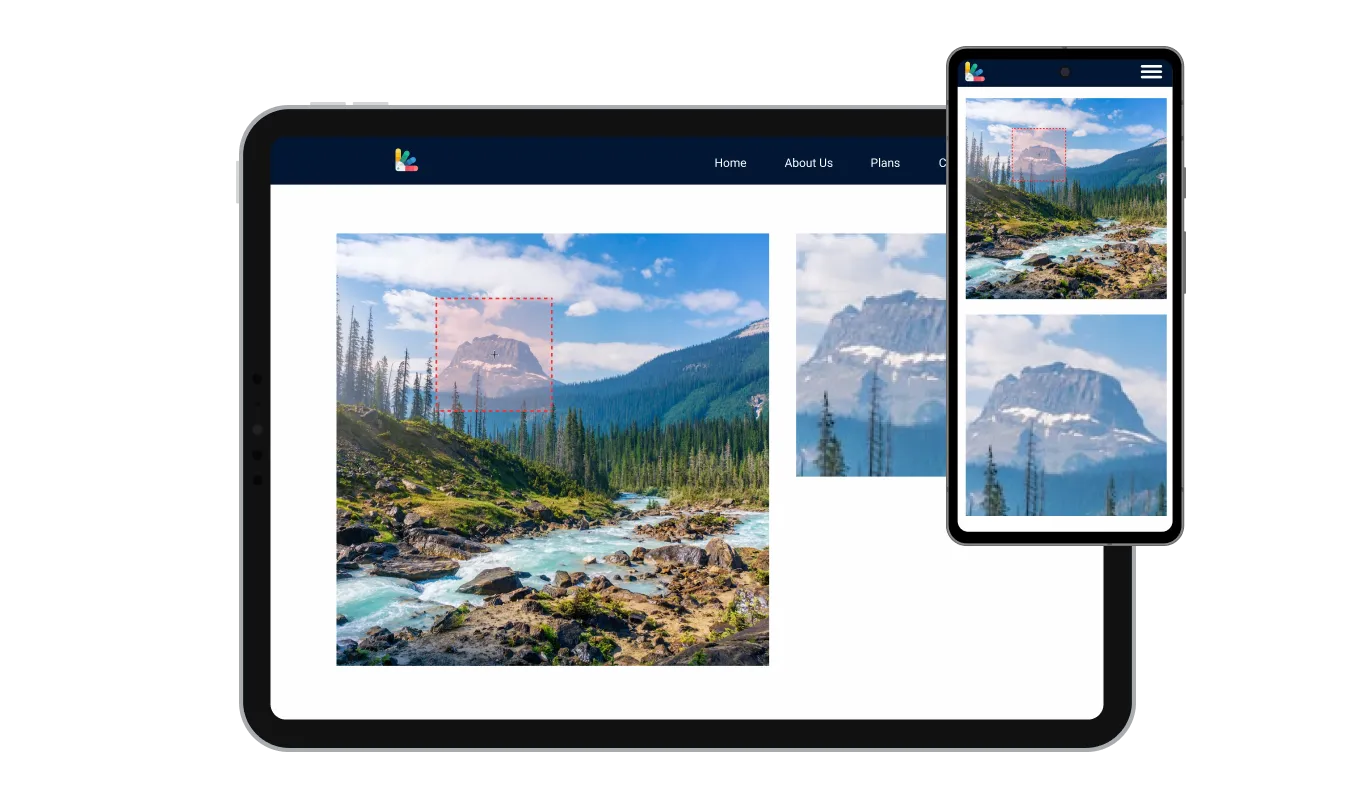
The Payhip Image magnifier widget is fully responsive and will look great on any device, this feature can give you a significant advantage over your competitors in today's mobile-first world. With more and more people accessing the internet through their smartphones and tablets, your store must be optimized for mobile devices. Image magnifier widget's responsive design ensures that it will automatically adjust to the device size and resolution it is being viewed on, providing a seamless and consistent user experience. Your users can view and interact with your Image magnifier for Payhip whether they are using a desktop computer, a tablet, or a smartphone.
As with all of Common Ninja's widgets, the Image magnifier for Payhip also provides the option to add custom CSS, which allows you to take your customization to the next level and be even more creative. Using custom CSS, you can create custom styles and design elements that are unavailable through the built-in customization options. Using custom CSS, you can create visually striking designs tailored to your needs. The use of custom CSS can also be used to create unique and engaging interactions and animations.

Copy and paste just one line of code into your store's HTML to embed the Image magnifier for Payhip. If the widget is embedded, the Image magnifier and widget will automatically update when you make changes, so there is no need to manually update either. Using this feature, you'll always have the most recent and accurate version of your Payhip Image magnifier.

The Image Magnifier widget offers a variety of magnifier types to choose from, allowing you to select the one that best fits your needs and preferences.
Yes, the Image Magnifier widget allows for easy customization of the magnifier, enabling you to personalize its appearance to align with your brand's design and your website's aesthetics.
The Image Magnifier widget features full customization options, allowing you to modify various elements such as colors, fonts, spacing, and more to achieve the desired look.
Yes, the Image Magnifier widget is fully responsive and designed to look great on any device, ensuring a positive user experience in a mobile-first world.
No, the Image Magnifier widget is easy to use and does not require any coding knowledge. The intuitive dashboard and drag-and-drop feature enable you to customize the widget with just a few simple clicks.
Yes, similar to other Common Ninja apps, you can add custom CSS to the Image Magnifier widget to enhance its appearance and achieve a more creative design.
Embedding the Image Magnifier widget on your website is simple. Just copy a single line of code and paste it into your website's HTML. The widget will automatically update with any changes you make within the customization dashboard.
Yes, you can easily do so from the “Templates” tab.
It’s simple. All you need to do is to sign up and start using the free version.
Common Ninja’s Image Magnifier widget is free to use. It is limited to a certain amount of views, however.
Common Ninja’s Image Magnifier widget is compatible with ALL current and future website builders.
Yes, the Image Magnifier widget is GDPR-compliant.
No. Using our Image Magnifier widget is very simple. The widget comes with an intuitive drag-and-drop interface and fully customizable options. Once you’ve finished editing the widget to your liking, all you need to do is copy the provided code and add it to your website.
Yes. We are eager to hear your request. Please visit our Feature Request page.
To install the Image Magnifier widget, simply copy the provided single line of code and paste it into your website's code. This straightforward process allows for easy integration of the widget into your site.
Yes, the Image Magnifier widget offers comprehensive customization options. You can adjust the colors, fonts, spacing, and other design elements to match your brand and website aesthetics. Additionally, you can use custom CSS for even more creative control.
Absolutely! The Image Magnifier widget is fully responsive, ensuring a flawless appearance and consistent user experience on any device, including smartphones and tablets.
Yes, the Image Magnifier widget features a selection of different magnifier types. This variety allows you to choose the best magnifier style to suit your needs and preferences.