





Colorful Image Slider Customization
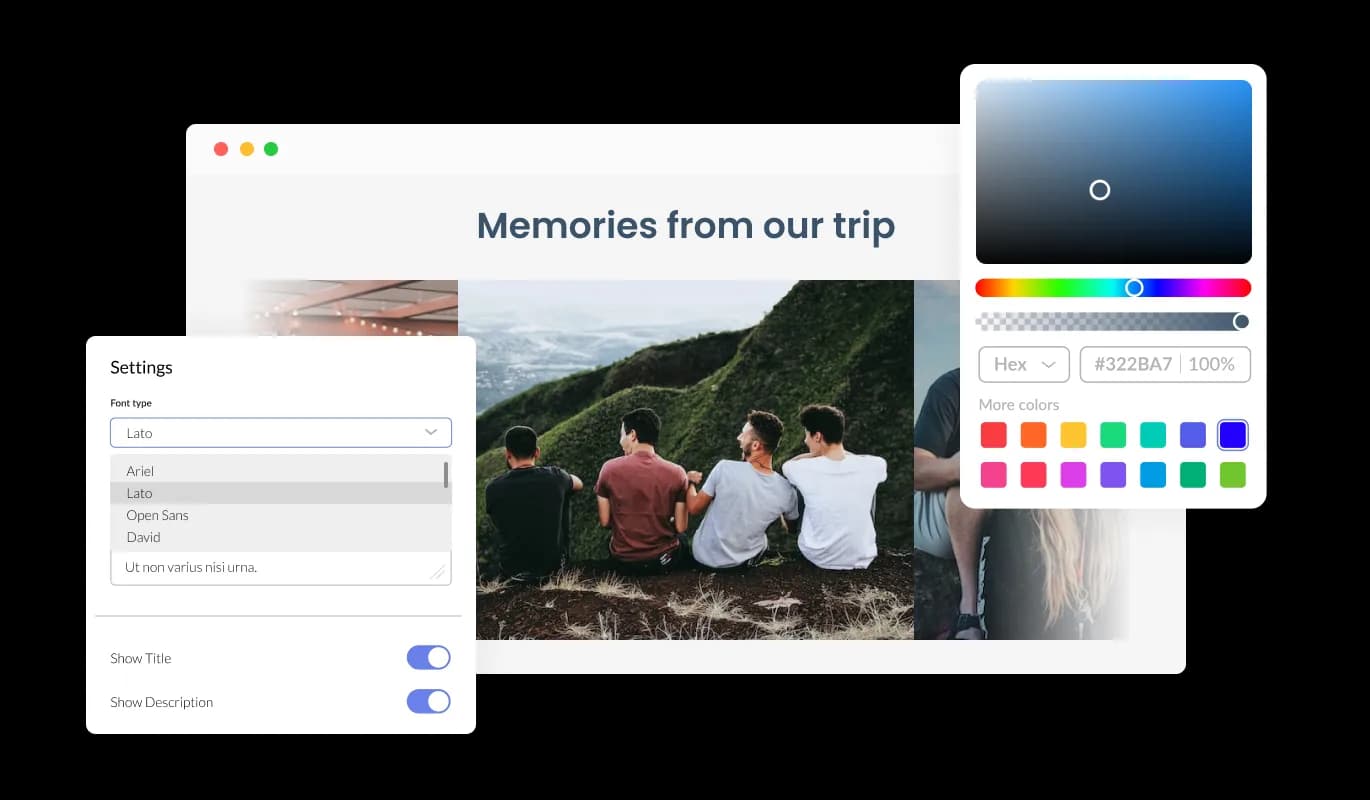
The uCoz Image Slider widget offers a choice of color effects, which can be used to create a consistent look for your images and make them eye-catching.
Easily capture user attention with the Image Slider widget and its animation effects on uCoz. Highlight your products, services, or essential images on your uCoz website with the help of this valuable tool.
Once you’ve drawn the users’ attention, you’ll be able to showcase your work, products, or services, in a visually appealing manner. You can improve your chances of customer conversion by using this approach.
The Image Slider customization options for uCoz allow you to tailor it to match your uCoz website design and enhance your overall user experience. The intuitive interface makes it easy for even beginners to create stunning widget with minimal effort.
The uCoz Image Slider widget offers a choice of color effects, which can be used to create a consistent look for your images and make them eye-catching.

The Image slider for uCoz is designed to provide complete customization options, allowing you to edit the design to fit your needs perfectly. You can create a custom look and feel by modifying the colors, fonts, spacing, and other design elements of this widget.
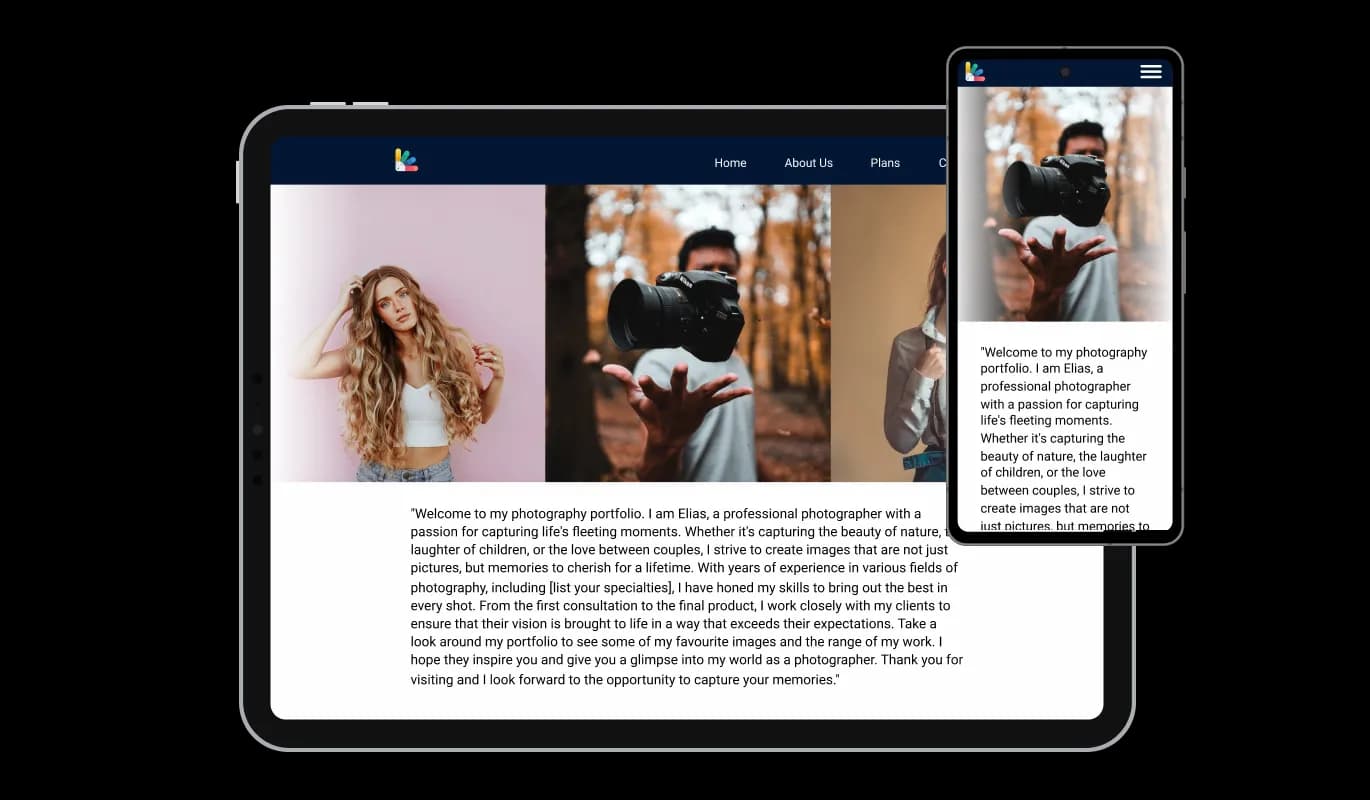
With a fully responsive uCoz Image slider widget, you can give yourself a significant edge over your competitors in the mobile-first world we live in today. Mobile device optimization is increasingly important because more and more people access the internet through their smartphones and tablets. To ensure a seamless and consistent user experience across all devices, the Image slider widget is designed to adjust automatically to the screen size and resolution of the device being viewed.

The Image Slider widget features hover effects which will add even an additional layer of visual effects that will make the users’ experience on your uCoz website pages even more enjoyable.

Two layout styles are included with the Image Slider widget - carousel and grid. To ensure the widget complements the design of your uCoz website, choose from the available options.

Transform the Image Slider widget into a conversion engine by adding the clickable image option.

It is unnecessary to have any coding knowledge to use Image slider for uCoz. Our intuitive dashboard with the drag-and-drop feature will enable you to customize the widget any way you’d like to with just a few simple clicks.
You can also insert custom CSS into any of Common Ninja's widgets, including Image slider for uCoz. Custom CSS allows you to create styles and design elements not available through built-in customizations. Create visually striking and unique designs with custom CSS.

Embedding the Image slider for uCoz on your website is easy, simply copy a single line of code, and paste it into the HTML of your webpage. The Image slider will also be updated automatically with every change you make. Copy and paste the code for widget into your uCoz website's HTML code to integrate it.

Yes, you can. Go to the “Display Rules” tab, and choose your desired triggers. You can learn more about the different triggers & rules here: https://help.commoninja.com/hc/en-us/sections/6900365183517-Display-Rules-Triggers
Yes, you can easily do so from the “Templates” tab.
Yes, there are lots of beautiful skins that you can choose from to save time and start using the widget as quickly as possible.
Yes, you can either upload an image, or select an icon from a large selection of available icons to add to your Notification Bar, or, alternatively, leave it all blank.
It’s simple. All you need to do is to sign up and start using the free version.
Common Ninja’s Image Slider widget is free to use. It is limited to a certain amount of views, however.
Common Ninja’s Image Slider widget is compatible with ALL current and future website builders.
Yes, the Image Slider widget is GDPR-compliant.
No. Using our Image Slider widget is very simple. The widget comes with an intuitive drag-and-drop interface and fully customizable options. Once you’ve finished editing the widget to your liking, all you need to do is copy the provided code and add it to your website.
Yes. We are eager to hear your request. Please visit our Feature Request page.
An image slider is a graphical user interface element that allows users to slide through a series of images or graphics. It is often used in websites, multimedia presentations, and mobile applications to showcase a collection of images. The slider usually includes navigation buttons that allow users to switch between images manually, or it can automatically switch between images with a set interval. Image sliders are an effective way to present a series of images in an attractive and engaging manner, and they are a popular feature in modern website design