Free Image Wall Widget

Showcase visuals with an image wall that creates a parallax style gallery, offers smooth scrolling, and presents images in customizable, engaging layouts.

create an Image Wall

loved by 500K+ businesses

plugineditor

Try the editor, no signup

Design your Image Wall right here

Pick a template, customize it, and watch it update live, no signup.

Design your Image Wall

No credit card · Free forever plan

Start fresh in the full editor

No credit card · Free forever plan

Quick add to:

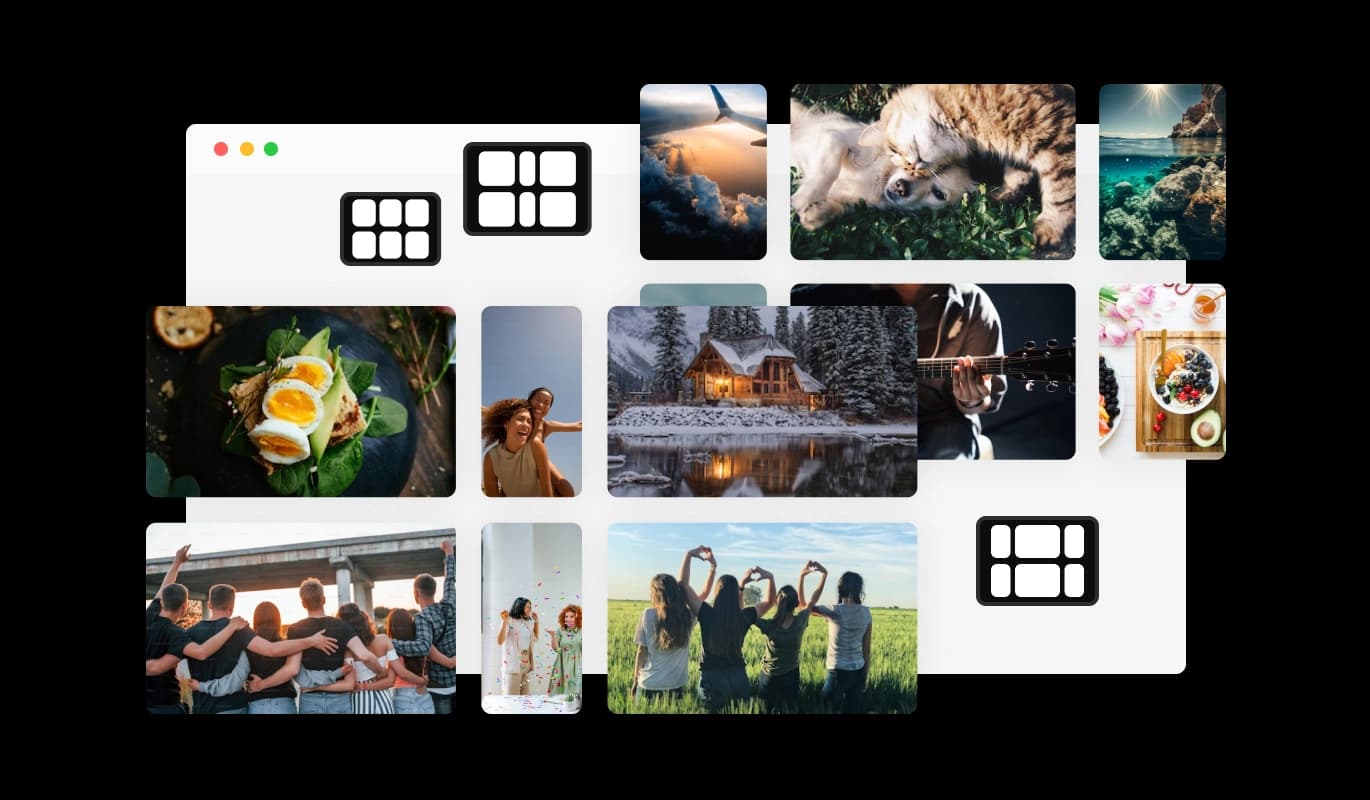
The Common Ninja Image Wall is a free, no-code widget that turns a large set of photos into a scrolling wall on any website. Upload the images in bulk, set the parallax intensity, and paste one line of embed code.

Images move at slightly different speeds as the visitor scrolls, which gives the wall depth rather than the flatness of a standard grid.

Bulk upload organises the set for you, each image can carry a link, the whole section can take a title, and layouts and custom CSS are adjustable. Works on 200+ platforms including WordPress, Wix, Shopify, Squarespace, and Webflow.

Why add an image wall to your website?

  • Built for a large set

    Most gallery widgets get unwieldy past a dozen images. Bulk upload with automatic organisation means forty photographs is no more work than four, which is what makes a full portfolio or event archive actually publishable.

  • Depth instead of a flat grid

    Parallax gives the wall a sense of layers, so a set of photographs feels like a space rather than a table of thumbnails. It is the cheapest way to make a gallery section feel considered.

  • Event and portfolio archives

    Conference photos, wedding galleries, festival coverage, and studio portfolios all involve a lot of images and very little appetite for laying them out. A wall handles the volume and stays browsable.

  • Every image can lead somewhere

    Links on individual images turn a gallery into navigation, so a wall of products, projects, or team members becomes a route into the pages behind them rather than a dead end.

Get started in 3 steps

How it works

  1. Upload the whole set at once

    Bulk upload takes the entire folder and organises it into the wall for you, which is the point: arranging forty images by hand is the reason most galleries never get built.

  2. Set the parallax and the layout

    Choose a layout and set how strongly the images move as the page scrolls. Subtle is better: enough depth to be felt, not enough to make anyone feel seasick or to fight the page's own scrolling.

  3. Add links and embed

    Give any image a link if it should lead somewhere, add a title for the section, then copy the snippet from the Add to Website tab and paste it where the wall belongs.

Open the editor

What you get with the Common Ninja Image Wall

Bulk upload with automatic organisation

Add the whole set in one go and the wall arranges it, so publishing forty images is not forty separate decisions about placement.

Adjustable parallax intensity

Control how much the images shift as the page scrolls. Turning it down is usually the right call: strong parallax quickly becomes a distraction rather than an effect.

Links per image and a section title

Any image can carry its own link, and the wall can take a heading of its own, so the section introduces itself instead of appearing as an unexplained block of photographs.

Layouts, responsive, custom CSS

Several wall layouts, reflow to the screen width so a wide wall works on a phone, and a custom CSS field for exact spacing. One embed snippet, 200+ platforms, nothing to install.

Everything in the Image Wall editor

Also included in the editor

Bulk Image Upload with Automatic Organization

Easily upload multiple images at once, and let the Image Wall widget handle the organization for you. The widget automatically arranges your images into the selected layout, saving you time and effort while ensuring a clean and professional gallery appearance. This feature is perfect for quickly creating stunning galleries with minimal setup.

Add Links to Each Image for Enhanced Navigation

The Image Wall widget allows you to add custom links to each image, turning your gallery into an interactive tool. Whether you’re directing visitors to product pages, blog posts, or external content, this feature enhances user engagement and streamlines navigation. It’s a perfect way to combine visual storytelling with actionable pathways on your site.

Easy-To-Use Image Wall Widget

The Image Wall widget is designed to be user-friendly, requiring no coding skills to set up and customize. With its intuitive editor, you can create a beautiful parallax gallery in just a few clicks, making it accessible for all skill levels.

Build your image wall in the editor

Open the editor

Free to use · No credit card · No signup to try it

Loved by our customers

Real reviews. Real customers.

Verified

Outstanding service. I use their widgets to help me with my web design business and whenever I need help they are very quick to help.

Verified

Excellent company with excellent service!!! We used it to build a survey, it was very user friendly. The service was perfect. Amit helped us with every problem and question we had, thank you very much!!!

Verified

Common Ninja saved the day when building our website and the customer service Daniel, the co-founder and CEO, provided was amazing.

Read more customer reviews
FAQ

Quick answers

  • It is designed for large sets, which is what separates it from most gallery widgets. Bulk upload with automatic organisation means a folder of forty photographs takes about as long as four. The practical limit is total file weight rather than image count, so size the files sensibly before uploading.

Platform-specific guides

How to add Image Wall to your website

Pick your platform. Each takes under 4 minutes.

  1. 1Edit the post or page and add a Custom HTML block where the wall should sit.
  2. 2Paste the Common Ninja embed snippet into the block and click Update.
  3. 3View the page. Adding images later pushes through without editing the block again.
Add Image Wall to WordPress

Compatible With All Site Builders, E-Commerce Platforms and Websites

View all supported platforms

Explore Related Widgets

FAQ

The Image Wall widget is an interactive image gallery with a parallax scrolling effect. It allows you to create visually appealing galleries with multiple rows, customizable layouts, and engaging animations, enhancing your website’s design and user experience.

Yes, the Image Wall widget allows you to add links to individual images. This feature helps direct users to specific pages, products, or external websites, making your gallery both visually engaging and functional.

Absolutely! The Image Wall widget is fully responsive, ensuring that your gallery looks stunning and performs smoothly on any device, including desktops, tablets, and smartphones.

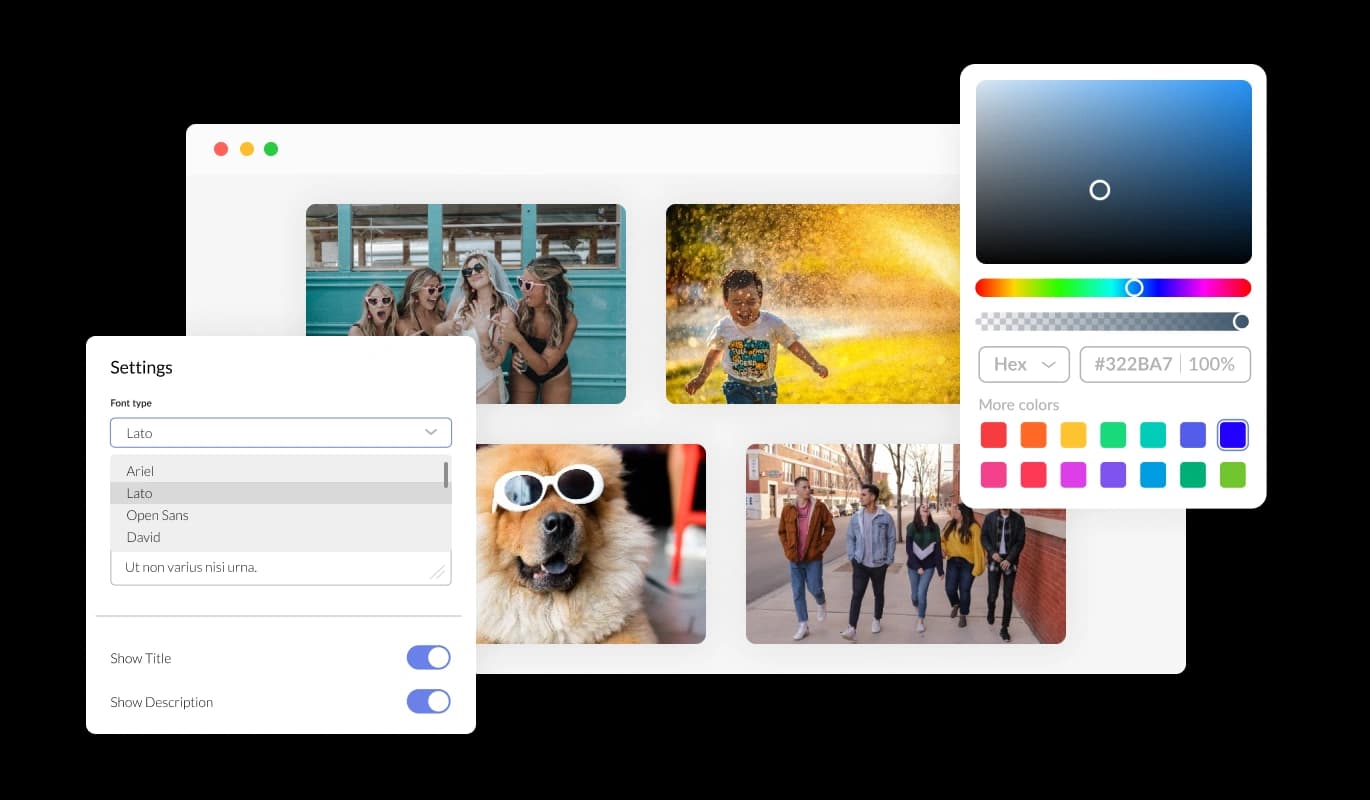
Yes, the Image Wall widget offers extensive customization options. You can adjust colors, fonts, spacing, and layouts to match your website’s style. You can also use custom CSS for deeper personalization.

Embedding the Image Wall widget is simple and requires no technical expertise. Just copy the provided line of code and paste it into your website. Any updates you make in the editor will automatically appear on your site in real time.

The Image Wall widget includes several layout options, such as grid, masonry, and custom arrangements. These options allow you to organize your images in a way that best suits your website’s design and enhances user engagement.

Yes, you can add a title over the entire Image Wall section. This feature helps introduce your gallery, provide context, or highlight a theme, making it easier for visitors to understand the purpose of the images.

You can upload any standard image formats, such as JPG, PNG, or GIF, to the Image Wall widget. This flexibility allows you to showcase photos, artwork, product images, or other visuals seamlessly.

Yes, the Image Wall widget includes a smooth parallax scrolling effect, which creates a visually immersive experience as users scroll through the gallery. This dynamic effect adds depth and movement, making your website stand out.

Absolutely! The Image Wall widget lets you organize your gallery into multiple rows, with the flexibility to add several images to each row. This feature ensures a clean and well-structured visual layout.

Updating your Image Wall is easy. Simply access the widget’s editor, upload new images, or replace existing ones. Any changes you make will automatically reflect on your live website.

Yes! The Image Wall widget is designed for ease of use, requiring no coding skills. Its intuitive interface makes it simple to create, customize, and embed the gallery, regardless of your technical expertise.

While the entire gallery benefits from the parallax scrolling effect, you can highlight specific images by organizing their placement or using customization options such as overlays, borders, or captions to draw attention.

The Image Wall widget is optimized for performance, ensuring minimal impact on your website’s loading speed. Images are displayed efficiently, and the parallax effect is smooth, providing a great user experience without slowing down your site.

Yes, the Image Wall widget allows you to add captions or text overlays to individual images. This feature is perfect for providing context, descriptions, or additional information directly on the gallery.

Ready when you are

Build your image wall in minutes

A large photo set as a scrolling wall with parallax depth, bulk upload that organises the set for you, links on individual images, a section title, several layouts, full responsiveness, and custom CSS. Embed on 200+ platforms including WordPress, Wix, Shopify, Squarespace, and Webflow.

Create your image wall

Free to use · No credit card · No coding