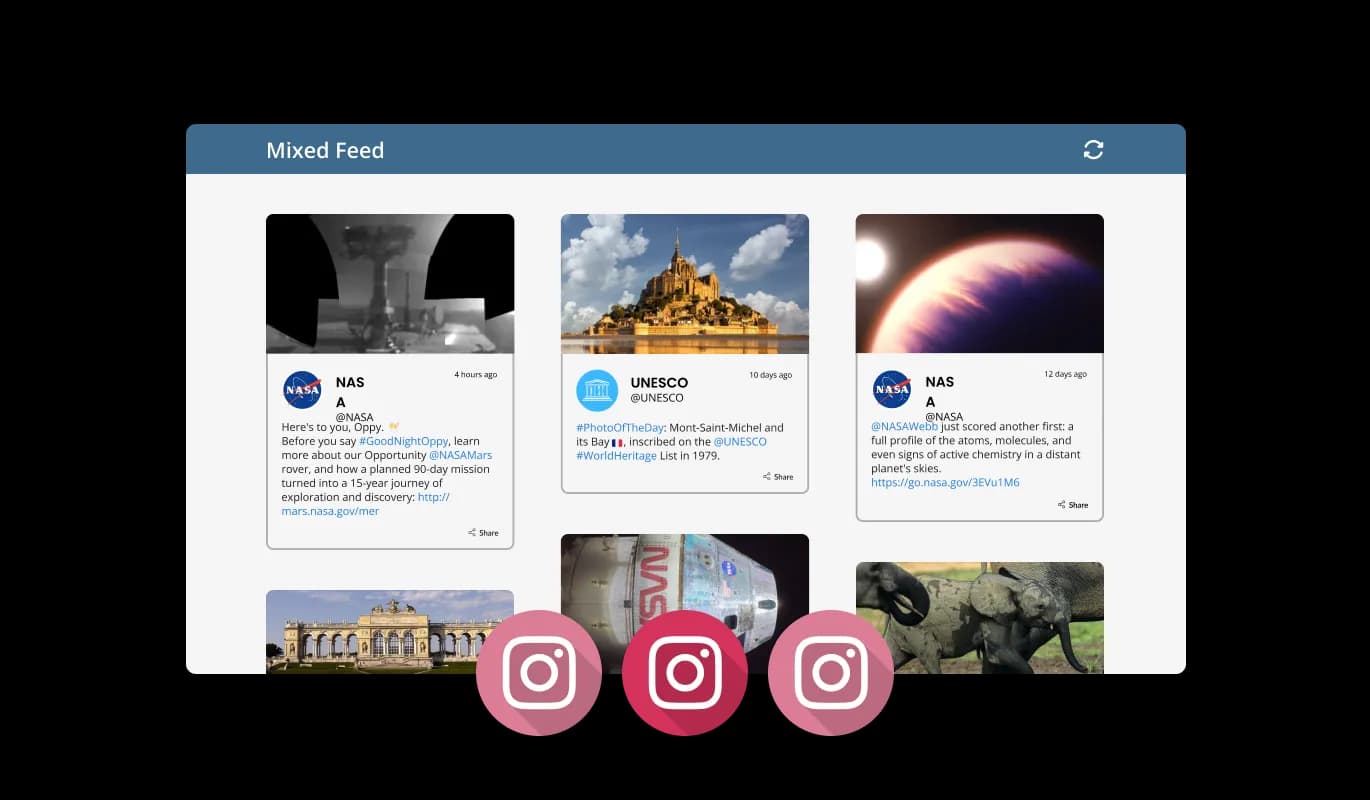

Instagram Feed for beehiiv

Show Instagram posts in a live feed that keeps content fresh, builds social proof, and helps visitors engage with your brand.

Create Instagram Feed

loved by 500K+ businesses

beehiiv
plugineditor

Why Should You Use the Instagram Feed Widget+?

Group Instagram Feeds on your beehiiv website

Using beehiiv Instagram Feed widget, you can easily gather and group your Instagram feeds into one page for easier access. Creating a page for all your Instagram feeds will make it much easier for your readers to access these feeds, thus improving their experience.

Enhance Your beehiiv website Design

Your beehiiv website page's design can be enhanced using the Instagram feed widget for beehiiv. The gentle "ticker" animation can also be used to enhance the design, which is sure to enhance the appeal of your site.

Engage your audience with the Instagram Feed widget

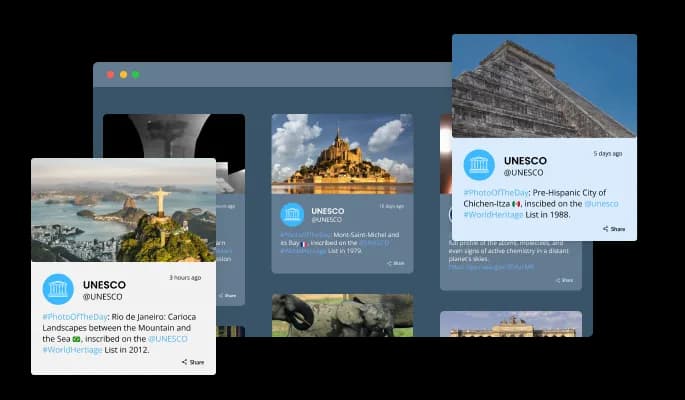
Through the Instagram Feed for beehiiv, users can interact with the various feeds via the "share" button, increasing engagement on your beehiiv website.

Ticker Animation on your beehiiv website

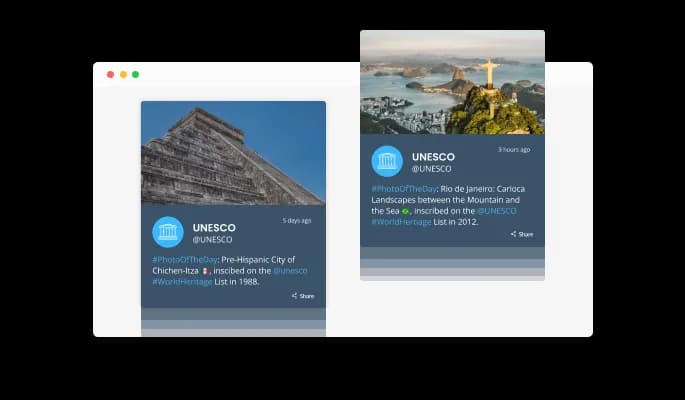
Instagram Feed widget's "ticker" animation mimics an old news ticker and adds motion and action to your beehiiv website. A dynamic and visually engaging animation is an effective tool for grabbing users' attention immediately. A ticker animation displays the latest Instagram posts and updates as soon as a user lands on your beehiiv website. This way, you can encourage users to explore your website's Instagram section.

Instagram Feed - Ticker Animation on your beehiiv website

Automated Instagram Feed refresh

When toggled, the auto-refresh option in the Instagram Feed for beehiiv keeps updating the feed with new posts automatically. This feature is particularly useful for websites that rely on fresh, up-to-date content, as it ensures that users always have access to the latest updates. The widget will continuously check for new posts and automatically refresh the Instagram feed when new content is added. This feature can also be useful for businesses that want to promote their products or services through Instagram. Auto-refreshing the Instagram feed for beehiiv can increase brand awareness, lead to more sales, and keep users engaged.

Instagram Feed - Automated Instagram Feed refresh

Different Instagram Feed Types

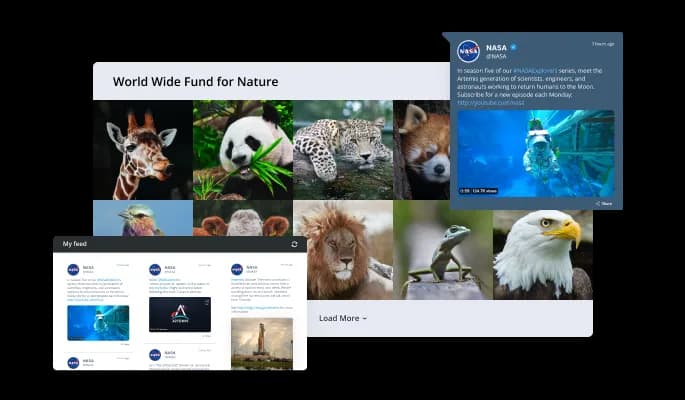
The Instagram Feed widget offers two different feed types: Tabs and Mixed. You can customize these feed types to meet your specific needs and preferences. The Tabs type allows you to keep all your tabs organized by order of feed, this way you can easily navigate between your different Instagram feeds, and quickly access the content that you're interested in. The user can switch between tabs to view different feeds with this feed type, since you can create multiple tabs, each dedicated to a specific Instagram account or hashtag. Especially useful for businesses who want to separate their product lines, or for users who want to separate their personal and professional feeds. Mixing Instagram feeds creates a diverse feed by mixing the various Instagram feeds. Posts from multiple accounts or hashtags are combined into a single feed, providing users with a more dynamic and varied experience. Using this method, you can showcase different types of content and provide users with a more comprehensive view of your Instagram feed.

Instagram Feed - Different Instagram Feed Types

Choose from multiple layouts for beehiiv Instagram feed

Multiple layouts are available for the beehiiv Instagram Feed widget so that it fits seamlessly into your overall website design and style. These layouts are designed to provide flexibility and versatility, allowing you to create a custom look and feel tailored to your specific needs. Each layout type offers a different display of your beehiiv Instagram feeds, allowing you to find the perfect option for your website. You can also customize your layout's size, spacing, and other settings to match your design needs. You can create an appropriate layout that integrates seamlessly with your existing design elements and is ideally suited to your website.

Instagram Feed - Choose from multiple layouts for beehiiv Instagram feed

Stunning skins selection for your beehiiv website

The Instagram Feed for beehiiv comes equipped with a variety of beautiful skins that you can choose from, making it easy to create a polished and professional-looking Instagram feed for your beehiiv website without spending a lot of time on extensive customization. The skins can be designed in a variety of styles, from the modern and minimalist to more traditional and classic. Your website will find the perfect skin type by looking at each skin type's look and feel.

Instagram Feed - Stunning skins selection for your beehiiv website
Instagram Feed - Display Setting for Instagram feed Date & Time

Display Setting for Instagram feed Date & Time

You can display the feeds' date and time in various ways, allowing you to further tailor the Instagram Feed for beehiiv to meet your needs and your website visitors' preferences.

Instagram Feed - The character display length can be set

The character display length can be set

When adjusting the length of the characters, it is possible to make widget Instagram feed more compact.

Instagram Feed - Full Right To Left Support

Full Right To Left Support

The beehiiv Instagram Feed widget provides full RTL (right-to-left) support, making it accessible to a wider range of users from all over the world. This feature is handy for websites that cater to users who write from right to left, such as in Arabic, Hebrew, or Urdu.

Instagram Feed - An Easy To Use widget

An Easy To Use widget

It is not necessary to have coding experience to work on Instagram feed for beehiiv. The intuitive dashboard with drag-and-drop functionality will allow you to customize the widget in any way you'd like with just a few clicks.

Easily customizable widget

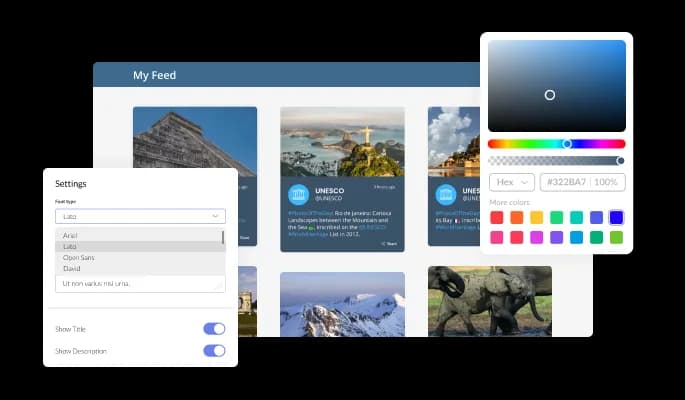
The Instagram Feed for beehiiv is designed to provide complete customization options, allowing you to edit the design to fit your needs perfectly. With this widget, you can change the colors, fonts, spacing, and a wide range of other design elements to create a custom look and feel tailored to your specific requirements. Different feed elements can be customized by changing the colors in the Instagram Feed widget. The background color and text color can be changed, along with the color of the hover effects, so that your website will look and feel better. It is also possible to change the fonts. You can create a design that stands out visually with a wide range of font options. This can be particularly useful for businesses that want to create a consistent brand identity across all their online platforms.

Instagram Feed - Easily customizable widget

It's all about responsive design for your beehiiv website

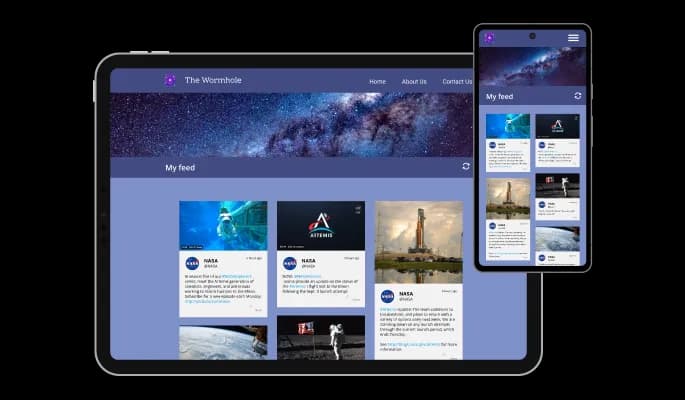
With a fully responsive beehiiv Instagram Feed widget, you can give yourself a significant edge over your competitors in the mobile-first world we live in today. As more and more people access the internet through their smartphones and tablets, your website must be optimized for mobile devices. The responsive design of the Instagram Feed widget ensures that it will automatically adjust to the size and resolution of the device it is being viewed on, providing a seamless and consistent user experience across all devices. If your users access your beehiiv website on a desktop computer, a tablet, or a smartphone, they will be able to view and interact with your Instagram Feed for beehiiv.

Instagram Feed - It's all about responsive design for your beehiiv website

Creating custom CSS for Instagram feed for beehiiv

Instagram feed for beehiiv also allows you to add custom CSS, allowing for even more customization and creativity. You can create custom styles and design elements using custom CSS unavailable from the built-in customization options. Custom CSS allows you to create visually stunning designs tailored to your specific needs. It is also possible to create unique and engaging animations and interactions using custom CSS.

Instagram Feed - Creating custom CSS for Instagram feed for beehiiv

An Easy Way To Embed On Your beehiiv website

Copy and paste just one line of code into your website's HTML to embed the Instagram feed for beehiiv. You can easily add the Instagram feed widget to your beehiiv website without any complicated setup or installation. If the widget is embedded, the Instagram feed and widget will automatically update when you make changes, so there is no need to manually update either. This feature can save you a lot of time and effort, and ensure that your beehiiv Instagram feed is always up-to-date and accurate.

Instagram Feed - An Easy Way To Embed On Your beehiiv website

Compatible With All Site Builders, E-Commerce Platforms and Websites

View all supported platforms

FAQ

Yes. The Instagram Feed widget has a free plan with no credit card required. The free plan includes a monthly view limit; beyond that, upgrading to a paid plan unlocks higher limits, premium skins, and advanced features. Most small websites fit comfortably within the free tier.

Create your widget in the Common Ninja editor, copy the embed code, then open your Shopify admin → Online Store → Themes → Customize → Add section → Custom Liquid. Paste the embed code, save, and your Instagram feed will appear on the page. Full Shopify guide is available in our help center.

Install the Common Ninja WordPress plugin from the WordPress plugin directory, or simply paste the embed code into a Custom HTML block on any page or post. Save the page and the Instagram feed will render immediately. Works with both the Classic Editor and Gutenberg.

In the Wix editor, click Add Elements → Embed Code → Embed HTML. Paste the Common Ninja embed code and resize the frame to fit your layout. The widget renders instantly inside the iframe on both the editor and the live site.

A Business or Creator account is required to connect your own Instagram feed to the widget, because Instagram's API only exposes feed data to those account types. If you have a personal account, you can convert it to a Creator account in seconds from the Instagram app's settings, and it's free and reversible.

No. The widget loads asynchronously and doesn't block your page's initial render. Images are lazy-loaded, the embed code is under 5 KB, and the feed data is cached on our CDN. Your Core Web Vitals scores stay intact.

Yes. You can filter your Instagram feed by one or more hashtags so the widget only shows posts tagged with them. This is useful for campaign-specific feeds, curating user-generated content, or highlighting product launches without displaying every post from your account.

Common Ninja monitors the Instagram API continuously and ships updates within hours whenever Instagram introduces changes. You don't need to do anything on your end. The widget keeps working. This is one of the main reasons users pick a managed widget over a DIY embed.

In the Instagram widget, you have the option to limit the number of posts that are shown per page. This allows you to control the amount of content that is displayed on your website and ensures that your visitors are not overwhelmed with too many posts at once. This feature can be handy if you have a lot of Instagram followers and want to ensure that only the most relevant content is displayed to your audience. By limiting the number of posts per page, you can ensure that your website remains organized and easy to navigate for your visitors.

Yes, the Instagram widget allows you to choose where to position the tabs from the settings menu.


Yes, the Instagram Feed allows you to add a background image and to customize its behavior further.

Yes, an auto-refresh option can be easily toggled on or off.

Yes, you can customize the Instagram Feed widget’s height.

Yes, currently there’s a “ticker” animation that you can trigger.

Yes, you can easily do so from the “Templates” tab.

Yes, there are lots of beautiful skins that you can choose from to save time and start using the widget as quickly as possible.

Yes, you can either upload an image, or select an icon from a large selection of available icons to add to your Notification Bar, or, alternatively, you can leave it all blank.

It’s simple. All you need to do is to sign up and start using the free version.

Common Ninja’s Instagram Feed widget is compatible with ALL current and future website builders.

Yes, the Instagram Feed widget is GDPR-compliant.

No. Using our Instagram Feed widget is very simple. The widget comes with an intuitive drag-and-drop interface and fully customizable options. Once you’ve finished editing the widget to your liking, all you need to do is copy the provided code and add it to your website.

Yes. We are eager to hear your request. Please visit our Feature Request page.

There are several advantages to displaying an Instagram feed on a website, including:

  1. Increased engagement: By displaying an Instagram feed on your website, you can increase engagement with your audience by allowing them to view and interact with your Instagram content easily.
  2. Increased social proof: By displaying your Instagram feed on your website, you can showcase the popularity and engagement of your content on Instagram to potential customers.
  3. Increased brand awareness: By displaying an Instagram feed on your website, you can increase brand awareness by allowing visitors to view and interact with your Instagram content easily.
  4. Increased website traffic: By displaying an Instagram feed on your website, you can increase website traffic by allowing visitors to view and interact with your Instagram content easily.
  5. Increased conversions: By displaying an Instagram feed on your website, you can increase conversions by providing visitors with a way to easily view and interact with your Instagram content.
  6. Increased customer loyalty: By displaying an Instagram feed on your website, you can increase customer loyalty by providing visitors with a way to easily view and interact with your Instagram content.

An Instagram Feed widget is a tool that allows you to display your Instagram content on your website or blog. It is a pre-designed and programmed code that you can add to your website or blog, and it can be customized to match the design and layout of your website or blog. The Instagram Feed widget is a great way to increase engagement with your audience and showcase your Instagram content on your website or blog. It can also help increase brand awareness, website traffic, conversions, and customer loyalty. The Instagram Feed widget is easy to install and can be used to display your Instagram posts, photos, videos, and stories. It also allows you to choose the number of posts that are displayed, set the tabs' position, and add a background image.