Job Application Form for Imweb

Collect candidate information with a job application form that organizes submissions, streamlines hiring, and helps you manage applicants efficiently.

Create a Job Application Form

loved by 500K+ businesses

Imweb
plugineditor

Why Should You Use the Job Application Form Widget+?

Streamline Candidate Assessment

Leveraging a job application form through Imweb helps maintain the consistency of information across all applicants, facilitating easier candidate analysis and comparisons. Moreover, having a standardized method helps in mitigating any inadvertent biases that may occur in the early screening phase.

Customize Your Imweb Job Application Form for Your Needs

You can personalize the job application form to gather only the information that is vital, making certain that you acquire the most significant and germane details from all applicants. This extent of customization enables companies to create a form that caters to their distinct industry or job-specific requirements.

Simplify Applicant Data Management

By using the Job Application Form builder from Imweb, employers can efficiently collect and store applicant data, streamlining the process of tracking and managing their candidate pool. Plus, this efficient data management technique saves both time and resources, letting HR teams dedicate their attention to other crucial aspects of their work.

Personalize Applications with Imweb's Adjustable Fields

The Imweb Job Application Form offers a wide array of fields, from standard to specialized formats, giving you the ability to create application forms tailored to your specific needs and objectives. By selecting the "Add Field" option, you can effortlessly pick from a wide assortment of field types to include in your application form. Additionally, seamlessly modify the field sequence by employing the user-friendly drag-and-drop functionality.
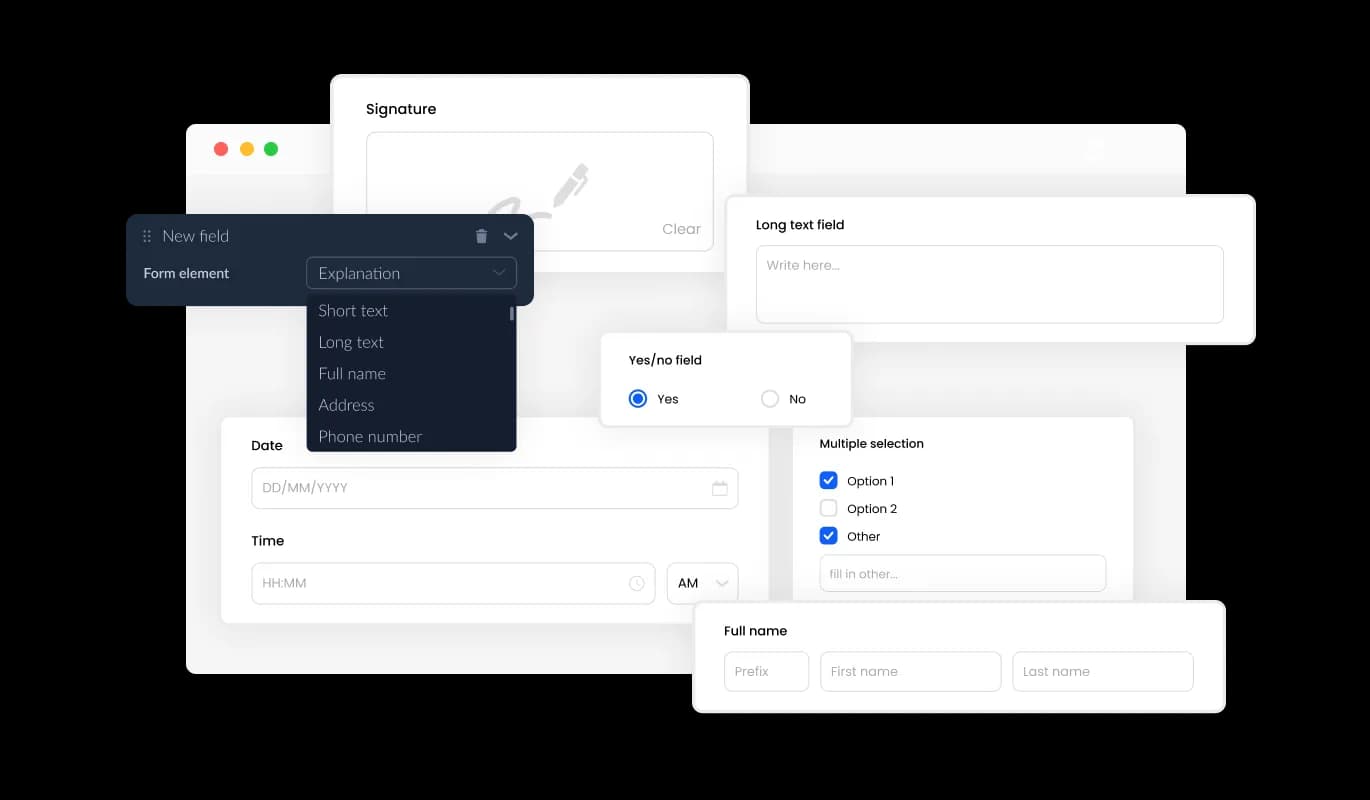
Job Application Form - Personalize Applications with Imweb's Adjustable Fields

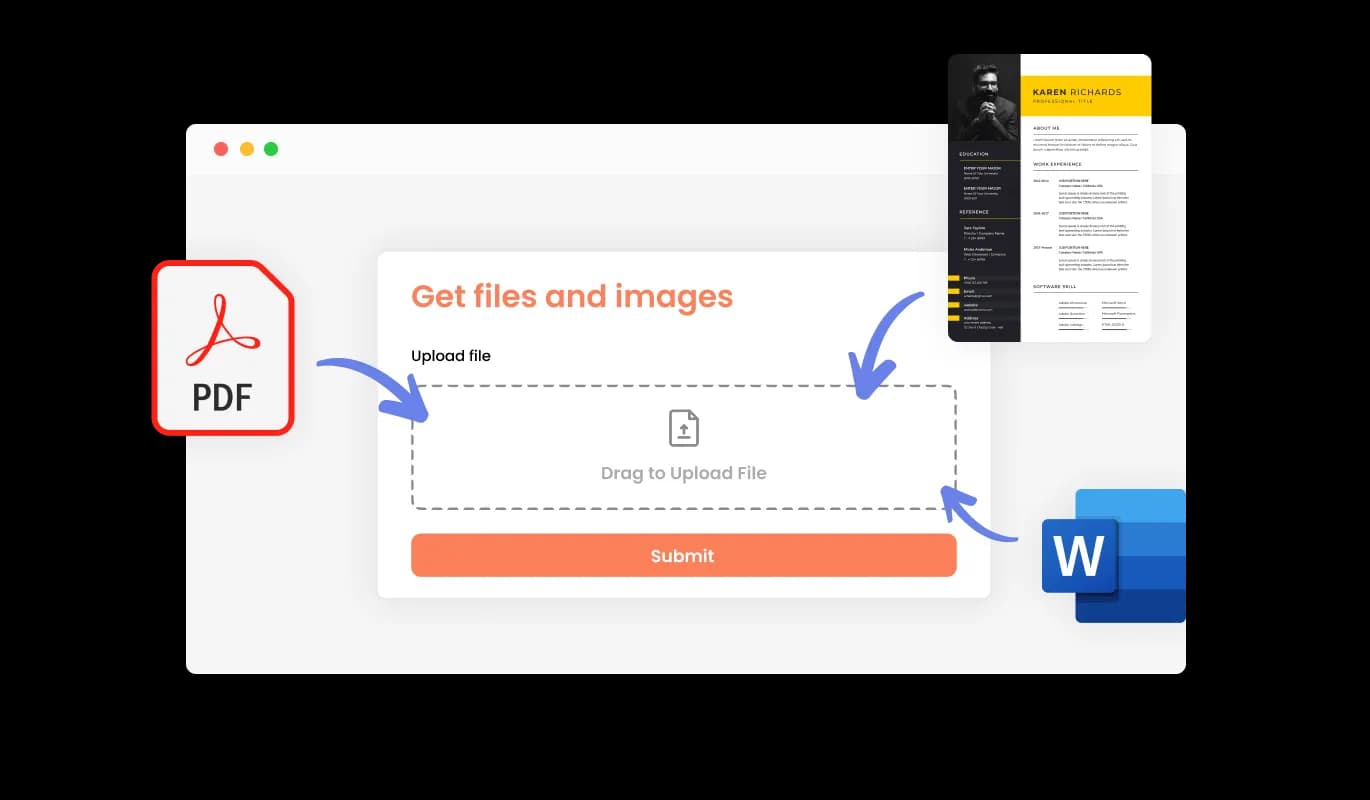
Receive Resume File Attachments

You can employ the Job Application Form to receive CV or resume files from candidates on your Imweb store. This option is advantageous for HR teams and talent acquisition specialists who are responsible for obtaining thorough work history and expertise from job seekers.

Job Application Form - Receive Resume File Attachments

Imweb's Solution for Easy Applicant Data Compilation

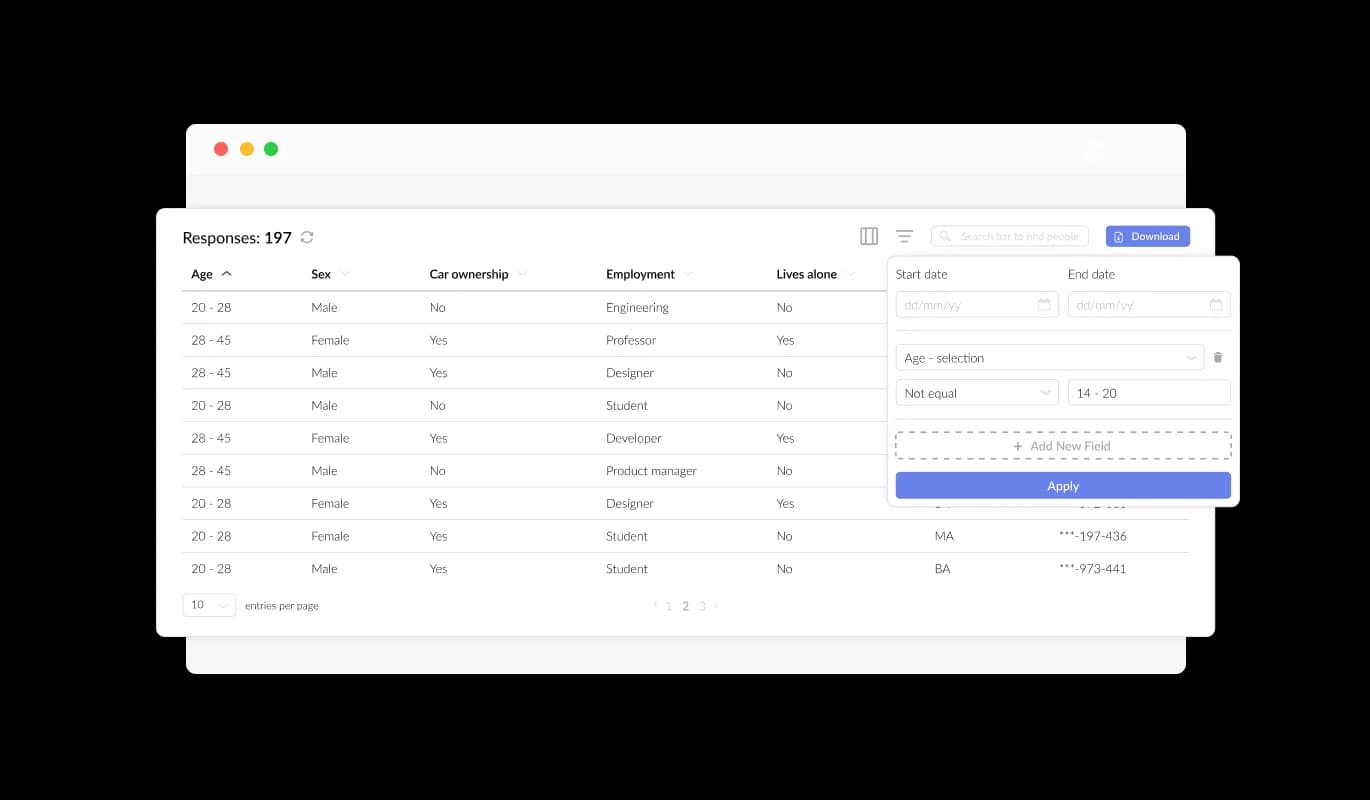
Imweb offers a Job Application Form that simplifies the process of compiling and showcasing applicant data (information provided in the forms) in a coherent and easy-to-understand manner. This capability improves the tracking of candidate submissions, enabling you to evaluate and communicate with applicants more swiftly and proficiently.

Job Application Form - Imweb's Solution for Easy Applicant Data Compilation

Enrich Your Candidate Analysis with Imweb's Job Application Fields

Integrating unique job application fields like LinkedIn Profile URL and Current Employment Status in your Imweb form can aid in the effective assessment of potential candidates. Furthermore, integrating fields such as portfolio links, professional certifications, and language proficiency can help reveal more about a candidate's skills and experience, offering a complete picture of their potential for the position.

Job Application Form - Enrich Your Candidate Analysis with Imweb's Job Application Fields

Create Engaging Imweb Job Application Forms

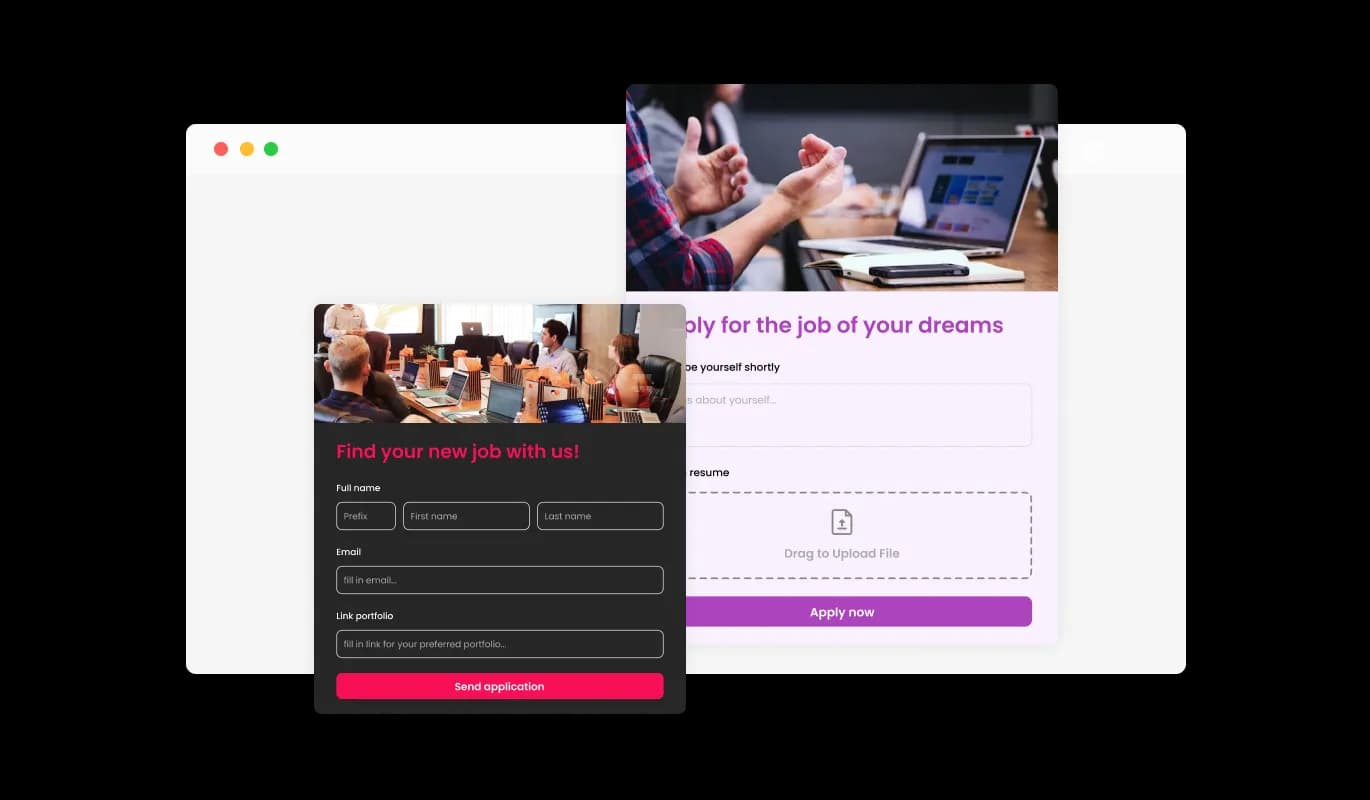
By integrating headings, descriptive text, and visual elements into your job application form on your Imweb store, you can create a more engaging and user-friendly experience for applicants. These informative form elements can assist candidates through the application process, resulting in a smoother experience and a higher likelihood of successful submissions.

Job Application Form - Create Engaging Imweb Job Application Forms

Tailored Headers & Footers for Imweb Job Application Forms

Imweb provides header and footer customization options for its Job Application Form creator, including the option to add images. Take advantage of this feature to bolster your brand image and create a visually appealing, professional form that perfectly complements your Imweb store's overall design.

Job Application Form - Tailored Headers & Footers for Imweb Job Application Forms
Job Application Form - Export Applicant Data to CSV with Imweb

Export Applicant Data to CSV with Imweb

With the Imweb Job Application Form, you can export submission data to a CSV file, facilitating the transfer of information to other applications or tools for thorough examination or integration. This capability is of great value to businesses seeking to keep a thorough record of candidate data for analytical, reporting, and human resources management purposes.

Job Application Form - Simplify Start Date Collection with Imweb Job Application Forms

Simplify Start Date Collection with Imweb Job Application Forms

This feature can be particularly beneficial for businesses that have specific start dates in mind or that require new employees to start work within a certain timeframe. This functionality is especially advantageous for companies with specific starting dates or that require new hires to commence work within a particular time frame.

Job Application Form - Prevent Spam in Your Job Application Form

Prevent Spam in Your Job Application Form

The Job Application Form for Imweb allows you to enable the CAPTCHA anti-spam feature, which applicants must complete before submitting their application on your Imweb store. This functionality helps prevent bots and automated scripts from submitting spam entries through your job application form, ensuring that you receive authentic submissions from genuine candidates.

Job Application Form - Easy Job Application Form Integration on Imweb

Easy Job Application Form Integration on Imweb

Embedding the Job Application Form on your Imweb store is a breeze – just copy and paste the supplied code snippet into your page's HTML code. The auto-update capability of the form means that any modifications made in the Job Application Form editor are automatically implemented on your Imweb store, simplifying integration and ensuring your form remains current. This feature streamlines the integration process and ensures that your application form is always up-to-date.

Automated Notifications for Job Application Submissions on Imweb

With the Job Application Form on Imweb, you have the option to enable notifications for the form owner and applicant, ensuring everyone stays updated on new submissions. You can set up automatic email notifications for every form submission, send them to multiple recipients, and even send a confirmation email to the applicant upon successful completion.

Job Application Form - Automated Notifications for Job Application Submissions on Imweb

Explore a Range of Beautiful Skins for Imweb Job Application Forms

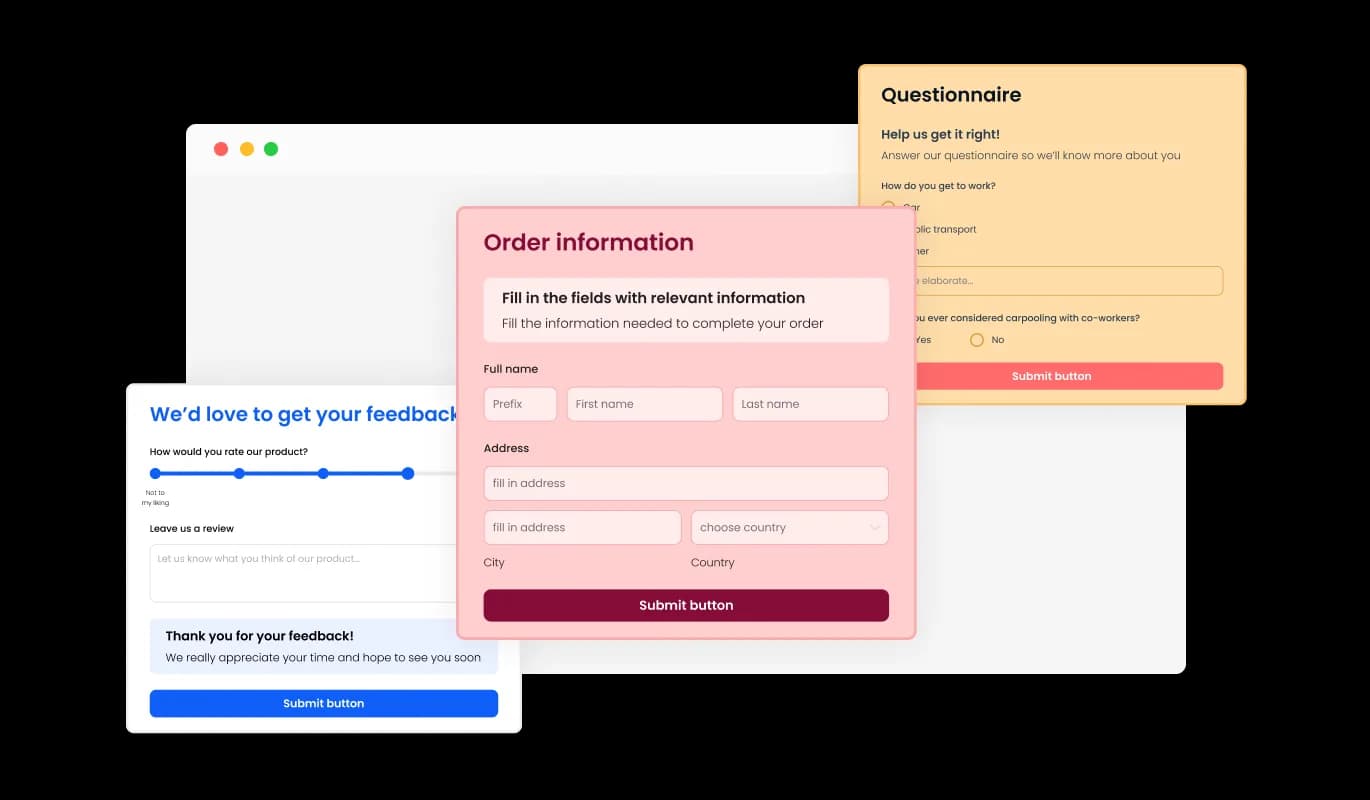
Imweb offers a selection of beautiful skins for its Job Application Form creator, enabling you to easily initiate the design process without spending too much time on customization. The available skins cater to a range of design tastes, enabling you to conveniently harmonize your form with your Imweb store's visual identity.

Job Application Form - Explore a Range of Beautiful Skins for Imweb Job Application Forms

Flexible Job Application Forms Using Imweb

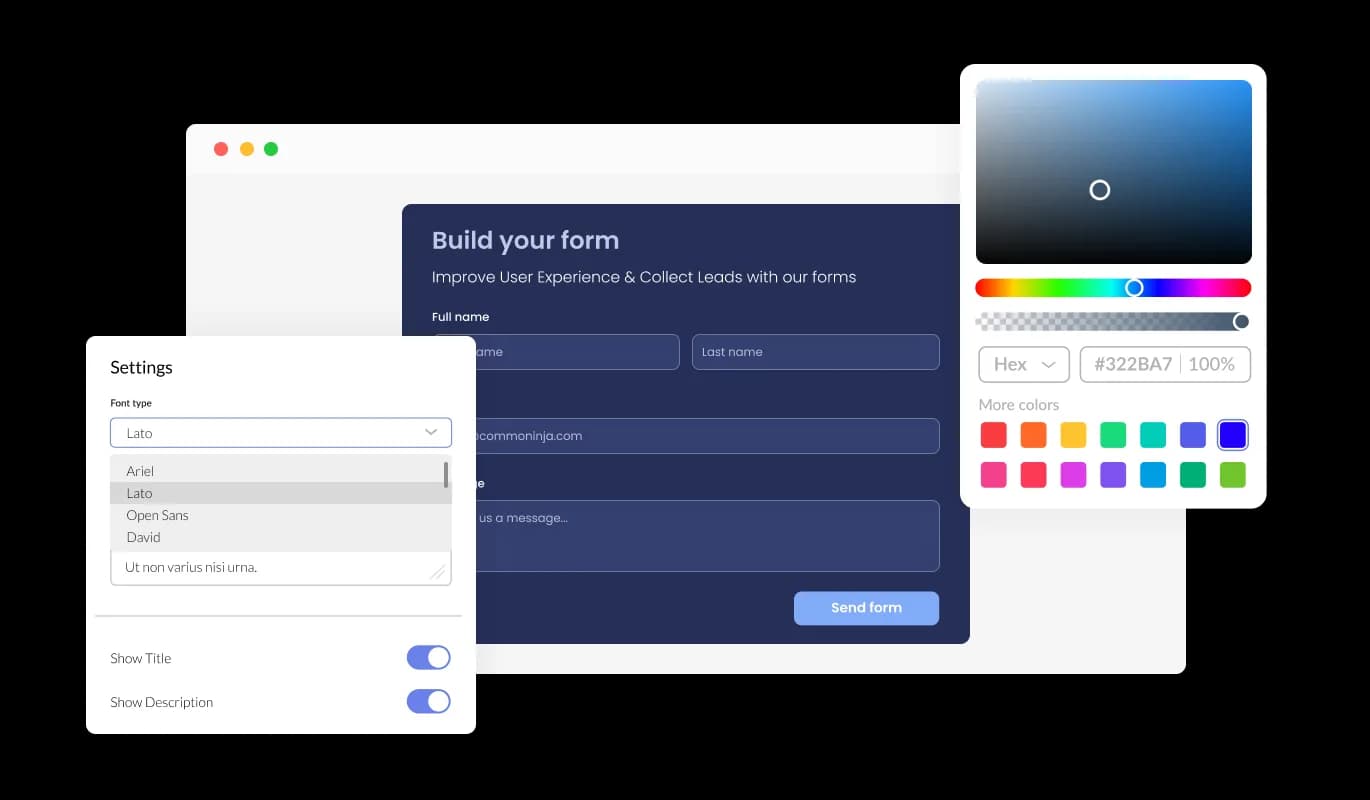
With comprehensive customization options available in the Job Application Form for Imweb, you can easily adjust the design to accommodate your specific requirements. Change colors, fonts, and field layouts as needed, ensuring complete command over the visual and functional aspects of the form.

Job Application Form - Flexible Job Application Forms Using Imweb

Create Device-friendly Job Application Forms on Imweb

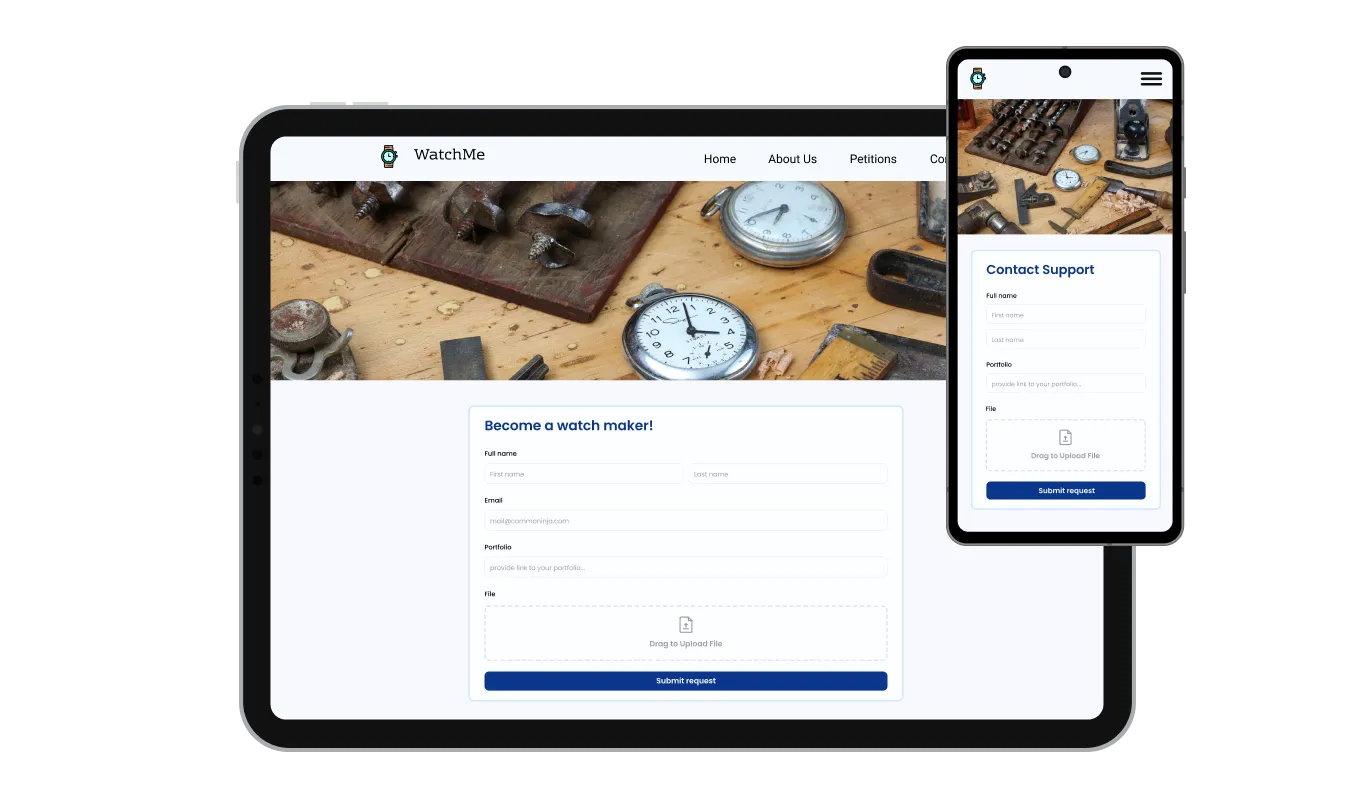
The Job Application Form Creator on Imweb delivers a fully responsive design, ensuring an exceptional user experience across all devices. Considering the growing trend of people accessing the internet through mobile devices, it's essential to have a form that caters to optimal mobile viewing.

Job Application Form - Create Device-friendly Job Application Forms on Imweb

Easy-to-Use Job Application Forms for Imweb

Imweb provides a simple-to-use Job Application Form that can be customized within a few clicks, even without any coding experience. Within a few clicks, you can customize the form to your liking using our intuitive interface, making it an effortless experience.

Job Application Form - Easy-to-Use Job Application Forms for Imweb

Advanced Customization for Imweb Job Application Forms with CSS

Our advanced editor is a robust tool that grants you full control over the Job Application Form's appearance. This feature allows you to easily customize every element of your form's design, from colors and fonts to layout and positioning, while also offering direct CSS editing for even more extensive customization options. For those who want to explore their creativity further, direct CSS editing provides an extensive range of additional customization options.

Job Application Form - Advanced Customization for Imweb Job Application Forms with CSS

Compatible With All Site Builders, E-Commerce Platforms and Websites

View all supported platforms

FAQ

A Job Application Form builder is an interactive web form that enables businesses and organizations to collect and manage employment applications from prospective candidates. This FormApplication Creator provides a user-friendly and efficient method for applicants to submit their personal information, work experience, and qualifications, and for employers to review and manage these applications. The Job Application Form builder is highly customizable, allowing you to tailor the design and functionality to meet your specific requirements.

  1. Keep the form simple and concise: Avoid including irrelevant fields that may discourage applicants from completing the form. Only request information that is essential for the hiring process.
  2. Provide clear instructions: Provide clear and concise instructions for each field, as well as any relevant instructions or expectations for the applicant.
  3. Offer a mobile-optimized experience: Ensure that the Job Application Form is optimized for mobile devices to provide an accessible and convenient experience for applicants.
  4. Enable notifications: Enable notifications to alert you when a new application has been submitted, allowing for prompt review and follow-up.
  5. Use anti-spam measures: Implement anti-spam measures, such as CAPTCHA, to prevent spam submissions and ensure that you receive only genuine applications.
  6. Respect data privacy: Ensure that your Job Application Form complies with data privacy regulations and provide clear information on how the applicant's data will be collected, stored, and used.
  7. Test the form regularly: Regularly test the Job Application Form to ensure that it is functioning correctly and providing a seamless experience for applicants.

Yes, you can enable notifications to alert you when a new application has been submitted, allowing for prompt review and follow-up.

Yes, the Job Application Form is highly customizable, allowing you to tailor the design and functionality to meet your specific requirements.

You can implement anti-spam measures, such as CAPTCHA, to prevent spam submissions and ensure that you receive only genuine applications.

Yes, you can easily do so from the “Templates” tab.

Yes, there are lots of beautiful skins that you can choose from to save time and start using the Job Application Builder as quickly as possible.

Yes, you can either upload an image, or select an icon from a large selection of available icons to add to your Job Application Form, or, alternatively, you can leave it all blank.

It’s simple. All you need to do is to sign up and start using the free version.

Common Ninja’s Job Application Form widget is free to use. It is limited to a certain amount of views, however.

Common Ninja’s Job Application Form builder is compatible with ALL current and future website builders.

Yes, the Job Application Form is GDPR-compliant.

No. Using our Job Application Form builder is very simple. The builder comes with an intuitive drag-and-drop interface and fully customizable options. Once you’ve finished editing the Job Application Form to your liking, all you need to do is copy the provided code and add it to your website.

Yes. We are eager to hear your request. Please visit our Feature Request page.