
Leaderboard for WordPress

Add a customizable leaderboard to your site to display rankings, track scores, and encourage friendly competition.

Create a Leaderboard

loved by 500K+ businesses

WordPress
plugineditor

Why Should You Use the Leaderboard Widget+?

Drive User Engagement with Interactive Leaderboard for WordPress

Encourage competition and engagement on your WordPress website by displaying top performers through the Leaderboard plugin. This feature helps create a sense of accomplishment and motivates participants to improve their scores, keeping them actively involved with your WordPress website.

Showcase Achievements with the Scoreboard plugin

Highlight the top players or participants with visually appealing podium displays, boosting their recognition. This not only helps build a community but also creates an incentive for others to strive for higher performance, driving overall engagement.

Customizable Leaderboard plugin for Any Use Case

The WordPress Leader Board plugin is highly adaptable, fitting seamlessly into various scenarios—from tracking sales reps' performance to ranking participants in a game or event. Its flexibility ensures it meets the specific needs of your site, making it a valuable addition to any competition or leaderboard-based activity.

Customize Participant Names and Images

Effortlessly personalize the Leaderboard plugin for WordPress by adding custom names and images for each participant. This feature enhances the visual appeal of the WordPress leaderboard, making it easier for users to recognize and connect with top performers at a glance.
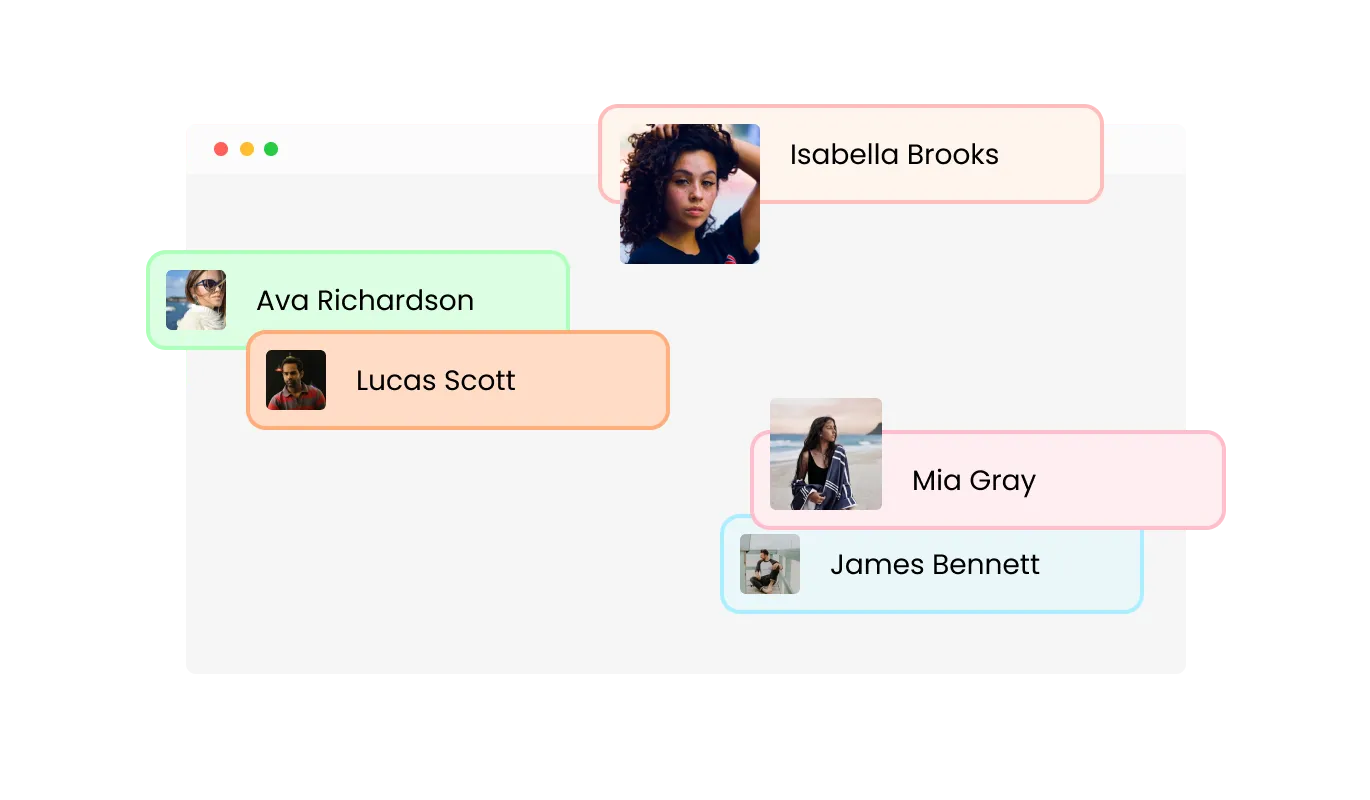
Leaderboard - Customize Participant Names and Images

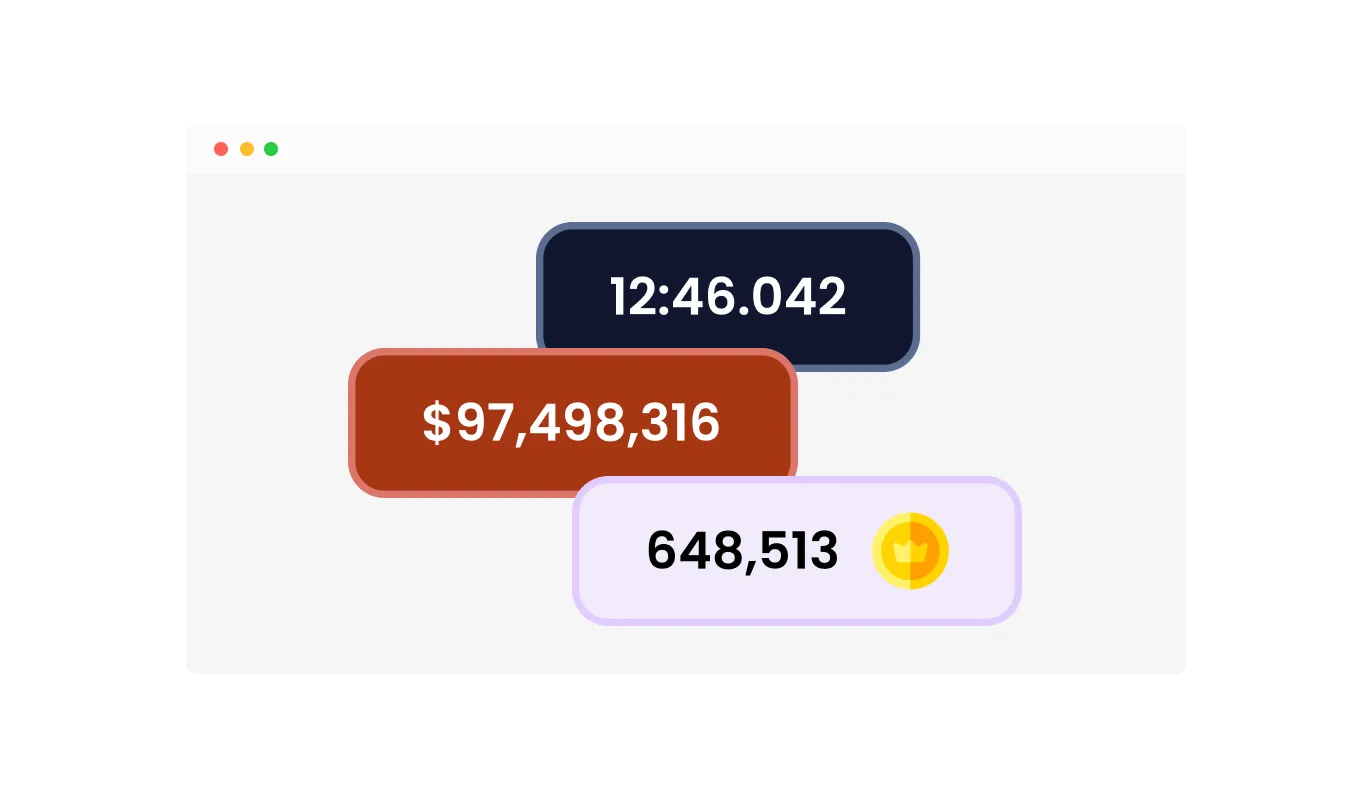
Customize Score Icons, Prefixes, and Suffixes for Clarity

Enhance the WordPress Leaderboard plugin with custom icons, prefixes, and suffixes to represent different score types, like points, currency, or any custom label you choose. Use icons such as trophies or dollar signs, and add labels like "$" or "pts" for clear, intuitive scoring. You can also use free text to create any custom score type, ensuring your WordPress leaderboard is both visually appealing and easy to understand.

Leaderboard - Customize Score Icons, Prefixes, and Suffixes for Clarity

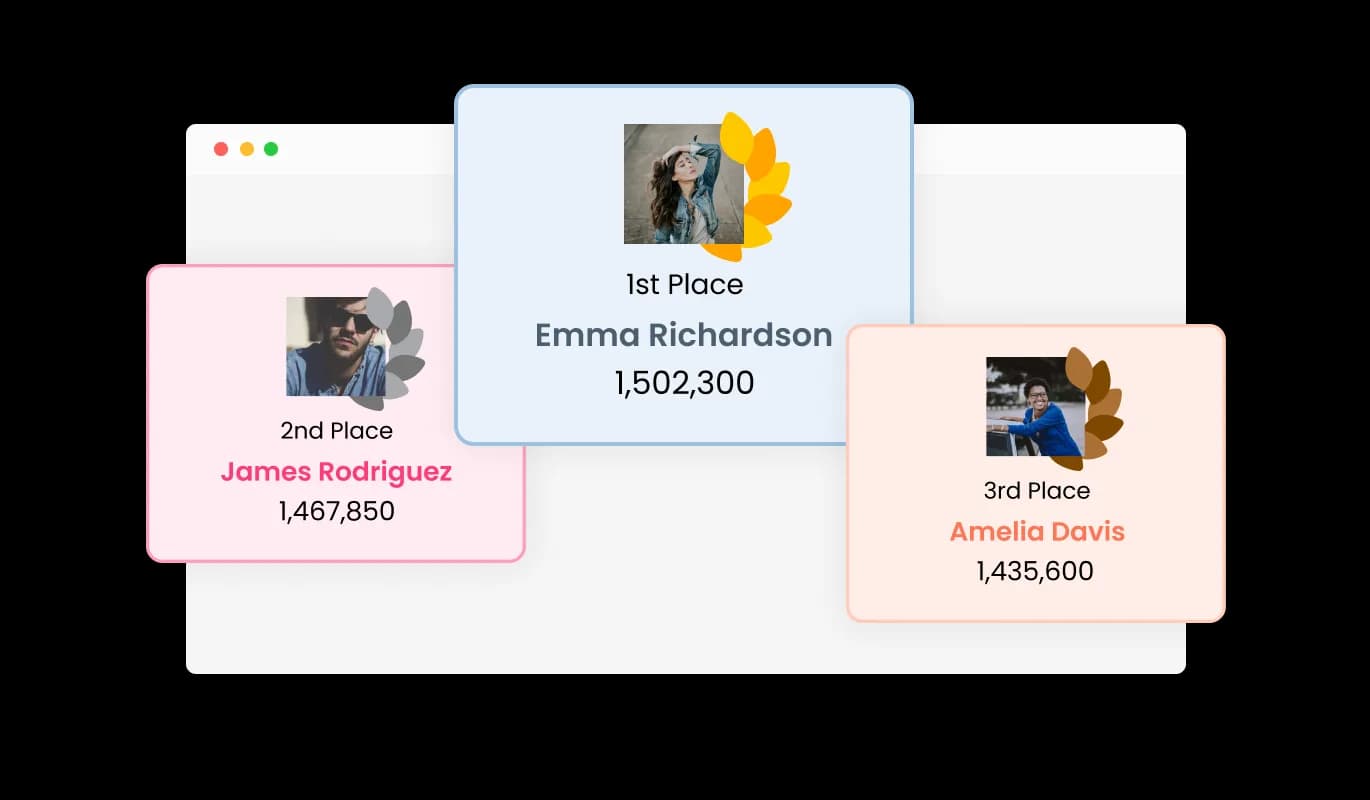
Highlight Top Performers with a Special Podium Display

The Ranking Board offers a special display option to emphasize the top three positions. This feature allows you to create a visually distinct podium for the 1st, 2nd, and 3rd place winners, making their achievements stand out. It’s a great way to celebrate the top performers and encourage healthy competition, drawing attention to those who reach the top spots.

Leaderboard - Highlight Top Performers with a Special Podium Display

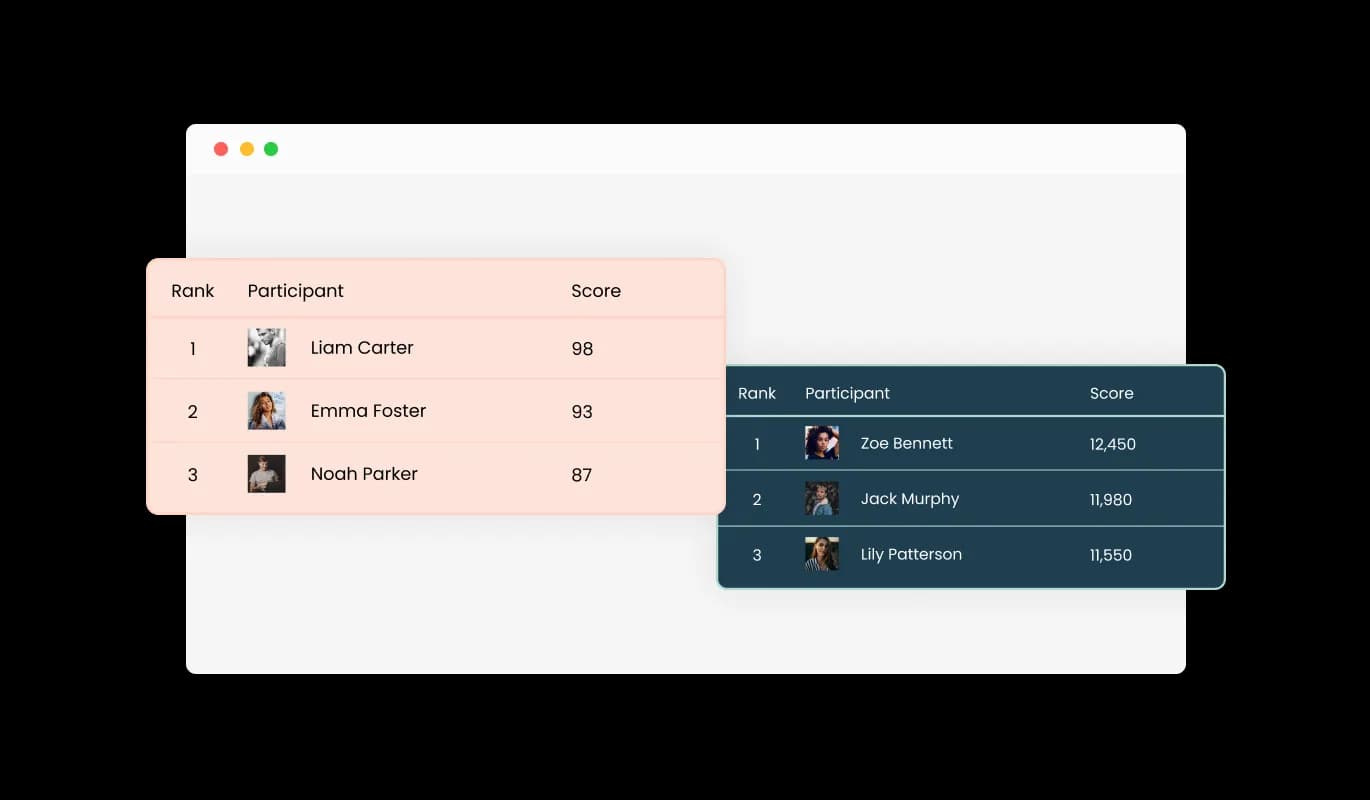
Choose from Multiple leaderboard Design Skins

The Leader Board plugin for WordPress offers a variety of beautiful design skins, allowing you to choose a style that aligns with your WordPress website's branding. These skins make it easy to create a leaderboard that looks professional and integrates seamlessly with your website's overall design, saving time on customization.

Leaderboard - Choose from Multiple leaderboard Design Skins
Leaderboard - Add Custom Fields for a Tailored Leaderboard

Add Custom Fields for a Tailored Leaderboard

Easily customize the Leaderboard for WordPress by adding dynamic fields to the table. This feature allows you to include extra information for each participant, such as achievements, ranks, or custom metrics, tailored to your needs. It provides the flexibility to adapt the leaderboard for various use cases, ensuring that you can display all the relevant details in a single, organized view.

Leaderboard - Display Goals with a Progress Bar for Each Participant

Display Goals with a Progress Bar for Each Participant

Showcase each participant’s progress towards a specific goal using the WordPress Leaderboard plugin’s built-in progress bar. This feature allows you to set custom goals, such as sales targets or point milestones, and visually track how close each participant is to achieving them. The progress bar provides a clear, at-a-glance view of individual achievements, adding an extra layer of motivation and competition.

Leaderboard - Flexible Score Types for Accurate Tracking

Flexible Score Types for Accurate Tracking

The Leaderboard plugin for WordPress allows you to choose from various score types to suit your needs, including numerical scores and time-based options. This flexibility ensures that you can display and rank participants using the most appropriate format for your competition or event, providing accurate and meaningful results.

Leaderboard - Easy to Use WordPress Leaderboard plugin

Easy to Use WordPress Leaderboard plugin

The Scoreboard plugin for WordPress is designed for ease of use, requiring no coding knowledge to set up and customize. Its intuitive interface allows you to quickly create and manage leaderboards, saving you time while ensuring a polished display of rankings.

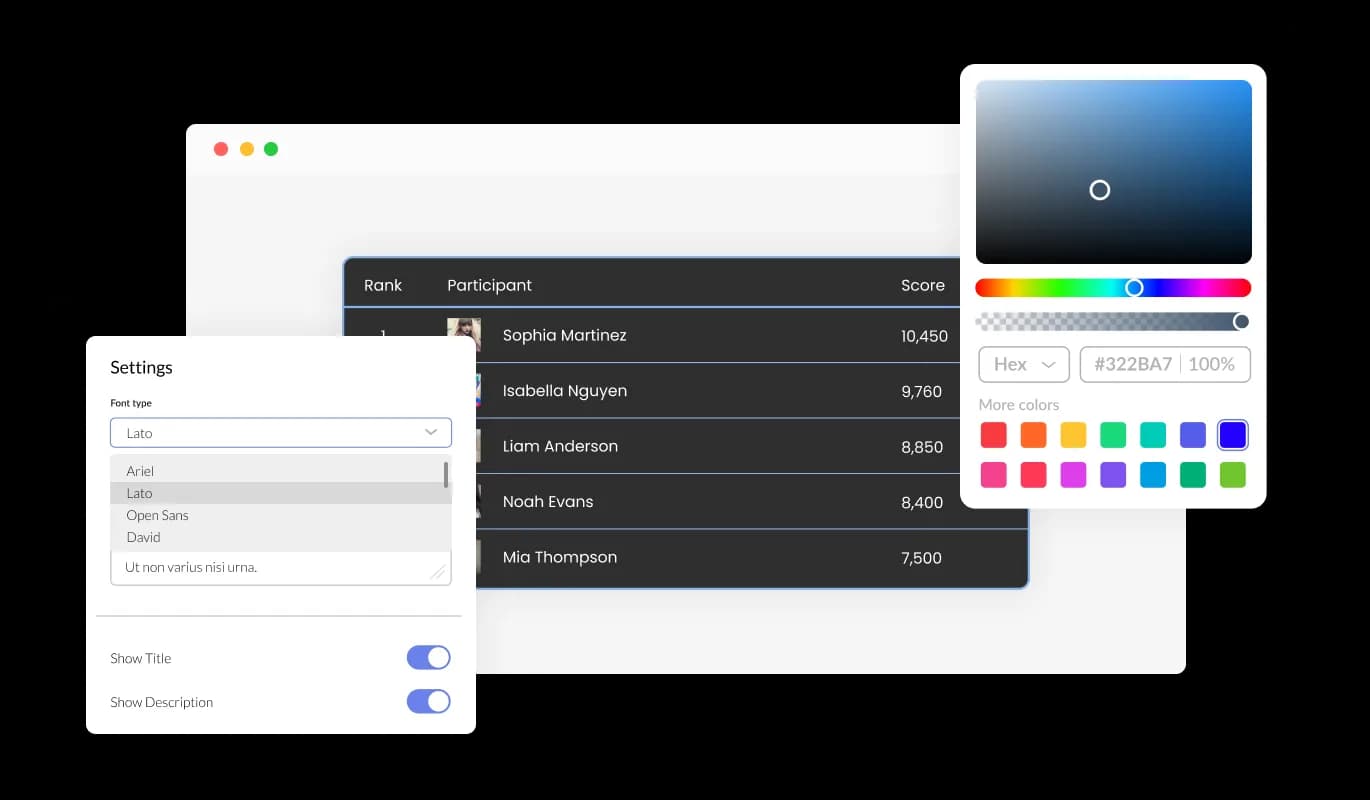
Fully Customizable WordPress Scoreboard plugin

The WordPress Scoreboard plugin offers a wide range of customization options, allowing you to adjust colors, fonts, spacing, and more to fit your brand perfectly. This flexibility ensures that you can create a leaderboard that aligns with your WordPress website's design and meets your unique needs, creating a personalized experience for your users.

Leaderboard - Fully Customizable WordPress Scoreboard plugin

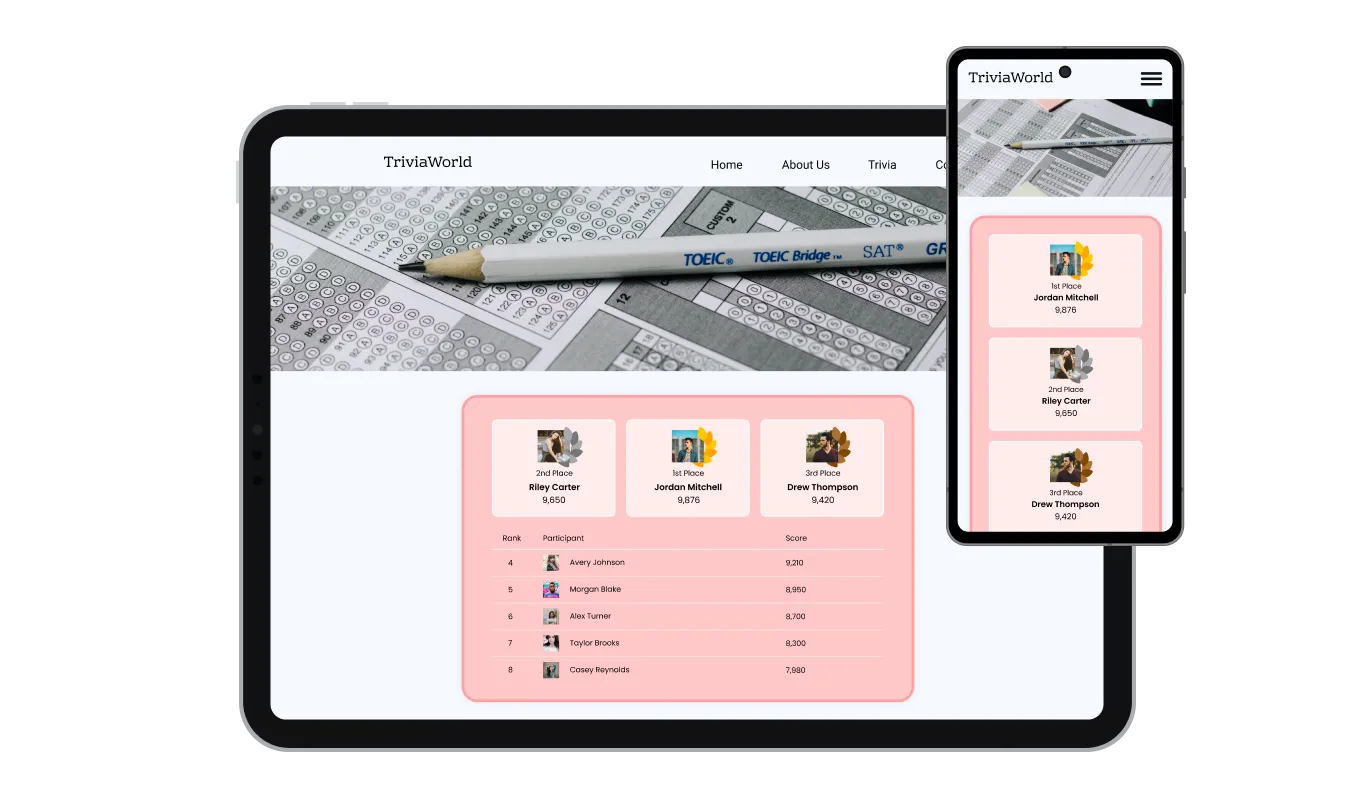
Perfectly Responsive Leaderboard plugin Display

The WordPress Leaderboard Display is fully responsive, ensuring that your leaderboard looks great and functions smoothly on any device, from desktops to tablets and mobile phones. This ensures a consistent user experience across all screen sizes, making your rankings accessible to all visitors.

Leaderboard - Perfectly Responsive Leaderboard plugin Display

Custom CSS for Advanced Design Control

For those who want more creative freedom, the WordPress Leaderboard plugin includes the option to add custom CSS. This allows you to fine-tune every aspect of the widget’s appearance, making it possible to match your Scoreboard perfectly with your WordPress website’s style and design.

Leaderboard - Custom CSS for Advanced Design Control

Effortless Embedding of the Ranking Board on WordPress websites

Embedding the WordPress Ranking Board plugin is simple, requiring just a single line of code. This makes integration quick and hassle-free, no matter your technical skill level. Additionally, the widget automatically updates whenever you make changes, ensuring your WordPress leaderboard stays up-to-date without any extra effort.

Leaderboard - Effortless Embedding of the Ranking Board on WordPress websites

Compatible With All Site Builders, E-Commerce Platforms and Websites

webflow logoshopify logowix logowordpress logobigcommerce logosqurespace logoweebly logojoomla logoduda logojimdo logomagento logoshift4hsop logounbounce logocarrd logo
View all supported platforms

FAQ

A Leaderboard is a visual tool used to display the ranking or standings of participants based on their performance in a specific competition, event, or activity. It organizes participants in a list format, typically sorted by their scores, achievements, or progress, showing who is leading and by how much. Leaderboards are often used in various settings, including online games, sales competitions, fitness challenges, and educational platforms. They provide a clear and dynamic way to track progress and showcase top performers.

Leaderboards serve multiple purposes, making them valuable for both engagement and motivation:

  • Boosting Engagement: By showing real-time rankings, leaderboards create a competitive atmosphere that encourages users to stay active and try to improve their position. This makes them ideal for increasing interaction and retention on websites or platforms.
  • Motivating Participants: Leaderboards provide a visual representation of progress, helping to motivate participants to achieve better results. Seeing how close they are to reaching a top position can drive users to push harder.
  • Recognizing Achievements: Leaderboards highlight top performers, giving them recognition for their efforts. This can be especially valuable in workplace competitions, educational achievements, or gaming environments, where recognition can drive further participation.
  • Tracking Progress: Whether it’s tracking sales targets, fitness goals, or academic achievements, a leaderboard allows participants and administrators to monitor progress towards specific goals over time.

The term Leaderboard is widely used, but similar tools might go by other names depending on the context or industry:

  • Scoreboard: This term is often used in sports or gaming contexts, where scores or points are the primary metric. A Scoreboard Widget tracks and displays points or results for different participants.
  • Ranking Board: A more general term, Ranking Board is often used in professional or educational settings. It focuses on arranging participants or users according to their standings or ranks, making it suitable for competitions or evaluations.
  • Top Players Display: This name emphasizes the aspect of highlighting the best performers, commonly used in gaming or sports scenarios. A Top Players Display focuses on showcasing those at the top of the list, making it ideal for recognition and celebration of the highest achievers.

The Leaderboard Widget is a tool that allows you to display rankings of participants based on scores, creating engaging leaderboards for your website.

You can add the Leader Board Widget to your website by embedding a simple line of code, making it quick and easy to integrate.

Yes, the Leaderboard Widget is fully customizable. You can adjust colors, fonts, layout, and other design elements to match your website's style.

The widget supports various score types, including whole numbers, decimal points, and time-based scores such as seconds or milliseconds.

Yes, you can dynamically add custom fields to the leaderboard to display extra information like achievements or custom metrics.

Absolutely! The Leaderboard Widget is fully responsive, ensuring that it displays beautifully on both desktop and mobile devices.

Yes, you can include custom images for each participant, adding a personal touch to the leaderboard and making it visually appealing.

The widget offers a podium-style display for the top three ranks, highlighting 1st, 2nd, and 3rd place with a distinct design to emphasize top performers.

Yes, you can add custom icons, as well as prefixes and suffixes, to represent different types of scores, such as points or currency.

No, the Leaderboard Widget is designed to be user-friendly, allowing you to set up and customize your leaderboard without any coding knowledge.

The widget allows you to define goals for participants, and you can use progress bars to visually track each participant’s progress towards their target.

Yes, for advanced customization, you can add custom CSS to further refine the design of your leaderboard.

Yes, any changes you make to the leaderboard will be updated automatically on your website, ensuring that your leaderboard always displays the latest data.