





Advanced Animation Controls: Speed & Loop Options for GoDaddy Website Builder Lottie Player
Experience full control over your animations with the Lottie Player for GoDaddy Website Builder, featuring options to adjust speed and enable looping.
With the Lottie player for GoDaddy Website Builder, incorporate captivating, expertly designed animations into your GoDaddy Website Builder website, boosting user engagement and making your content more appealing. Furthermore, these animations can effectively communicate your brand message, helping you build a stronger connection with your audience.
Lottie's web-optimized animations ensure your GoDaddy Website Builder website loads quickly and maintains high performance. Faster loading times are vital in today's online landscape, and Lottie animations can give your GoDaddy Website Builder website the edge it needs to provide a better user experience and achieve higher search engine rankings. Lottie animations not only make your site load faster, but they can also result in a better user experience and increased search engine rankings for your GoDaddy Website Builder website.
Lottie animations provide your GoDaddy Website Builder with remarkable quality and visual allure, designed by talented animators. Access a wealth of professionally designed animations, saving time and resources while elevating your GoDaddy Website Builder's visual appeal. With easy customization, Lottie animations can be adapted to harmonize with your brand identity and enhance your website aesthetics.
Experience full control over your animations with the Lottie Player for GoDaddy Website Builder, featuring options to adjust speed and enable looping.
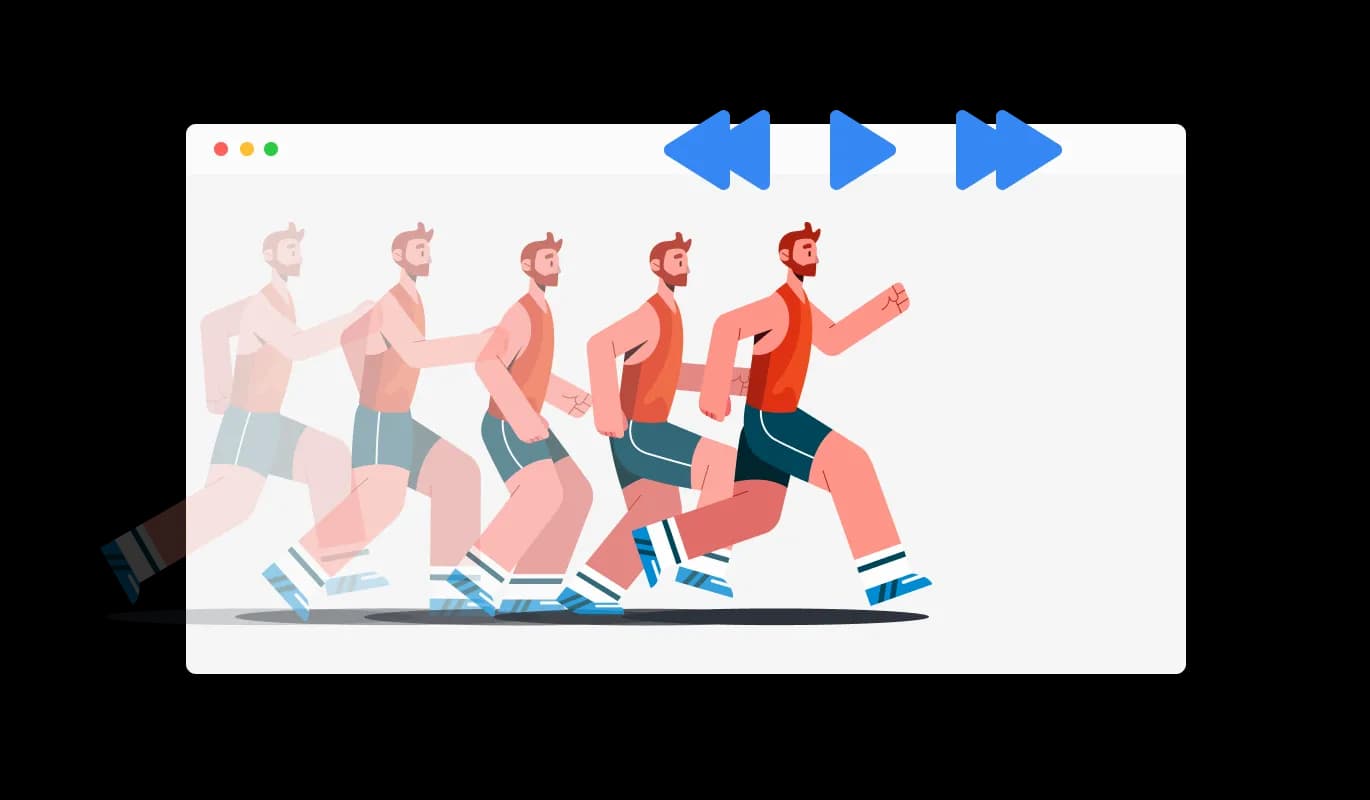
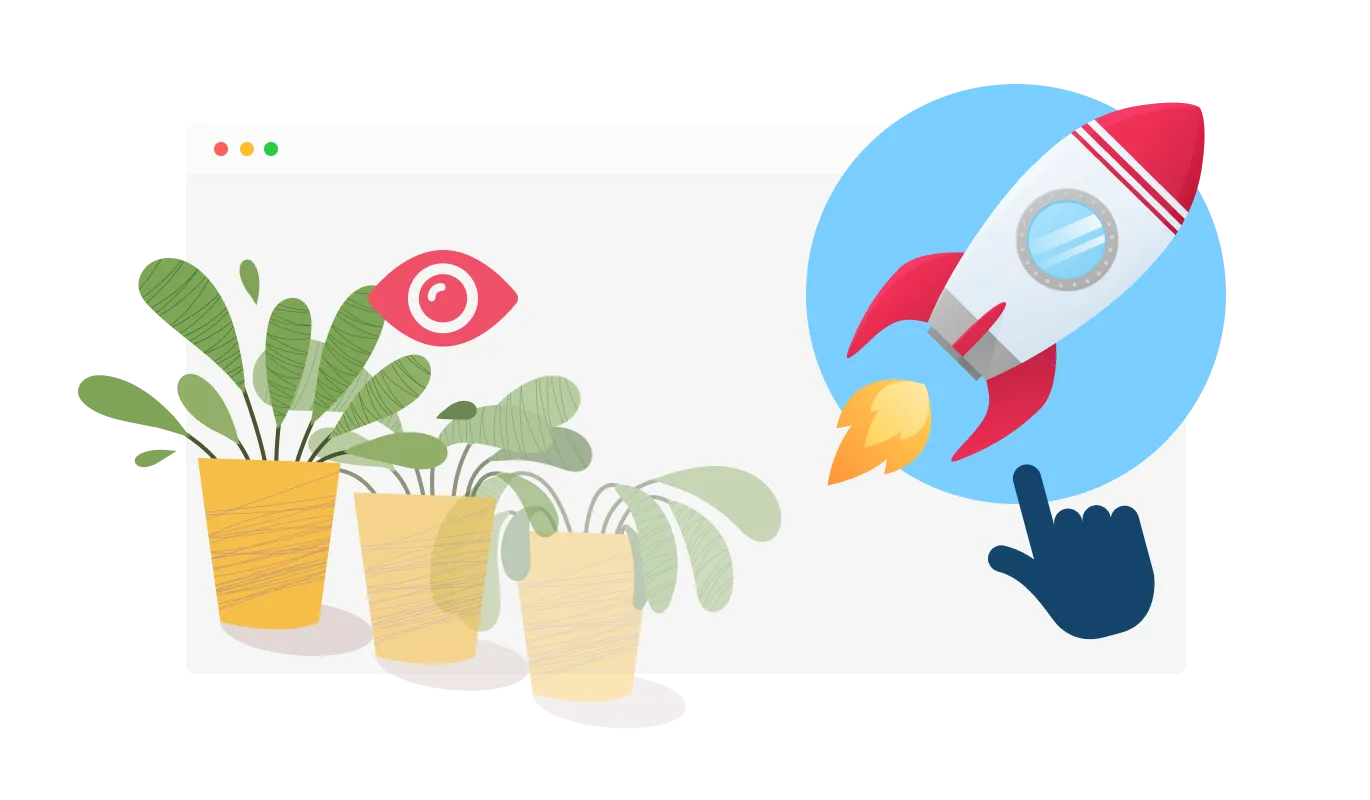
The GoDaddy Website Builder Lottie Player provides you with the flexibility to determine when your Lottie animation plays, including hover, scroll, view, and auto-play options. By offering customizable playback settings, your Lottie animations will perfectly blend into your GoDaddy Website Builder website's user experience.
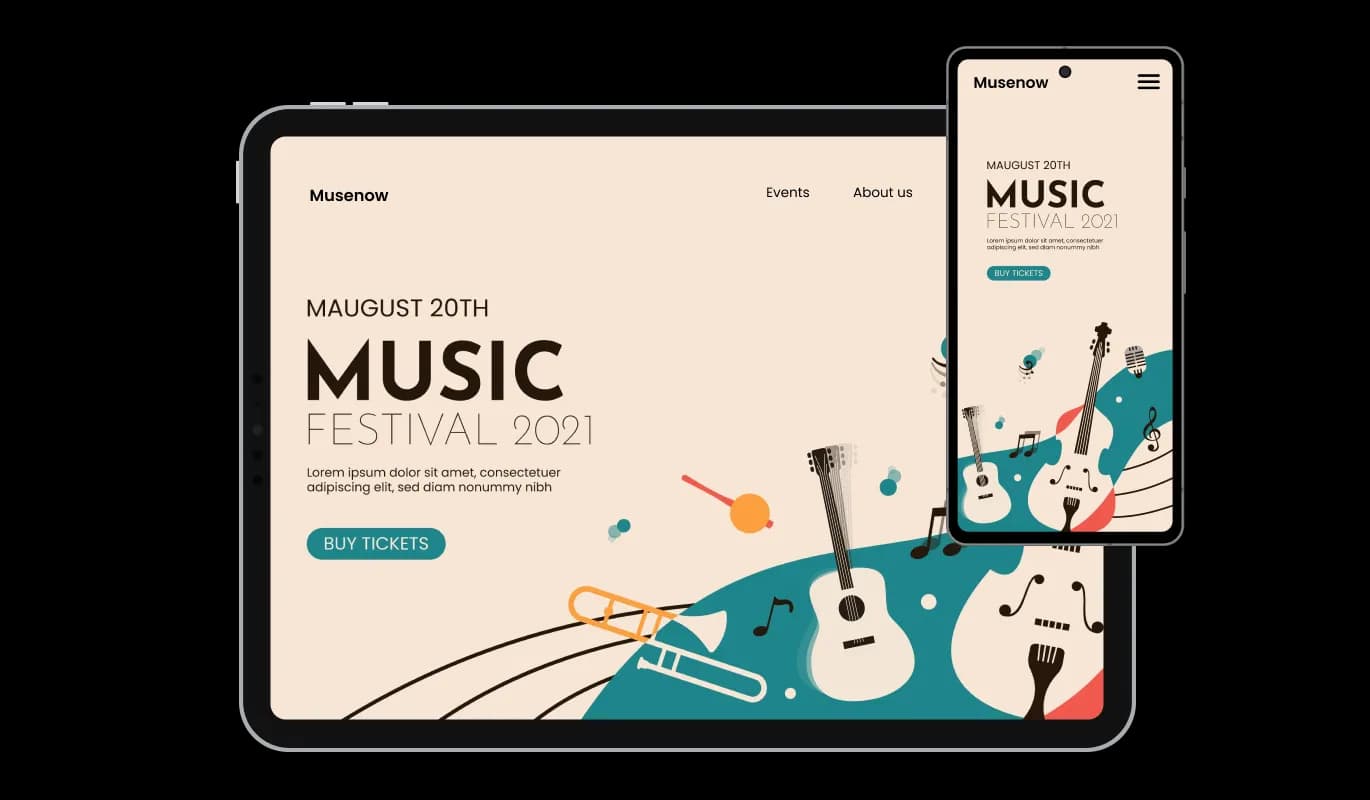
The Lottie Player widget for GoDaddy Website Builder is fully responsive and will look great on any device. By offering impeccable animations on any platform, the responsive Lottie Player helps you outshine your competition in today's mobile-first landscape

With the GoDaddy Website Builder Lottie Player widget, you can add clickable links to your animations, boosting interactivity. Clickable animations offer an engaging experience for users, which could contribute to increased user engagement and improved conversion rates.

Utilize the "reverse animation" option in the Lottie Player for GoDaddy Website Builder to explore new creative opportunities with your animations.

The Lottie Player widget for GoDaddy Website Builder is designed for ease of use, eliminating the need for any coding expertise. Our intuitive dashboard with the drag-and-drop feature will enable you to customize the Lottie Player any way you’d like to with just a few simple clicks, making it accessible to users of all skill levels.
Take control of your animations' look and feel with custom CSS support in the Lottie Player widget from Common Ninja. The custom CSS feature empowers you to achieve the perfect look for your Lottie animations, offering unparalleled creative control.

Embedding the Lottie Player widget on your GoDaddy Website Builder website is a breeze—just copy and paste a single line of code. Experience the convenience of automatic updates with the GoDaddy Website Builder Lottie Player widget, keeping your content current without any additional effort.

A Lottie Player widget is a tool that allows you to easily integrate high-quality, lightweight, and customizable Lottie animations into your website. It offers a variety of controls and options to enhance user engagement and improve the overall user experience.
To install the Lottie Player widget, simply copy the provided embed code and paste it into your website's HTML. The widget will automatically update with any changes you make through the dashboard.
No, the Lottie Player widget is designed to be user-friendly and does not require any coding knowledge. The intuitive dashboard and drag-and-drop features allow users of all skill levels to customize and integrate the widget with ease.
Yes, the Lottie Player widget supports custom CSS, allowing you to fully control the appearance and style of your animations, making them seamlessly integrate with your website's design.
Yes, the Lottie Player widget is fully responsive and designed to look great on any device, ensuring a flawless display of your animations across platforms in a mobile-first world.
Yes, the widget offers “When To Play” controls that enable you to choose when the animation plays, such as on hover, scroll, view, or auto-play. This allows for seamless integration into your website's user experience.
The Lottie Player widget allows you to add URLs to the animations, making them clickable and interactive. This feature can help increase user engagement and potentially boost conversion rates.
Yes, the widget comes with advanced controls for speed and looping. You can customize the animation speed and choose whether to loop the animation, providing additional flexibility for your website's design and user experience.
The Lottie Player widget updates automatically with every change you make through the dashboard. There is no need for manual updates or re-embedding the code.
The Lottie Player widget is designed to be compatible with most website platforms and content management systems. However, it is recommended to test the widget on your specific platform to ensure full compatibility and seamless integration.
It’s simple. All you need to do is to sign up and start using the free version.
Common Ninja’s Lottie Player widget is free to use. It is limited to a certain amount of views, however.
Common Ninja’s Lottie Player widget is compatible with ALL current and future website builders.
Yes, the Lottie Player widget is GDPR-compliant.
No. Using our Lottie Player widget is very simple. The widget comes with an intuitive drag-and-drop interface and fully customizable options. Once you’ve finished editing the widget to your liking, all you need to do is copy the provided code and add it to your website.
Yes. We are eager to hear your request. Please visit our Feature Request page.