





Customize Your Lottie Animations with Speed & Loop Settings on SiteJet
The Lottie Player for SiteJet offers advanced controls, allowing you to adjust animation speed and toggle looping for a personalized animation experience.
Elevate your SiteJet website's appeal and user engagement using the Lottie player for SiteJet, which enables you to add professionally designed, visually striking animations. These animations not only grab users' attention but also effectively convey your brand's message, fostering a stronger connection with your audience.
Lottie's web-optimized animations ensure your SiteJet website loads quickly and maintains high performance. The speed advantage Lottie animations provide can set your SiteJet website apart from the competition, leading to a better user experience and improved search engine rankings. In addition, the performance improvements from using Lottie animations can lead to an enhanced user experience and higher search engine rankings for your SiteJet website.
Lottie animations deliver high-quality visuals and captivating animations, thanks to the expertise of professional animators. You will be able to save time and money on creating beautiful animations, and make use of what other professionals have created. Customize Lottie animations effortlessly to perfectly match your brand identity and complement your website aesthetics.
The Lottie Player for SiteJet offers advanced controls, allowing you to adjust animation speed and toggle looping for a personalized animation experience.
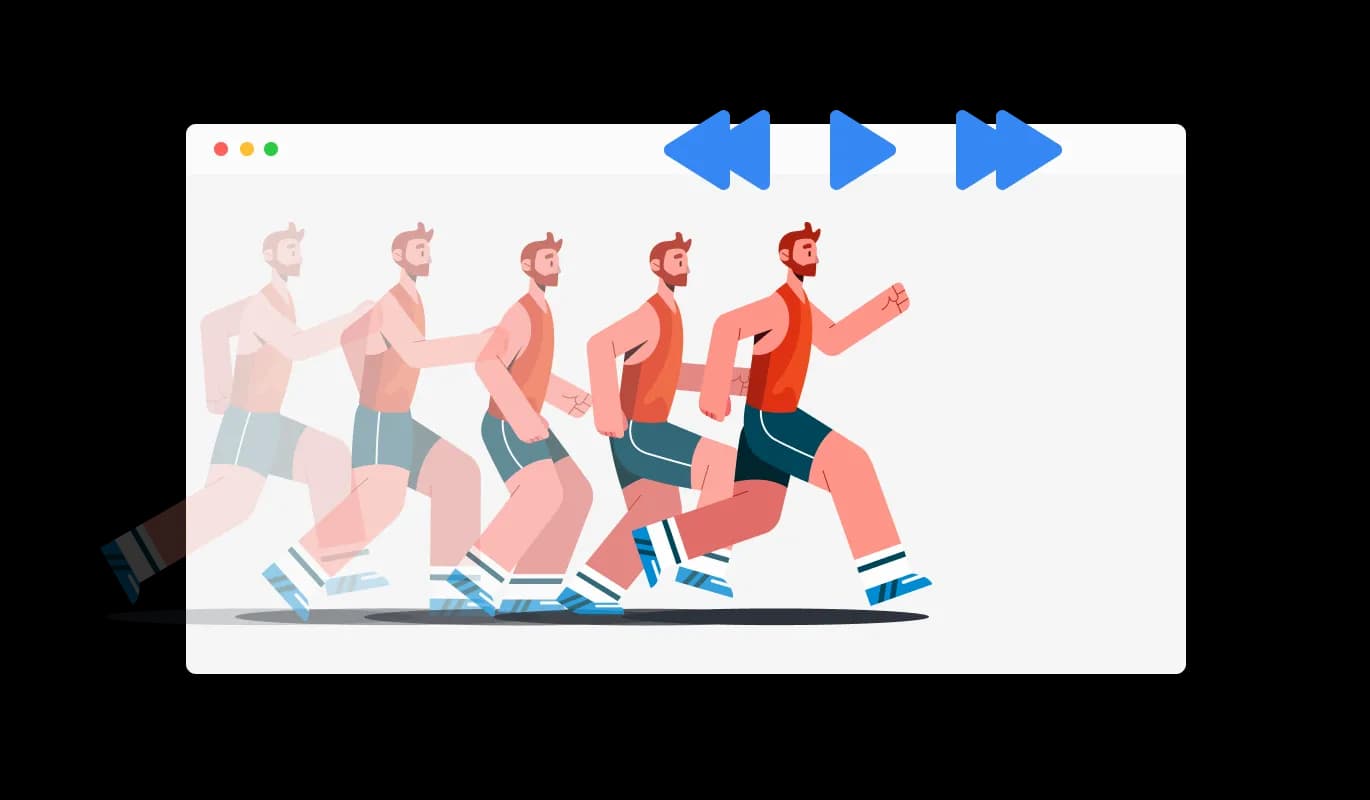
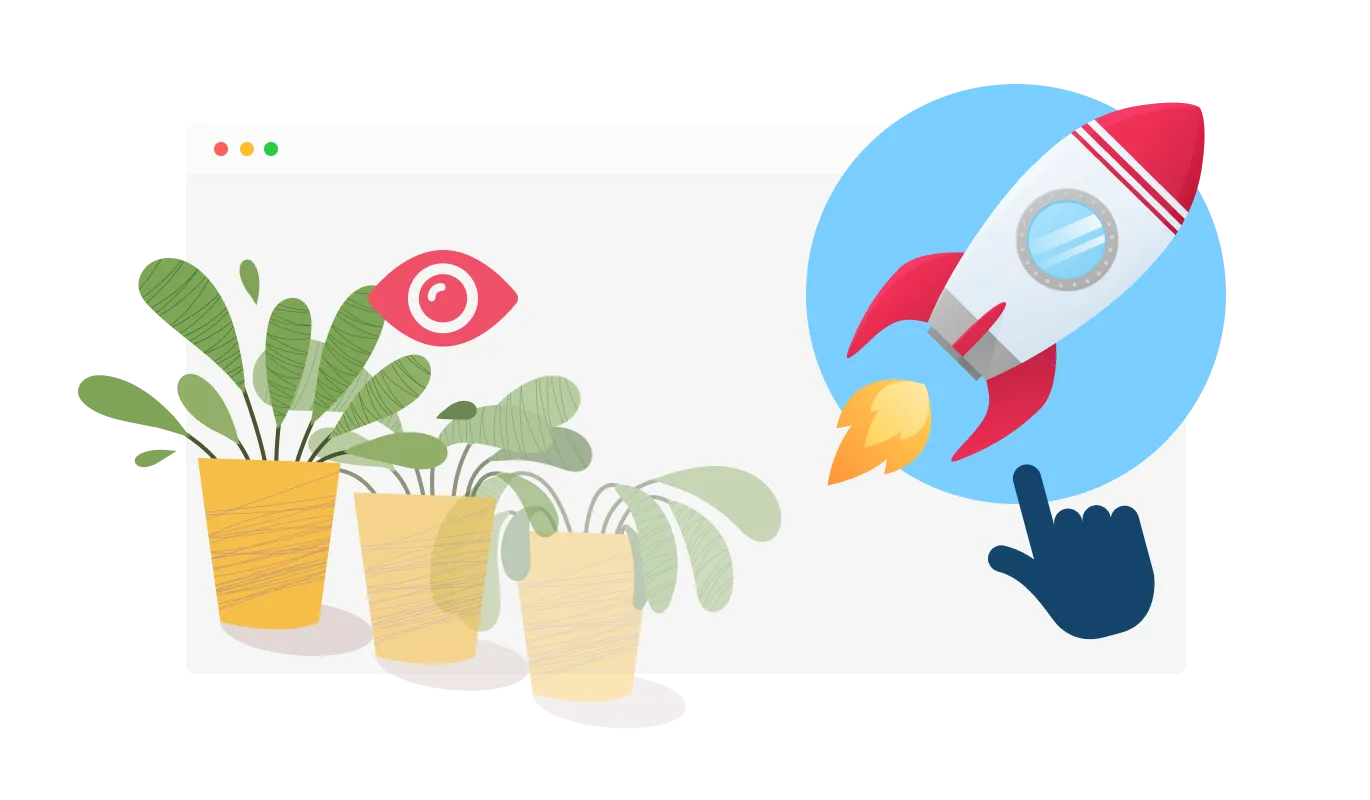
The SiteJet Lottie Player offers the ability to choose the ideal moment to play your Lottie animation, with options such as hover, scroll, view, or auto-play The "When To Play" controls enable your animations to effortlessly integrate with your SiteJet website's user experience.
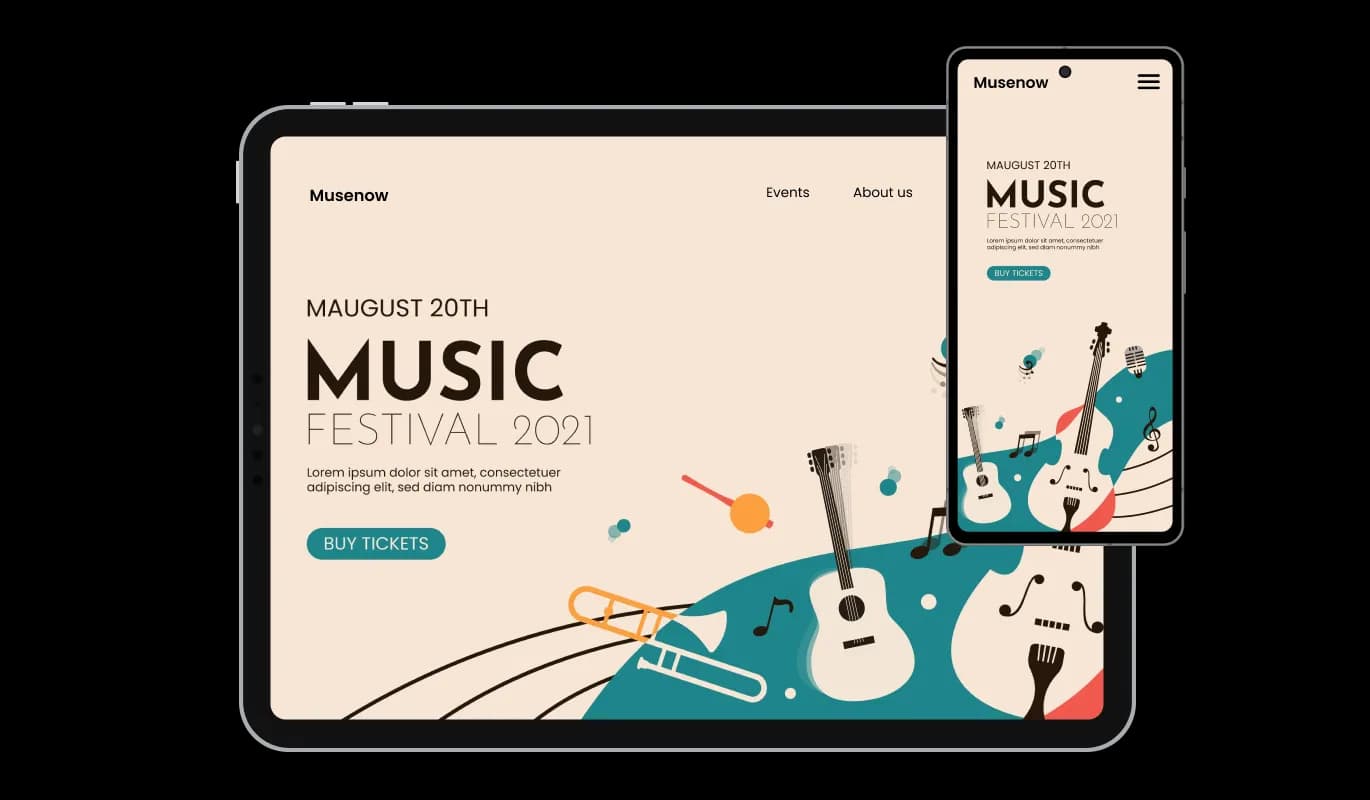
The Lottie Player integration for SiteJet provides a fully responsive experience, making your animations look stunning on all devices. By offering impeccable animations on any platform, the responsive Lottie Player helps you outshine your competition in today's mobile-first landscape

The SiteJet Lottie Player integration allows you to attach URLs to animations, transforming them into clickable elements. Clickable animations offer an engaging experience for users, which could contribute to increased user engagement and improved conversion rates.

The Lottie Player for SiteJet enables the toggle of a “reverse animation” option that will reverse the animation, offering additional creative possibilities and enhancing the versatility of your animations.

With the SiteJet Lottie Player integration, you can effortlessly customize your animations without any coding knowledge. Our intuitive dashboard with the drag-and-drop feature will enable you to customize the Lottie Player any way you’d like to with just a few simple clicks, making it accessible to users of all skill levels.
Take control of your animations' look and feel with custom CSS support in the Lottie Player widget from Common Ninja. By incorporating custom CSS, you can tailor the appearance and style of your animations, unleashing endless creative opportunities.

Easily integrate the Lottie Player widget into your SiteJet website by simply copying a single line of code. The SiteJet Lottie Player integration takes care of updates, automatically applying changes to your content, resulting in a consistently updated and hassle-free experience.

A Lottie Player widget is a tool that allows you to easily integrate high-quality, lightweight, and customizable Lottie animations into your website. It offers a variety of controls and options to enhance user engagement and improve the overall user experience.
To install the Lottie Player widget, simply copy the provided embed code and paste it into your website's HTML. The widget will automatically update with any changes you make through the dashboard.
No, the Lottie Player widget is designed to be user-friendly and does not require any coding knowledge. The intuitive dashboard and drag-and-drop features allow users of all skill levels to customize and integrate the widget with ease.
Yes, the Lottie Player widget supports custom CSS, allowing you to fully control the appearance and style of your animations, making them seamlessly integrate with your website's design.
Yes, the Lottie Player widget is fully responsive and designed to look great on any device, ensuring a flawless display of your animations across platforms in a mobile-first world.
Yes, the widget offers “When To Play” controls that enable you to choose when the animation plays, such as on hover, scroll, view, or auto-play. This allows for seamless integration into your website's user experience.
The Lottie Player widget allows you to add URLs to the animations, making them clickable and interactive. This feature can help increase user engagement and potentially boost conversion rates.
Yes, the widget comes with advanced controls for speed and looping. You can customize the animation speed and choose whether to loop the animation, providing additional flexibility for your website's design and user experience.
The Lottie Player widget updates automatically with every change you make through the dashboard. There is no need for manual updates or re-embedding the code.
The Lottie Player widget is designed to be compatible with most website platforms and content management systems. However, it is recommended to test the widget on your specific platform to ensure full compatibility and seamless integration.
It’s simple. All you need to do is to sign up and start using the free version.
Common Ninja’s Lottie Player widget is free to use. It is limited to a certain amount of views, however.
Common Ninja’s Lottie Player widget is compatible with ALL current and future website builders.
Yes, the Lottie Player widget is GDPR-compliant.
No. Using our Lottie Player widget is very simple. The widget comes with an intuitive drag-and-drop interface and fully customizable options. Once you’ve finished editing the widget to your liking, all you need to do is copy the provided code and add it to your website.
Yes. We are eager to hear your request. Please visit our Feature Request page.