Try for free!

Google Maps for Base44

Show business locations clearly with a Google Maps widget that displays multiple points, detailed info, and customizable styles to help visitors find you easily.

Create a Map

loved by 500K+ businesses

Base44
plugineditoreditor

Why Should You Use the Google Maps Widget+?

Google Maps widget: Simplifying Location Searches

With the Base44 Maps widget, your visitors can quickly and effortlessly find your physical location. There's no need to leave your site to look for an address; it's all ready and waiting, easing their user journey.

Building Confidence with Transparency via Google Maps widget

Having a Google Maps widget on your Base44 app proves that you're an open book with nothing to conceal. It's a reflection of your trustworthiness and honesty, putting your visitors at ease knowing that you're a verifiable entity with a physical location.

Boost Your SEO Value Using Google Maps widget

Deploying a Google Maps widget on your Base44 app can positively impact your local SEO. With search engines recognizing your site's relevance to a specific location, you could climb higher in local search rankings and attract more visitors.

Illustrate Your Reach with Base44 Google Maps widget

The Base44 Google Maps widget lets you mark multiple places simultaneously. You can exhibit all your branches, partner locations, or other places of interest together, which makes it easier for your visitors to appreciate the full breadth of your reach.
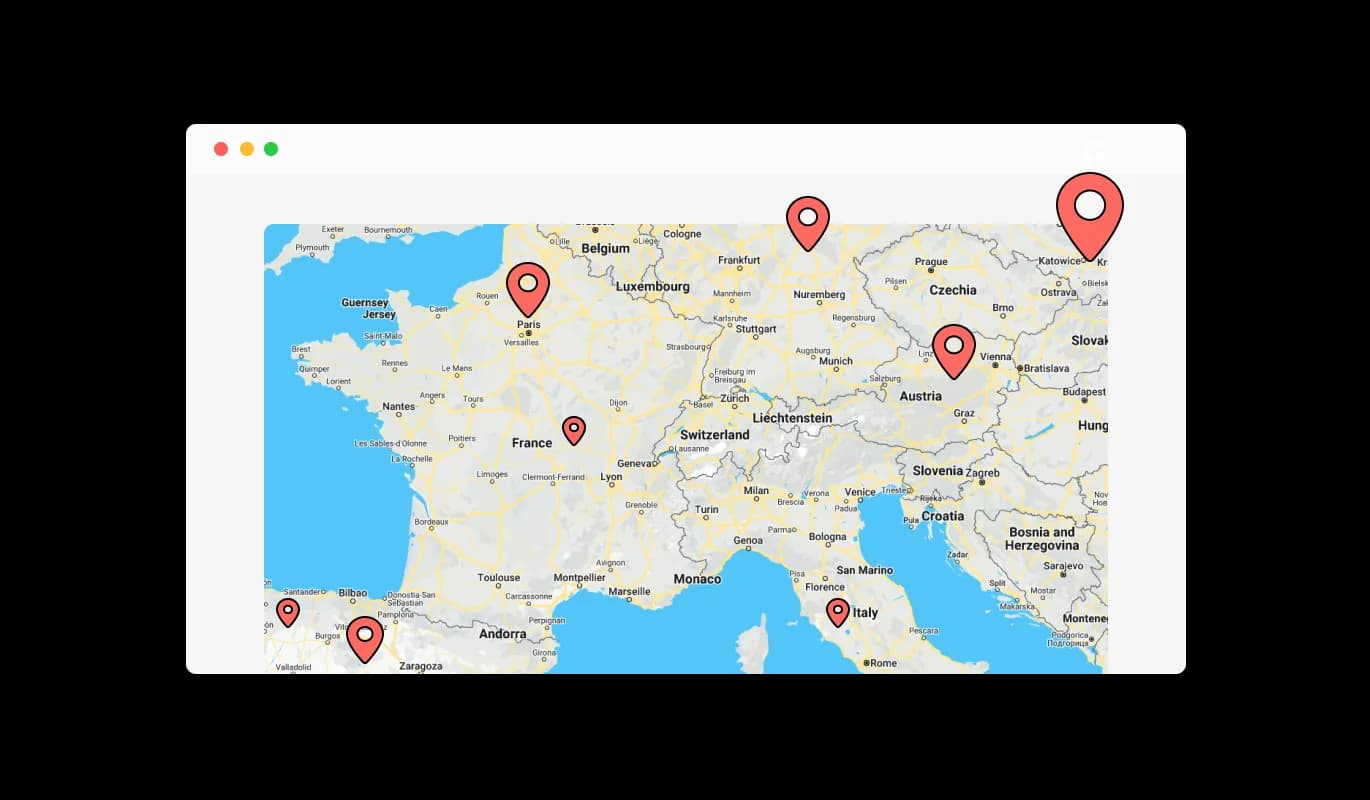
Google Maps - Illustrate Your Reach with Base44 Google Maps widget

Quick Access to All Your Locations with Google Maps widget

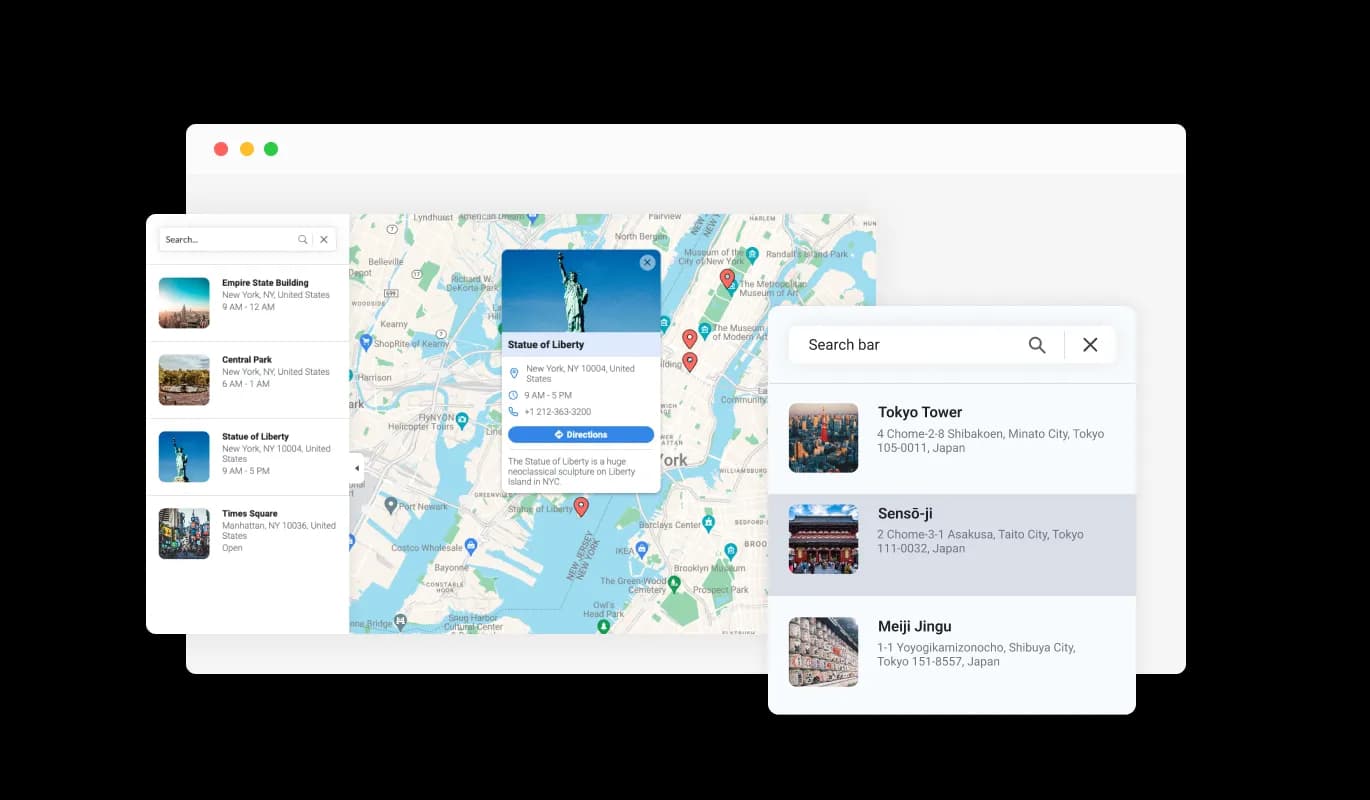
Google Maps widget for Base44 can provide a handy list of all your locations. This means your visitors can quickly see all the places you operate from, and select the one they're interested in, offering an easy and fast way to access information about each location. This allows your Base44 app visitors to swiftly view all the locations you're operating from and choose the one they're interested in, providing a speedy and easy method to get information about each site.

Google Maps - Quick Access to All Your Locations with Google Maps widget

Bring Your Locations to Life with Base44 Google Maps widget

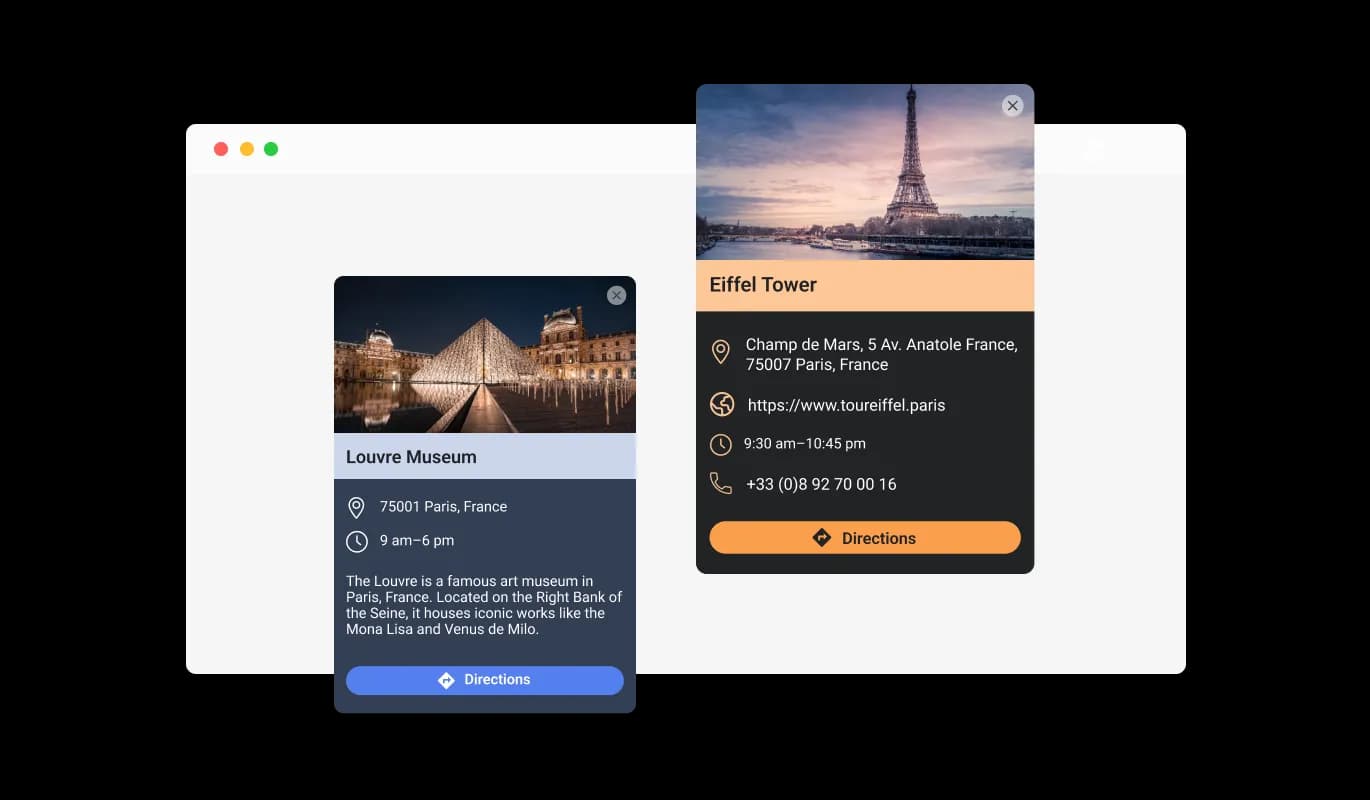
With the Base44 Google Maps widget, every location can evolve beyond just being a basic marker on a map. You can augment each spot with a detailed card that includes a picture and some text, giving your visitors a complete picture of what each place offers before they even arrive.

Google Maps - Bring Your Locations to Life with Base44 Google Maps widget

Adding a Splash of Uniqueness with Base44 Google Maps widget

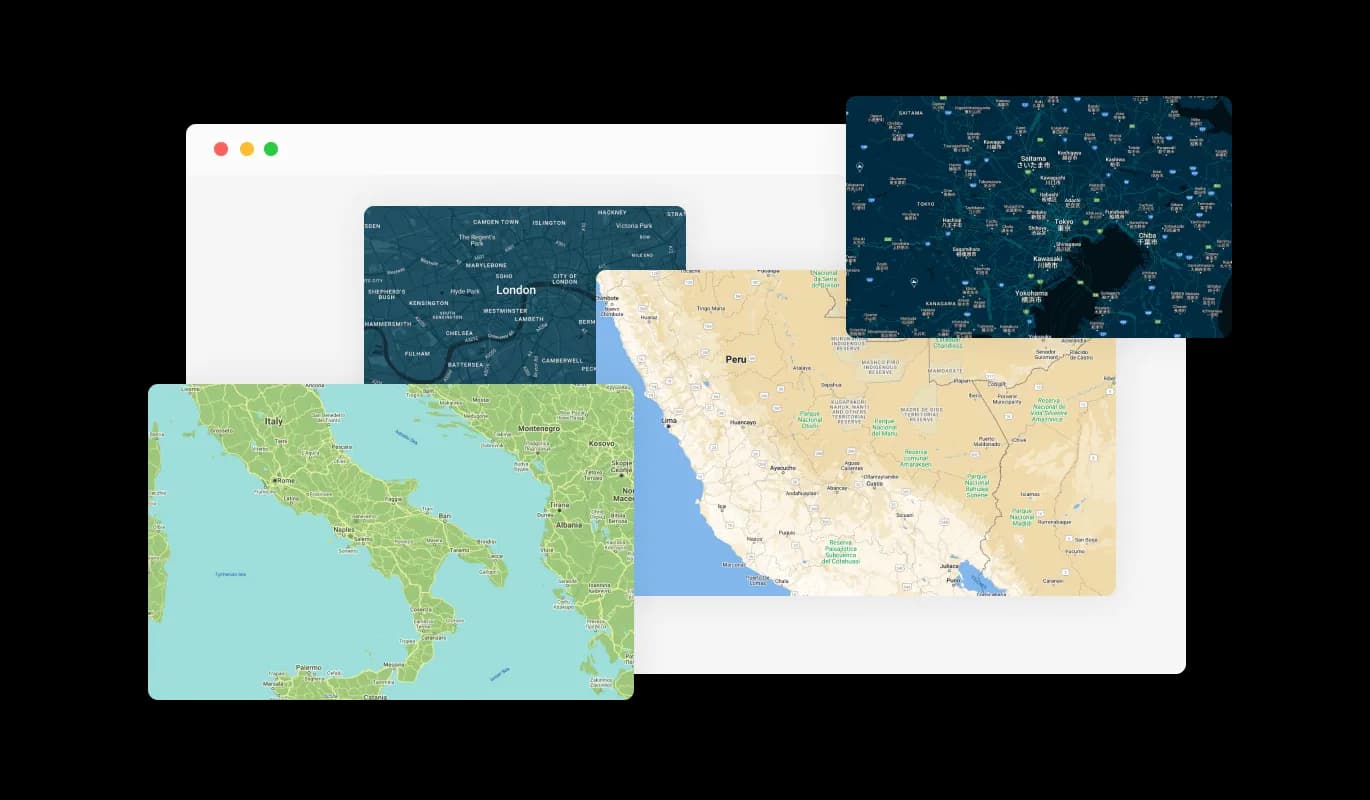
The Base44 Google Maps widget lets you imbue your Base44 app with a personal touch. You can pick from a wide range of beautiful map skins, ensuring the map serves its purpose and also complements your Base44 app's design and branding.

Google Maps - Adding a Splash of Uniqueness with Base44 Google Maps widget
Google Maps - Providing Comprehensive Information

Providing Comprehensive Information

Using Google Maps widget for Base44 means you're not just indicating a place but also delivering valuable data. For each location, you can present working hours, include a link to a dedicated website, and even share a contact number, making sure your Base44 app visitors have everything they need to connect or plan a visit. This ensures your Base44 app's visitors have all they need to reach out or plan a visit.

Google Maps - Unique Pin Styles for Your Map with Google Maps widget for Base44

Unique Pin Styles for Your Map with Google Maps widget for Base44

The Google Maps widget for Base44 lets you deviate from the usual pin style. You can choose from an assortment of pin styles to represent your locations, introducing an extra layer of customization and aesthetic appeal to your map. This can give your site an edge over others.

Google Maps - One-Click Directions

One-Click Directions

The Base44 Google Maps widget offers a user-friendly feature for instant directions. Just one click, and your visitors can generate directions from where they are to any of your locations on the map. This reduces the hassle of planning a visit or a journey to your locations to just one click.

Google Maps - Base44 Google Maps widget: Designed for Simplicity

Base44 Google Maps widget: Designed for Simplicity

Designed with simplicity in mind, the Base44 Google Maps widget requires no coding expertise. With its intuitive dashboard and simple drag-and-drop functionality, you can customize the Google maps widget to your liking with just a few clicks.

Tailor-Made Maps with Base44 Google Maps widget

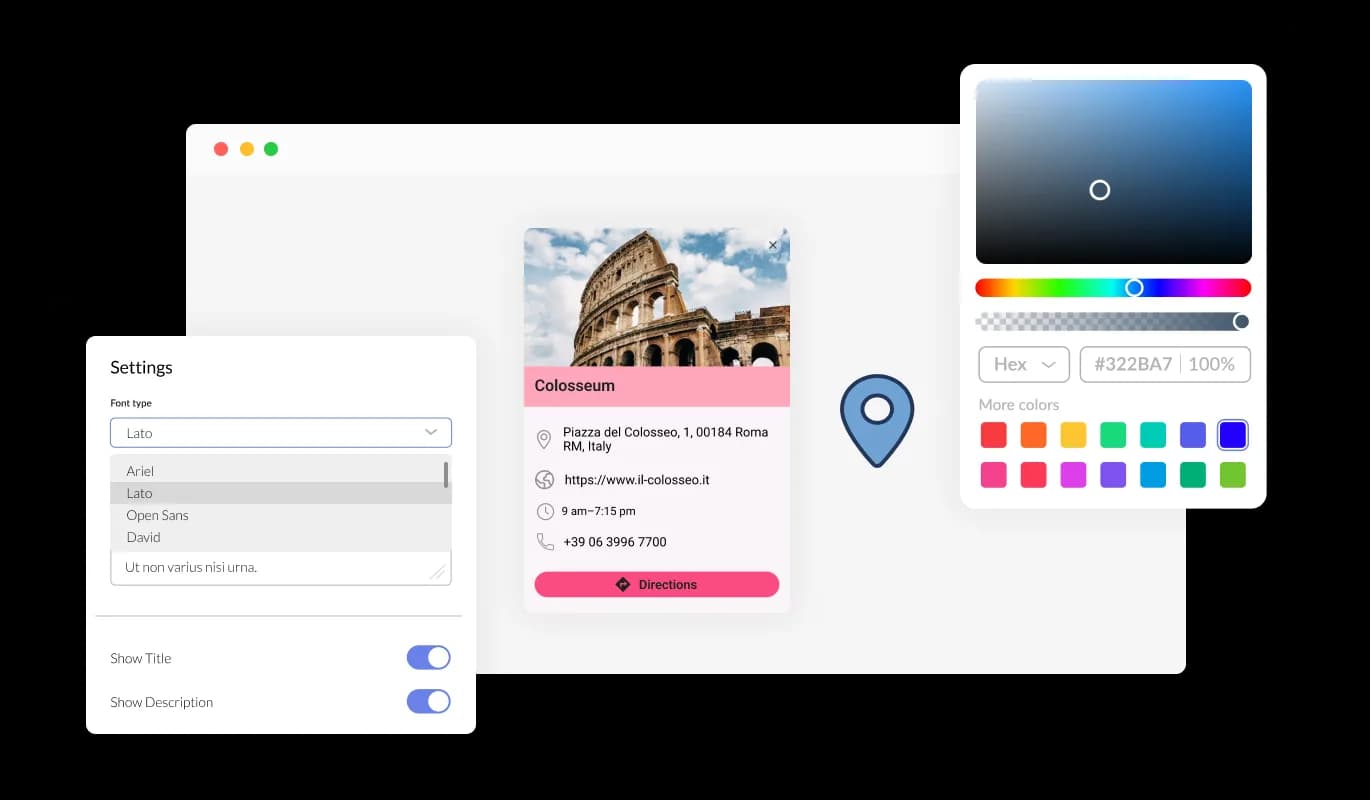
The Base44 Google Maps widget is fully customizable, allowing you to tweak its design to match your Base44 app's style. You can easily adjust elements like colors, fonts, and spacing to create a Base44 widget that fits seamlessly with your app. The real-time preview feature lets you experiment and refine until you land on the perfect design that enhances your users' experience.

Google Maps - Tailor-Made Maps with Base44 Google Maps widget

Experience Optimal Performance with Base44 Google Maps widget

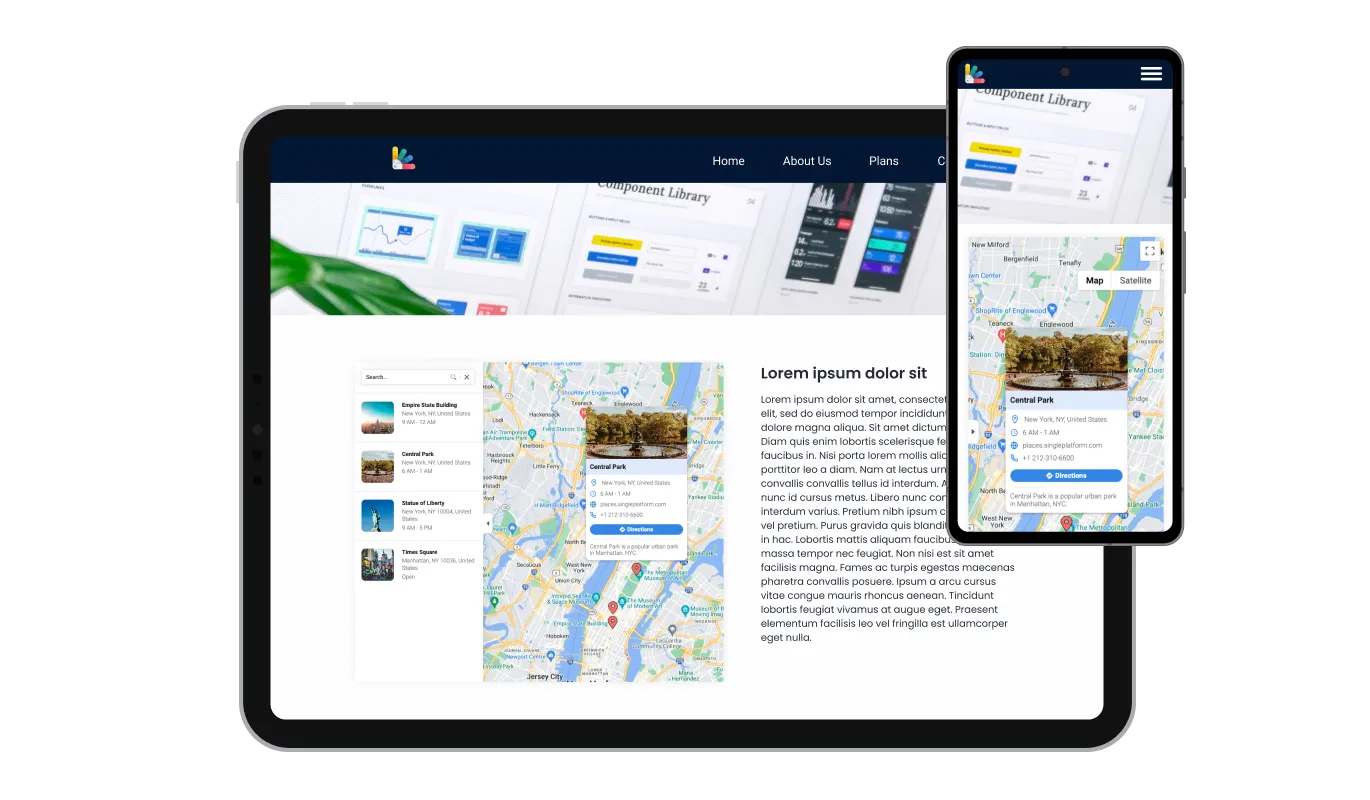
Base44 Google Maps widget is built to deliver optimal functionality across all devices. Its responsive design ensures it works flawlessly on desktops, laptops, tablets, and smartphones. This flexibility offers a uniform and intuitive user experience - key in our mobile-first world, giving your Base44 app a competitive advantage.

Google Maps - Experience Optimal Performance with Base44 Google Maps widget

Diving Deeper into Customization with Base44 Google Maps widget

With the Base44 Google Maps widget, you can delve further into customization using your unique CSS. No matter if you're a skilled developer or an artistic enthusiast, this functionality lets you tweak elements such as size, form, and position, or even invent fresh styles. This flexibility guarantees the Base44 Google maps meshes perfectly with your Base44 app's aesthetic, augmenting your visitors' experience.

Google Maps - Diving Deeper into Customization with Base44 Google Maps widget

Easy Integration of Maps widget into Any Base44 app

Simply use one line of code to embed the Google Maps widget into your Base44 app seamlessly. Every adjustment you make to the widget will be instantly mirrored on your Base44 app. Just copy the available Google Maps widget code and insert it in your Base44 app's HTML code. You can put this code in the most ideal place on your Base44 app, whether that's the header, footer, or any other area.

Google Maps - Easy Integration of Maps widget into Any Base44 app

Compatible With All Site Builders, E-Commerce Platforms and Websites

webflow logoshopify logowix logowordpress logobigcommerce logosqurespace logoweebly logojoomla logoduda logojimdo logomagento logoshift4hsop logounbounce logocarrd logo
View all supported platforms

FAQ

A map widget is a small application that you can embed on your website to display geographical locations. It often includes features like interactive navigation, location details, and customizable aesthetics.

Adding a map to your website helps your visitors easily locate your business, view multiple locations, and access location-specific information like working hours and contact details. It also enhances user engagement, accessibility, and can contribute to local SEO.

The Google Maps widget allows you to pin multiple locations on the same map. This feature is useful if you have several branches or points of interest to showcase.

Yes, the Google Maps widget offers several map skins and pin styles, allowing you to align the map with your website's design and branding.

With each location, you can display working hours, a link to a specific website, a contact phone number, and even a descriptive card with an image.

The direction button is a user-friendly feature that opens up directions from the visitor's current location to any location on your map. This makes planning a visit or journey to your locations as easy as a simple click.

Yes, the Google Maps widget allows for CSS customization. This means you can tweak its design to align with your website's look and feel, ensuring a consistent user experience.


Absolutely, the Google Maps widget is designed with a user-friendly interface, making it easy to set up and manage, even for those without extensive technical knowledge.

Embedding the Google Maps widget is a breeze. It can be added to your website with a single line of code, making it a quick and simple addition to any webpage.

Absolutely, the Google Maps widget includes a feature that allows you to display a comprehensive list of all your locations. This makes it easier for visitors to quickly view and select the location they're interested in.

Yes, the visual and interactive nature of the Google Maps widget can enhance the accessibility of your website for users with visual needs or cognitive difficulties. It provides a clear, visual context of your location.

The Google Maps widget is designed to be lightweight and efficient, so it should not significantly impact your website's loading speed. However, like any widget, its impact can vary based on your overall website design and other factors.

Yes, in the enriched location display feature, you can include your own images in the descriptive card for each location. This allows you to give visitors a more personalized view of each of your locations.

Yes, the Google Maps widget is completely customizable. From the choice of map skins and pin styles to the information displayed for each location, you can tailor the widget to meet your specific needs and preferences.

No, the Google Maps widget is designed to be as user-friendly as possible. You don't need any special skills or knowledge to use it. Its interface is straightforward and intuitive, and if you ever need help, there are plenty of resources available.