Google Maps for IONOS

Show business locations clearly with a Google Maps widget that displays multiple points, detailed info, and customizable styles to help visitors find you easily.

Create a Map

loved by 500K+ businesses

IONOS
plugineditoreditor

Why Should You Use the Google Maps Widget+?

Effortless Finding of Places with Google Maps widget

The IONOS Maps widget allows your visitors to effortlessly pinpoint your exact location. Your visitors don't have to navigate away from your site to hunt for an address, it's readily accessible, simplifying their journey.

Google Maps widget: A Pathway to Trust and Transparency

Featuring a Google Maps widget on your IONOS website clearly demonstrates that you've got nothing to hide. It's a mark of your trustworthiness and transparency, comforting your visitors with the knowledge that you're an authentic organization with a physical location.

Boosted SEO Value

Having a Google Maps widget on your IONOS website could be beneficial for your local SEO. As search engines understand your site's relevance to a location, you can potentially rank higher in local search results, attracting more visitors.

Showcasing Multiple Locations

The IONOS Google Maps widget allows you to indicate several locations all at once. Whether you have multiple branches, partner locations, or other points of interest, you can display them all together, making it easier for your visitors to see the full extent of your reach.
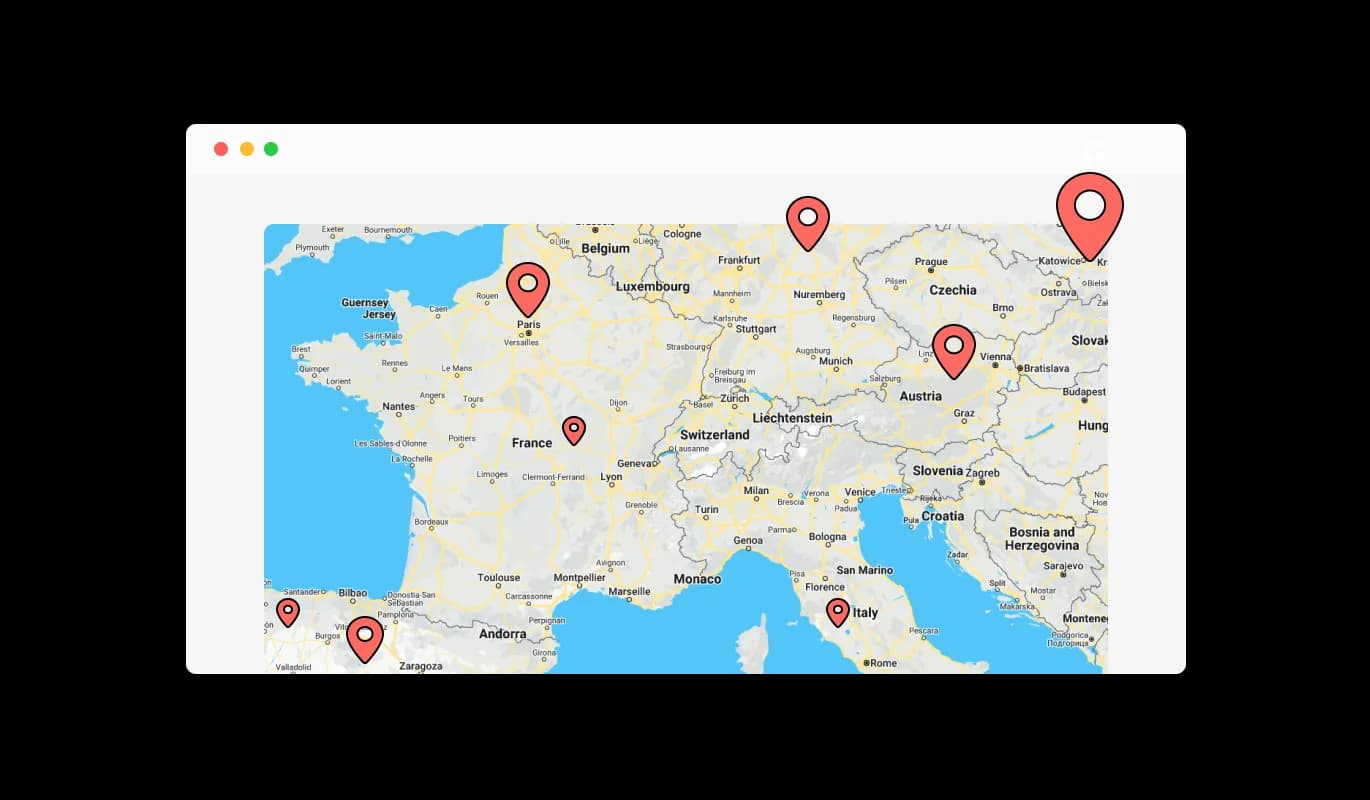
Google Maps - Showcasing Multiple Locations

Easily Accessible List of Locations via Google Maps widget

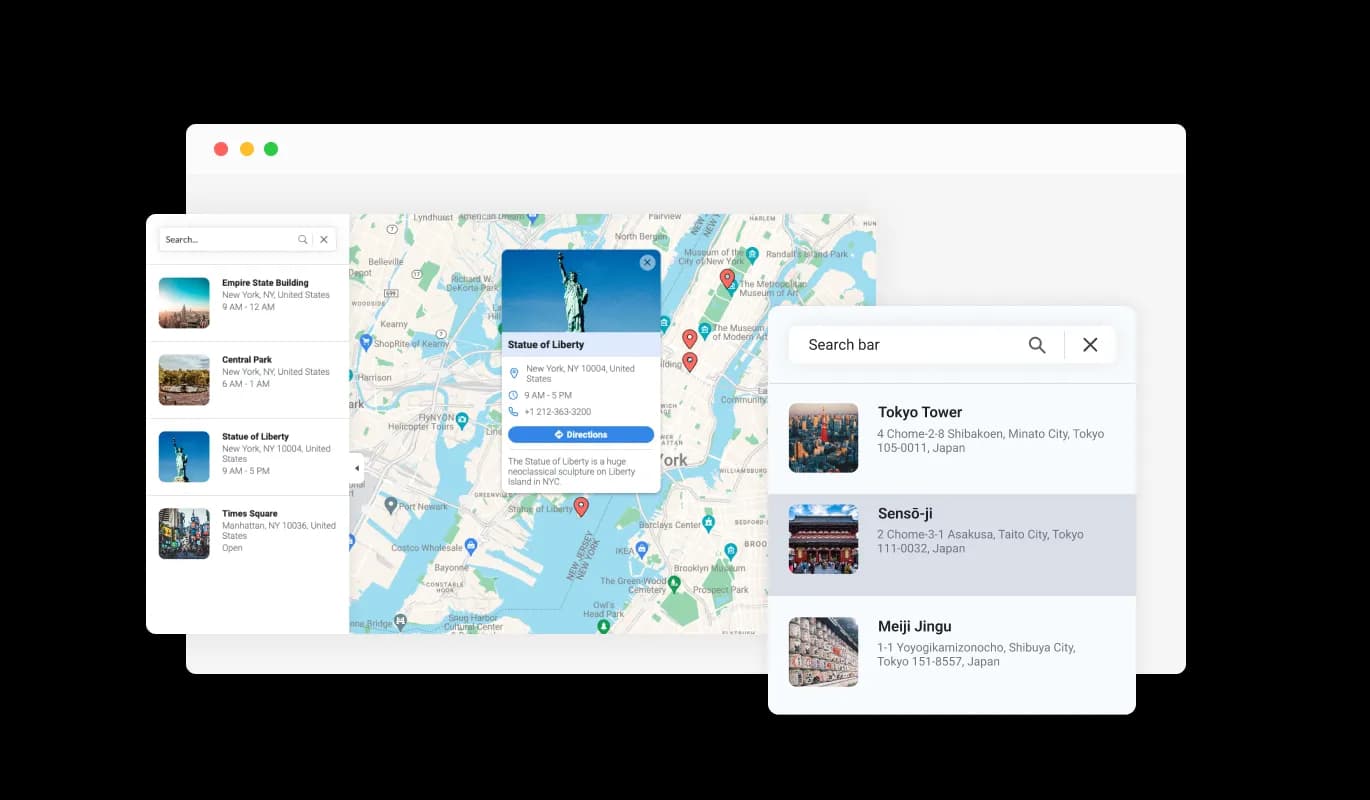
sing Google Maps widget for IONOS, you can present a user-friendly list of all your places of operation. Meaning, your IONOS website visitors can quickly glance through all your operational places and pick the one they want to know more about, giving them a quick and straightforward way to access information.

Google Maps - Easily Accessible List of Locations via Google Maps widget

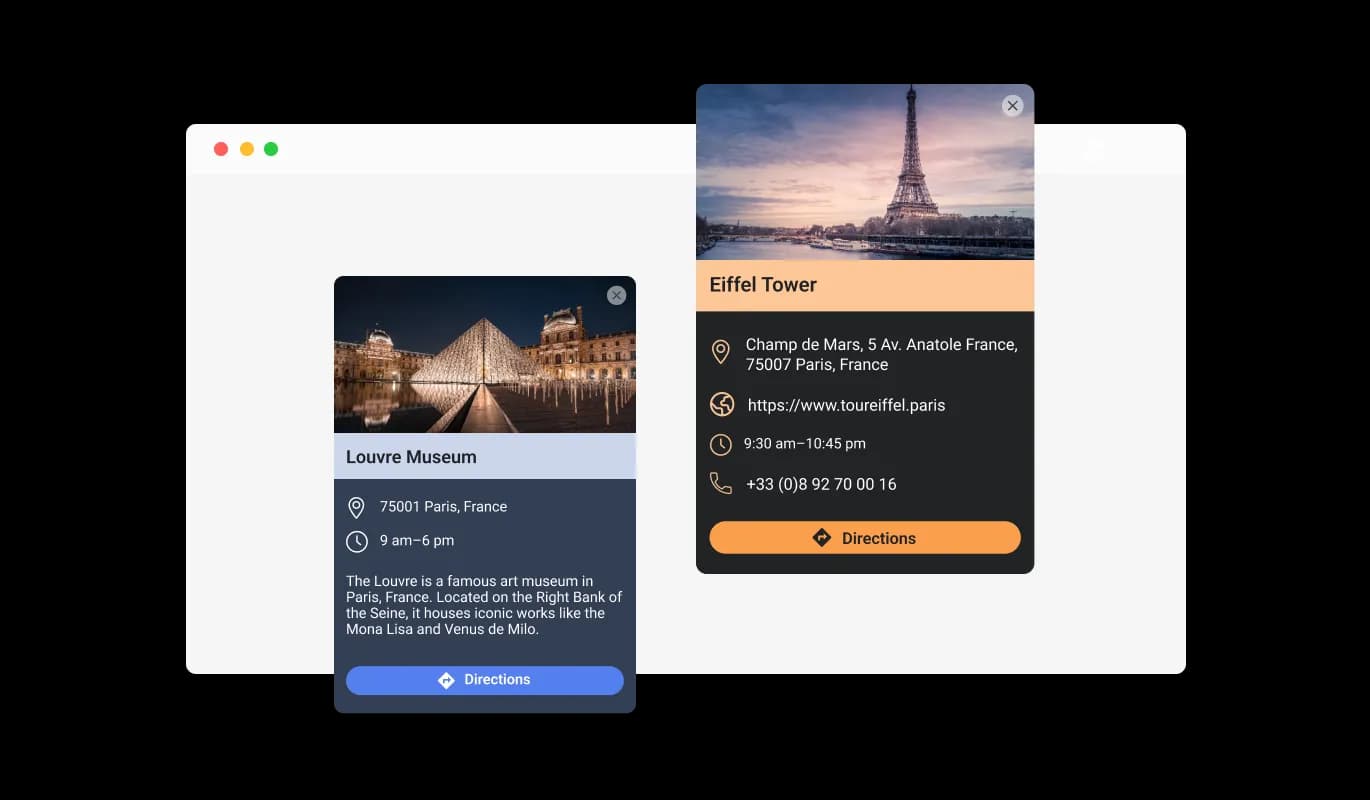
Enriched Location Display

With the IONOS Google Maps widget, each location becomes more than just a simple marker on the map. By enhancing each location with a detailed card that has a photo and some information, your visitors can have a clear idea of what each location offers, even before their visit.

Google Maps - Enriched Location Display

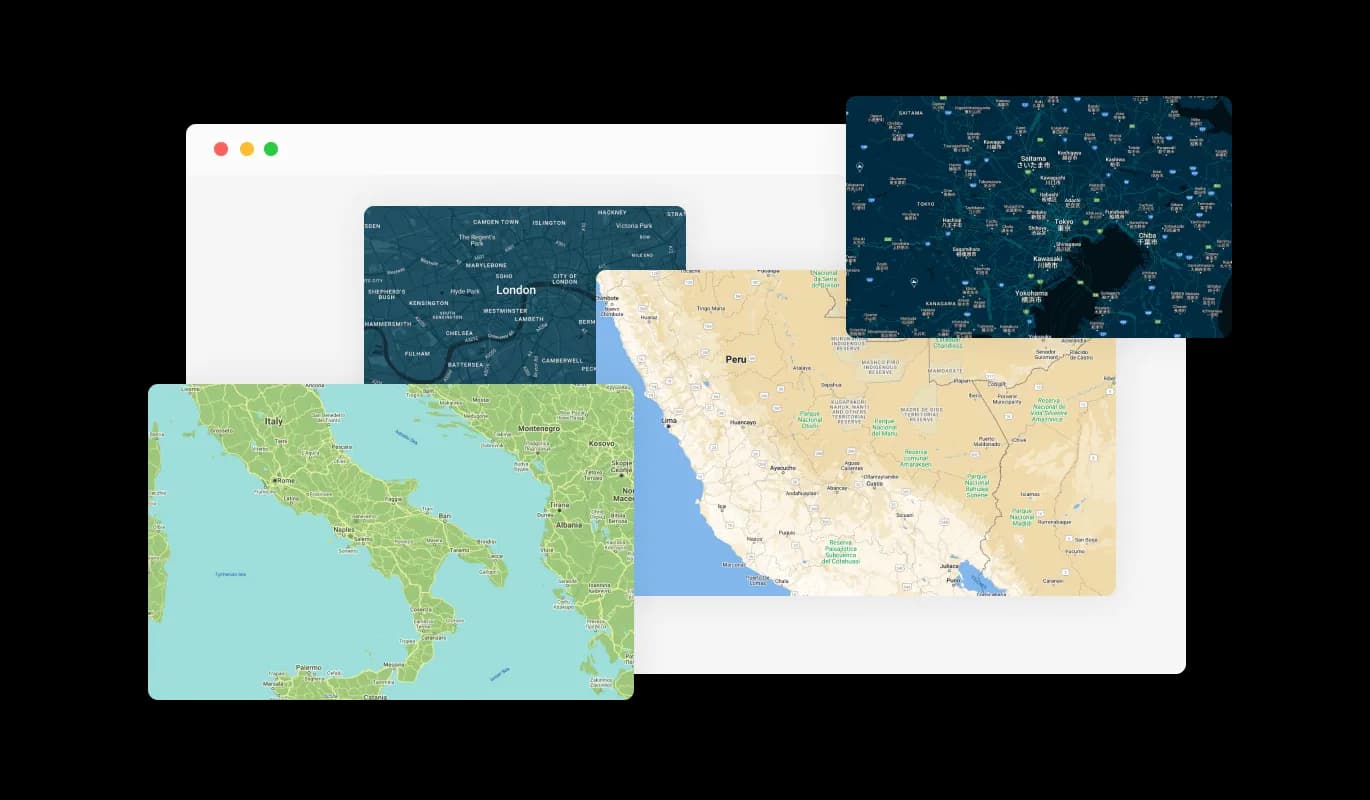
Customize Your Maps with IONOS Google Maps widget

With the IONOS Google Maps widget, you can add a hint of personal flair to your IONOS website.
You can pick from a wide range of beautiful map skins, ensuring the map serves its purpose and also complements your IONOS website's design and branding.

Google Maps - Customize Your Maps with IONOS Google Maps widget
Google Maps - Enrich Your IONOS website with Detailed Information via Google Maps widget

Enrich Your IONOS website with Detailed Information via Google Maps widget

With Google Maps widget for IONOS, you're not just sharing a location, but offering valuable information. For each location, you can present working hours, include a link to a dedicated website, and even share a contact number, making sure your IONOS website visitors have everything they need to connect or plan a visit. This ensures your IONOS website's visitors have all they need to reach out or plan a visit.

Google Maps - Customize Your Map with Various Pin Styles in Google Maps widget for IONOS

Customize Your Map with Various Pin Styles in Google Maps widget for IONOS

The Google Maps widget for IONOS lets you deviate from the usual pin style. You can opt from a variety of pin styles to highlight your places, adding another level of personalization and visual charm to your map. This can give your site an edge over others.

Google Maps - Make Navigation Simple with IONOS Google Maps widget

Make Navigation Simple with IONOS Google Maps widget

The IONOS Google Maps widget offers a user-friendly feature for instant directions. Just one click, and your visitors can generate directions from where they are to any of your locations on the map. This reduces the hassle of planning a visit or a journey to your locations to just one click.

Google Maps - Easy to use

Easy to use

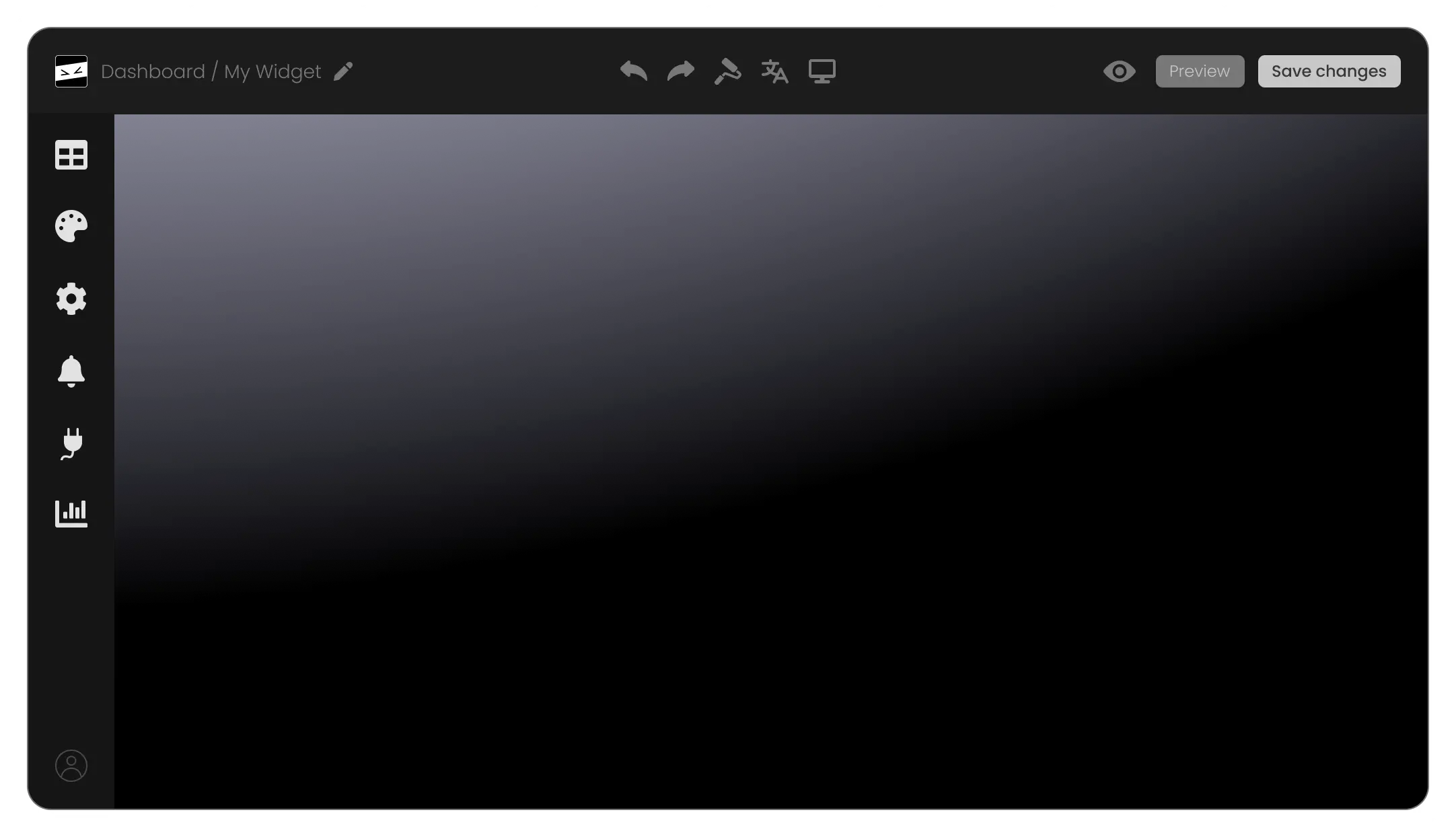
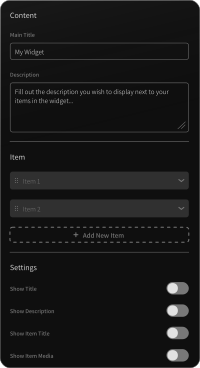
The IONOS Google Maps widget is engineered for ease of use, needing no technical knowledge. Its user-friendly dashboard, coupled with easy drag-and-drop features, lets you tailor the Google maps widget to your preference in a matter of clicks.

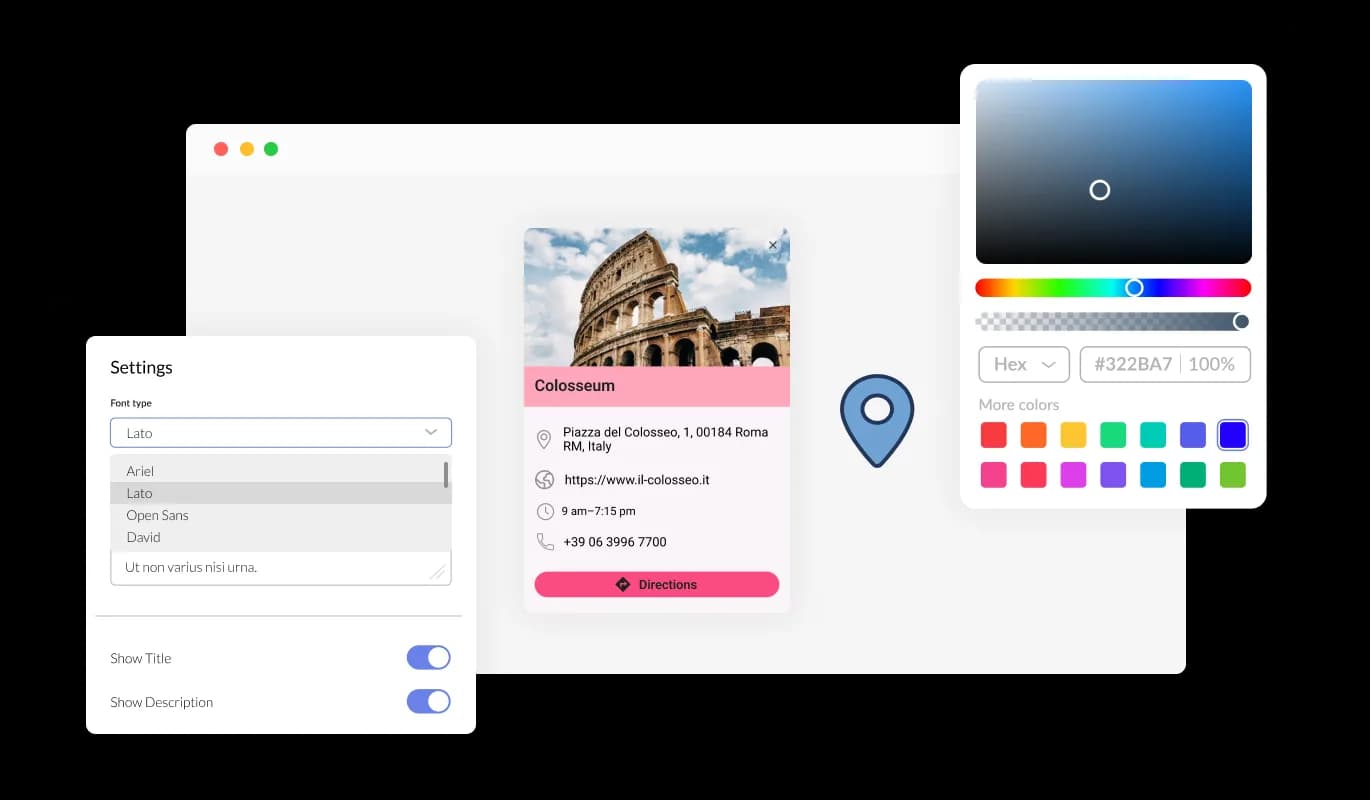
Fully Customizable

The IONOS Google Maps widget offers complete customization, empowering you to modify its design to align with your IONOS website's aesthetic. Elements like colors, fonts, and spacing can be easily adjusted to tailor-make a IONOS widget that integrates seamlessly with your website. The instant preview feature enables you to play around and refine until you find the perfect design that augments your users' experience.

Google Maps - Fully Customizable

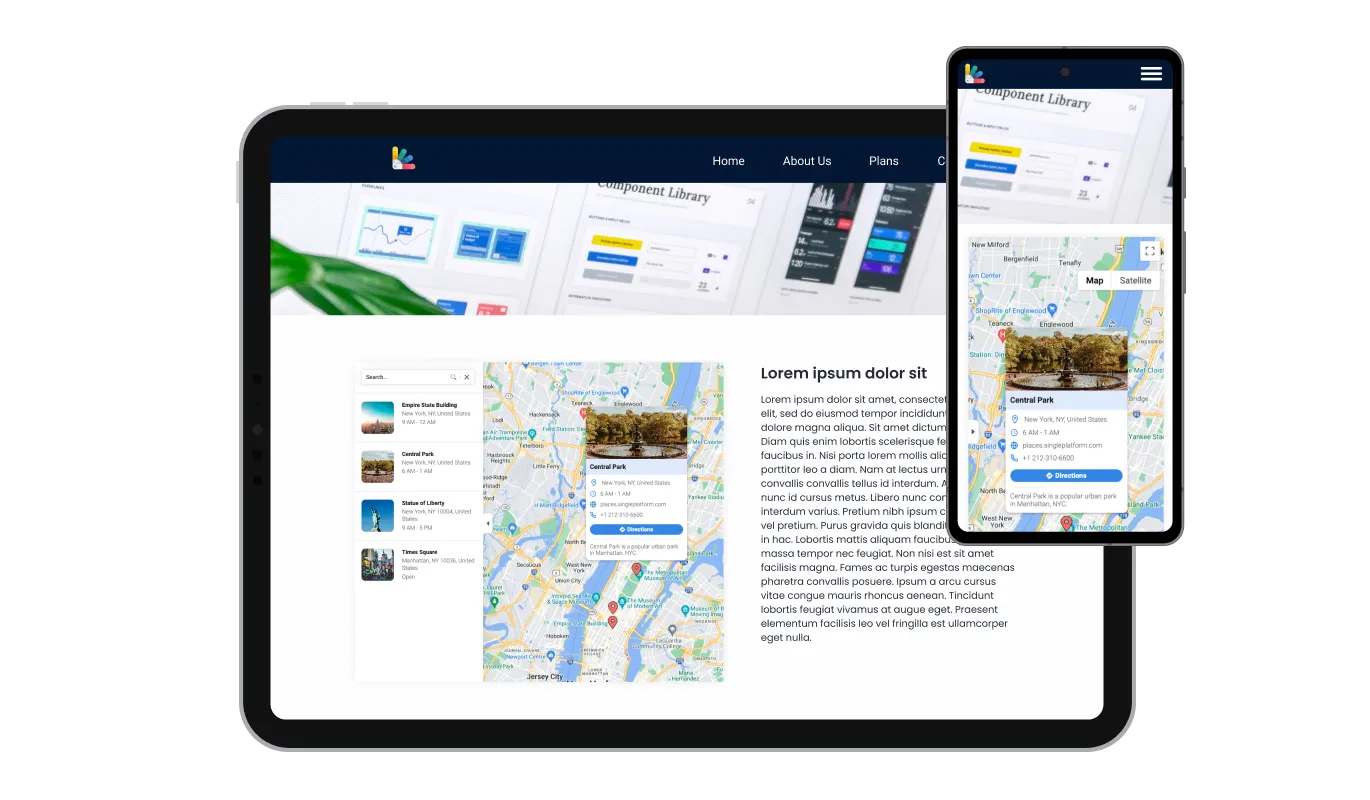
Perfectly Responsive Google Maps

IONOS Google Maps widget is built to deliver optimal functionality across all devices. The design is responsive, ensuring it works without a hitch on a variety of devices - desktops, laptops, tablets, and smartphones. This adaptability provides a consistent and intuitive user experience, crucial in the mobile-centric world, giving your IONOS website a competitive edge.

Google Maps - Perfectly Responsive Google Maps

Use Custom CSS

Using your own CSS, the IONOS Google Maps widget lets you dive into deeper levels of customization. Be you a seasoned developer or a creative fanatic, this feature enables you to change elements like size, shape, and position, or even create unique styles. This adaptability ensures that the IONOS Google maps seamlessly fits into your IONOS website's aesthetic, boosting the user experience.

Google Maps - Use Custom CSS

Easy Maps widget to embed on any IONOS website

With just one line of code, you can easily incorporate the Google Maps widget into your IONOS website. Each change you make to the widget will automatically reflect on your IONOS website. Just copy the available Google Maps widget code and insert it in your IONOS website's HTML code. You can position this code in the most suitable spot on your IONOS website, whether it's the footer, header, or another section.

Google Maps - Easy Maps widget  to embed on any IONOS website

Compatible With All Site Builders, E-Commerce Platforms and Websites

View all supported platforms

FAQ

A map widget is a small application that you can embed on your website to display geographical locations. It often includes features like interactive navigation, location details, and customizable aesthetics.

Adding a map to your website helps your visitors easily locate your business, view multiple locations, and access location-specific information like working hours and contact details. It also enhances user engagement, accessibility, and can contribute to local SEO.

The Google Maps widget allows you to pin multiple locations on the same map. This feature is useful if you have several branches or points of interest to showcase.

Yes, the Google Maps widget offers several map skins and pin styles, allowing you to align the map with your website's design and branding.

With each location, you can display working hours, a link to a specific website, a contact phone number, and even a descriptive card with an image.

The direction button is a user-friendly feature that opens up directions from the visitor's current location to any location on your map. This makes planning a visit or journey to your locations as easy as a simple click.

Yes, the Google Maps widget allows for CSS customization. This means you can tweak its design to align with your website's look and feel, ensuring a consistent user experience.


Absolutely, the Google Maps widget is designed with a user-friendly interface, making it easy to set up and manage, even for those without extensive technical knowledge.

Embedding the Google Maps widget is a breeze. It can be added to your website with a single line of code, making it a quick and simple addition to any webpage.

Absolutely, the Google Maps widget includes a feature that allows you to display a comprehensive list of all your locations. This makes it easier for visitors to quickly view and select the location they're interested in.

Yes, the visual and interactive nature of the Google Maps widget can enhance the accessibility of your website for users with visual needs or cognitive difficulties. It provides a clear, visual context of your location.

The Google Maps widget is designed to be lightweight and efficient, so it should not significantly impact your website's loading speed. However, like any widget, its impact can vary based on your overall website design and other factors.

Yes, in the enriched location display feature, you can include your own images in the descriptive card for each location. This allows you to give visitors a more personalized view of each of your locations.

Yes, the Google Maps widget is completely customizable. From the choice of map skins and pin styles to the information displayed for each location, you can tailor the widget to meet your specific needs and preferences.

No, the Google Maps widget is designed to be as user-friendly as possible. You don't need any special skills or knowledge to use it. Its interface is straightforward and intuitive, and if you ever need help, there are plenty of resources available.