Google Maps for Kopage

Show business locations clearly with a Google Maps widget that displays multiple points, detailed info, and customizable styles to help visitors find you easily.

Create a Map

loved by 500K+ businesses

Kopage
plugineditoreditor

Why Should You Use the Google Maps Widget+?

Simplify Your Address Search with Google Maps widget

With the Kopage Maps widget, finding your physical location is a breeze for your visitors. No need to bounce off your site for an address search, it's all there, making their journey hassle-free.

Google Maps widget: A Pathway to Trust and Transparency

Having a Google Maps widget on your Kopage website shows you have nothing to hide. It's a sign of trustworthiness and transparency, assuring your visitors that you're a real entity with a physical presence.

Strengthen Your Local SEO with Google Maps [app_type

Having a Google Maps widget on your Kopage website could be beneficial for your local SEO. As search engines tie your site to a specific location, you have a chance to rise in local search results, drawing more visitors.

Illustrate Your Reach with Kopage Google Maps widget

The Kopage Google Maps widget lets you mark multiple places simultaneously. No matter if you've got multiple branches, partners, or other attractions, you can show them all in one view, making it simple for your visitors to comprehend your full scope.
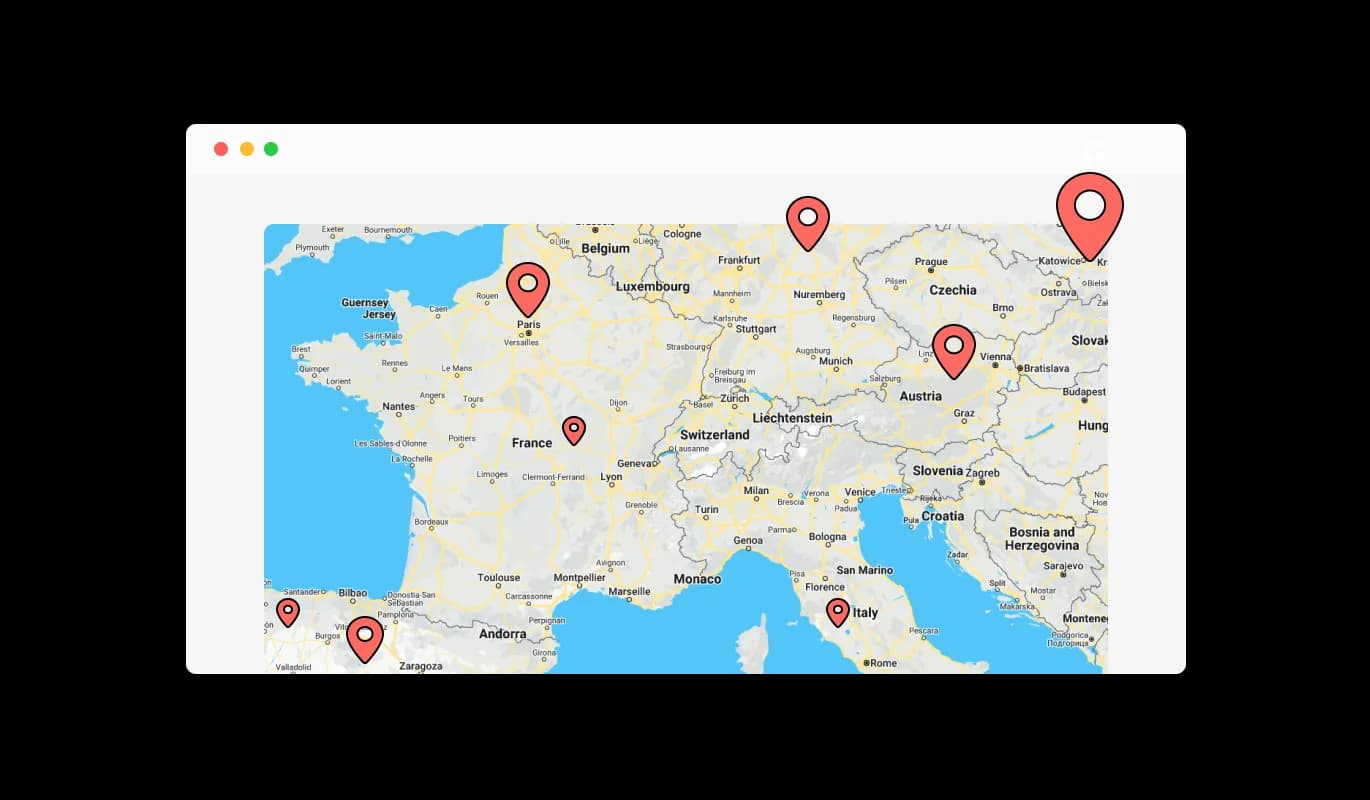
Google Maps - Illustrate Your Reach with Kopage Google Maps widget

Quick Access to All Your Locations with Google Maps widget

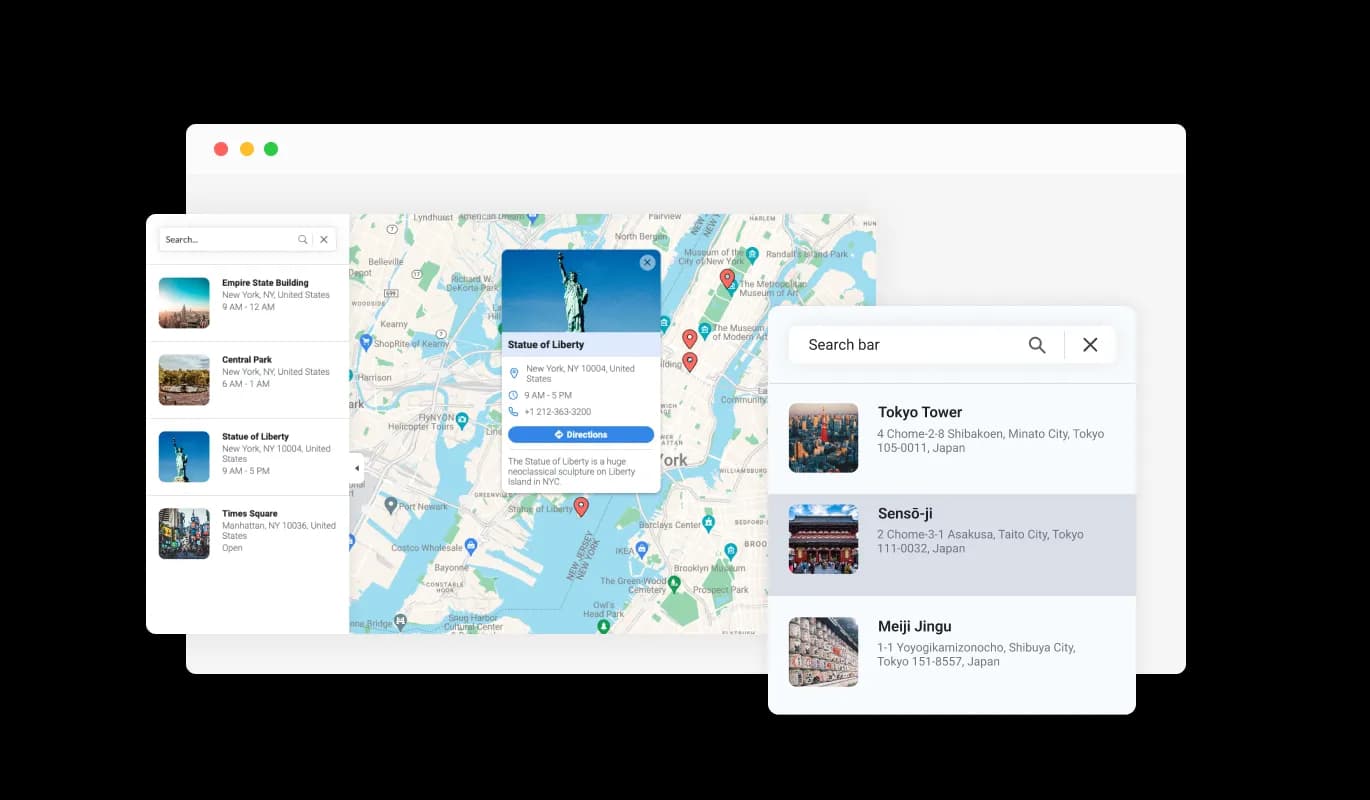
With Google Maps widget for Kopage, you can generate a handy list that features all your locations. Meaning, your Kopage website visitors can quickly glance through all your operational places and pick the one they want to know more about, giving them a quick and straightforward way to access information.

Google Maps - Quick Access to All Your Locations with Google Maps widget

Kopage Google Maps widget: More Than Just a Pin on the Map

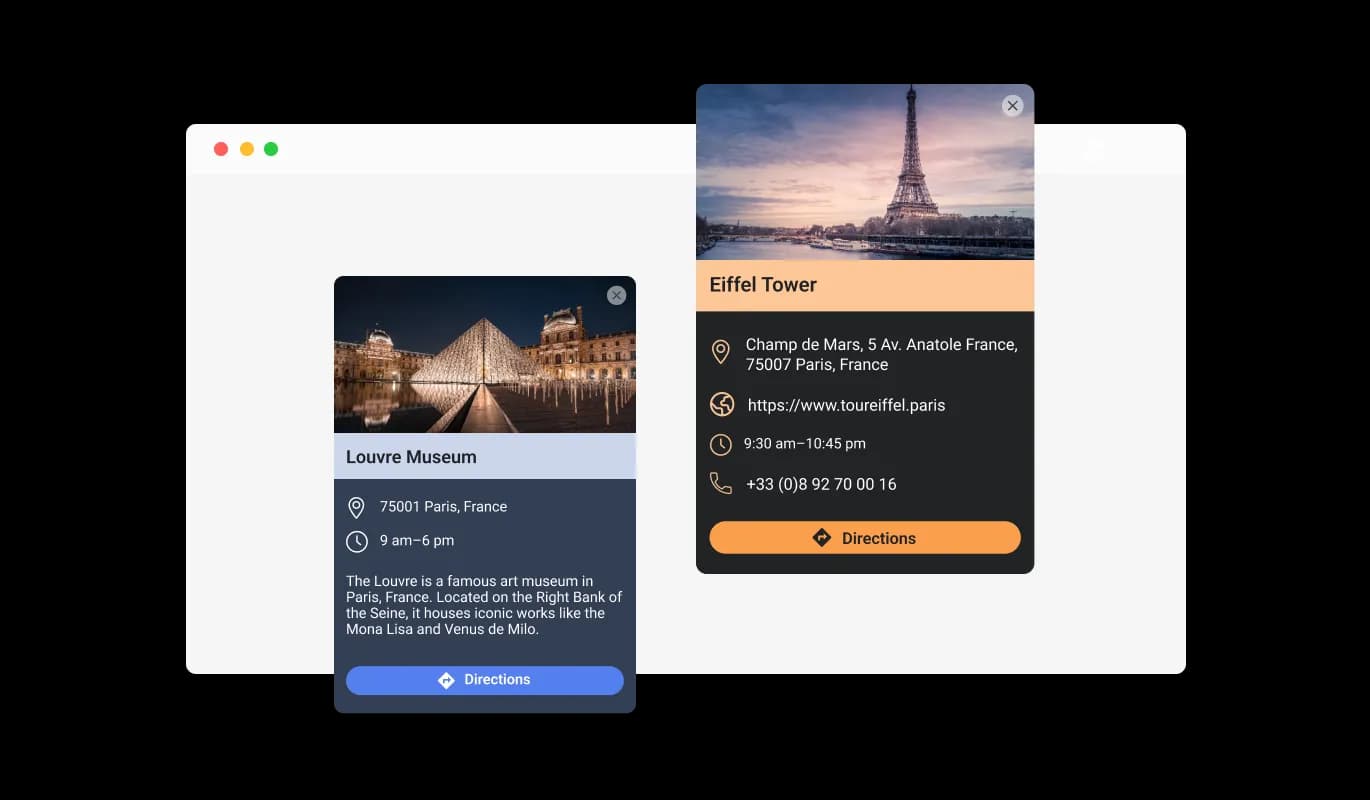
Using the Kopage Google Maps widget, each location can be more than just a simple pinpoint on the map. You can enrich every location with a descriptive card containing an image and some text, helping your visitors understand what each site can offer before they step foot there.

Google Maps - Kopage Google Maps widget: More Than Just a Pin on the Map

Multiple Map Skins

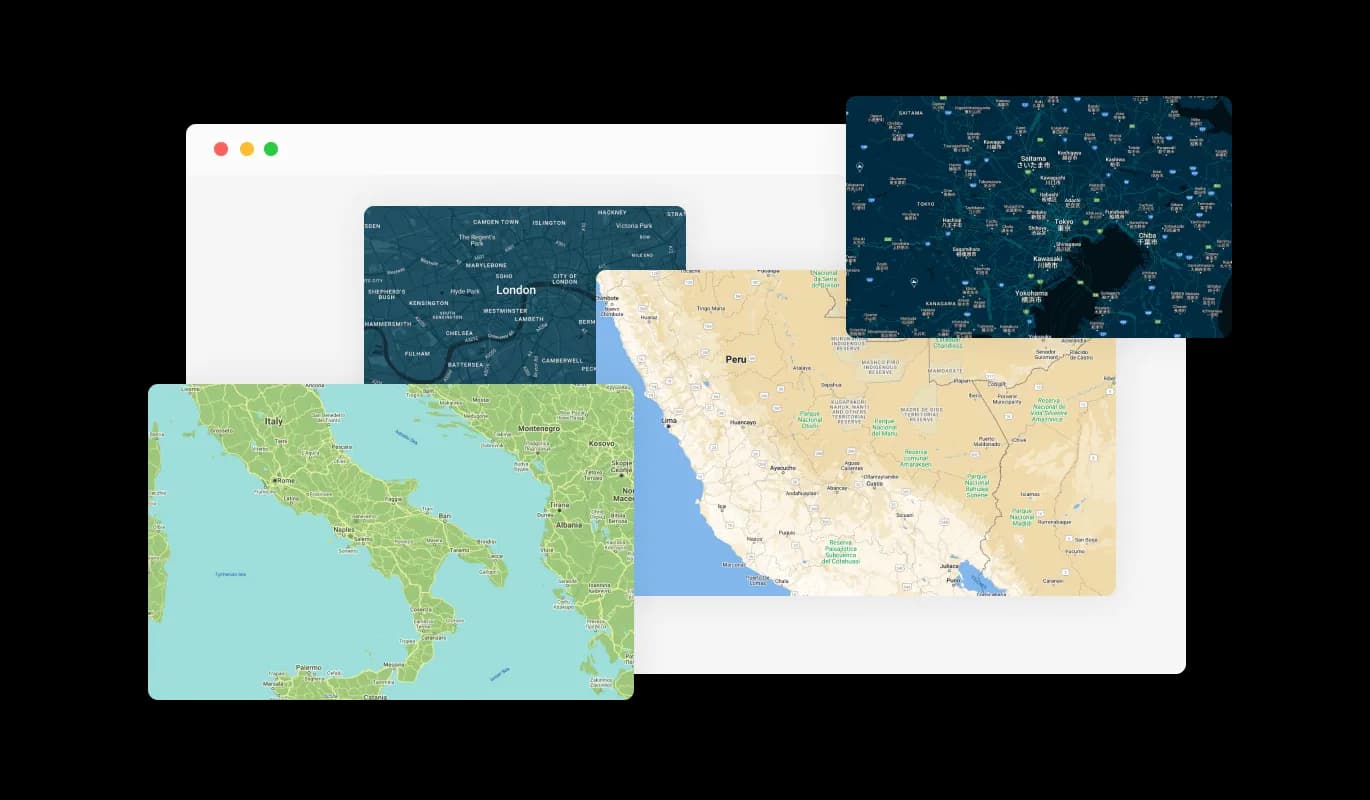
The Kopage Google Maps widget lets you imbue your Kopage website with a personal touch. From a multitude of appealing map skins, you can choose the one that not only delivers crucial information but also matches your Kopage website's visual identity and branding.

Google Maps - Multiple Map Skins
Google Maps - Sharing Detailed Information with Google Maps widget for Kopage

Sharing Detailed Information with Google Maps widget for Kopage

Google Maps widget for Kopage does more than just reveal a location; it offers useful details. You can list the working hours, provide a website link, and even share a contact number for each of your locations, ensuring your Kopage website visitors are equipped with all the necessary details to make contact or plan a visit. This ensures your Kopage website's visitors have all they need to reach out or plan a visit.

Google Maps - Unique Pin Styles for Your Map with Google Maps widget for Kopage

Unique Pin Styles for Your Map with Google Maps widget for Kopage

With Google Maps widget for Kopage, you're not limited to the regular pin style. You can choose from a variety of pin styles to mark your locations, adding an extra layer of customization and visual appeal to your map. This can make your site more noticeable.

Google Maps - One-Click Directions with Kopage Google Maps widget

One-Click Directions with Kopage Google Maps widget

A convenient direction button feature is included in the Kopage Google Maps widget. A single click allows your visitors to pull up directions from their current spot to any of the places on your map. This makes the chore of arranging a journey or visiting your places as easy as a quick click.

Google Maps - User-Friendly Kopage Google Maps widget: No Coding Skills Required

User-Friendly Kopage Google Maps widget: No Coding Skills Required

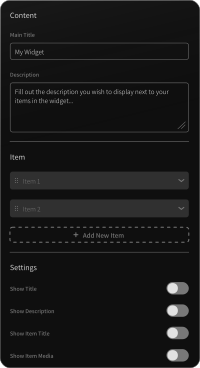
The Kopage Google Maps widget prioritizes simplicity, so you don't need to worry about coding skills. Thanks to its user-friendly dashboard and simple drag-and-drop options, you can adjust the Google maps widget to fit your preferences in just a few clicks.

Craft Your Unique Map with Kopage Google Maps widget

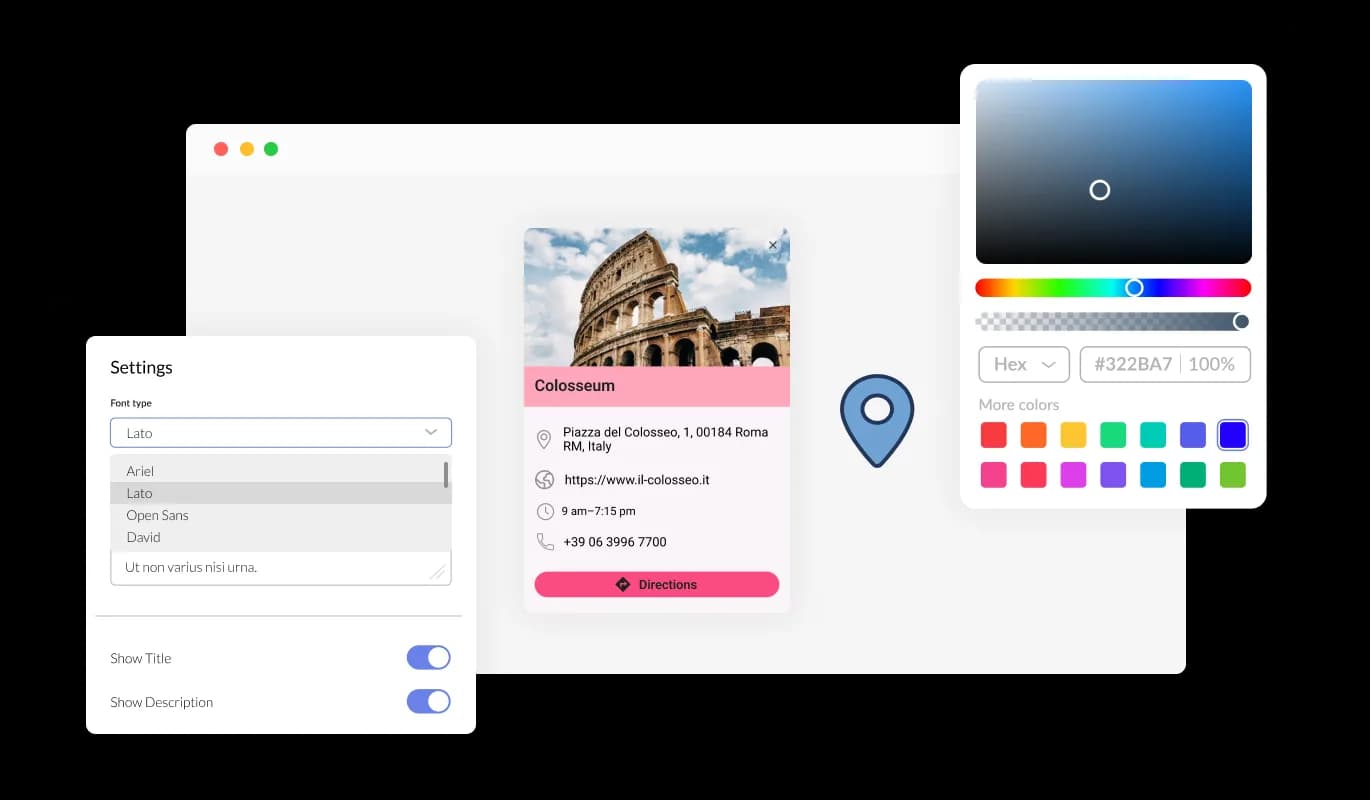
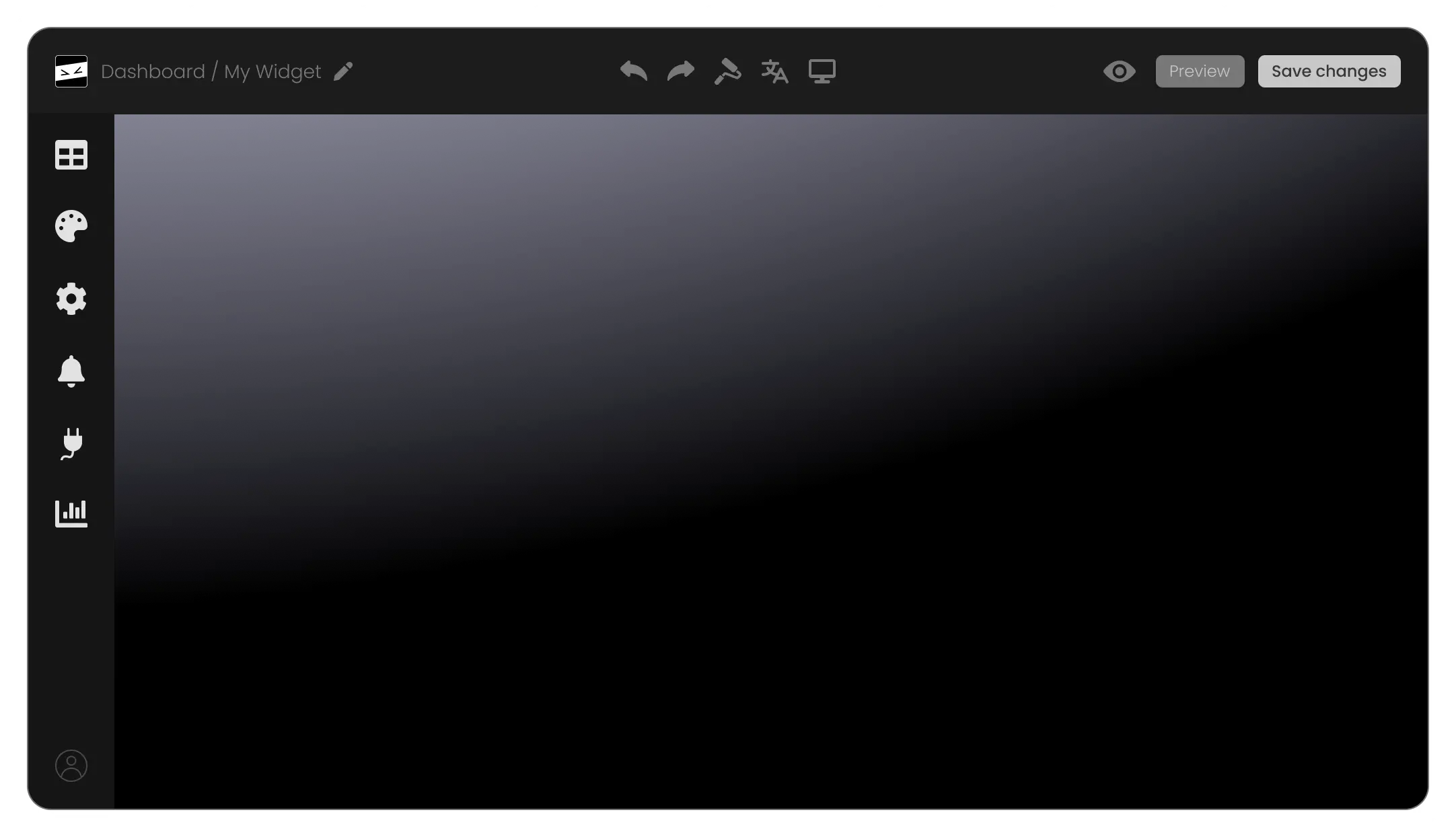
With Kopage Google Maps widget, you have full control over customization, letting you tweak the design to match your Kopage website's style. You can easily customize factors such as colors, fonts, and gaps to generate a Kopage widget that dovetails with your website. The instant preview feature enables you to play around and refine until you find the perfect design that augments your users' experience.

Google Maps - Craft Your Unique Map with Kopage Google Maps widget

Kopage Google Maps widget: Flawless Experience Across Devices

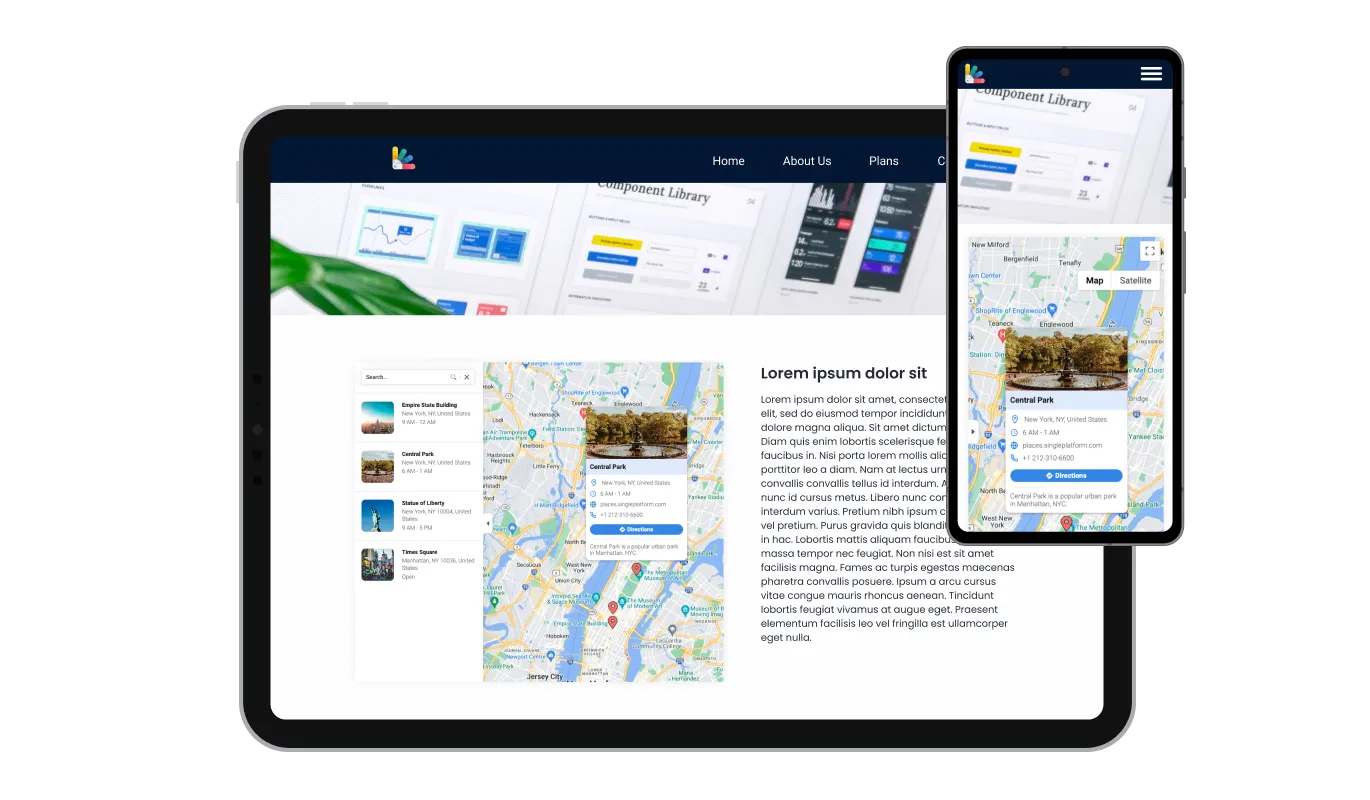
The Kopage Google Maps widget is engineered for superior performance, irrespective of the device used. Thanks to its responsive design, it works impeccably on devices ranging from desktops and laptops to tablets and smartphones. This flexibility provides a consistent and intuitive user interface, essential in our mobile-centric era, lending your Kopage website a competitive edge.

Google Maps - Kopage Google Maps widget: Flawless Experience Across Devices

Use Custom CSS

Using your own CSS, the Kopage Google Maps widget lets you dive into deeper levels of customization. Whether you're an experienced developer or a creative hobbyist, this feature gives you the ability to modify aspects like size, shape, and position, or even create new styles. This flexibility guarantees the Kopage Google maps aligns perfectly with your Kopage website's aesthetics, enhancing your visitors' experience.

Google Maps - Use Custom CSS

Embedding Maps widget on Kopage website is a Breeze

Effortlessly incorporate the Google Maps widget into your Kopage website with just a single line of code. Every alteration you perform on the widget will instantaneously appear on your Kopage website. All you need to do is copy the provided Google Maps widget code and embed it in your Kopage website's HTML code. You can position this code in the most suitable spot on your Kopage website, whether it's the footer, header, or another section.

Google Maps - Embedding Maps widget on Kopage website is a Breeze

Compatible With All Site Builders, E-Commerce Platforms and Websites

View all supported platforms

FAQ

A map widget is a small application that you can embed on your website to display geographical locations. It often includes features like interactive navigation, location details, and customizable aesthetics.

Adding a map to your website helps your visitors easily locate your business, view multiple locations, and access location-specific information like working hours and contact details. It also enhances user engagement, accessibility, and can contribute to local SEO.

The Google Maps widget allows you to pin multiple locations on the same map. This feature is useful if you have several branches or points of interest to showcase.

Yes, the Google Maps widget offers several map skins and pin styles, allowing you to align the map with your website's design and branding.

With each location, you can display working hours, a link to a specific website, a contact phone number, and even a descriptive card with an image.

The direction button is a user-friendly feature that opens up directions from the visitor's current location to any location on your map. This makes planning a visit or journey to your locations as easy as a simple click.

Yes, the Google Maps widget allows for CSS customization. This means you can tweak its design to align with your website's look and feel, ensuring a consistent user experience.


Absolutely, the Google Maps widget is designed with a user-friendly interface, making it easy to set up and manage, even for those without extensive technical knowledge.

Embedding the Google Maps widget is a breeze. It can be added to your website with a single line of code, making it a quick and simple addition to any webpage.

Absolutely, the Google Maps widget includes a feature that allows you to display a comprehensive list of all your locations. This makes it easier for visitors to quickly view and select the location they're interested in.

Yes, the visual and interactive nature of the Google Maps widget can enhance the accessibility of your website for users with visual needs or cognitive difficulties. It provides a clear, visual context of your location.

The Google Maps widget is designed to be lightweight and efficient, so it should not significantly impact your website's loading speed. However, like any widget, its impact can vary based on your overall website design and other factors.

Yes, in the enriched location display feature, you can include your own images in the descriptive card for each location. This allows you to give visitors a more personalized view of each of your locations.

Yes, the Google Maps widget is completely customizable. From the choice of map skins and pin styles to the information displayed for each location, you can tailor the widget to meet your specific needs and preferences.

No, the Google Maps widget is designed to be as user-friendly as possible. You don't need any special skills or knowledge to use it. Its interface is straightforward and intuitive, and if you ever need help, there are plenty of resources available.