
Marketing Button for Base44

Marketing button with text and an icon that highlights key offers, draws attention to promotions, and helps increase engagement and conversions.

Create a Marketing Button

loved by 500K+ businesses

Base44
plugineditor

Why Should You Use the Marketing Button Widget+?

Use the Base44's marketing button to boost conversions

Users will be more likely to interact with your material if your marketing button is well-designed and stands out, which will inspire users to take action and boost conversions on your Base44 app. In addition to grabbing users' attention, a strong marketing button communicates an alluring message that convinces them to click and carry out the specified action, such as downloading a resource, signing up for a newsletter, or making a purchase.

Enhance the User Experience with a Marketing Button

With the help of the Marketing Button widget, you can position a marketing button in a visible spot on your Base44 app, which can enhance the user experience by making it simple for users to find and click on it. The widget further enhances user experience by offering a user-friendly layout that makes it easier for customers to interact with the marketing button and carry out the necessary activity.

Employ a widget Marketing Button to Improve the Navigation

You can enhance the navigation on your app and help users get to the desired page more quickly by using the Marketing Button for Base44. On your Base44 app, strategically placed marketing buttons can point users to certain pages or actions, making it easier for them to find what they're searching for and increasing the possibility that a successful transaction will occur.

A variety of marketing button designs

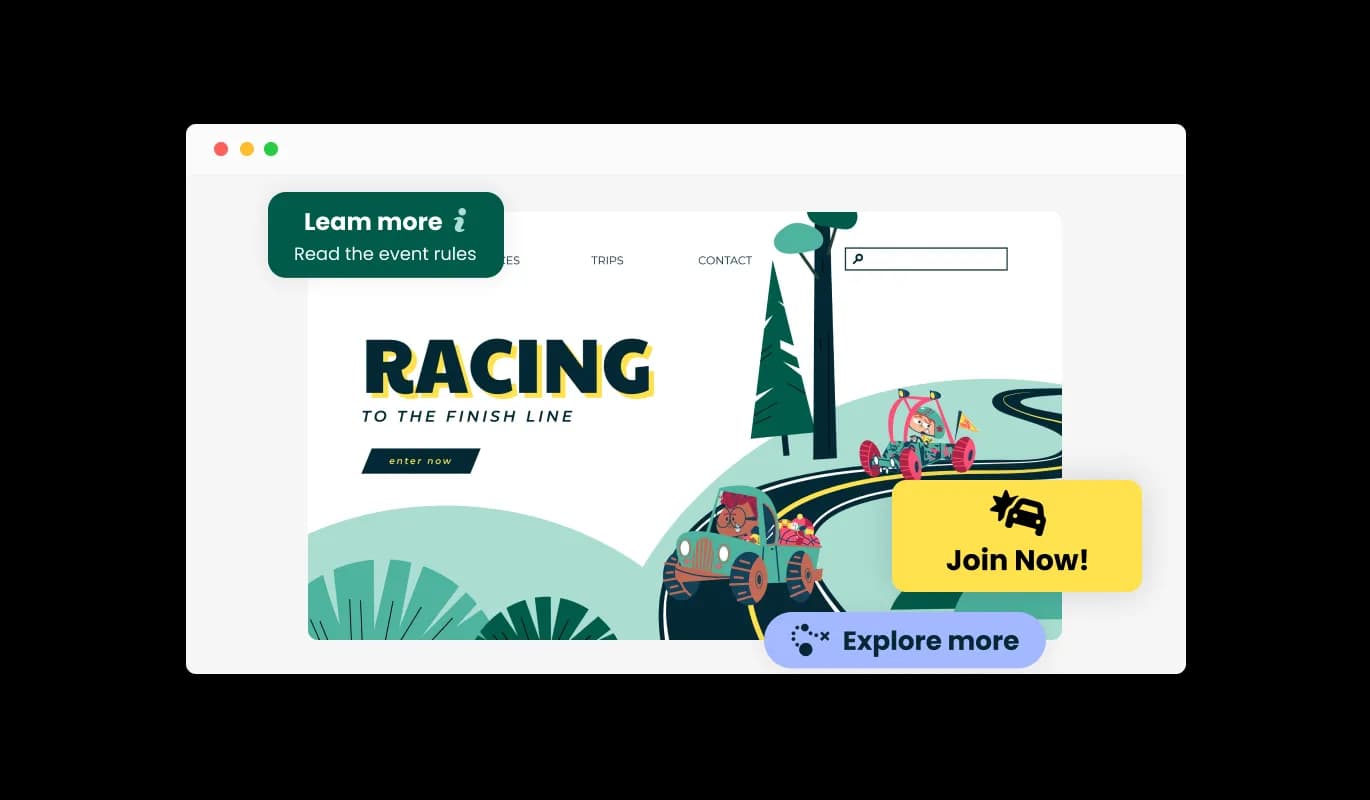
You can pick from a variety of layouts for the Marketing Button widget to make sure it matches the overall Base44 app design and style. Each layout has been carefully created to achieve maximum visibility and interaction, so you may pick the one that best suits your marketing goals and target audience preferences. With the flexibility to switch between layouts, you can quickly investigate and evaluate which design is most effective for your Base44 app.
Marketing Button - A variety of marketing button designs

Marketing Button various Skins

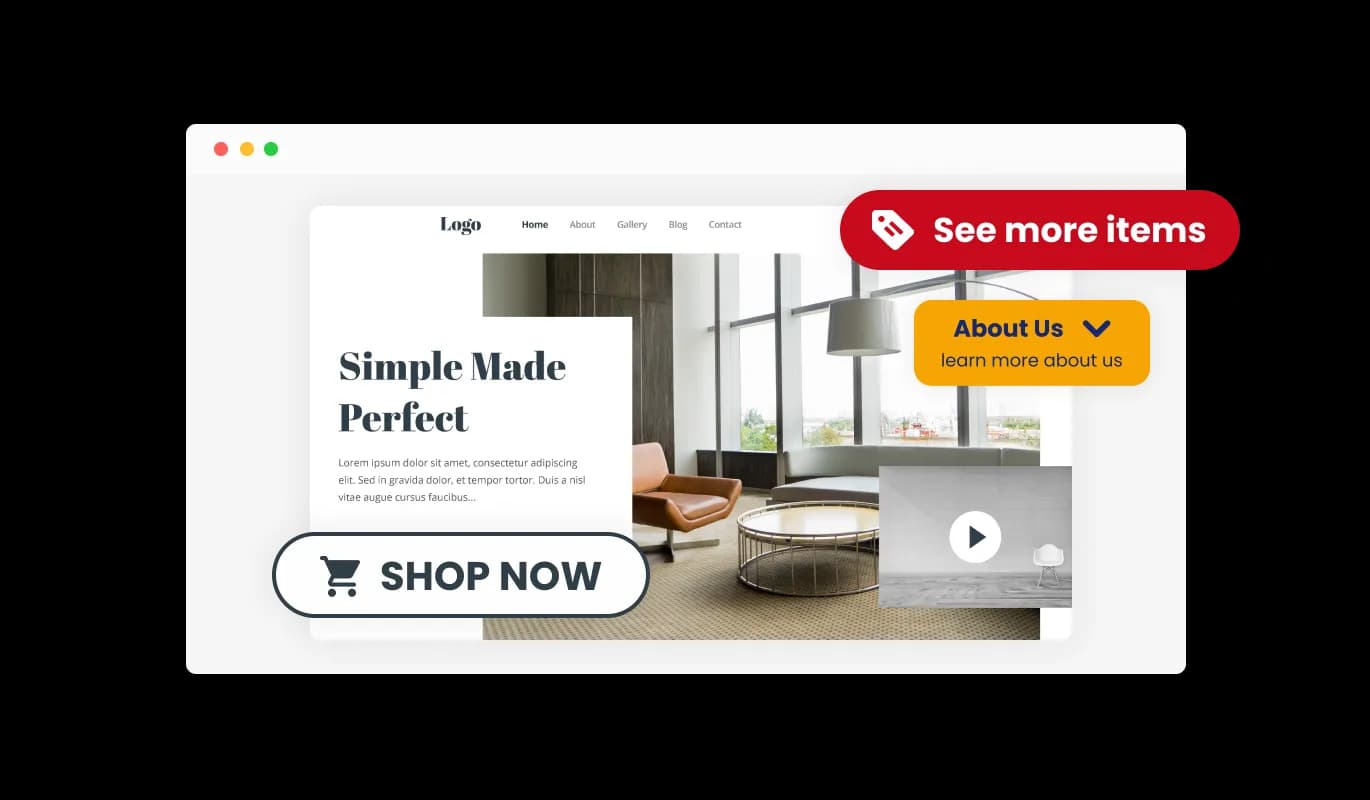
You can utilize the lovely skins that are included with the Base44 Marketing Button widget to customize and enhance its visual appeal. The widget offers skins that you can use to alter the button's style to fit your Base44 app's identity. By using these options, you can quickly and easily construct a marketing button that matches the general style of your app and has a professional appearance without having to spend hours designing it from scratch.

Marketing Button - Marketing Button various Skins

Fully Customizable Marketing button for Base44

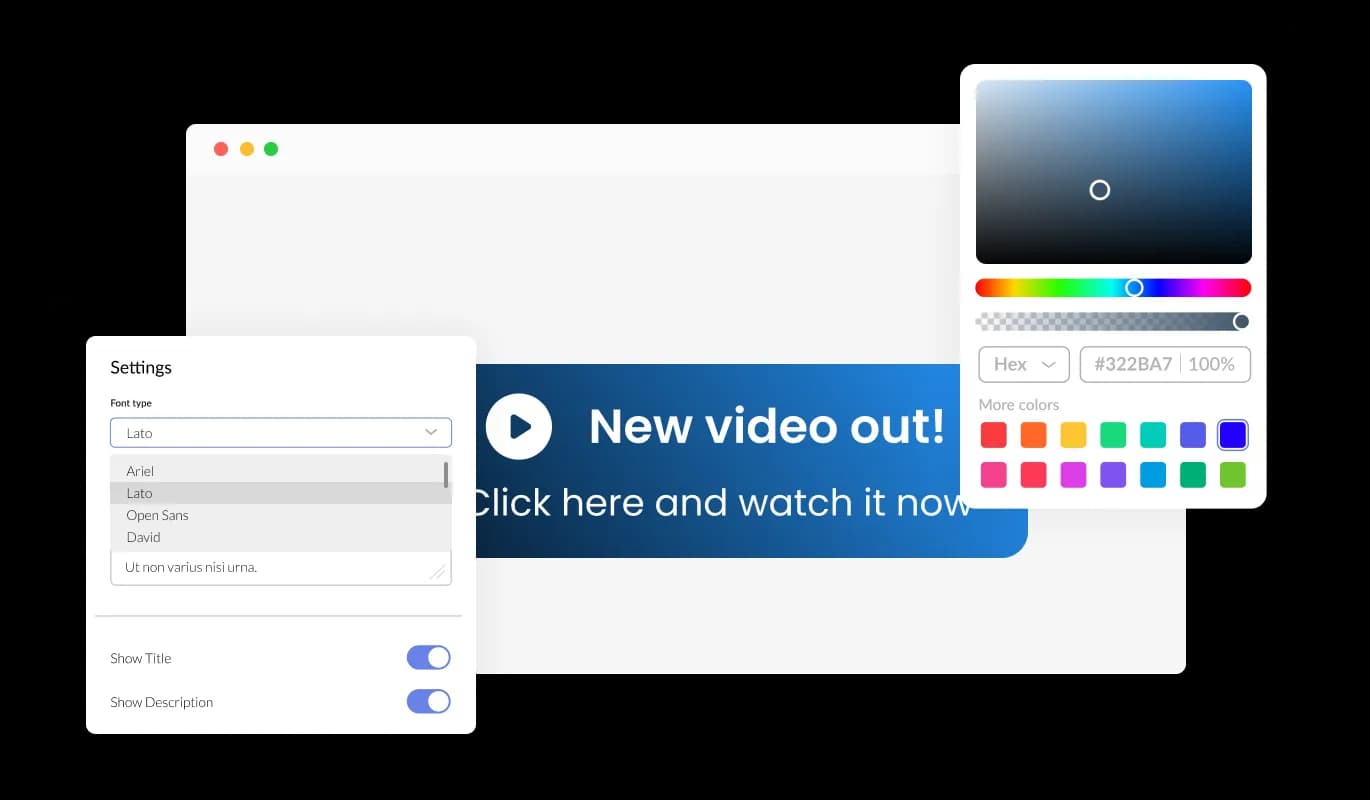
The Marketing button for Base44 features full customization options to edit the design to fit your needs. Everything can be changed, including the fonts, spacing, and colors! To get your design process going, you can pick from a variety of readymade skins. By offering a selection of ready-made skins that you can utilize as a jumping off point for your design, this tool helps you save time and effort. The readymade skins can be readily modified to match your brand's colors, typefaces, and overall aesthetic. They have been meticulously designed to suit various Base44 app's styles and themes. This way, you don't have to start from scratch when designing your Customizable Marketing button widget; For your app, you can choose a skin that comes the closest to your ideal design and make a few minor tweaks. Furthermore, having a choice of prepared skins gives you access to a wider variety of possibilities, ensuring that you'll discover one that's ideal for your Base44 app.

Marketing Button - Fully Customizable Marketing button for Base44
Marketing Button - Select from a selection of Animations

Select from a selection of Animations

You can select from a selection of button animations in the Marketing button widget for Base44 to personalize the way your button appears. Using the animation features of the Marketing Button will allow you to give your audience a rich and captivating experience.

Marketing Button - Floating Button

Floating Button

The Base44 Marketing Button can be configured to display on your website or to be placed as a floating button at a page corner. You may quickly attract visitors' attention and direct them toward taking desired activities, like signing up for a newsletter or making a purchase, with the help of a strategically positioned marketing button.

Marketing Button - A friendly user interface Marketing button

A friendly user interface Marketing button

Use of the Marketing button widget for Base44 is simple and doesn't necessitate any coding experience. With just a few mouse clicks, you can modify the widget whatever you wish using our user-friendly dashboard. This implies that even individuals without coding skills can quickly and simply develop a Marketing button that has a polished appearance and integrates with their app, enhancing their online visibility and audience engagement.

It's all about responsive design for your Base44 app

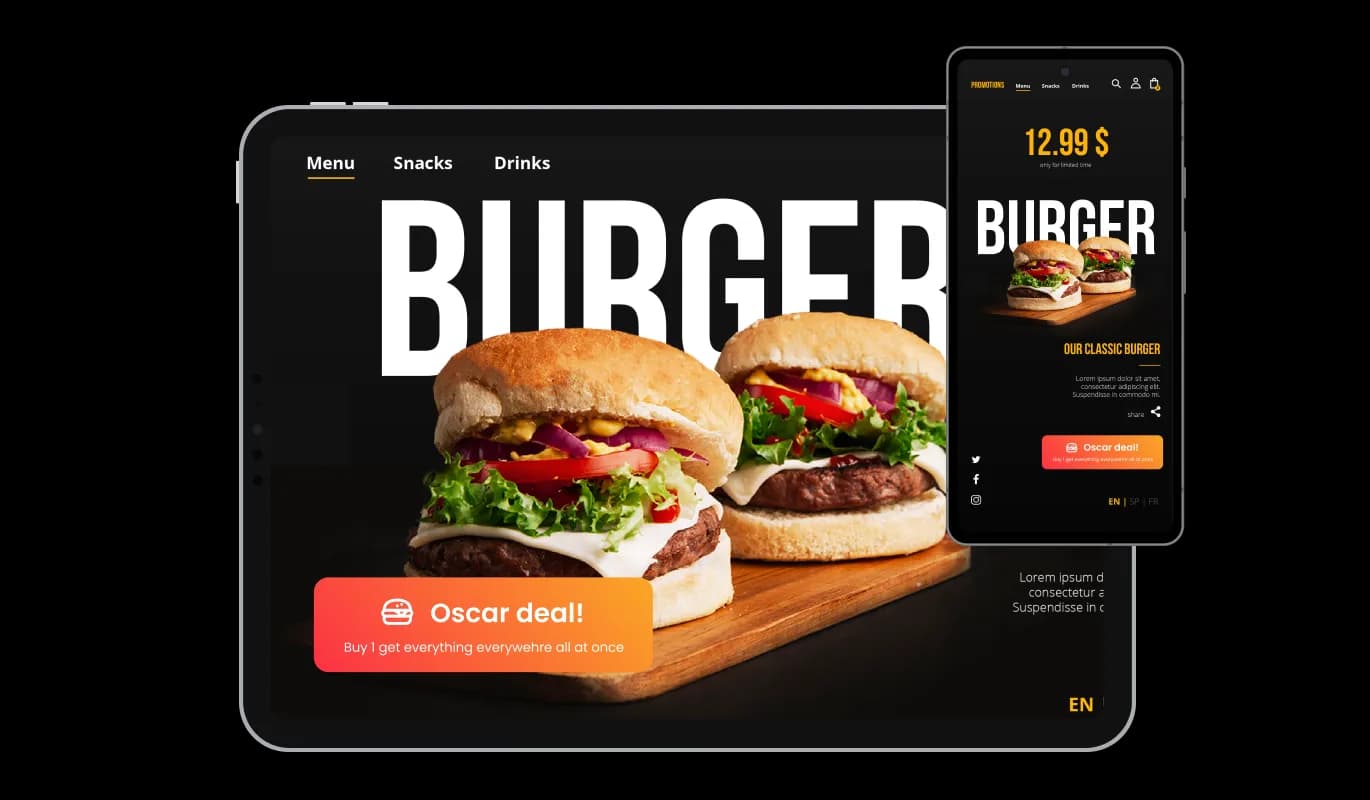
This feature can give you a significant advantage over your competitors in today's mobile-first world, as the Base44 Marketing button widget is fully responsive and will look great on any device. Mobile device optimization is increasingly important because more and more people access the internet through their smartphones and tablets. Marketing button widget's responsive design ensures that it will automatically adjust to the device size and resolution it is being viewed on, providing a seamless and consistent user experience. Your users can view and interact with your Marketing button for Base44 whether they are using a desktop computer, a tablet, or a smartphone.

Marketing Button - It's all about responsive design for your Base44 app

Adding custom CSS to the Marketing button for Base44

Similarly to all of Common Ninja's widgets, the Marketing button for Base44 allows for the addition of custom CSS, allowing for further customization. You can create custom styles and design elements using custom CSS unavailable from the built-in customization options. With custom CSS, you can create unique and visually striking designs tailored to your specific needs. Custom CSS can also be used to create unique and engaging interactions and animations that can help to improve the user experience.

Marketing Button - Adding custom CSS to the Marketing button for Base44

Embedding Made Easy On Your Base44 app

Embedding the Marketing button for Base44 on your app is easy, simply copy a single line of code, and paste it into the HTML of your webpage. Embedding the widget will automatically update with every change you make, so you don't have to worry about manually updating the Marketing button widget every time. By using this feature, you can save a lot of time and effort, and make sure that your Base44 Marketing button is always accurate and up-to-date.

Marketing Button - Embedding Made Easy On Your Base44 app

Compatible With All Site Builders, E-Commerce Platforms and Websites

View all supported platforms

FAQ

Yes, you can. Go to the “Display Rules” tab, and choose your desired triggers. You can learn more about the different triggers & rules here: https://help.commoninja.com/hc/en-us/sections/6900365183517-Display-Rules-Triggers

Yes, you can easily do so from the “Templates” tab. 

Yes, there are lots of beautiful skins that you can choose from to save time and start using the widget as quickly as possible.

Yes, you can either upload an image, or select an icon from a large selection of available icons to add to your Notification Bar, or, alternatively, you can leave it all blank.

It’s simple. All you need to do is to sign up and start using the free version.

Common Ninja’s Marketing Button widget is free to use. It is limited to a certain amount of views, however.

Common Ninja’s Marketing Button widget is compatible with ALL current and future website builders.

Yes, the Marketing Button widget is GDPR-compliant.

No. Using our Marketing Button widget is very simple. The widget comes with an intuitive drag-and-drop interface and fully customizable options. Once you’ve finished editing the widget to your liking, all you need to do is copy the provided code and add it to your website.

Yes. We are eager to hear your request. Please visit our Feature Request page.