How to add Messenger Conversation to your website
Learn how to embed Common Ninja’s Messenger Conversation on your website without coding.



In This Guide
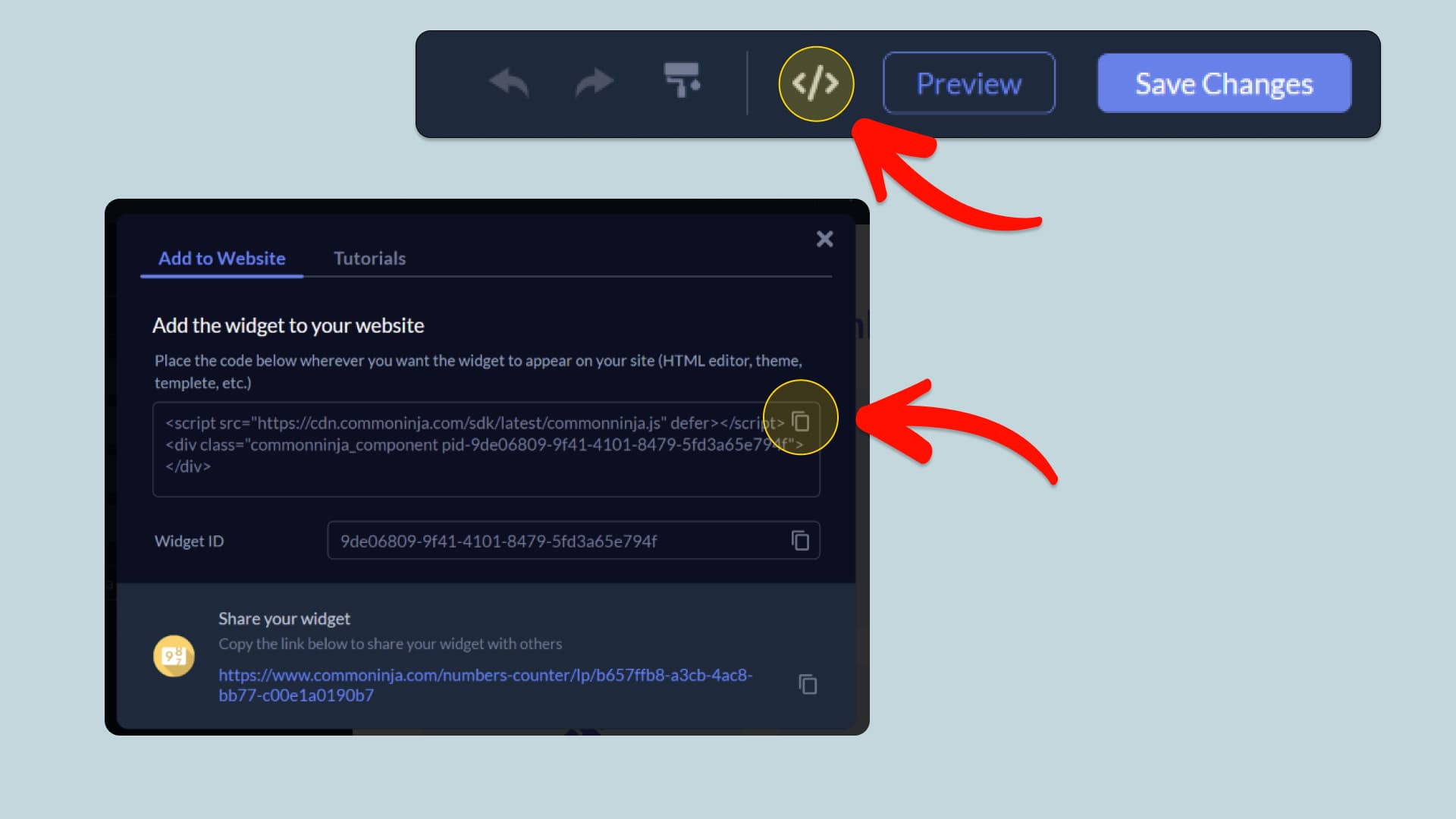
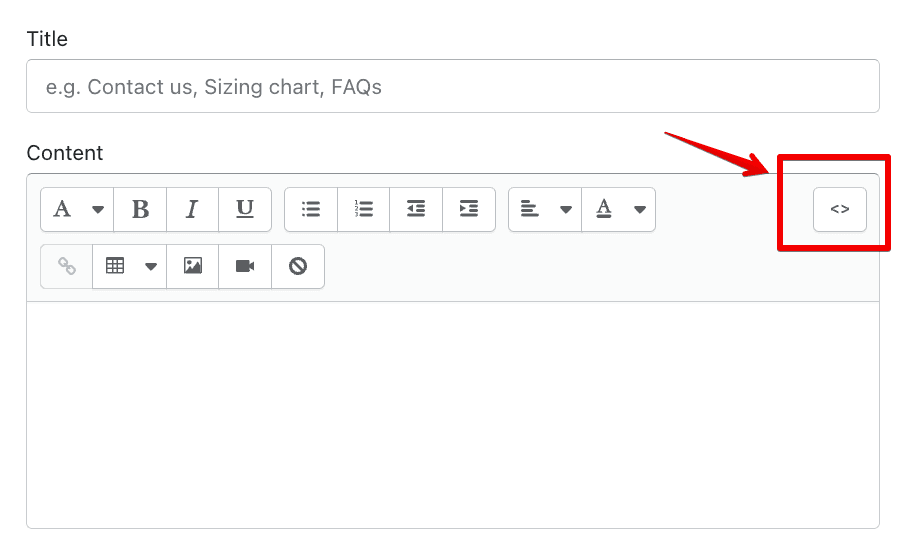
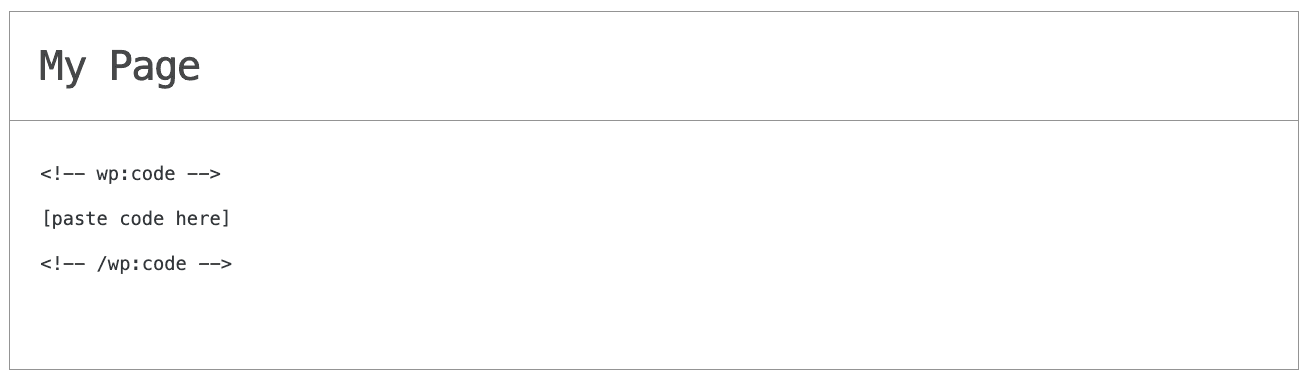
In this quick guide, you'll learn how to embed the Messenger Conversation into your website by generating your embed code and adding it seamlessly to your website.
How to Embed Messenger Conversation on Your Platform
Choose your platform to see detailed, step-by-step instructions for embedding Messenger Conversation seamlessly.


Embed Messenger Conversation on Your Website
Why Use This Widget
Rebuild a Messenger chat on your page and keep hold of every part of it. Set the contact name and the status line beneath it, add a profile picture, write as many inbound and outbound messages as the story needs, split them with date labels, mark them sent, delivered or read, stick a reaction on the ones that earn it, and send any bubble off to a URL. How it all appears is a separate set of choices: a lone chat or a wall of them, arranged as a carousel, a slider or a grid; a light or dark palette; a phone bezel or none at all; your own background and bubble color; and width, alignment and text size to match the page. Chats can be painted in full or dealt out one message at a time, with a typing indicator, a delay you choose, looping and a replay button. None of it is a picture, so it holds its edge at any size and an edit takes seconds.
This tutorial was written by the Common Ninja product team, creators of interactive, no-code widgets for websites. Common Ninja helps over 500,000 users build engaging online experiences without coding.