Messenger Conversation

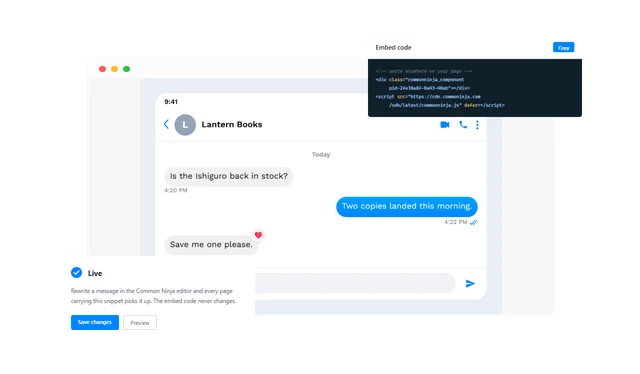
Put a Messenger chat on your page as living markup you can rewrite whenever you like.

Create a Messenger Conversation

loved by 500K+ businesses

plugineditoreditor

Why Should You Use the Messenger Conversation Widget+?

Proof That Sounds Like a Person

A testimonial block asks to be believed. A chat shows the moment it happened, which is a far harder thing to argue with.

Answer the Question Before It Is Asked

Most pre-sale doubts are the same handful of questions. Showing the exchange that settles one saves the visitor writing in at all.

A Layout Nobody Needs Taught

Everyone has read a Messenger thread today. Put your content in that shape and it is understood before it is consciously read.

Write the Whole Chat Yourself

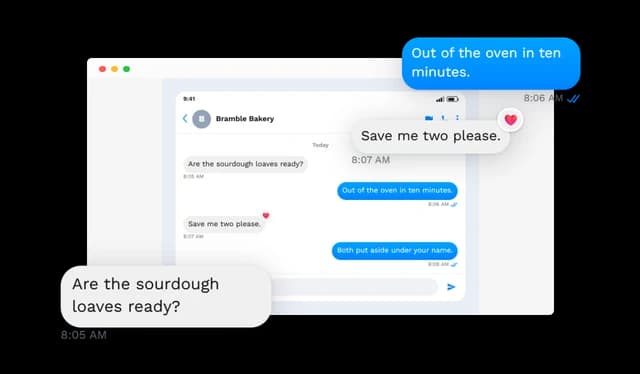
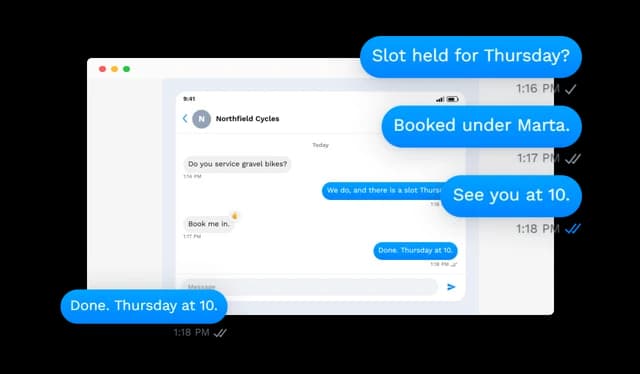
Every part of the thread is a field you fill: who it is with, the line under their name, their picture, the date labels, and however many messages the exchange needs. Change a word a month from now and the live chat changes with it.

Messenger Conversation - Write the Whole Chat Yourself

Times and Delivery Ticks

Give messages a send time and mark them sent, delivered or read. One state can cover the whole thread, or a single message can carry its own — which is how a real chat usually looks.

Messenger Conversation - Times and Delivery Ticks

Reactions on the Bubbles That Earn Them

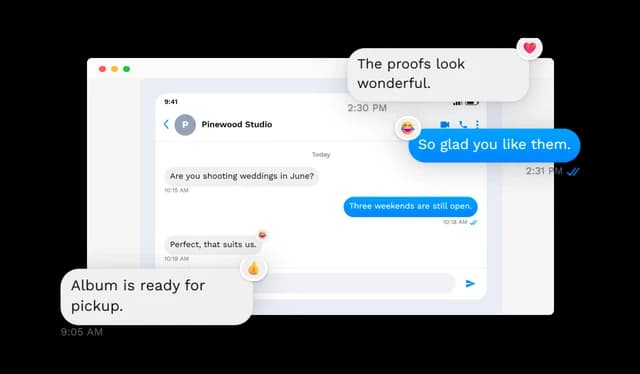
A heart, a thumbs up, a thumbs down, a laugh or an exclamation can sit against any message, and you choose which corner of the bubble it clings to.

Messenger Conversation - Reactions on the Bubbles That Earn Them

Any Bubble Can Be a Link

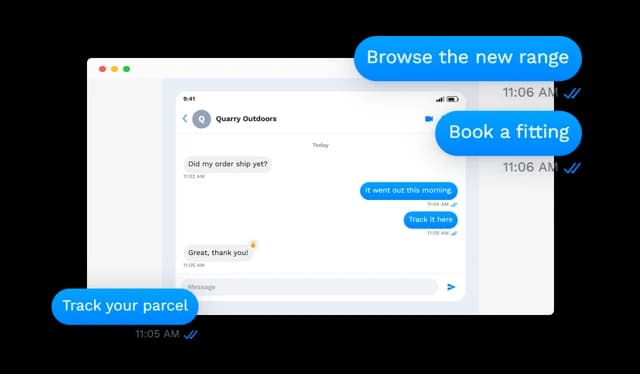
Point a message at a product, a booking form, an article or a file, and the reader can go there from inside the chat. An exported image simply cannot offer that.

Messenger Conversation - Any Bubble Can Be a Link

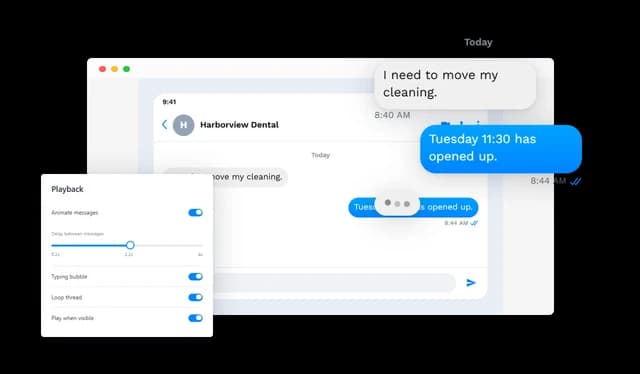
Let the Chat Play Out

Messages can appear in order at a tempo you set instead of arriving all at once. Loop it, expose a replay control, or hold the whole thing until the widget scrolls into view.

Messenger Conversation - Let the Chat Play Out

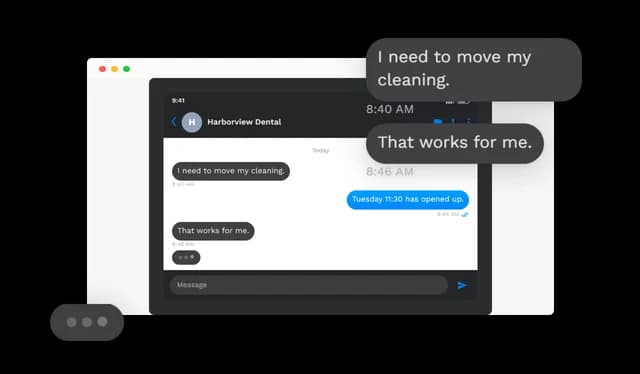
The Three Dots

A typing indicator can run in the gap before an incoming reply, or stay put at the bottom of the thread. Small touch, and it is what stops an animated chat feeling mechanical.

Messenger Conversation - The Three Dots

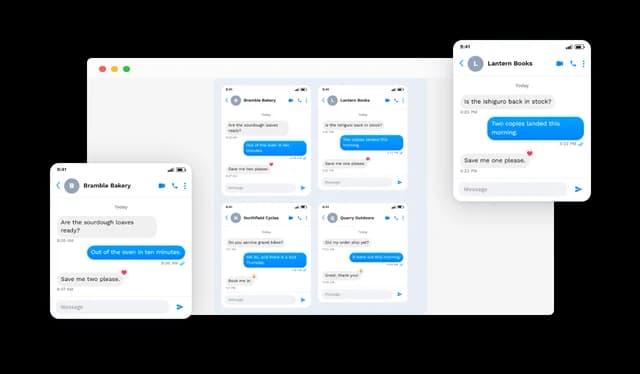
From One Chat to a Grid of Them

Run a single exchange, cycle several through a carousel, slide them sideways, or lay them out in columns you count yourself. One page, as many stories as it needs.

Messenger Conversation - From One Chat to a Grid of Them

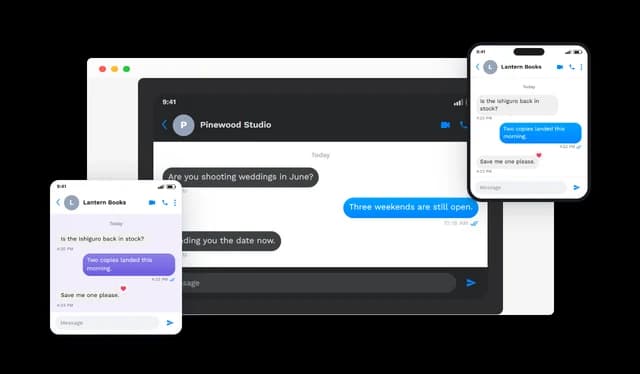
A Look That Fits the Page

Light or dark, a device bezel or nothing at all, your own bubble colour, and a background that can be a flat colour, a pattern or an image you supply. Width, alignment and text size are all adjustable.

Messenger Conversation - A Look That Fits the Page

Fluid at Any Width

The chat reflows to the room it is given, from a full desktop column down to a phone. It is built from markup, so nothing goes soft on a high-density screen.

Messenger Conversation - Fluid at Any Width

Bend It Toward Your Brand

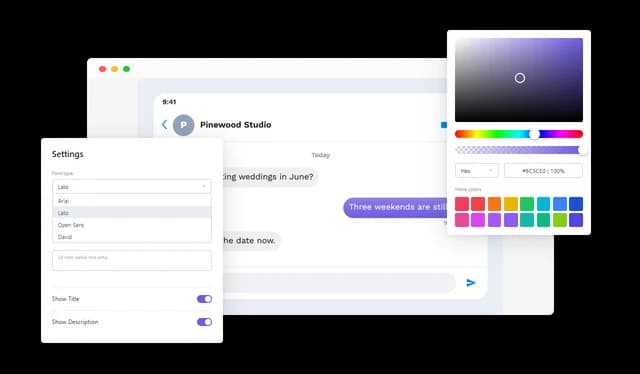
Change the typeface, recolour the surfaces, retune the spacing and reshape the surround until it stops looking like a widget and starts looking like your site. Custom CSS covers whatever the panels do not.

Messenger Conversation - Bend It Toward Your Brand

Show Only What You Want Shown

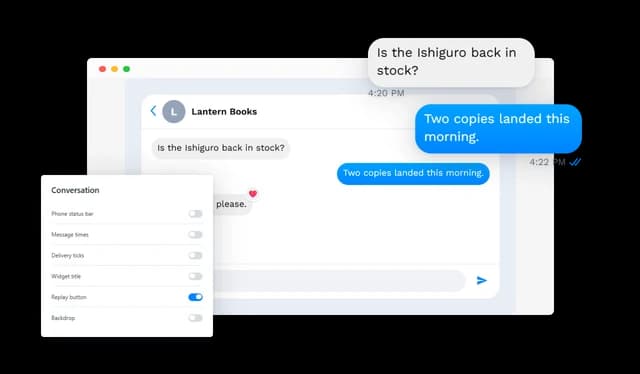
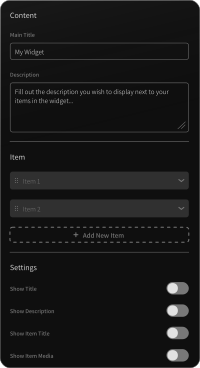
The status bar, the send times, the ticks, the widget heading, the replay control and the backdrop are each a switch. Run the full interface or cut back to bare bubbles.

Messenger Conversation - Show Only What You Want Shown

Set the Carousel's Pace

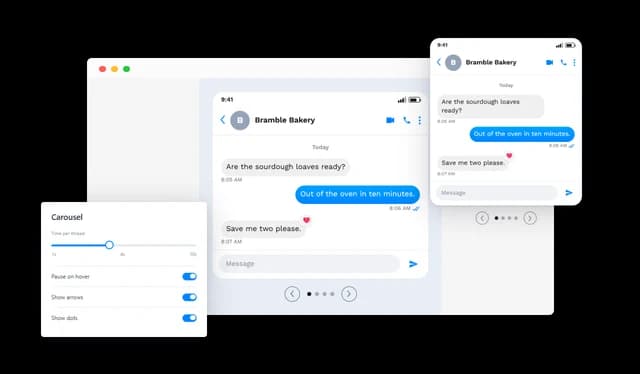
With several chats sharing a carousel, you decide how long each one holds the frame and whether it stops turning while the pointer rests on it. Long enough to finish reading.

Messenger Conversation - Set the Carousel's Pace

No Build Step, No Developer

Paste the snippet and the chat is on the page. Everything after that happens in the Common Ninja editor, and the snippet never has to change.

Messenger Conversation - No Build Step, No Developer

Compatible With All Site Builders, E-Commerce Platforms and Websites

View all supported platforms

FAQ

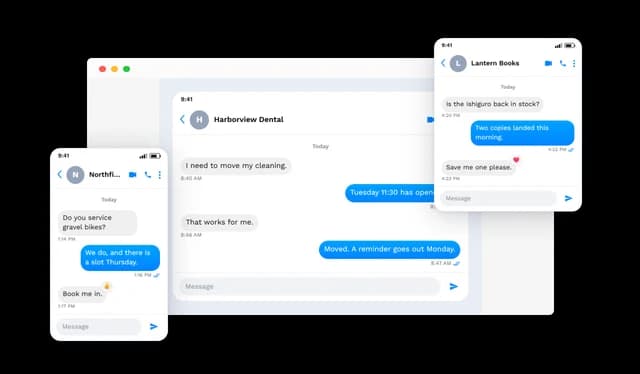
It puts a Messenger-style chat on a web page as ordinary content. A thread can hold a contact name and picture, incoming and outgoing messages, date labels, send times, delivery ticks, reactions and the usual interface furniture.

Showing a customer exchange as proof, walking someone through a booking or a returns process, illustrating a step in a tutorial, or giving a landing page a piece of dialogue instead of another paragraph.

It can. Put them in a carousel, a horizontal slider or a grid, and set the column count for the grid yourself.

No. Messages can land one after another at a speed you set, with looping, an optional replay button, and playback that waits for the reader to scroll down to it.

Yes. It can run in the pause before an incoming message during playback, and it can also be left showing at the end of the thread.

Any bubble can carry a link — to a product, a form, an article, a file, anywhere. The reader follows it straight out of the chat.

Each message can be marked sent, delivered or read. Set one state for the entire thread, or give an individual message its own so the ending looks natural.

Five: heart, thumbs up, thumbs down, laugh and exclamation. Any bubble can take one, and you choose which corner it sits against.

Light and dark palettes, an optional device frame, your own bubble colour, and a background that can be a colour, a pattern or an image. Thread width, alignment, text scale, fonts and custom CSS are all available.

Yes. The chat adapts to whatever width it is given and reads properly on desktop, tablet and mobile. It is drawn as markup, so the text stays sharp rather than pixelating.

Every piece is optional — status bar, times, ticks, heading, replay control and backdrop. Switch them off and only the bubbles remain.

None. The chat is built and styled in the editor and added to a site by pasting a snippet. Later changes take effect without touching that snippet.

Yes, at any point. Names, messages, times, reactions, links and styling can all be revised, and the change appears wherever the widget is embedded.

On sites built with the mainstream builders, CMS platforms and e-commerce systems, and on hand-written pages just as easily.