Music Player for Weebly

Add a no-code music player to your site to stream audio, share playlists, and support multiple formats with easy setup.

Create an Music Player

loved by 500K+ businesses

Weebly
plugineditor

Why Should You Use the Music Player Widget+?

Share Your Music Easily

Showcase your audio projects, playlists, or tracks directly on your Weebly website. Whether you’re a musician, podcaster, or curator, the Weebly Music Player app makes it simple to add high-quality audio without wider audience.

Add Rich Sound Experiences

Enhance your Weebly website content with immersive background music or curated playlists. You can use the Music Player to add atmosphere to portfolios, storytelling pages, or creative projects. It supports a variety of media formats and helps you create emotional impact through sound.

Improve Visitor Engagement

Audio keeps users on your page longer. With the Music Player app for Weebly, you can create an experience that captures attention and encourages return visits. Listeners can play, pause, or explore tracks easily while navigating your content, making the experience smoother and more enjoyable.

Create Engaging Playlists That Fit Any Weebly website Design

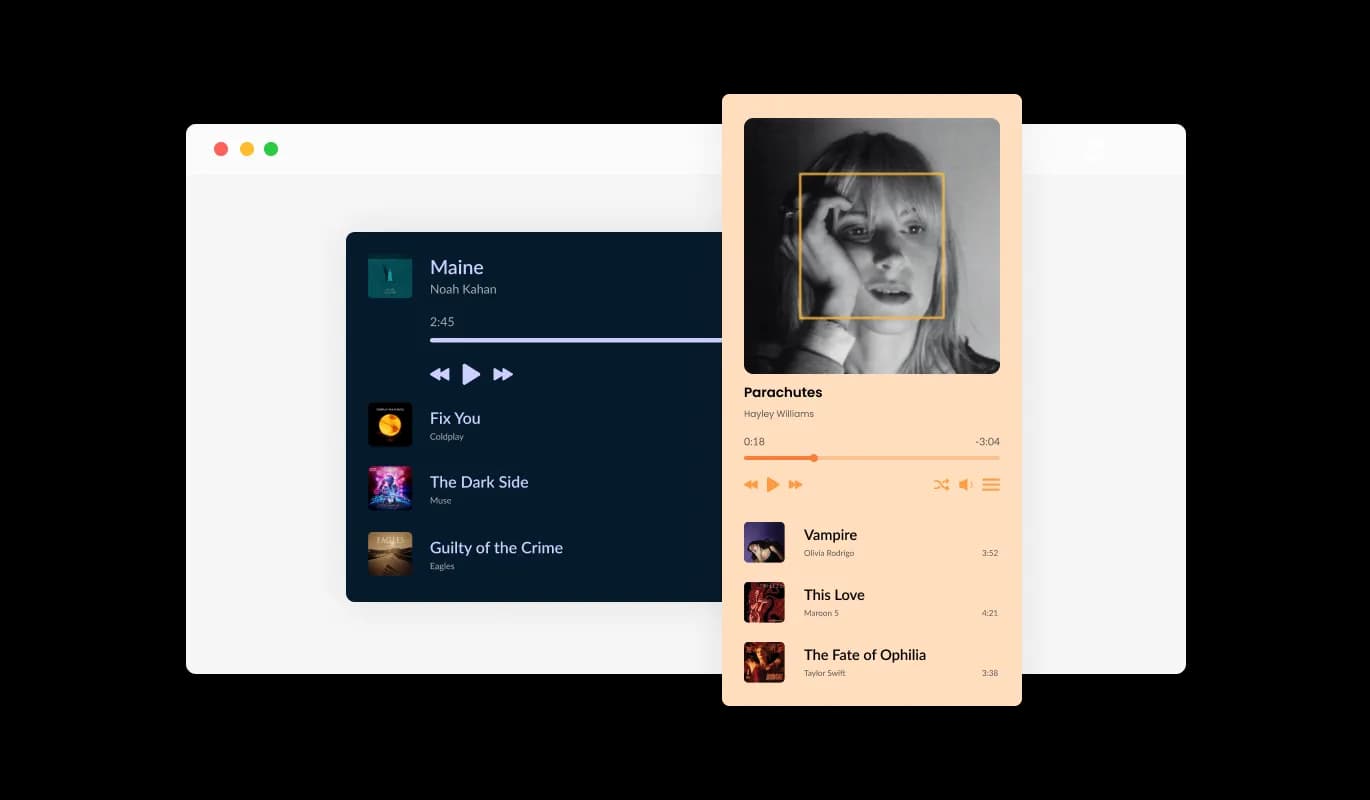
Design and display playlists that perfectly match your Weebly website’s layout and tone. The Weebly Music Player app lets you choose between compact or full-sized playlist views, show or hide album covers, and organize tracks for easy navigation. Whether you’re building a professional music portfolio or a casual listening page, the playlist options adapt to your creative goals.
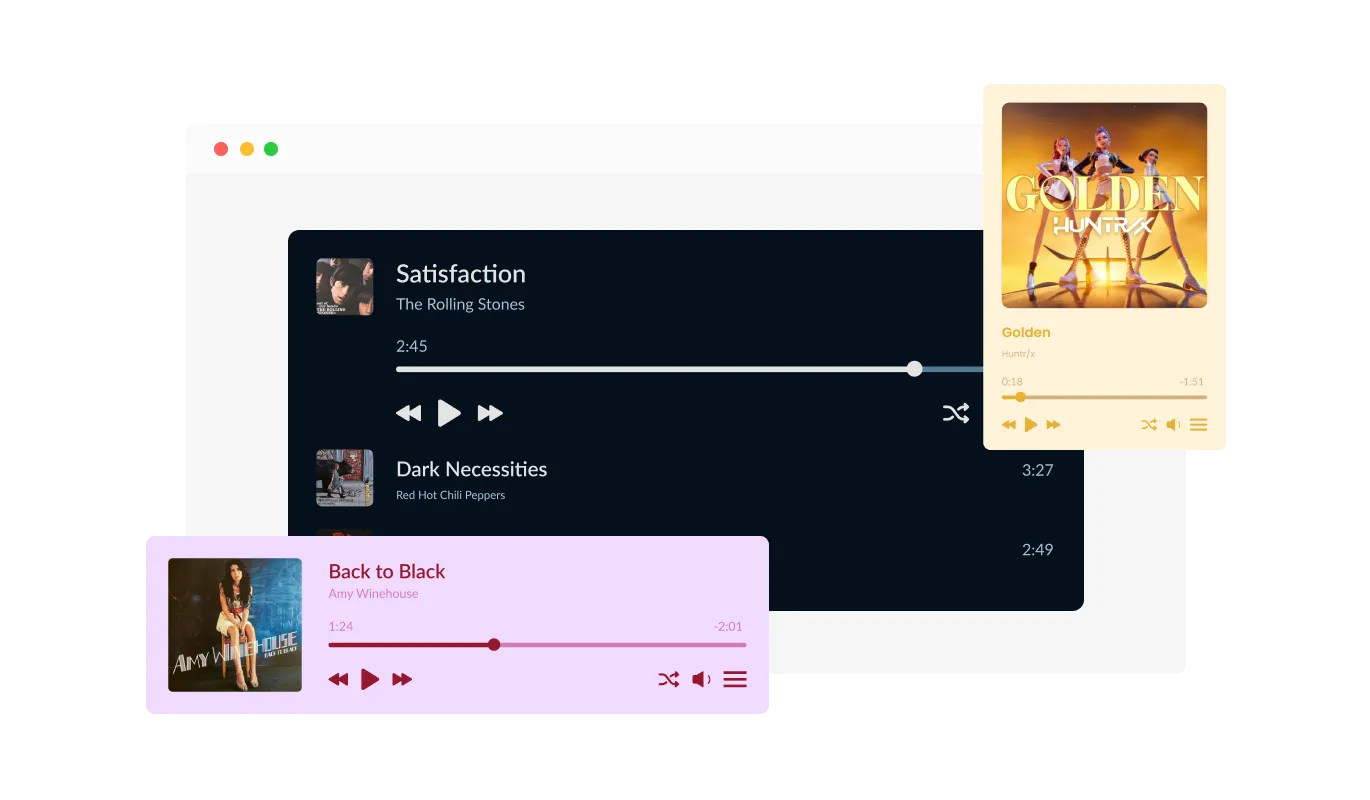
Music Player - Create Engaging Playlists That Fit Any Weebly website Design

Choose From Multiple Player Layouts and Visual Styles

Give your music player app the look that best suits your brand. With several layout options and modern, ready-made skins, you can select between minimal, elegant, or bold visual styles. Each layout is built for performance and mobile responsiveness, helping your Weebly website look consistent across all devices.

Music Player - Choose From Multiple Player Layouts and Visual Styles

A Variety of Professional Design Skins

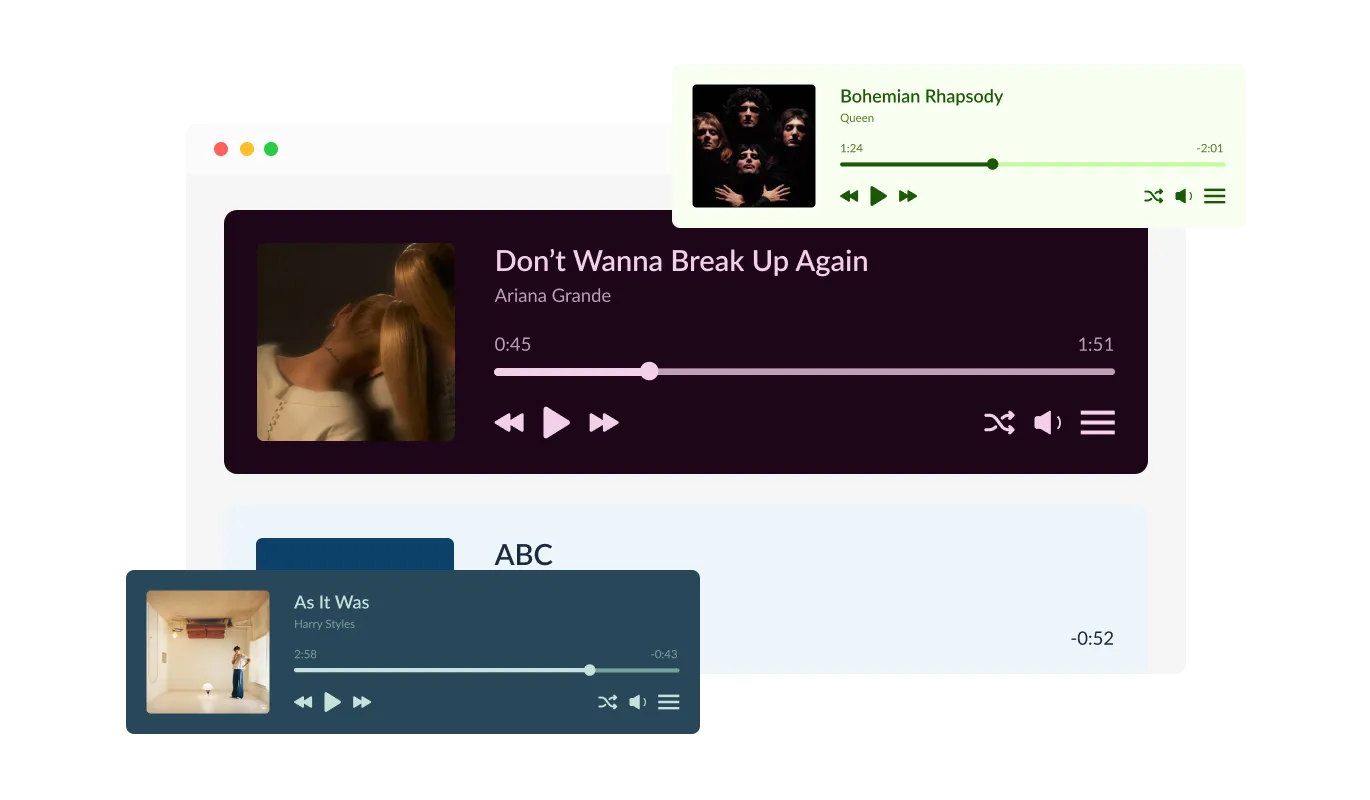
Select from beautifully designed skins to match your Weebly website’s look and feel. The Music Player app for Weebly includes a range of visual themes, from clean minimal styles to more expressive designs, so you can find the perfect fit for your brand. Each skin is responsive, customizable, and ready to use instantly.

Music Player - A Variety of Professional Design Skins

Customize Every Detail to Match Your Brand Identity

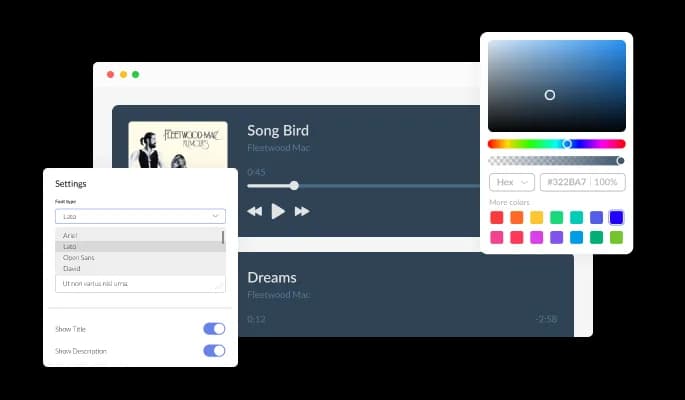
Adjust fonts, colors, icons, and spacing to ensure your music player blends seamlessly with your Weebly website. The customization controls are intuitive and flexible, allowing you to fine-tune the design without writing code. Every element can be tailored to enhance your Weebly website’s aesthetic and user experience.

Music Player - Customize Every Detail to Match Your Brand Identity
Music Player - Add Tracks From Multiple Music Sources and Platforms

Add Tracks From Multiple Music Sources and Platforms

Combine music from various sources to create richer playlists. The Weebly Music Player app supports direct links to MP3 files, SoundCloud, Vimeo, and YouTube, allowing you to feature songs, podcasts, or playlists from multiple hosting platforms. This flexibility helps you keep your content accessible and varied for your listeners.

Music Player - Let Listeners Control Playback With Shuffle and Position Options

Let Listeners Control Playback With Shuffle and Position Options

Offer a user-friendly experience with built-in shuffle controls and flexible player positioning. Visitors can randomize track order or play through your list sequentially, while you can decide where the player appears, pinned to the top or bottom of your page, or placed inline with your Weebly website's content. This freedom improves accessibility and engagement.

Music Player - Flexible Player Positioning Anywhere on Your Page

Flexible Player Positioning Anywhere on Your Page

Place the Weebly Music Player exactly where you want it. You can pin it to the top or bottom of your Weebly website, embed it inline within a section, or let it float as a sticky player. This flexibility helps you create the ideal listening experience without affecting your page layout or navigation flow.

Music Player - Set Up Your Weebly Music Player Quickly With No Coding Required

Set Up Your Weebly Music Player Quickly With No Coding Required

The Common Ninja Music Player app for Weebly is quick to install and simple to manage. You can add it to your Weebly website, upload tracks, and customize the design in minutes using an intuitive editor. No coding skills are needed, and any changes you make appear instantly on your website.

Ensure Seamless Playback on Any Device or Screen Size

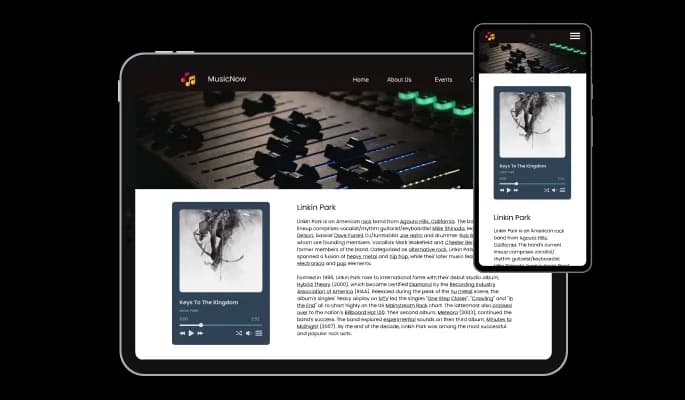
The Music Player app for Weebly automatically adapts to different screen sizes, ensuring smooth playback on desktops, tablets, and mobile devices. With its responsive design, users can enjoy uninterrupted listening regardless of how they access your Weebly website. This helps maintain both usability and aesthetic quality across platforms.

Music Player - Ensure Seamless Playback on Any Device or Screen Size

Use Advanced Styling and Animation With Custom CSS

For full creative control, use custom CSS to personalize every aspect of the Weebly app. Modify the layout, animations, colors, or interactions to make your Weebly music player unique. This option gives designers and developers the flexibility to create immersive, branded experiences that align perfectly with the rest of the Weebly website.

Music Player - Use Advanced Styling and Animation With Custom CSS

Embed and Update the Weebly app Effortlessly

Adding the Music Player app to your Weebly website is quick and maintenance-free. Simply copy the provided embed code from your Common Ninja dashboard and paste it into your Weebly website’s HTML section. Once it’s live, any changes you make in the editor automatically appear on your website, eliminating the need for manual updates.

Music Player - Embed and Update the Weebly app Effortlessly

Compatible With All Site Builders, E-Commerce Platforms and Websites

webflow logoshopify logowix logowordpress logobigcommerce logosqurespace logoweebly logojoomla logoduda logojimdo logomagento logoshift4hsop logounbounce logocarrd logo
View all supported platforms

FAQ

Yes. You can link any audio or music file directly in the Music Player Widget, including external sources or hosted files.

Yes. You can upload music files such as MP3s directly into the Music Player Widget for instant playback on your website.

Yes. Layouts can be customized in the “Look & Feel” section of your dashboard, where you can adjust design and player placement.

Yes. You can position the player at the top, bottom, or inside any section of your website from the “Look & Feel” tab.

Yes. Choose from several ready-made design skins or customize one in the “Look & Feel” section.

Yes. The shuffle option can be enabled or disabled anytime in the “Settings” tab of your dashboard.

Yes. You can toggle playlist images on or off from the “Settings” tab.

Yes. The time display for the player and playlist can be turned on or off in the “Settings” section.

Getting started is simple. Sign up for Common Ninja, choose the Music Player Widget, and begin customizing it in the dashboard. The widget is free to use and requires no installation or technical setup. Once ready, copy the generated embed code and paste it into your website.

Yes. The widget is free to start and includes a rich set of features. Free accounts have view limits based on plan type, and paid plans unlock higher usage and advanced capabilities.

The widget works on all major platforms, including Wix, Shopify, WordPress, Webflow, Squarespace, and more. It can be embedded easily into any site builder that supports HTML or custom code.

To embed the Music Player Widget, copy the HTML code from the “Add to Website” tab in your dashboard, then paste it into an HTML or embed block on your website. The widget updates automatically whenever you make changes.

Yes. The widget complies with GDPR and does not collect or store personal user data. It can be safely used on EU-based websites without additional privacy steps.

No coding is required. The widget is fully no-code and managed through an intuitive visual dashboard where you can edit, style, and publish without technical knowledge.

No. Embedding the widget is quick and requires only copying and pasting a single code snippet into your website. The player appears instantly and works right away.

You can submit feature requests directly on our website under the “Suggest a Widget” page. The Common Ninja team reviews all user feedback and feature ideas.

Adding a Music Player Widget allows you to share songs, playlists, or podcasts directly on your site without external links. It enhances the visitor experience, increases engagement, and creates a richer, more interactive environment for your audience.

Indirectly, yes. By keeping users engaged longer and improving on-page interaction, the Music Player Widget can positively impact metrics that search engines value, such as time on page and bounce rate.

Absolutely. The widget provides easy access to music playback without leaving your website. Its responsive controls, custom layout options, and playlist management features make the listening experience smooth and enjoyable.

The Music Player Widget is a customizable web component that lets you embed music or audio tracks on any website. It supports playlists, design skins, multiple sources, and responsive layouts. It is simple to use, flexible, and designed to help you share audio content seamlessly with your visitors.