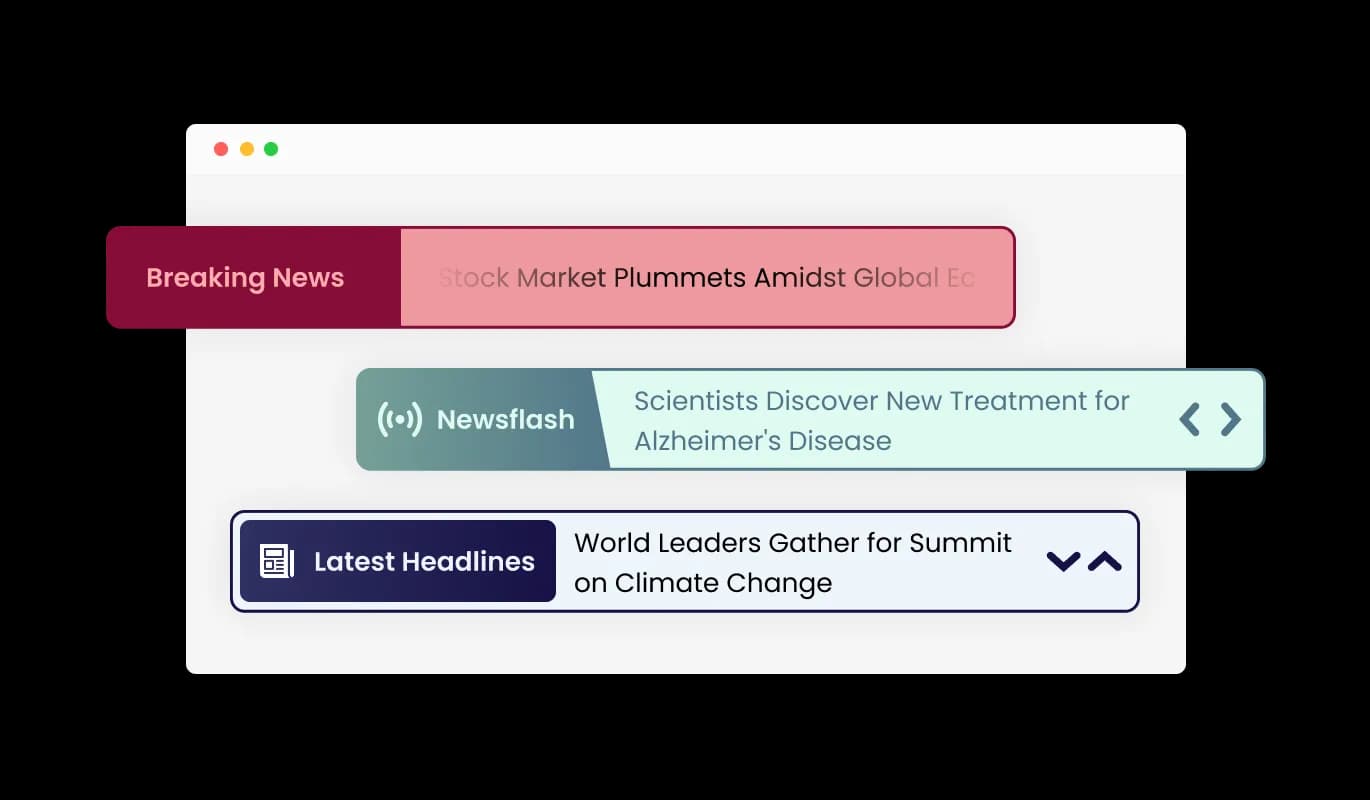
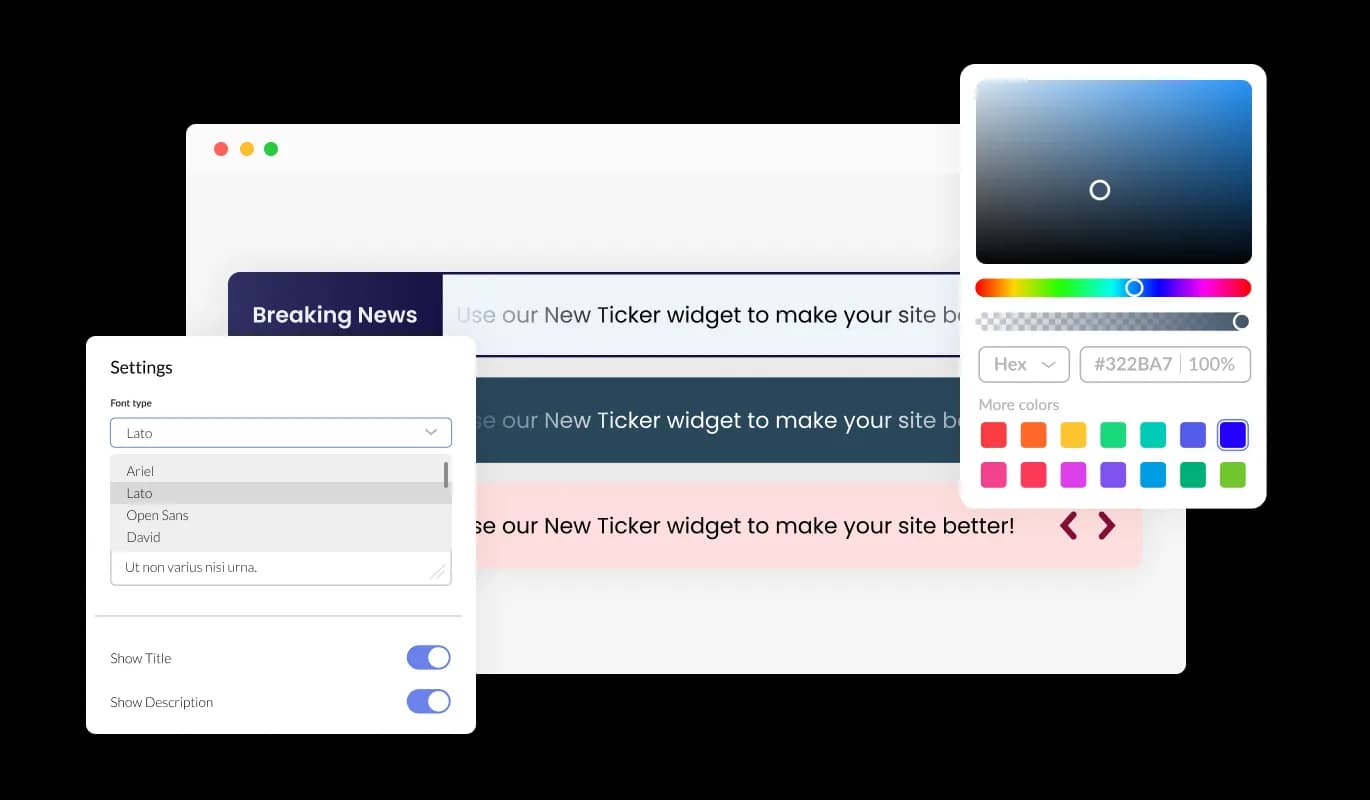
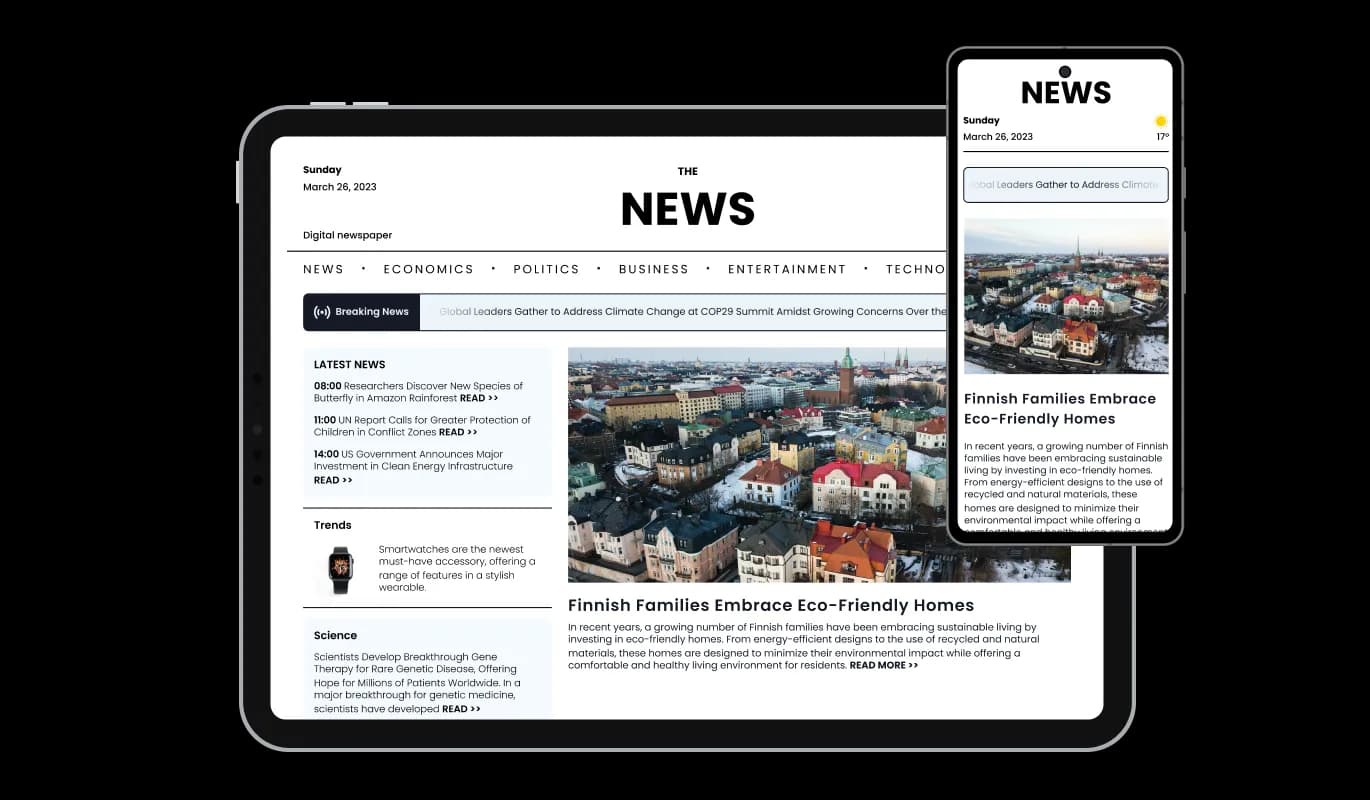
News Ticker for Nuvemshop

Use a news ticker to display headlines and updates that highlight key information and keep users informed in real time.

Create a News Ticker

loved by 500K+ businesses

Nuvemshop
plugineditor

Why Should You Use the News Ticker Widget+?

Live News Feed

By implementing the News Ticker for Nuvemshop on your Nuvemshop store, you'll provide your users with instant news updates, ensuring they stay well-informed, engaged, and up-to-speed.

Engage Your Audience with a Dynamic Text Ticker

Employ the Nuvemshop News Ticker app with its seamless scrolling news display to effortlessly catch users' eyes and improve their engagement on your Nuvemshop store.

Space-Saving Solution: Nuvemshop News Ticker

The News Ticker app allows yo]u to save space by adding text without taking up more space, which is especially great for Nuvemshop store with limited real estate.

Different Label Styles

The Nuvemshop News Ticker app comes available with different types of label styles that enhance the app’s visuals and allow you to further fit its design to your needs. Decide on multiple font styles and sizes to confirm your news ticker impeccably matches your Nuvemshop store's appearance.
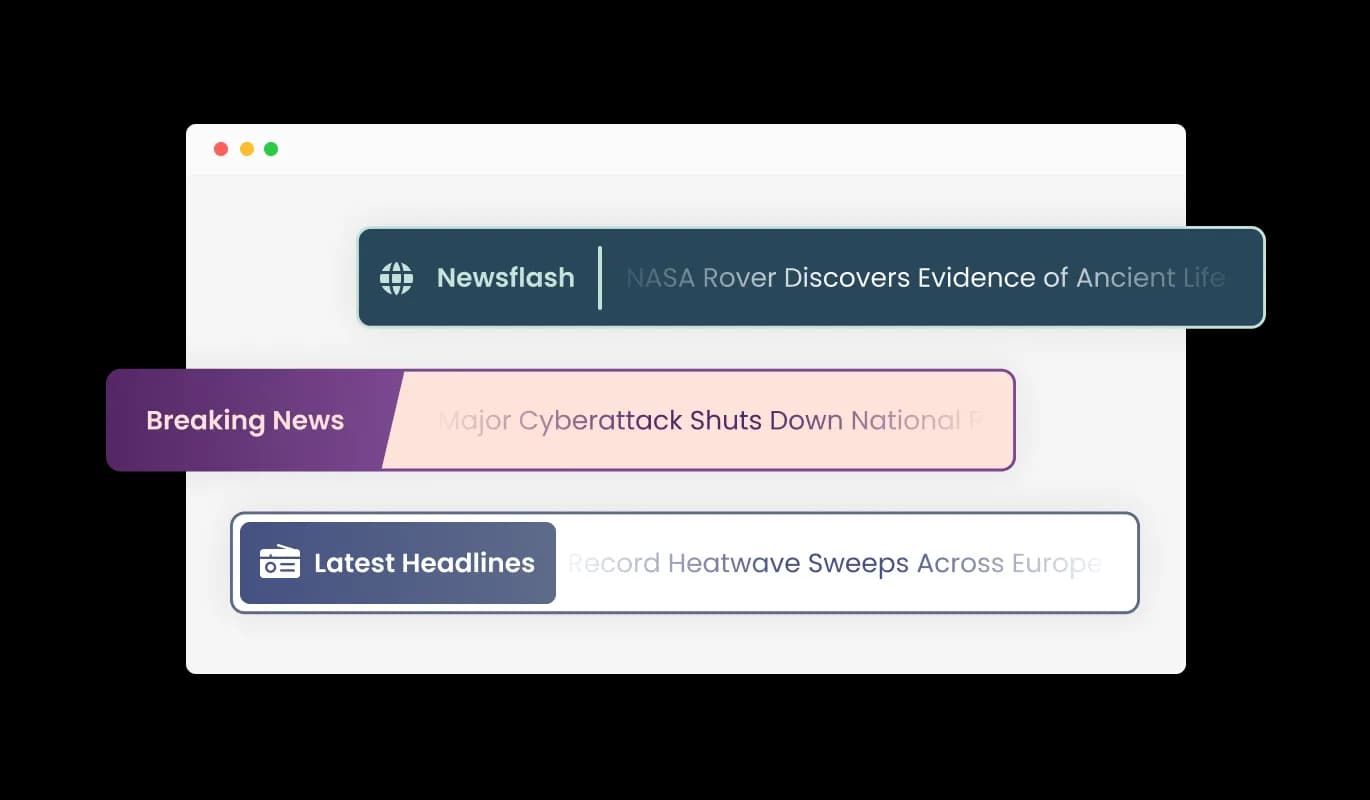
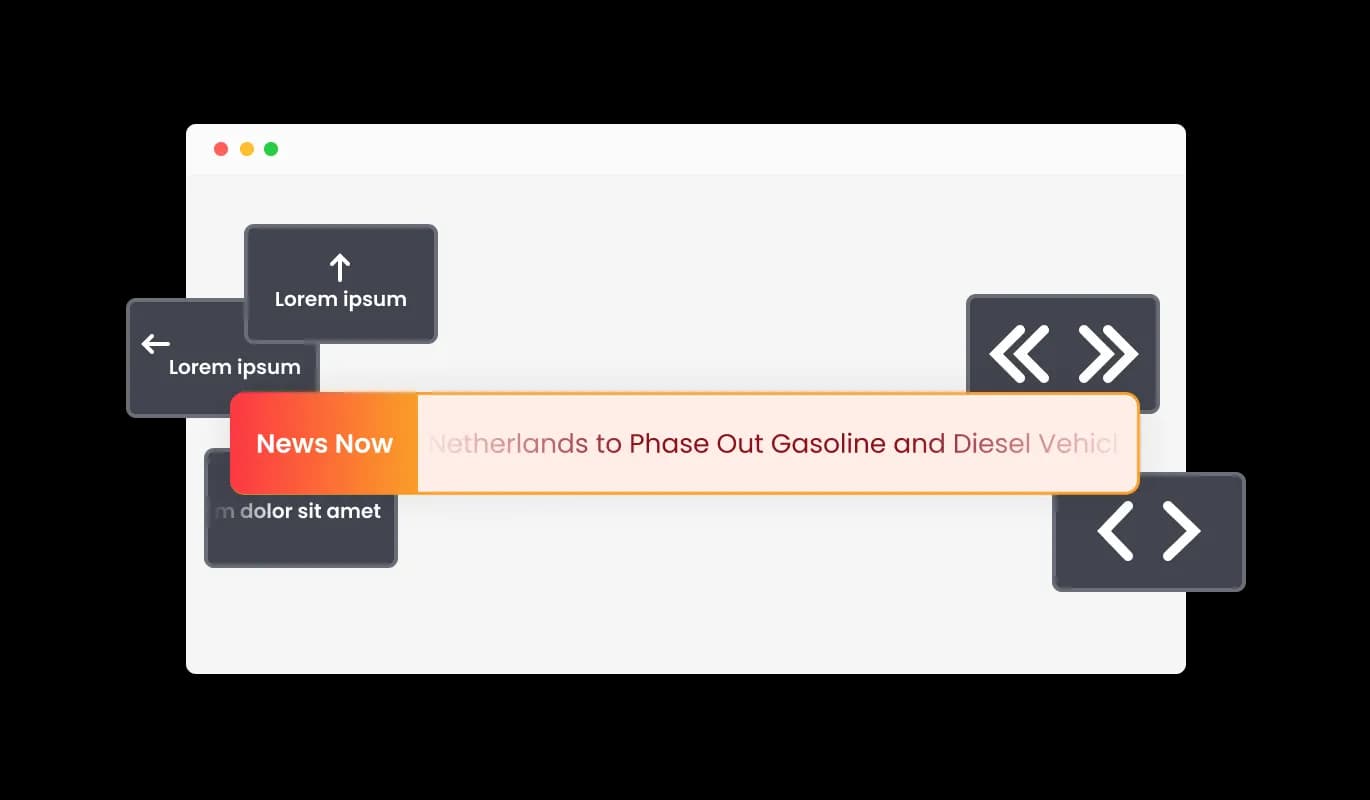
News Ticker - Different Label Styles

Cutting-Edge Ticker Controls

The News Ticker for Nuvemshop features a wide array of options for controlling the ticker — from the Ticker’s speed, to enabling and disabling the looping feature, and more! These detailed controls enable you to refine the user experience and accommodate the needs of your diverse audience.

News Ticker - Cutting-Edge Ticker Controls

Nuvemshop News Ticker Multiple Skins

With the News Ticker for Nuvemshop, you can quickly select from a variety of elegant skins, eliminating the need for time-consuming customization. These pre-configured themes provide a fast and easy way to design an eye-catching news ticker that complements your Nuvemshop store brand aesthetics.

News Ticker - Nuvemshop News Ticker Multiple Skins

Tailor-Made News Ticker for Nuvemshop

The Nuvemshop News Ticker app offers extensive customization choices, allowing you to modify the design according to your requirements. Customize the colors, font selections, spacing, and any other detail to perfect your news ticker's appearance! This incomparable flexibility lets you build a truly individual and bespoke news ticker for your Nuvemshop store.

News Ticker - Tailor-Made News Ticker for Nuvemshop
News Ticker - Choose from a Variety of Ticker Animations

Choose from a Variety of Ticker Animations

The News Ticker app for Nuvemshop features several types of animations that you can choose for your news ticker, enabling you to customize the ticker app to your liking. Choose from an array of seamless transitions to craft a distinctive and captivating experience for your viewers.

News Ticker - Clickable Text

Clickable Text

The Ticker's text can be linked to any desired URL, making it a dual-purpose tool that combines eye-catching visuals with practical information and promotional capabilities. This capability empowers you to convert your news ticker into a vibrant driver of traffic to your Nuvemshop store or targeted material.

News Ticker - Various Striking Icons

Various Striking Icons

The Nuvemshop News Ticker app features a variety of appealing icons that can be added to enhance its visual presentation. Take advantage of these engaging icons to underscore noteworthy news articles, arrange content by category, or to relay more details.

News Ticker - Effortless News ticker Experience

Effortless News ticker Experience

The News Ticker for Nuvemshop is accessible and easy to use, even for those without coding expertise. Utilize our straightforward dashboard and drag-and-drop functionality to customize the app to your heart's content with only a few clicks.

Universal Responsiveness: News Ticker

The News Ticker app is comprehensively responsive, ensuring a perfect display on any device. With the growing emphasis on mobile experiences, this feature places you at the forefront of your industry.

News Ticker - Universal Responsiveness: News Ticker

Unleash Creativity with Custom CSS app

Consistent with other Common Ninja apps, the News Ticker offers custom CSS options, allowing for expanded creative possibilities. This sophisticated feature allows developers and designers to infuse their distinct flair and fine-tune the News Ticker app's aesthetics and performance.

News Ticker - Unleash Creativity with Custom CSS app

Effortlessly add the News Ticker to your Nuvemshop store by copying and pasting just one line of code. With each alteration, the News Ticker for Nuvemshop updates automatically, guaranteeing a smooth integration and maintenance journey for your store.

News Ticker -

Compatible With All Site Builders, E-Commerce Platforms and Websites

View all supported platforms

FAQ

A news ticker is a dynamic, scrolling or sliding element that displays a continuous stream of headlines, updates, or other types of text-based content. It is commonly used on websites, television broadcasts, and digital signage to showcase the latest news, announcements, or promotional content in an engaging and visually appealing manner.

There are several benefits to using a news ticker on your website, including:

  1. Enhanced user engagement: News tickers can help capture your visitors' attention with eye-catching animations and up-to-date information, encouraging them to explore your content further.
  2. Efficient content delivery: A news ticker allows you to showcase a large amount of information in a compact and easily digestible format, making it an effective way to deliver content to your audience.
  3. Improved navigation: By linking text within the news ticker to relevant pages on your website, you can guide users to the most important content and improve the overall user experience.
  4. Increased brand visibility: A well-designed news ticker can reinforce your brand identity and create a cohesive visual experience for your visitors.
  5. Easy customization: News tickers can be easily customized to match your website's design and layout, ensuring seamless integration with your existing content.


To get the most out of a news ticker on your website, follow these best practices:

  1. Keep it relevant: Ensure that the content displayed in the news ticker is up-to-date, accurate, and relevant to your audience. Regularly update the content to keep it fresh and engaging.
  2. Maintain readability: Choose font styles, sizes, and colors that are easy to read and visually appealing. Avoid using overly complex animations or designs that may detract from the legibility of your content.
  3. Optimize speed and duration: Adjust the speed of the ticker to ensure that users have enough time to read and digest the content. Avoid making it too fast or too slow, as this may negatively impact the user experience.
  4. Limit the number of items: While there is no specific limit to the number of items you can display in a news ticker, it is recommended to keep the number reasonable to ensure a positive user experience and maintain the widget's performance.
  5. Use clear and concise text: Keep the text in your news ticker brief and to the point, allowing users to quickly grasp the main idea of each item.
  6. Add links to relevant content: Link the text in your news ticker to related pages on your website, turning the ticker into a useful navigation tool that directs users to the most important content.
  7. Test on different devices: Ensure that the news ticker is fully responsive and works well on various devices, screen sizes, and resolutions for a seamless user experience across all platforms.
  8. Monitor performance: Regularly review the performance of your news ticker, and make necessary adjustments to optimize its impact on your website's user experience and engagement metrics.

Yes, the News Ticker widget is fully customizable. You can change the colors, fonts, spacing, and more to match your website's design. Additionally, you can choose from a variety of skins and icons to enhance the widget's visual appearance.

Yes, the News Ticker widget is fully responsive and will automatically adapt to any device, screen size, or resolution, ensuring a seamless user experience across all platforms.

Yes, the News Ticker widget offers advanced control options that allow you to adjust the speed, enable or disable looping, and more, giving you complete control over the user experience.

You can add links to any text in the News Ticker by simply adding a URL in the news item settings. This turns the text into a clickable element that directs users to the specified web page.

Yes, you can add custom CSS to the News Ticker widget for further customization and to achieve a unique design that perfectly suits your needs.

The News Ticker widget offers a variety of animation styles, including smooth transitions and scrolling effects. You can choose the animation type that best suits your website's design and user experience preferences.

Updating the content in your News Ticker widget is simple. Just access the widget's settings in your dashboard and make the desired changes. The widget will automatically update on your website with the new content.

To install the News Ticker widget, simply copy the provided embed code and paste it into your website's HTML where you want the widget to appear. The widget will automatically update with any changes you make in the configuration settings.

No coding knowledge is required to use the News Ticker widget. The user-friendly dashboard and drag-and-drop features make it easy for users of all skill levels to customize and manage the widget.

Yes, you can easily do so from the “Templates” tab.

Yes, there are lots of beautiful skins that you can choose from to save time and start using the widget as quickly as possible.

It’s simple. All you need to do is to sign up and start using the free version.

Common Ninja’s News Ticker widget is free to use. It is limited to a certain amount of views, however.

Common Ninja’s News Ticker widget is compatible with ALL current and future website builders.

Yes, the News Ticker widget is GDPR-compliant.

Yes. We are eager to hear your request. Please visit our Feature Request page.