News Ticker for SHOPLINE

Use a news ticker to display headlines and updates that highlight key information and keep users informed in real time.

Create a News Ticker

loved by 500K+ businesses

SHOPLINE
plugineditor

Why Should You Use the News Ticker Widget+?

Live News Feed

By implementing the News Ticker for SHOPLINE on your SHOPLINE store, you'll provide your users with instant news updates, ensuring they stay well-informed, engaged, and up-to-speed.

Entice Users with a Mesmerizing Text Ticker

Implement the SHOPLINE News Ticker widget and its unending stream of news stories to effectively grab users' attention and amplify their involvement with your SHOPLINE store.

Optimize Limited Space with SHOPLINE News Ticker

Efficiently utilize your website's limited space with the News Ticker widget for SHOPLINE, enabling you to add more text without occupying extra room – perfect for SHOPLINE store with restricted space.

Diverse Label Options

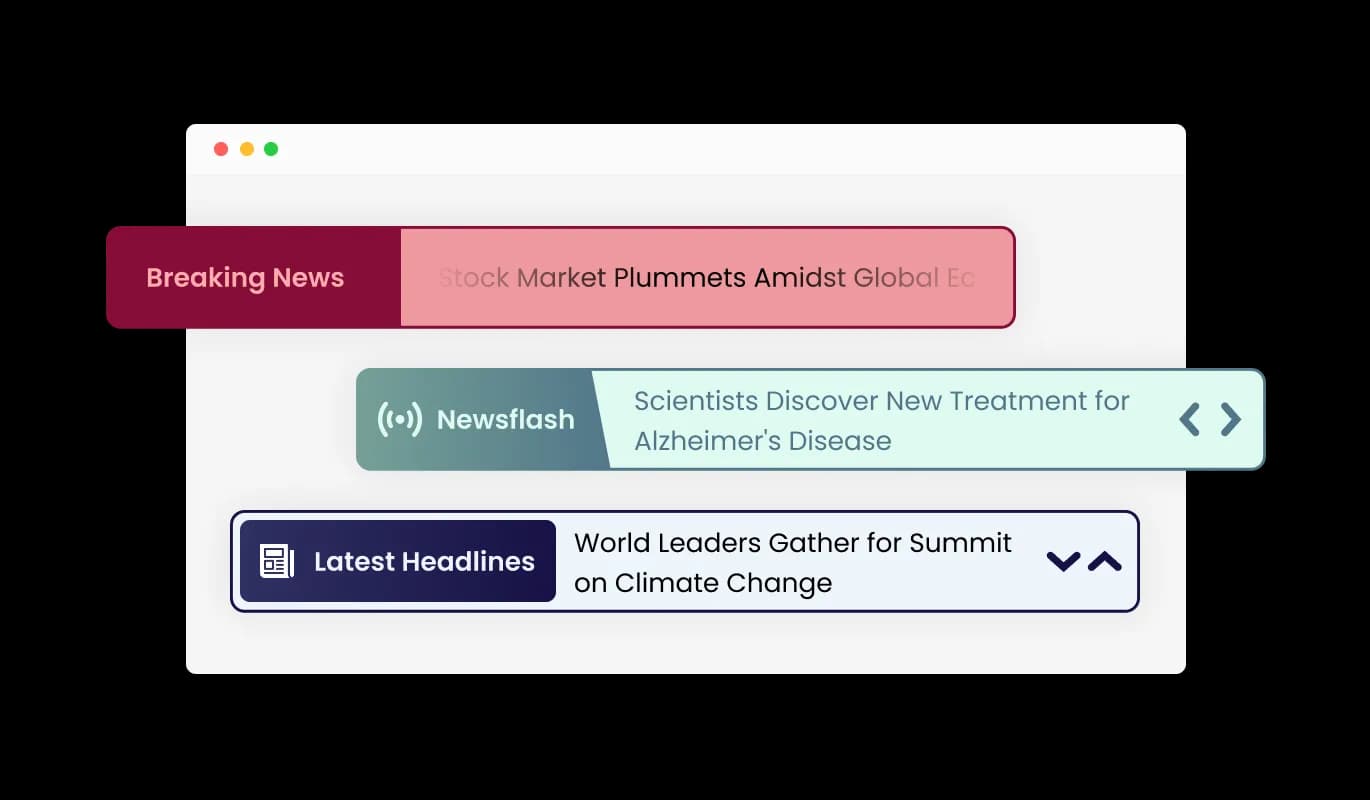
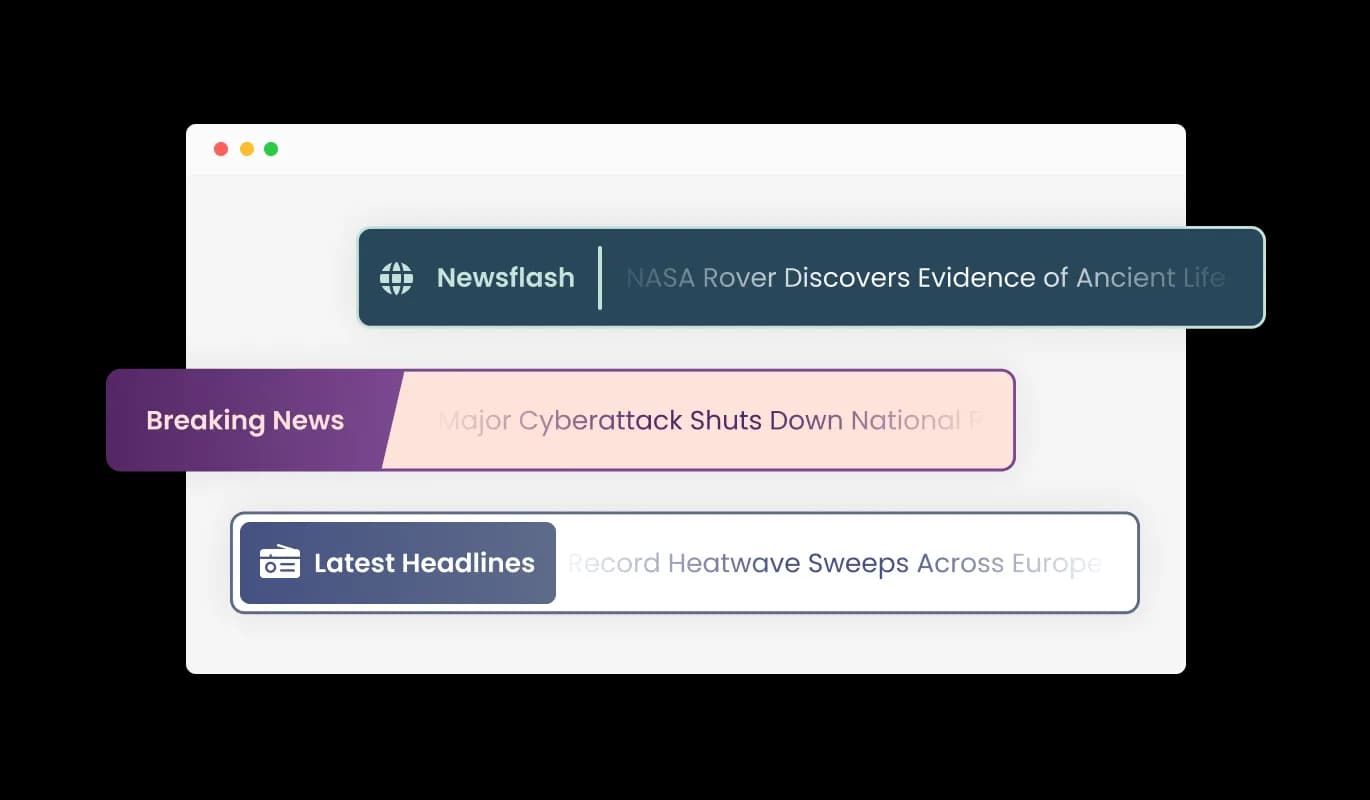
The SHOPLINE News Ticker widget provides a range of label styles that improve the widget's visual appeal and let you further adapt its design to suit your preferences. Choose from various font styles and sizes to ensure your news ticker perfectly complements your SHOPLINE store's aesthetics.
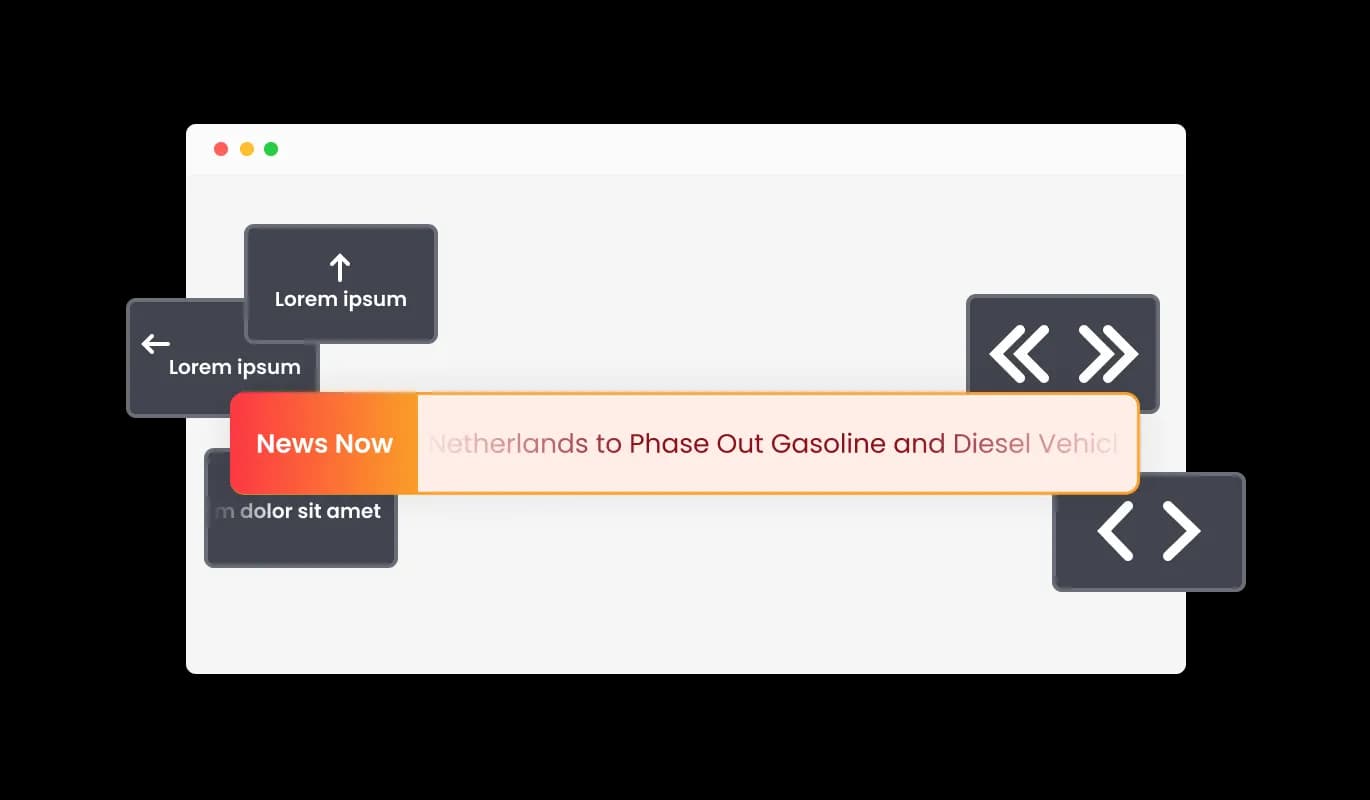
News Ticker - Diverse Label Options

Cutting-Edge Ticker Controls

The News Ticker for SHOPLINE provides numerous control settings, such as modifying the ticker's speed, activating or deactivating the looping function, and beyond! This granular control enables you to optimize the user experience and cater to the preferences of your audience.

News Ticker - Cutting-Edge Ticker Controls

SHOPLINE News Ticker: Collection of Beautiful Skins

With the News Ticker for SHOPLINE, you can quickly select from a variety of elegant skins, eliminating the need for time-consuming customization. These pre-built themes simplify the process of designing a visually appealing news ticker that maintains consistency with your SHOPLINE store brand identity.

News Ticker - SHOPLINE News Ticker: Collection of Beautiful Skins

Completely Adaptable News Ticker for SHOPLINE

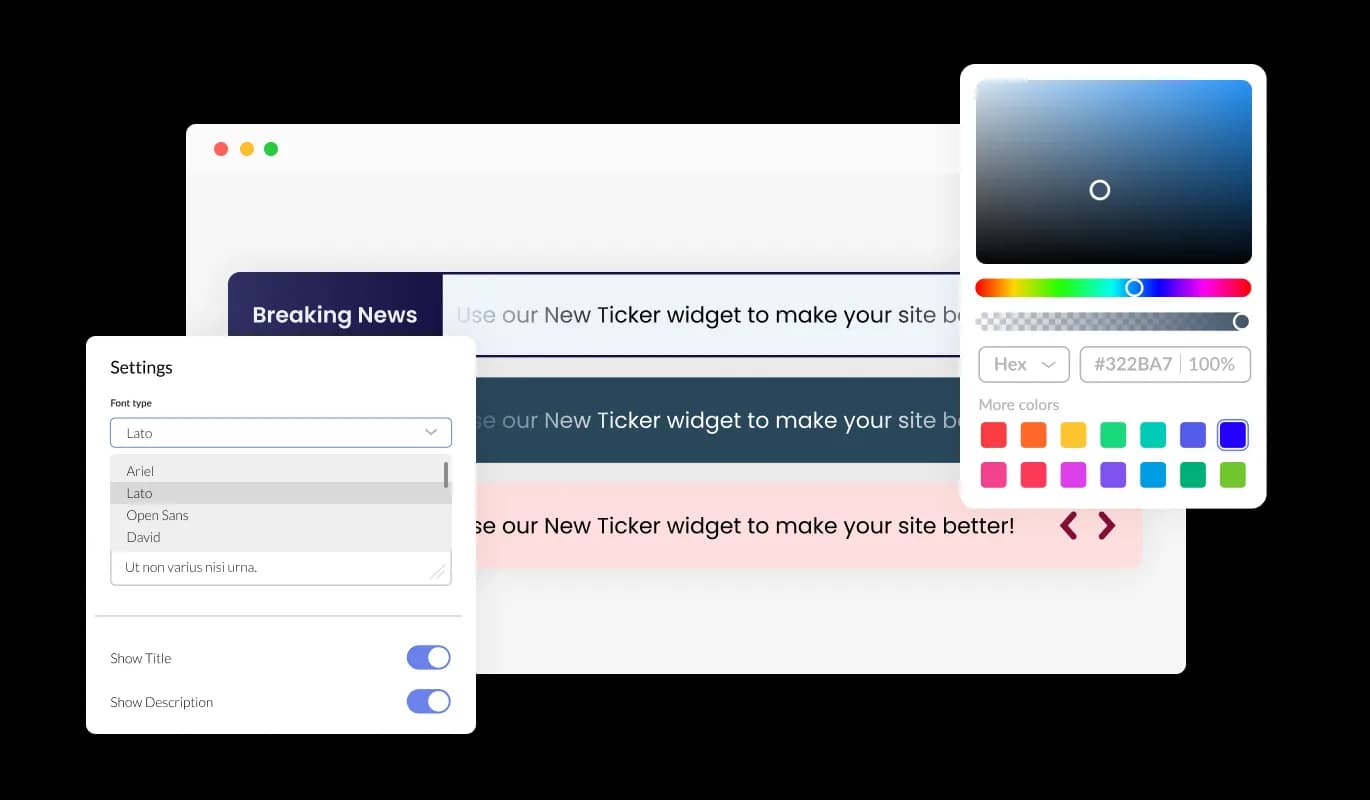
The SHOPLINE News Ticker widget features a wealth of customization options, empowering you to fine-tune the design to align with your needs. Alter the colors, fonts, spacing, and more to create your perfect design! This incomparable flexibility lets you build a truly individual and bespoke news ticker for your SHOPLINE store.

News Ticker - Completely Adaptable News Ticker for SHOPLINE
News Ticker - Multiple Animation Choices for Tickers

Multiple Animation Choices for Tickers

The News Ticker widget for SHOPLINE presents numerous animation alternatives for your news ticker, giving you the opportunity to modify the ticker widget to suit your needs. Choose from an array of seamless transitions to craft a distinctive and captivating experience for your viewers.

News Ticker - Clickable Text

Clickable Text

The Ticker's text can be linked to any desired URL, making it a dual-purpose tool that combines eye-catching visuals with practical information and promotional capabilities. Utilize this feature to make your news ticker a potent source of user traffic for your SHOPLINE store or focused content.

News Ticker - Assortment of Eye-catching Icons

Assortment of Eye-catching Icons

The SHOPLINE News Ticker widget offers a collection of stylish icons to incorporate and elevate its visual appeal. Use these eye-catching icons to highlight specific news items, categories, or to convey additional information.

News Ticker - Simplified News ticker Interface

Simplified News ticker Interface

The News Ticker for SHOPLINE is straightforward to use, requiring zero coding skills. With our user-friendly dashboard and drag-and-drop functionality, customizing the widget to your preferences is just a few clicks away.

Responsive News Ticker for All Devices

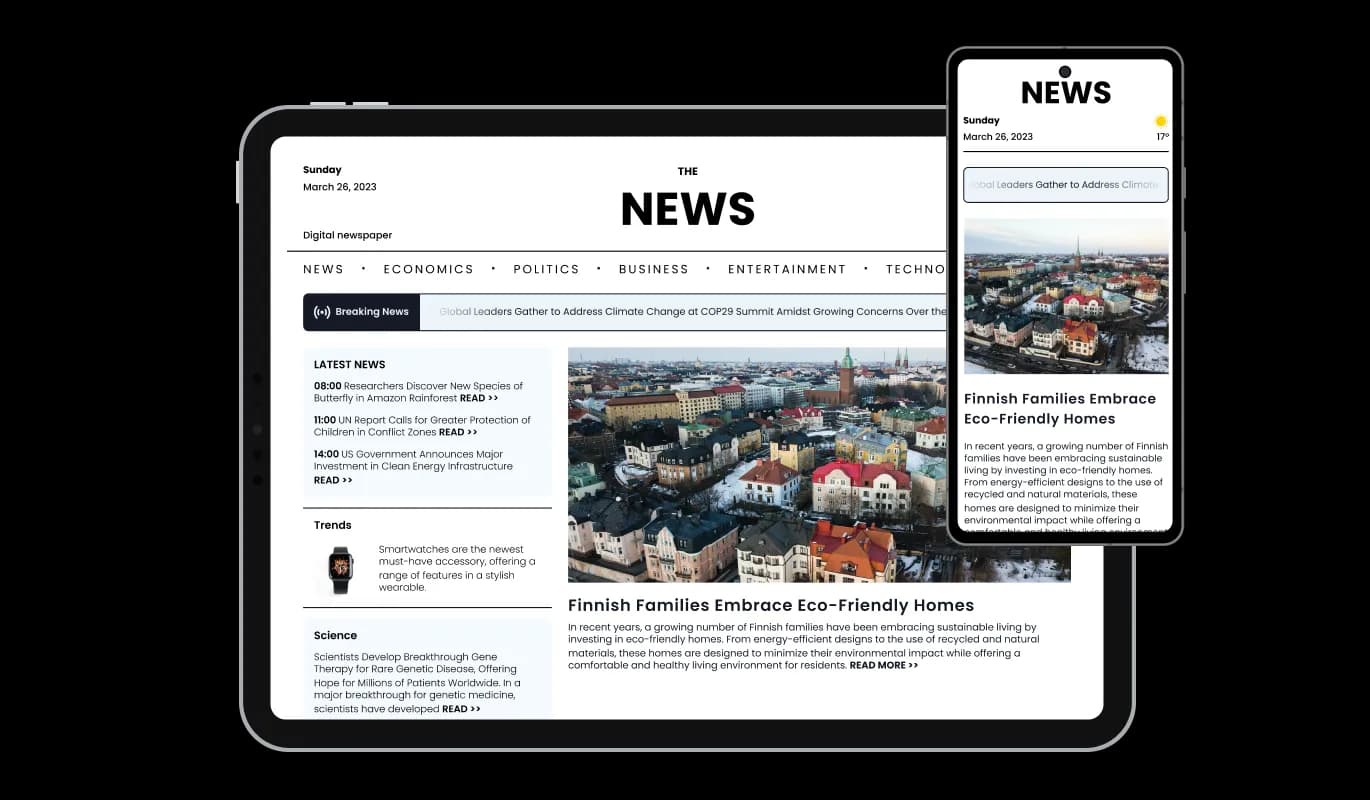
The News Ticker widget is fully responsive and will look great on any device. As the world increasingly prioritizes mobile devices, this feature sets you apart from the competition.

News Ticker - Responsive News Ticker for All Devices

Custom CSS for Enhanced Creativity widget

In line with all Common Ninja widgets, the News Ticker enables custom CSS implementation, giving you even more creative freedom. This state-of-the-art feature enables developers and designers to incorporate their signature look and polish the News Ticker widget's aesthetics and performance.

News Ticker - Custom CSS for Enhanced Creativity widget

Swiftly embed the News Ticker on your SHOPLINE store by simply using a single line of code. Every modification you make to the News Ticker for SHOPLINE is updated automatically, promising a frictionless integration and maintenance process for your store.

News Ticker -

Compatible With All Site Builders, E-Commerce Platforms and Websites

View all supported platforms

FAQ

A news ticker is a dynamic, scrolling or sliding element that displays a continuous stream of headlines, updates, or other types of text-based content. It is commonly used on websites, television broadcasts, and digital signage to showcase the latest news, announcements, or promotional content in an engaging and visually appealing manner.

There are several benefits to using a news ticker on your website, including:

  1. Enhanced user engagement: News tickers can help capture your visitors' attention with eye-catching animations and up-to-date information, encouraging them to explore your content further.
  2. Efficient content delivery: A news ticker allows you to showcase a large amount of information in a compact and easily digestible format, making it an effective way to deliver content to your audience.
  3. Improved navigation: By linking text within the news ticker to relevant pages on your website, you can guide users to the most important content and improve the overall user experience.
  4. Increased brand visibility: A well-designed news ticker can reinforce your brand identity and create a cohesive visual experience for your visitors.
  5. Easy customization: News tickers can be easily customized to match your website's design and layout, ensuring seamless integration with your existing content.


To get the most out of a news ticker on your website, follow these best practices:

  1. Keep it relevant: Ensure that the content displayed in the news ticker is up-to-date, accurate, and relevant to your audience. Regularly update the content to keep it fresh and engaging.
  2. Maintain readability: Choose font styles, sizes, and colors that are easy to read and visually appealing. Avoid using overly complex animations or designs that may detract from the legibility of your content.
  3. Optimize speed and duration: Adjust the speed of the ticker to ensure that users have enough time to read and digest the content. Avoid making it too fast or too slow, as this may negatively impact the user experience.
  4. Limit the number of items: While there is no specific limit to the number of items you can display in a news ticker, it is recommended to keep the number reasonable to ensure a positive user experience and maintain the widget's performance.
  5. Use clear and concise text: Keep the text in your news ticker brief and to the point, allowing users to quickly grasp the main idea of each item.
  6. Add links to relevant content: Link the text in your news ticker to related pages on your website, turning the ticker into a useful navigation tool that directs users to the most important content.
  7. Test on different devices: Ensure that the news ticker is fully responsive and works well on various devices, screen sizes, and resolutions for a seamless user experience across all platforms.
  8. Monitor performance: Regularly review the performance of your news ticker, and make necessary adjustments to optimize its impact on your website's user experience and engagement metrics.

Yes, the News Ticker widget is fully customizable. You can change the colors, fonts, spacing, and more to match your website's design. Additionally, you can choose from a variety of skins and icons to enhance the widget's visual appearance.

Yes, the News Ticker widget is fully responsive and will automatically adapt to any device, screen size, or resolution, ensuring a seamless user experience across all platforms.

Yes, the News Ticker widget offers advanced control options that allow you to adjust the speed, enable or disable looping, and more, giving you complete control over the user experience.

You can add links to any text in the News Ticker by simply adding a URL in the news item settings. This turns the text into a clickable element that directs users to the specified web page.

Yes, you can add custom CSS to the News Ticker widget for further customization and to achieve a unique design that perfectly suits your needs.

The News Ticker widget offers a variety of animation styles, including smooth transitions and scrolling effects. You can choose the animation type that best suits your website's design and user experience preferences.

Updating the content in your News Ticker widget is simple. Just access the widget's settings in your dashboard and make the desired changes. The widget will automatically update on your website with the new content.

To install the News Ticker widget, simply copy the provided embed code and paste it into your website's HTML where you want the widget to appear. The widget will automatically update with any changes you make in the configuration settings.

No coding knowledge is required to use the News Ticker widget. The user-friendly dashboard and drag-and-drop features make it easy for users of all skill levels to customize and manage the widget.

Yes, you can easily do so from the “Templates” tab.

Yes, there are lots of beautiful skins that you can choose from to save time and start using the widget as quickly as possible.

It’s simple. All you need to do is to sign up and start using the free version.

Common Ninja’s News Ticker widget is free to use. It is limited to a certain amount of views, however.

Common Ninja’s News Ticker widget is compatible with ALL current and future website builders.

Yes, the News Ticker widget is GDPR-compliant.

Yes. We are eager to hear your request. Please visit our Feature Request page.