Order Form for Lovable

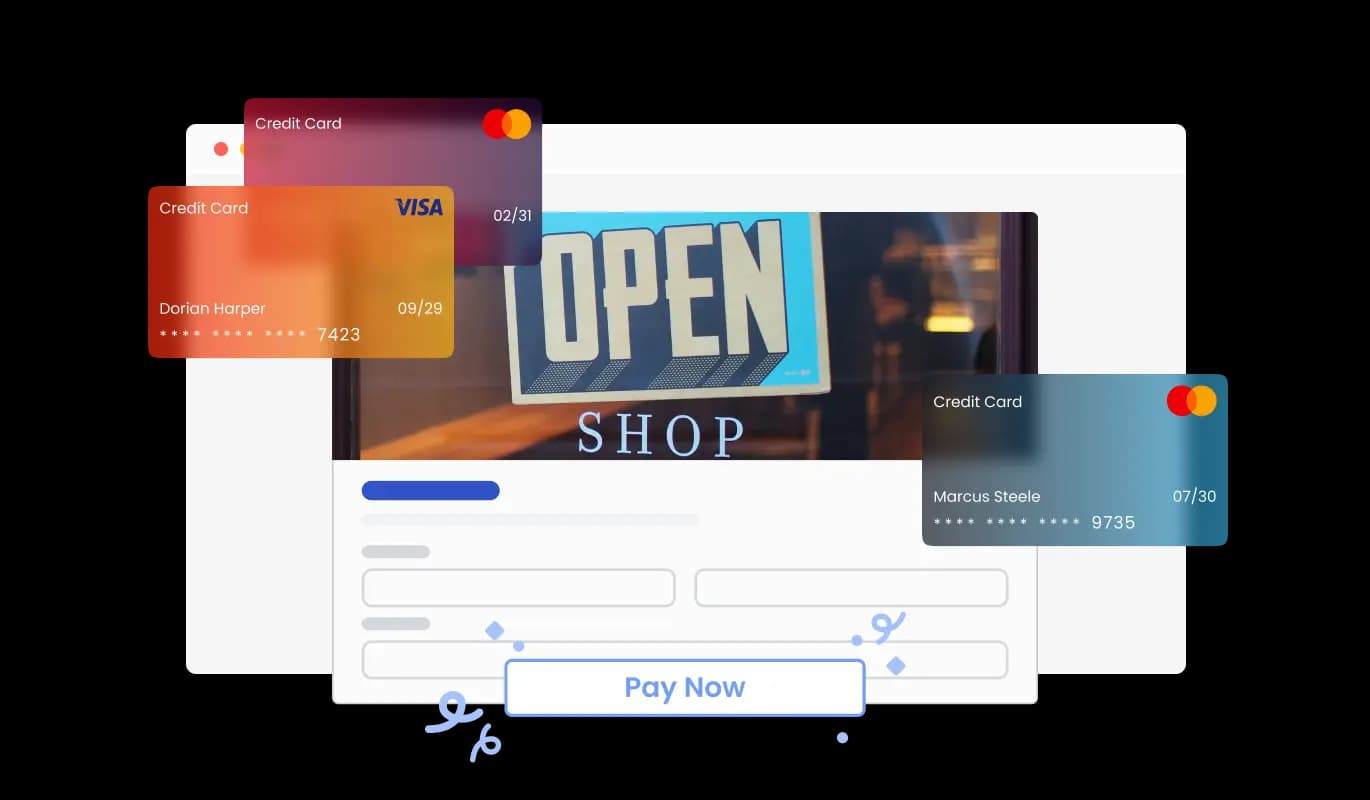
Use an order form to let customers submit product orders, save entries, receive notifications, and collect payments through PayPal or Stripe for a smoother buying experience.

Create an Order Form

loved by 500K+ businesses

Lovable
plugineditor

Why Should You Use the Order Form Widget+?

Simplify Your Sales Process with Lovable Order Forms

Leveraging a custom Order Form for Lovable allows customers to smoothly and rapidly order your products or services on your Lovable app, minimizing potential roadblocks and heightening the likelihood of successful conversions. A must-have for any online business, this tool enhances the ordering process and offers a frictionless experience that will delight customers at every step.

Streamline Your Business with Lovable app Order Solutions

The use of a Lovable Order Form expedites the ordering process by automating tasks, removing the need for manual oversight and follow-up, which in turn leads to enhanced efficiency, productivity, and increased customer satisfaction and loyalty. As a result, businesses can experience increased efficiency and productivity, along with the added benefit of boosting customer satisfaction and nurturing long-term loyalty.

Enhance Customer Experience with Automated Order Responses on Lovable

An adaptable Order Form for Lovable allows for the inclusion of automated response features, which can immediately confirm order receipt and provide customers with vital information such as estimated delivery timelines. This user-friendly feature not only elevates the customer experience but also contributes to a more efficient business operation by reducing order-related inquiries.

Create a Tailor-Made Order Form for Your Lovable with Customizable Fields

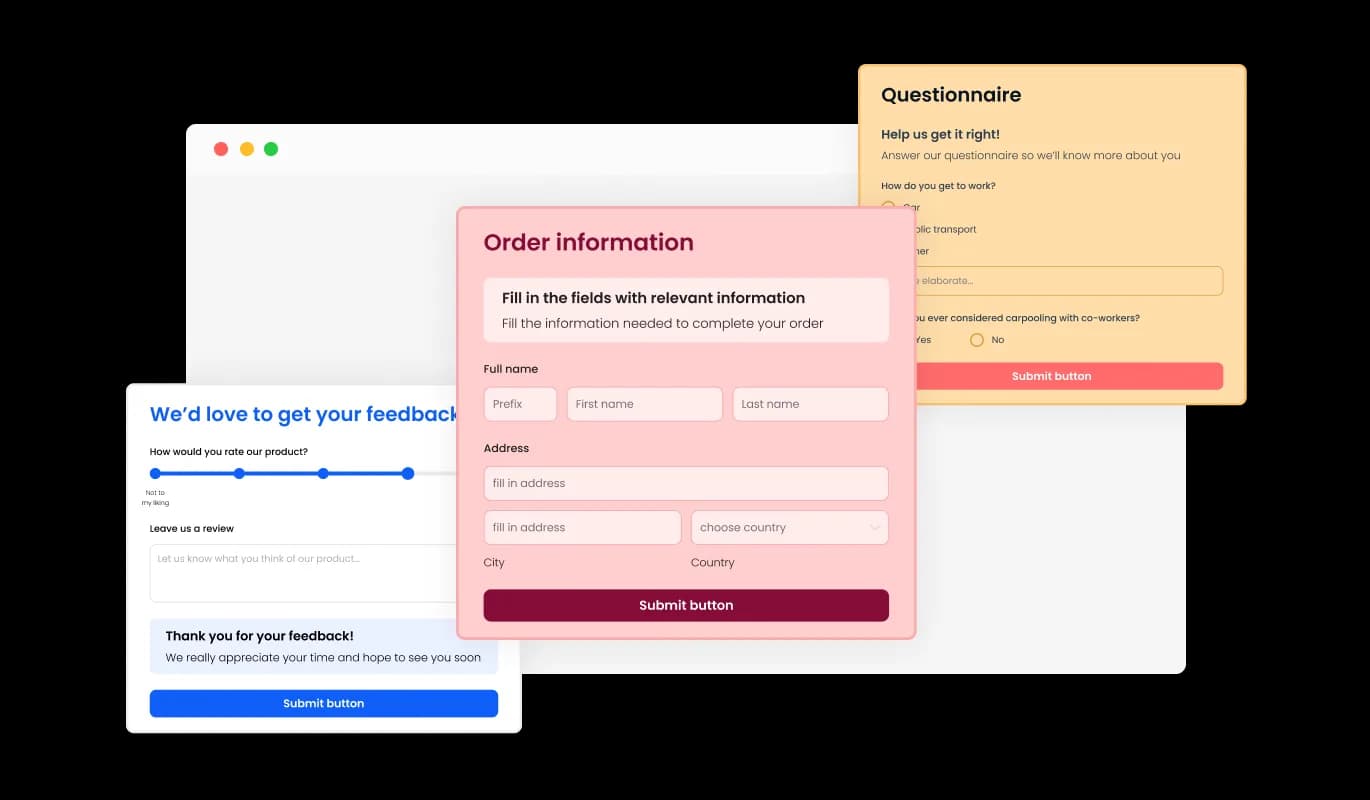
Our Lovable Order Form features a range of flexible fields that empower you to design an order form that is custom-fit to your unique product needs and goals. Easily modify the form by selecting from an array of field types and utilizing the "Add Field" option to add your desired fields. To add a field, simply click on the "Add Field" option and choose from the available options. Not only does this feature improve the overall customer experience, but it also alleviates the burden on businesses by decreasing order-related inquiries.
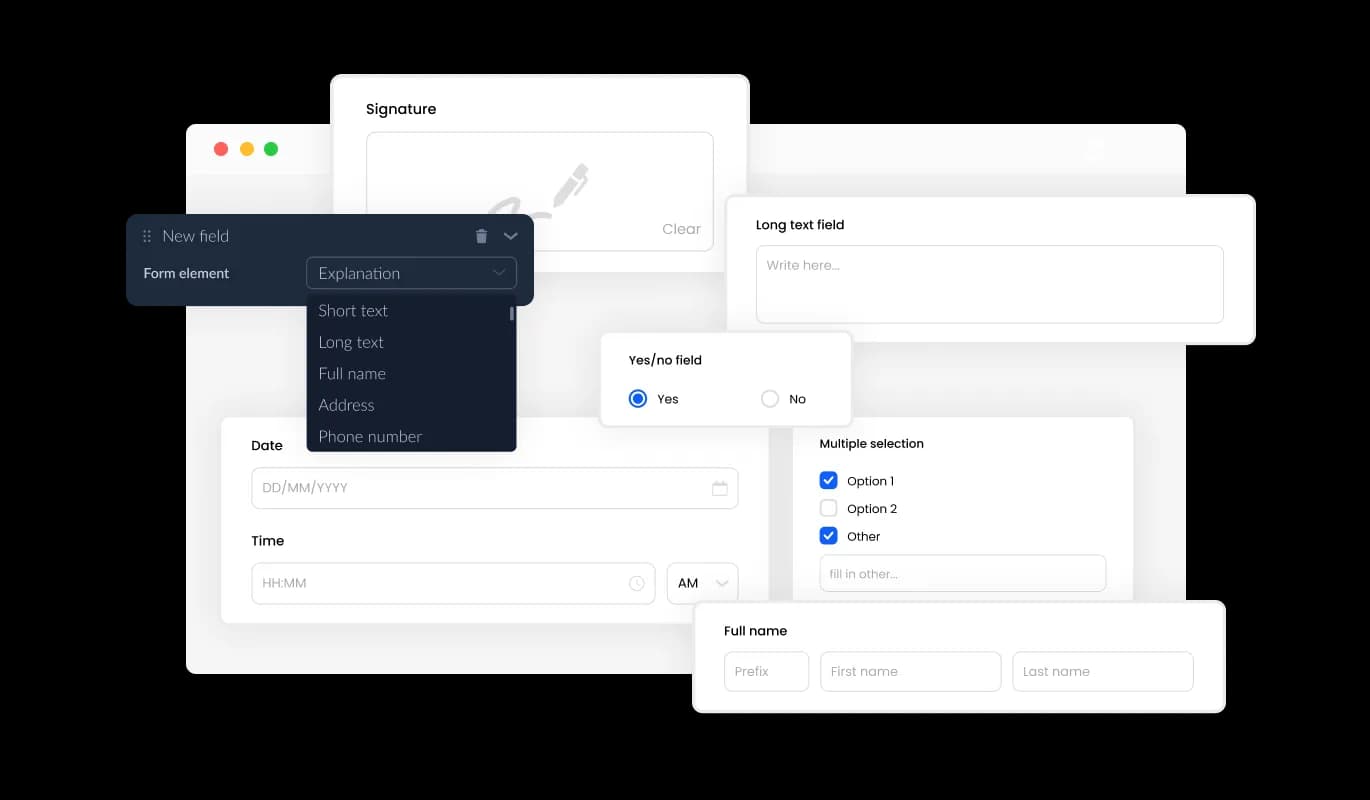
Order Form - Create a Tailor-Made Order Form for Your Lovable with Customizable Fields

Simplify Order Data Management on Your Lovable app

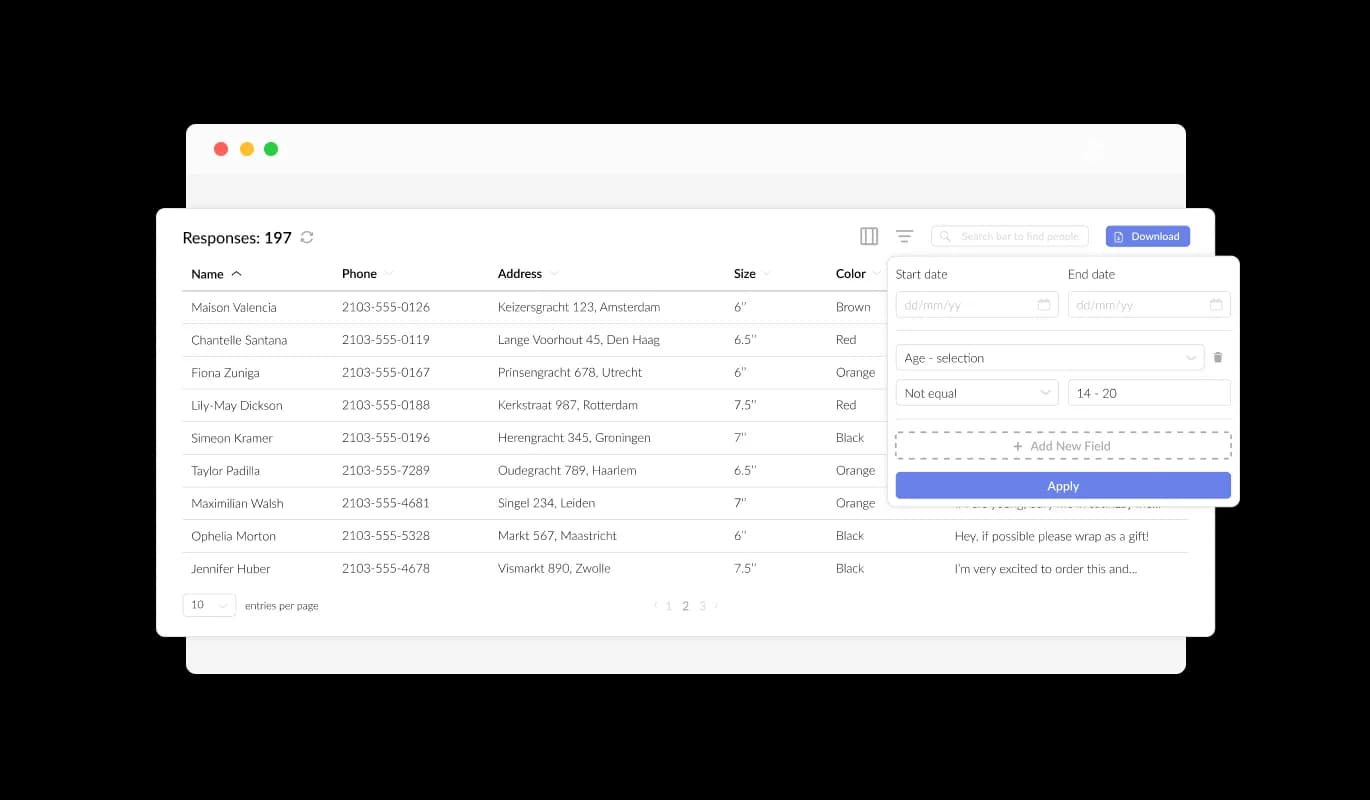
Our Lovable Product Order Form is designed to effortlessly gather and arrange product order data in a coherent and user-friendly manner. The streamlined order tracking provided by this feature ensures faster and more efficient review and fulfillment of orders. With our forms, you can easily manage and access all the information submitted in the form, making it easier to keep track of your product orders.

Order Form - Simplify Order Data Management on Your Lovable app

Seamless Export of Product Order Data to CSV on Lovable

Utilizing the CSV export function in the Lovable Product Order Form greatly improves order data organization and facilitates seamless integration with other applications. The feature ensures easy migration of order data to various applications or tools, streamlining detailed analysis and integration processes. This feature is invaluable to organizations aiming to keep a comprehensive record of order data for the purposes of analysis, reporting, and management.

Order Form - Seamless Export of Product Order Data to CSV on Lovable

Elevate Your Lovable Order Form with Captivating Text and Graphics

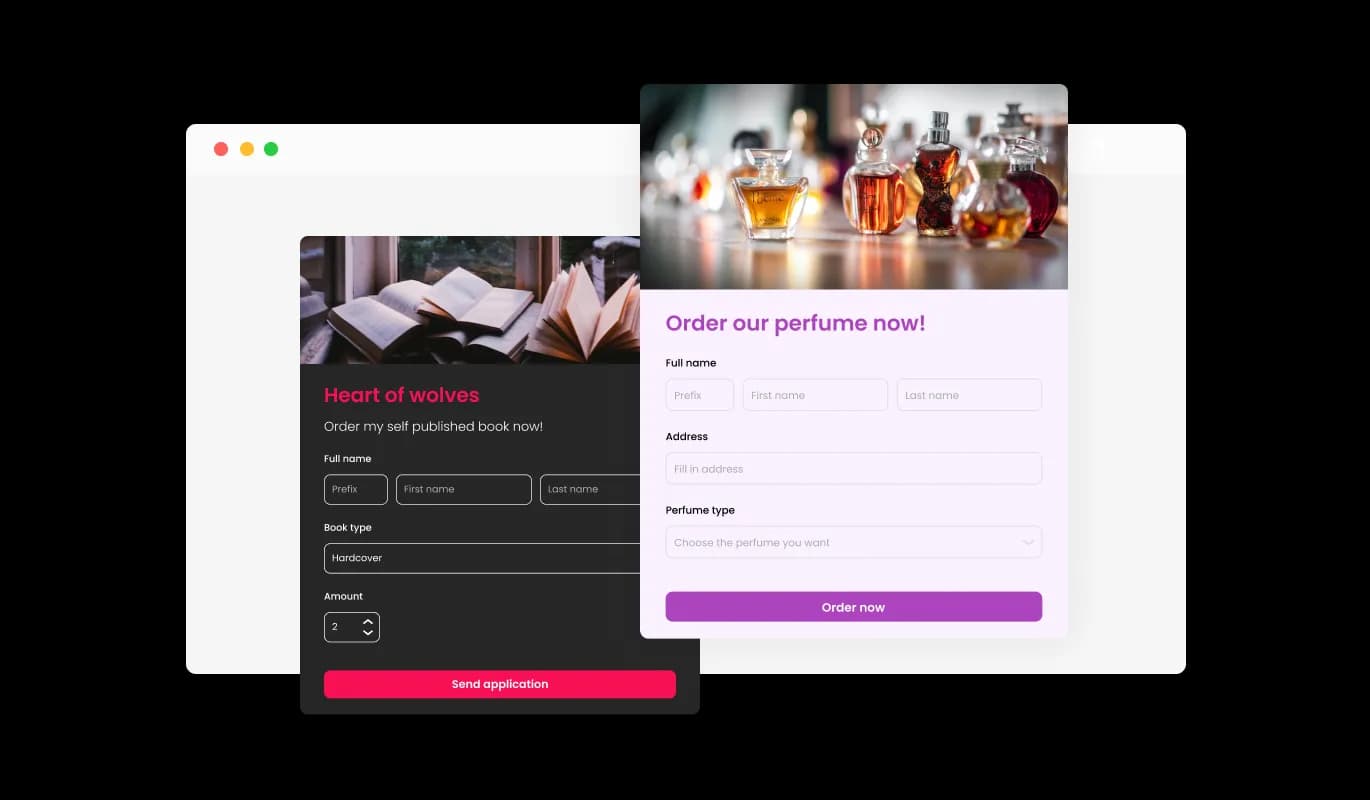
Incorporating headings, instructive text, and images into your product order form helps to establish a more engaging and comprehensible ordering experience for customers. Providing informative form elements assists customers in navigating the process, ensuring a smooth experience and increasing the likelihood of successful orders. Leveraging customization options for text, images, and other graphics, you can develop an order form that is not only practical but also visually attractive and easy for customers to use.

Order Form - Elevate Your Lovable Order Form with Captivating Text and Graphics

Personalize Headers & Footers

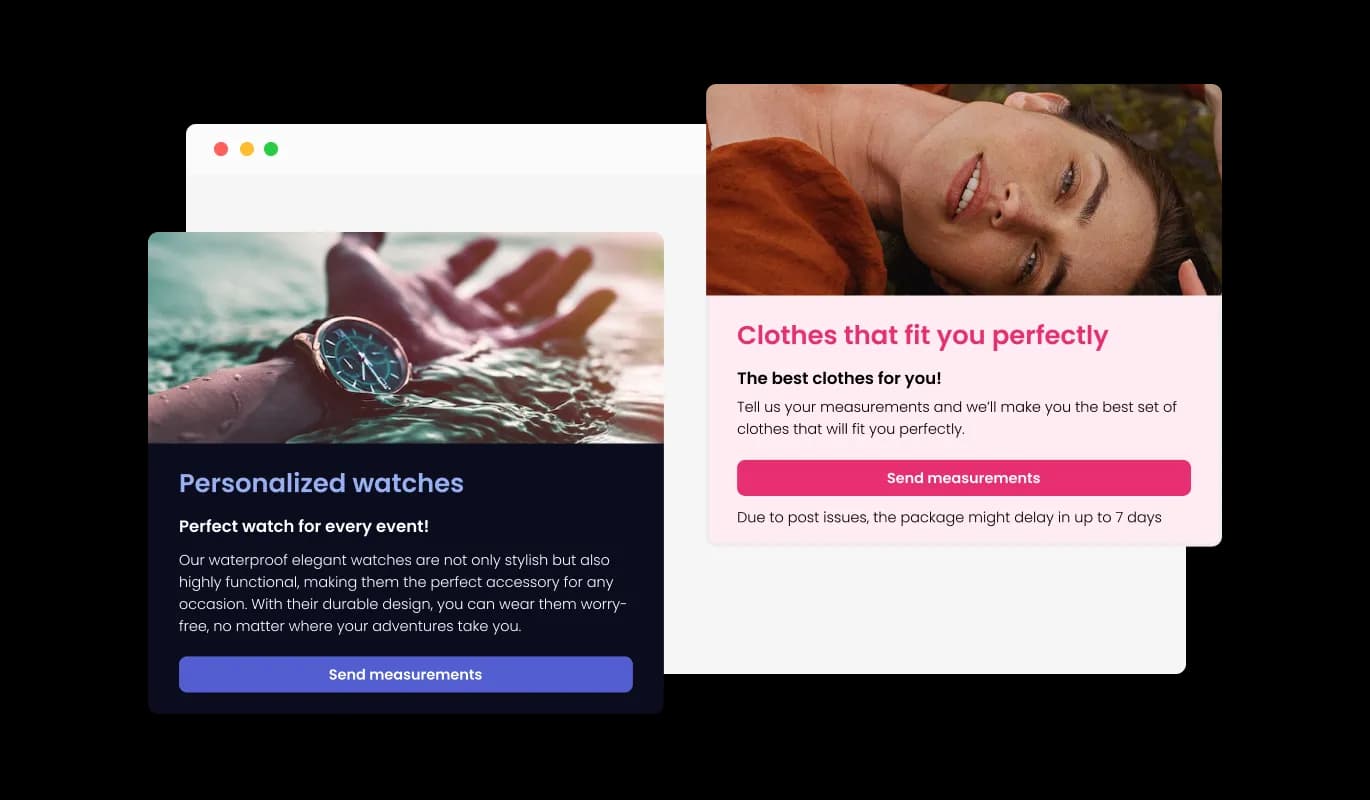
Using the Lovable Product Order Form, you have the capability to modify your order form's header and footer, even adding images if desired. This feature offers an excellent opportunity to enhance your brand presence and create a professional, visually appealing form that seamlessly integrates with your Lovable app's overall design.

Order Form - Personalize Headers & Footers

Get Instant Order Notifications with Lovable Order Form

The Order Form for Lovable provides the option to activate notifications for the form owner as well as the customer. You can set up automated email notifications for each order submission, send them to multiple recipients, and also issue a confirmation email to the customer upon successful order placement.

Order Form - Get Instant Order Notifications with Lovable Order Form
Order Form - Design an Effective Lovable Order Form with Key Fields

Design an Effective Lovable Order Form with Key Fields

Incorporating specific fields for product orders, such as product details like quantity and color options, along with customer information fields like Name, Email, Phone, and Shipping Address, enables you to collect vital information for more efficient order management. Including fields that address product customizations, special requests, and diverse payment choices ensures a more individualized and smooth ordering experience for your clientele.

Order Form - Eliminate Spam from Your Lovable Order Form with CAPTCHA

Eliminate Spam from Your Lovable Order Form with CAPTCHA

The Lovable Product Order Form allows for the integration of the CAPTCHA anti-spam feature, which must be completed by customers before order submission. This feature helps block bots and automated scripts from submitting spam entries through your order form, ensuring you receive legitimate orders from real customers on your Lovable app.

Order Form - Hassle-free Integration of Product Order Form on Lovable app

Hassle-free Integration of Product Order Form on Lovable app

Embedding the Product Order Form on your Lovable app requires only copying the designated code snippet and pasting it into your page's HTML. With the form's built-in auto-update feature, any modifications made in the Product Order Form editor will be automatically synchronized with your Lovable app.

Choose from Multiple Lovable Order Form Designs

The Product Order Form for Lovable comes with a variety of beautiful skins that you can choose from to quick-start the design process and save time on extensive customization. These pre-designed skins cater to different tastes, allowing you to effortlessly match your form with your Lovable app's overall appearance.

Order Form - Choose from Multiple Lovable Order Form Designs

Tailor Your Lovable Product Order Form with Extensive Customization

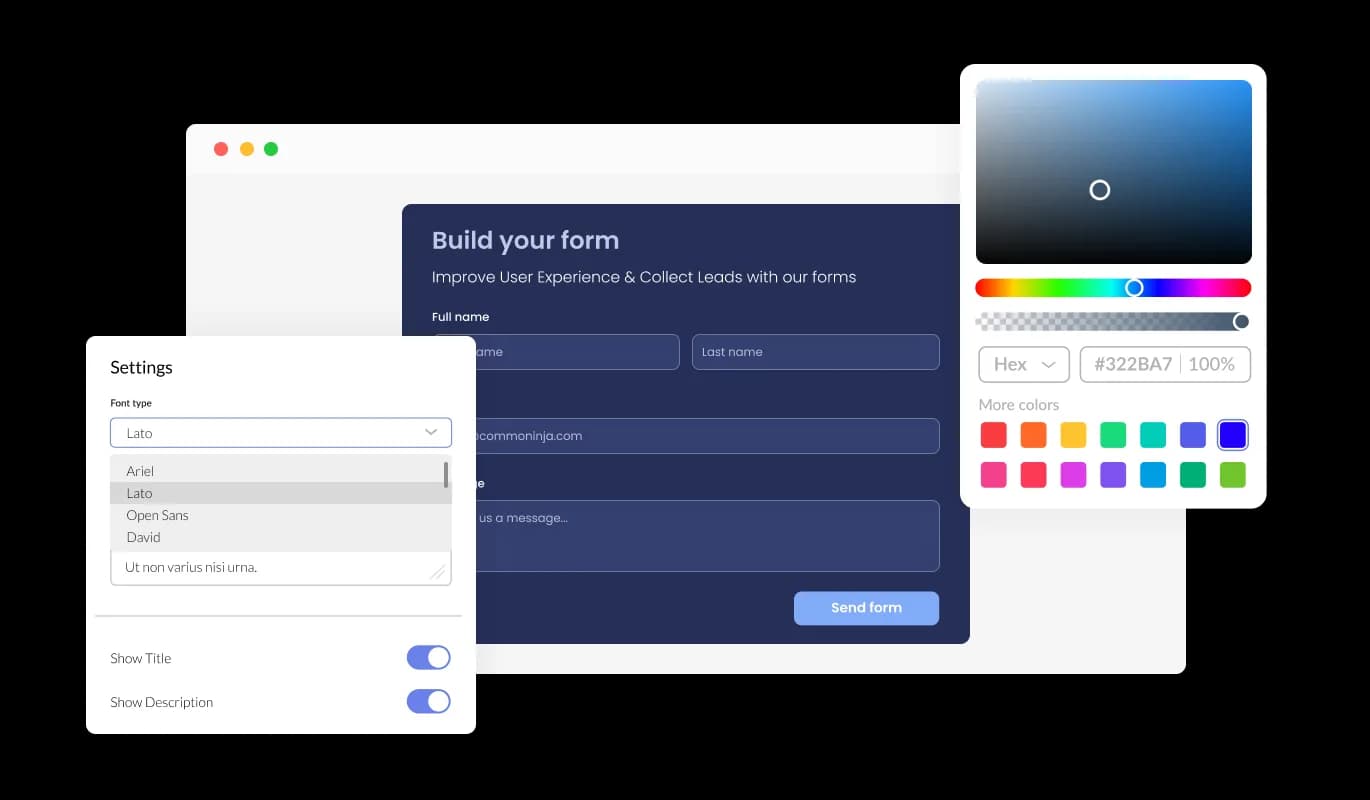
The Order Form for Lovable provides comprehensive customization options, enabling you to tailor the design to meet your specific requirements. From altering colors and fonts to changing field layouts, you have full control over the form's appearance and functionality. With our form's user-friendly interface, you can easily customize the form to match your website's design and create a seamless ordering experience for your customers.

Order Form - Tailor Your Lovable Product Order Form with Extensive Customization

Optimized Lovable Order Form for Seamless Mobile Experience

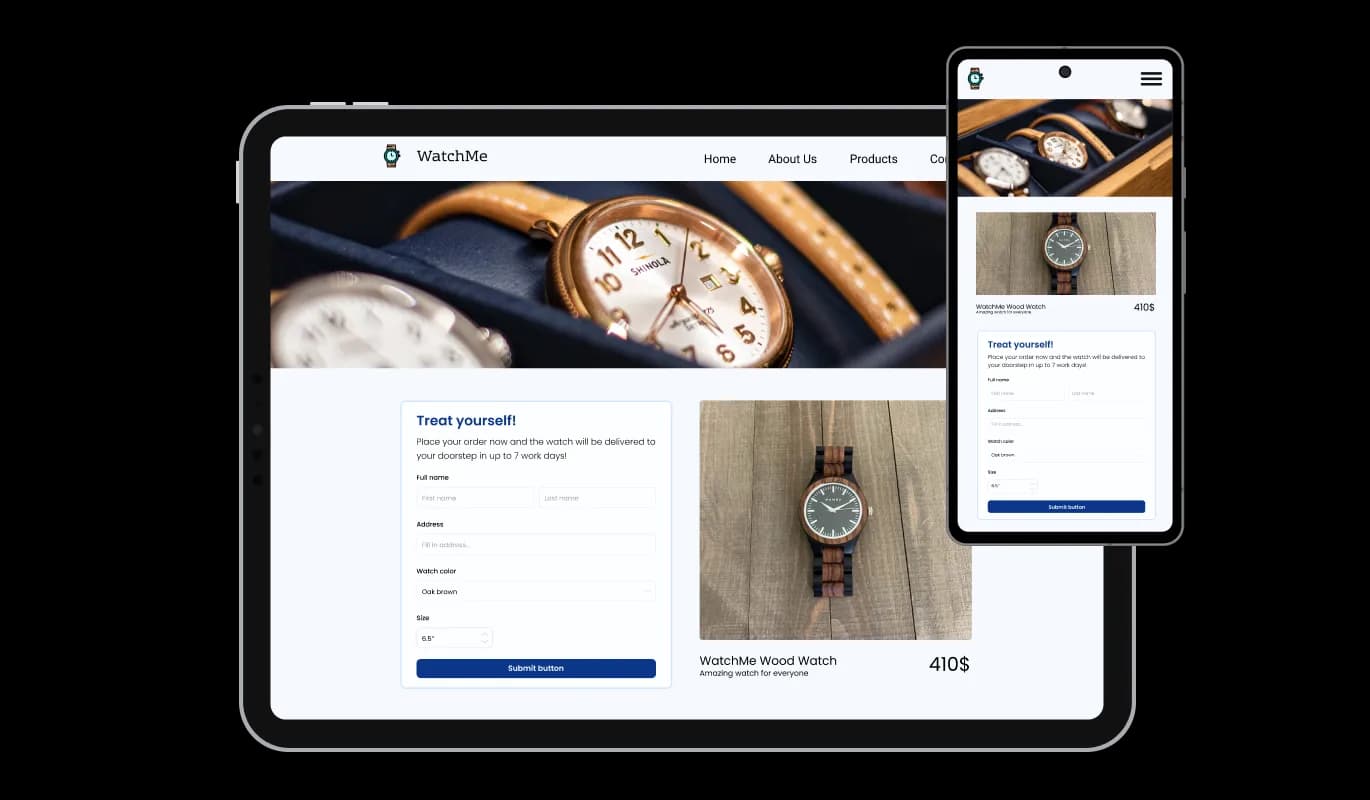
The Lovable Order Form is fully responsive and will look great on any device. In an age where the majority of people are accessing the internet on their phones and tablets, having a mobile-optimized form is indispensable. With the Lovable Order Form, you can craft an order form that's perfectly responsive and delivers a smooth ordering experience on any device.

Order Form - Optimized Lovable Order Form for Seamless Mobile Experience

Lovable Order Form: No Coding Required for Easy Customization

The Lovable Order Form focuses on a straightforward user experience without requiring any coding proficiency. With just a few quick clicks, you can modify the form to match your preferences using our easy-to-navigate interface, providing a hassle-free customization experience.

Order Form - Lovable Order Form: No Coding Required for Easy Customization

Custom CSS for Lovable Order Form

With our state-of-the-art editor, you have comprehensive control over the aesthetics of your Product Order Form. This option lets you seamlessly tailor all aspects of the Lovable form's aesthetics, encompassing colors, fonts, layout, and arrangement. For users eager to push their creative limits, direct CSS editing grants access to an expanded selection of customization opportunities.

Order Form - Custom CSS for Lovable Order Form

Compatible With All Site Builders, E-Commerce Platforms and Websites

View all supported platforms

FAQ

The Product Order Form is a tool that allows you to easily create customized order forms for your website. It offers a range of features, including customizable fields, skins, and design options, as well as anti-spam measures and notification settings.

Yes, the Product Order Form is designed to be user-friendly and intuitive, with a simple drag-and-drop interface and customizable options.

Yes, you can fully customize the appearance of the order form using the widget's design options, skins, and direct CSS editing.

Yes, the Product Order Form Widget is fully responsive and optimized for mobile viewing.

Yes, you can easily integrate the order form into your website by copying and pasting the provided code snippet.

Yes, the Product Order Form offers the CAPTCHA anti-spam feature to prevent bots and automated scripts from submitting spam entries through the order form.

Yes, you can activate automated email notifications for each form submission, send them to multiple recipients, and also dispatch a confirmation email to the customer upon successful order placement.

Yes, you can easily do so from the “Templates” tab.

Yes, there are lots of beautiful skins that you can choose from to save time and start using the widget as quickly as possible.

Common Ninja’s Order Form is free to use. It is limited to a certain amount of views, however.

Common Ninja’s Order Form is compatible with ALL current and future website builders.

Yes, the Order Form is GDPR-compliant.

No. Using our Order Form is very simple. The form comes with an intuitive drag-and-drop interface and fully customizable options. Once you’ve finished editing the to your liking, all you need to do is copy the provided code and add it to your website.

Yes. We are eager to hear your request. Please visit our Feature Request page.