
Order Form for Subbly

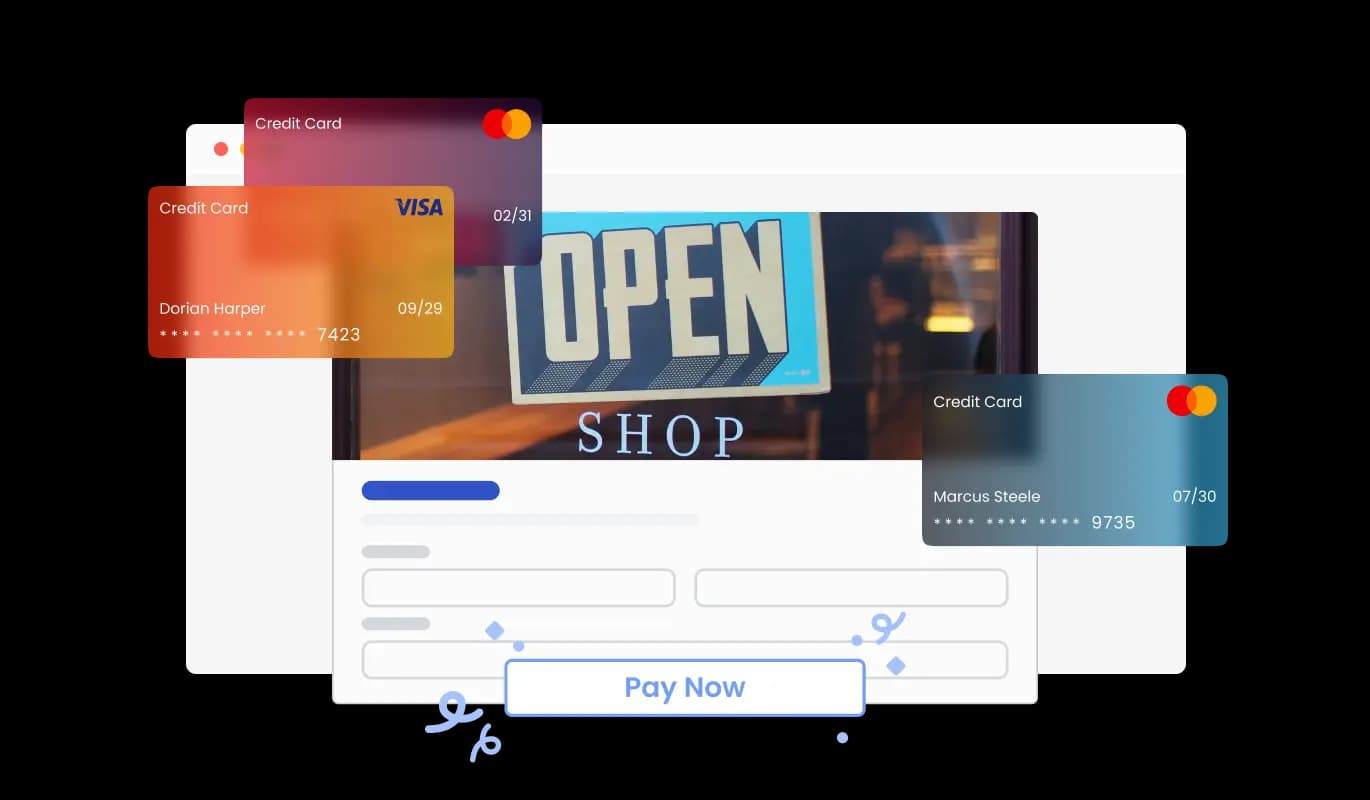
Use an order form to let customers submit product orders, save entries, receive notifications, and collect payments through PayPal or Stripe for a smoother buying experience.

Create an Order Form

loved by 500K+ businesses

Subbly
plugineditor

Why Should You Use the Order Form Widget+?

Streamlined ordering process on your Subbly website

By implementing a tailored Order Form for your Subbly, you can provide customers with a fast and user-friendly way to order your products or services on your Subbly website, lowering any hurdles and significantly improving conversion rates. This indispensable tool not only streamlines the ordering process but also elevates the customer experience for businesses seeking to thrive in the digital marketplace.

Increased efficiency on your Subbly website

With a Subbly Order Form, you can significantly reduce time spent on manual tasks by automating the ordering process, effectively freeing up resources while simultaneously increasing customer satisfaction and loyalty. This approach allows businesses to reap the rewards of greater efficiency and productivity while also promoting customer satisfaction and fostering long-term loyalty.

Elevate Your Subbly Ordering Experience with Automated Customer Notifications

The Order Form for Subbly can be designed to include automated responses, letting customers know that their order has been received and providing them with important details such as estimated delivery times. This added feature enhances the customer experience and simultaneously reduces the number of order-related queries businesses have to handle.

Customize Your Subbly Order Form for Optimal Results

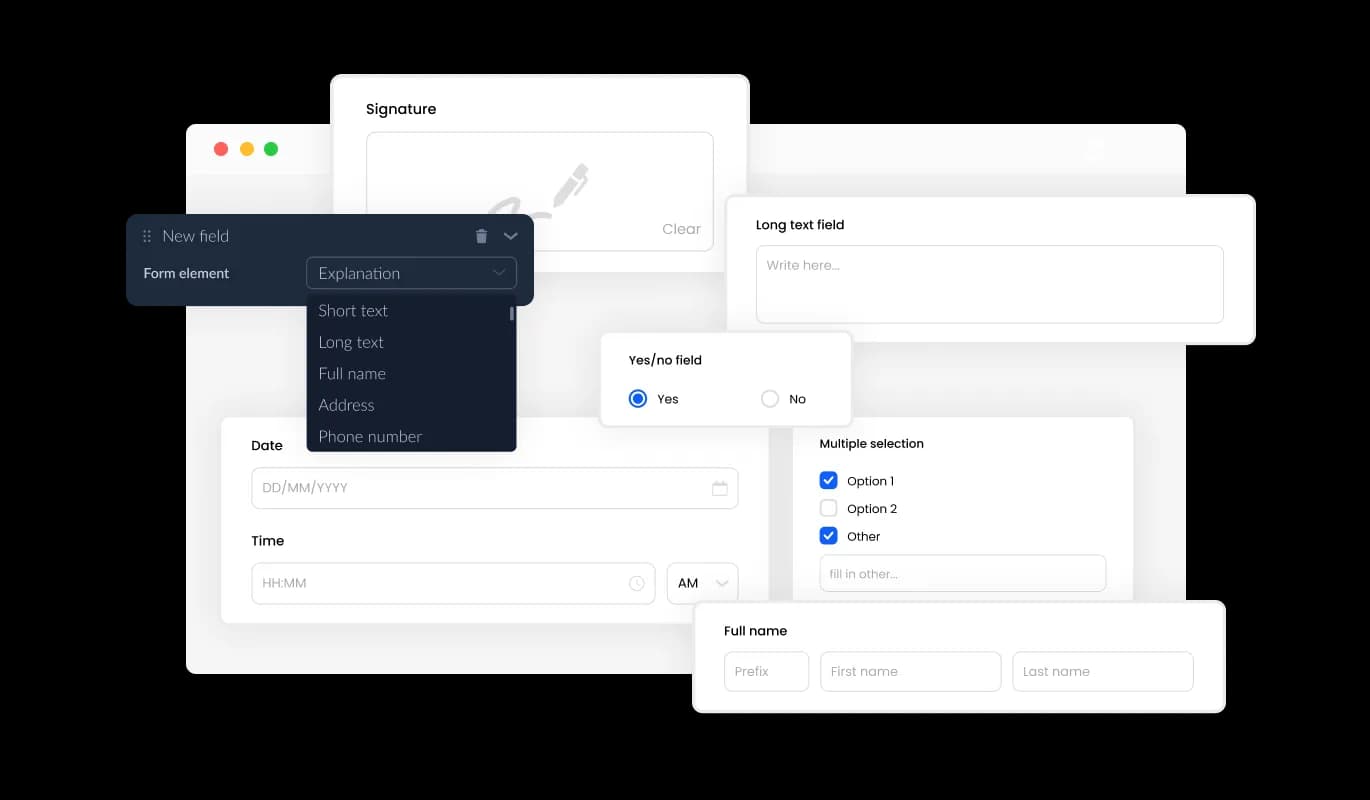
The Order Form for Subbly offers a variety of customizable fields to create the perfect order form for your needs. You can easily tailor the form to suit your product requirements and objectives by selecting from a range of field types. With the help of our straightforward drag-and-drop feature, you can smoothly alter the order of fields to design the best possible order form for your Subbly. This user-friendly feature not only elevates the customer experience but also contributes to a more efficient business operation by reducing order-related inquiries.
Order Form - Customize Your Subbly Order Form for Optimal Results

Organize Product Order Data with Ease on Your Subbly website

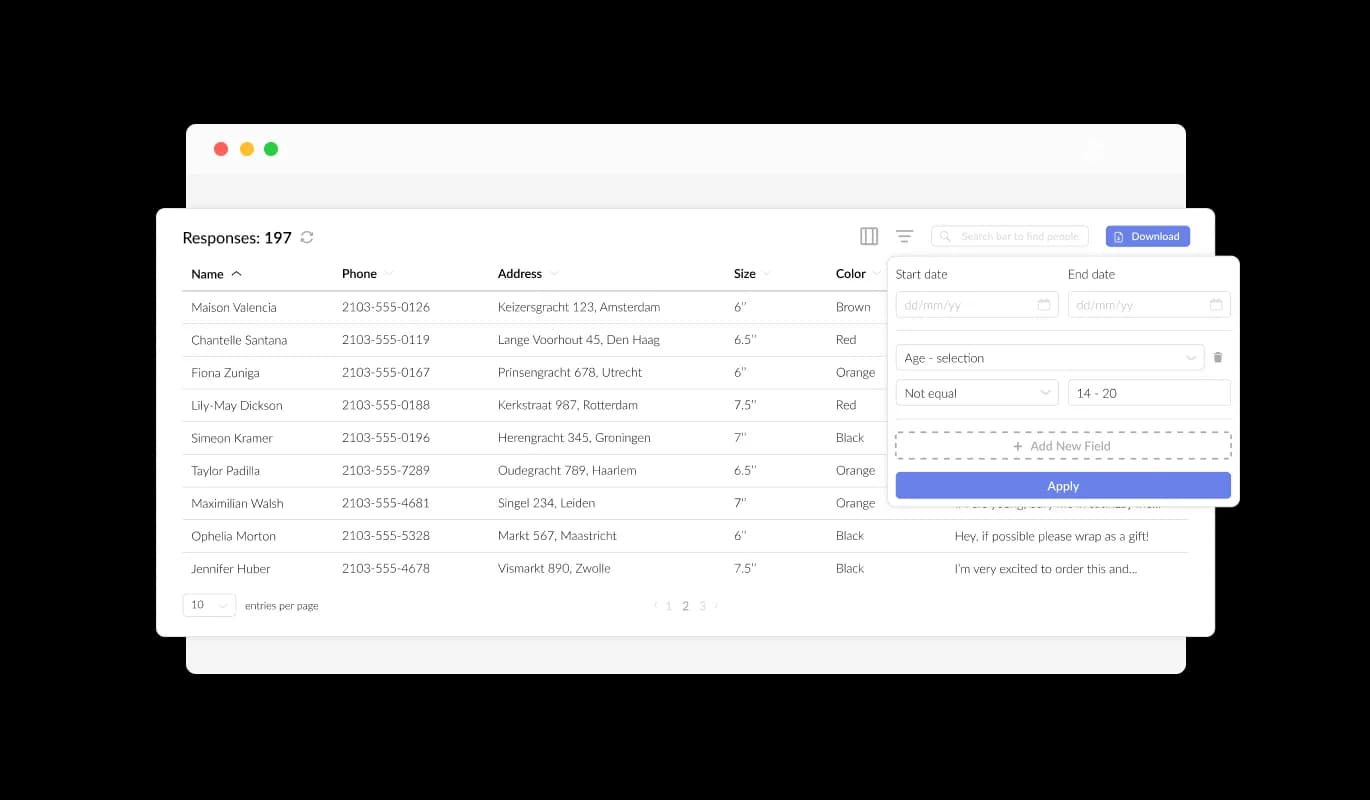
Our Subbly Product Order Form is designed to effortlessly gather and arrange product order data in a coherent and user-friendly manner. This feature greatly improves order tracking, allowing for quicker and more effective review and fulfillment of orders. Using our forms, you can efficiently manage and access all submitted information, streamlining the process of keeping track of your product orders.

Order Form - Organize Product Order Data with Ease on Your Subbly website

Efficiently Export and Organize Order Data with Subbly CSV Functionality

With the Subbly Product Order Form, the ability to export order data to CSV files enhances efficiency in organizing orders and integrating with other applications. This feature allows for easy transfer of order data to other applications or tools, making in-depth analysis and integration more accessible. This feature is of great importance to organizations striving to maintain a complete record of order information for data analysis, reporting, and administrative purposes.

Order Form - Efficiently Export and Organize Order Data with Subbly CSV Functionality

Elevate Your Subbly Order Form with Captivating Text and Graphics

Incorporating headings, instructive text, and images into your product order form helps to establish a more engaging and comprehensible ordering experience for customers. Including helpful form components guide customers through the ordering process, promoting an effortless experience and boosting the chances of order completion. The flexibility to tailor the form with text, images, and other visual components enables you to build an order form that is both effective and visually engaging, while also being user-friendly.

Order Form - Elevate Your Subbly Order Form with Captivating Text and Graphics

Design Unique Headers & Footers for Your Subbly Order Form

With the Subbly Product Order Form, you can tailor your order form's header and footer, as well as incorporate images. This feature creates an excellent chance to amplify your brand image and produce a polished, visually captivating form that harmonizes with your Subbly website's overarching design.

Order Form - Design Unique Headers & Footers for Your Subbly Order Form

Stay Updated with Notifications for New Orders on Subbly

The Subbly Order Form offers the ability to enable notifications for both the form owner and the customer. Configure automated email notifications for individual order submissions, distribute to multiple recipients, and transmit a confirmation email to the customer once the order is successfully placed.

Order Form - Stay Updated with Notifications for New Orders on Subbly
Order Form - Optimize Your Subbly Order Form with Crucial Fields

Optimize Your Subbly Order Form with Crucial Fields

By including designated fields for product orders like product specifics (e.g., quantity and color options) and customer data (e.g., Name, Email, Phone, and Shipping Address), you can gather crucial information for improved order management efficiency. Integrating fields for product alternatives, specific needs, and payment preferences helps to provide your customers with a more customized and seamless ordering journey.

Order Form - Protect Your Subbly Order Form with Anti-Spam Features

Protect Your Subbly Order Form with Anti-Spam Features

The Subbly Product Order Form allows for the integration of the CAPTCHA anti-spam feature, which must be completed by customers before order submission. This capability safeguards against bots and automated scripts that submit spam entries via your order form, making certain you obtain valid orders from actual customers on your Subbly website.

Order Form - Effortless Embedding of Subbly Product Order Form for Your Site

Effortless Embedding of Subbly Product Order Form for Your Site

To seamlessly add the Product Order Form to your Subbly website, just copy and insert the given code snippet into your web page's HTML. The form is designed to auto-update, which means any modifications you make in the Product Order Form editor will be automatically reflected on your Subbly website.

Pick from Numerous Subbly Order Form Layouts

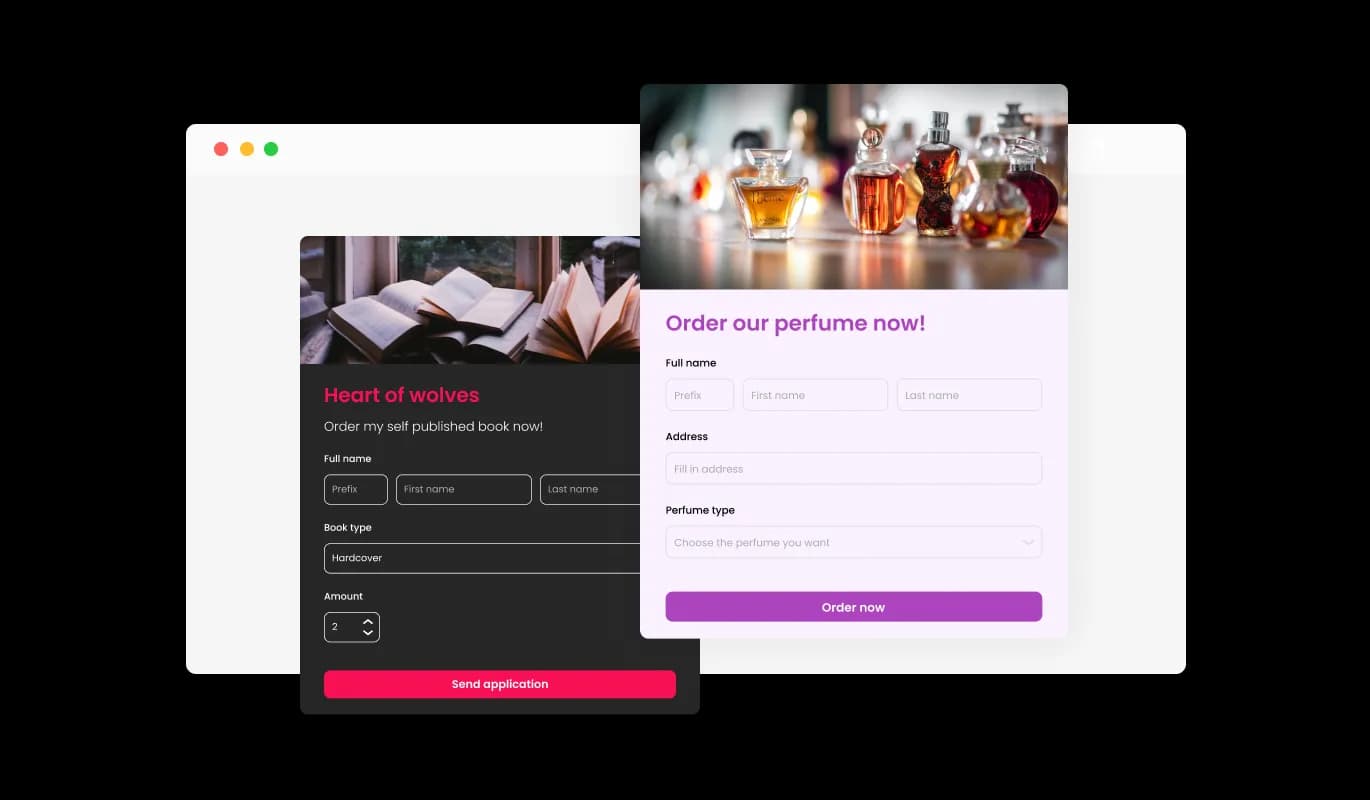
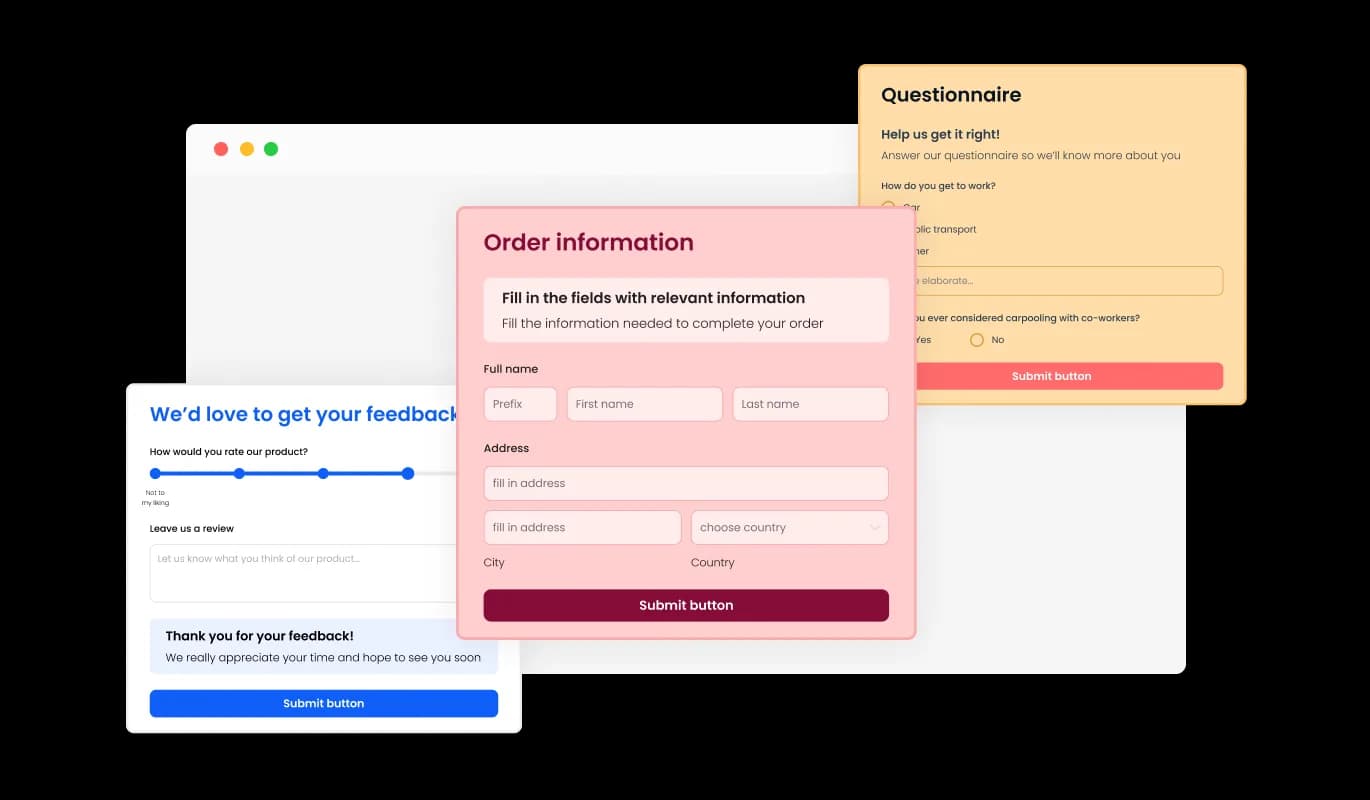
The Subbly Product Order Form comes with a range of attractive skins to choose from, enabling you to jump-start the design process and save time on in-depth customization. These pre-crafted skins address various aesthetic requirements, making it convenient to synchronize your form with your Subbly website's design and atmosphere.

Order Form - Pick from Numerous Subbly Order Form Layouts

Design Your Ideal Subbly Order Form with Comprehensive Customization

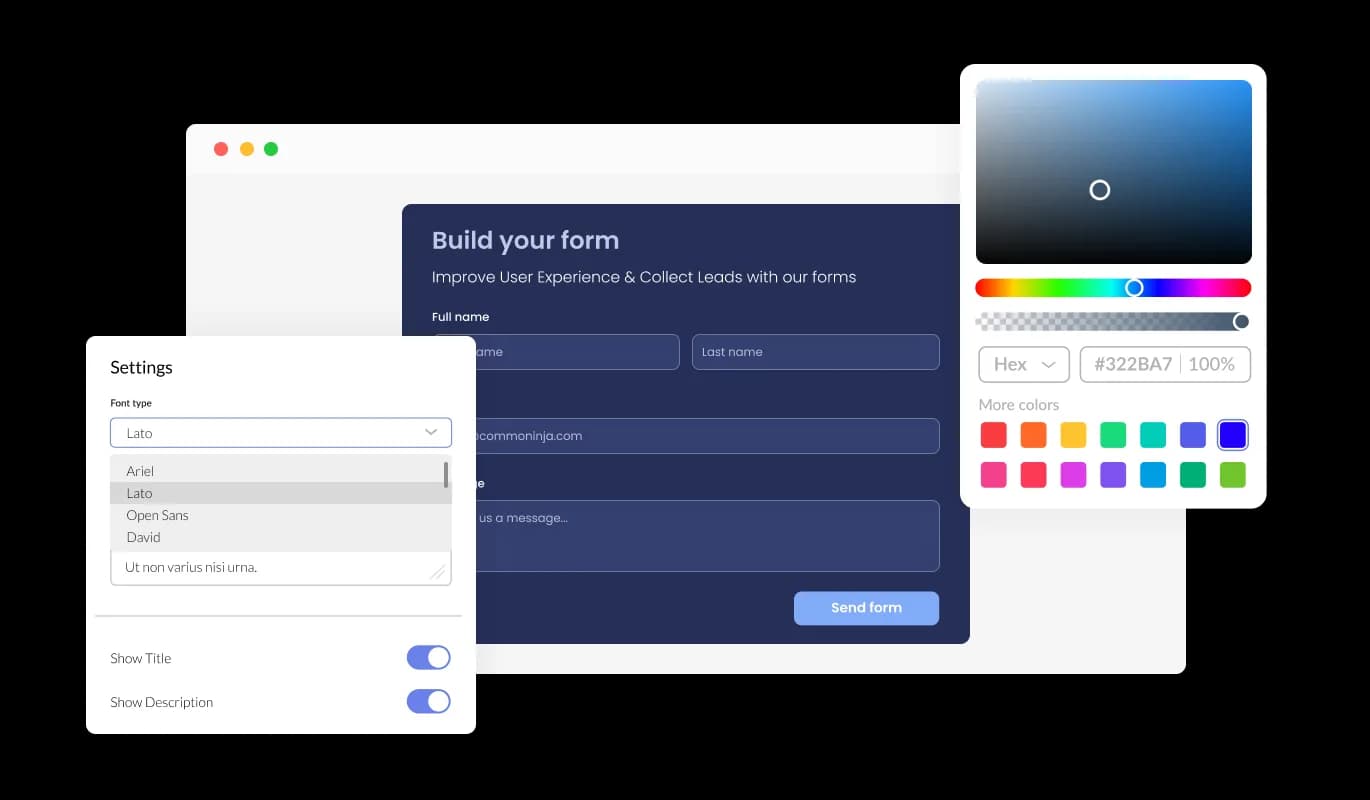
The Order Form for Subbly presents a wide range of customization choices, enabling you to adjust the design to accommodate your particular requirements. Spanning from editing colors and fonts to reorganizing field layouts, you maintain absolute control over the form's design and capabilities. With the form's straightforward interface, you can conveniently modify the form to synchronize with your website's appearance, ensuring a fluid ordering experience for your customers.

Order Form - Design Your Ideal Subbly Order Form with Comprehensive Customization

A Fully Responsive Subbly Order Form for Every Screen

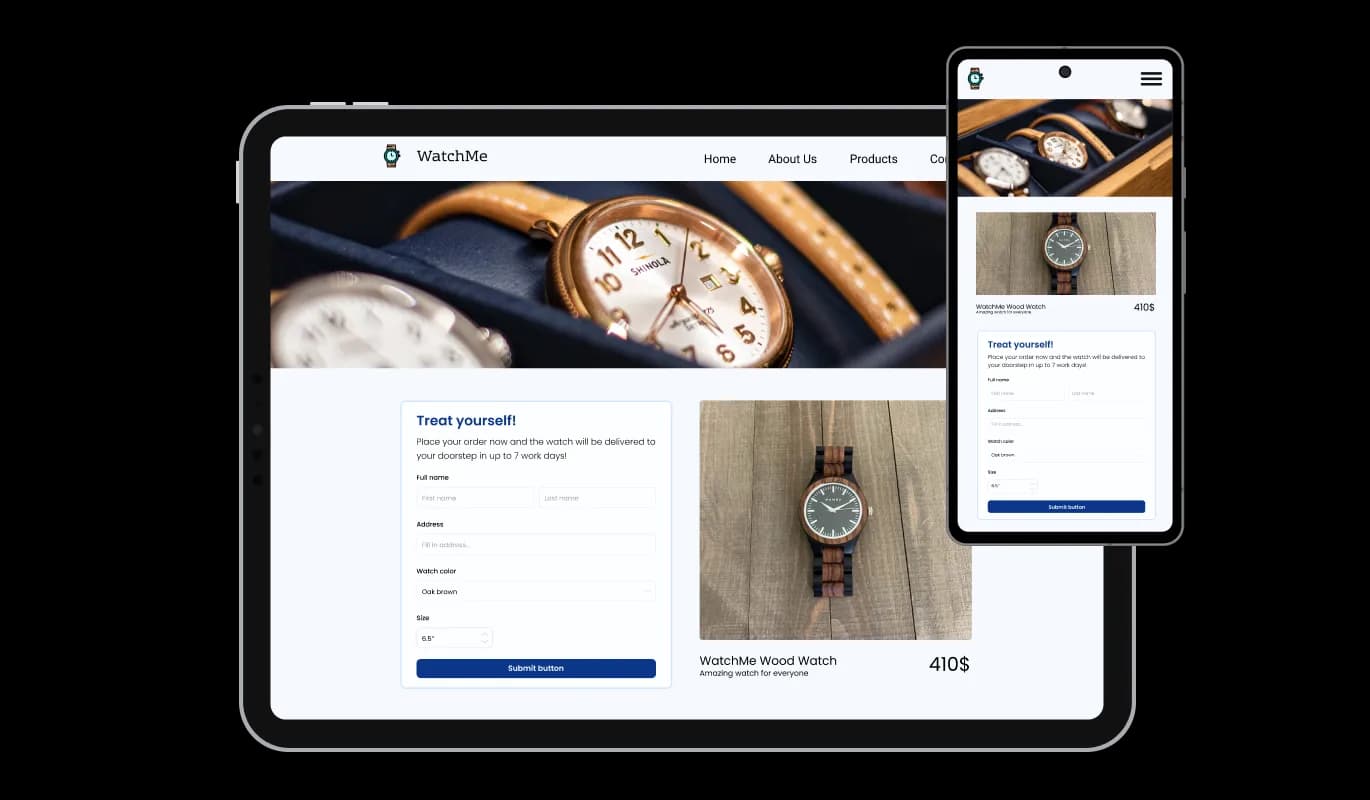
The Subbly Order Form features a fully responsive layout, providing an excellent look across all devices. Having a form that is optimized for mobile viewing is essential in a world where more and more people are accessing the internet through their phones and tablets. With the Subbly Order Form, you can craft an order form that's perfectly responsive and delivers a smooth ordering experience on any device.

Order Form - A Fully Responsive Subbly Order Form for Every Screen

User-Friendly Subbly Order Form for Effortless Customization

With the Subbly Order Form, ease of use is prioritized, and there's no need for coding expertise. With just a few quick clicks, you can modify the form to match your preferences using our easy-to-navigate interface, providing a hassle-free customization experience.

Order Form - User-Friendly Subbly Order Form for Effortless Customization

Custom CSS: Personalize Your Subbly Order Form to Perfection

The high-end editor is an exceptional tool that empowers you to dictate the style of your Product Order Form. With this functionality, you can smoothly modify every facet of the Subbly form's appearance, from colors and typefaces to layout and placement. For those looking to exercise their creativity further, direct CSS editing allows for even more extensive customization options.

Order Form - Custom CSS: Personalize Your Subbly Order Form to Perfection

Compatible With All Site Builders, E-Commerce Platforms and Websites

View all supported platforms

FAQ

The Product Order Form is a tool that allows you to easily create customized order forms for your website. It offers a range of features, including customizable fields, skins, and design options, as well as anti-spam measures and notification settings.

Yes, the Product Order Form is designed to be user-friendly and intuitive, with a simple drag-and-drop interface and customizable options.

Yes, you can fully customize the appearance of the order form using the widget's design options, skins, and direct CSS editing.

Yes, the Product Order Form Widget is fully responsive and optimized for mobile viewing.

Yes, you can easily integrate the order form into your website by copying and pasting the provided code snippet.

Yes, the Product Order Form offers the CAPTCHA anti-spam feature to prevent bots and automated scripts from submitting spam entries through the order form.

Yes, you can activate automated email notifications for each form submission, send them to multiple recipients, and also dispatch a confirmation email to the customer upon successful order placement.

Yes, you can easily do so from the “Templates” tab.

Yes, there are lots of beautiful skins that you can choose from to save time and start using the widget as quickly as possible.

Common Ninja’s Order Form is free to use. It is limited to a certain amount of views, however.

Common Ninja’s Order Form is compatible with ALL current and future website builders.

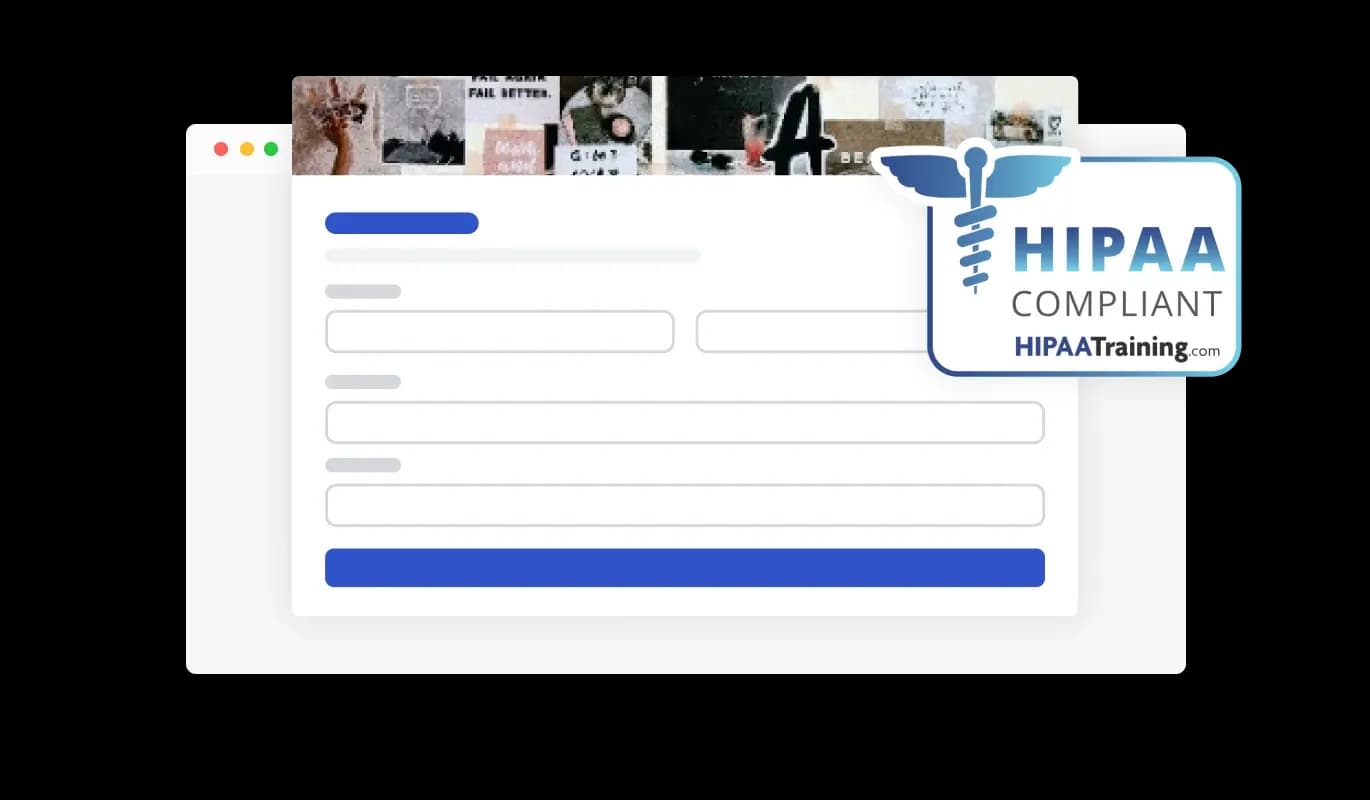
Yes, the Order Form is GDPR-compliant.

No. Using our Order Form is very simple. The form comes with an intuitive drag-and-drop interface and fully customizable options. Once you’ve finished editing the to your liking, all you need to do is copy the provided code and add it to your website.

Yes. We are eager to hear your request. Please visit our Feature Request page.