Petition Form for Imweb

Gather supporter signatures with a petition form that collects entries, saves submissions, sends notifications, and helps you drive meaningful change efficiently.

Create an Online Petition Form

loved by 500K+ businesses

Imweb
plugineditor

Why Should You Use the Petition Form Widget+?

Elevate Social Impact through Imweb Petition Form Integration

The Imweb online petition tool streamlines petition creation and distribution, enticing more individuals to join and back crucial campaigns. This can lead to increased engagement and support for the cause. Online petition forms tap into social media sharing and user-friendly features, cultivating a sense of unity and motivating more people to engage actively in the campaign.

Streamline Petition Management with Imweb Form

With features like entry collection, export to CSV, and notifications, managing and responding to petition submissions become more efficient and streamlined. The Imweb petition also presents modifiable form fields, hand-drawn signature features, and CAPTCHA spam defense, promising a secure and easy-to-use experience for both petition makers and backers.

Tailor-Made and Engaging Petition Forms on Imweb

With a range of customization features, Imweb petition forms let you incorporate images, hand-drawn signatures, and tailor-made form fields to suit individual needs. This versatility allows you to develop petitions that stand out in their cause while engaging the intended audience effectively.

Various Form Fields To Select From

The Imweb Petition creator features an abundance of form fields that you can opt for and add to your form, catering to your distinct purposes and aims. A vast collection of field formats can be accessed by clicking the "Add Field" option. Furthermore, conveniently rearrange the form fields by dragging and dropping them to set your desired sequence.
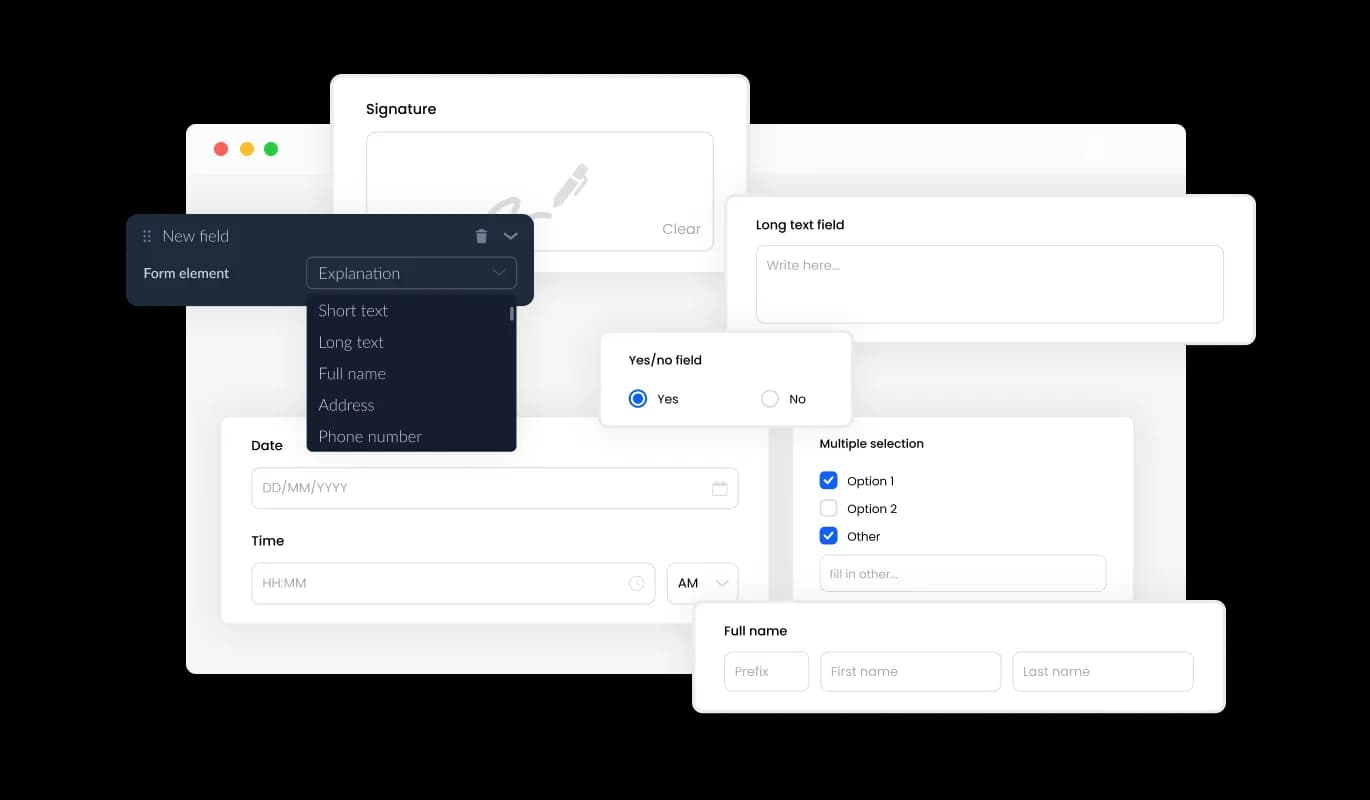
Petition Form - Various Form Fields To Select From

Imweb Petition Form: Incorporate Handwritten Signatures for Authenticity

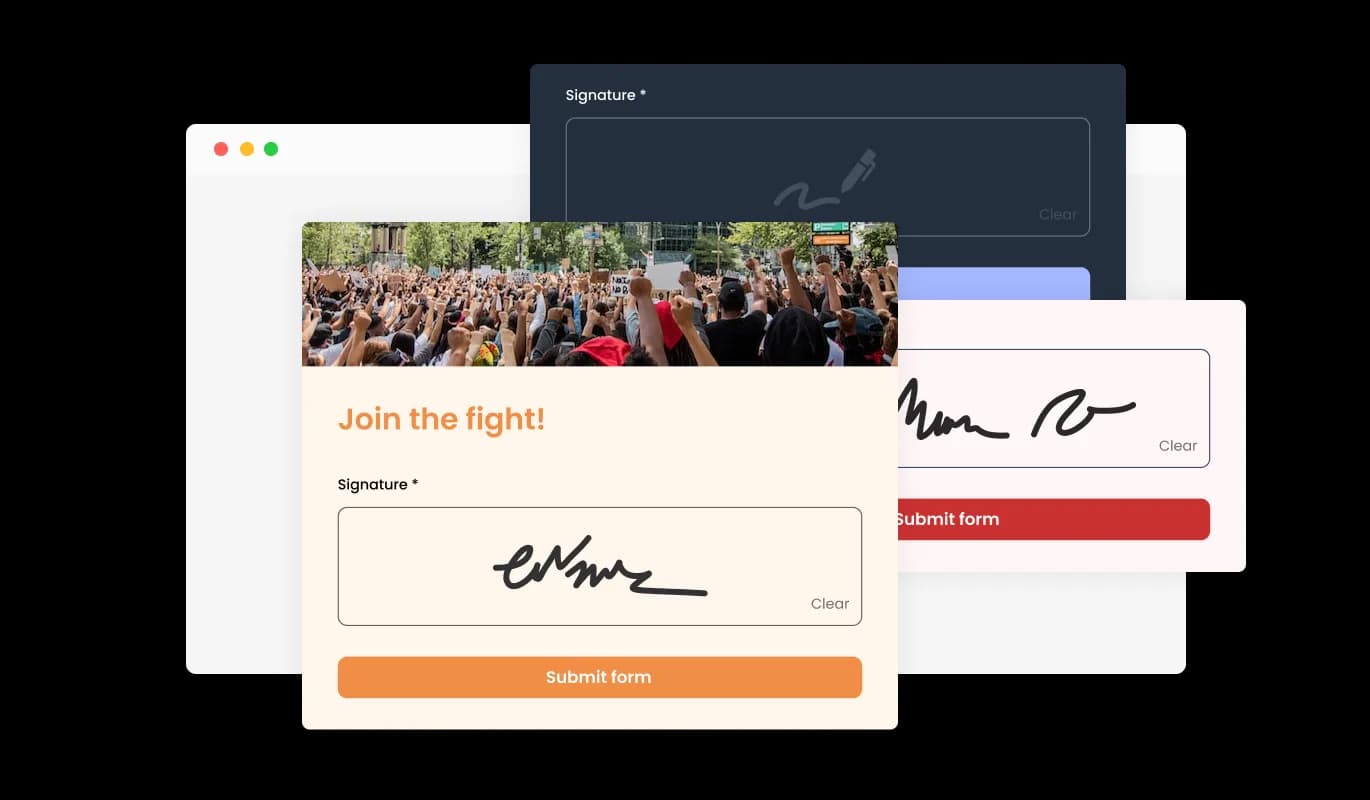
By using the hand-drawn signature feature in the Imweb online petition form app, users can enhance petitions by enabling signatories to contribute their handwritten signatures. This feature creates a more authentic and individualized experience for both the user and the signatory, increasing the likelihood of signatories engaging with the petition. Hand-drawn signatures also play a role in establishing the signatory's authenticity, promoting a higher degree of confidence in the petition. As a whole, this feature substantially improves your online petition experience on Imweb, allowing users to craft more appealing and engaging petitions.

Petition Form - Imweb Petition Form: Incorporate Handwritten Signatures for Authenticity

Keep Track of Petition Entries Effortlessly on Imweb

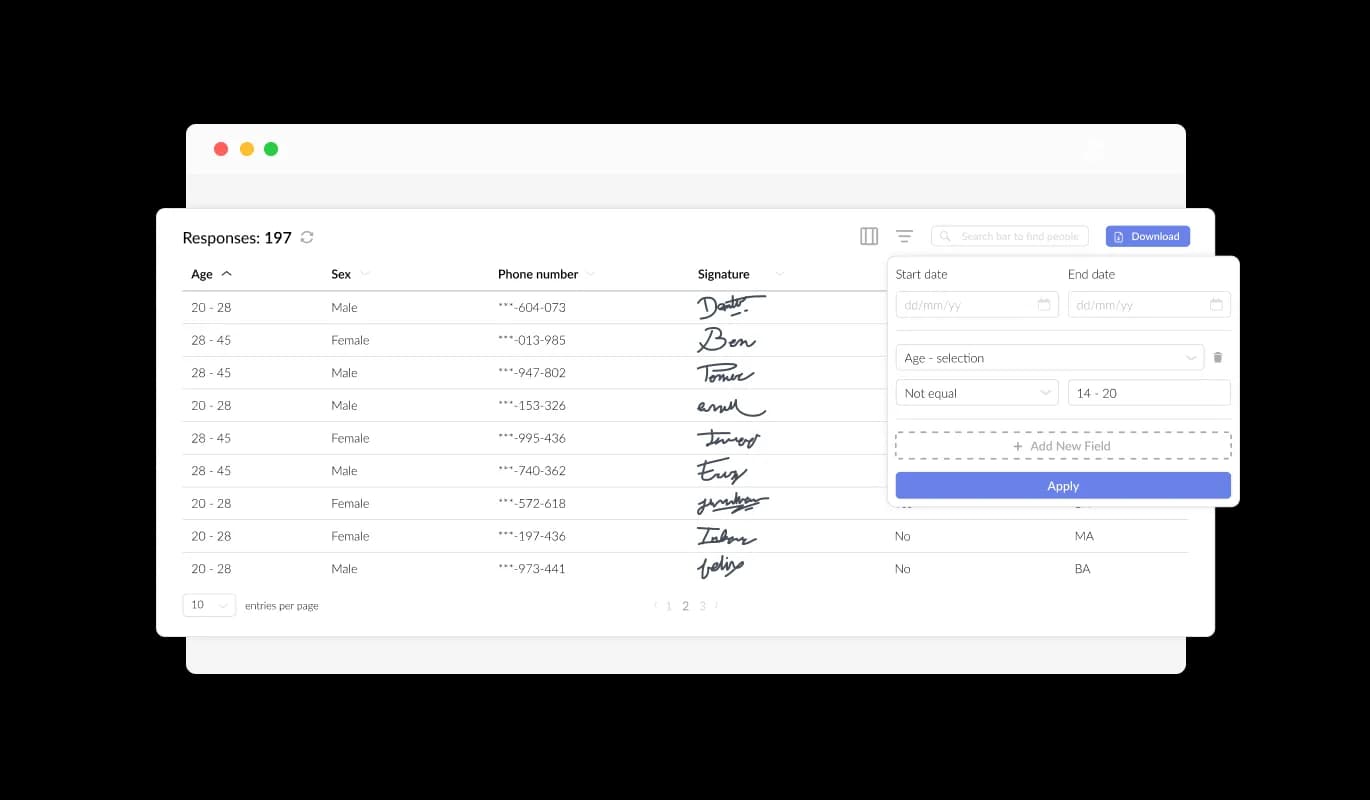
Using the Imweb Petition Tool, you can easily manage and view all the signatures submitted through the form in a straightforward interface. This feature facilitates the organization and management of all communication and inquiries from users, helping you to respond promptly and effectively to their requests.

Petition Form - Keep Track of Petition Entries Effortlessly on Imweb

Improve User Experience with Engaging Content and Images in Imweb Petition Forms

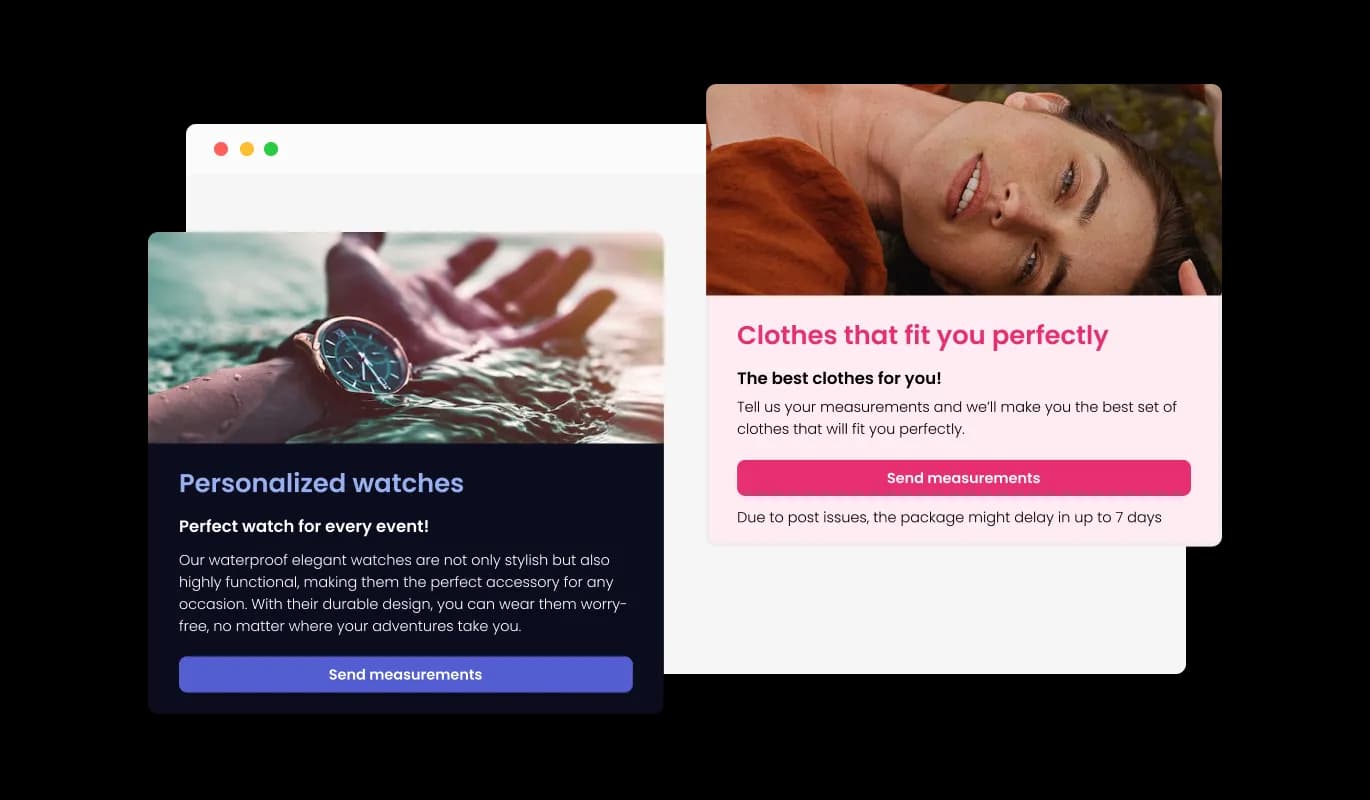
By adding titles, descriptive text, and images to your petition form, you can create a more engaging and user-friendly experience for your Imweb store supporters. Including explanatory form elements can also help guide users through the submission process, resulting in a smoother and more efficient experience that can increase the likelihood of gathering more signatures or support for your cause.

Petition Form - Improve User Experience with Engaging Content and Images in Imweb Petition Forms

Imweb Petition Form: Unique and Engaging Headers and Footers

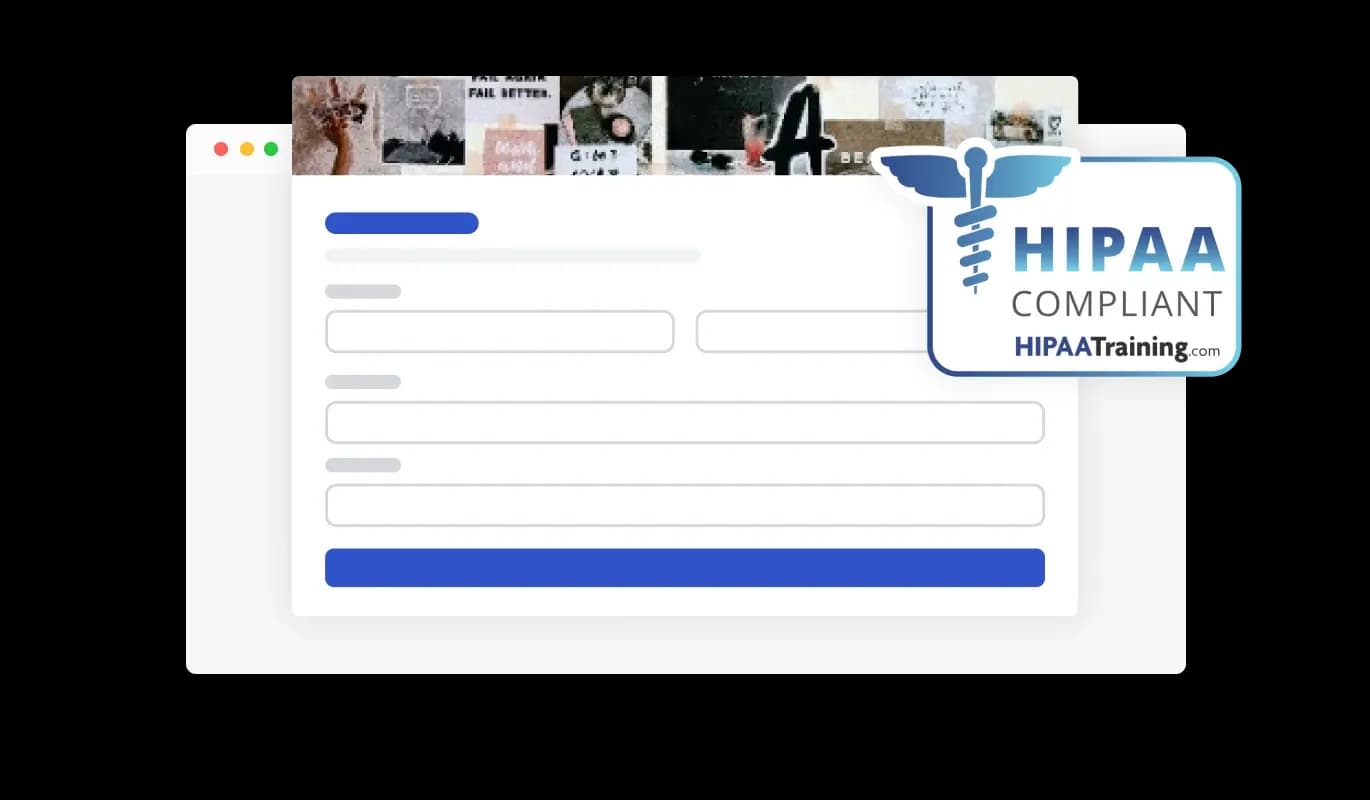
Using the Imweb Petition builder, you can modify the header and footer of your petition form and incorporate images to create a visually engaging and sophisticated presentation. This feature offers a great opportunity to promote your brand and create a more cohesive and engaging form that aligns with your Imweb store's design and aesthetic. Personalizing your petition form helps craft a distinctive and unforgettable experience for supporters, establishing trust and reinforcing your cause's credibility.

Petition Form - Imweb Petition Form: Unique and Engaging Headers and Footers

Prevent Spam Entries in Your Imweb Petition

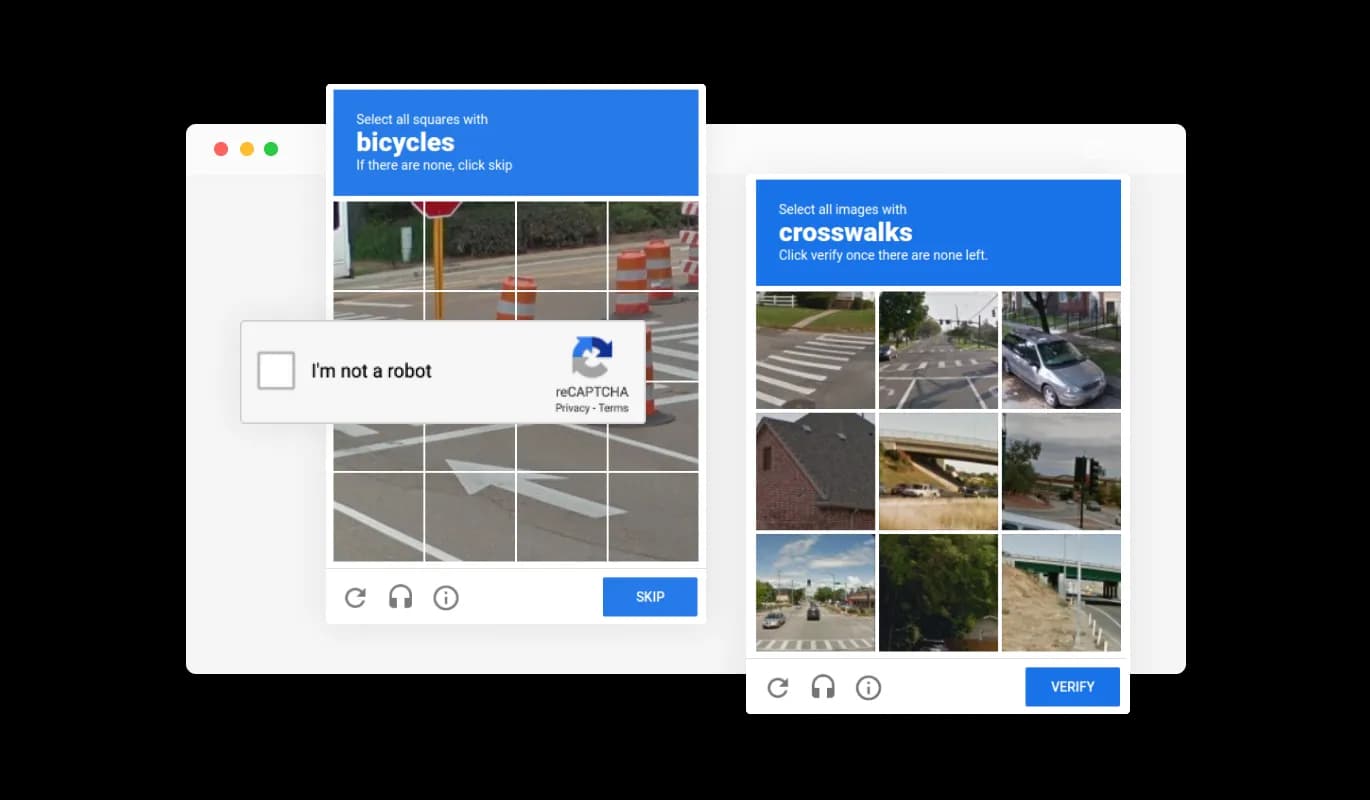
Safeguard your Imweb petition form against spam and automated entries with the integrated CAPTCHA anti-spam feature. Requiring users to pass a verification test before adding their signatures, this feature confirms the authenticity of each supporter and their commitment to your cause. This added security measure helps to keep bots and automated spam at bay, preserving the legitimacy and integrity of your petition. The CAPTCHA functionality assures you that each signature on your petition comes from a genuine individual supporting your cause.

Petition Form - Prevent Spam Entries in Your Imweb Petition
Petition Form - Analyze Petition Data by Exporting to CSV on Imweb

Analyze Petition Data by Exporting to CSV on Imweb

With the Petition builder for Imweb, you can export all the submitted entries to a CSV file format, enabling you to analyze and integrate the data into other tools or software. This feature is particularly beneficial for managing and keeping a record of all interactions with your petition supporters, as well as for generating reports and analyzing trends in your petition's success. Exporting your petition data allows you to uncover important insights into the performance of your petition, empowering you to make data-driven decisions for enhancing your campaign's impact.

Petition Form - Never Miss a Submission with Imweb Petition Notification Feature

Never Miss a Submission with Imweb Petition Notification Feature

The Imweb Petition builder enables you to stay informed with real-time notifications every time a new supporter joins your petition. Ensure that you and your supporters stay current with the newest submissions by activating notifications for both the form owner and the submitting user. Besides, you can establish automatic email notifications for all form submissions and issue a confirmation email to users following a successful signing. Utilizing this feature, you can effectively sustain supporter engagement, nurture relationships and enhance your cause's momentum.

Petition Form - Simple Petition Integration on Your Imweb Website

Simple Petition Integration on Your Imweb Website

Embedding the Petition Form on your Imweb website is a breeze – just copy the provided code snippet and paste it into your page's HTML code. Additionally, the Imweb petition is designed to be auto-updating, meaning that any changes you make to the Petition Form editor will be reflected automatically on your Imweb site.

Select from a Variety of Stunning Petition Skins for Your Imweb store

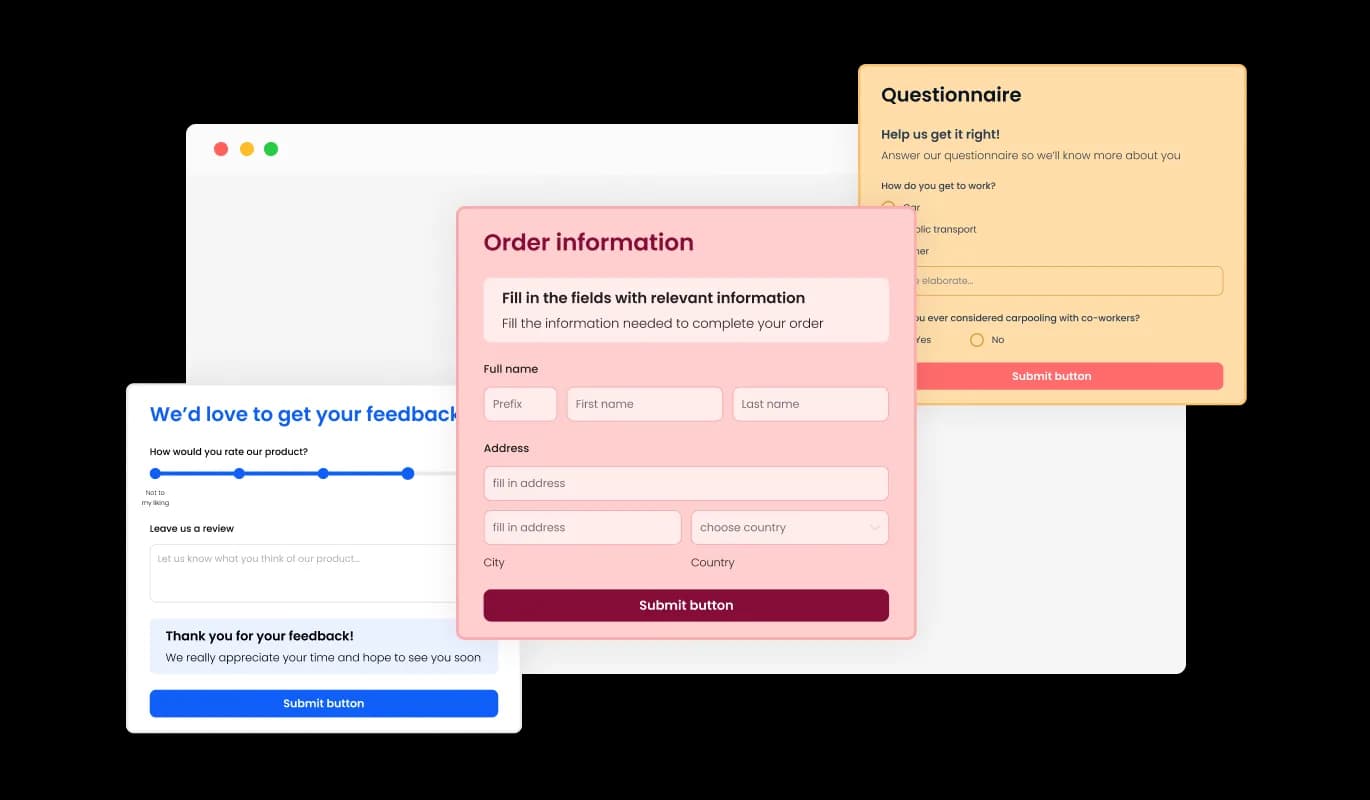
The Petition Form for Imweb provides an array of elegant skins to choose from, minimizing the need for complex customization efforts. Additionally, these visually appealing skins are designed to resonate with different audiences, ensuring that your petition stands out and captures the attention it deserves. With a variety of skins that appeal to multiple audience types, your petition will undoubtedly attract attention and gain the support it necessitates.

Petition Form - Select from a Variety of Stunning Petition Skins for Your Imweb store

Total Customization: Personalize Your Imweb Petition Form

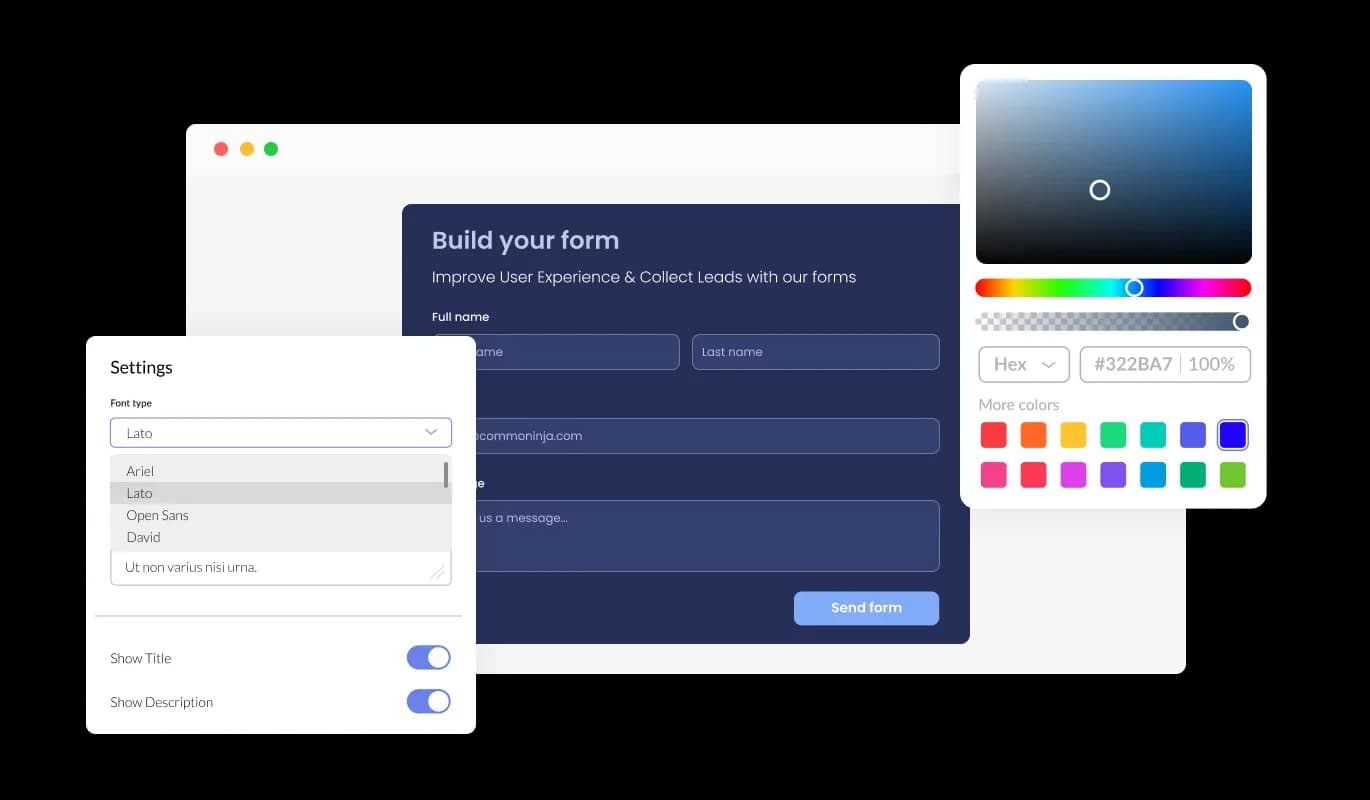
Benefit from total customization capabilities with the Petition Form, letting you personalize the design according to your demands – switch up colors, select different fonts, and adjust spacing as needed. The adaptability offered by these customization options empowers users to create one-of-a-kind petitions that successfully convey their message while showcasing their individual style and branding.

Petition Form - Total Customization: Personalize Your Imweb Petition Form

Optimal Viewing on All Devices with Imweb Petition Form

Featuring a fully responsive design, the Petition Form provides an optimal viewing experience on all devices, regardless of screen size. With the growing prevalence of mobile internet usage, providing a form that's tailored for optimal viewing on mobile devices is indispensable.

Petition Form - Optimal Viewing on All Devices with Imweb Petition Form

Intuitive Imweb Petition Builder for Hassle-Free Form Creation

With no coding expertise needed, the Petition builder for Imweb offers a user-friendly and straightforward experience. Our intuitive dashboard with the drag-and-drop feature will enable you to customize the Imweb petition any way you'd like to with just a few simple clicks.

Petition Form - Intuitive Imweb Petition Builder for Hassle-Free Form Creation

Fine-Tune Your Imweb Petition Design with Custom CSS Editing

Gain full control over the visual design of your Imweb Petition Form with our advanced editor By editing the CSS using this feature, you can craft a petition form that truly embodies your brand's aesthetic and stands out from the rest. But if you're feeling particularly creative, you can take your customization to the next level by editing the CSS directly.

Petition Form - Fine-Tune Your Imweb Petition Design with Custom CSS Editing

Compatible With All Site Builders, E-Commerce Platforms and Websites

View all supported platforms

FAQ

An online petition form is a digital form that allows individuals or organizations to create a petition and collect signatures or support online. Online petition forms typically include fields for users to enter their name, email address, location, and a message of support. Petitions may be created for a variety of reasons, such as to raise awareness of a cause, advocate for a specific policy or action, or show support for a particular individual or group. Online petition forms offer a convenient and accessible way for individuals to participate in social and political movements and engage with causes they care about.

  1. Keep it simple: Design your form with simplicity in mind. Avoid overcomplicating your form with unnecessary fields, and keep the form visually appealing and easy to read.
  2. Focus on the message: Your form should clearly communicate the message or purpose of your petition. Use a clear and concise language to express your message, and provide supporting information or resources to back up your claims.
  3. Make it shareable: Include social sharing buttons that allow users to easily share the petition with their social media followers or email contacts. This helps to expand the reach of your petition and attract more signatures.
  4. Ensure security: Use encryption and other security measures to protect the personal information of your users. This helps to build trust with your audience and ensures that their information is not compromised.
  5. Provide updates: Keep your supporters informed about the progress of your petition. Provide regular updates on social media or through email newsletters to keep supporters engaged and motivated.
  6. Consider accessibility: Make sure that your form is accessible to all users, including those with disabilities. Use appropriate colors, font sizes, and other design elements to ensure that your form is easy to use for all.


By following these best practices, you can create an effective online petition form that engages your audience and generates support for your cause.

Yes, you can easily do so from the “Templates” tab.

Yes, there are lots of beautiful skins that you can choose from to save time and start using the petition as quickly as possible. 

Yes, you can either upload an image, or select an icon from a large selection of available icons to add to your petition, or, alternatively, you can leave it all blank. 

It’s simple. All you need to do is to sign up and start using the free version.

Common Ninja’s Petition Form is free to use. It is limited to a certain amount of views, however.

Common Ninja’s Petition Form is compatible with ALL current and future website builders.

Yes, the Petition Form is GDPR-compliant.

No. Using our Petition Form is very simple. The petition comes with an intuitive drag-and-drop interface and fully customizable options. Once you’ve finished editing the petition to your liking, all you need to do is copy the provided code and add it to your website.

Yes. We are eager to hear your request. Please visit our Feature Request page.