
Process for Builderall

Use a process widget to present tasks in a clear visual sequence, showing each step with images and text to improve understanding and user engagement.

Create Process

loved by 500K+ businesses

Builderall
plugineditor

Why Should You Use the Process Widget+?

Better Organization and Navigation with Process app

The Process app for Builderall enables you to arrange and showcase information in a well-ordered manner, ensuring your visitors easily comprehend the material on your Builderall website. Articulate your message clearly and enrich the user experience by presenting information in an organized and eye-catching manner.

Enhance User Engagement on Your Builderall website with Process app

Employ the Builderall Process app to boost your website's interactivity and allure, prompting users to investigate your content and enjoy an extended stay on your website. Engage your website visitors by implementing the interactive Process app, prompting users to explore and connect with your content.

Visually Appealing Process Display

Utilize the Process Builderall app to add visually appealing components to your website, ensuring it stands out and leaves a lasting impression on users. Leave a lasting impression on your visitors with a beautifully designed Process app that elevates your Builderall website's overall appearance.

Customize Your Builderall website with Vertical & Horizontal Process Displays

The Builderall Process app offers the choice of vertical or horizontal Process displays, helping you fine-tune the design according to your preferences. Personalize your Process app's configuration by picking the orientation that best aligns with your [process] app's design and user experience objectives.
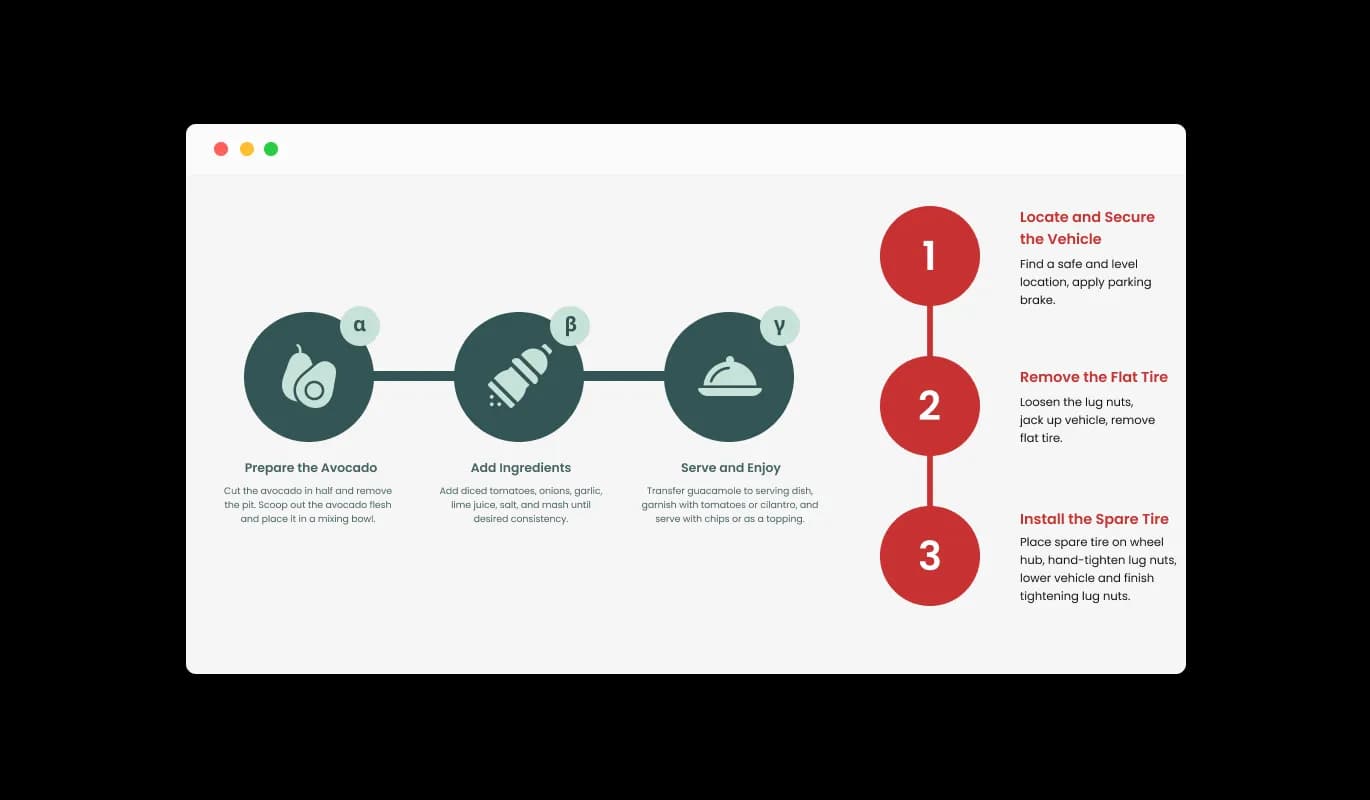
Process - Customize Your Builderall website with Vertical & Horizontal Process Displays

Diverse Skins for Your [Process] app: Find the Perfect Fit

The Process Builderall app provides various skins for you to choose from, allowing you to harmonize it with your Builderall website's overall look and feel. Choose from numerous pre-created skins to confirm that the Process app aligns perfectly with your Builderall website's overall appearance and design.

Process - Diverse Skins for Your [Process] app: Find the Perfect Fit

Unleash Your Creativity with the Process app

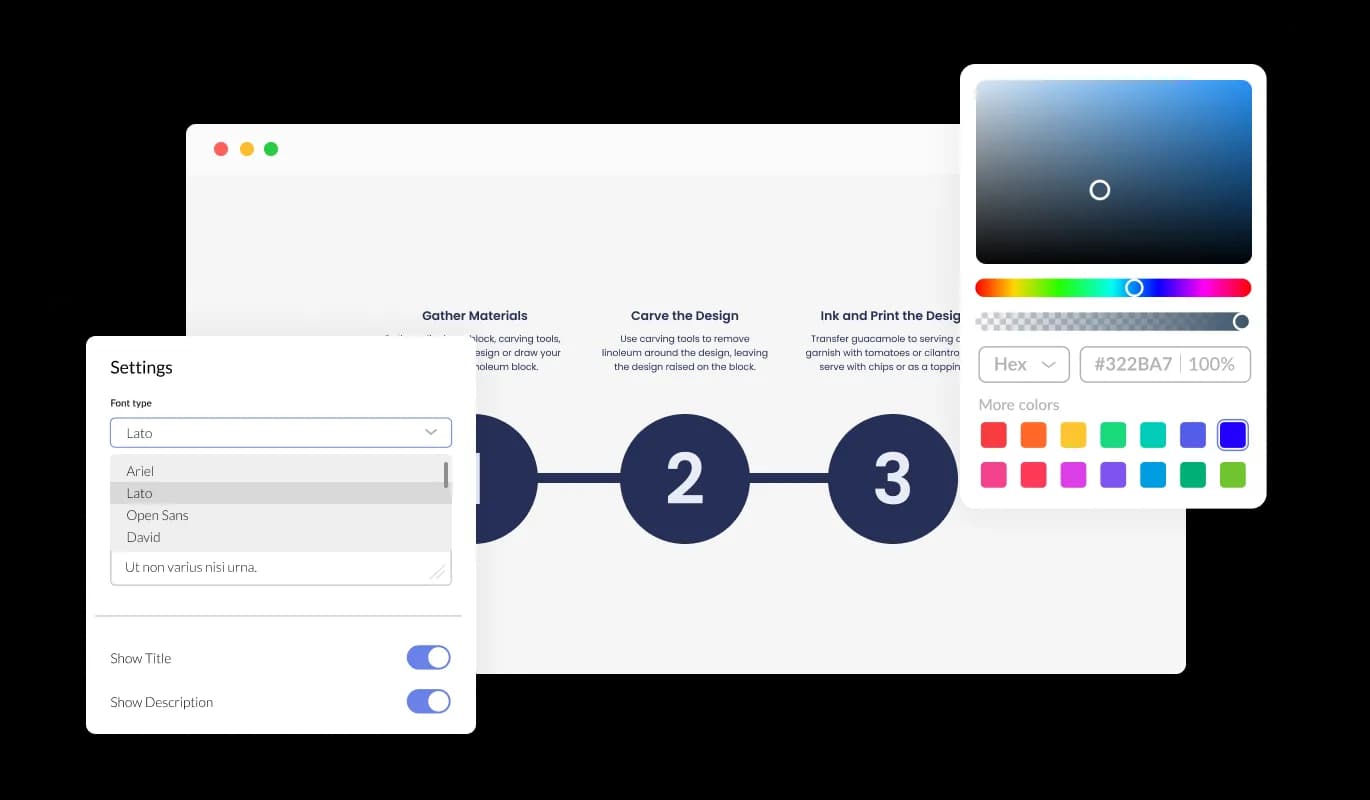
The Builderall Process app features full customization options so you can edit the design to fit your needs. Adjust every component of your Builderall Process app, encompassing colors, fonts, spacing, and more, resulting in a truly individualized and tailored experience.

Process - Unleash Your Creativity with the Process app
Process - Choose from Various Hover Effects

Choose from Various Hover Effects

The Builderall Process app includes an assortment of hover effects that enable you to create more distinctive, visually appealing, and engaging content. Attract users' attention by opting for distinctive and visually compelling hover effects that differentiate your content from the rest.

Process - Create Visually Striking Processes with Images on Builderall app

Create Visually Striking Processes with Images on Builderall app

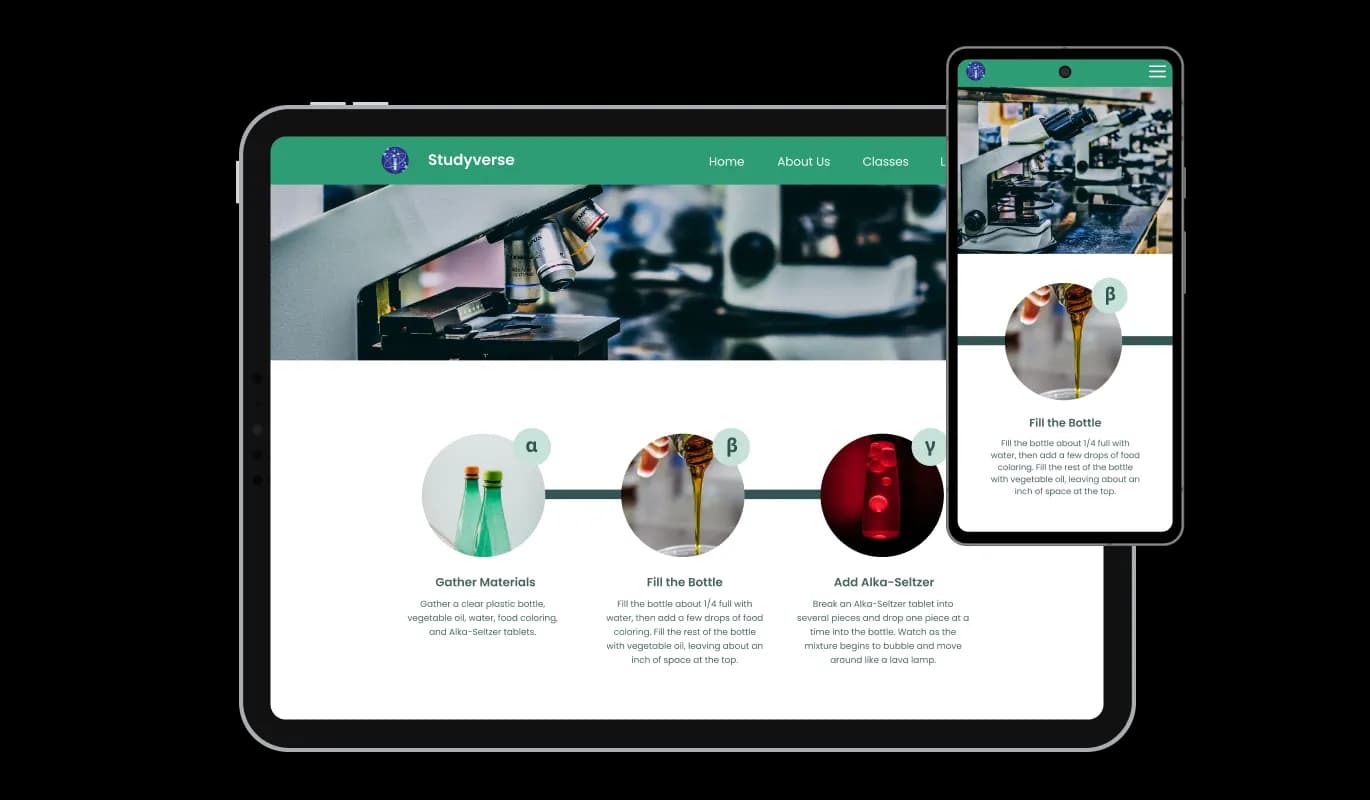
Utilize the Process app Builderall to include images within specific Process components, resulting in a more visually attractive, attention-grabbing, and digestible presentation. Foster better content comprehension and deliver a visually captivating experience by incorporating images within your Builderall Process app.

Process - Simplify Your Experience with Process app for Builderall

Simplify Your Experience with Process app for Builderall

With no coding expertise necessary, the Builderall Process app offers an easy-to-use solution for your needs. Take advantage of our straightforward dashboard and drag-and-drop functionality to easily adjust your Process app according to your needs with just a few clicks. Effortlessly modify your Process app for Builderall with our user-friendly, drag-and-drop dashboard that simplifies adjustments.

Process app Responsive Design for All Screens

Benefit from the Builderall Process app's comprehensive responsive design, guaranteeing an exceptional look and performance on all devices. In a mobile-first world, this feature will put you ahead of your competitors. Keep up with evolving user expectations by implementing a Process app that adapts effortlessly to any screen size, offering a consistently satisfying experience.

Process - Process app Responsive Design for All Screens

Unlock Endless Possibilities with Custom CSS

Just as with all of Common Ninja's apps, experience the versatility of adding custom CSS to your Process Builderall app for an even more unique design. Users with CSS coding expertise can take their Process app to new heights by incorporating custom CSS for the ultimate personalized design.

Process - Unlock Endless Possibilities with Custom CSS

Easy Embed of the Process app in your Builderall website

Integrating the Builderall Process app into your website is as simple as copying and pasting a single line of code. Benefit from automatic updates to your Process app for Builderall whenever you make modifications, simply by using one line of code. Easily embed the Process app in your Builderall website and enjoy the convenience of automatic updates with a single line of code.

Process - Easy Embed of the Process app in your Builderall website

Compatible With All Site Builders, E-Commerce Platforms and Websites

View all supported platforms

FAQ

Yes, there are lots of beautiful skins that you can choose from to save time and start using the widget as quickly as possible.

It’s simple. All you need to do is to sign up and start using the free version.

Common Ninja’s Process widget is free to use. It is limited to a certain amount of views, however.

Common Ninja’s Process widget is compatible with ALL current and future website builders.

Yes, the Process widget is GDPR-compliant.

No. Using our Process widget is very simple. The widget comes with an intuitive drag-and-drop interface and fully customizable options. Once you’ve finished editing the widget to your liking, all you need to do is copy the provided code and add it to your website.

Yes. We are eager to hear your request. Please visit our Feature Request page.

The Process widget is a versatile and customizable tool that allows you to present steps and processes in an organized and visually appealing manner on your website. It offers multiple layout options, skins, hover effects, and the ability to add images, making it an ideal solution for displaying any structured content.

By adding a Process widget to your website, you can enhance user experience and engagement by presenting complex information in a clear, structured, and visually appealing format. The widget helps users understand your content more easily, making your website more memorable and increasing the likelihood that visitors will return.

Yes, the Process widget offers a variety of customization options, including layout orientation, skins, colors, fonts, spacing, and more. This ensures that the widget aligns perfectly with your website's design and overall style.

Yes, the Process widget is fully responsive and designed to look great on any device, from desktops to smartphones.

Yes, if you have coding skills, you can add custom CSS to the widget for even more design flexibility and personalization.

To embed the Process widget on your website, simply copy the provided single line of code and paste it into your website's HTML. The widget will also be automatically updated with every change you make.

No, the Process widget is designed to be lightweight and optimized for performance, ensuring it will not negatively impact your website's loading time or overall performance.

Yes, the Process widget can be used on multiple websites. Just follow the embedding process for each site, and your widget will be up and running in no time.

No, the Process widget is designed to be easy to use and requires no coding knowledge. Our intuitive dashboard with the drag-and-drop feature enables you to customize the widget with just a few simple clicks.

Yes, the Process widget allows you to add images to individual items on the Process, making it more visually appealing, eye-catching, and easier to understand.