RSVP Form for Pixieset

Collect event responses with an RSVP form that lets guests register easily, saves submissions, sends notifications, and helps you organize attendance efficiently.

Create an RSVP Form

loved by 500K+ businesses

Pixieset
plugineditor

Why Should You Use the RSVP Form Widget+?

Enhance Your Event Coordination Using an RSVP Form on Pixieset

A Pixieset RSVP form widget simplifies event planning by consolidating attendee information in a single location for easy management. The Pixieset Event Registration form streamlines event planning by automating RSVP management, enabling organizers to devote more attention to other important event elements.

Use Pixieset Rsvp form to Improved Communication

Incorporating automated responses in a Pixieset RSVP form ensures attendees receive crucial event information, simplifying the RSVP process. This automation contributes to a more efficient RSVP process, guaranteeing that guests receive all necessary details for a smooth and enjoyable event experience.

Upgrade Your Event Organization through RSVP

Integrating tracking and analytics tools with an RSVP form widget for Pixieset empowers event organizers to analyze RSVP data and identify trends for improved event planning Event organizers can leverage insights from RSVP data to improve their understanding of attendee behavior, ultimately leading to more successful event planning.

Flexible Field Choices for Pixieset Event Registration Forms

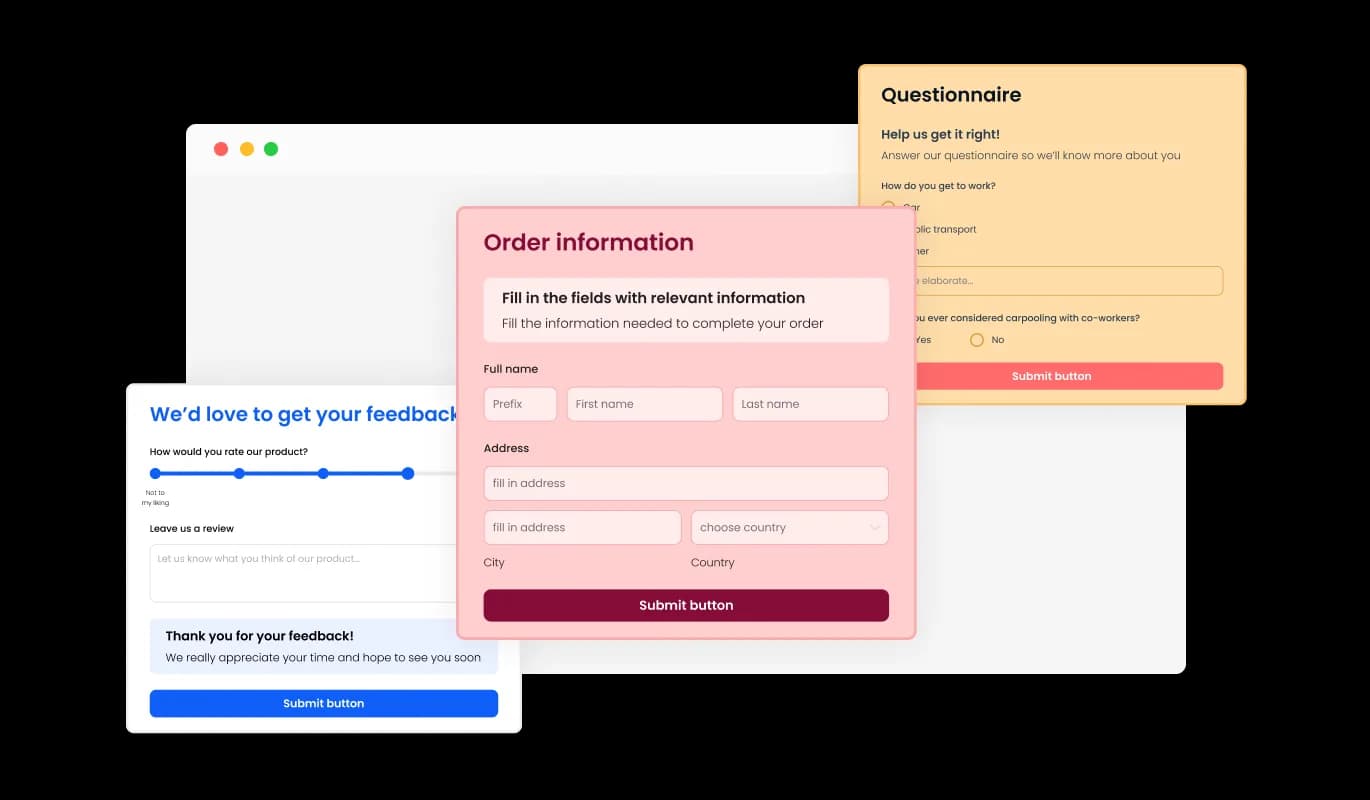
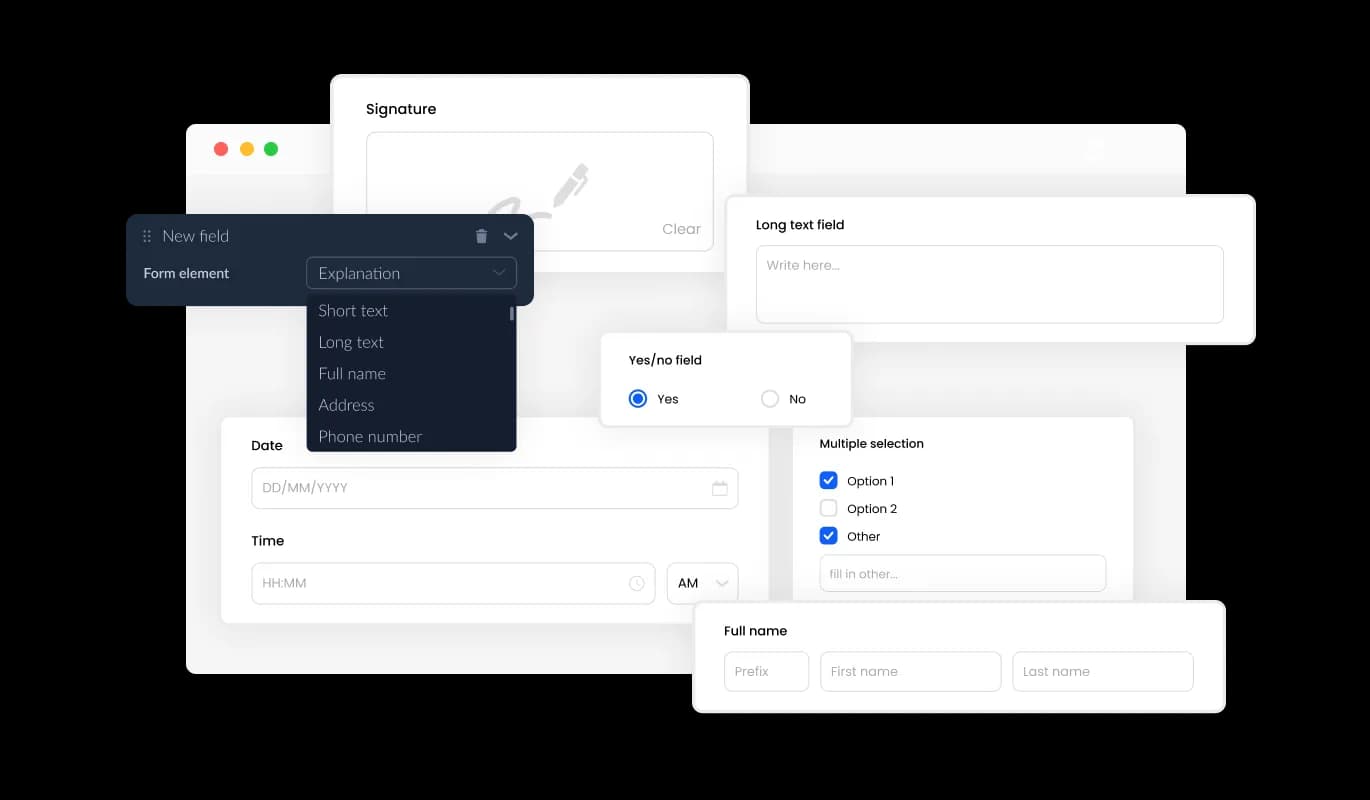
The RSVP Form on Pixieset presents numerous field choices, including basic and advanced formats, to help you craft event registration forms tailored to your needs and goals. Click "Add Field" and browse through an extensive list of field types to find and include the perfect field for your registration form. Use the user-friendly drag-and-drop feature to effortlessly rearrange the fields according to your preferences.
RSVP Form - Flexible Field Choices for Pixieset Event Registration Forms

Simplify Guest Data Collection with Pixieset Event Registration Form

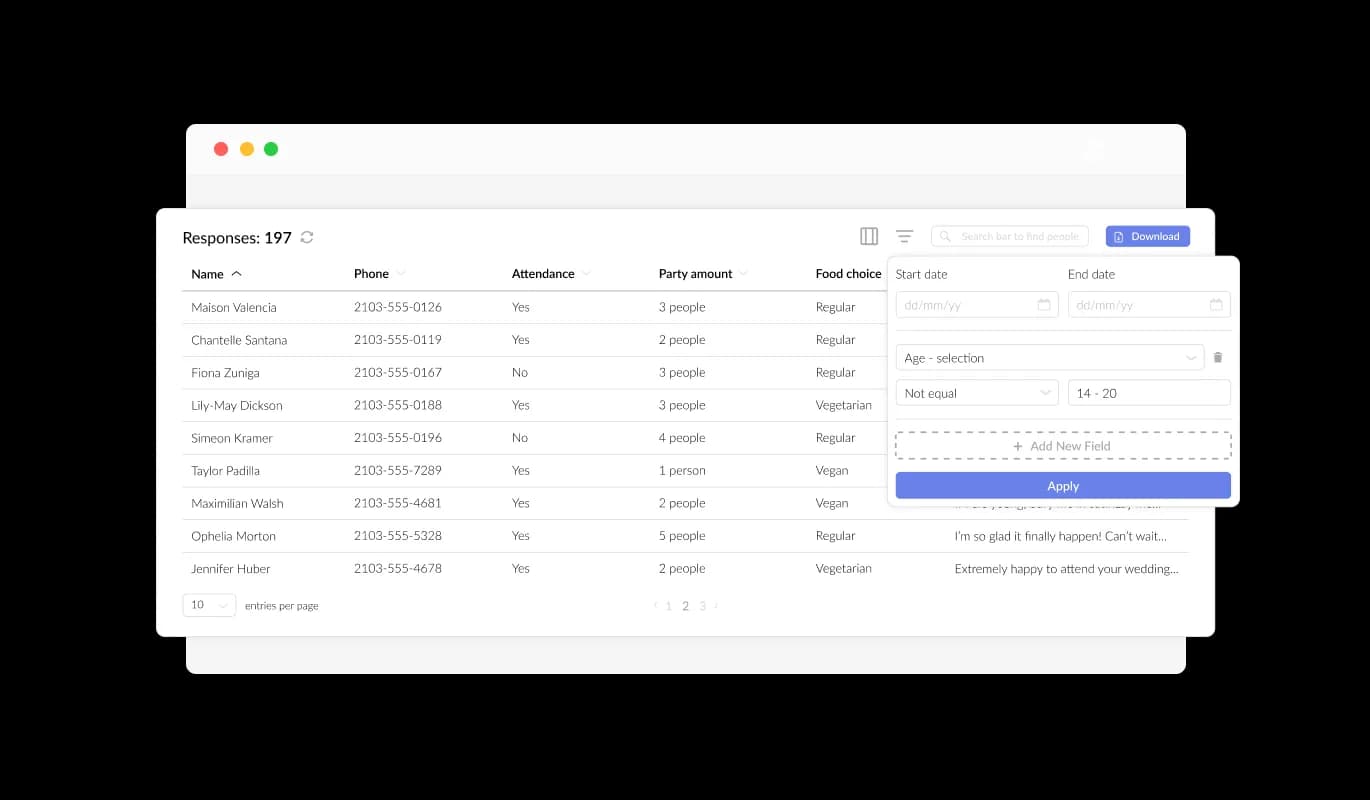
Pixieset Event Registration Form streamlines the organization and presentation of all guest RSVP data, displaying it in a clear and easily accessible format. This functionality streamlines the monitoring of event attendee submissions, ensuring that you can review and manage responses more efficiently and effectively.

RSVP Form - Simplify Guest Data Collection with Pixieset Event Registration Form

Capture Key Details with Specific Event Registration Fields

By incorporating specific RSVP Form fields such as meal preferences, guest details, and more, you can collect additional information that helps you manage the event on your Pixieset website more efficiently. Including fields like special accommodations, dietary restrictions, or group affiliation can provide further insight into the attendees' needs and preferences, offering a more comprehensive understanding of their requirements and ensuring a well-organized event experience.

RSVP Form - Capture Key Details with Specific Event Registration Fields

Customized Event Registration Fields for Essential Information

On your Pixieset website, incorporating unique RSVP Form fields for meal preferences, guest details, and other relevant information will improve your event management capabilities. Fields for special accommodations, dietary restrictions, or group affiliations can offer deeper insight into attendees' needs and preferences, resulting in a more organized event experience.

RSVP Form - Customized Event Registration Fields for Essential Information

Reinforce Event Branding with Custom Headers & Footers on Pixieset

With the Pixieset RSVP Form, header and footer customization options are available, including the ability to add images. By customizing headers and footers, you can effectively emphasize your event's branding and produce a visually engaging form that complements your Pixieset website's overall design and theme.

RSVP Form - Reinforce Event Branding with Custom Headers & Footers on Pixieset

Pixieset RSVP Form: Get Alerts for New Registrations

Notifications for both the form owner and the attendee can be enabled with the RSVP Form feature on Pixieset. Automated email notifications can be set up for each event registration submission, allowing for multiple recipients and sending a confirmation email to guests upon successful submission

RSVP Form - Pixieset RSVP Form: Get Alerts for New Registrations
RSVP Form - Easily Transfer RSVP Data to CSV on Pixieset

Easily Transfer RSVP Data to CSV on Pixieset

The Pixieset RSVP Form's submission data can be exported to a CSV file, allowing you to move it to other applications or tools for detailed analysis or integration. This export option is particularly useful for organizers who require a detailed record of event attendee information for purposes such as data analysis, reporting, and event management.

RSVP Form - Pixieset RSVP Form: Utilize CAPTCHA to Prevent Spam

Pixieset RSVP Form: Utilize CAPTCHA to Prevent Spam

The Pixieset Event Registration Form gives you the option to enable CAPTCHA as an anti-spam measure that attendees must complete before submitting their registration details. By activating this functionality, you can deter bots and automated scripts from submitting spam registrations, guaranteeing that you collect genuine submissions from legitimate attendees.

RSVP Form - Simple Embedding of Pixieset Event Registration Form

Simple Embedding of Pixieset Event Registration Form

To embed the Event Registration Form widget into your Pixieset website, copy and paste the provided code snippet into your page's HTML code. The form is engineered to auto-update, ensuring that any edits made in the Event Registration Form editor will be instantaneously visible on your Pixieset website. This convenient feature not only simplifies the embedding process but also makes sure your Pixieset registration form is always current.

Pixieset Event Registration Form: A Range of Appealing Designs

The Event Registration Form widget on Pixieset presents a range of visually striking skins to select from, expediting the design process and decreasing the demand for extensive customization. These pre-designed skins accommodate various aesthetics, making it easy to align your form with your Pixieset website's overall appearance and style.

RSVP Form - Pixieset Event Registration Form: A Range of Appealing Designs

Make Your Pixieset Event Registration Form Uniquely Yours

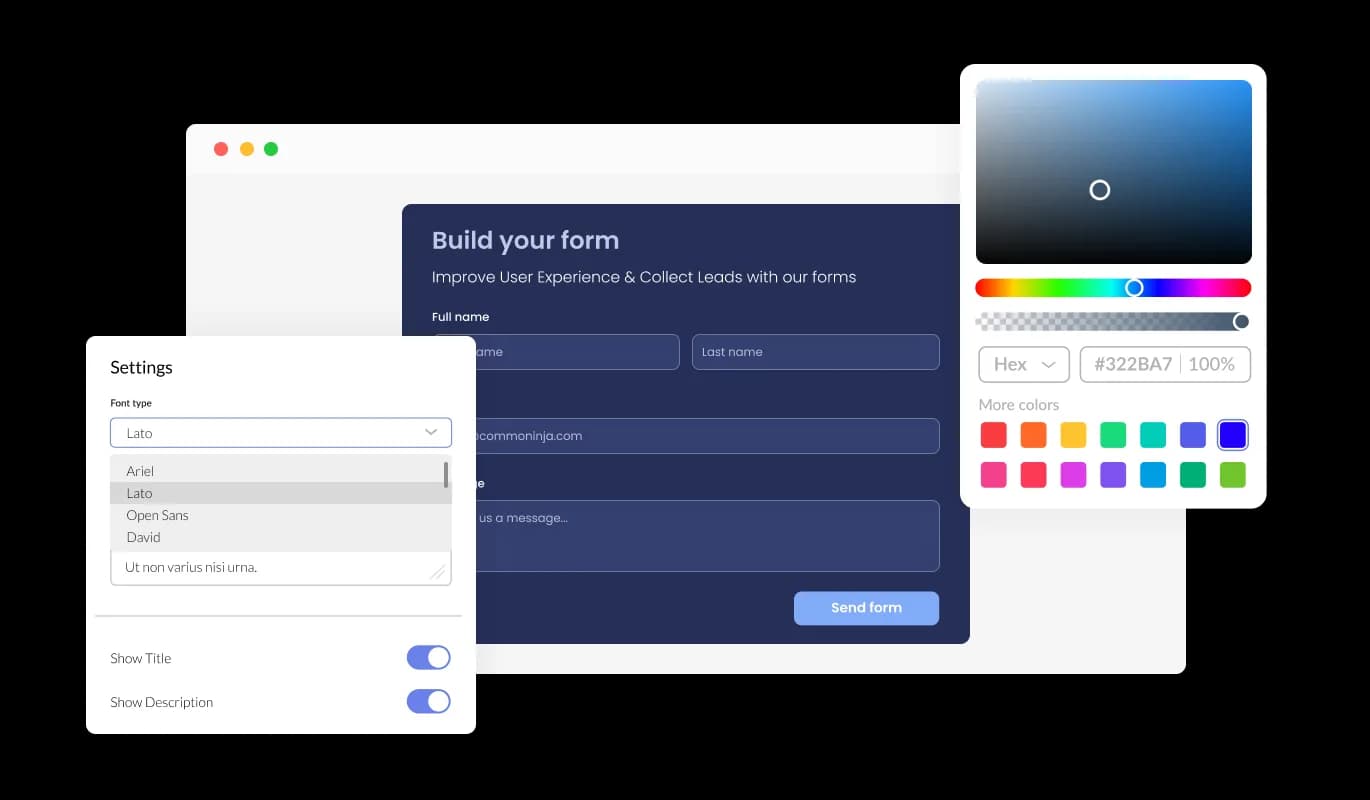
Offering a multitude of customization choices, the Event Registration Form for Pixieset allows you to craft the design to suit your distinctive needs. Complete control over the form's visual and functional aspects is yours, from modifying color schemes and font styles to customizing field layouts.

RSVP Form - Make Your Pixieset Event Registration Form Uniquely Yours

Seamlessly Display Event Registration Forms on Any Device with Pixieset

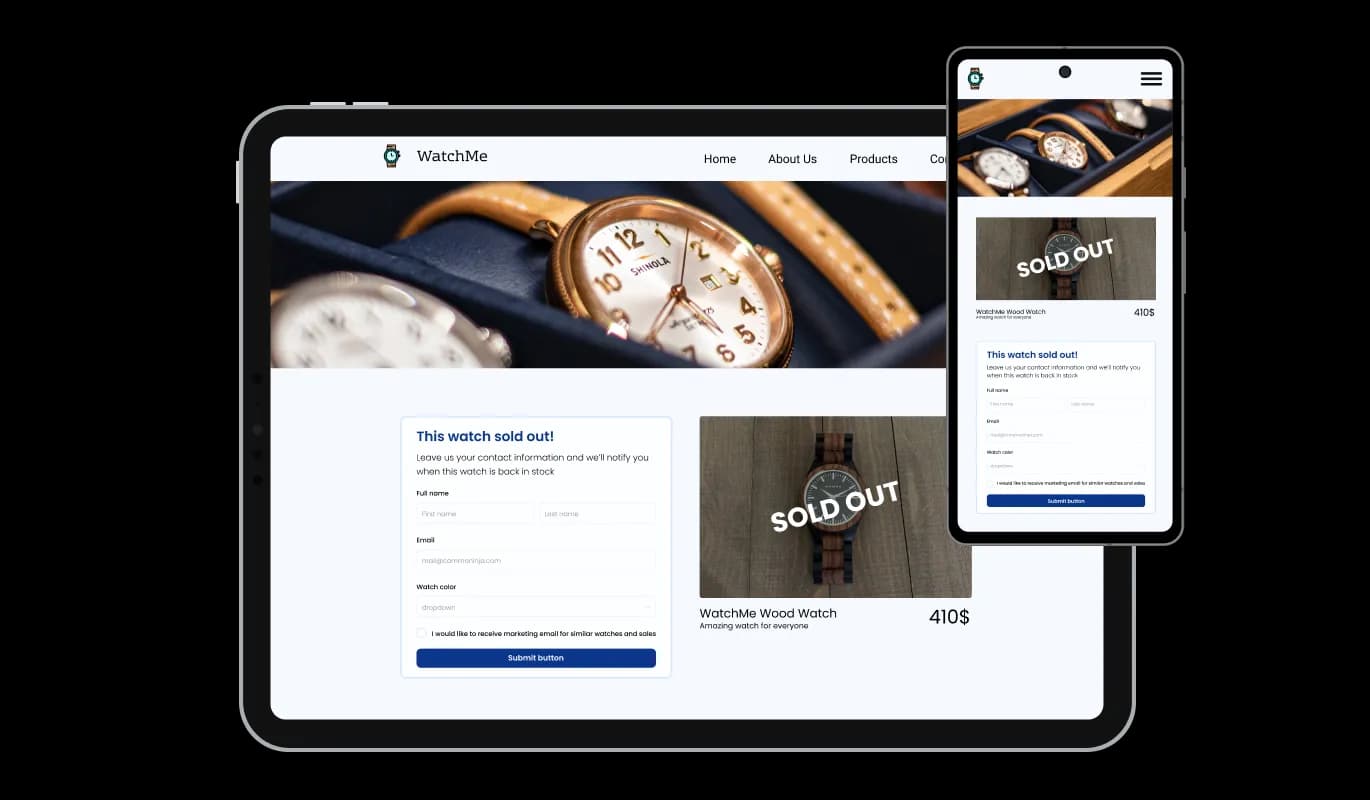
Boasting optimal responsiveness, the Pixieset Event Registration Form widget will display perfectly on devices of all types. With an increasing proportion of people browsing the internet on phones and tablets, it's crucial to have a form that's optimized for mobile devices.

RSVP Form - Seamlessly Display Event Registration Forms on Any Device with Pixieset

Easy Customization: User-Friendly Event Registration Form for Pixieset

With the user-friendly Event Registration Form widget for Pixieset, there's no need for coding expertise to personalize your form. With just a few clicks, you can customize the form to your preferences using our intuitive interface, making it an effortless and straightforward experience.

RSVP Form - Easy Customization: User-Friendly Event Registration Form for Pixieset

Experience Ultimate Design Freedom with Custom CSS on Pixieset Event Registration Form

Our cutting-edge editor is a potent tool that puts you in charge of your Pixieset Event Registration Form's visual appearance. This feature allows you to conveniently adjust every facet of the widget's design, covering color palettes, font selections, layout, and positioning. Through this feature, you can smoothly customize every component of the widget's design, spanning colors, fonts, layout, and positioning.

RSVP Form - Experience Ultimate Design Freedom with Custom CSS on Pixieset Event Registration Form

Compatible With All Site Builders, E-Commerce Platforms and Websites

View all supported platforms

FAQ

An RSVP Form is a web-based form that event organizers use to collect RSVP responses from guests who plan to attend an event. The form typically includes fields for guest information, attendance status, and any additional details the organizer needs to plan the event. The RSVP Form can be embedded on a website or sent out as a link in email invitations.

Some best practices for creating an effective RSVP Form include keeping the form concise and straightforward, using clear and descriptive labels for each field, offering options for guests to indicate any special accommodations or dietary restrictions, and providing a clear and prominent call-to-action button to submit the form. It's also essential to optimize the form for mobile viewing, enable anti-spam measures, and provide automated email notifications for both the event organizer and the guests who submit the form.


Yes, the Event Registration Form widget provides a variety of customizable fields, from basic to specialized formats.

Yes, you can enable automated email notifications for each event registration submission and send them to multiple recipients.

Yes, you can activate the CAPTCHA anti-spam feature to deter bots and automated scripts from submitting spam entries through your RSVP form.

Yes, the Event Registration Form widget is optimally responsive and will display flawlessly on any device.

You can embed the Event Registration Form widget into your website by copying and pasting the provided code snippet into your page's HTML code. The widget is designed to auto-update, so any modifications you make in the editor will be automatically reflected on your website.

Yes, the advanced editor provides full control over the form's appearance, and direct CSS editing allows for even more extensive customization options.


Yes, you can easily do so from the “Templates” tab.

Yes, there are lots of beautiful skins that you can choose from to save time and start using the widget as quickly as possible.

It’s simple. All you need to do is to sign up and start using the free version.


Common Ninja’s RSVP Form widget is free to use. It is limited to a certain amount of views, however.

Common Ninja’s RSVP Form widget is compatible with ALL current and future website builders.

Yes, the RSVP Form widget is GDPR-compliant.

No. Using our RSVP Form widget is very simple. The widget comes with an intuitive drag-and-drop interface and fully customizable options. Once you’ve finished editing the widget to your liking, all you need to do is copy the provided code and add it to your website.

Yes. We are eager to hear your request. Please visit our Feature Request page.