





Onepage Scroll to element button Multiple Layouts
The Scroll to Onepage Scroll to element button widget comes available with multiple layouts that you can choose from to make sure it fits your overall Onepage landing page's design and style.
The Onepage Scroll to Element Button widget provides users with easier on-site navigation as with a simple click, they will be transformed to the desired section of the page. This is ideal for pages where there’s a lot of text, and scrolling may be an annoyance.
The improved navigation that the Scroll to Element Button for Onepage offers will undoubtedly improve the users’ experience on your Onepage landing page, encouraging them to come and visit your landing page again.
With simple navigation to the desired section of the page, users will be able to engage with other elements on your Onepage landing page, for example, with call-to-action buttons, additional links, videos, images, and more.
The Scroll to Onepage Scroll to element button widget comes available with multiple layouts that you can choose from to make sure it fits your overall Onepage landing page's design and style.
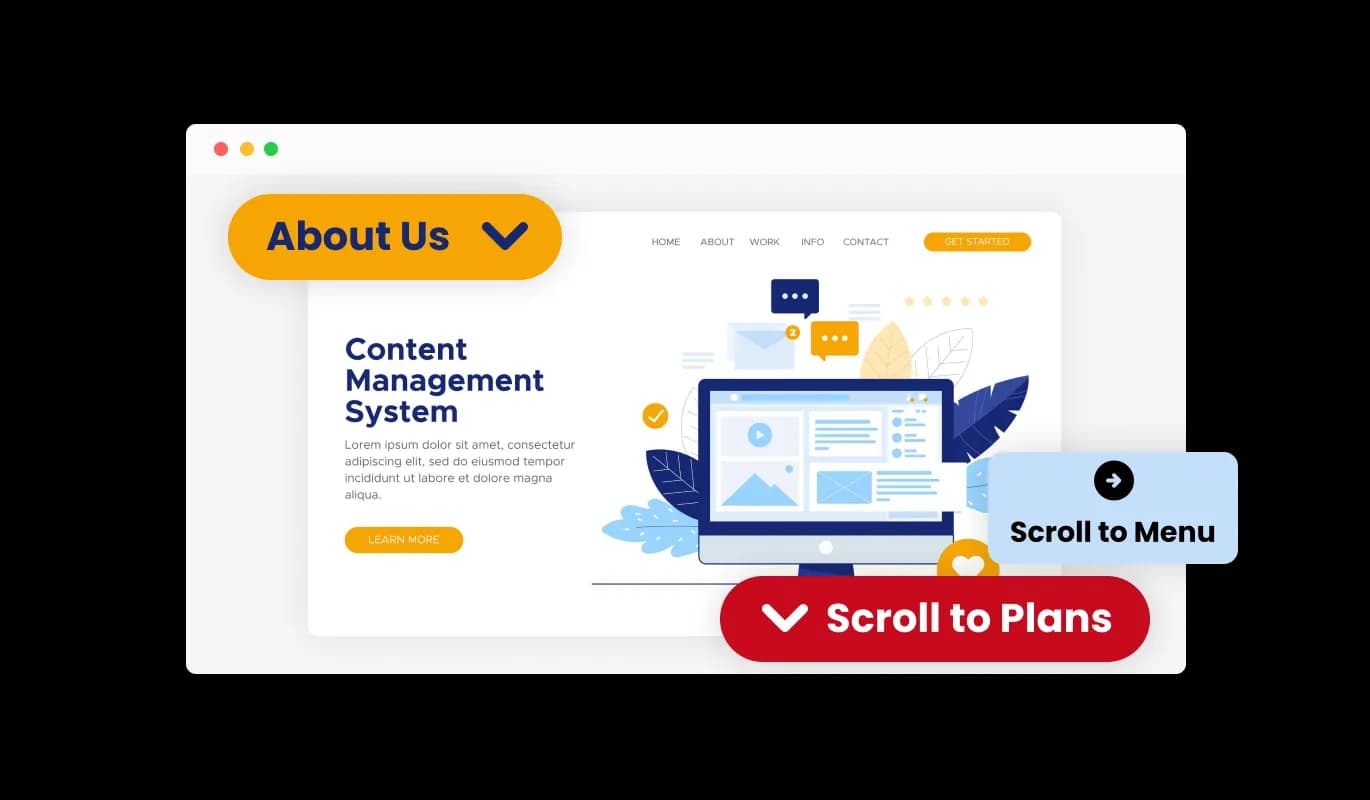
The Onepage Scroll to element button widget comes with a variety of beautiful skins that you can choose from so you don’t have to spend much time on extensive customization.
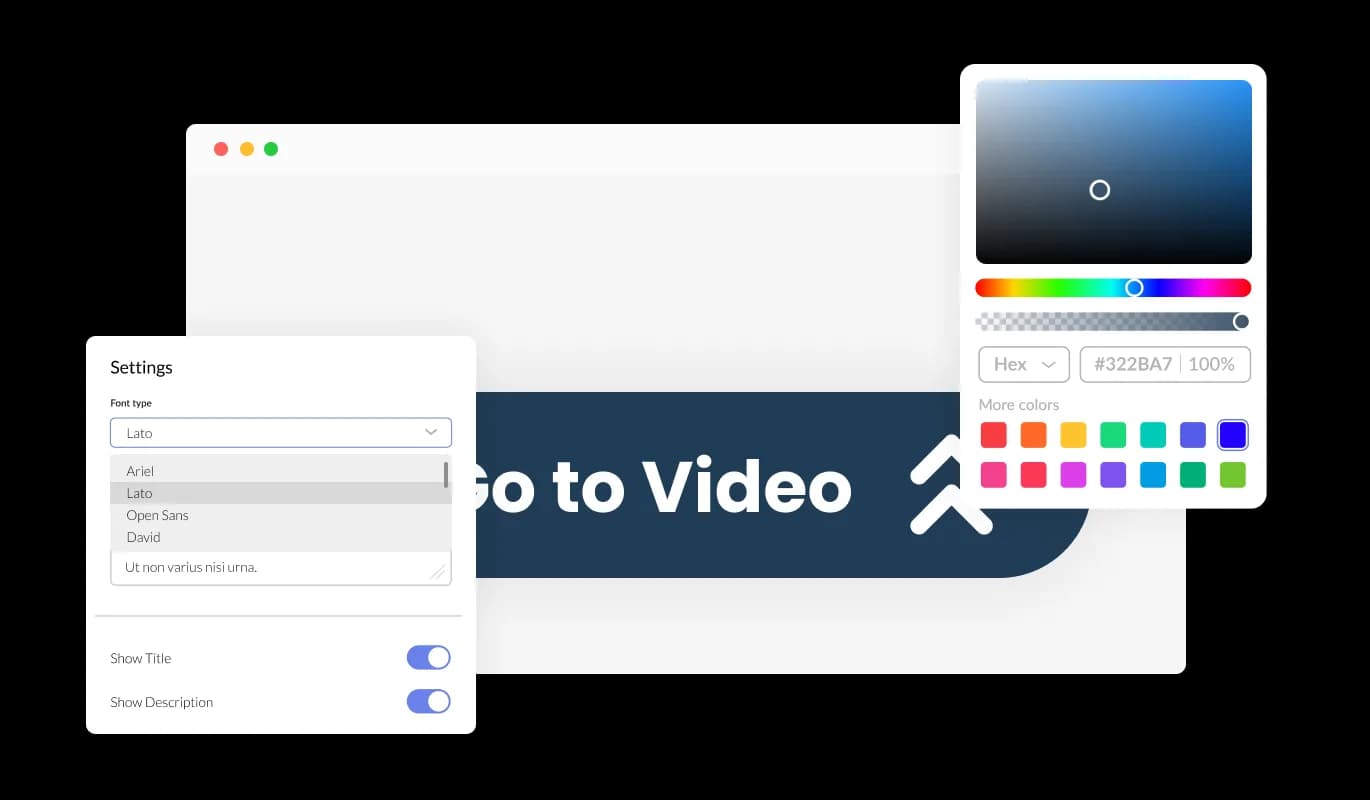
The Onepage Scroll to element button widget features full customization options so you can edit the design to fit your needs. Change the colors, the fonts, the spacing, and anything else!

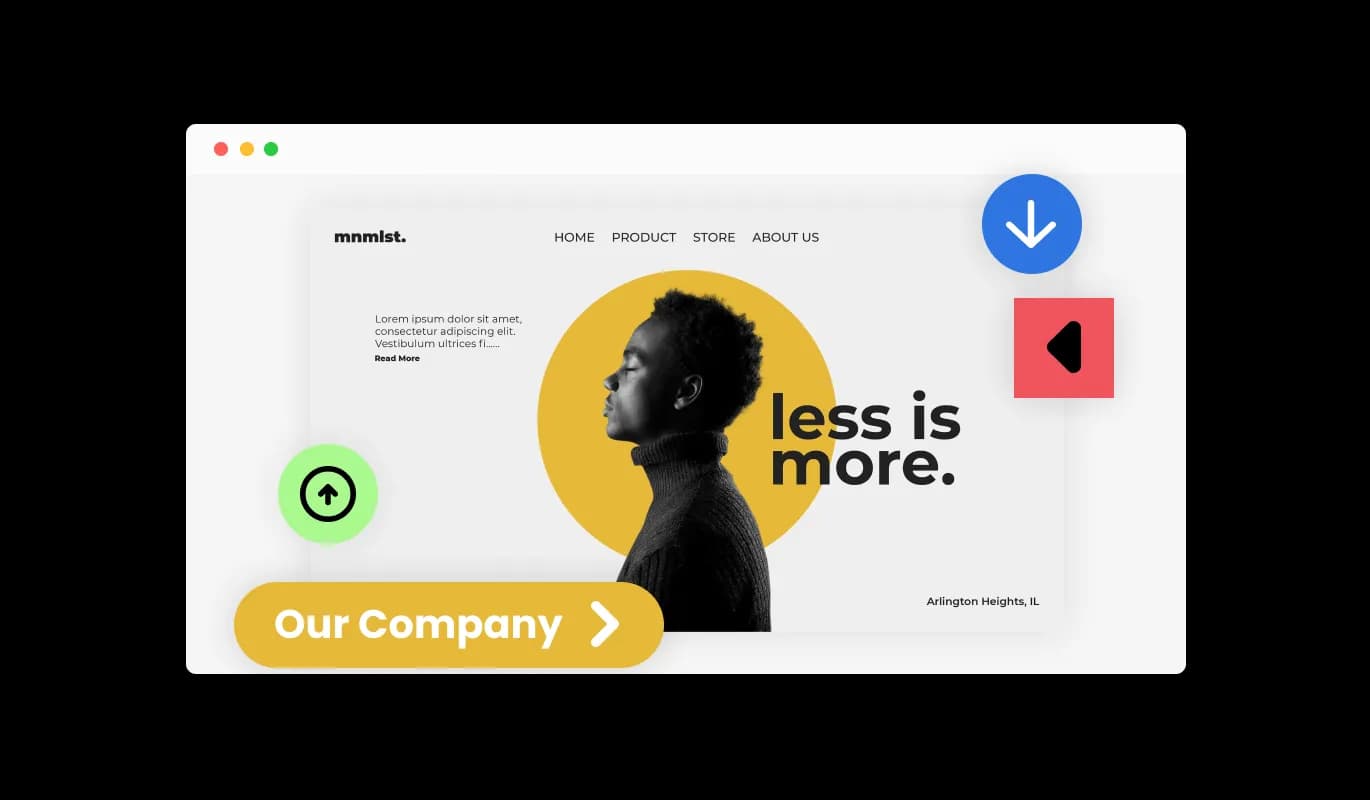
The Onepage Scroll to element button widget comes with an option to change the position of the button (right, left, center), which will allow you to customize it to fit your specific needs.

The Onepage Scroll to element button widget features different arrow icons that you can choose from. Simply select the one that will complement your [paltform] landing page’s design. Simply select the one that will complement your landing page’s design.

You can easily change the Onepage Scroll to element button widget icon's direction as your needs require (Top, Right, Left, Bottom).

The Onepage Scroll to element button widget is easy to use and requires no coding knowledge. Our intuitive dashboard with the drag-and-drop feature will enable you to customize the widget any way you’d like to with just a few simple clicks.
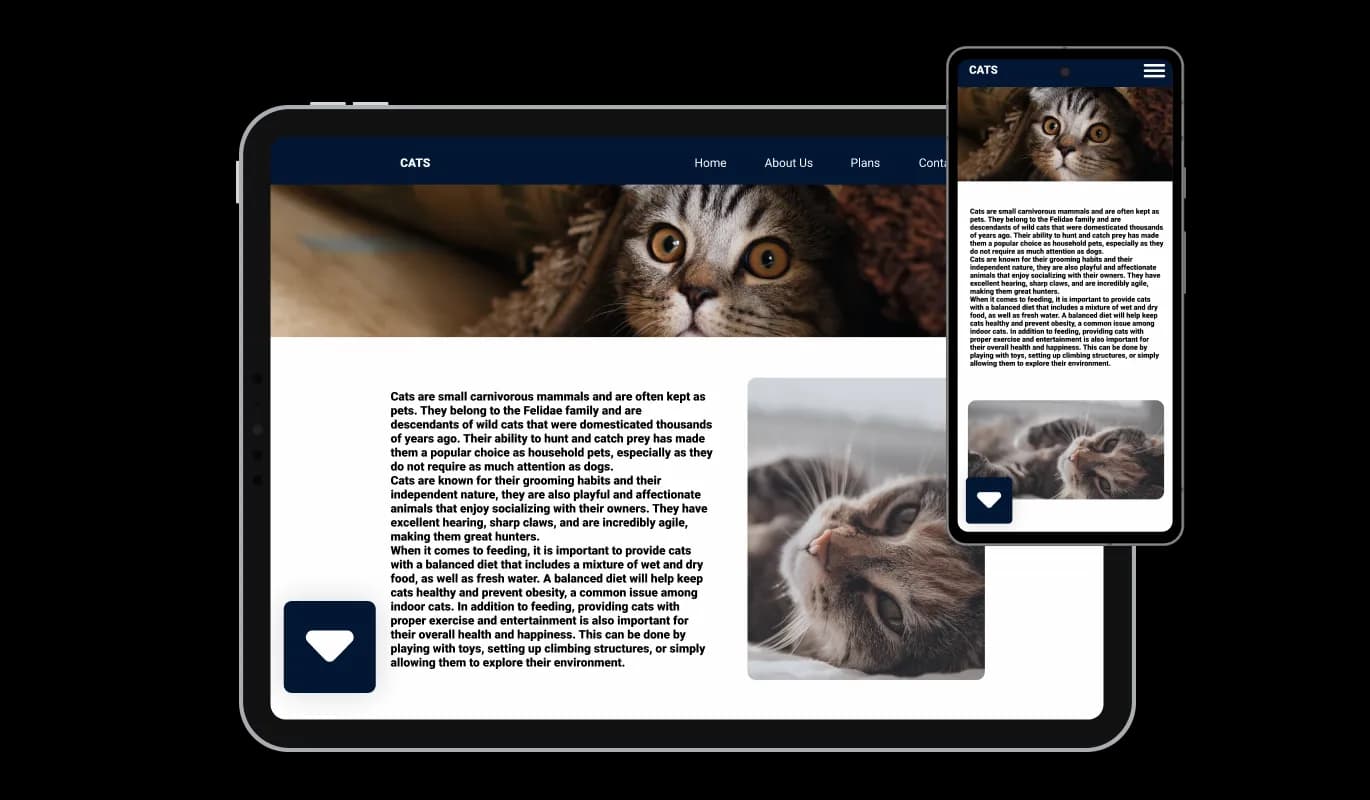
The Onepage Scroll to element button widget is fully responsive and will look great on any device. In a mobile-first world, this feature will put you ahead of your competitors.
As with all of Common Ninja’s widgets, you can add custom CSS to customize the Onepage Scroll to element button widget and be even more creative.

You can embed the Scroll to element button widget on your Onepage landing page easily by copying a single line of code. The Scroll to Scroll to element button widget for Onepage will also be updated automatically with every change you make.

Yes, you can easily do so from the “Templates” tab.
Yes, there are lots of beautiful skins that you can choose from to save time and start using the widget as quickly as possible.
It’s simple. All you need to do is to sign up and start using the free version.
Common Ninja’s Scroll to Element Button widget is free to use. It is limited to a certain amount of views, however.
Common Ninja’s Scroll to Element Button widget is compatible with ALL current and future website builders.
Yes, the Scroll to Element Button widget is GDPR-compliant.
No. Using our Scroll to Element Button widget is very simple. The widget comes with an intuitive drag-and-drop interface and fully customizable options. Once you’ve finished editing the widget to your liking, all you need to do is copy the provided code and add it to your website.
Yes. We are eager to hear your request. Please visit our Feature Request page.