


Verified review
Common Ninja has amazing no-code widgets that would beautify a website built on any builder. It is very easy to use and customise. It has as many widgets for almost everyone willing to make their website impressive.
The Common Ninja Scroll to Element Button widget is a free, no-code embed that adds a button to your website that scrolls visitors directly to a specific section anchor. Jump to pricing, jump to FAQ, jump to contact, jump to any named section.
Set the target section ID, pick a layout (inline button, floating corner button, sticky sidebar), choose an icon and label, configure smooth-scroll behavior, customize the design with skins or Custom CSS, and paste a one-line embed snippet on Canva, Google Sites, Hostinger, Notion, WordPress, and 200+ other platforms.
Use it on long-form pages where you want to surface a fast-path to key sections. "Jump to pricing" on a feature-heavy landing page, "Jump to FAQ" on a long product page, "Skip to contact form" on a sales page, or any moment where the visitor's next action lives further down the page than they want to scroll.
On a long-form landing page, not every visitor needs to read the full sales narrative before they get to pricing. A "Jump to pricing" button above the fold gives the ready-to-buy segment a fast path while still keeping the full narrative for visitors who want it. Better conversion for high-intent traffic without dumbing down the page.
Long support docs and FAQ pages benefit from in-page nav buttons that jump visitors directly to the section that answers their question. "Skip to refund policy", "Jump to API docs", "Go to setup steps". Each button collapses 10 seconds of scrolling into one tap.
An instant jump can feel disorienting: visitors lose context. Smooth-scroll animation preserves the spatial relationship between the button and the target, so visitors understand WHERE on the page they landed. Tunable easing and duration match the rest of your site's interaction tone.
A Back to Top Button always scrolls to the top of the page. Useful for returning to the nav after long scrolling. A Scroll to Element Button jumps to a SPECIFIC named section. Useful for fast-pathing visitors to pricing, FAQ, contact, or any anchored content. Use this Scroll to Element Button when the destination is a section; use the Common Ninja Back to Top Button when the destination is always the top.
Identify the section on your page you want the button to jump to and give it an ID (most page-builders let you set an anchor ID per section). Enter that ID in the widget editor; the button will smooth-scroll visitors to the matching section when tapped.
Choose a layout. Inline button (sits in the content flow where you want the call-to-action to appear), floating corner button (anchored to a page edge, scrolls with the visitor), or sticky sidebar (always visible). Pick an icon (chevron, arrow, target, custom upload) and a label ("Jump to pricing", "See FAQ", "Contact"). Pick a skin or layer Custom CSS for pixel-level brand match.
Copy the one-line embed snippet and paste it on Canva, Google Sites, Notion, Hostinger, WordPress, or any of the 200+ supported platforms. Visitors tap the button and the page smooth-scrolls to the target section. Edits in the Common Ninja editor push to every embed without re-paste.
Inline button (in the content flow), floating corner button (anchored to a page edge, scrolls with visitor), sticky sidebar (always visible while scrolling). Switch in the editor without re-configuring the target. Each layout reflows responsively across breakpoints.
Pick from icon types (chevron, arrow, target, scroll-icon, custom upload) and configure direction (down-pointing for typical jump-down behavior, up-pointing for jump-up references, or directionless for neutral target icons).
Configure where the button sits: inline at any spot in your page flow, anchored to a corner (any of four), or pinned to a sidebar that stays visible during scroll. Position is configurable per breakpoint so the button stays useful across mobile, tablet, and desktop.
Pick from a library of pre-designed skins (minimal-clean, brand-vibrant, glassmorphic, dark-mode, pill-shaped) for a fast visual fit. Layer Custom CSS for pixel-level control over button shape, label typography, icon styling, hover animation, and per-breakpoint sizing.
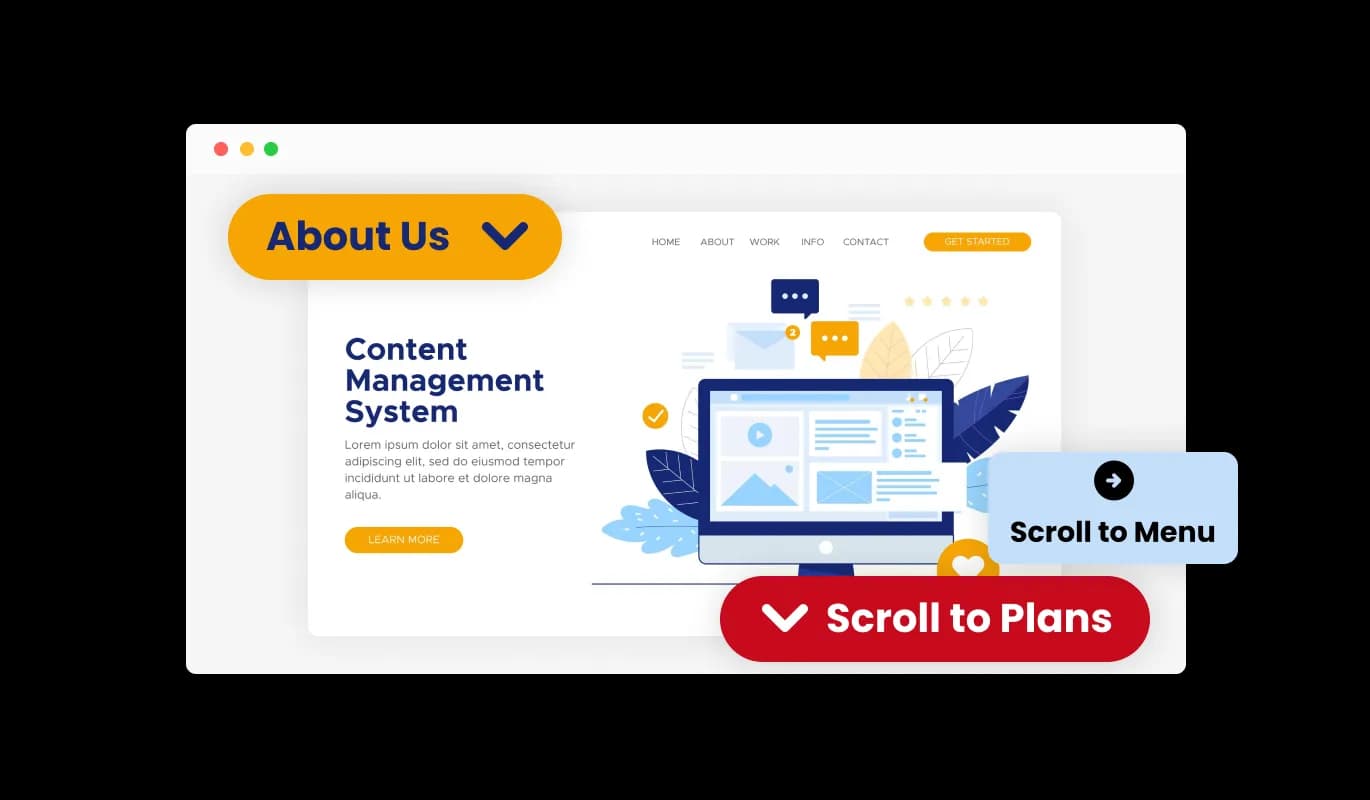
The Scroll to Element Button widget comes available with multiple layouts that you can choose from to make sure it fits your overall website design and style.
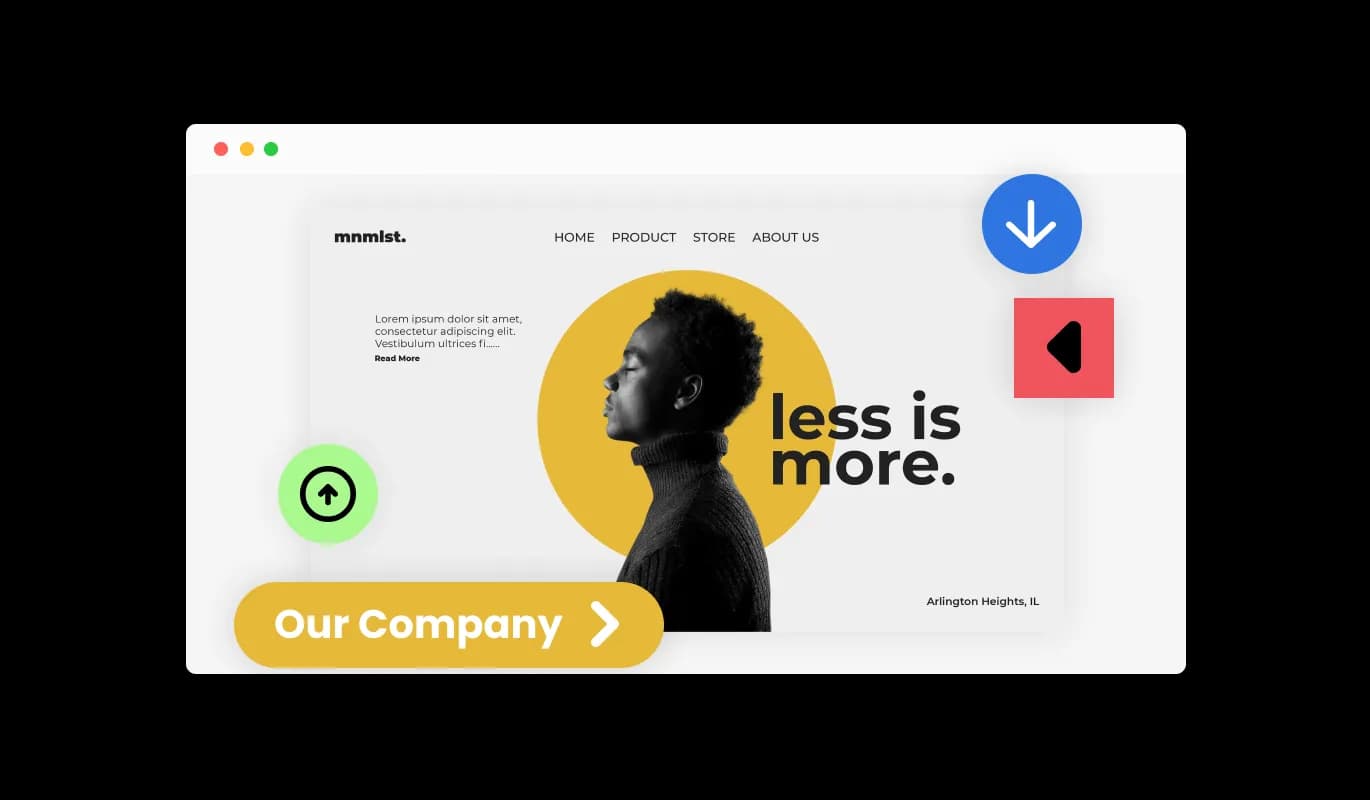
The Scroll to Element Button widget comes with a variety of beautiful skins that you can choose from so you don’t have to spend much time on extensive customization.
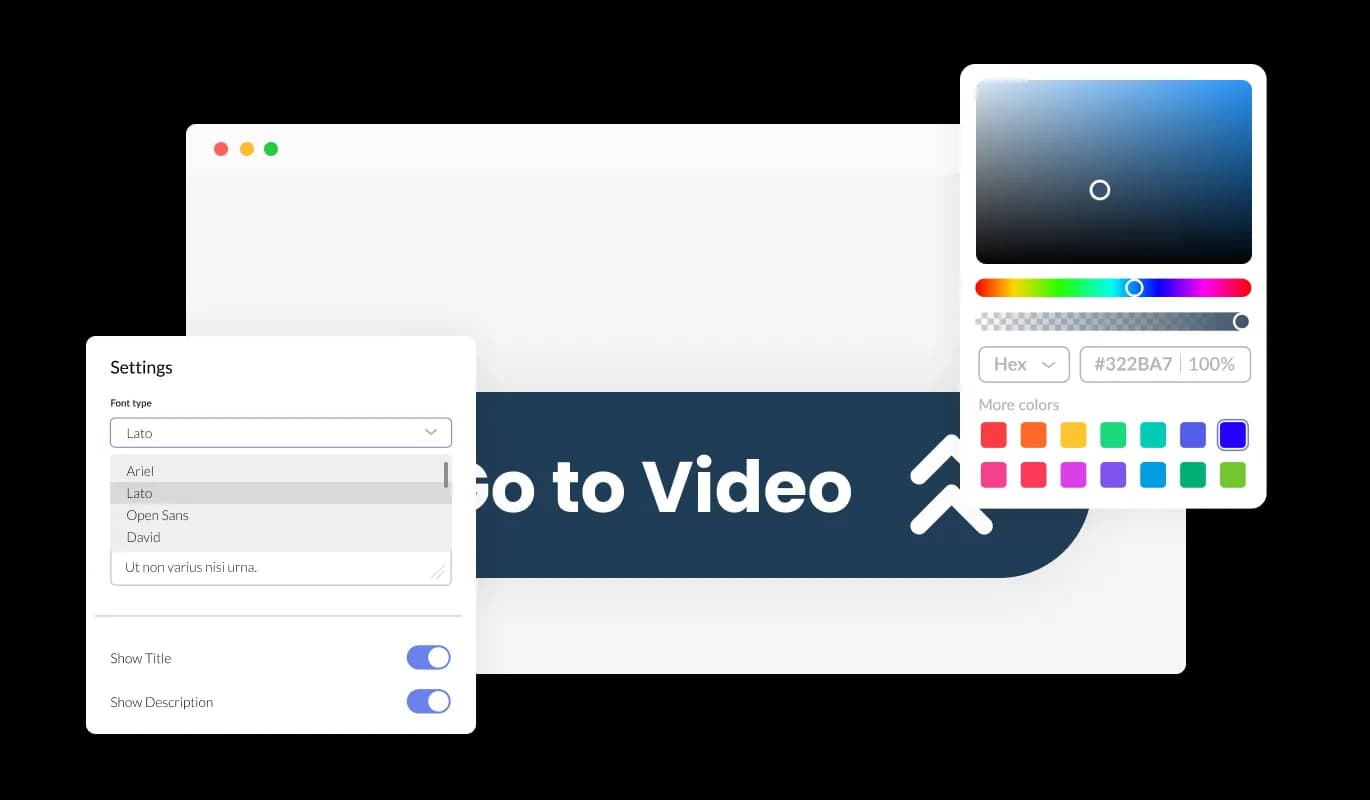
The Scroll to Element Button widget features full customization options so you can edit the design to fit your needs. Change the colors, the fonts, the spacing, and anything else!
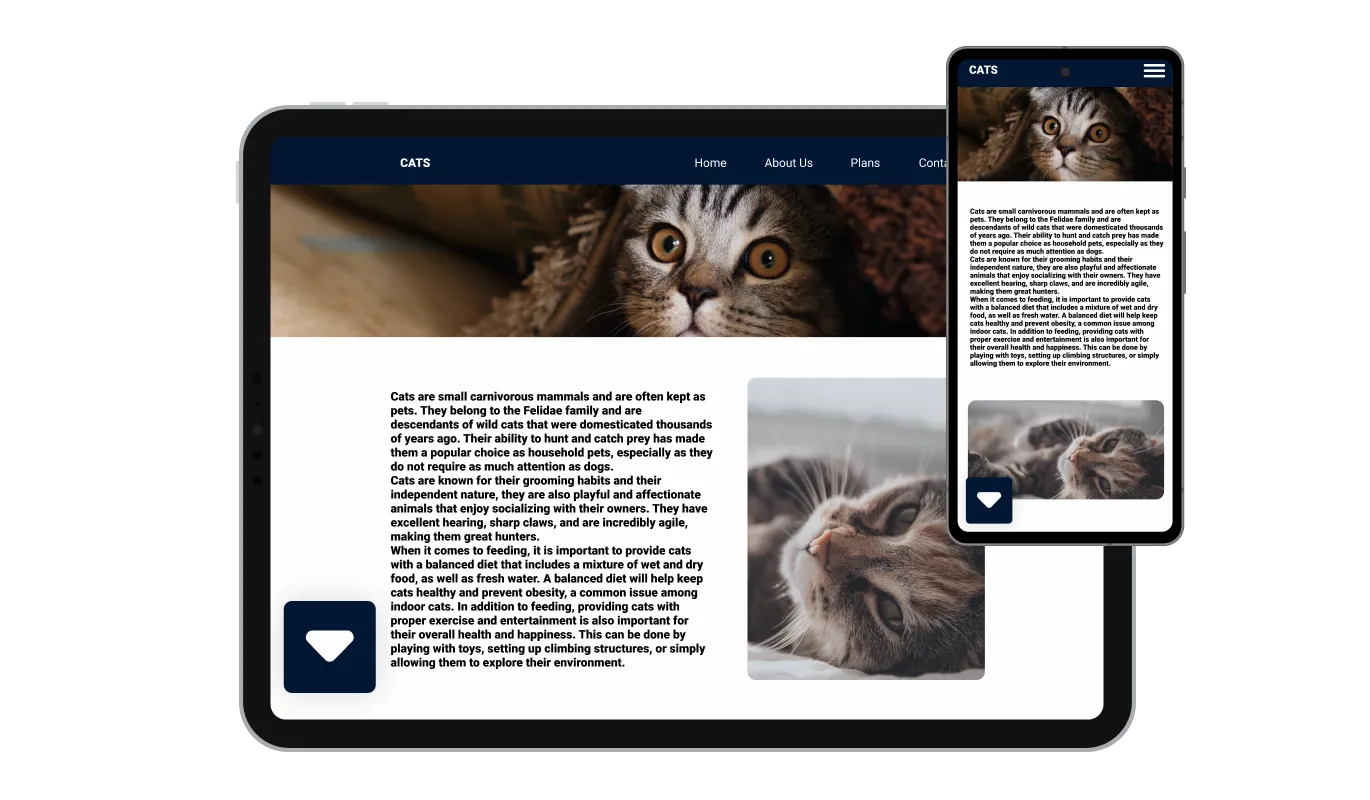
The Scroll to Element Button widget is fully responsive and will look great on any device. In a mobile-first world, this feature will put you ahead of your competitors.

As with all of Common Ninja’s apps, you can add custom CSS to customize the Scroll to Element Button widget and be even more creative.

You can embed the widget on your website easily by copying a single line of code. The Scroll to Element Button widget will also be updated automatically with every change you make.
The widget comes with an option to change the position of the button (right, left, center), which will allow you to customize it to fit your specific needs.
The widget features different arrow icons that you can choose from. Simply select the one that will complement your website’s design.
You can easily change the icon's direction as your needs require (Top, Right, Left, Bottom).
The Scroll to Element Button widget is easy to use and requires no coding knowledge. Our intuitive dashboard with the drag-and-drop feature will enable you to customize the widget any way you’d like to with just a few simple clicks.
Give visitors a shortcut to what they came for
Open the editorNo credit card · Setup in under 5 minutes
Common Ninja has amazing no-code widgets that would beautify a website built on any builder. It is very easy to use and customise. It has as many widgets for almost everyone willing to make their website impressive.
Outstanding service. I use their widgets to help me with my web design business and whenever I need help they are very quick to help.
Excellent company with excellent service!!! We used it to build a survey, it was very user friendly. The service was perfect. Amit helped us with every problem and question we had, thank you very much!!!
Common Ninja saved the day when building our website and the customer service Daniel, the co-founder and CEO, provided was amazing.
Yes. The free plan covers one Scroll to Element Button with no time limit and no credit card. Upgrade only when you need additional buttons, advanced animations, premium skins, or features like per-button click analytics.
A Back to Top Button always scrolls to the very top of the page when tapped. Useful for returning to the nav after long-form reading. A Scroll to Element Button jumps to a SPECIFIC named section anchor (jump-to-pricing, jump-to-FAQ, jump-to-contact). Use this Scroll to Element Button when visitors should land on a specific section; use the Common Ninja Back to Top Button when the destination is always the top.
Identify the section on your page you want to jump to and give it an ID (most page-builders let you set an anchor ID per section, "pricing", "faq", "contact"). Enter that ID in the widget editor. When visitors tap the button, the page smooth-scrolls to the section with the matching ID.
Yes, on paid plans. Create separate buttons each pointing to a different section ("Jump to pricing", "Jump to FAQ", "Jump to contact") and embed all of them on the same page. Useful for long-form landing pages with multiple key sections you want to fast-path visitors to.
Yes. The widget uses native CSS smooth-scroll where supported and a JavaScript fallback for older browsers. Visitors see consistent smooth-scroll animation regardless of browser. Mobile browsers all support smooth-scroll natively.
No. The widget script loads asynchronously, so it doesn't block first paint or interactivity. The button itself is a single element: minimal DOM impact, no extra HTTP requests for content. Your Largest Contentful Paint and Cumulative Layout Shift stay healthy on Core Web Vitals.
Build the widget in the Common Ninja editor (set target section ID, pick layout, customize design), copy the embed snippet, and paste it into your site: Canva via the Embed app in the Apps panel; Google Sites via Insert → Embed → Embed code; Notion via /embed with the embed URL; Hostinger via Add Element → Embed Code. Edits in the editor push to every embed without re-paste.
Yes. All layouts (inline, floating corner, sticky sidebar) adapt across mobile, tablet, and desktop breakpoints. Button size scales to fit thumb-zone on mobile, icons and labels stay readable, and smooth-scroll animation works reliably across mobile browsers. The floating button respects iOS Safe Area insets so it doesn't collide with the home-bar gesture area.
Pick your platform. Each takes under 4 minutes.
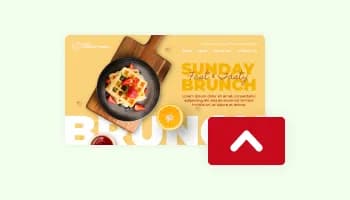
A button placed at the bottom of a webpage that, when clicked, scrolls the page back to the top
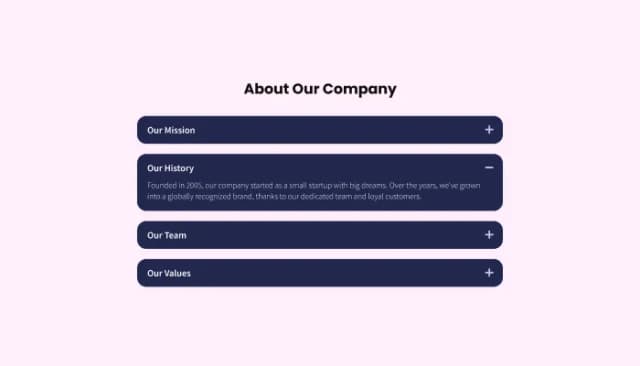
Customize and organize your website content with collapsible sections for better navigation.
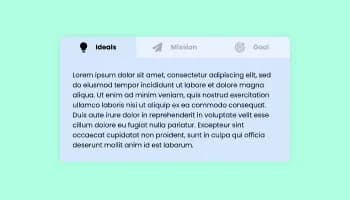
Use tabs to organize content into different parts

Easily craft engaging, personalized popups to boost conversions.
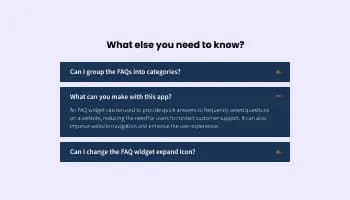
Displays common questions and answers for quick reference
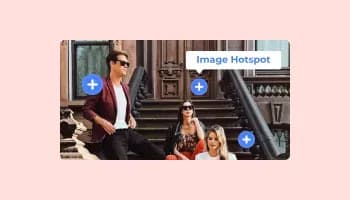
Add interactive areas on images that reveal extra information when clicked or hovered over.
Yes, you can easily do so from the “Templates” tab.
Yes, there are lots of beautiful skins that you can choose from to save time and start using the widget as quickly as possible.
It’s simple. All you need to do is to sign up and start using the free version.
Common Ninja’s Scroll to Element Button widget is free to use. It is limited to a certain amount of views, however.
Common Ninja’s Scroll to Element Button widget is compatible with ALL current and future website builders.
Yes, the Scroll to Element Button widget is GDPR-compliant.
No. Using our Scroll to Element Button widget is very simple. The widget comes with an intuitive drag-and-drop interface and fully customizable options. Once you’ve finished editing the widget to your liking, all you need to do is copy the provided code and add it to your website.
Yes. We are eager to hear your request. Please visit our Feature Request page.
Let visitors jump to any section on the page with one tap. Smooth-scroll behavior, inline / floating / sticky-sidebar layouts, multiple icon types and directions, configurable position, stylish skins, and Custom CSS. Embed on 200+ platforms including Canva, Google Sites, Notion, Hostinger, and WordPress.
Create your Scroll ButtonNo credit card · Setup in under 5 minutes