


Verified review
Common Ninja has amazing no-code widgets that would beautify a website built on any builder. It is very easy to use and customise. It has as many widgets for almost everyone willing to make their website impressive.
The Common Ninja Social Media Links widget is a free, no-code embed that displays a row or stack of icons linking to your social media profiles, Instagram, TikTok, X, LinkedIn, YouTube, Facebook, GitHub, and more.
Add each profile URL, pick from a large library of platform icons (50+ supported networks), choose a layout (horizontal row, vertical stack, floating sidebar, footer strip), set the icon style (branded color, monochrome, custom palette), customize position (inline, sticky, floating button), pick a skin or layer Custom CSS, and paste a one-line embed snippet on Readymag, Canva, Carrd, Notion, WordPress, Webflow, and 200+ other platforms.
Use it for personal-creator bios, brand-footer social bands, designer portfolios, podcast episode pages, and any context where you want visitors to find and follow your accounts, without coding the icon SVGs or maintaining a custom social-icon component.
Visitors who discover your site from search or referral and like what they see often want to follow you on the platforms they already check. A visible social-icons strip in your header, footer, or sidebar makes finding your profiles a single click, instead of forcing visitors to search your handle on each platform individually.
Hand-rolling a social-icons row means tracking down current logo SVGs, maintaining the icon list as platforms come and go (Twitter → X rebrand), and keeping link formats current. The widget handles all of it: 50+ pre-built icons, current branding, ready to embed. No icon-library dependency in your codebase, no maintenance burden.
A floating sidebar layout anchors the icons to a page edge and follows the visitor through scroll. Useful on long-form pages (blog posts, portfolio case studies, product narratives) where visitors might decide to follow you mid-read. Icons stay reachable without crowding the header or footer.
Social Media Links point OUT to YOUR profiles. "follow us on Instagram" icons that route visitors to your social accounts. Social Share Buttons let visitors share THE CURRENT PAGE outbound to THEIR followers. "share this article on LinkedIn" buttons that open pre-filled share dialogs. Use this Social Media Links widget when you want visitors to follow YOU; use the Common Ninja Social Share Buttons widget when you want them to share YOUR content.
Enter each profile URL: instagram.com/yourhandle, tiktok.com/@yourhandle, x.com/yourhandle, linkedin.com/in/you, youtube.com/@yourchannel, github.com/yourname, and any of the 50+ supported networks. The widget auto-detects each platform and applies the matching icon. Reorder via drag-and-drop in the editor.
Choose a layout. Horizontal row (fits headers and footers), vertical stack (suits sidebars and floating sticky bars), floating sidebar (anchored to a page edge, scrolls with the visitor), footer strip (the full-width band most sites end with). Set icon style (branded platform colors, monochrome to match your design, custom palette), spacing, hover animations, and pick a skin or layer Custom CSS.
Copy the one-line embed snippet and paste it on Readymag, Canva, Carrd, Notion, WordPress, Webflow, or any of the 200+ supported platforms. Each icon links visitors to your profile on the corresponding platform. Edits in the Common Ninja editor push to every embed without re-paste.
50+ supported networks: Instagram, TikTok, X (Twitter), LinkedIn, YouTube, Facebook, GitHub, Threads, Bluesky, Mastodon, Pinterest, Snapchat, Reddit, Telegram, WhatsApp, Discord, Twitch, Spotify, Apple Music, Behance, Dribbble, and more. Add only the platforms where you have an active presence.
Circle, square, rounded, pill icon shapes; branded platform colors, monochrome to match your design, or custom palette. Each style applies consistently across all selected platforms for grid symmetry.
Horizontal row, vertical stack, floating sidebar (sticky to page edge), footer strip. Switch layouts in the editor without re-entering profile links. Each layout reflows responsively across mobile, tablet, and desktop breakpoints.
Pick from a library of pre-designed skins (minimal-mono, brand-colors, dark-mode, soft-shadow, neon) for a fast visual fit. Layer Custom CSS for pixel-level control over icon sizing, spacing, hover animation, and per-platform icon styling.
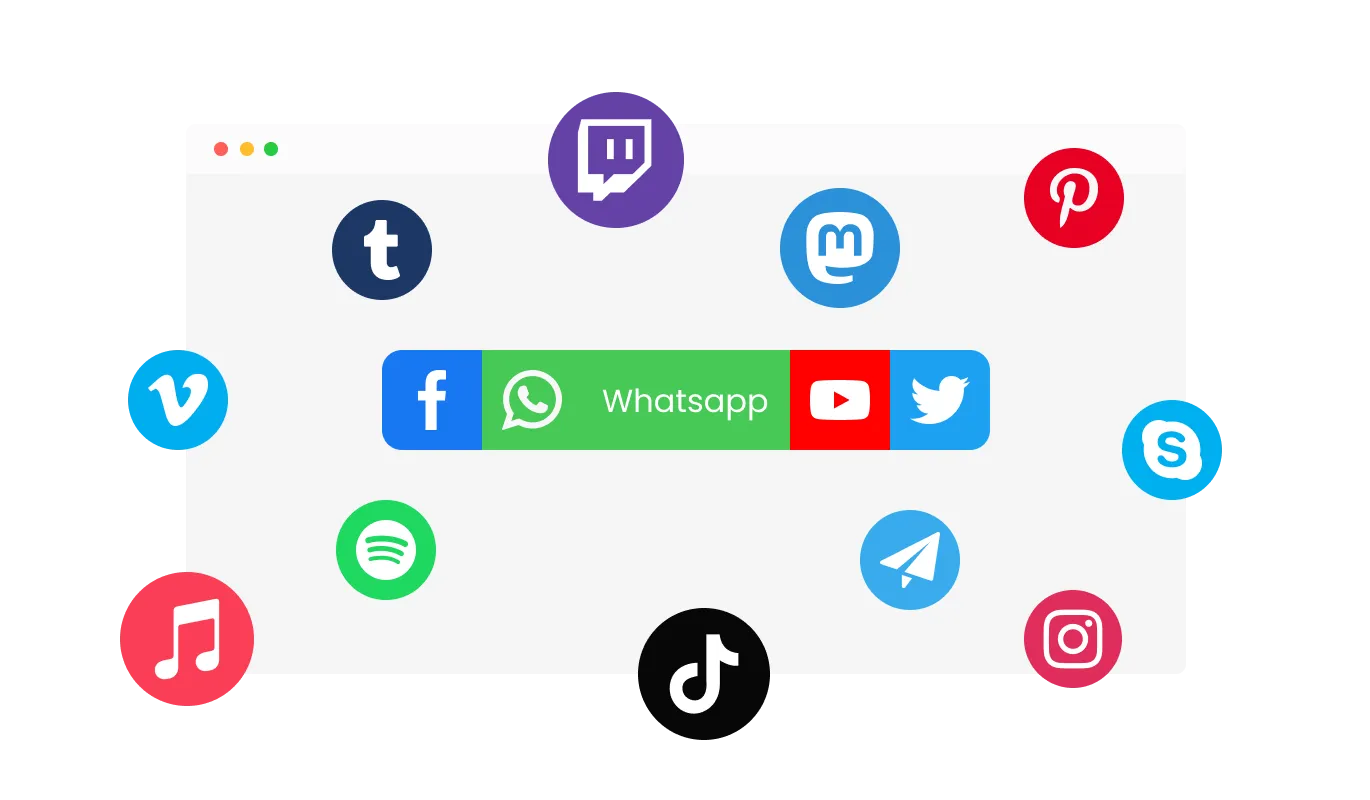
The Social Media Links feature a large selection of social media platforms with relevant icons that you can choose from.
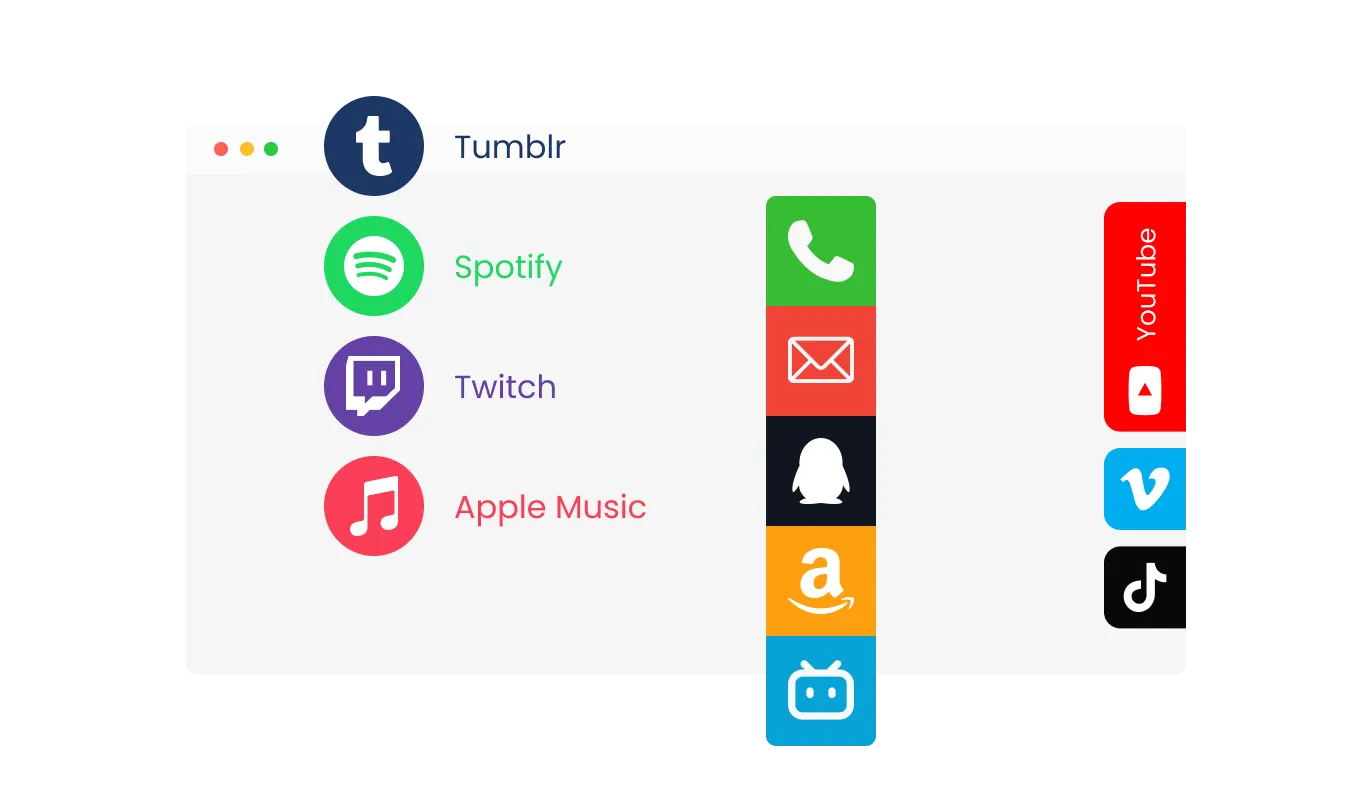
The widget features several different styles to choose from for an additional level of customization.
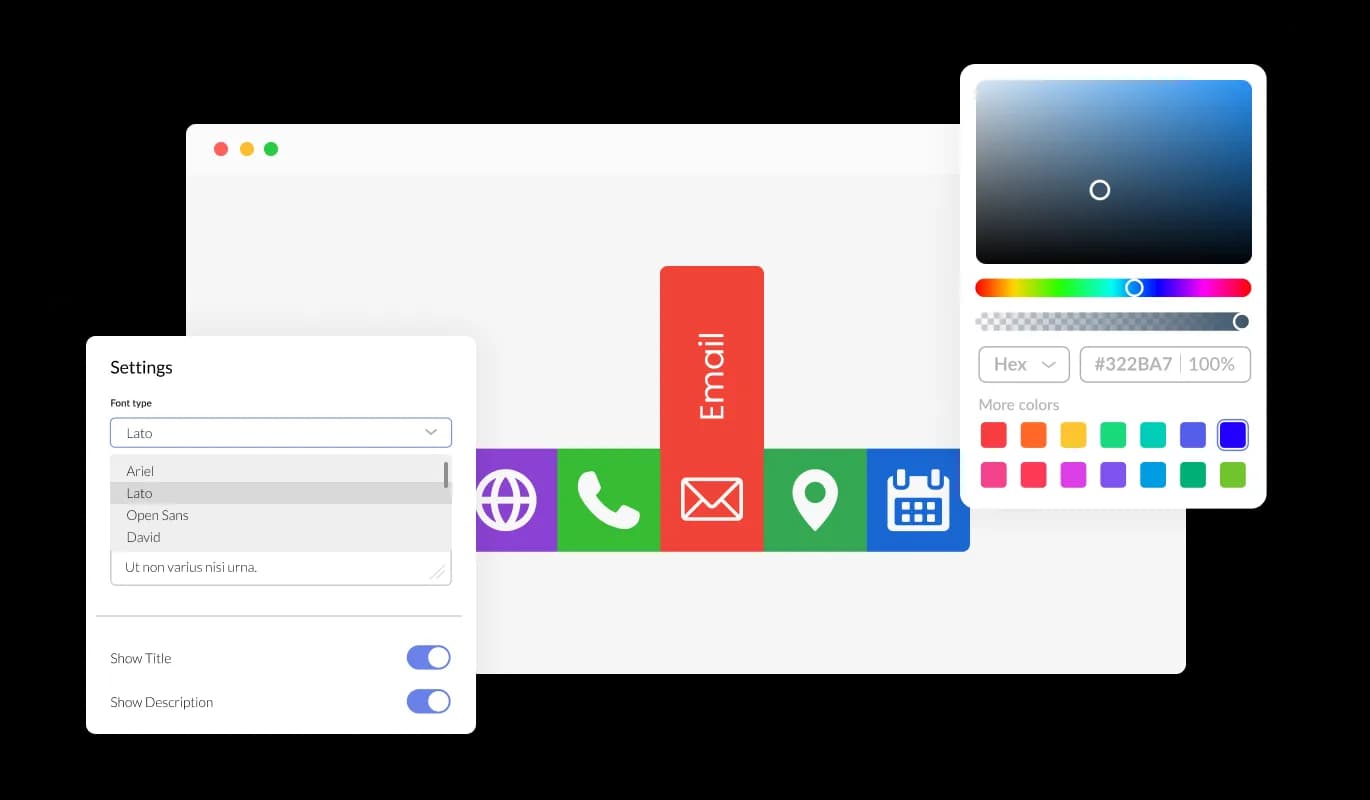
The Social Media Links widget features full customization options so you can edit the design to fit your needs. Change the colors, the fonts, the spacing, and anything else!
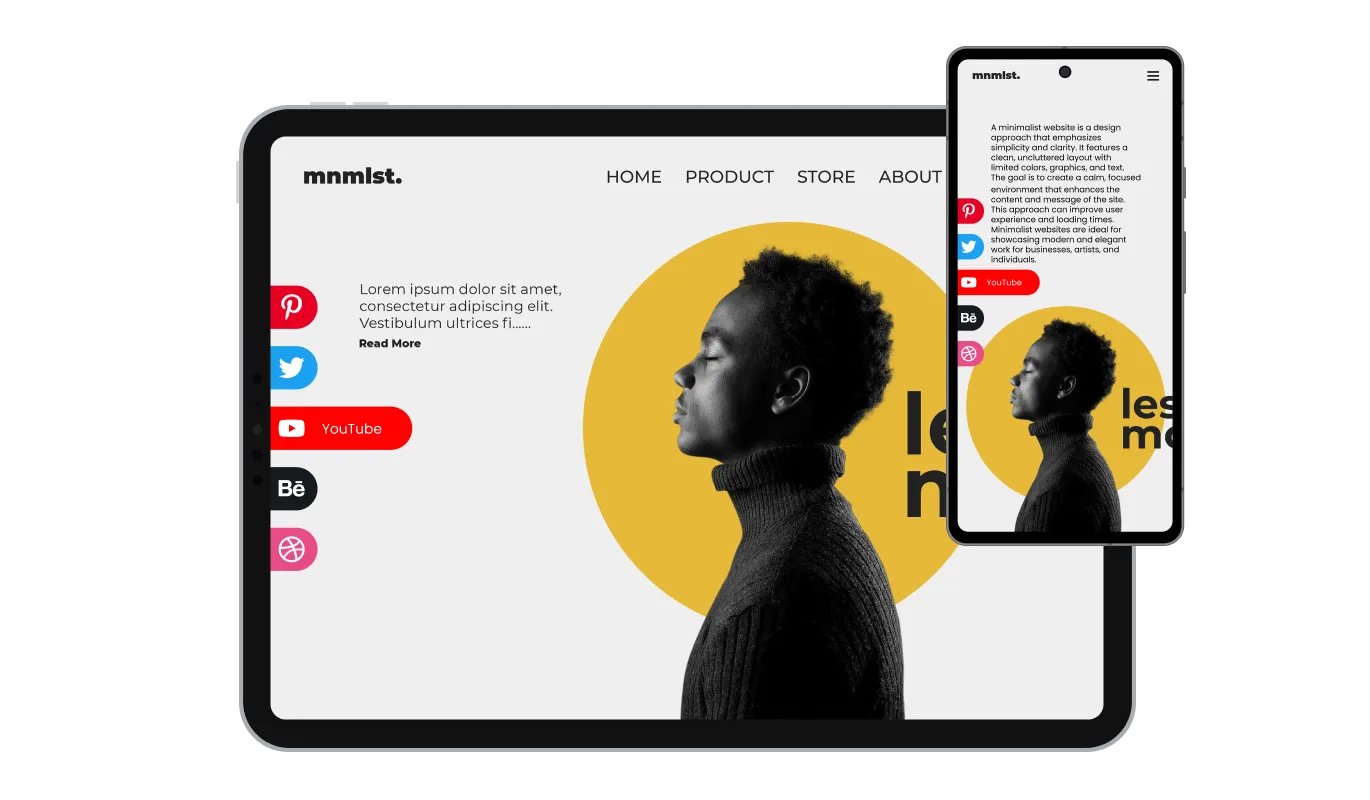
The Social Media Links widget is fully responsive and will look great on any device. In a mobile-first world, this feature will put you ahead of your competitors.

As with all of Common Ninja’s apps, you can add custom CSS to customize the Social Media Links widget and be even more creative.

You can embed the Social Media Links on your website easily by copying a single line of code. The Social Links widget will also be updated automatically with every change you make.
The Social Media Links widget comes with several positioning options, enabling you to place it in key locations on your web page for maximum visibility.
The Social Media Links widget comes equipped with a variety of beautiful skins that you can choose from, making it easy to create a polished and professional-looking button for your website without spending a lot of time on extensive customization.
The Social Media Links widget is easy to use and requires no coding knowledge. Our intuitive dashboard with the drag-and-drop feature will enable you to customize the widget any way you’d like to with just a few simple clicks.
Common Ninja has amazing no-code widgets that would beautify a website built on any builder. It is very easy to use and customise. It has as many widgets for almost everyone willing to make their website impressive.
Outstanding service. I use their widgets to help me with my web design business and whenever I need help they are very quick to help.
Excellent company with excellent service!!! We used it to build a survey, it was very user friendly. The service was perfect. Amit helped us with every problem and question we had, thank you very much!!!
Common Ninja saved the day when building our website and the customer service Daniel, the co-founder and CEO, provided was amazing.
Yes. The free plan covers one Social Media Links widget with no time limit and no credit card. Upgrade only when you need additional widgets, advanced custom styling, premium skins, or features like per-icon click analytics.
Social Media Links point OUT to YOUR brand's social profiles, "follow us on Instagram" icons in your header or footer that route visitors to your accounts. Social Share Buttons let visitors share the page they're on to their own followers. "share this article on LinkedIn" buttons that open pre-filled share dialogs. Use this Social Media Links widget when you want visitors to follow YOU; use the Common Ninja Social Share Buttons widget when you want visitors to share YOUR content.
50+ social and content platforms: Instagram, TikTok, X (Twitter), LinkedIn, YouTube, Facebook, GitHub, Threads, Bluesky, Mastodon, Pinterest, Snapchat, Reddit, Telegram, WhatsApp, Discord, Twitch, Spotify, Apple Music, Behance, Dribbble, Vimeo, Medium, Substack, and many more. Add only the platforms where you have an active presence; an empty icon set looks worse than a focused row of three.
Yes. Choose between branded platform colors (the default. Instagram is its gradient pink-purple, X is black, YouTube is red), monochrome (all icons one color from your palette), or custom palette (each icon takes a color you specify). Monochrome is the most common choice when the icons should fade into a minimal design.
Yes. The floating-sidebar layout anchors the icons to a page edge (left or right) and stays in view as the visitor scrolls. Useful on long-form pages where the visitor might decide to follow you mid-read. Configure offset and side in the editor.
Build the widget in the Common Ninja editor (add profile URLs, pick layout, customize design), copy the embed snippet, and paste it into your site: Readymag via an HTML widget in your project; Canva via the Embed app in the Apps panel; Carrd via an Embed element; Notion via /embed with the embed URL. Edits in the editor push to every embed without re-paste.
No. The widget script loads asynchronously, so it doesn't block first paint or interactivity. Icons are lightweight SVGs: minimal DOM impact, no extra HTTP requests for content. Your Largest Contentful Paint and Cumulative Layout Shift stay healthy on Core Web Vitals.
Yes. All layouts (horizontal row, vertical stack, floating sidebar, footer strip) adapt across mobile, tablet, and desktop breakpoints. Tap targets stay finger-sized on mobile, the floating sidebar repositions to bottom-anchored on small screens, and icon sizing scales to viewport for clean visual rhythm.
Pick your platform. Each takes under 4 minutes.
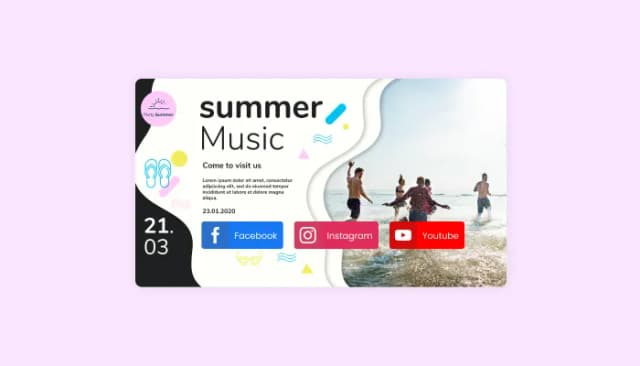
Seamlessly integrate social sharing buttons into your website to enhance content visibility.
Add a WhatsApp chat button to your website, allowing users to start a chat using WhatsApp.
Add a Telegram chat button to your website, allowing users to start a chat using Telegram.

Add a Messenger chat button to your website, allowing users to start a chat using Messenger.

Easily craft engaging, personalized popups to boost conversions.

Allow users to send messages or inquiries, save submissions, enable notifications, and more
Absolutely! The Social Links widget features various styles to choose from, allowing you to customize the appearance to best suit your website's design.
The Social Links widget offers full customization options, enabling you to modify elements such as colors, fonts, spacing, and more to achieve the desired look and feel.
Yes, the Social Links widget is fully responsive and designed to look great on any device, ensuring a positive user experience across all screen sizes.
No, the Social Links widget is easy to use and does not require any coding knowledge. The intuitive dashboard and drag-and-drop feature enable you to customize the widget with just a few simple clicks.
Yes, similar to other Common Ninja apps, you can add custom CSS to the Social Links widget to enhance its appearance and achieve a more creative design.
Embedding the Social Links widget on your website is simple. Just copy a single line of code and paste it into your website's HTML. The widget will automatically update with any changes you make within the customization dashboard.
Yes, you can easily do so from the “Templates” tab.
Yes, there are lots of beautiful skins that you can choose from to save time and start using the widget as quickly as possible.
It’s simple. All you need to do is to sign up and start using the free version.
Common Ninja’s Social Links widget is free to use. It is limited to a certain amount of views, however.
Common Ninja’s Social Links widget is compatible with ALL current and future website builders.
Yes, the Social Links widget is GDPR-compliant.
No. Using our Social Links widget is very simple. The widget comes with an intuitive drag-and-drop interface and fully customizable options. Once you’ve finished editing the widget to your liking, all you need to do is copy the provided code and add it to your website.
Yes. We are eager to hear your request. Please visit our Feature Request page.
Help visitors find and follow your accounts with a clean icon strip, 50+ supported platforms (Instagram, TikTok, X, LinkedIn, YouTube, GitHub, Threads, Bluesky, and more), horizontal / vertical / floating sidebar / footer layouts, branded or monochrome icon styles, stylish skins, and Custom CSS. Embed on 200+ platforms including Readymag, Canva, Carrd, Notion, WordPress, and Webflow.
Create your Social LinksNo credit card · Setup in under 5 minutes