


Verified review
Common Ninja has amazing no-code widgets that would beautify a website built on any builder. It is very easy to use and customise. It has as many widgets for almost everyone willing to make their website impressive.
Try the editor, no signup
Pick a template, customize it, and watch it update live, no signup.
No credit card · Free forever plan
No credit card · Free forever plan
The Common Ninja Stop Motion Player is a free, no-code widget that turns a sequence of images into an animation on any website. Upload the frames in bulk, set the timing, and paste one line of embed code.
The frames play in order at a speed you control, which is how you get a 360 degree product spin, a time-lapse, or a hand-made stop-motion sequence without producing a video file.
Bulk upload, timing controls, image filters, and animation settings are all included, plus custom CSS. Works on 200+ platforms including WordPress, Wix, Shopify, Squarespace, and Webflow.
Photograph a product from every angle and play the frames in sequence, and a shopper can see the whole object rather than the three views you chose. It is the closest thing to handling it, built from stills you already know how to shoot.
Construction progress, a plant growing, a mural being painted, a room being renovated: sequences shot over weeks are stills, not video. This plays them as one without you learning video software.
Claymation, paper cut-outs, whiteboard sequences, and flipbook drawings are all frame-by-frame work. Keeping them as images means no export, no compression artefacts, and no video player on the page.
A two-second loop as a video file carries a whole player and codec overhead. As a handful of properly sized images it is often smaller and simpler, and it never shows a play button nobody wanted to press.
Bulk upload the image sequence. File naming matters here more than anywhere else: name them so they sort in the order you want them played, because that order is the animation.
Choose how long each frame holds and how the sequence loops, then apply image filters across the set if you want a consistent look without editing every file individually.
Copy the snippet from the Add to Website tab and paste it where the animation belongs. Adding or reordering frames later updates every page carrying the embed.
Set how long each frame holds, which is the difference between a smooth spin and a jerky one. Frame timing is the single control that decides whether a sequence reads as animation or as a slideshow.
Add the whole sequence at once rather than one frame at a time. A stop-motion set can run to dozens of images, and uploading them individually would make the widget unusable.
Apply a filter to the whole sequence so the frames match. Shots taken minutes or weeks apart rarely have identical colour, and a filter is faster than correcting forty files by hand.
Scales to the screen width so a sequence does not overflow a phone, and a custom CSS field for exact sizing and framing. One embed snippet, 200+ platforms, nothing to install.
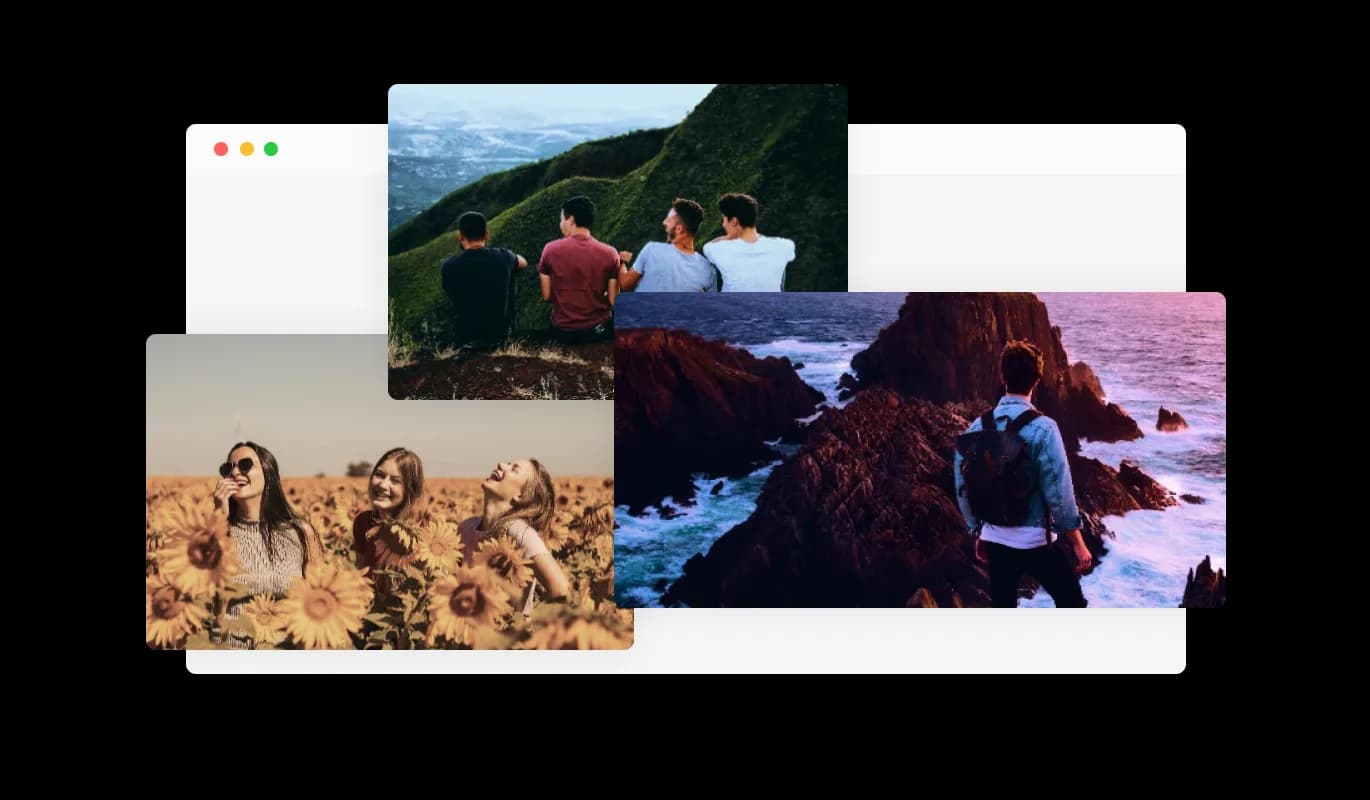
The Stop Motion Player widget makes applying filters to your images easy, with advanced settings for more control. This feature enables a variety of visual effects to align with your website's aesthetic. Advanced filtering allows for fine-tuning image appearance, enhancing your website's visual appeal.
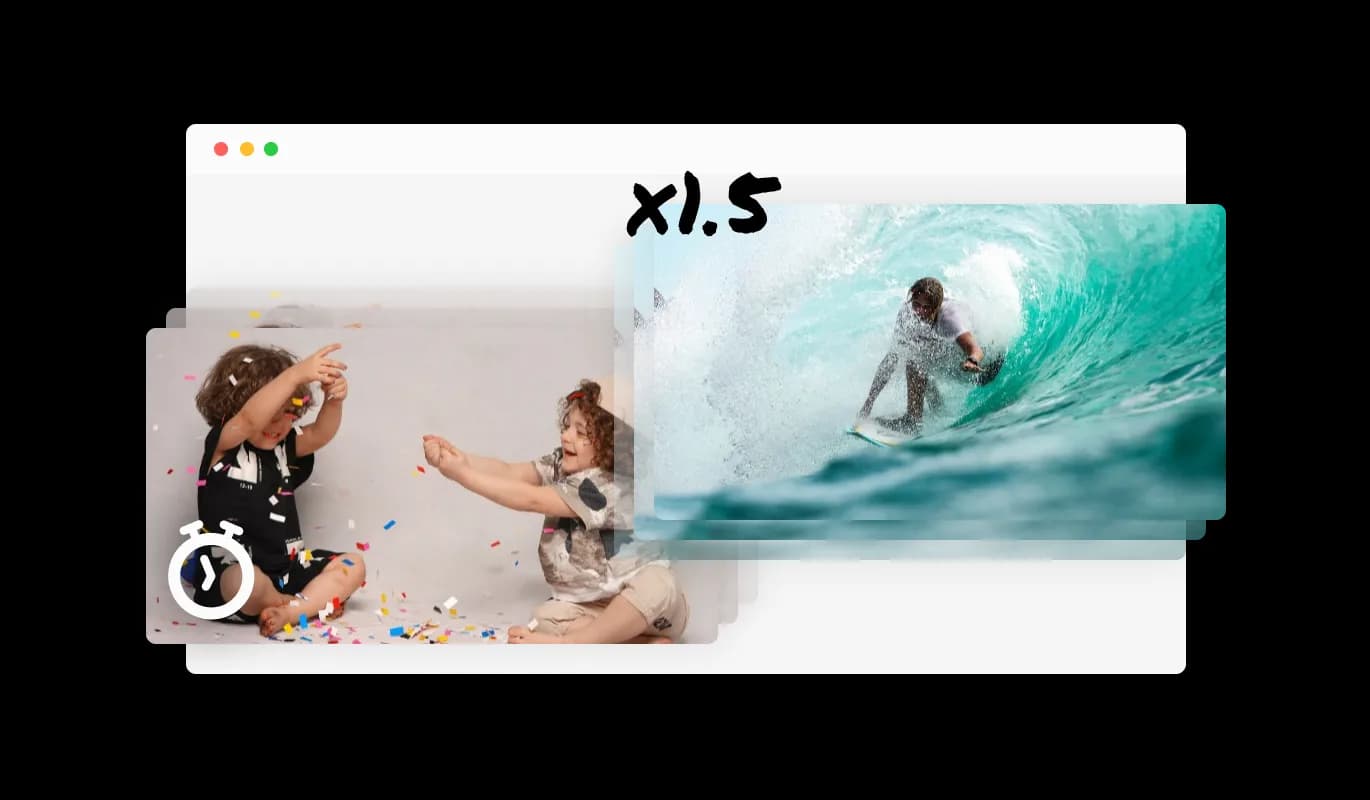
The Stop Motion Player widget allows for varied animation settings. You can set the animation to repeat, alternate (forward and backward), or display images in a randomized order. These settings enhance the visual storytelling, making the widget a flexible tool for creative display on your website.
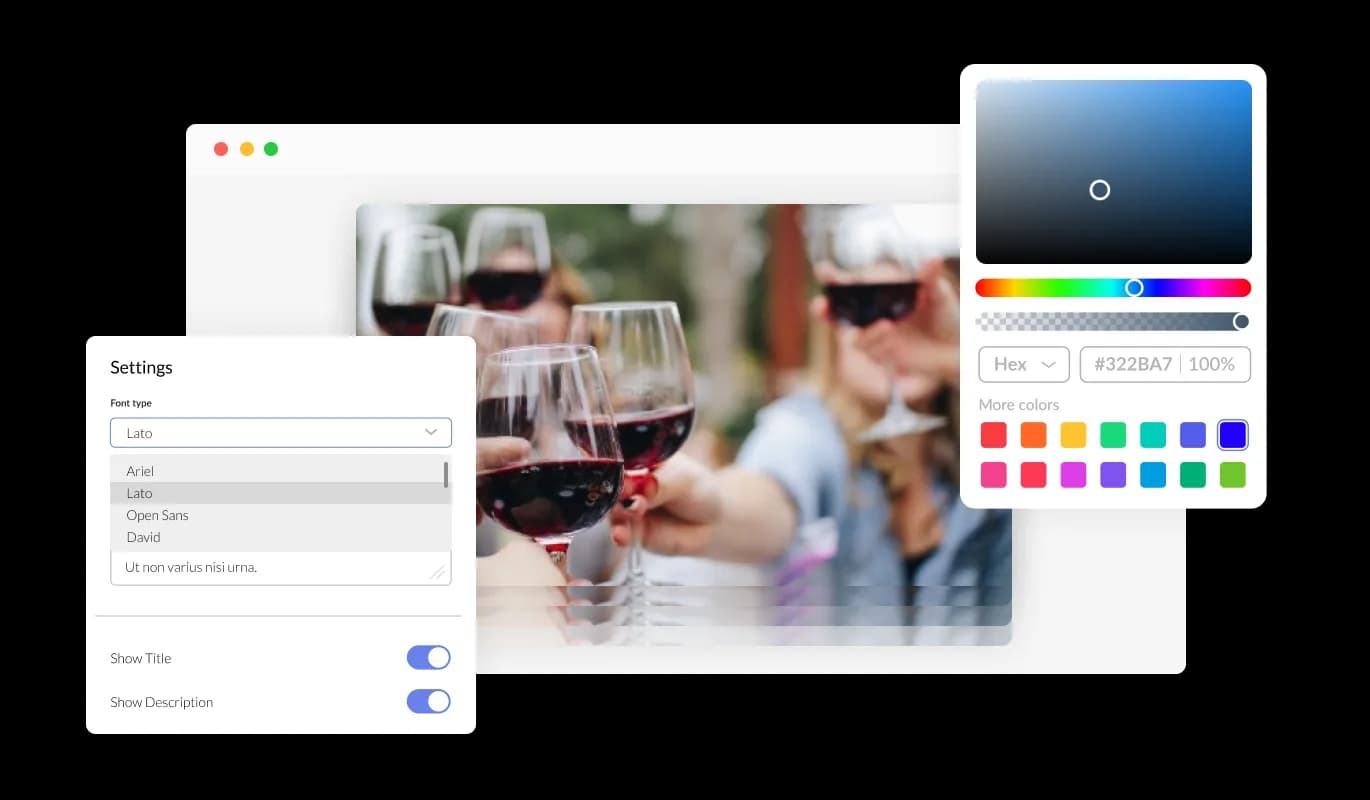
The Stop Motion Player widget opens the door to endless customization. It offers the flexibility to adjust various settings to your liking, ensuring the stop motion display resonates with your website's unique design and branding.
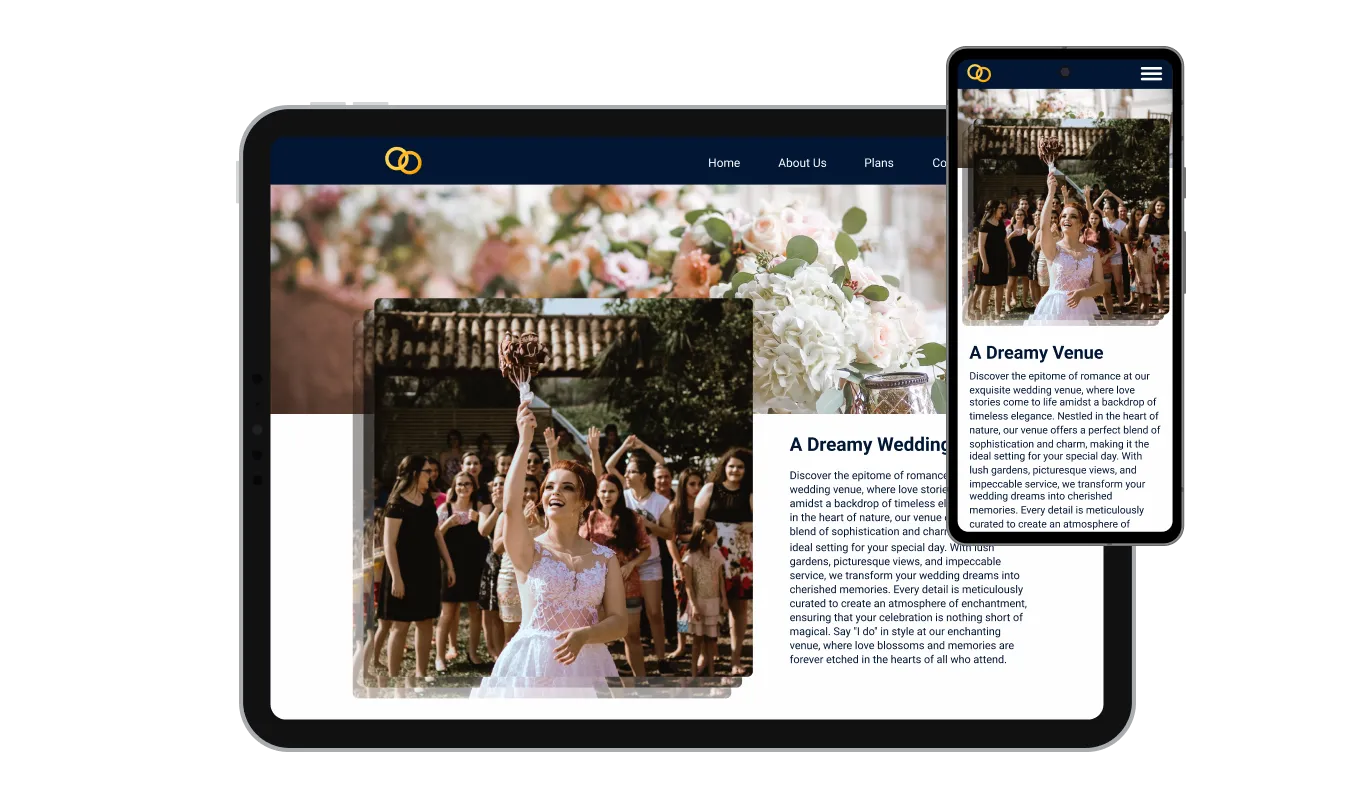
Designed for optimal responsiveness, the Stop Motion Player widget ensures your stop motion displays maintain their visual appeal on any device. In an era where mobile optimization is vital, this feature is key to delivering a consistent user experience regardless of the device being used.

The Stop Motion Player widget offers CSS customization, allowing for creative design adjustments to the stop motion display. This feature ensures the widget harmonizes with your website's aesthetic, making it a versatile tool for enhanced visual appeal.

Embedding the stop motion display you've created into your website is a breeze. It's as simple as following a few straightforward steps. Additionally, any adjustments made within the widget are instantly reflected on your site, keeping your stop motion displays current without any extra hassle.
The Stop Motion Player widget allows you to set the time interval between image swaps. This feature enables a personalized pace for the stop-motion display, allowing control over the image sequence progression. Adjusting the timing enhances the widget's flexibility and ensures the display aligns with the website's desired ambiance and message.
The Stop Motion Player widget facilitates the upload of multiple images at one time. This bulk upload feature streamlines the process of setting up your stop-motion display, saving time and effort. By allowing for bulk uploads, this feature enhances the ease of use and efficiency of managing the visual content on your website.
Crafting your unique stop motion display is effortless with the Stop Motion Player widget. No coding knowledge is required; its intuitive interface facilitates smooth and quick customization, enabling you to bring your envisioned stop motion sequence to life with ease.
Build your stop motion animation in the editor
Open the editorFree to use · No credit card · No signup to try it
Common Ninja has amazing no-code widgets that would beautify a website built on any builder. It is very easy to use and customise. It has as many widgets for almost everyone willing to make their website impressive.
Outstanding service. I use their widgets to help me with my web design business and whenever I need help they are very quick to help.
Excellent company with excellent service!!! We used it to build a survey, it was very user friendly. The service was perfect. Amit helped us with every problem and question we had, thank you very much!!!
Common Ninja saved the day when building our website and the customer service Daniel, the co-founder and CEO, provided was amazing.
It plays images rather than a video file, so there is no encoding step, no compression artefacts, and no video player with a play button on your page. For a short loop or a product spin built from stills, that is simpler and often lighter. For anything with sound or more than a few seconds of motion, use video.
The order of the sequence you upload, which is why file naming matters more here than in any other image widget. Name your files so they sort correctly, with zero-padded numbers, before you bulk upload, and check the playback once rather than assuming.
Enough that the object appears to turn rather than to jump, which in practice means shooting at regular intervals all the way round rather than at four or five positions. Consistent lighting and a fixed camera position matter as much as the count: a spin where the light shifts between frames looks wrong however many you have.
Yes, frame timing is adjustable and it is the control that matters most. The same sequence can read as a smooth rotation or as a deliberately choppy hand-made animation depending entirely on how long each frame holds.
Making a sequence look consistent. Frames shot minutes or weeks apart rarely match in colour or exposure, and applying a filter across the whole set is much faster than correcting each file. It will not rescue a badly shot sequence, but it will even out a decent one.
The frames are the weight, so this is the widget where image sizing matters most. Forty full-resolution photographs is a large payload however they are played, so resize them to the dimensions they will actually display at before uploading.
Yes, it scales to the screen width. Worth testing on mobile data specifically, because a long frame sequence has more to download than a single image and a spin that feels instant on a desktop connection can stutter on a phone.
A product spin usually should, because a visitor may arrive part way through. A time-lapse or a narrative sequence usually should not, since it has a beginning and an end and looping it endlessly turns a story into wallpaper.
Pick your platform. Each takes under 4 minutes.

Displays images and captions in diverse layouts and grids, presenting visually appealing arrangements for showcasing multiple images

Showcases images in a rotating or sliding manner

A simple slider that lets visitors compare before and after images to see visual changes clearly.

Present images and text with a variety of animated effects and transitions for an engaging visual display
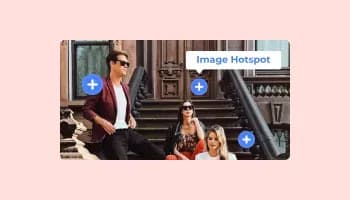
Add interactive areas on images that reveal extra information when clicked or hovered over.

Displays a series of images in a slideshow format
The Stop Motion Player widget is a tool that enables users to upload a sequence of images that are displayed in a sequence, creating a stop motion effect on their website.
Integrating the Stop Motion Player widget is straightforward. Detailed instructions will be provided, typically involving copying and pasting a line of code into your website's backend.
Yes, the widget allows you to set the time interval between image swaps, enabling a personalized pace for the stop-motion display.
Yes, the Stop Motion Player widget supports bulk upload, allowing you to upload multiple images at one time.
Yes, the widget provides filter options, including advanced filter settings for more control over the appearance of your images.
Yes, you can set the animation to repeat, alternate (forward and backward), or display images in a randomized order.
The widget is designed for optimal responsiveness, ensuring a consistent and visually appealing display across various devices.
Yes, the widget provides CSS customization capabilities for more creative design adjustments.
While the widget provides an engaging visual display, its impact on SEO would depend on various other factors related to your website's overall SEO strategy.
Updating images is a simple process, involving uploading new images through the widget’s user-friendly interface.
Yes, in the editor itself or with the preview option.
Technical support availability would depend on the provider; it’s advisable to check with the provider for detailed information.
An image sequence played as animation, with bulk upload, frame timing control, image filters across the whole set, full responsiveness, and custom CSS. Built for 360 product spins, time-lapses, and frame-by-frame animation without producing a video file. Embed on 200+ platforms including WordPress, Wix, Shopify, Squarespace, and Webflow.
Create your stop motion animationFree to use · No credit card · No coding