


Verified review
Common Ninja has amazing no-code widgets that would beautify a website built on any builder. It is very easy to use and customise. It has as many widgets for almost everyone willing to make their website impressive.
Try the editor, no signup
Pick a template, customize it, and watch it update live, no signup.
No credit card · Free forever plan
No credit card · Free forever plan
The Common Ninja Stripe Button is a free, no-code way to take a card payment from any website. Set the amount, connect your Stripe account, and paste one line of embed code.
Clicking it opens Stripe's secure checkout, so the card form, the fraud checks, and the compliance burden all sit with Stripe rather than with your page.
Taxes and shipping can be added to the total, every transaction is listed and exportable, and email alerts and webhooks fire when a payment completes.
Taking a card properly means a payment form, fraud handling, 3D Secure, and a compliance scope you do not want. A hosted checkout hands all of it to Stripe and leaves you with one button to place.
Software licences, templates, course places, consultations, and event tickets are all single charges with nothing to ship. A button covers the entire transaction they need.
Because the money moves through your own Stripe account, it shows up in your Stripe reporting and whatever you have already connected to it, rather than in a separate system you have to reconcile by hand.
A webhook on a completed payment is what lets you grant access, send a licence key, or add a row somewhere without watching an inbox. It is the difference between a button and a small system.
Payments settle into your own Stripe account and appear in your Stripe dashboard alongside anything else you run through it. PayPal is supported as an alternative if that is the account you hold.
Enter the price, then add tax or shipping where they apply so the buyer sees a real total up front. Write the confirmation message here too, since a blank success screen wastes the one moment you have their attention.
Copy the snippet from the Add to Website tab and paste it beside whatever you are charging for. Price changes made in the editor reach every page carrying the embed.
The payment happens on Stripe's infrastructure, so your site never handles a card number and you are not the party responsible for storing one.
Add taxes and shipping fees so the checkout total matches what the buyer expected. A cost that appears only at the final screen is the most common reason a completed decision turns into an abandoned one.
See every transaction taken through the button in one list and export the records when you need them somewhere else, such as a bookkeeping tool at the end of a month.
Email notifications and webhook calls on a completed payment, plus a custom confirmation message so the buyer knows the charge went through and what happens next.

The Stripe Button is built to connect directly with Stripe’s secure payment infrastructure, giving you a reliable way to process online transactions on your website. This integration fits smoothly into existing e-commerce or checkout workflows while offering customers a trusted and professional payment experience.
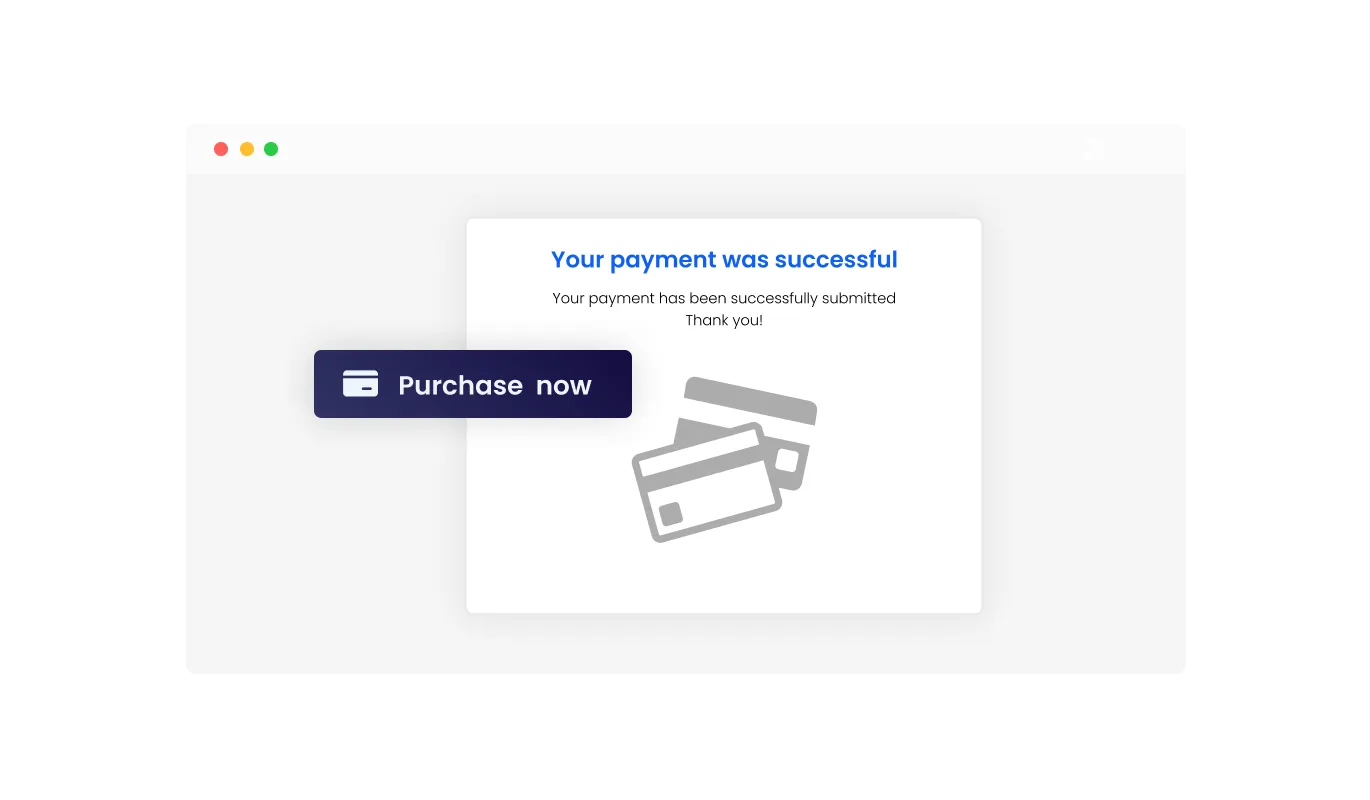
The Stripe Button lets you show personalized messages after a successful transaction. You can confirm payment completion, thank customers for their purchase, or provide next step instructions. These messages improve trust and create a more professional post-payment experience.
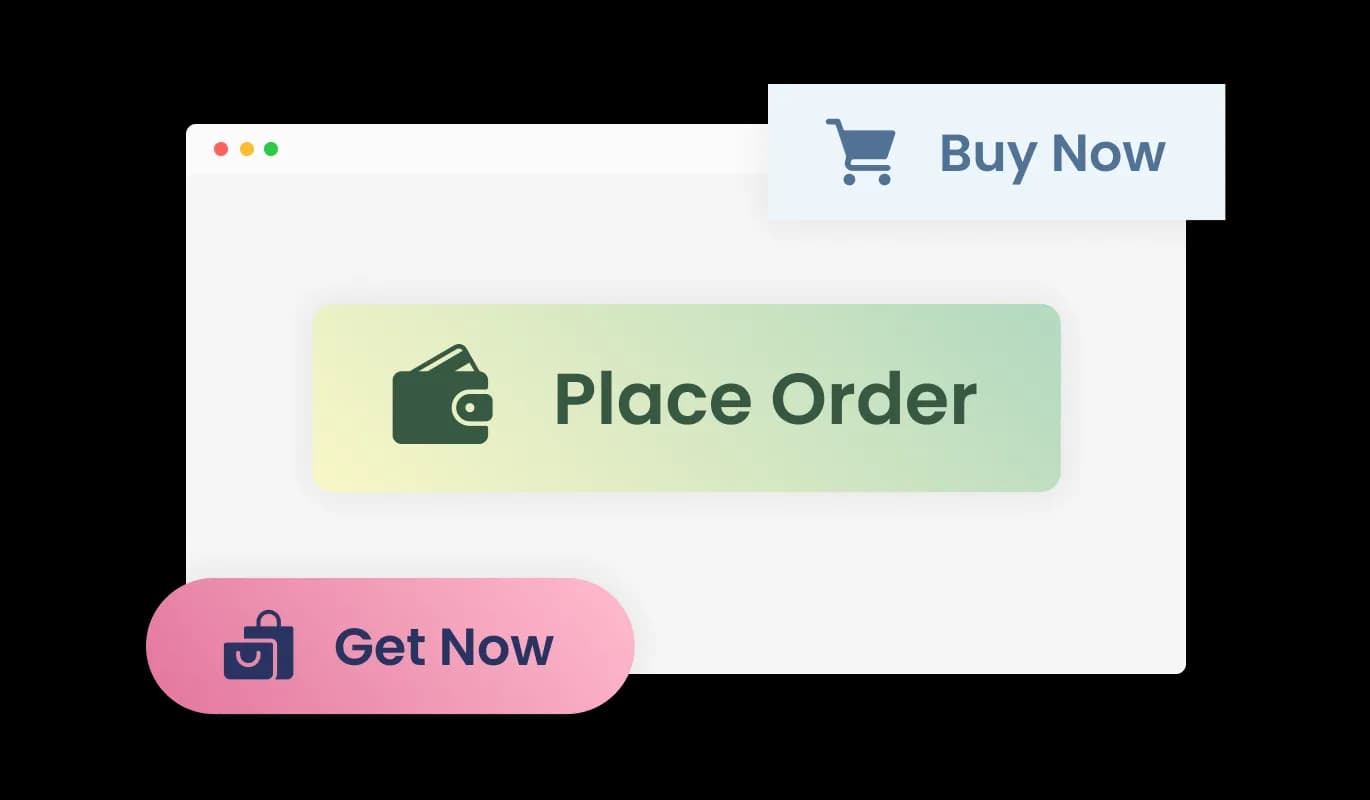
The Stripe Button comes with a collection of pre-designed skins, making it easy to choose a style that matches your website right away. These professional layouts save customization time while giving your checkout experience a cleaner, more trustworthy appearance that can help more visitors complete their purchase.
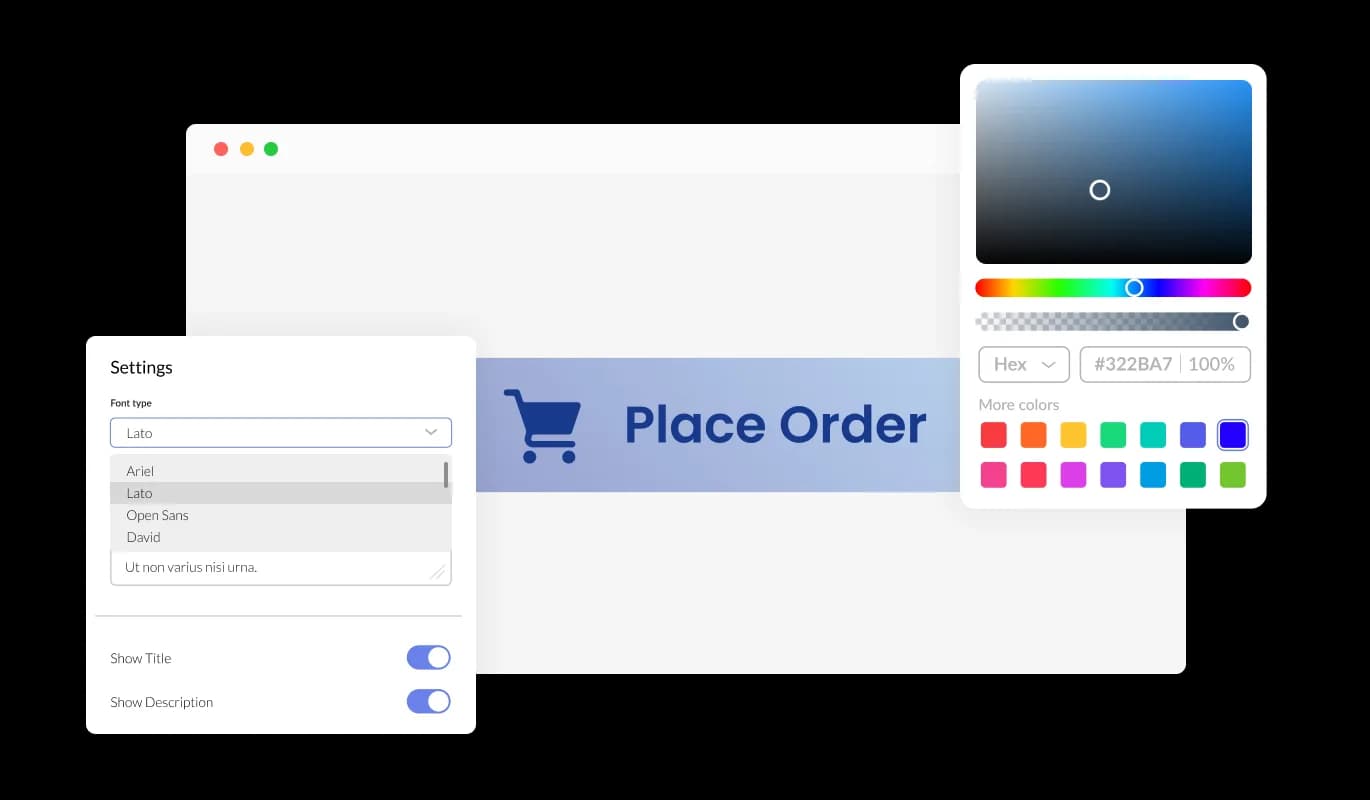
The Stripe Button gives you complete flexibility over its design so it fits seamlessly into your website. You can change colors, fonts, spacing, and layout elements to align with your branding. A consistent look builds customer confidence during checkout and creates a more polished and professional payment experience.
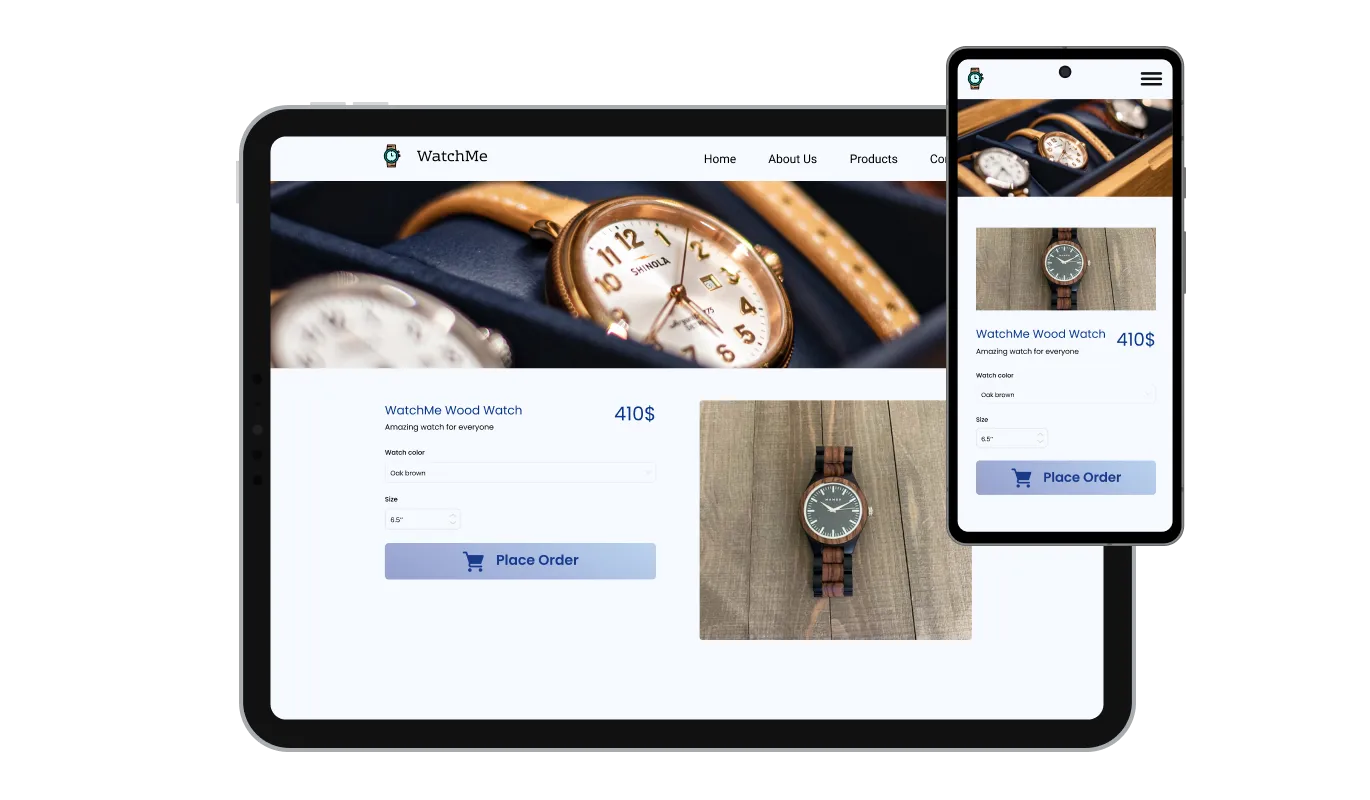
The Stripe Button automatically adjusts to desktop, tablet, and mobile devices, ensuring a smooth payment experience across all screen sizes. In a mobile focused world, responsive checkout helps customers complete purchases faster, reduces drop off, and supports higher conversions wherever users shop.

Adding the Stripe Button to your website is fast and hassle free. Simply copy one embed code and paste it into your site. Any changes you make later in the dashboard update automatically, ensuring your payment button stays current without repeated setup or manual edits.
The Stripe Button supports optional email notifications and webhook integrations so you can monitor payments in real time. Alerts can be enabled for both site owners and customers, helping you confirm completed purchases, track sales activity, and stay updated without manual follow up.
With the Stripe Button, you can access a full list of transactions directly from your dashboard. Payment history can also be exported as a CSV file, making it easier to manage reporting, analyze results, or share records with finance and accounting tools.
The Stripe Button allows you to include additional charges such as taxes or shipping costs to ensure customers see the correct final amount before paying. This is especially valuable for physical products or region based pricing needs, supporting transparency throughout the checkout process.
In addition to built in styling options, the Stripe Button supports custom CSS for more precise visual control. You can fine-tune spacing, typography, animations, and interface details to ensure the button blends perfectly with your website’s design system and branding.
Common Ninja has amazing no-code widgets that would beautify a website built on any builder. It is very easy to use and customise. It has as many widgets for almost everyone willing to make their website impressive.
Outstanding service. I use their widgets to help me with my web design business and whenever I need help they are very quick to help.
Excellent company with excellent service!!! We used it to build a survey, it was very user friendly. The service was perfect. Amit helped us with every problem and question we had, thank you very much!!!
Common Ninja saved the day when building our website and the customer service Daniel, the co-founder and CEO, provided was amazing.
Yes, to take payments through Stripe. Money settles into your own account and appears in your own Stripe dashboard. If you would rather use PayPal, that is supported too, so the button fits whichever account you already hold.
Because the card form is hosted by Stripe rather than rendered on your page, your site is not handling card data. That is the main practical reason to use a hosted checkout instead of building a payment form, and it is worth confirming the specifics with your provider for your business type.
Stripe sets and takes its own fees, and they differ by country, currency, and card type. Check Stripe's current published pricing for your market rather than working from a remembered figure, especially for international cards and currency conversion.
This button is built for a single one-off charge. For anything that renews, a subscription tool is the right shape, because recurring billing needs handling for failed payments, card expiry, and cancellation that a one-off button does not attempt.
Use the webhook. It fires on a completed transaction and lets your own system act on it, which is how you grant access, issue a licence, or record the sale without someone watching an inbox.
Yes, both can be included so the total is accurate before the buyer commits. These are amounts you set rather than automatic per-jurisdiction tax calculation, so check what you are required to collect where you sell.
A confirmation message you write. Use it to say when access or delivery happens, because that is the question in the buyer's head at exactly that moment.
Yes. There are ready-made skins, plus control over colours, typography, and spacing, with custom CSS for precise work. The checkout screen itself is Stripe's and follows their branding options.
Pick your platform. Each takes under 4 minutes.

A payment button that triggers a recurring payment form linked to PayPal or Stripe for easy subscription setup

Allow users to fill in orders, save submissions, enable notifications, and more
Displays pricing options for products or services in a clear and organized format
Create your form for any purpose with a friendly form builder

Allow users to send messages or inquiries, save submissions, enable notifications, and more
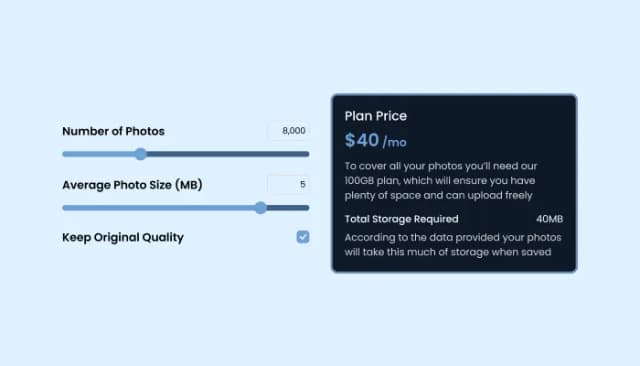
Create custom calculators to enhance user engagement and drive business results on your website.
You can begin by signing up and creating a Stripe Button directly from your dashboard. The setup process is quick, and you can publish your first payment button in just a few minutes.
Yes. The Stripe Button is offered on a free plan with core functionality included. View limits apply, and paid plans are available for higher usage and advanced options.
Yes. The Stripe Button can be added to any website platform that supports embedding custom code, including all major site builders and custom websites.
To embed the Stripe Button, simply copy the generated code snippet and paste it into your site. The button appears immediately and updates automatically whenever you edit it.
Yes. All payments processed through the Stripe Button are accessible in your dashboard, and you can export transaction history as a CSV file for reporting or accounting.
Yes. You can include additional fees such as taxes or shipping costs so customers see the full total clearly before completing payment.
Yes. The Stripe Button includes multiple ready-made skins, allowing you to apply a professional look instantly without manual design work.
Absolutely. You can customize colors, fonts, spacing, and layout options so the Stripe Button blends seamlessly into your site’s design.
Yes. For advanced styling control, custom CSS can be applied to refine every visual detail and align the button with your design system.
Yes. The Stripe Button is fully responsive and adapts smoothly across desktop, tablet, and mobile devices for a consistent payment experience.
Yes. You can display custom post-payment messages to confirm successful checkout, thank customers, or provide follow up instructions.
Yes. The Stripe Button supports optional email alerts and webhook integrations for both site owners and customers, helping you stay informed about every transaction.
No. The Stripe Button is designed for easy setup through a visual editor, making it accessible even for users with no technical background.
You can submit feature ideas through the Common Ninja Feature Request page. Requests are reviewed regularly and help guide future updates.
A one-off payment button that opens Stripe's secure hosted checkout, so card details never touch your site. Add taxes and shipping to the total, show a custom confirmation message, receive email alerts and webhooks on completed payments, and export your transaction records. Ready-made styles and custom CSS included. Embed on 200+ platforms including WordPress, Shopify, Wix, Webflow, and Squarespace.
Create your buttonNo credit card · No coding