Support Form for Volusion

Use a support form that lets customers submit tickets, saves each request, sends notifications, and helps you manage support more efficiently.

Create a Support Form

loved by 500K+ businesses

Volusion
plugineditor

Why Should You Use the Support Form Widget+?

Support Form Solutions for Enhanced Customer Experience

The Volusion Support Form enables users to submit support tickets seamlessly, resulting in faster issue resolution and improved customer loyalty. Furthermore, the Volusion Support Form helps keep track of and systematize support requests, making it easier to manage customer concerns and provide swift assistance.

Unify Support Requests for Better Customer Support Efficiency

Implementing a Support Form on Volusion allows you to gather all support requests in a single location, improving the ability of your support team to manage and prioritize issues. This can help reduce response times and improve the overall efficiency of your customer support process.

Volusion Support Forms: Customized to Suit Your Business

With the Volusion Support Form, you can add custom fields specific to your industry or business, simplifying the process of obtaining the required information for resolving support issues. Customizing your Support Form also helps in obtaining valuable customer input, helping you consistently improve your products and services to cater to customer needs and preferences.

Comprehensive Form Field Options for Volusion Support Forms

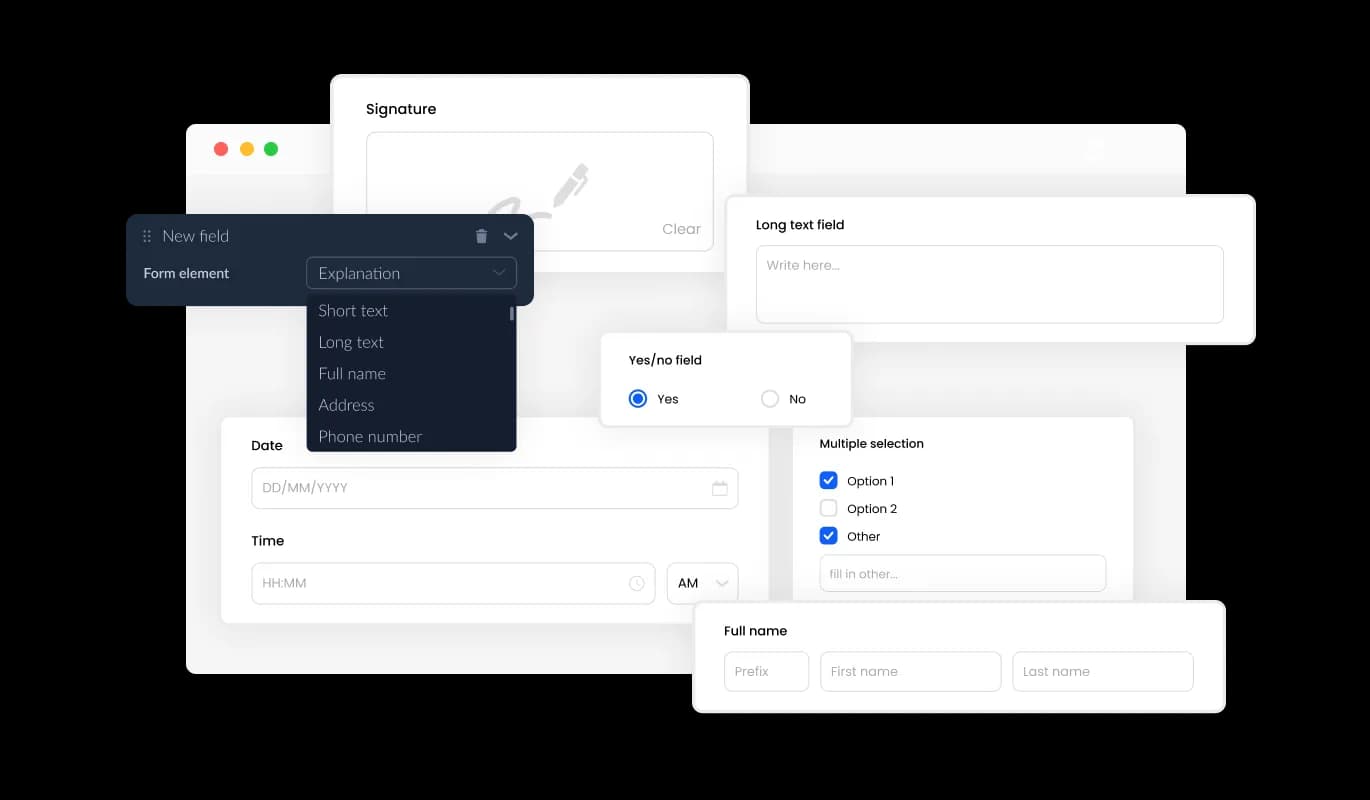
The Volusion Support Form creator provides an extensive selection of customizable fields, ranging from basic to unique and specialized formats, enabling you to adapt your form to meet your specific needs and purposes. To add fields, simply click the "Add Field" button and select from the extensive collection of formats provided. Additionally, you can effortlessly reorder the fields by dragging and dropping them as needed.
Support Form - Comprehensive Form Field Options for Volusion Support Forms

Optimize Support Ticket Handling on Volusion with Ease

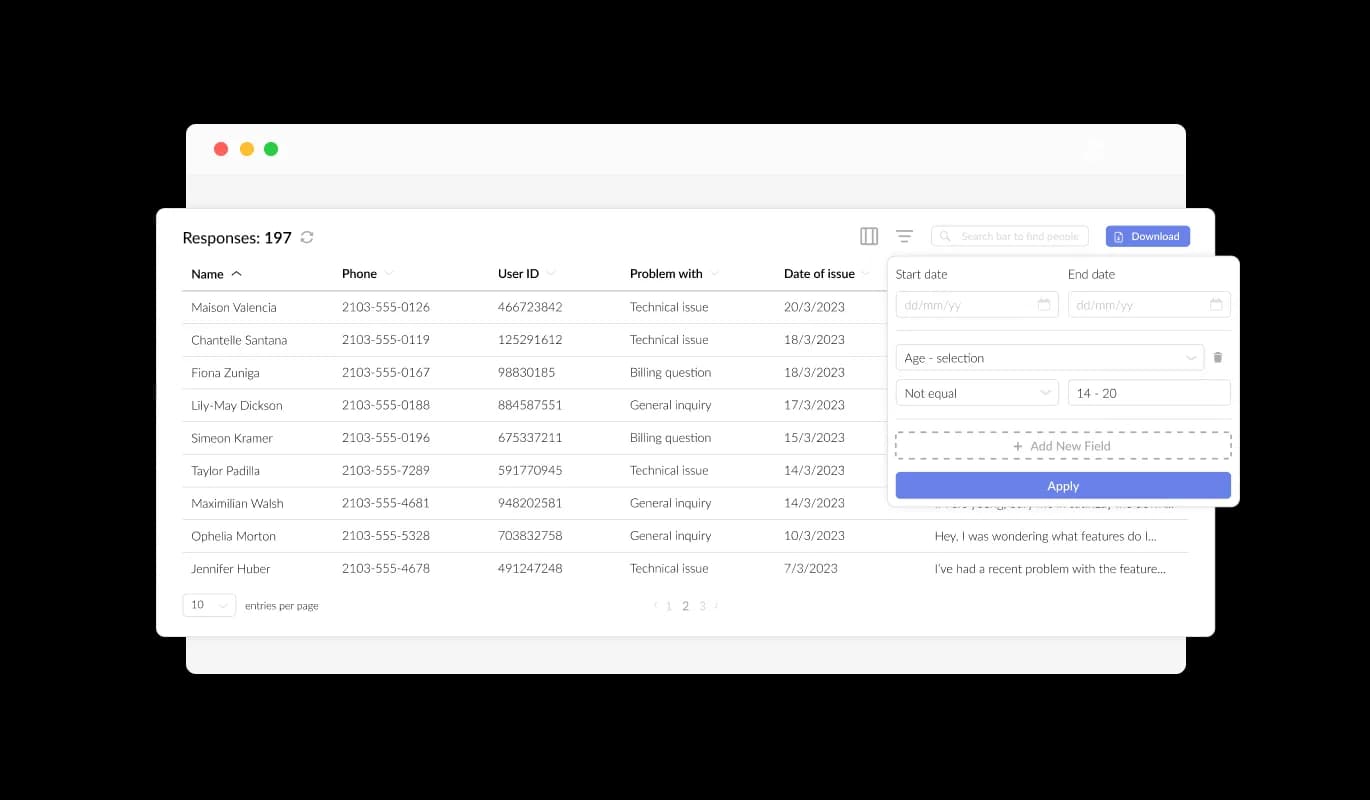
The Support Form on Volusion makes it easy for you to manage and view all support ticket submissions with a clear and user-centric display. This functionality enables you to stay on top of all user interactions and inquiries, allowing you to address their support requests promptly and effectively.

Support Form - Optimize Support Ticket Handling on Volusion with Ease

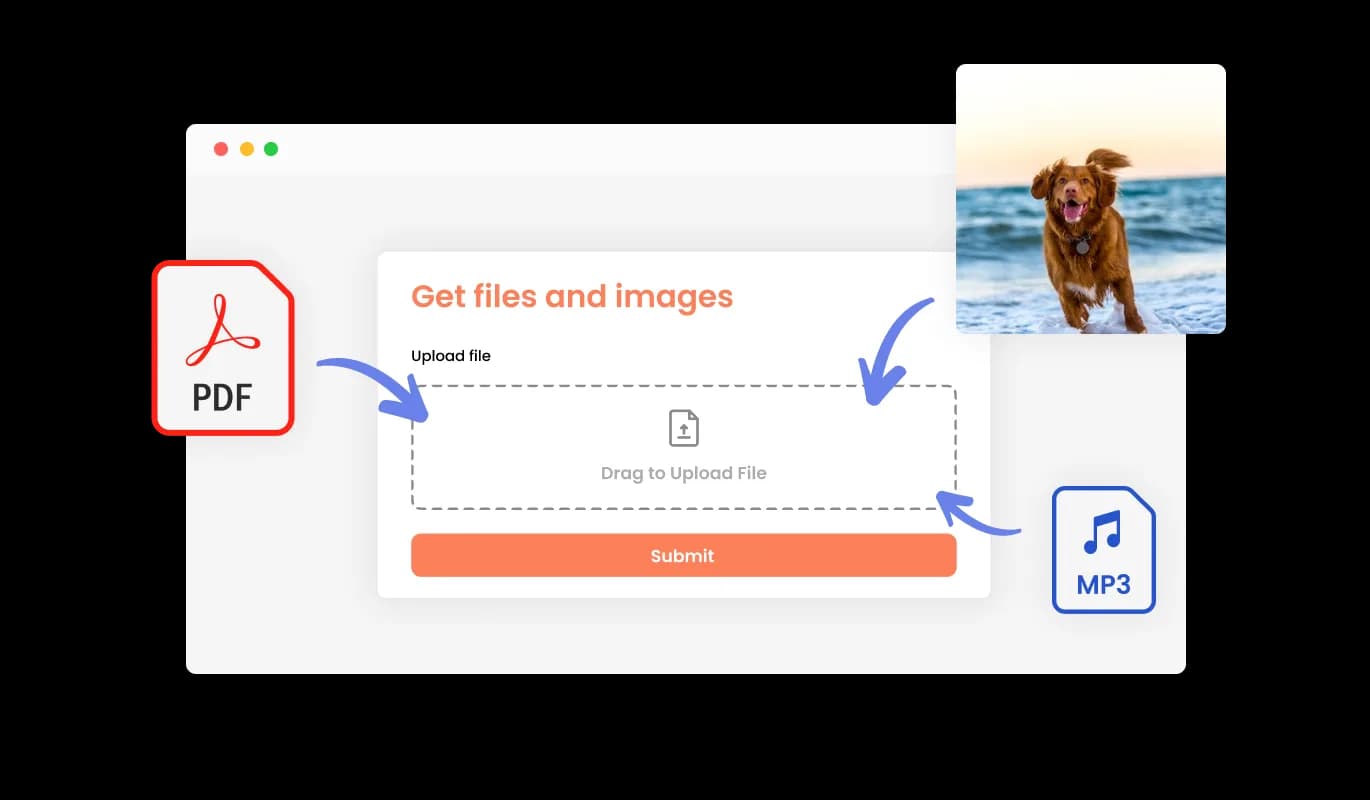
Volusion Support Form: Accept Files and Images for Optimal Support Resolution

The Volusion Support Form allows for the seamless reception of pertinent files and images from users, greatly enhancing the precision and effectiveness of your support ticket resolution workflow. This capability proves valuable in obtaining important data and documentation, facilitating quicker and more efficient resolution of user support requests.

Support Form - Volusion Support Form: Accept Files and Images for Optimal Support Resolution

Create Engaging Support Forms with Compelling Content and Images

By incorporating titles, descriptive content, and images into your support form, you can enrich the user experience on your Volusion store and create a more comprehensive and user-friendly environment. These explanatory form elements can guide users through the submission process, delivering a seamless and efficient experience that raises the likelihood of successful support ticket resolution.

Support Form - Create Engaging Support Forms with Compelling Content and Images

Customize the Support Form Header and Footer

The Support Form for Volusion enables you to personalize the support form's header and footer, including the addition of images. This feature presents a significant opportunity to elevate your brand's image and create a visually stunning and professional form that aligns with your Volusion store's overall design and aesthetic.

Support Form - Customize the Support Form Header and Footer

Safeguard Your Support Form with CAPTCHA Anti-Spam on Volusion

The Volusion Support Form creator gives you the option to enable the CAPTCHA anti-spam feature, mandating users to go through a verification process before submitting the form. By implementing this feature, you can prevent bots and automated scripts from submitting spam messages via your support form, guaranteeing that you receive legitimate messages from actual users.

Support Form - Safeguard Your Support Form with CAPTCHA Anti-Spam on Volusion
Support Form - Support Form Data Export: Streamline Your Reporting with CSV Export on Volusion

Support Form Data Export: Streamline Your Reporting with CSV Export on Volusion

With the Volusion Support Form creator, you can export support ticket submissions in CSV format, making it simple to import them into other applications or tools for further analysis or integration. This functionality is highly advantageous for businesses aiming to maintain a comprehensive record of client communications and for those needing robust data analysis and reporting features.

Support Form - Receive Notifications for New Support ticket Submissions

Receive Notifications for New Support ticket Submissions

The Volusion Support Form [creator] offers the ability to set up notification preferences for both the owner of the support form and the individual submitting a request. You can establish automated email notifications for each support form submission, sending notifications to multiple email addresses and providing a confirmation email to the user upon successful submission.

Support Form - Elevate Your Volusion Support Form Design Using Custom CSS

Elevate Your Volusion Support Form Design Using Custom CSS

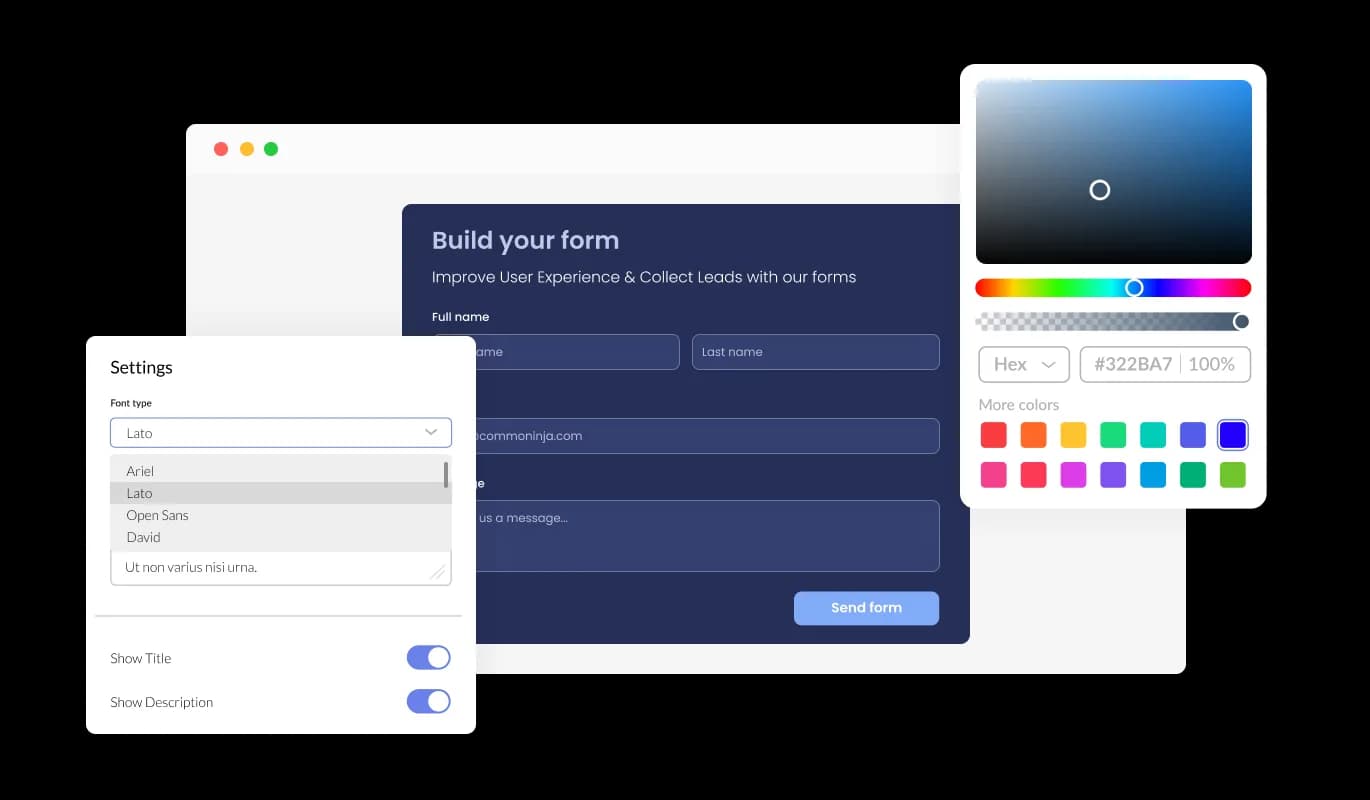
The advanced editor on Volusion equips you with comprehensive customization options for your Support Form's appearance. This powerful tool allows you to easily adjust every element of the support form, from color schemes and font styles to layout and positioning.

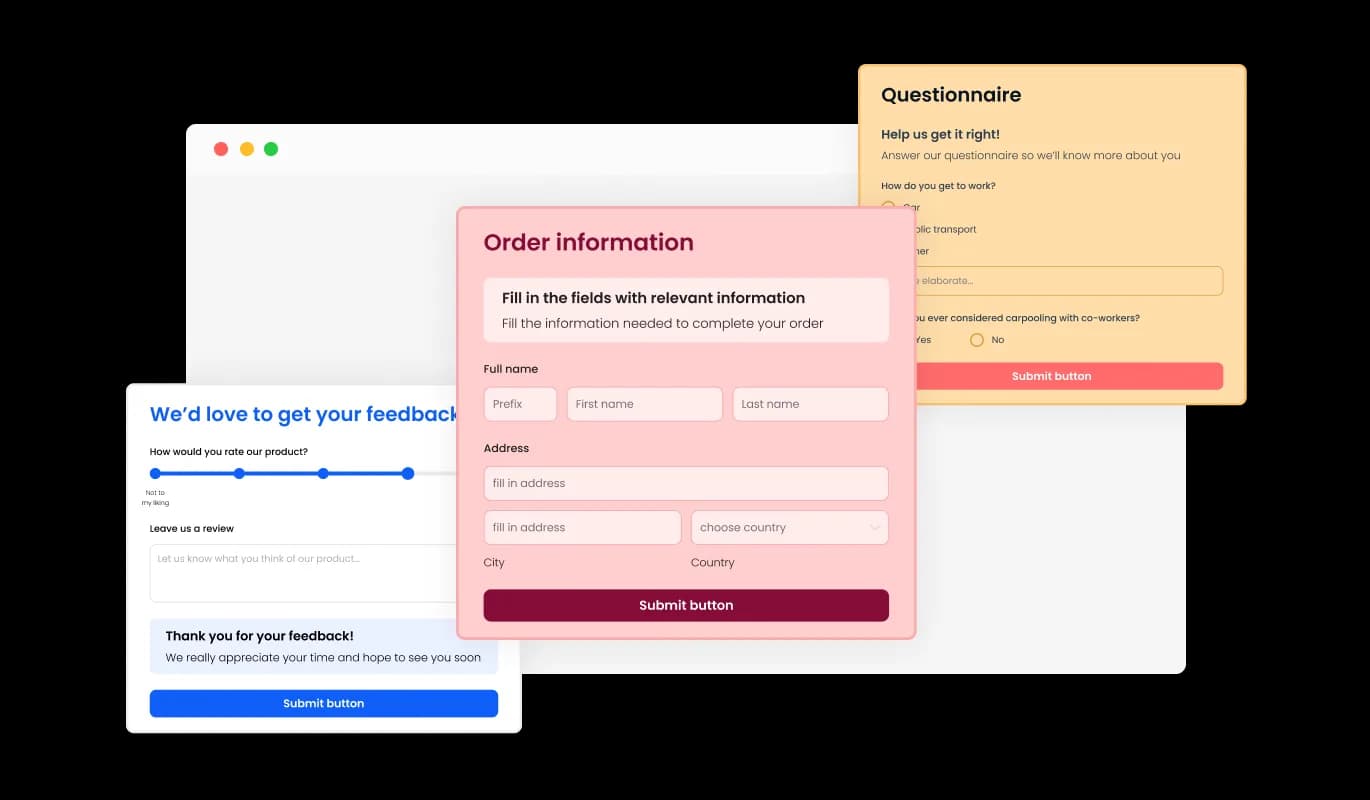
Volusion Support Form: Multiple Skins for Easy Customization

With the Support Form for Volusion, you have access to an assortment of visually pleasing skins, making it easy to initiate the design process without investing time in elaborate customization. These pre-designed skins save you time and effort, while still allowing for a personalized and professional look that aligns with your brand identity.

Support Form - Volusion Support Form: Multiple Skins for Easy Customization

Tailor Your Volusion Support Form to Match Your Brand's Aesthetic

The Support Form creator for Volusion features a range of eye-catching skins that can be quickly personalized to complement your brand's essence and your store's overall design. From changing the color scheme and font style to adding your logo and other design elements, you have complete control over the customization process to create a truly unique and personalized form. The ability to fully customize your form aids in enhancing user engagement and creating an enduring impression that resonates with your brand's identity.

Support Form - Tailor Your Volusion Support Form to Match Your Brand's Aesthetic

Perfectly Responsive Support Form for Volusion

In today's world, where a growing number of people are using mobile devices to access the internet, it's essential to have a form that's optimized for mobile viewing. The Volusion Support Form boasts full responsiveness, offering flawless operation and visual appeal on all devices. A responsive support form allows your users to effortlessly access and complete the form on the go, increasing the likelihood of prompt submissions and enhancing the overall user experience.

Support Form - Perfectly Responsive Support Form for Volusion

Create Support Forms Effortlessly with Volusion Form Builder

The Support Form builder for Volusion allows you to develop and tailor your form effortlessly, without requiring any coding knowledge. The intuitive user interface makes it easy for you to adjust the form's fields, layout, and design with just a few simple clicks. Plus, you can preview your changes in real-time to ensure that your form looks exactly the way you want it to.

Support Form - Create Support Forms Effortlessly with Volusion Form Builder

Streamline Support Form Integration with Volusion's Easy Embedding Process

To insert the Support Form on your Volusion store, all you need to do is copy the provided code snippet and paste it into your page's HTML. Boasting an auto-updating design, the support form ensures that any changes made in the Support Form editor are quickly reflected on your Volusion store. This straightforward process facilitates effortless form customization and seamless store integration, making it easily accessible for your customers.

Support Form - Streamline Support Form Integration with Volusion's Easy Embedding Process

Compatible With All Site Builders, E-Commerce Platforms and Websites

View all supported platforms

FAQ

A support form is an online form used by businesses or organizations to receive inquiries, feedback, or support requests from their customers or users. It typically includes fields for the user's name, contact information, the reason for the inquiry or request, and a message field where the user can provide details or additional information. The purpose of a support form is to provide a convenient and efficient way for customers or users to reach out for help or assistance, and for businesses to manage and track those requests in an organized manner.


  1. Keep it simple: A support form should be easy to fill out and should not overwhelm the user with too many questions. Only ask for information that is absolutely necessary to resolve the issue.
  2. Provide clear instructions: Be clear about what information you need from the user and how they can expect to receive a response. Provide instructions on how to fill out the form and any specific guidelines or limitations.
  3. Use auto-response messages: Set up an automatic response to let users know that their submission was received and that their issue is being looked into. This can help to set expectations and reduce anxiety.
  4. Be responsive: Try to respond to support form submissions as quickly as possible. Set a reasonable response time and stick to it.
  5. Continuously improve: Use feedback from users to improve your support form. Analyze the data collected through the form to identify patterns and areas for improvement.


The Support Form widget provides a range of customization options to help you tailor the look and feel of the form to match your website's design and branding. You can choose from a selection of attractive skins to quickly apply a pre-designed theme, or use the advanced editor to customize every aspect of the form's appearance, including colors, fonts, layout, and positioning. For more advanced customization, you can even edit the CSS directly.

To embed the Support Form widget on your website, simply copy and paste the provided code snippet into your page's HTML code. The widget is designed to be auto-updating, meaning that any changes you make to the Support Form editor will be reflected automatically on your website.

Yes, the Support Form widget is fully responsive and will adapt to any device, ensuring that users can easily submit inquiries or support requests from their desktop, tablet, or mobile device. This is important in a world where more and more people are accessing the internet through their phones and tablets.

Yes, you can easily do so from the “Templates” tab.

Yes, there are lots of beautiful skins that you can choose from to save time and start using the widget as quickly as possible.

Yes, you can either upload an image, or select an icon from a large selection of available icons to add to your support form, or, alternatively, you can leave it all blank. 

It’s simple. All you need to do is to sign up and start using the free version.

Common Ninja’s Support Form widget is free to use. It is limited to a certain amount of views, however.

Common Ninja’s Support Form widget is compatible with ALL current and future website builders.

Yes, the Support Form widget is GDPR-compliant.

No. Using our Support Form widget is very simple. The widget comes with an intuitive drag-and-drop interface and fully customizable options. Once you’ve finished editing the widget to your liking, all you need to do is copy the provided code and add it to your website.

Yes. We are eager to hear your request. Please visit our Feature Request page.