
Tabs for Base44

Use tabs to organize content into clear sections, improve navigation, and help visitors switch between topics quickly for a smoother user experience.

Create Tab Widget

loved by 500K+ businesses

Base44
plugineditor

Why Should You Use the Tabs Widget+?

Simplify Content Navigation with Tabs widget

The Base44 Tabs widget enhances user interaction by arranging information in a clean and organized style. It facilitates users to navigate promptly and straightforwardly among various content sections, decreasing misunderstanding and ensuring they unearth what they seek.

Reduced Page Clutter

Using Tabs widget on your Base44 app can assist in reducing page mess and enhancing visual appeal. By grouping various content pieces into distinct tabs, users can locate pertinent information without being swamped by too much text or images on one page.

Efficient Content Management using Tabs widget

The task of managing content is made simpler with Tabs widget for Base44, facilitating improved organization and demonstration. By breaking content into distinctive parts, web administrators can amend or revise individual sections without disturbing the entire structure, guaranteeing the Base44 app remains modern and relevant.

Numerous Pre-Designed Tabs Skins for Base44

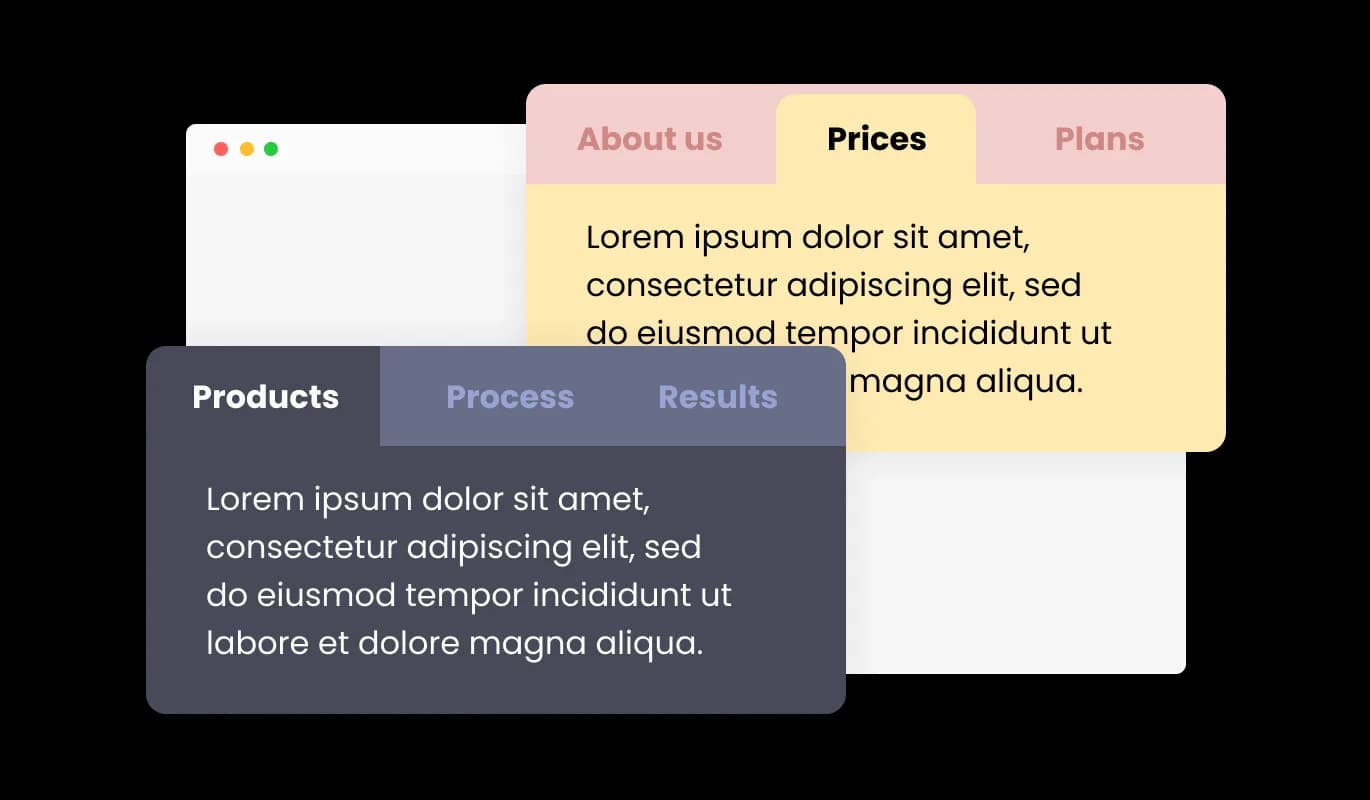
With an array of pre-made skins at your disposal, the Tabs widget for Base44 can be personalized to reflect your widget's brand identity and color scheme. This characteristic ensures design continuity, forming a unified visual representation that strikes a chord with visitors.
Tabs - Numerous Pre-Designed Tabs Skins for Base44

Optimize Your Content with Horizontal and Vertical Tabs

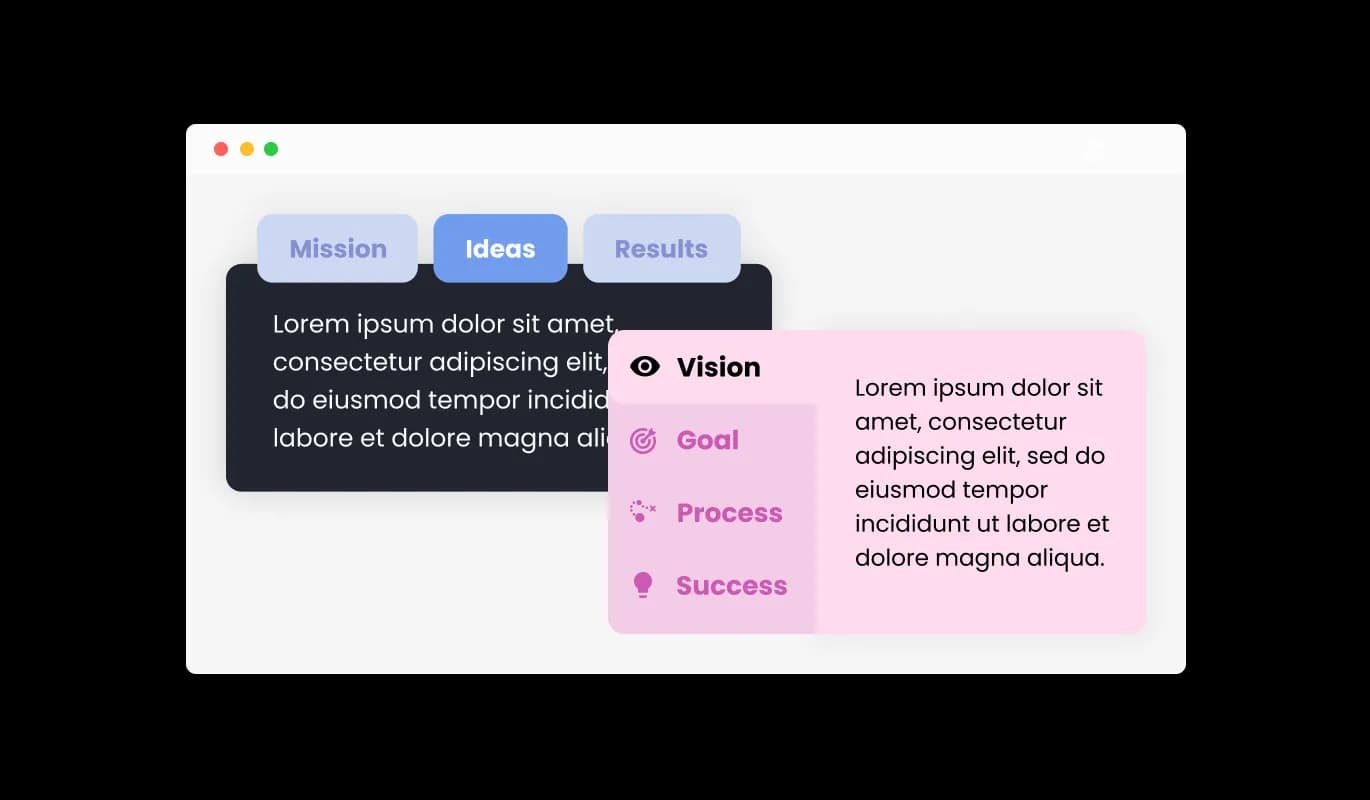
The Base44 Tabs widget allows for both horizontal and vertical layouts, enabling you to choose the optimal layout for your content structure. This flexibility ensures the perfect content layout, allowing users to navigate and engage with the website with ease.

Tabs - Optimize Your Content with Horizontal and Vertical Tabs

Enhance Your Site with Fully Customizable Tabs

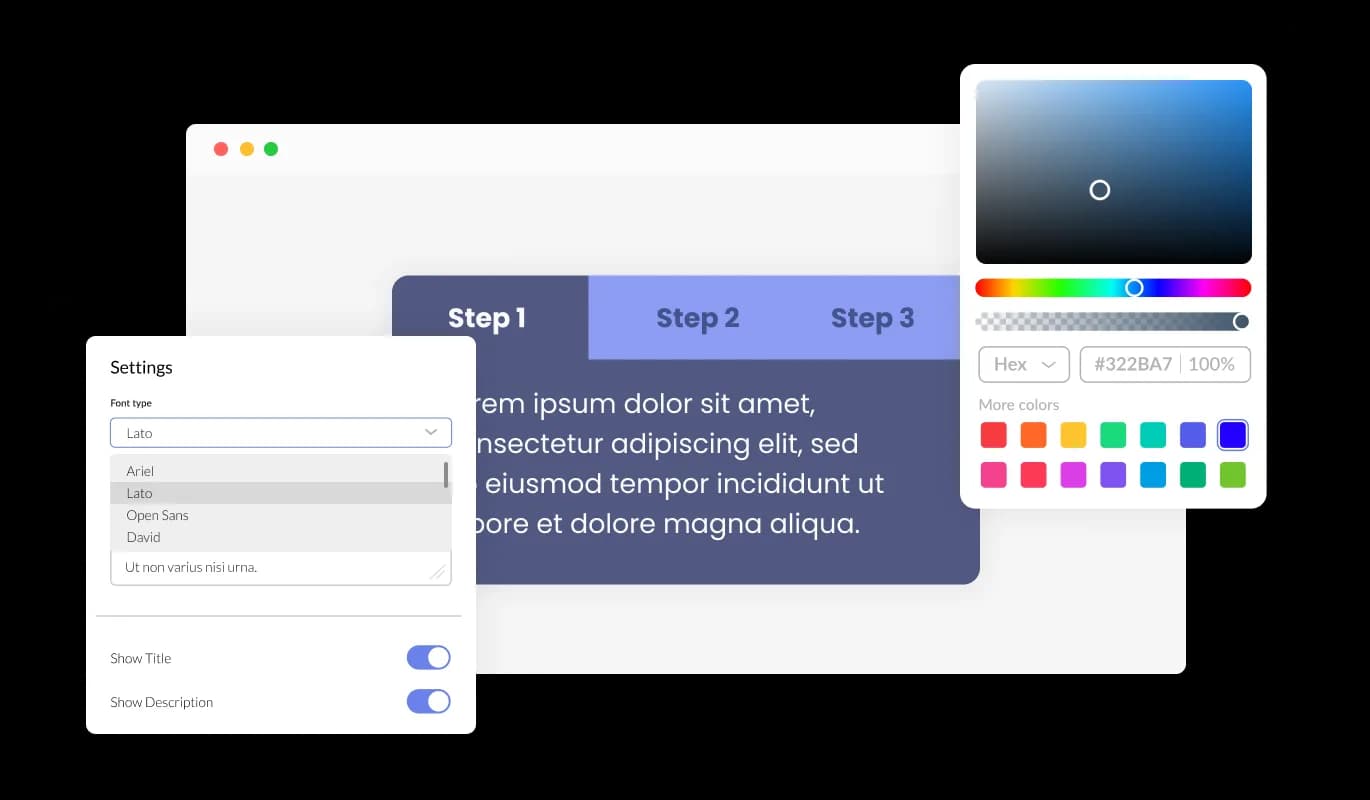
The Tabs widget for Base44 presents an array of customization possibilities, enabling you to mold the design to cater to your exact Ranging from color and font changes to layout alterations, you retain full control over the tabs' look and operation. Whether it's changing colors and fonts or tweaking layouts, you hold full control over the aesthetics and functionality of the tabs.

Tabs - Enhance Your Site with Fully Customizable Tabs
Tabs - Upgrade Your Site with Smooth Tab Transitions

Upgrade Your Site with Smooth Tab Transitions

Incorporating subtle transition effects between tabs adds a touch of finesse and professionalism to your Base44 app. These sleek animations upgrade user interaction by facilitating seamless navigation and improving the overall appearance of the content.

Tabs - Tailor Your Content with Multiple Tabs Layouts

Tailor Your Content with Multiple Tabs Layouts

The Base44 Tabs widget offers a variety of layout choices, enabling you to select the most suitable design for your content. This flexibility assures that the widget integrates flawlessly with a range of app design schemes, elevating the overall user interaction.

Tabs - Intuitive Interface with Easy-To-Use Tabs widget for Base44

Intuitive Interface with Easy-To-Use Tabs widget for Base44

The Tabs widget for Base44 is easy to navigate and requires zero coding skills. With just a few clicks, our intuitive interface allows you to tailor the tabs to your preferences, ensuring a seamless experience.

Enjoy Responsiveness on Any Device with Base44 Tabs widget

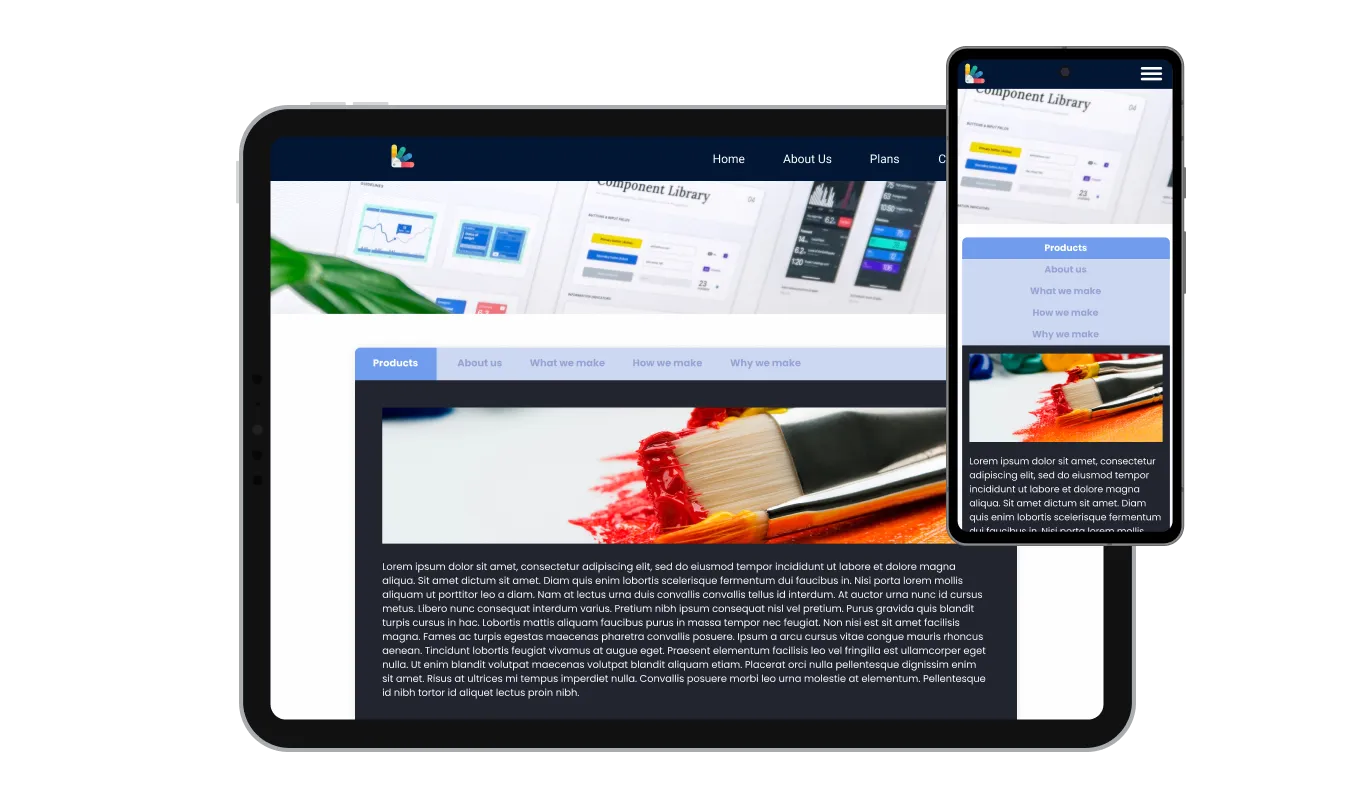
The Base44 Tabs widget is thoroughly responsive, ensuring excellent display on all devices. With the growing trend of internet access via mobile devices, it's essential to have tabs that are fine-tuned for mobile viewing. With the Base44 Tabs widget, you're able to generate tabs that ensure perfect responsiveness and seamless browsing on all devices.

Tabs - Enjoy Responsiveness on Any Device with Base44 Tabs widget

Extensive Customization with Tabs widget CSS

Our high-end editor is a potent tool that gives you absolute control over the Tabs' aesthetics. With this feature, you can conveniently adjust every characteristic of the Base44 tabs, from design and color schemes to fonts, layout, and positioning. For those eager to express more of their creativity, direct CSS editing provides a wider array of customization opportunities.

Tabs - Extensive Customization with Tabs widget CSS

Simplify Your Workflow with Easy-to-Embed Tabs widget

To integrate the Tabs widget into your Base44 app, all you need to do is copy and paste the provided code snippet into your site's HTML code. The auto-update feature of the Tabs widget for Base44 means that any adjustments you make in the Product Order Form editor are automatically implemented on your app.

Tabs - Simplify Your Workflow with Easy-to-Embed Tabs widget

Compatible With All Site Builders, E-Commerce Platforms and Websites

View all supported platforms

FAQ

To select the most suitable layout for your content, review the different tabs layouts available and consider how each one would integrate with your website's aesthetics. You can experiment with various layouts and choose the one that best enhances user experience and aligns with your design preferences.

Yes, the Tabs widget offers a variety of pre-designed skins that can be customized to match your website's branding and color scheme. This feature ensures consistency in design and creates a cohesive visual appearance for your website.

The Tabs widget allows you to incorporate subtle transition effects between tabs, enhancing the overall look and feel of your content. You can choose from a range of available animations or customize your own to create seamless navigation for users.

Yes, the Tabs widget supports both horizontal and vertical orientations, allowing you to select the most suitable layout for your content structure. This adaptability ensures optimal content presentation and ease of navigation for users.

Yes, the Tabs widget is designed to be perfectly responsive, ensuring a seamless navigation experience on any device. It automatically adjusts to the user's screen size, providing a consistent experience across desktops, tablets, and mobile phones.

No, the Tabs widget is easy to use and does not require any coding expertise. You can customize the tabs using the intuitive interface provided, making the process effortless and user-friendly.

sign through direct CSS editing. This feature allows for even more extensive customization options, granting you full control over the appearance and functionality of your tabs.

To integrate the Tabs widget into your website, simply copy and paste the provided code snippet into your page's HTML code. The widget is designed to auto-update, so any changes you make in the editor will be automatically reflected on your website.

Yes, the Tabs widget is GDPR compliant, ensuring that it adheres to the data protection and privacy regulations established by the European Union. This ensures that your website maintains the highest standards of user data protection and privacy.